Mineuniverse
Resource Packs
GlowMiner

GlowMiner

RESOURCE PACK
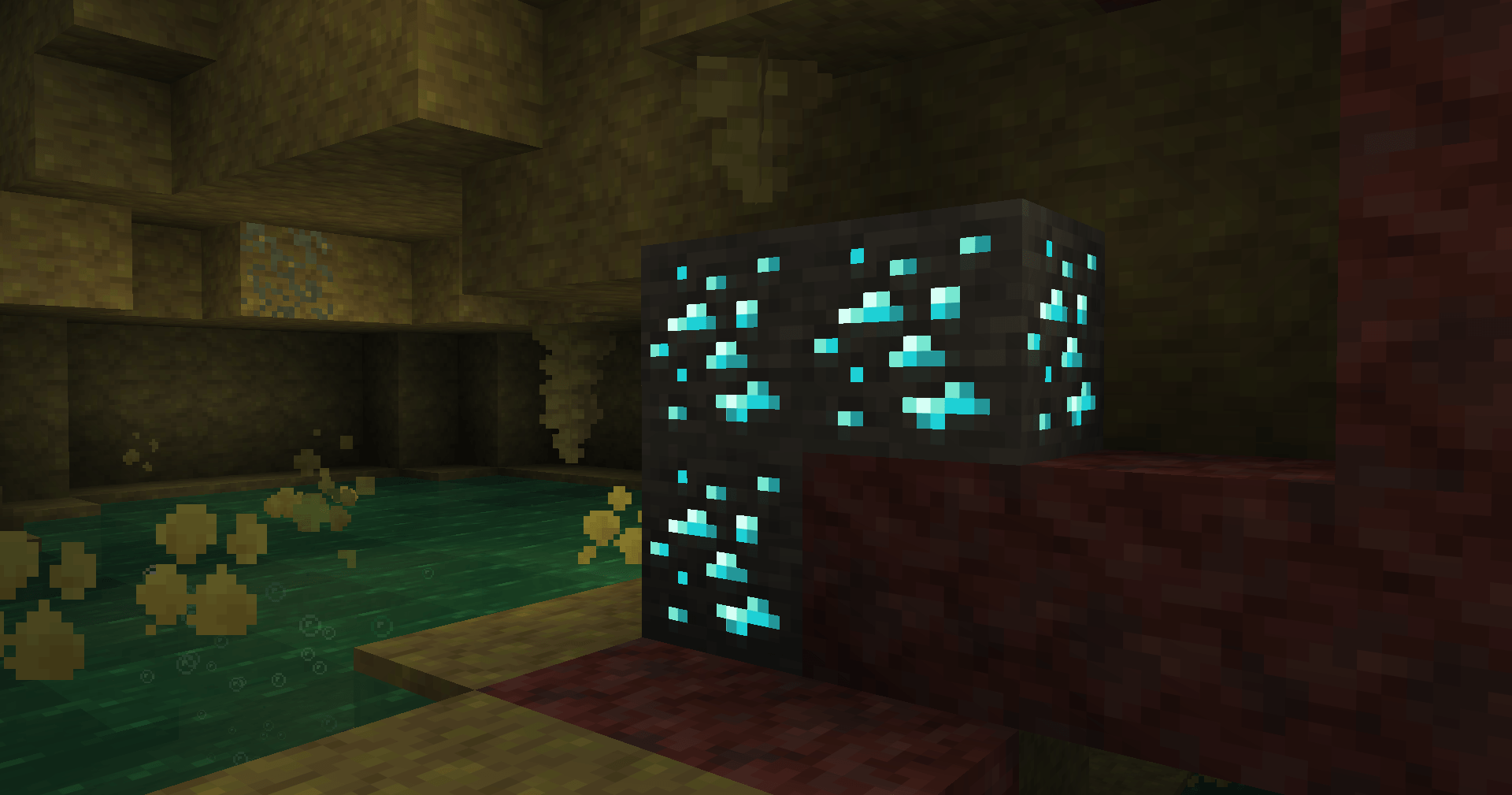
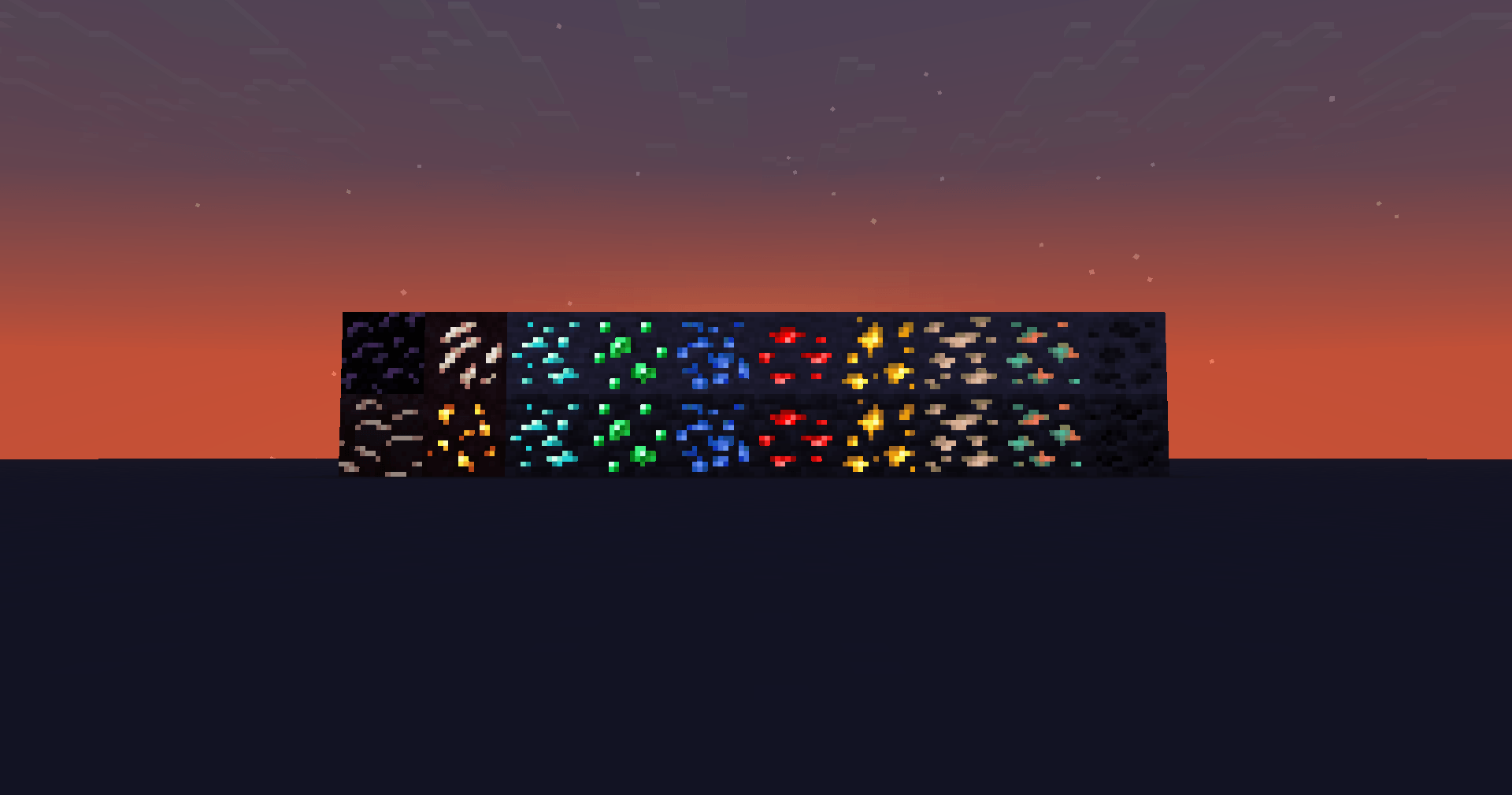
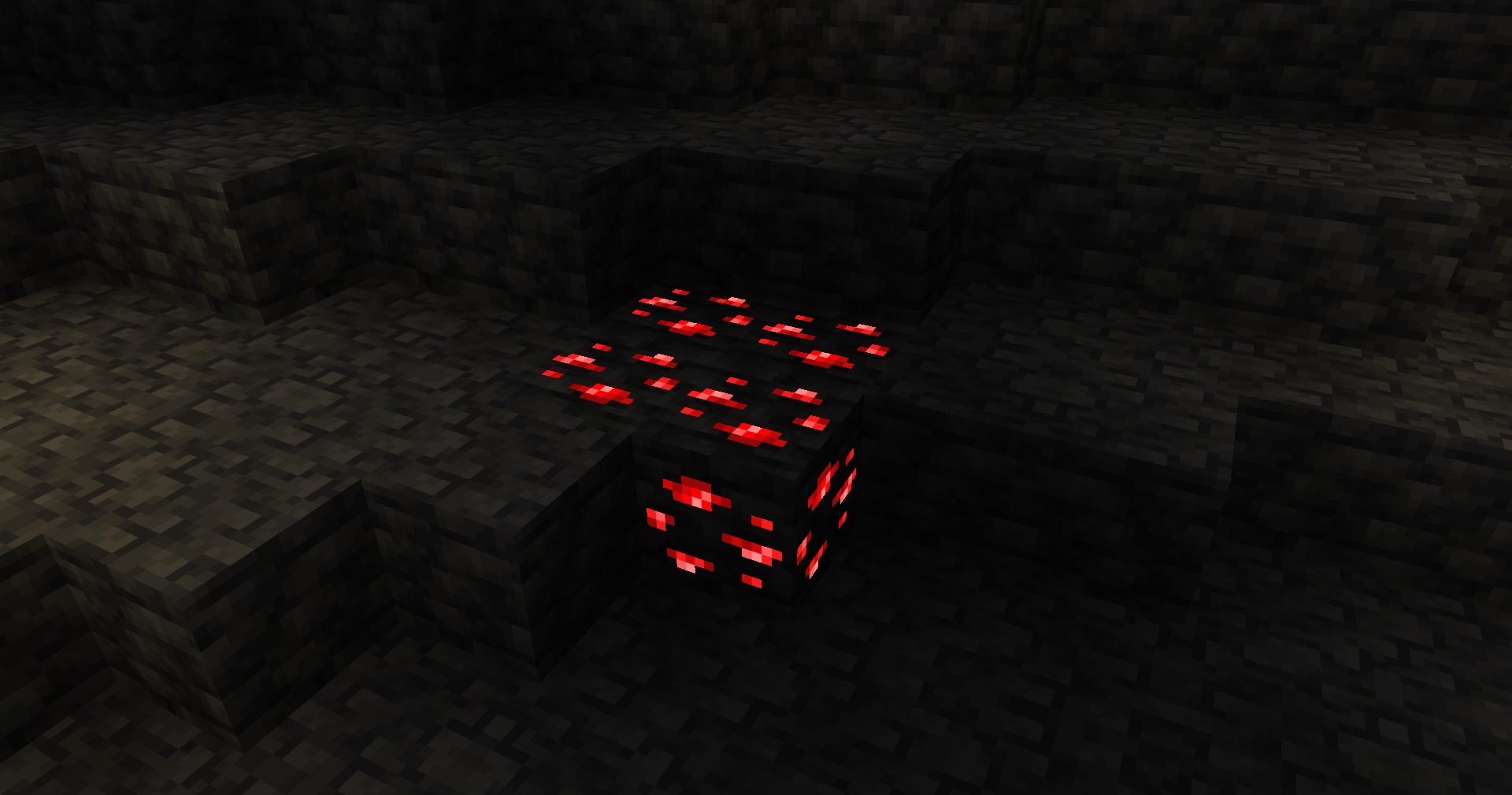
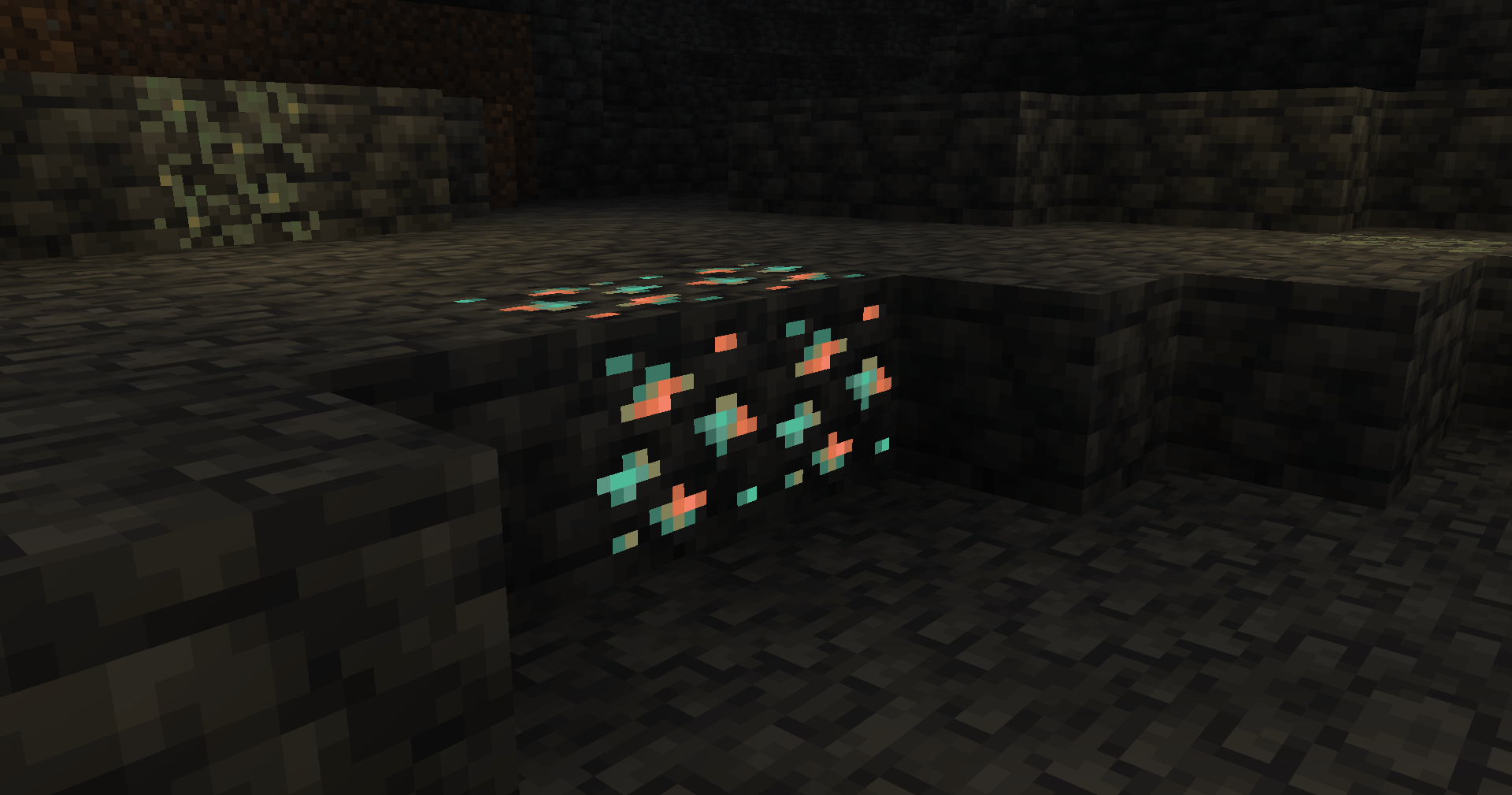
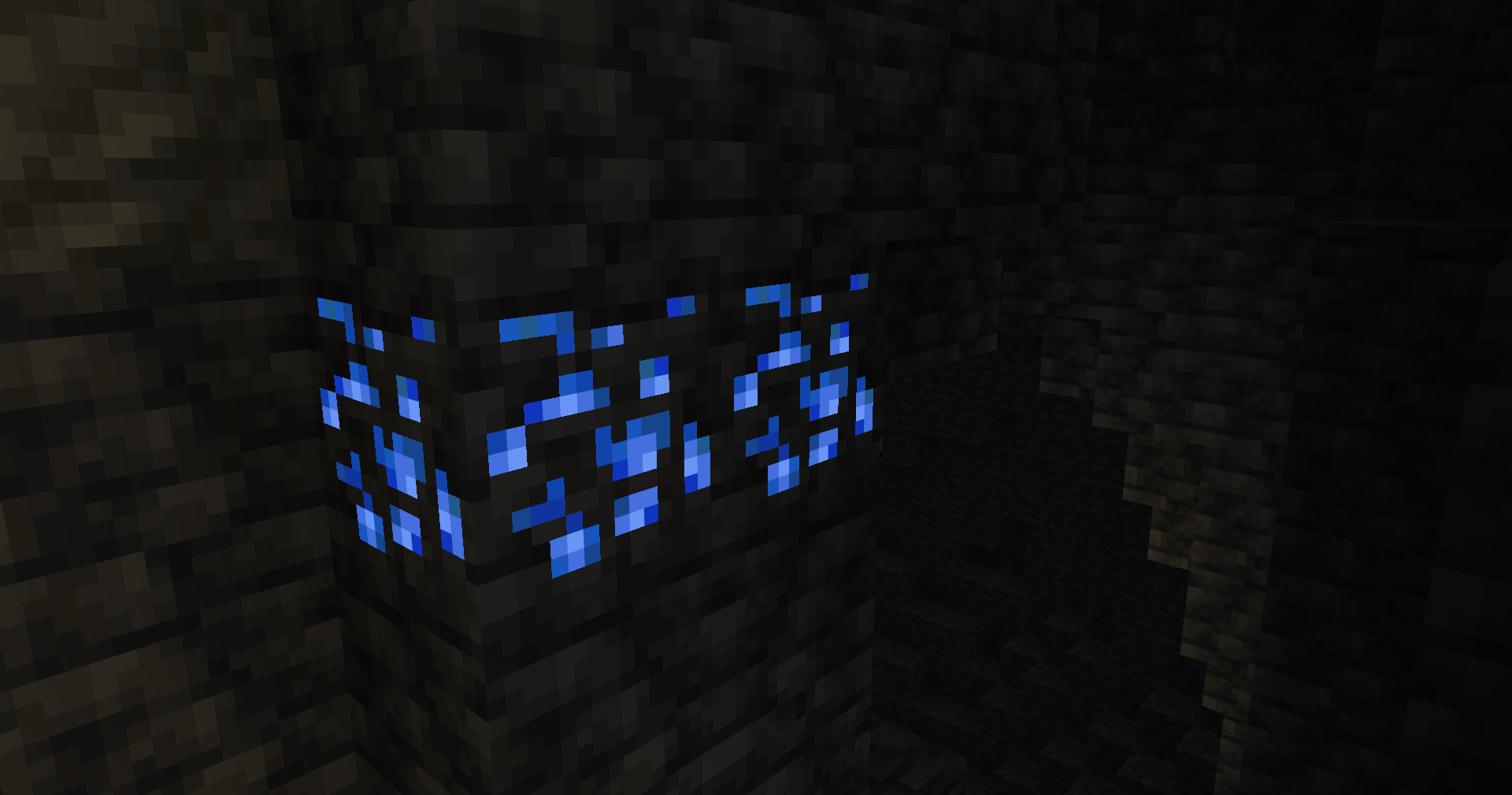
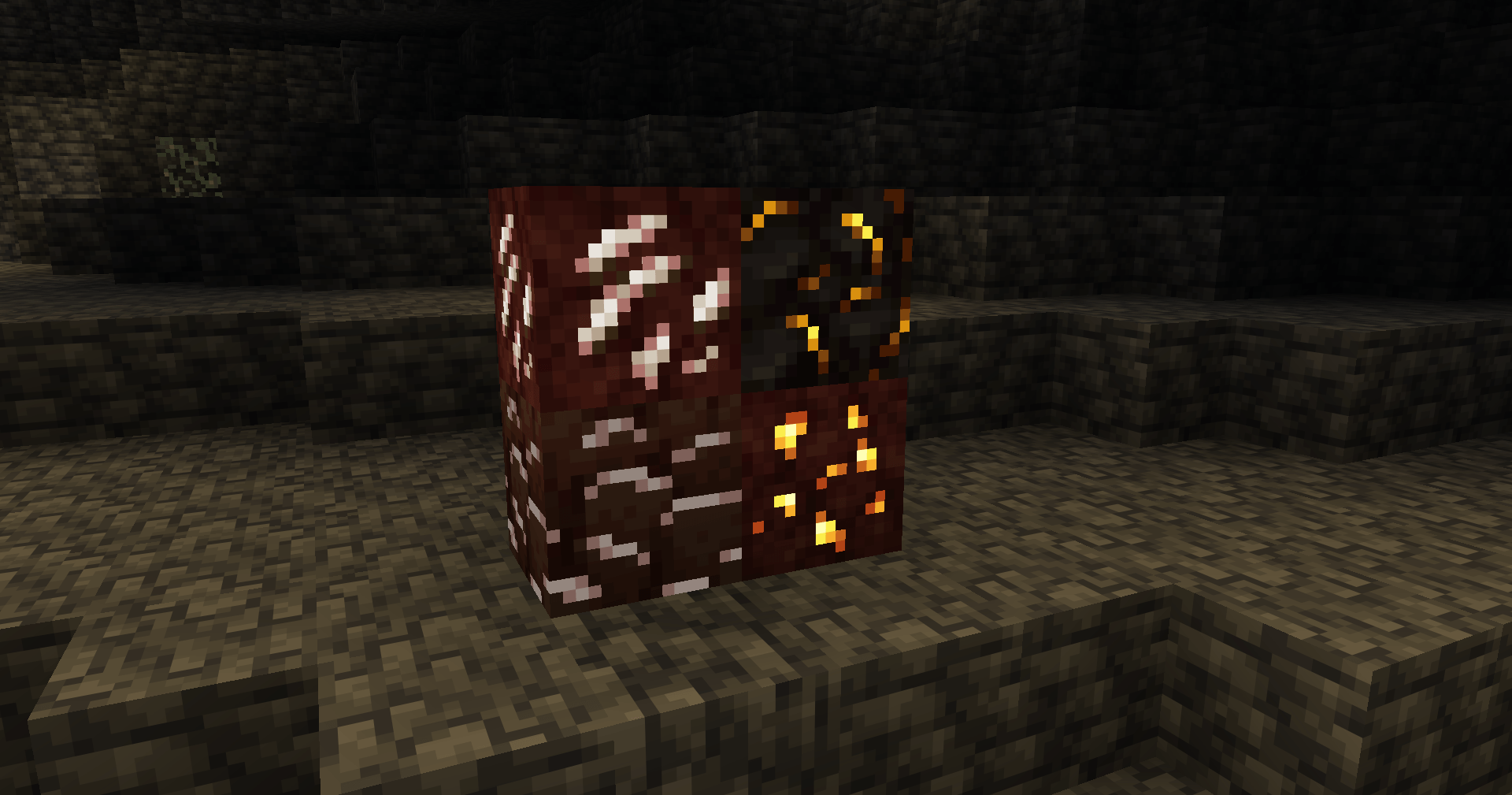
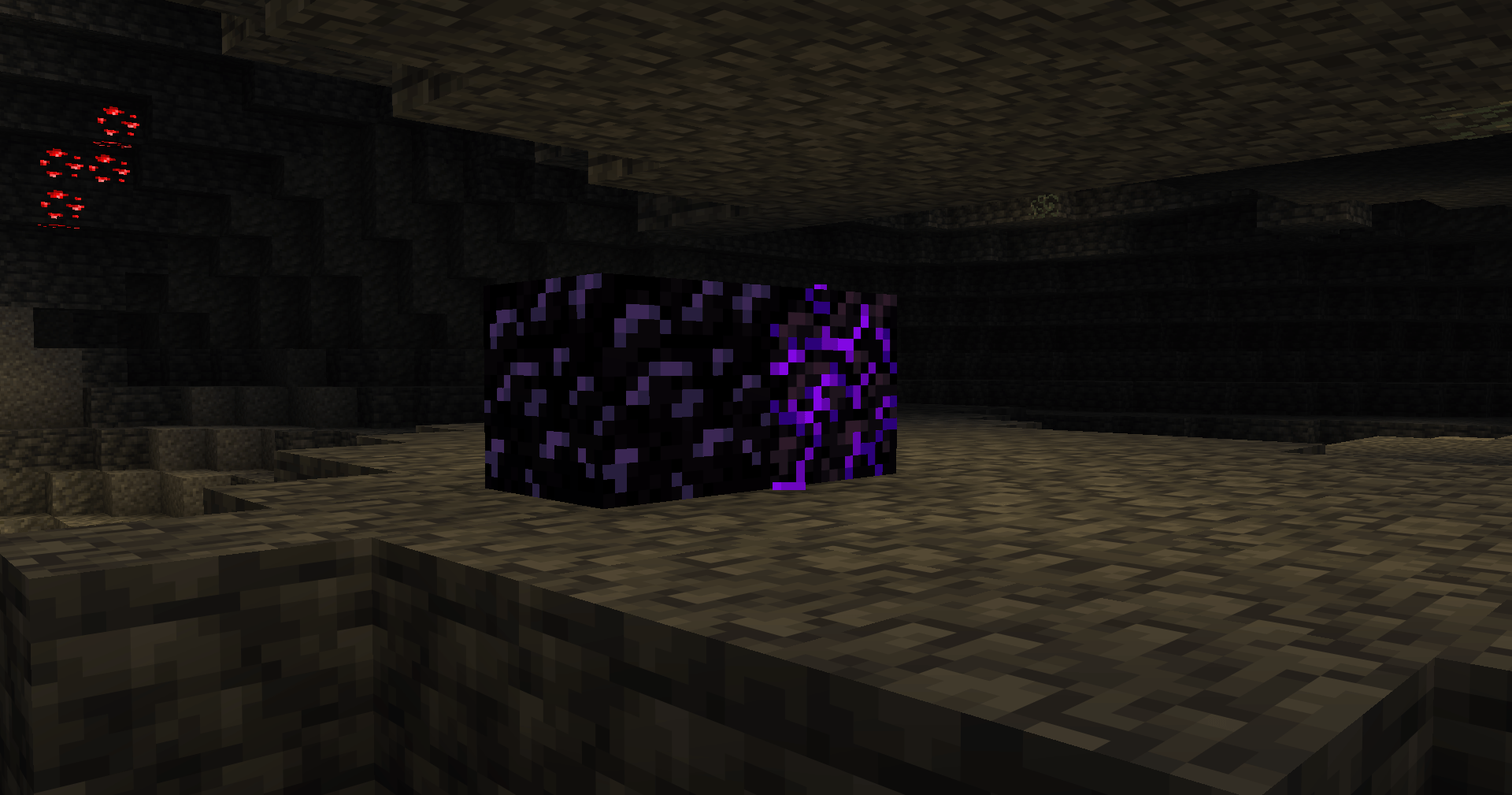
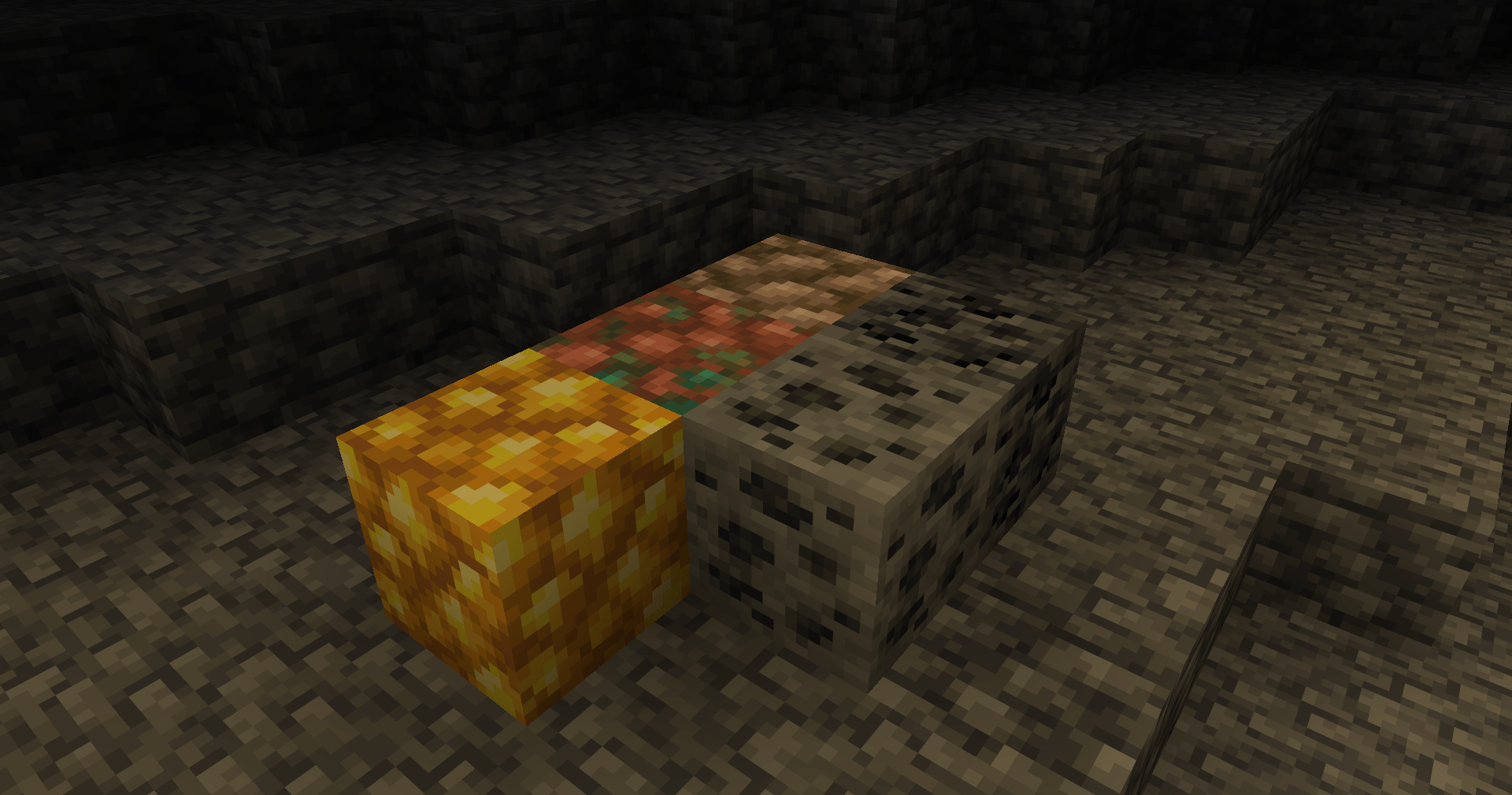
Makes ores glow, no shaders required. Adds emissive feature to ore blocks for a visible glowing effect.
by Avrok
Download Claim this project
15,817 downloads
0 likes
Updated Oct 14, 2026
0 hypes
16x
Advertisement Remove ads with Premium →


Continuity mod required.


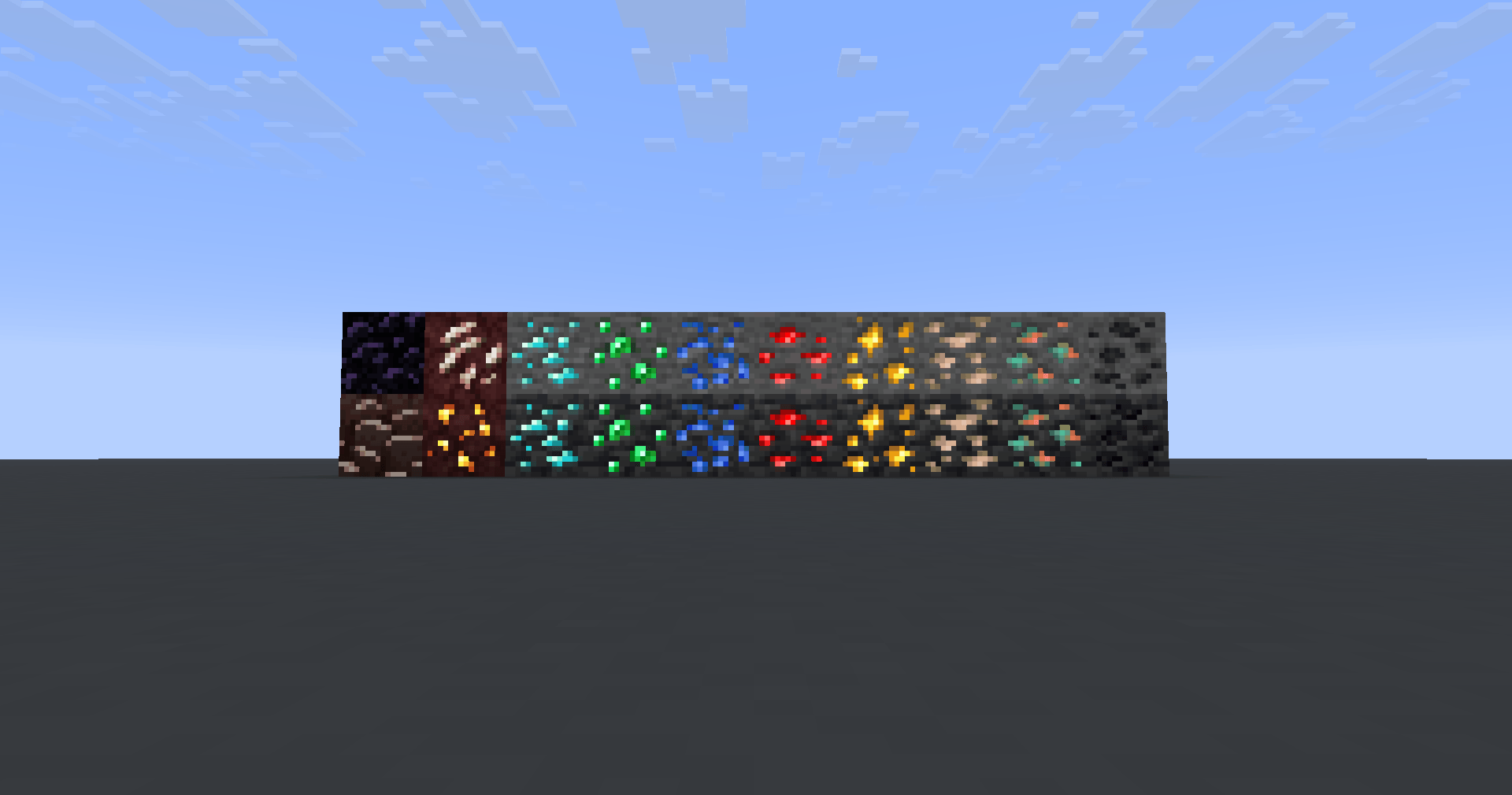
The GlowMiner resource pack brings glowing ores to Vanilla minecraft, no shaders required. Only adds emissive properties to ore blocks making the colors glow for improved visibility.

  • Adds a subtle glow effect to ores
  • Shaders not required.
  • May use with shaders missing glowing ores.

No outlines.  No animations.  No retexturing. Ideal for survival players who want a whimsical caveing experience and faster ore spotting while keeping the authentic Minecraft feel.


Mod Compatible

  • alex's caves
  • better end
  • better nether
  • bewitchment
  • oh the biomes you'll go
  • clutter
  • cobblemon
  • create
  • deep aether
  • deeper darker
  • eldritch end
  • end ores
  • expanded delight
  • galosphere
  • homestead
  • ice and fire
  • infernal expansion
  • iron's spells 'n spelbooks
  • let's do meadow
  • marium soulslike weapons
  • mekanism
  • mythic upgrades
  • natures spirit
  • paradise lost
  • powah
  • spelunkery
  • things
  • tinkers' construct
  • werewolves


GlowMiner
MC 1.16.3, 1.21, 1.16.1, 1.18.1, 1.16, 1.16.5, 1.19.3, 1.20.2, 1.19.4, 1.21.8, 1.17, 1.20.5, 1.21.5, 1.18, 1.21.4, 1.20.1, 1.20, 1.20.6, 1.21.1, 1.21.6, 1.21.3, 1.21.7, 1.19.1
Release 2026-07-27 Get
GlowMiner
MC 1.16.3, 1.21, 1.16.1, 1.18.1, 1.16, 1.16.5, 1.19.3, 1.20.2, 1.19.4, 1.21.8, 1.17, 1.20.5, 1.21.5, 1.18, 1.21.4, 1.20.1, 1.20, 1.20.6, 1.21.1, 1.21.6, 1.21.3, 1.21.7, 1.19.1
Release 2026-07-25 Get
GlowMiner
MC 1.21, 1.18.1, 1.19.3, 1.20.2, 1.19.4, 1.21.8, 1.20.5, 1.21.5, 1.18, 1.21.4, 1.20.1, 1.20, 1.20.6, 1.21.1, 1.21.6, 1.21.3, 1.21.7, 1.19.1, 1.20.4, 1.18.2, 1.19.2, 1.20.3, 1.19
Release 2026-06-18 Get

Requirements & install

How to use this resource pack in Minecraft
Resolution
16x
Minecraft
1.21 – 1.21.8
Install folder
.minecraft/resourcepacks

How to install resource packs

  1. Download the resource pack .zip file (do not extract it).
  2. In Minecraft open Options → Resource Packs → Open Pack Folder.
  3. Drop the .zip into the resourcepacks folder (.minecraft/resourcepacks).
  4. Move the pack to the Selected column and click Done.
Browse more: 16x resource packs 32x resource packs 64x resource packs 128x resource packs 256x resource packs 512x+ resource packs Resource Packs for 1.21.8 All resource packs

More from Avrok

Advertisement Remove ads with Premium →

You Might Also Like