Mineuniverse
Resource Packs
Pastel Ghast Harness

Pastel Ghast Harness

RESOURCE PACK
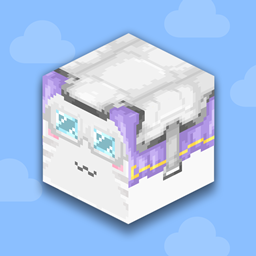
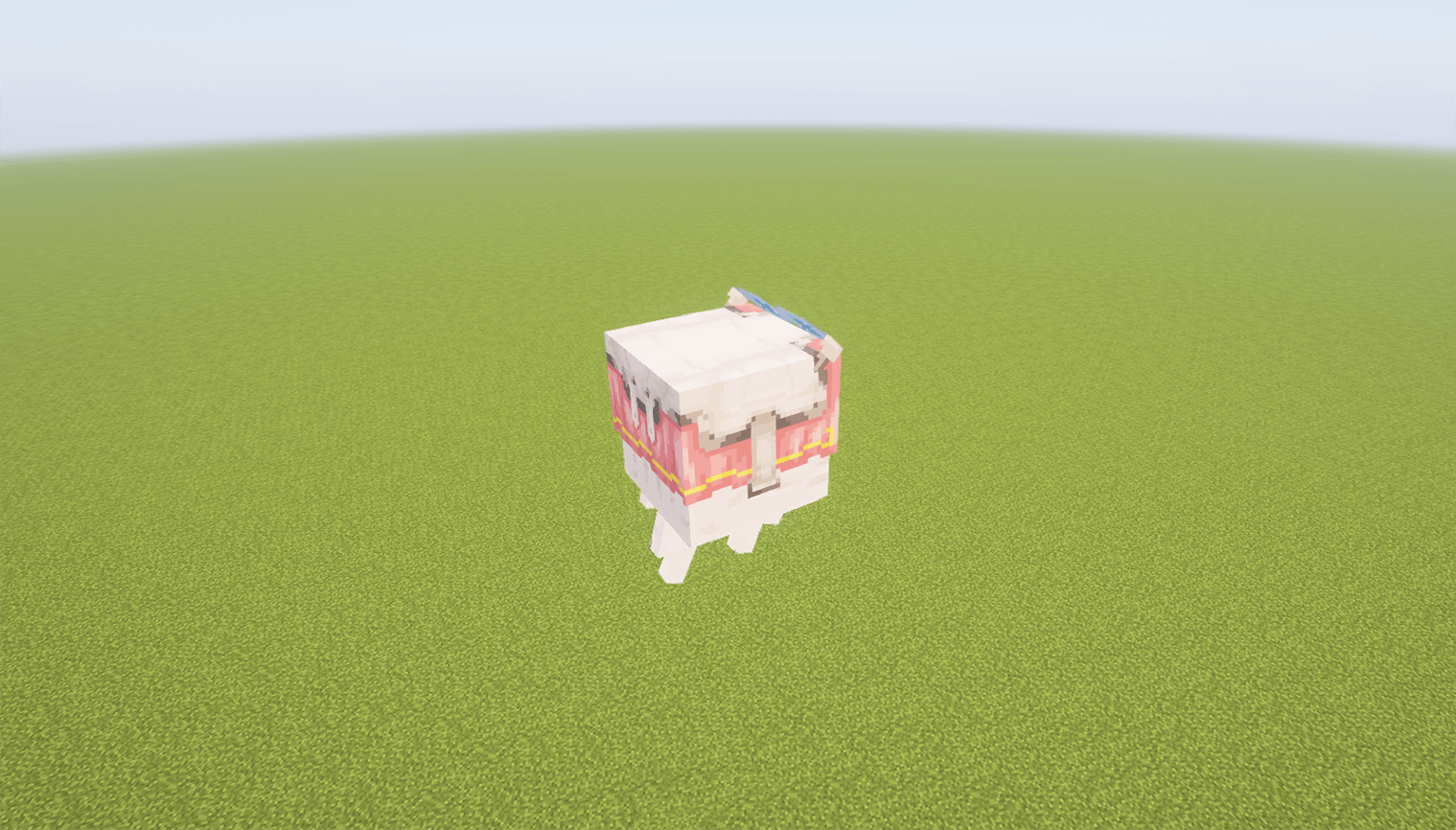
Recolors the happy ghast harness with clean white leather and soft pastel tones for every dyeable option.
by Avrok
Download Claim this project
6,866 downloads
0 likes
0 followers
Updated Oct 14, 2026
0 hypes
Follow0
16x
Advertisement Remove ads with Premium →

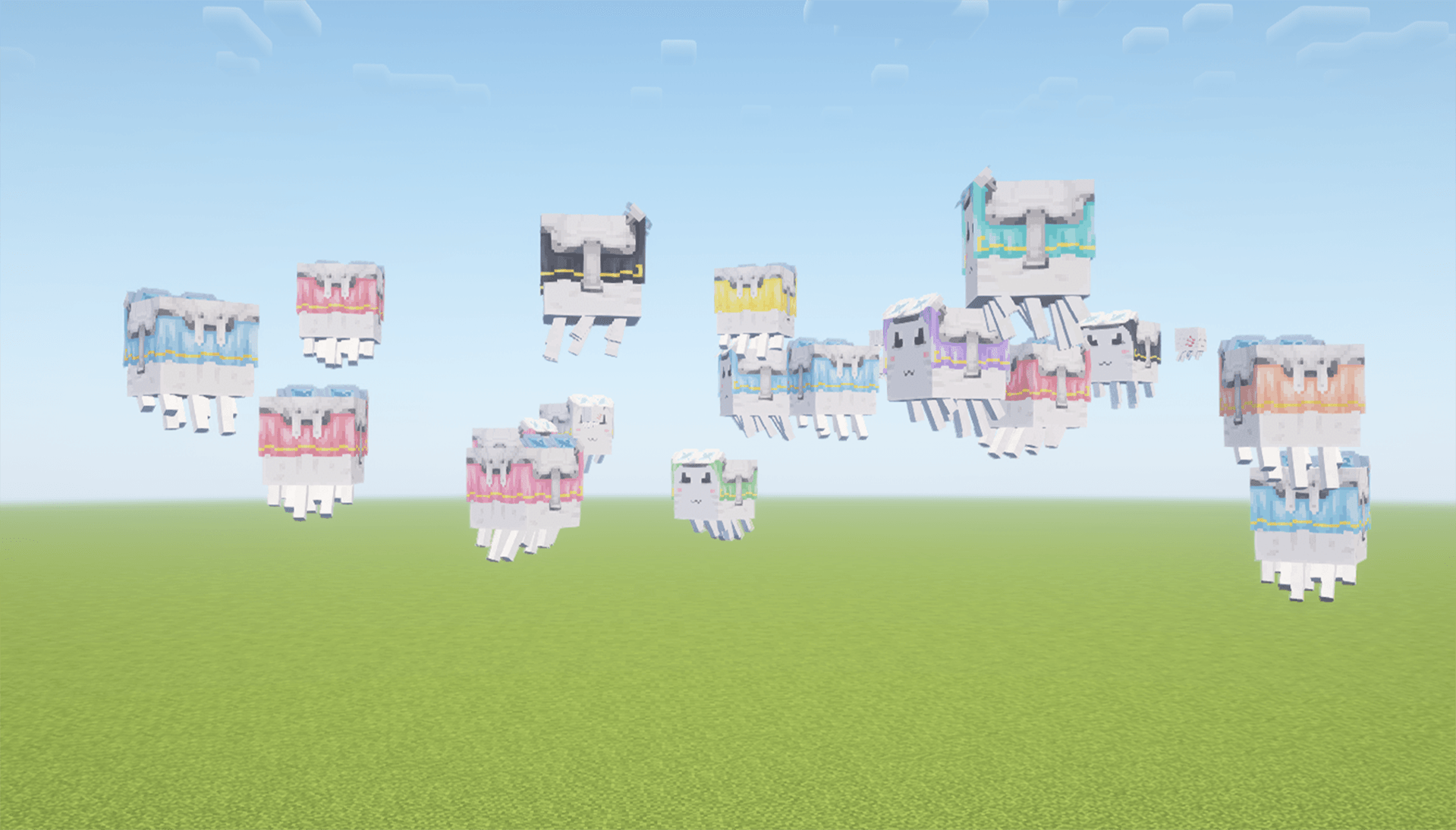
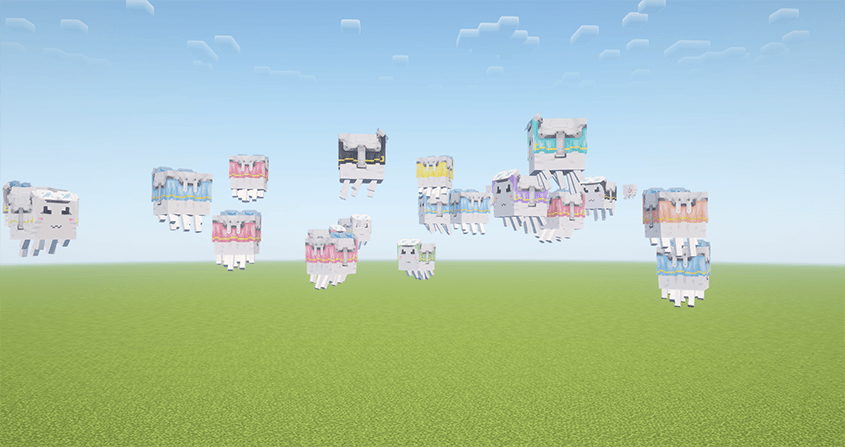
Wide cinematic shot in the sky of a bunch of happy ghasts wearing the Pastel Ghast Harness resoruce pack showcasing all the new colors in game.


🎀 Pastel Ghast Harness – Soft Colors now ready for 1.21.10

This pack replaces the default brown leather and bold colors with a white base and a full range of hand-picked pastel shades for all dye variants. Bring a gentle, aesthetic charm to the  newly released happy ghast with this visual upgrade for the harnesses now  Minecraft 1.21.10 ready!


💖 Perfect for players who love:

  •     Soft or pastel aesthetics
  •     Cute Nether builds
  •     Color-coordinated mobs
  •     Matching with other pastel-themed packs


🎨 Included Colors:

  •     Pastel Pink
  •     Baby Blue
  •     Soft Lime
  •     Lavender Purple
  •     Pale Yellow
  •     Mint Green
  •     Peach Orange
  •     And more!


🧵 Features:

  •     White leather base replaces brown
  •     All dye options have unique pastel recolors
  •     Fully compatible with Minecraft 1.21.6 - 1.21.10
  •     Designed to pair perfectly with Happy Ghast Redesign


Faces from resoruce pack 'Happy Ghast Redesign' by Avrok:

https://www.curseforge.com/minecraft/texture-packs/happy-ghast-redesign


📦 Version: all
🎯 Resolution: 16x


👤 Created by Avrok
© 2025 Avrok. All rights reserved.

Pastel Ghast Harness
MC 1.21.8, 1.21.7, 1.21.9, 1.21.10, 1.21.11, 26.1, 26.1.1, 26.1.2, 26.2, 26.3
Release 2025-10-31 Get
Pastel Ghast Harness.zip
MC 1.21.6-snapshot, 1.21.8, 1.21.7, 1.21.6
Release 2025-06-19 Get

Requirements & install

How to use this resource pack in Minecraft
Resolution
16x
Minecraft
1.21.9 – 26.3
Install folder
.minecraft/resourcepacks

How to install resource packs

  1. Download the resource pack .zip file (do not extract it).
  2. In Minecraft open Options → Resource Packs → Open Pack Folder.
  3. Drop the .zip into the resourcepacks folder (.minecraft/resourcepacks).
  4. Move the pack to the Selected column and click Done.
Browse more: 16x resource packs 32x resource packs 64x resource packs 128x resource packs 256x resource packs 512x+ resource packs Resource Packs for 26.3 All resource packs

More from Avrok

Advertisement Remove ads with Premium →

You Might Also Like