Mineuniverse
Resource Packs
Better Scaffolding For Bare Bones

Better Scaffolding For Bare Bones

RESOURCE PACK
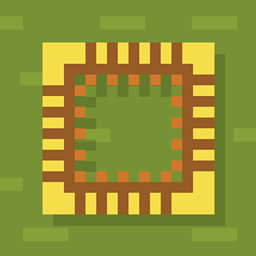
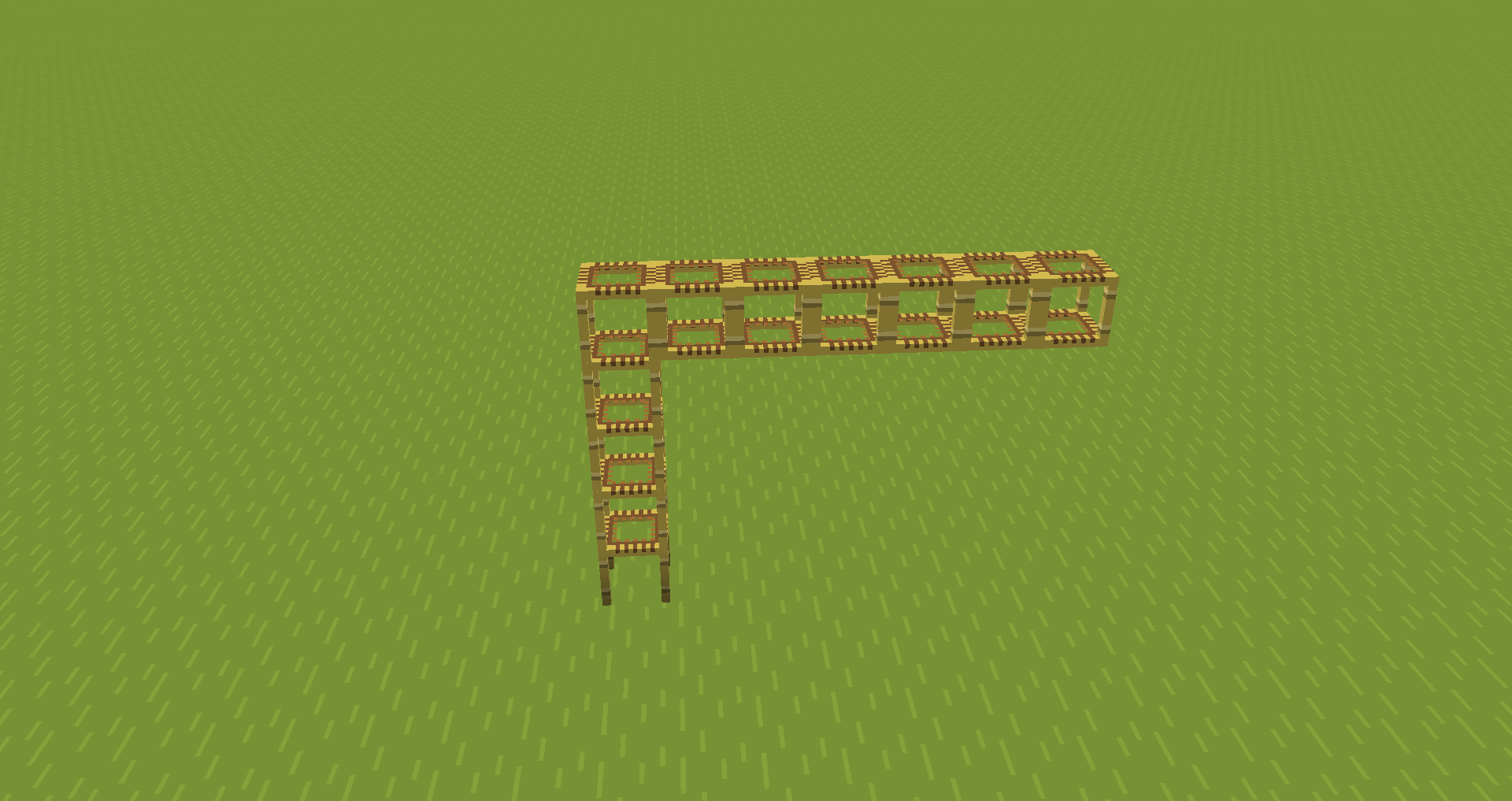
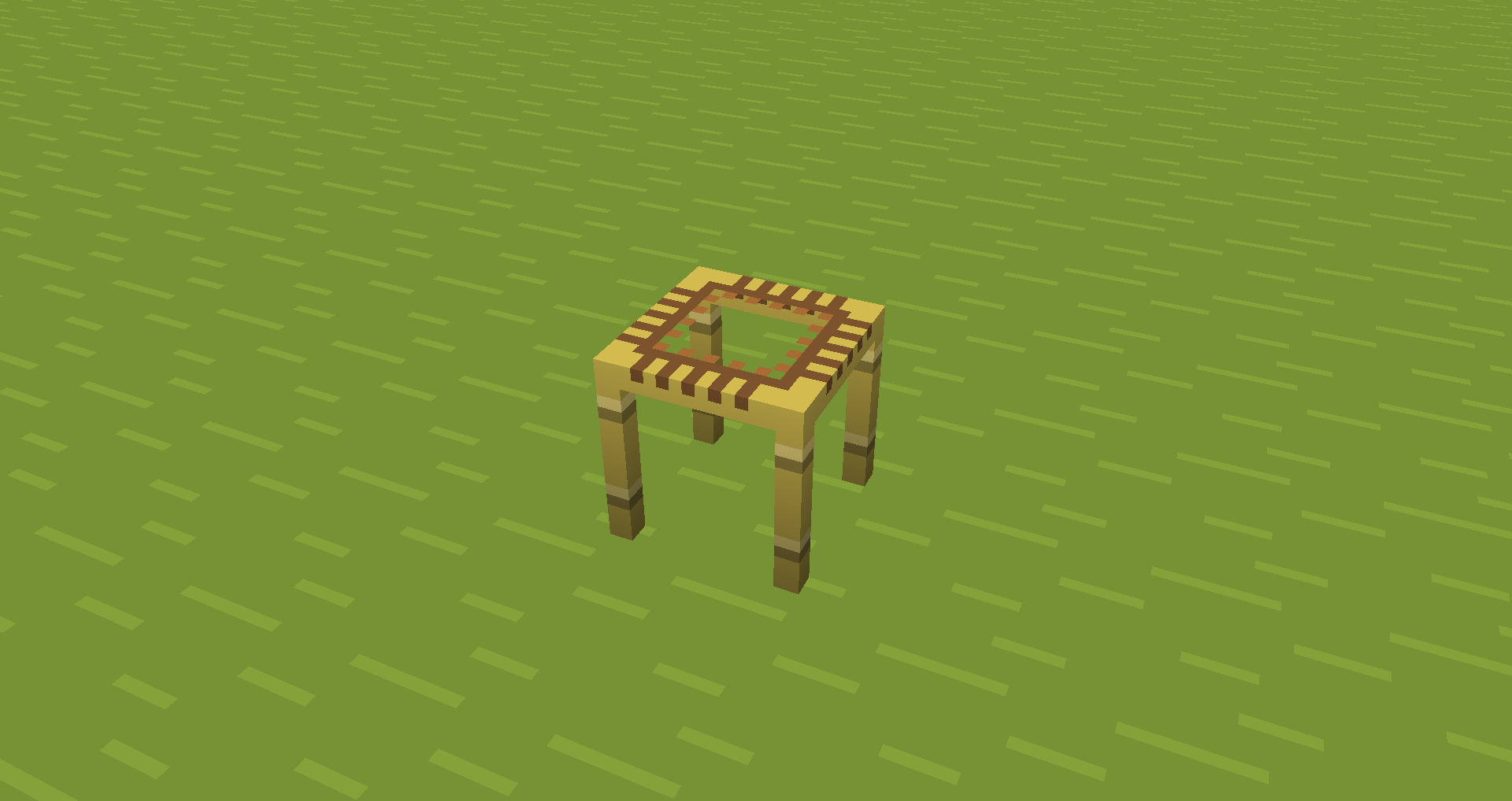
A simple bare bones resource pack makes scaffolding easier to see through while climbing.
by Avrok
Download Claim this project
9,125 downloads
0 likes
0 followers
Updated Oct 14, 2026
0 hypes
Follow0
16x
Advertisement Remove ads with Premium →

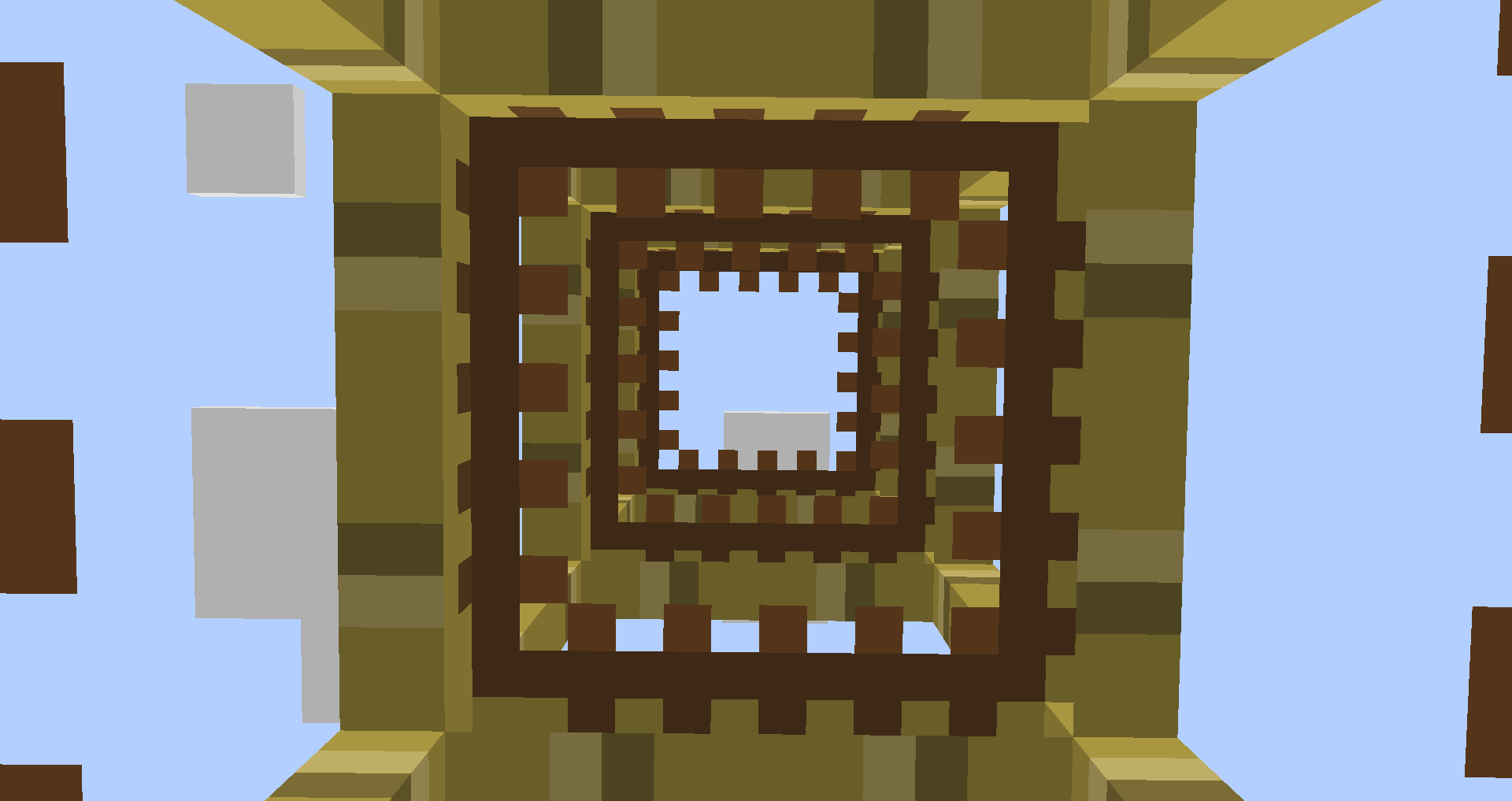
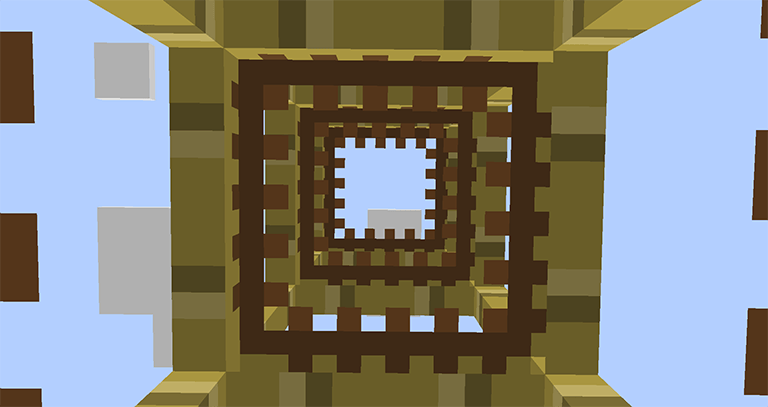
A first person view in minecraft climbing scaffolding and looking up to the sky through the texture with 'Better Scaffolding For Bare Bones' resource pack equipped showcasing its effect for players.


What is it?


Better Scaffolding For Bare Bones improves visibility by making it easier to see through scaffolding while you climb. Perfect for players who love minimal visuals and better functionality while building or climbing.

  • Bare Bones friendly
  • Works with Vanilla and Shaders
  • Great for builders, redstoners, and creative mod
  • Compatible with most other packs
  • Available up to Minecraft 1.21.11


How to use


Set Better Scaffolding above Bare Bones in your resources tab.
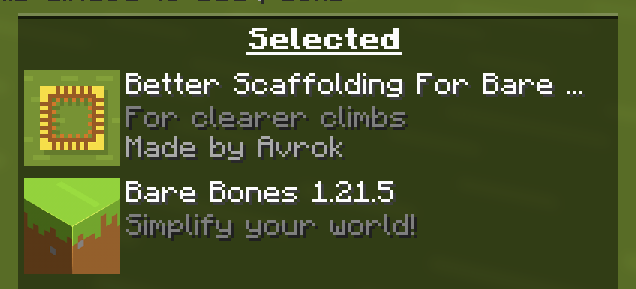
screenshot of minecraft GUI resource packs window showing Better Scaffolding For Bare Bones set above Bare Bones 1.21.5 resource pack. This give instruction how to properly install to see the change.


👤 Created by Avrok
© 2025 Avrok. All rights reserved.

Better Scaffolding For Bare Bones
MC 1.21.8, 1.21.7, 1.21.9, 1.21.10, 1.21.11, 26.1, 26.1.1, 26.1.2, 26.2
Release 2025-11-01 Get
Better Scaffolding For Bare Bones
MC 1.17.1, 1.16.3, 1.19.3, 1.20.2, 1.21, 1.16.1, 1.18.1, 1.20.5, 1.21.5, 1.17, 1.15, 1.16, 1.19.4, 1.21.8, 1.16.5, 1.21.4, 1.18.2, 1.19.2, 1.20.3, 1.15.2, 1.20.1, 1.20, 1.20.6
Release 2025-06-18 Get

Requirements & install

How to use this resource pack in Minecraft
Resolution
16x
Minecraft
1.21.8 – 26.2
Install folder
.minecraft/resourcepacks

How to install resource packs

  1. Download the resource pack .zip file (do not extract it).
  2. In Minecraft open Options → Resource Packs → Open Pack Folder.
  3. Drop the .zip into the resourcepacks folder (.minecraft/resourcepacks).
  4. Move the pack to the Selected column and click Done.
Browse more: 16x resource packs 32x resource packs 64x resource packs 128x resource packs 256x resource packs 512x+ resource packs Resource Packs for 26.2 All resource packs

More from Avrok

Advertisement Remove ads with Premium →

You Might Also Like