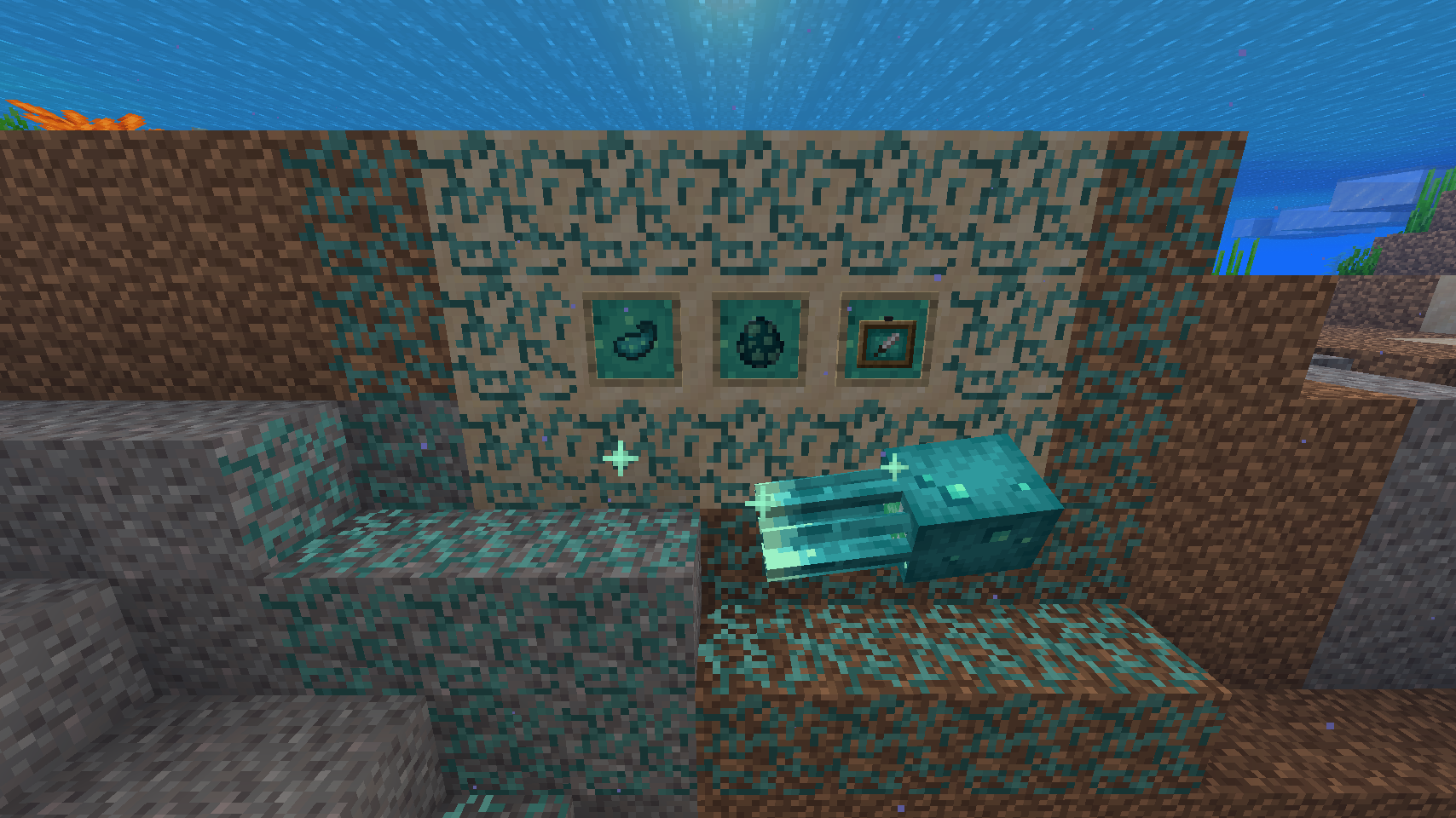
21w03a added the winner of the mob vote: glow squids! These sparkly swimmers, though not yet spawning naturally, are beautiful squid-like creatures that glow in the dark and are covered in blue-green spots to shine with. It also adds glowing ink sacks, which can make the text on signs glow, and glowing item frames, which shine in the dark to show off items better.
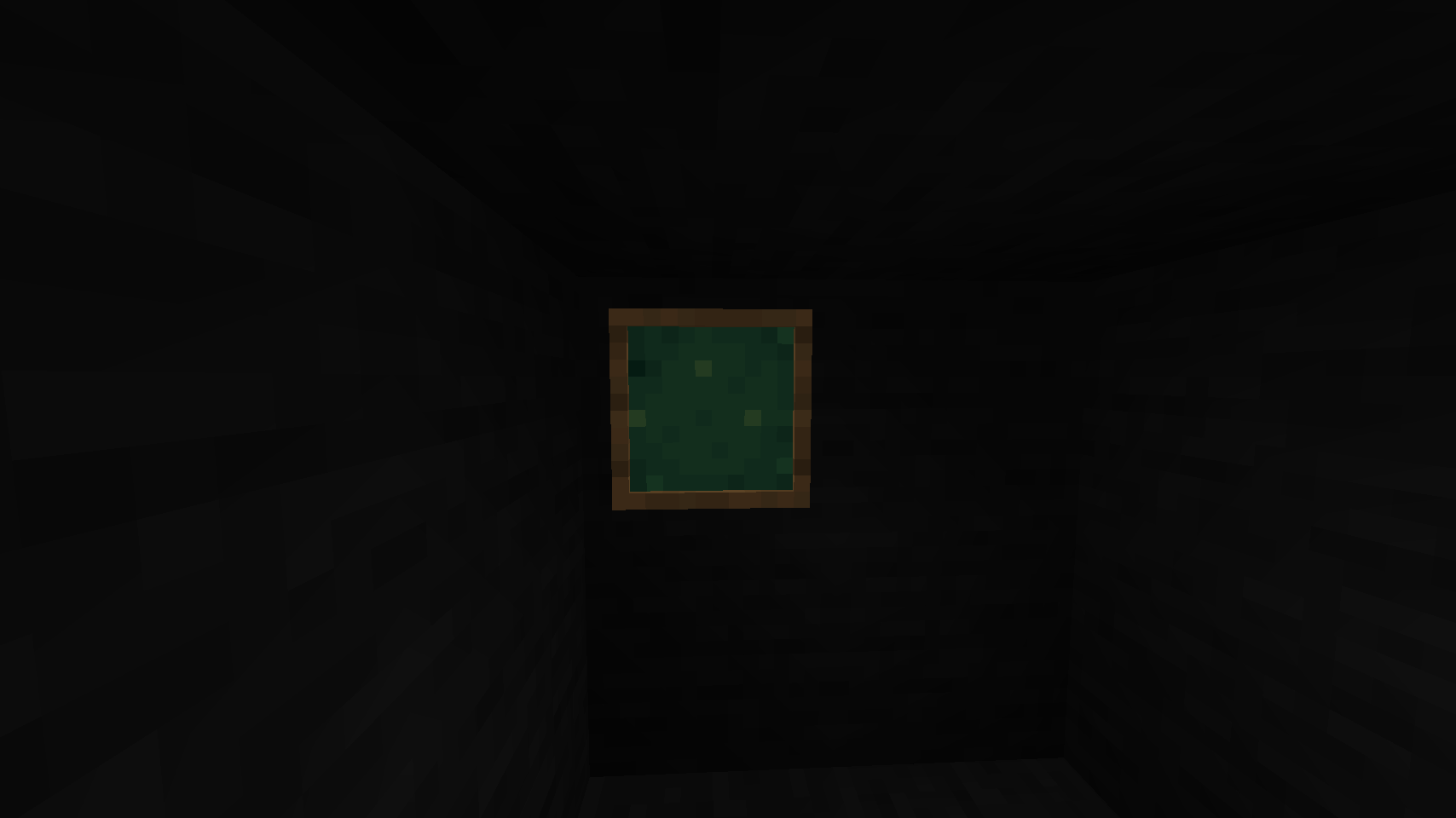
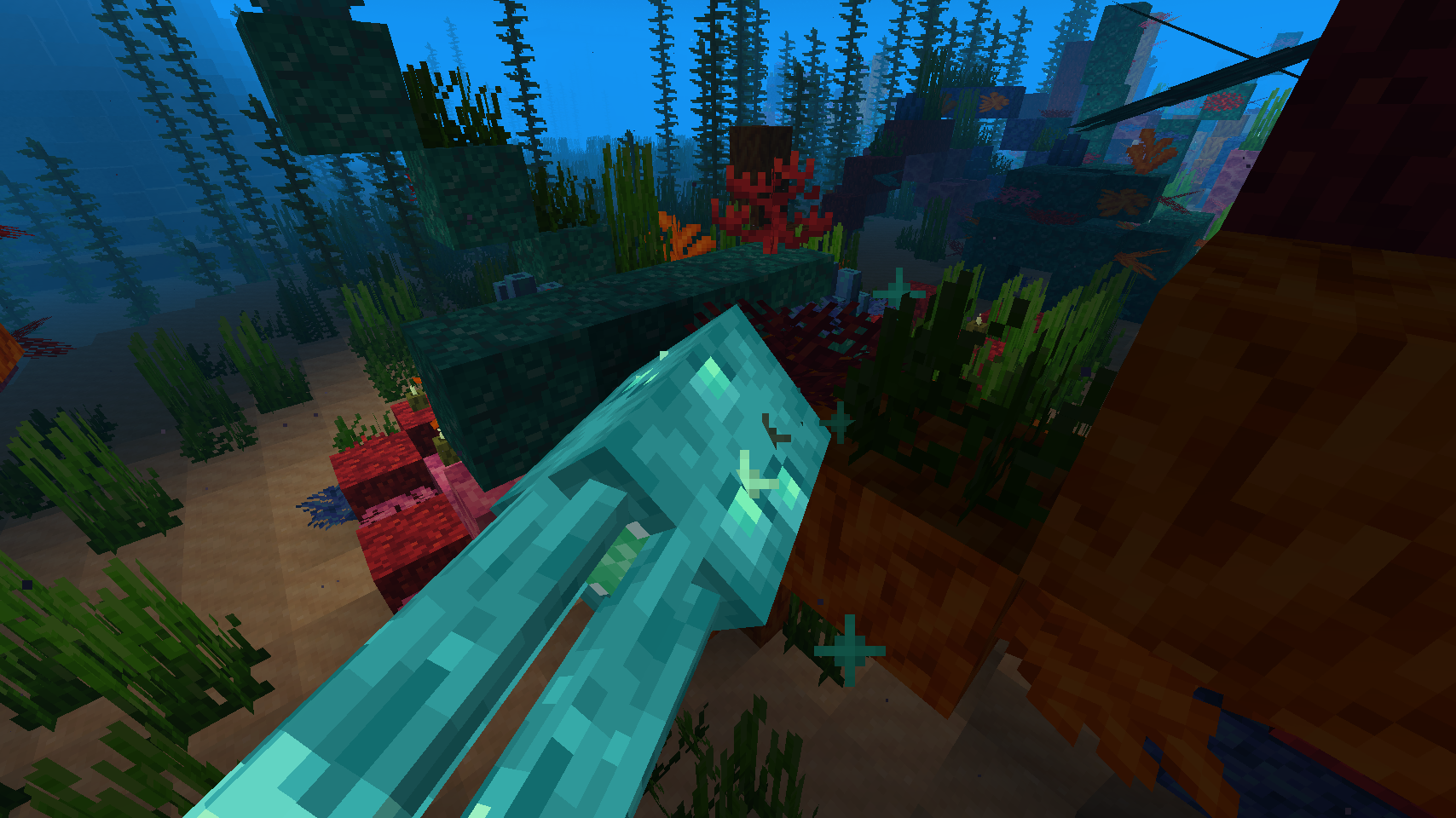
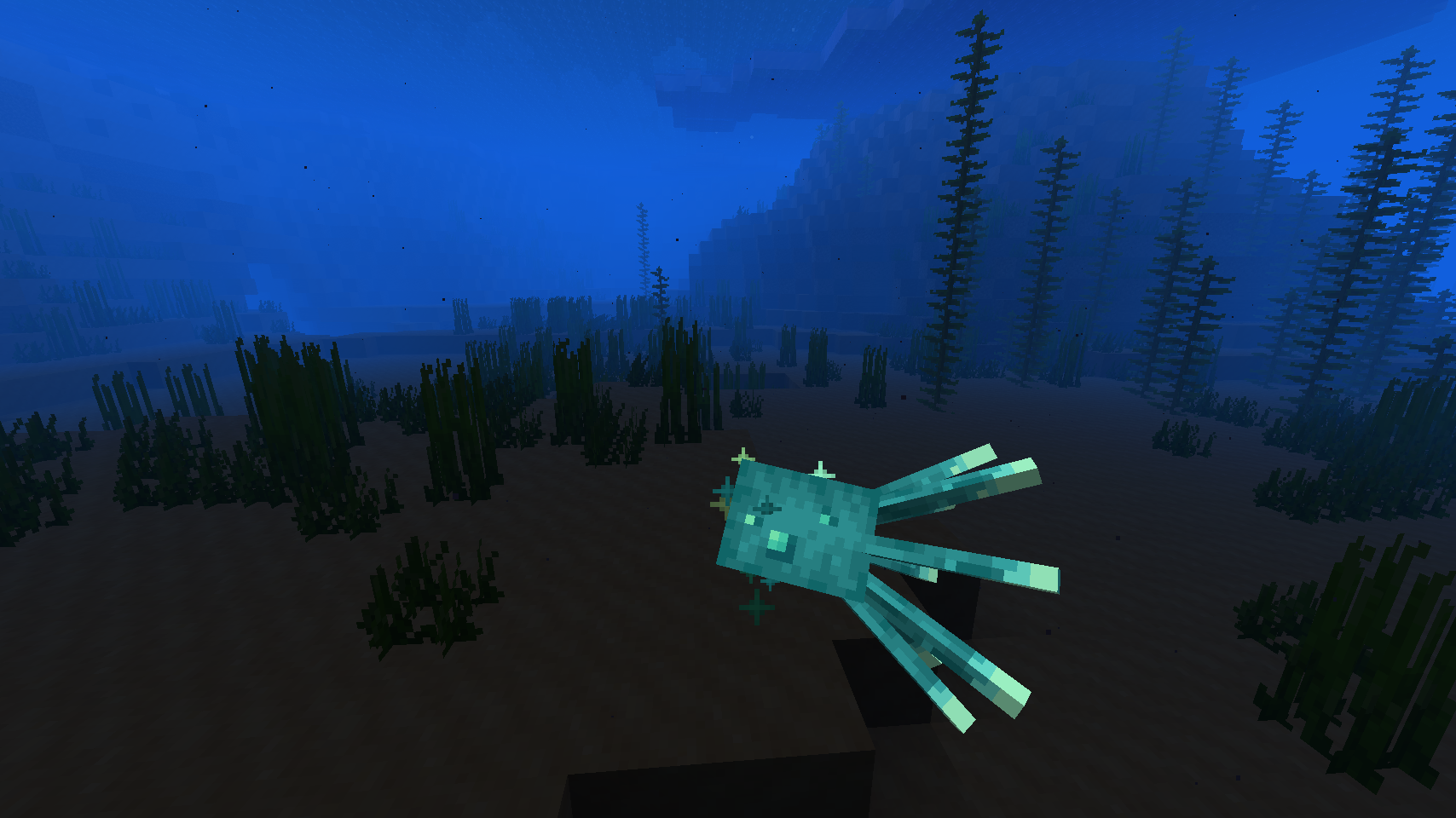
However, I feel that the textures are somewhat lacking. Glow squids themselves are kind of noisy and otherwise just look like spotted, recolored squid (which already have a crappy texture). The ink sacs are just recolored regular ones, with a couple small spots added. Glowing item frames look like glowstone, not the squids (and have too large a palette in my opinion); and the lichen, though cool looking, doesn't really fit in with the other glowing stuff.
This pack redos the squid, improving the texture and coloring; the ink sacs, adding a slightly custom shape and messing with the glowing dots; the item frames, making them use similar colors to glow squids and tweaking the style of the background; and the lichen, making it look more like actual lichen and altering the colors.
No OptiFine needed- it's not even out for 1.17 yet.
Note: It says it's for 1.16 versions in the files, this is not true as it will only work for 1.17 snapshots 21w03a and up.
Development note: I plan on adding random glowing spots to the lichen. However, this is not yet added, as the blockstate of 'em uses a multiblock format, rather than the "variants" one most blocks use. I cannot figure out how to modify it for random models, but if someone does know, please tell me so I can add this feature, it'll look super cool.