Kind of dead and I already dislike much of it. Doubt I'll redo or update it any time soon though unless I start playing with Create again.
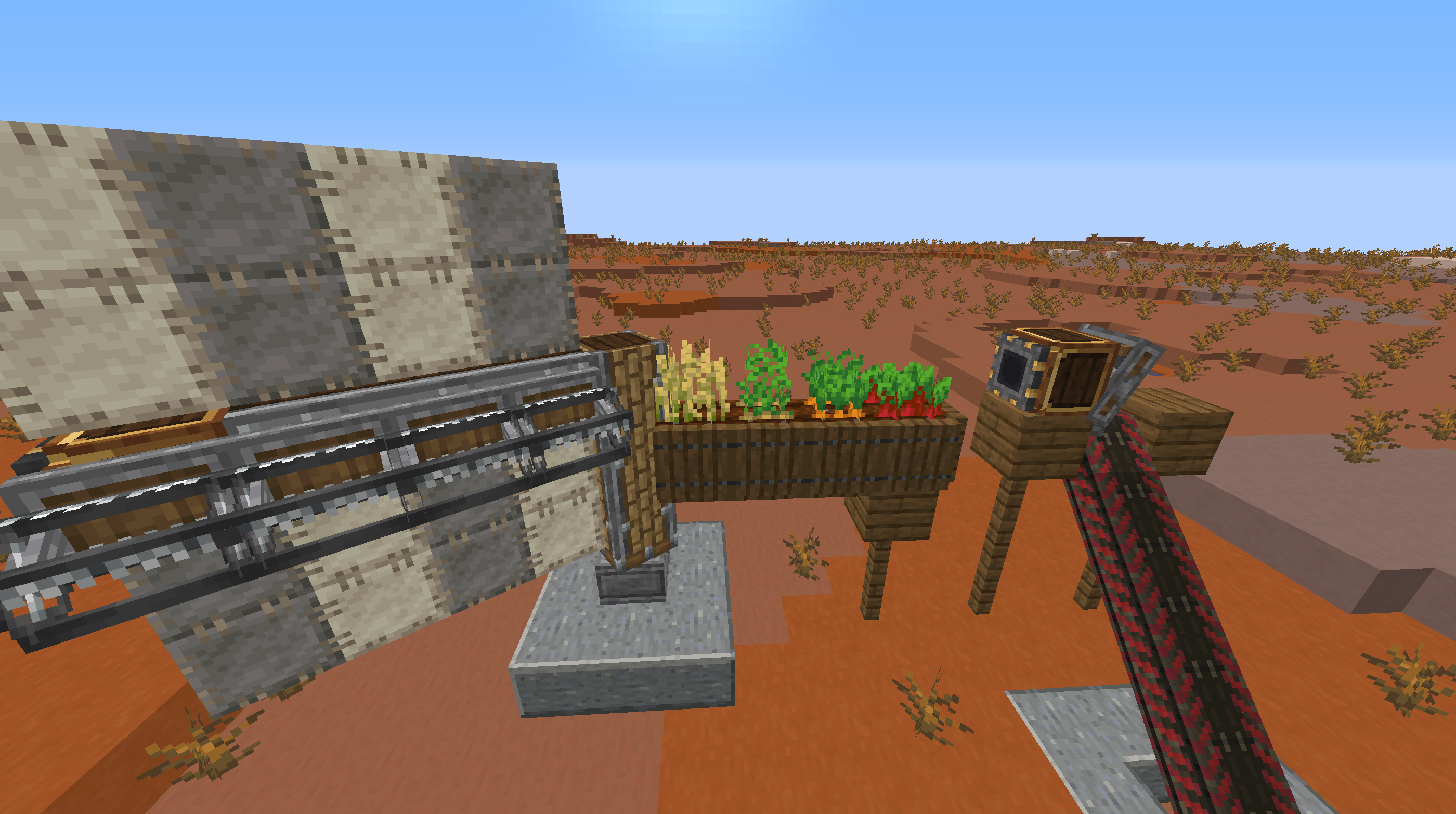
Create is an incredible mod, one of the best out there, in my opinion. Using the power of basic rotation and rotational force; you can create massive machines, giant moving contraptions, and more. It's become very, very popular recently, and it deserves it! And while its textures are certainly much better than other tech mods, they still aren't the best in many cases.
Me being a stubborn person who likes making textures, I decided to take it upon myself and improve (in my opinion) most of the Create textures- when I say most; I mean almost every single one, and there are hundreds. That all came together into this big resource pack that I've spent several weeks on, please try it out!
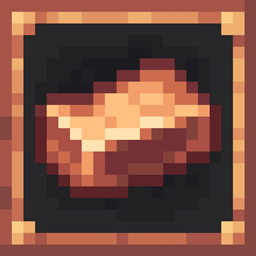
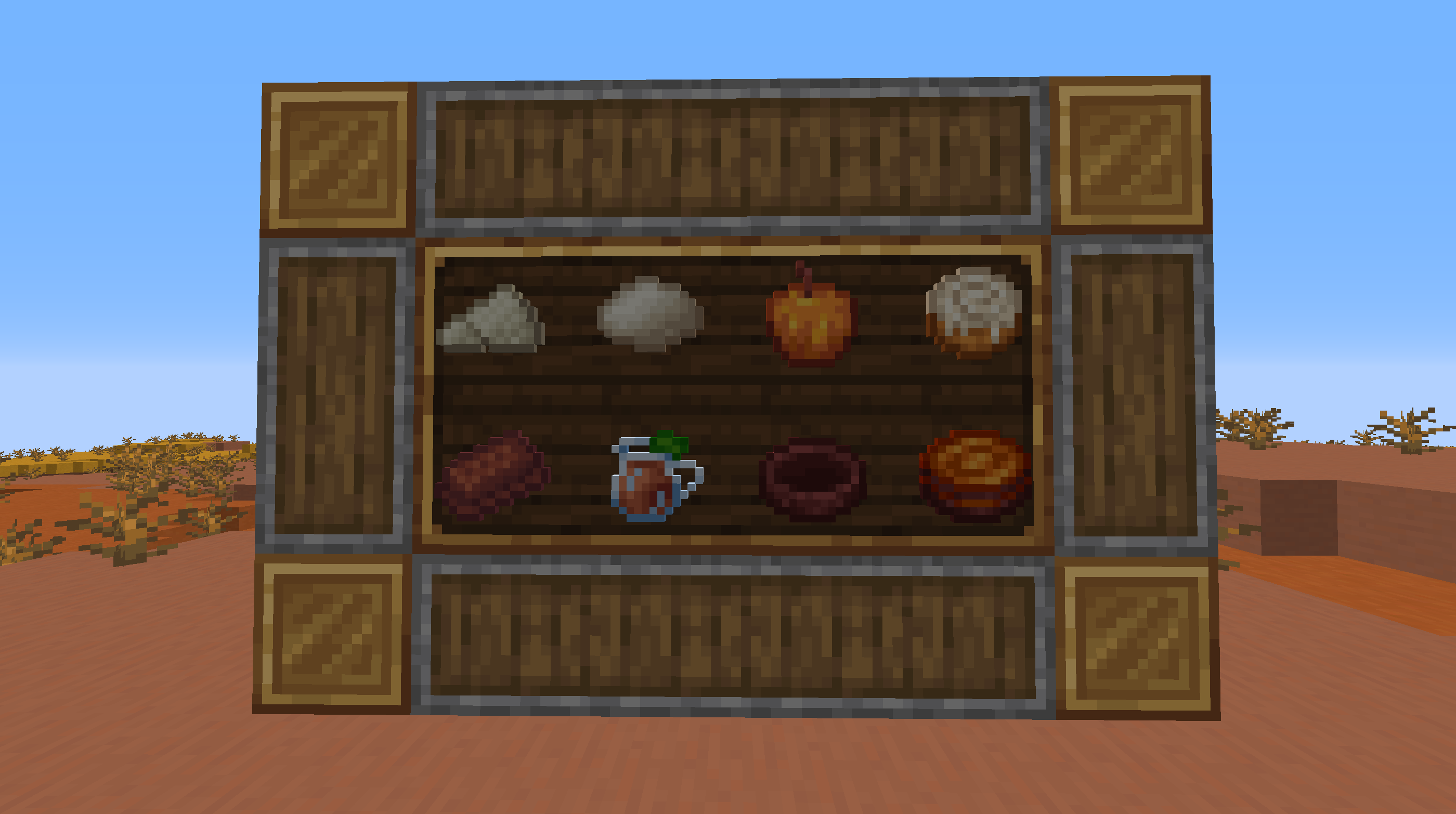
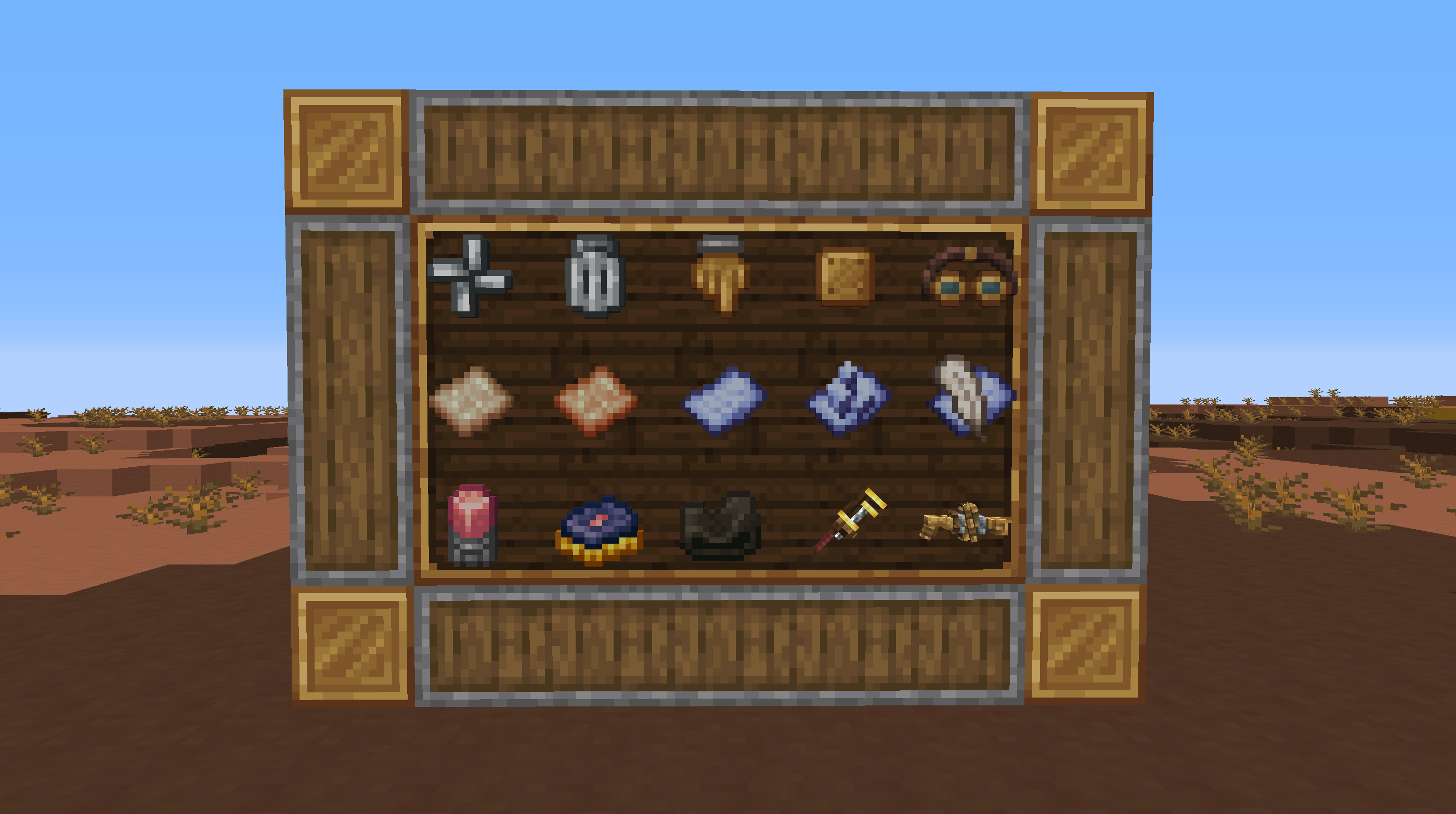
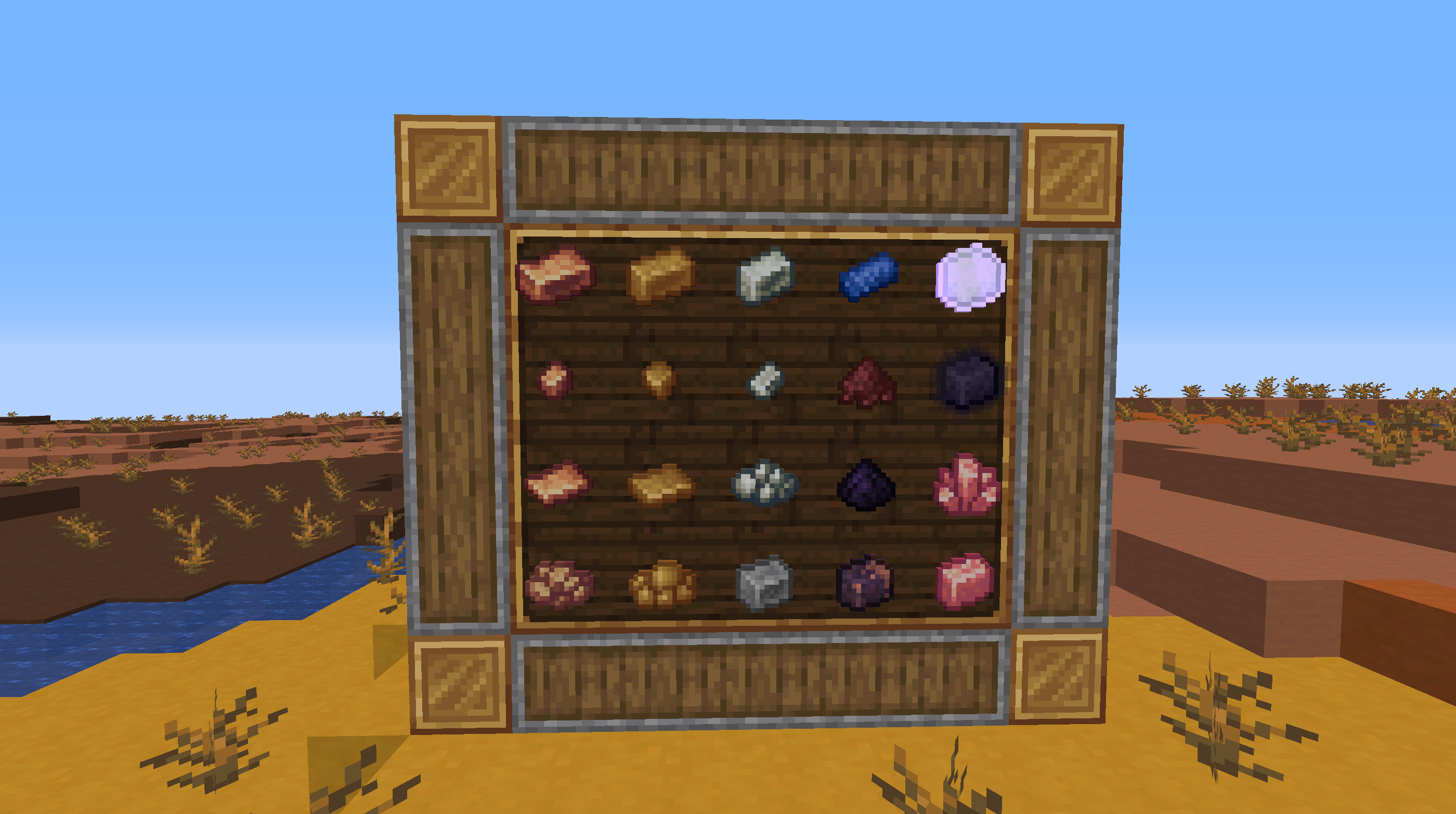
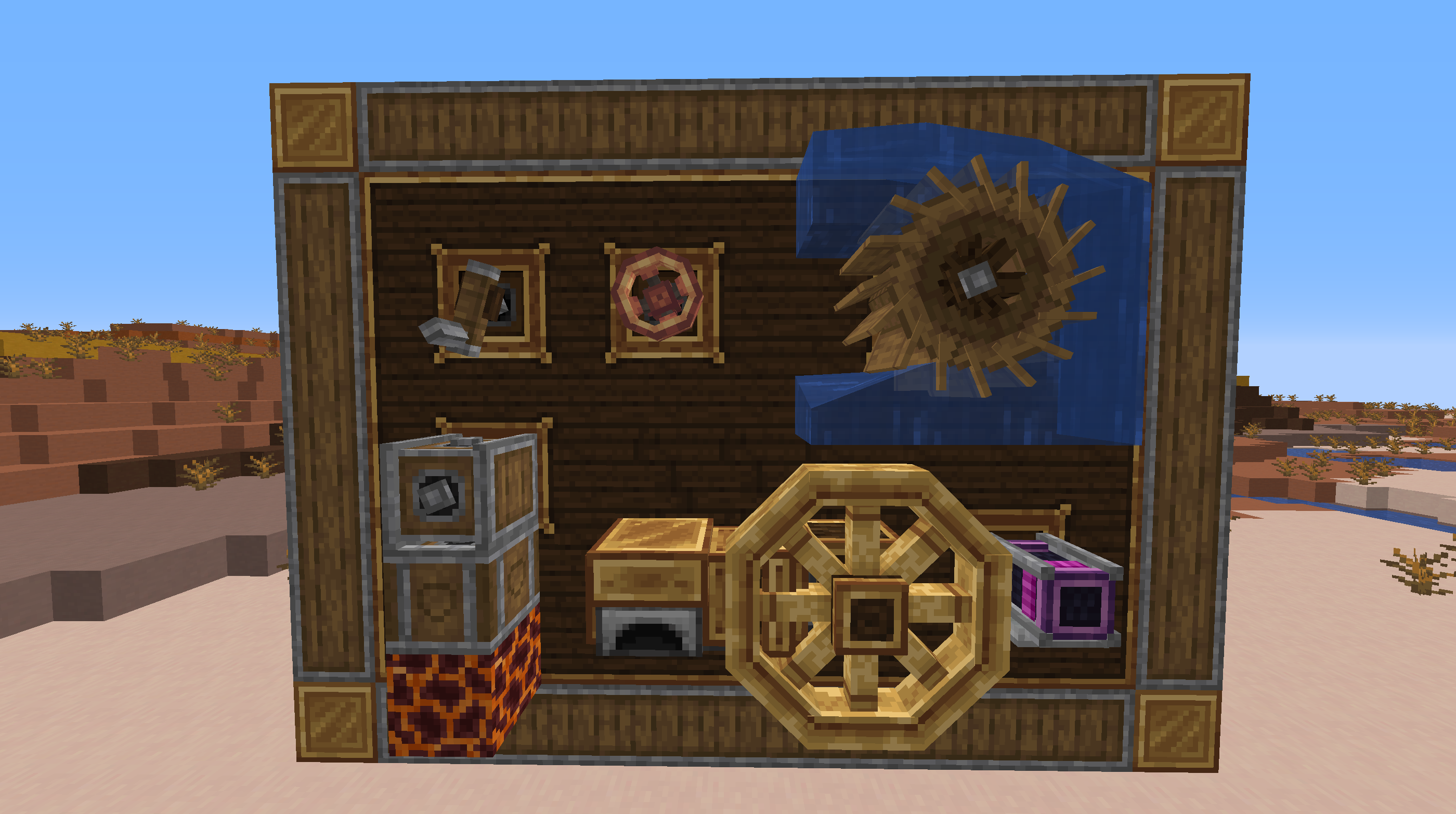
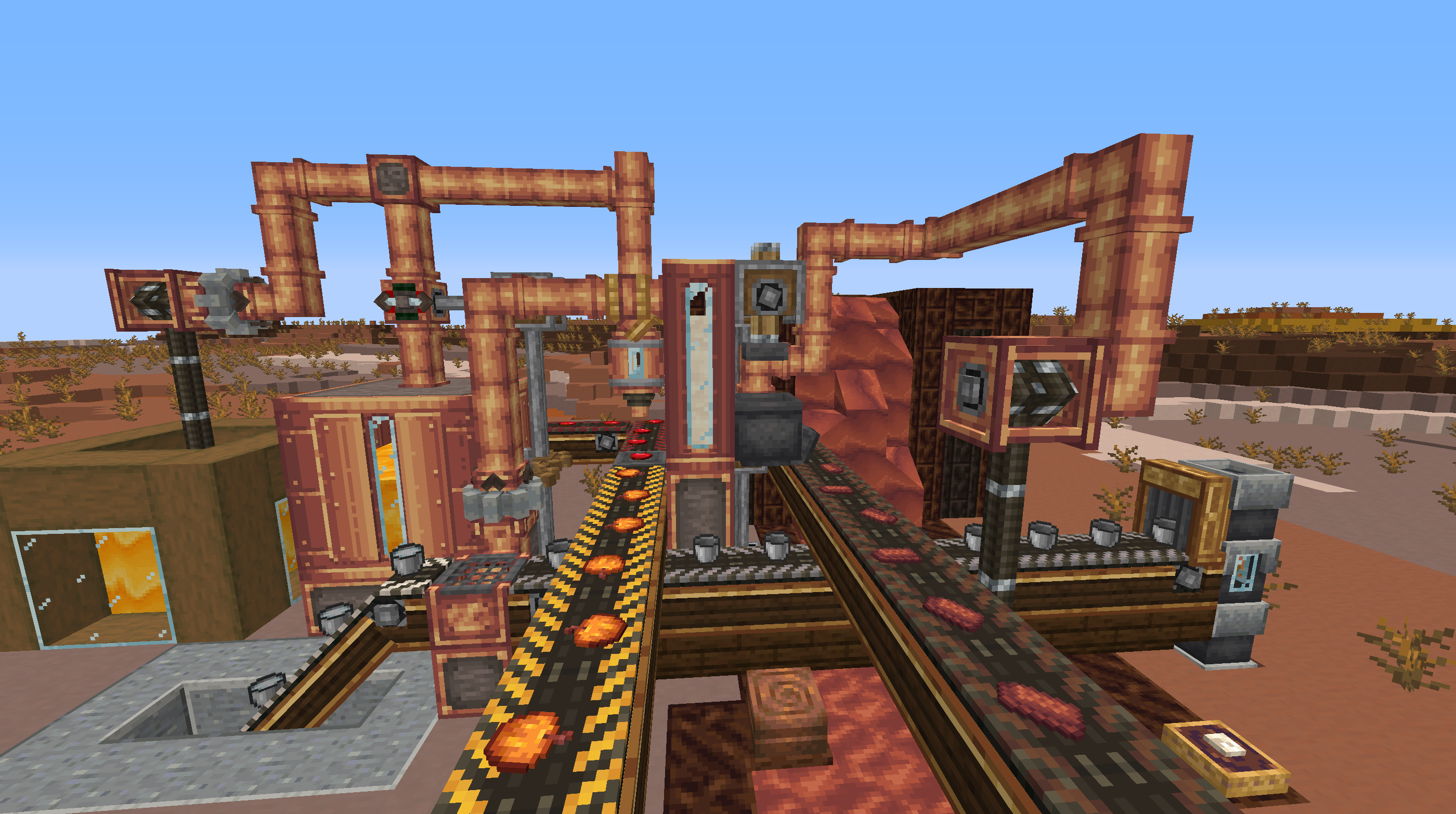
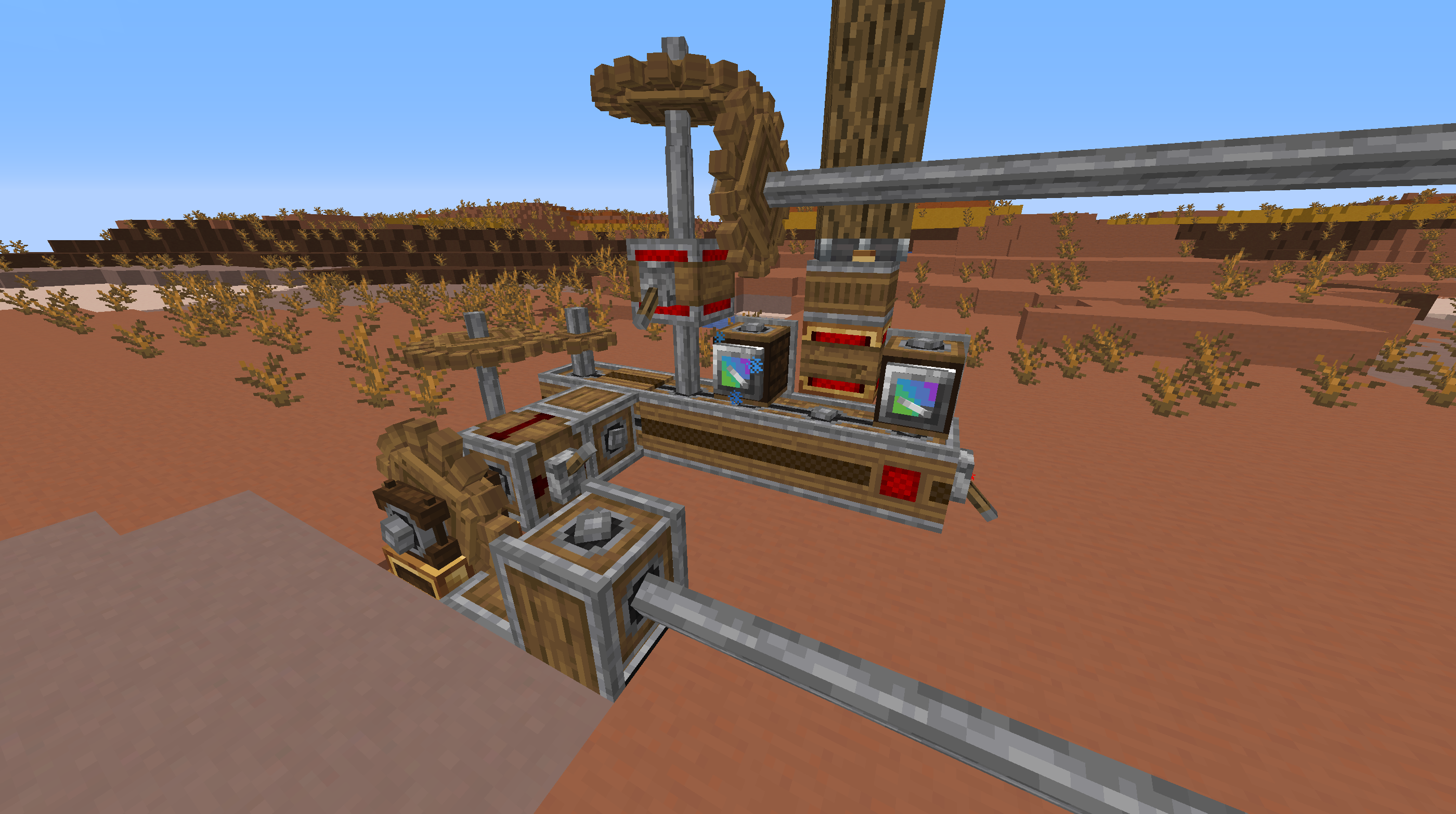
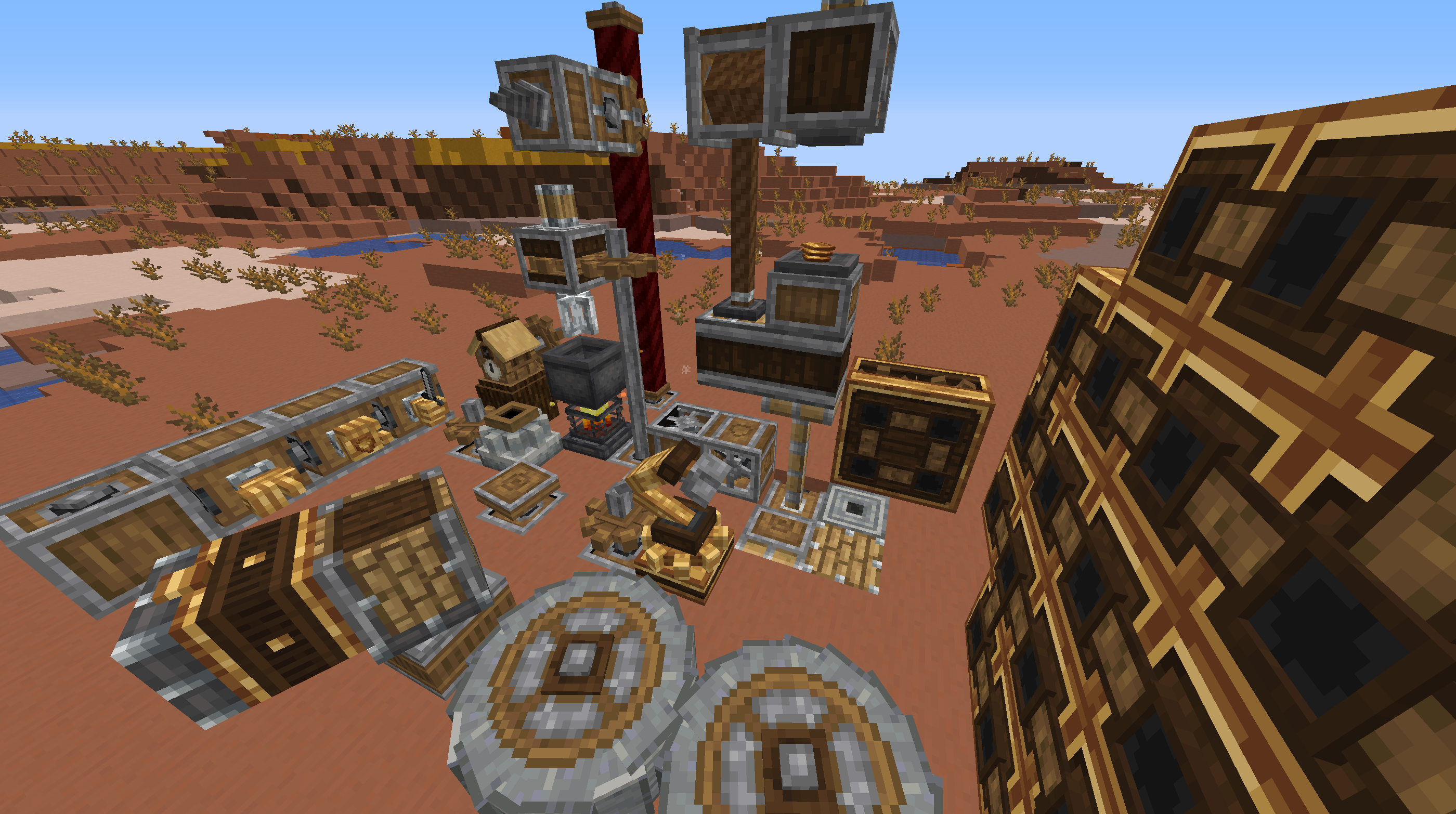
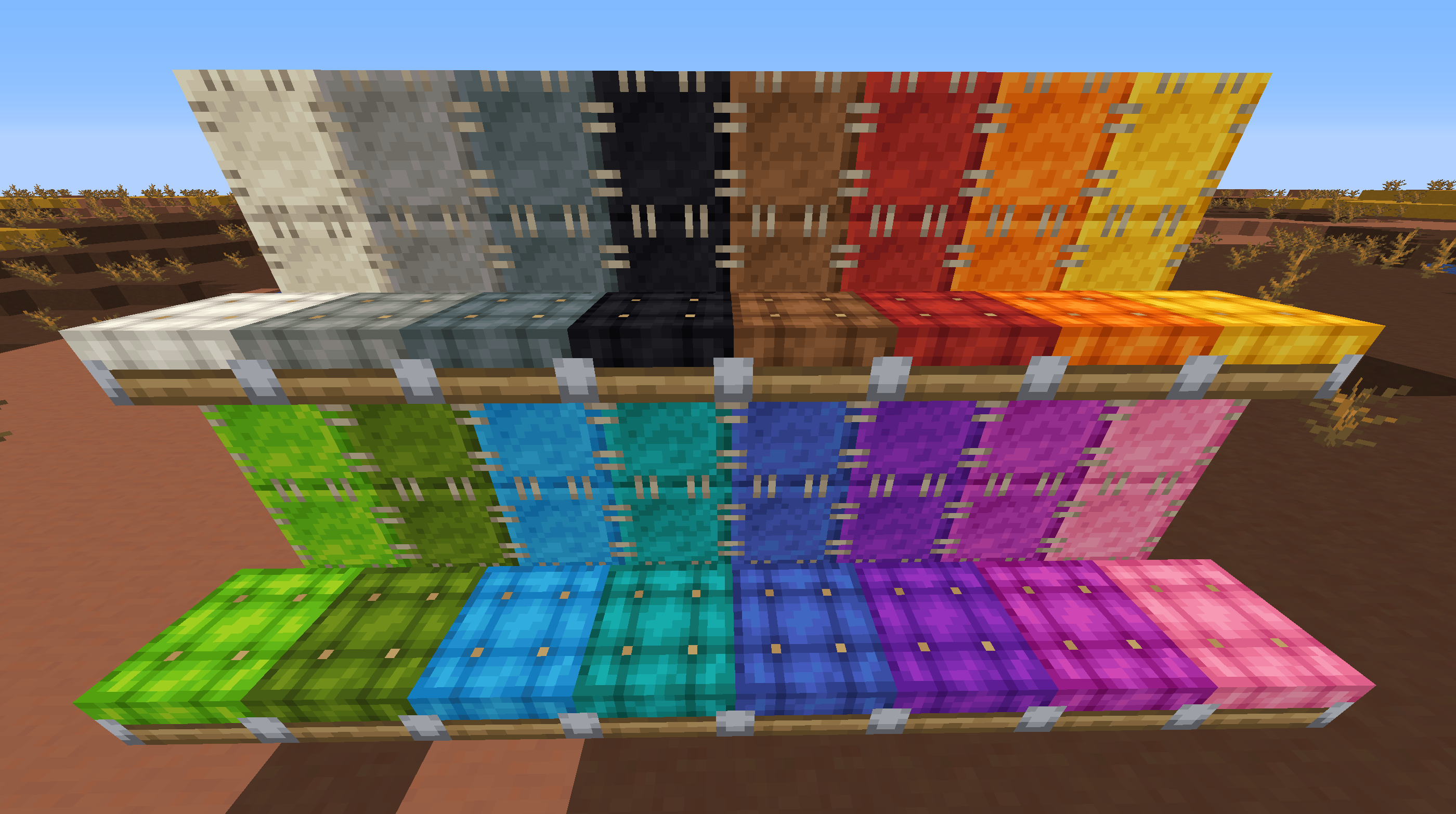
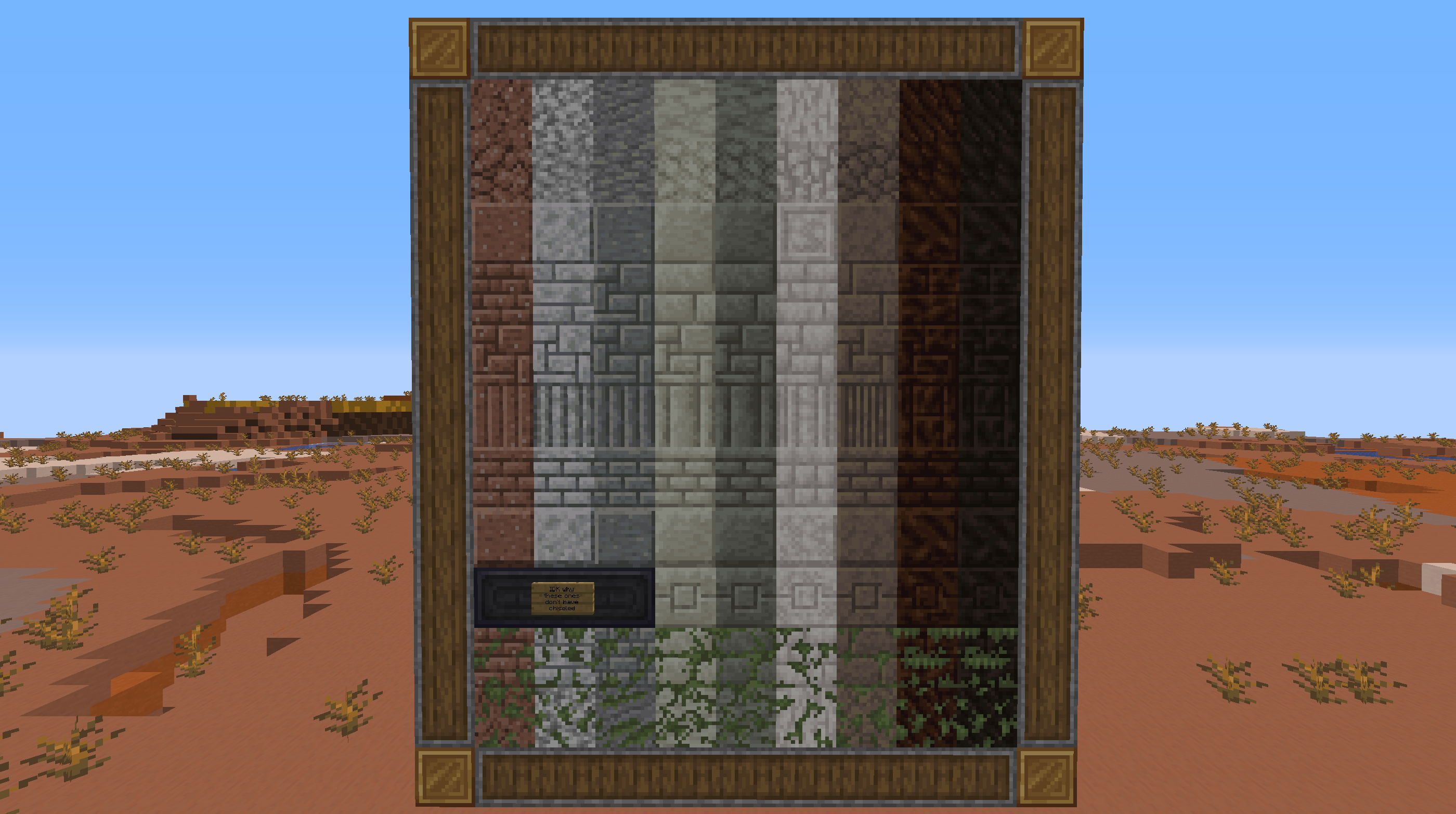
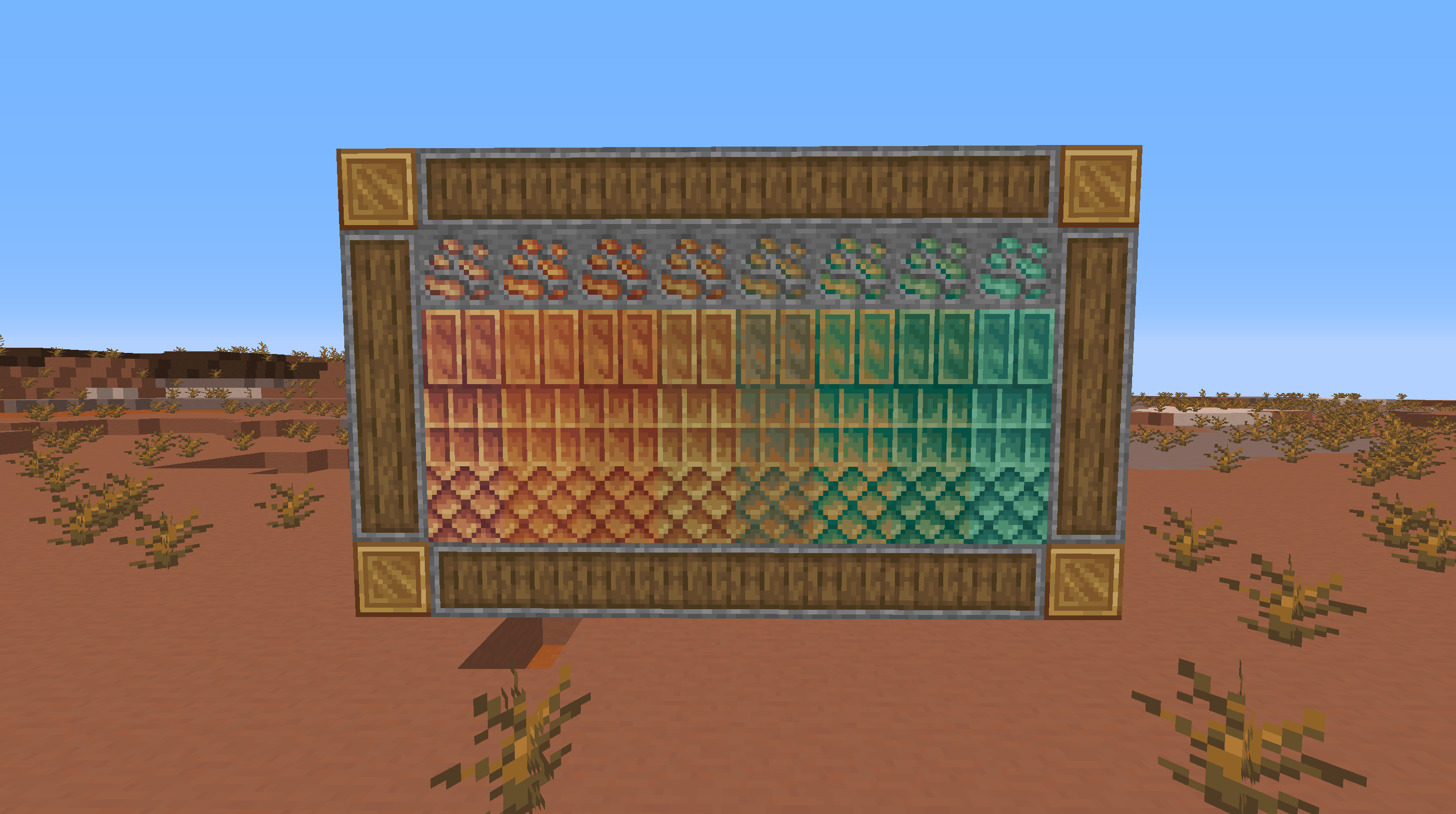
The main focus of this pack is simply touching up the already pretty good textures- removing noise, paletting it, increasing vibrance and hue shifting, etc. Many of the textures are new and unique, but much of it is simply tweaking, reshading, and paletting the existing ones; so the experience should feel largely the same. Check the Images tab to see all the main things- though this definitely isn't all of it, go check out everything else by using the pack yourself.
Feel free to use this resource pack in videos or whatever, just please provide a link here, so that others can check it out and to give credit. (And obviously, don't steal the textures or anything).
Enjoy!