Mineuniverse
Resource Packs
Fantasy 3D Weapons CIT

Fantasy 3D Weapons CIT

RESOURCE PACK
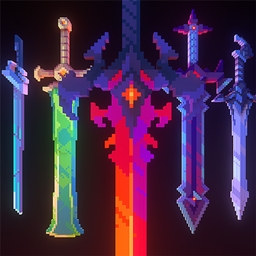
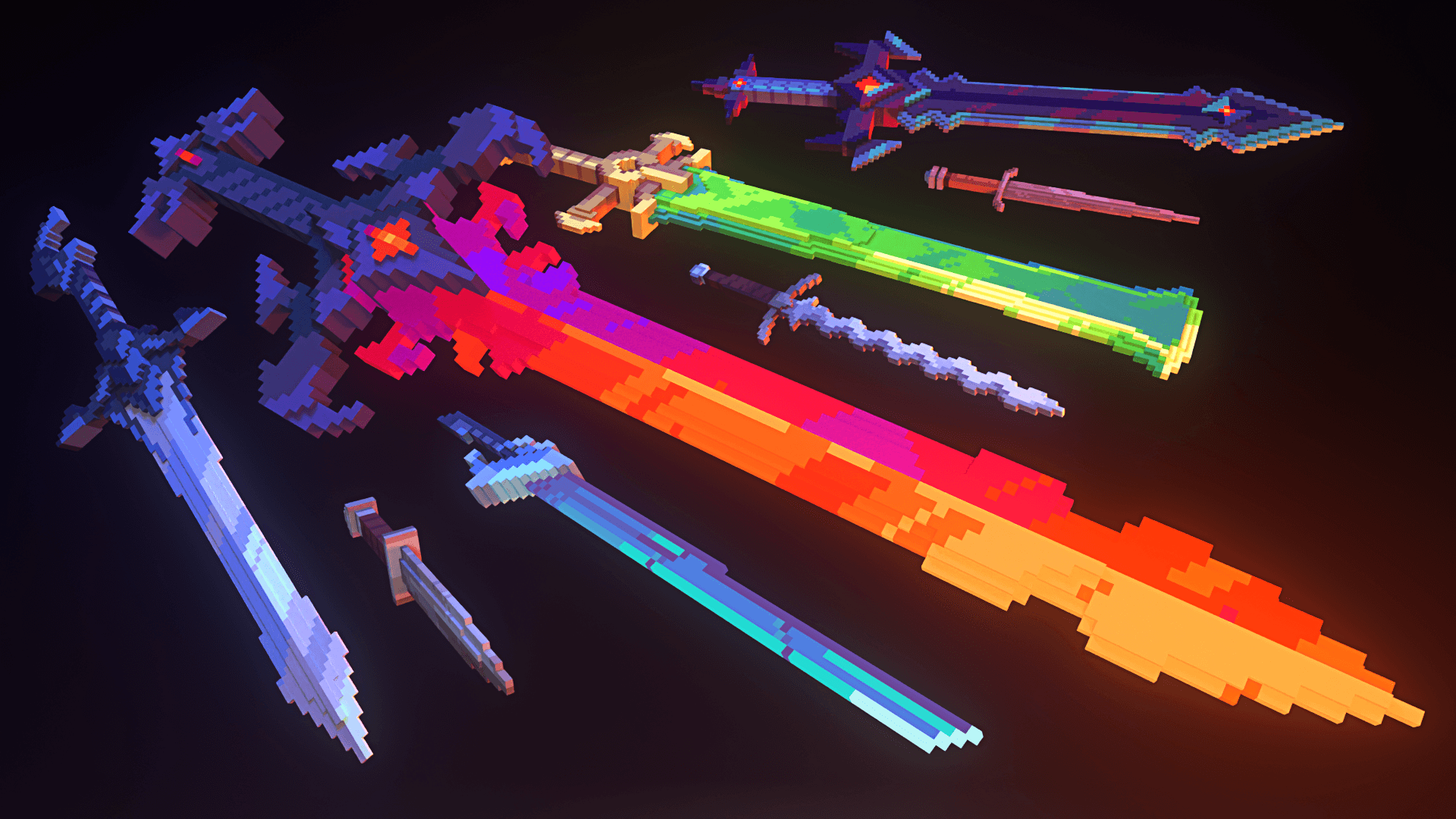
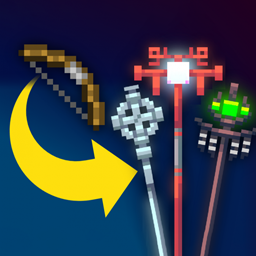
Adds 30 3D weapons models! (Custom Item Textures)
by nongko99
Download Claim this project
437,119 downloads
0 likes
Updated Oct 14, 2026
0 hypes
64x Medieval Miscellaneous
Advertisement Remove ads with Premium →

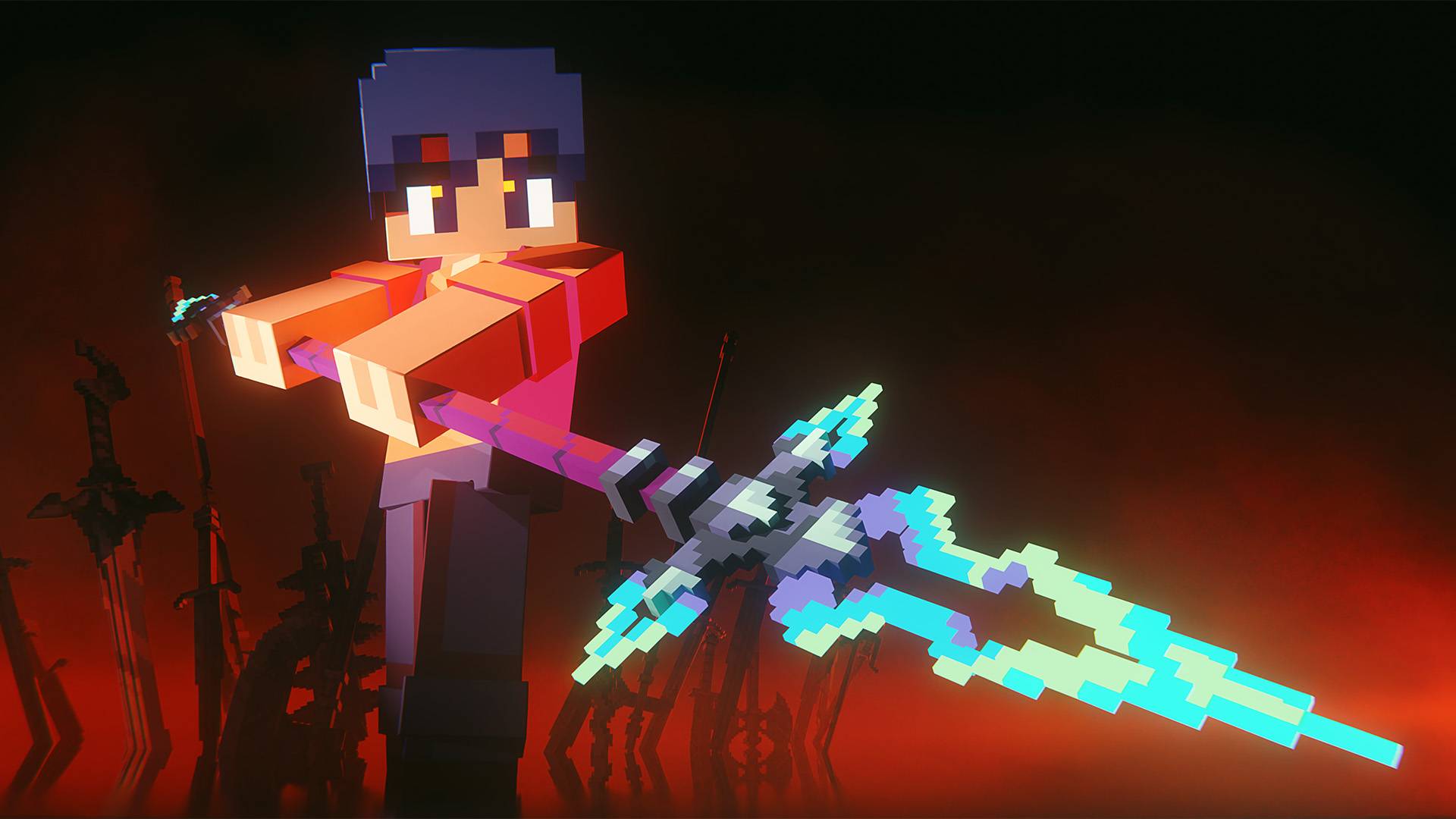
 Hello! I've always loved fantasy weapon designs, so I wanted to bring some of those ideas into Minecraft. You can apply these models to any axe or sword by renaming it with an anvil.


The list below is incomplete. Find the full naming list here:
3D Weapons Full List


Join my discord server for info, updates, behind the scenes, and more!

https://discord.gg/9YuWUr8guC


If you are playing on a version below 1.21.5, please follow the instructions below:

The pack requires OptiFine, which can be downloaded here:
https://optifine.net/home


Or, if you're playing on Fabric, this pack requires CIT Resewn:
https://www.curseforge.com/minecraft/mc-mods/cit-resewn


You must then install the version of this pack for OptiFine.

3D Weapons 1.20A (Vanilla)
MC 1.21.6-snapshot, 1.21.8, 1.21.5, 1.21.5-Snapshot, 1.21.6, 1.21.7, 1.21.9-snapshot, 1.21.9, 1.21.10, 1.21.11-snapshot, 1.21.11, 26.1, 26.1.1, 26.1.2
Release 2026-05-19 Get

Requirements & install

How to use this resource pack in Minecraft
Resolution
64x
Minecraft
1.21.9-snapshot – 26.1.2
Install folder
.minecraft/resourcepacks

How to install resource packs

  1. Download the resource pack .zip file (do not extract it).
  2. In Minecraft open Options → Resource Packs → Open Pack Folder.
  3. Drop the .zip into the resourcepacks folder (.minecraft/resourcepacks).
  4. Move the pack to the Selected column and click Done.
Browse more: 16x resource packs 32x resource packs 64x resource packs 128x resource packs 256x resource packs 512x+ resource packs Resource Packs for 26.1.2 All resource packs

More from nongko99

Advertisement Remove ads with Premium →

You Might Also Like