Mineuniverse
Resource Packs
Hafen - Simplistic

Hafen - Simplistic

RESOURCE PACK
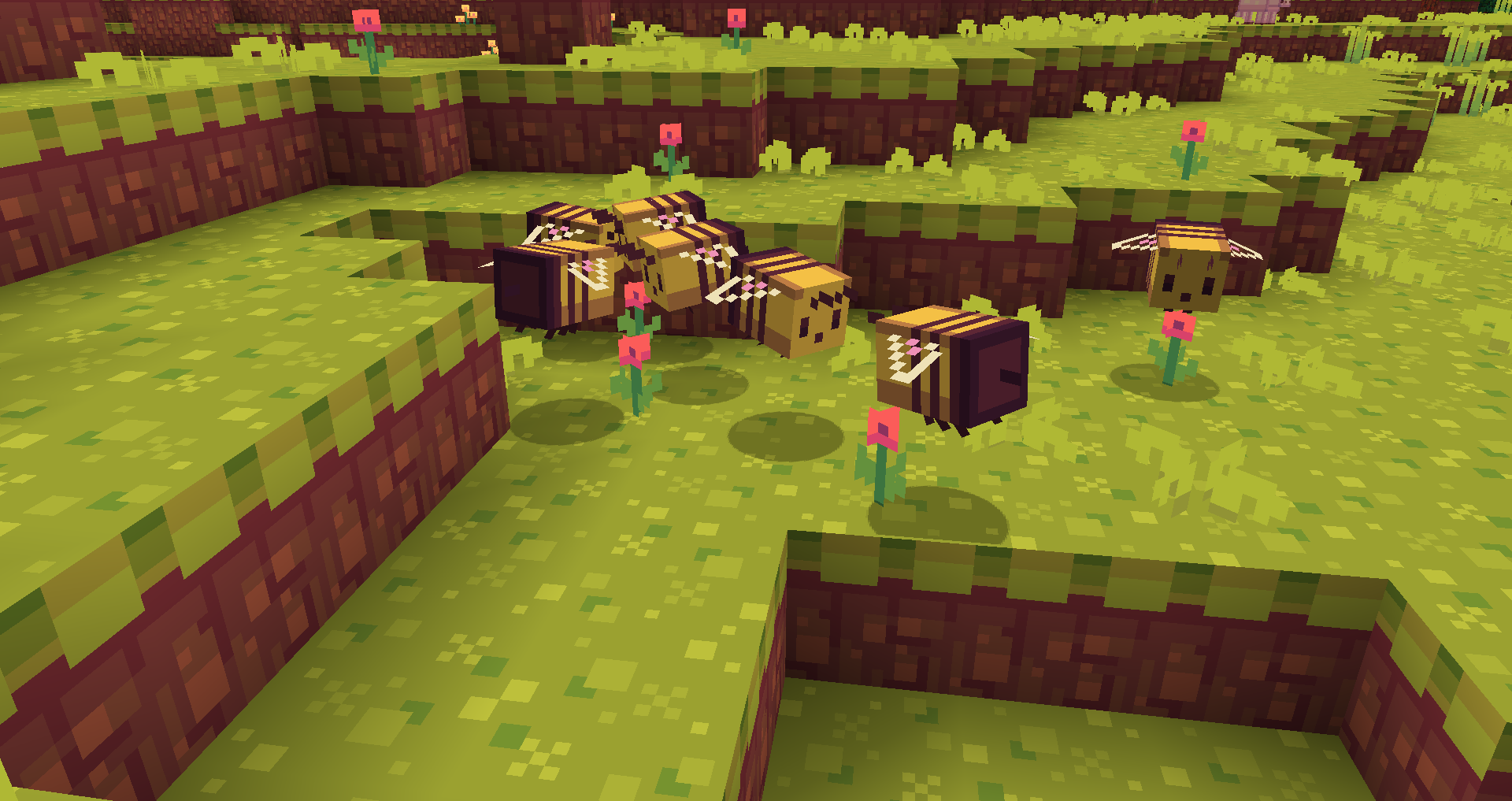
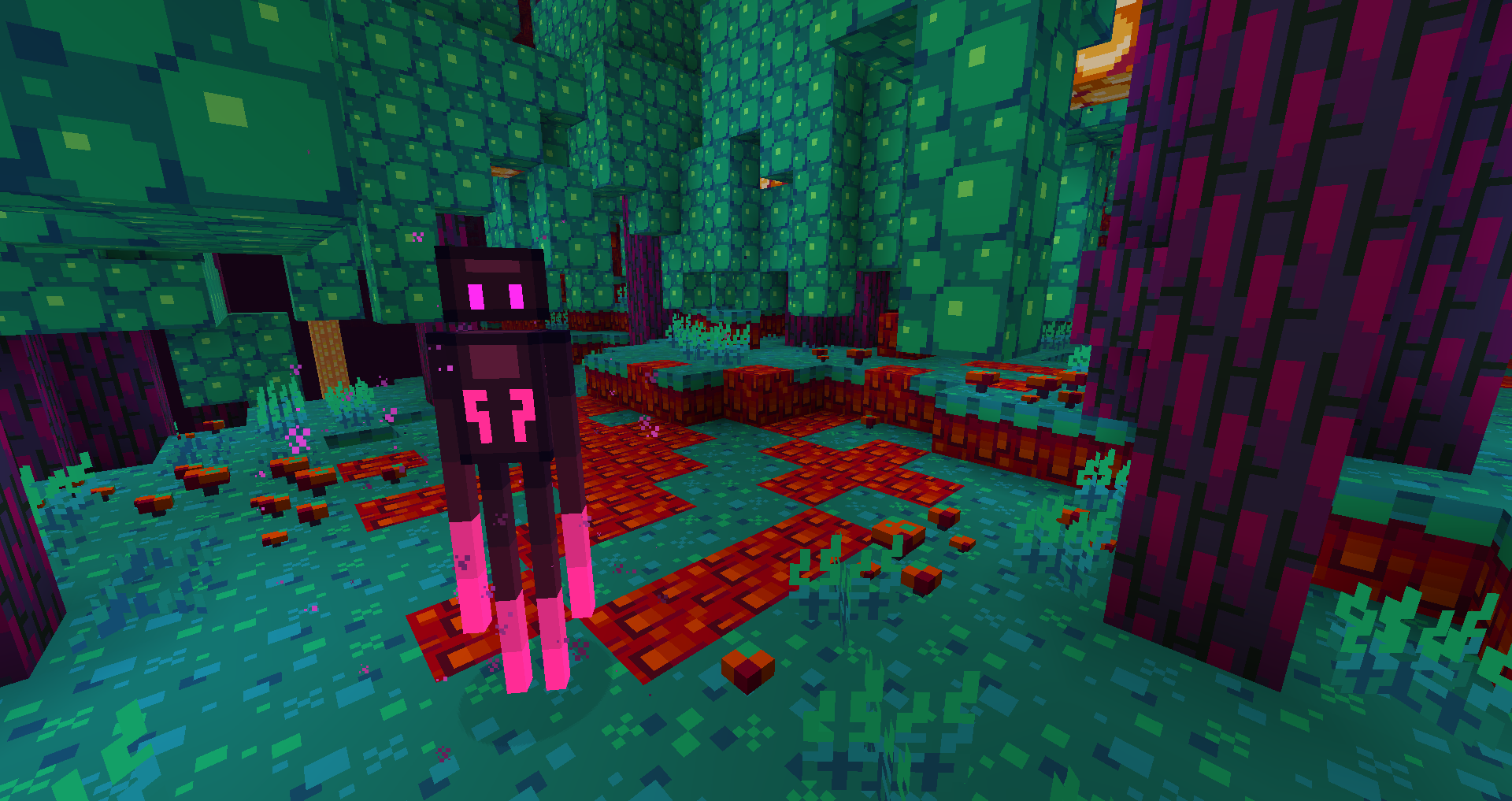
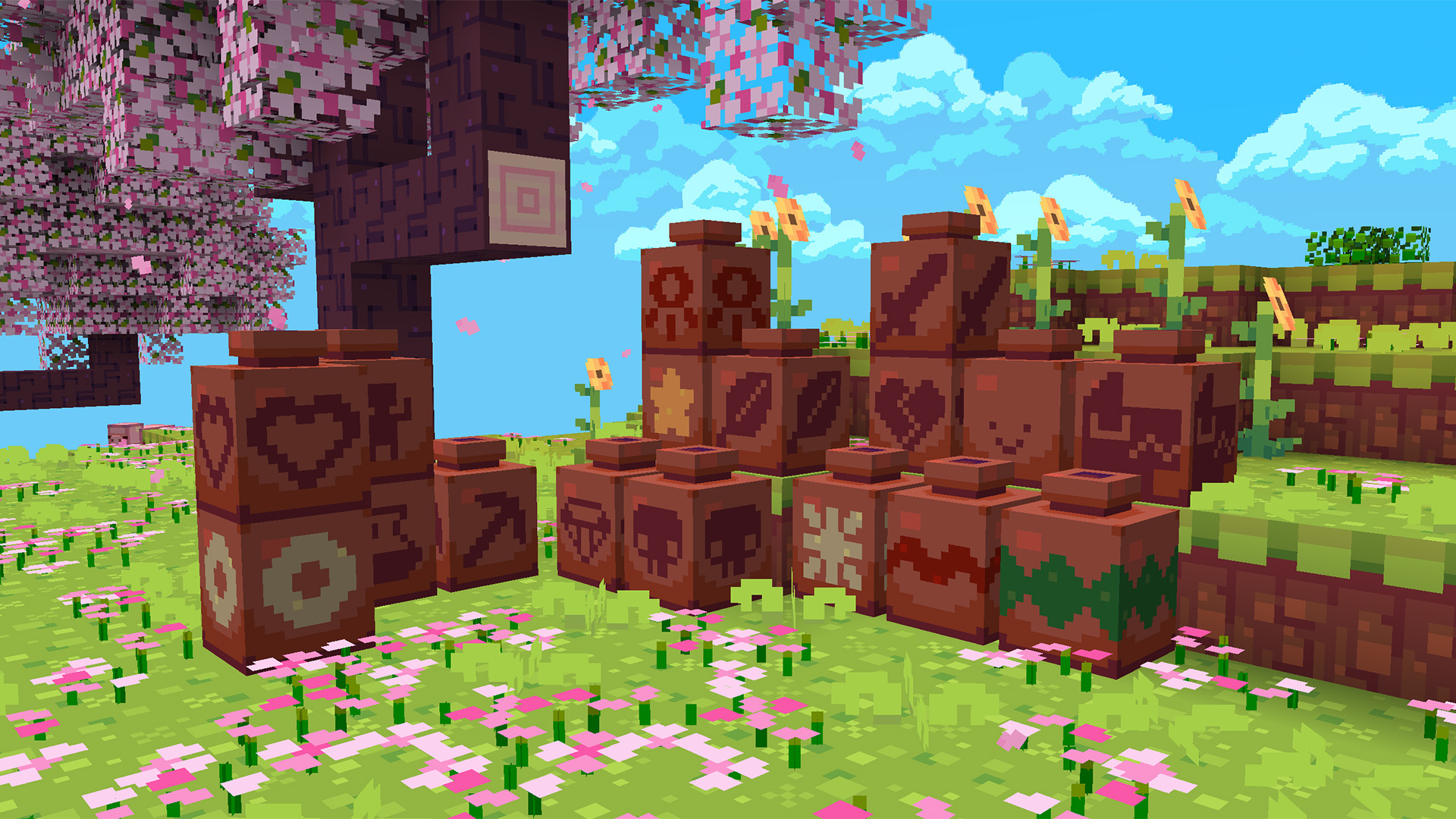
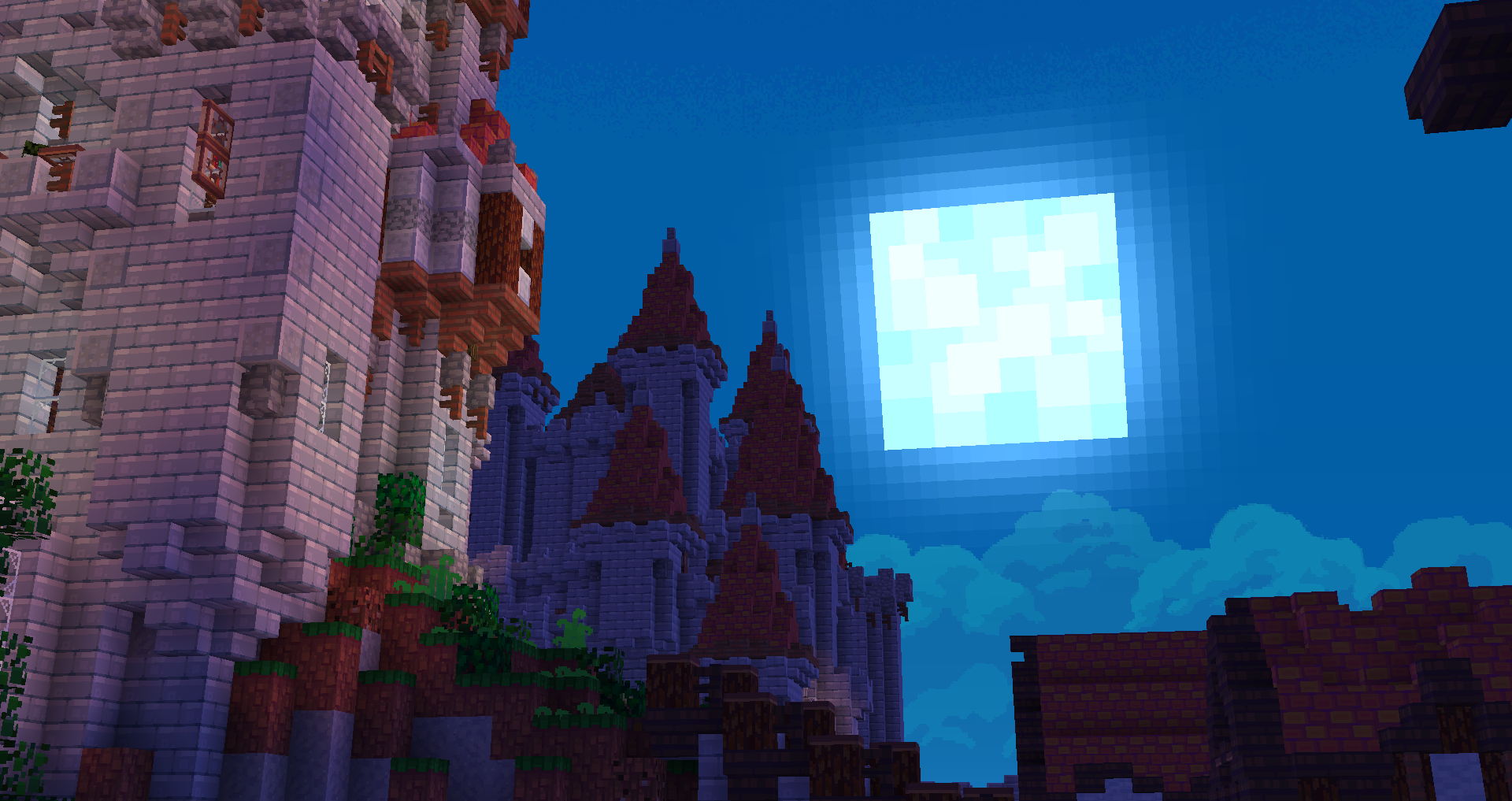
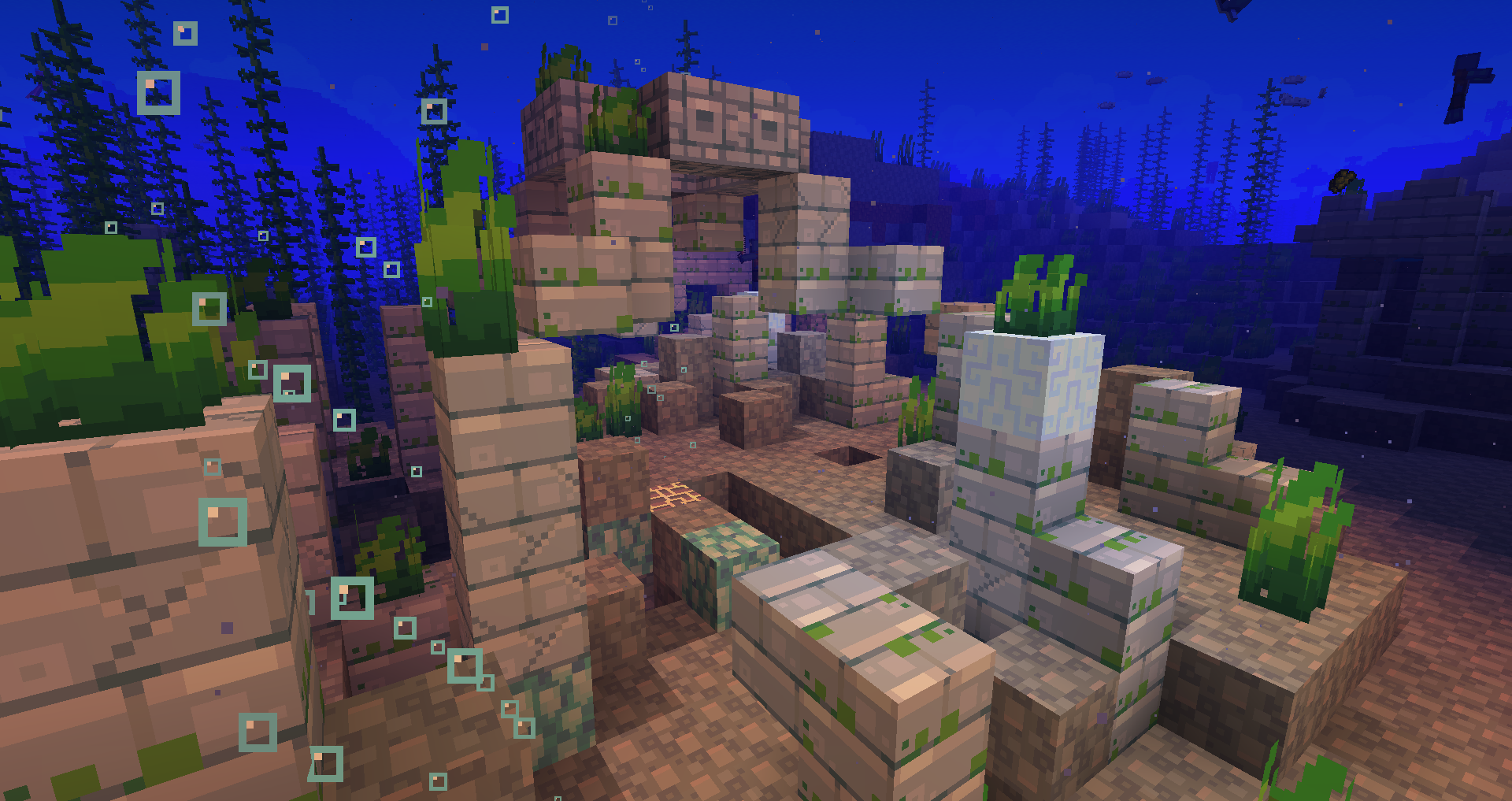
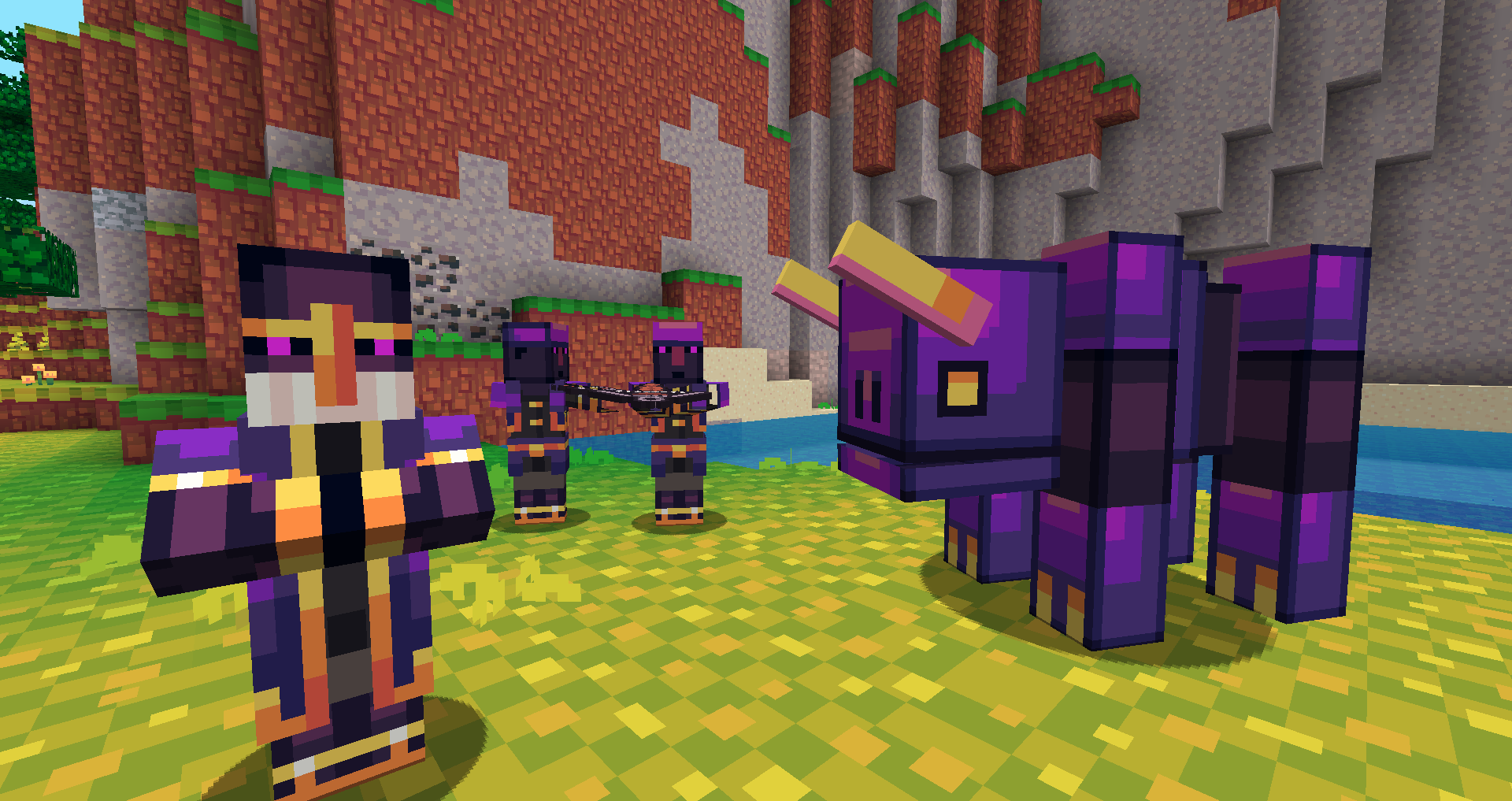
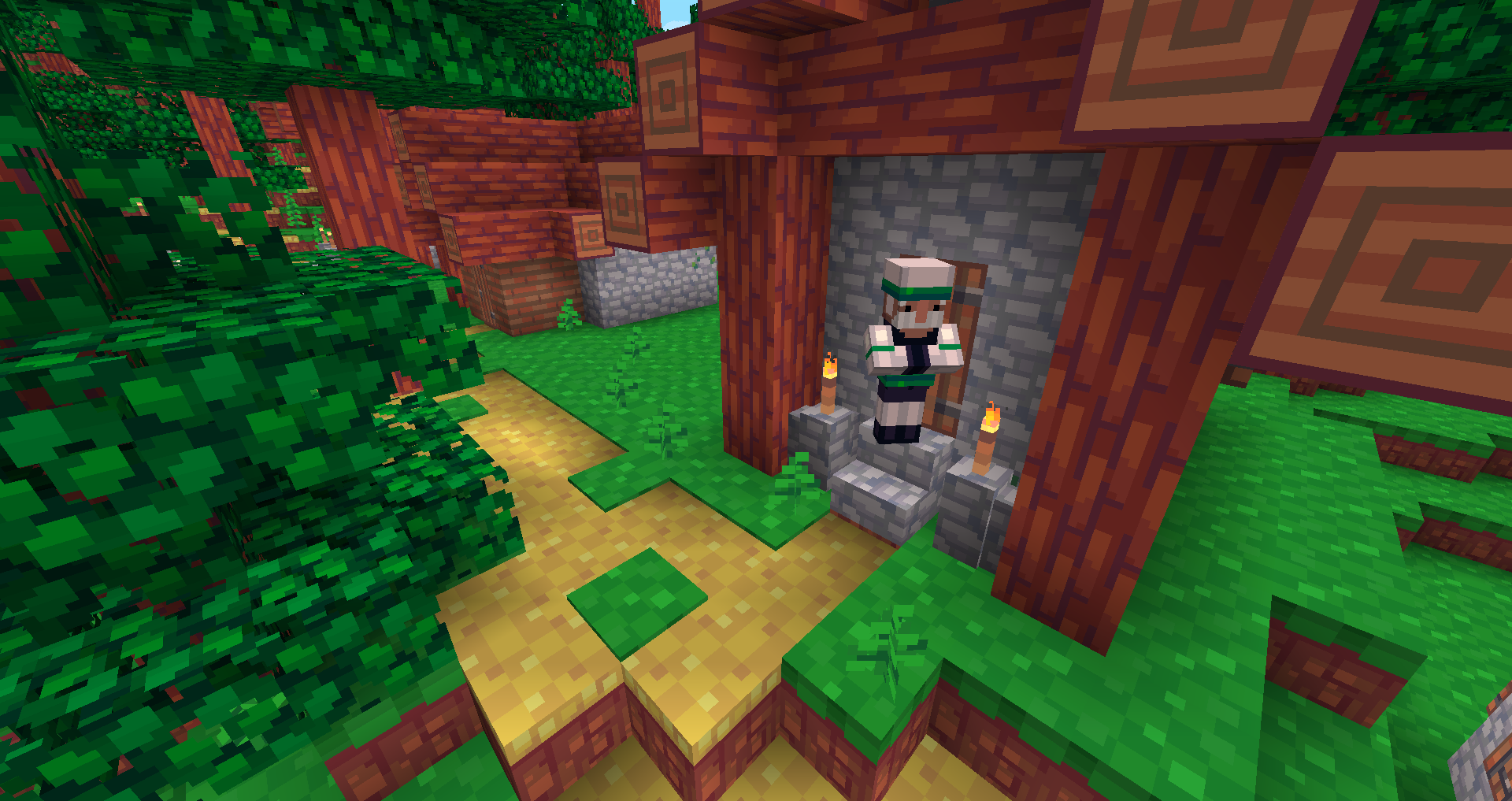
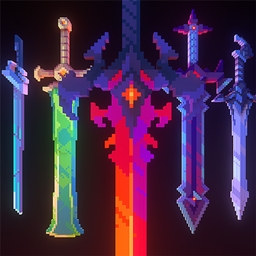
A colorful pack inspired by video games!
by nongko99
Download Claim this project
365,897 downloads
0 likes
Updated Oct 14, 2026
0 hypes
16x Miscellaneous Traditional
Advertisement Remove ads with Premium →

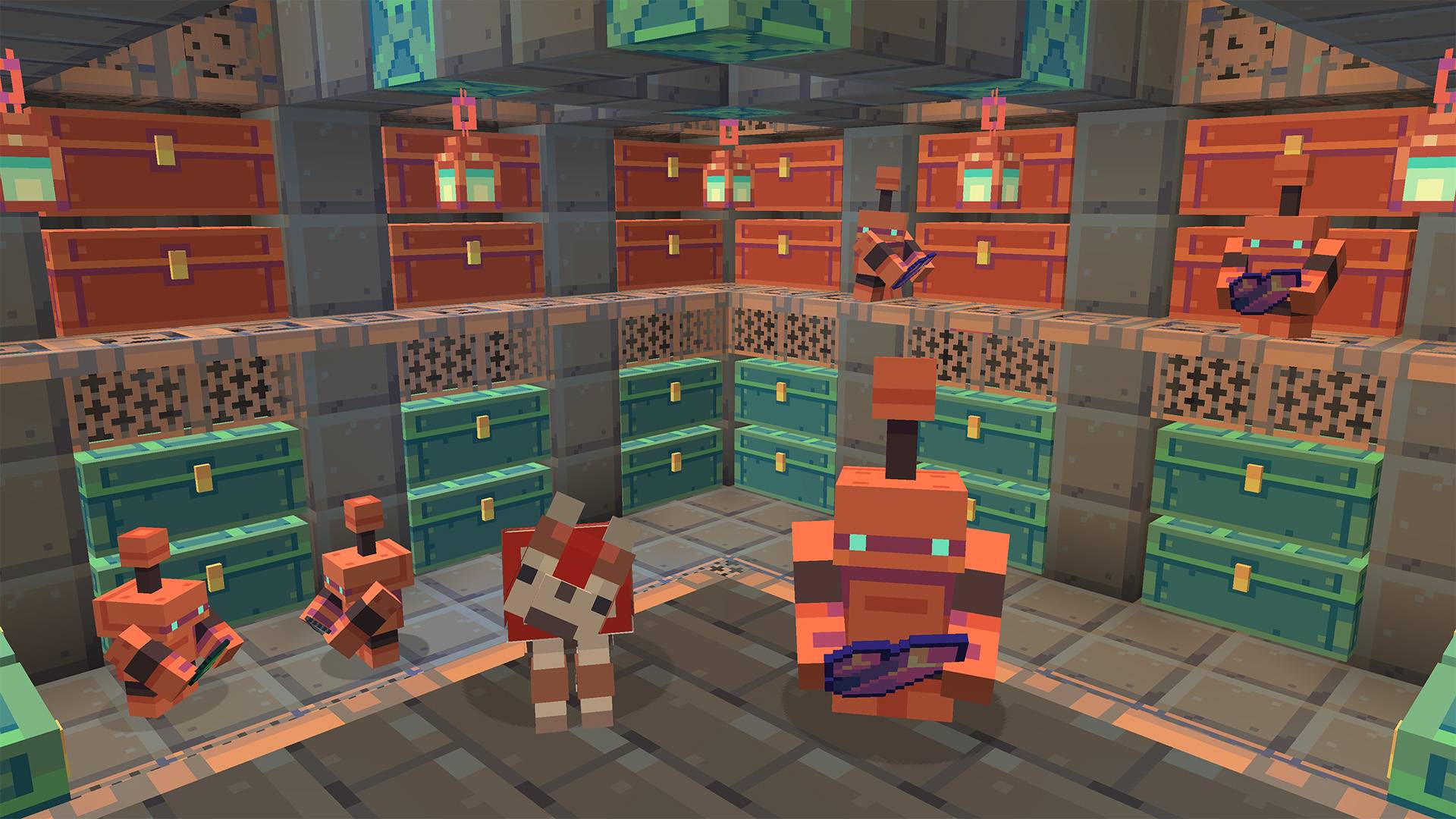
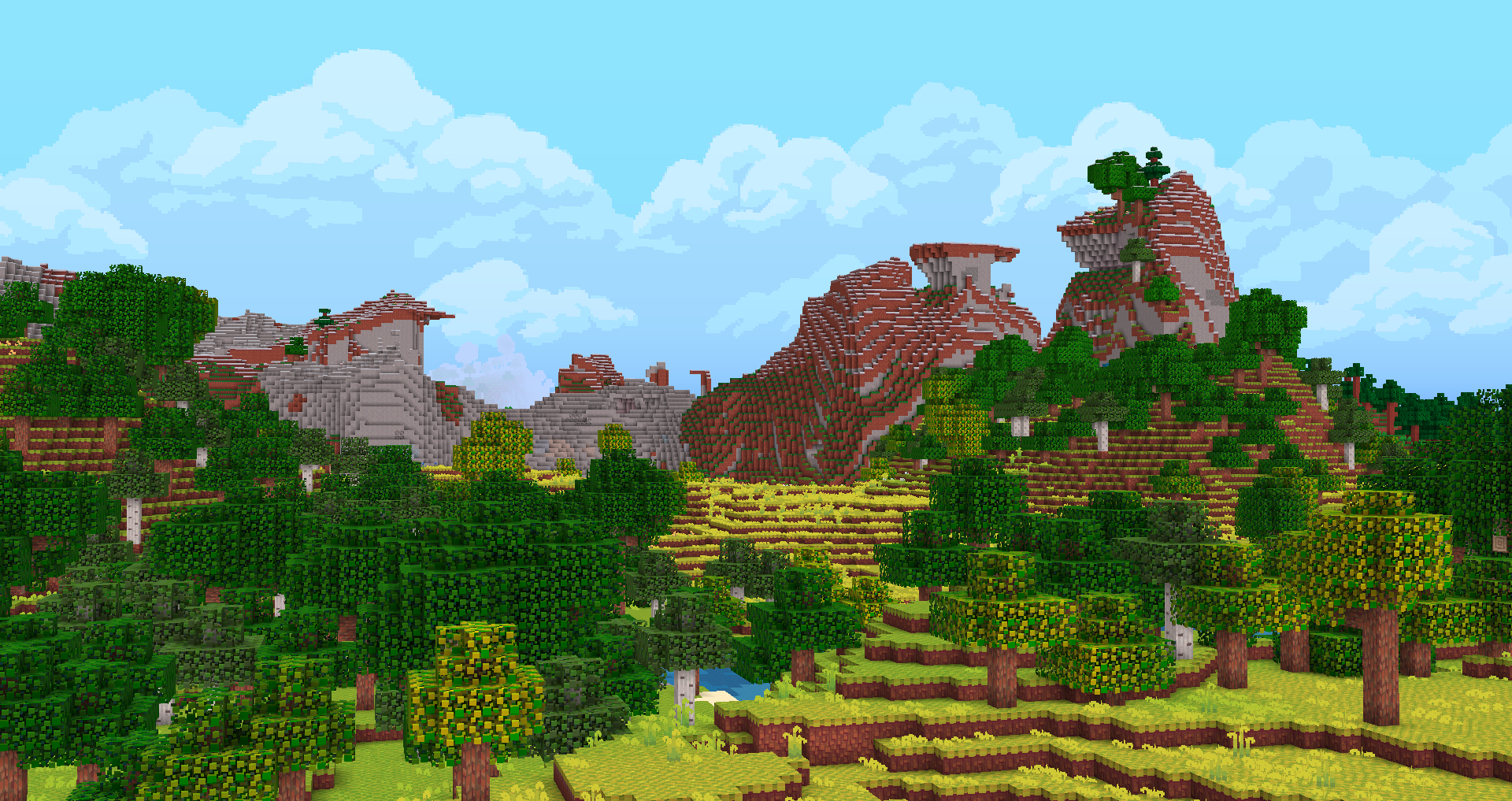
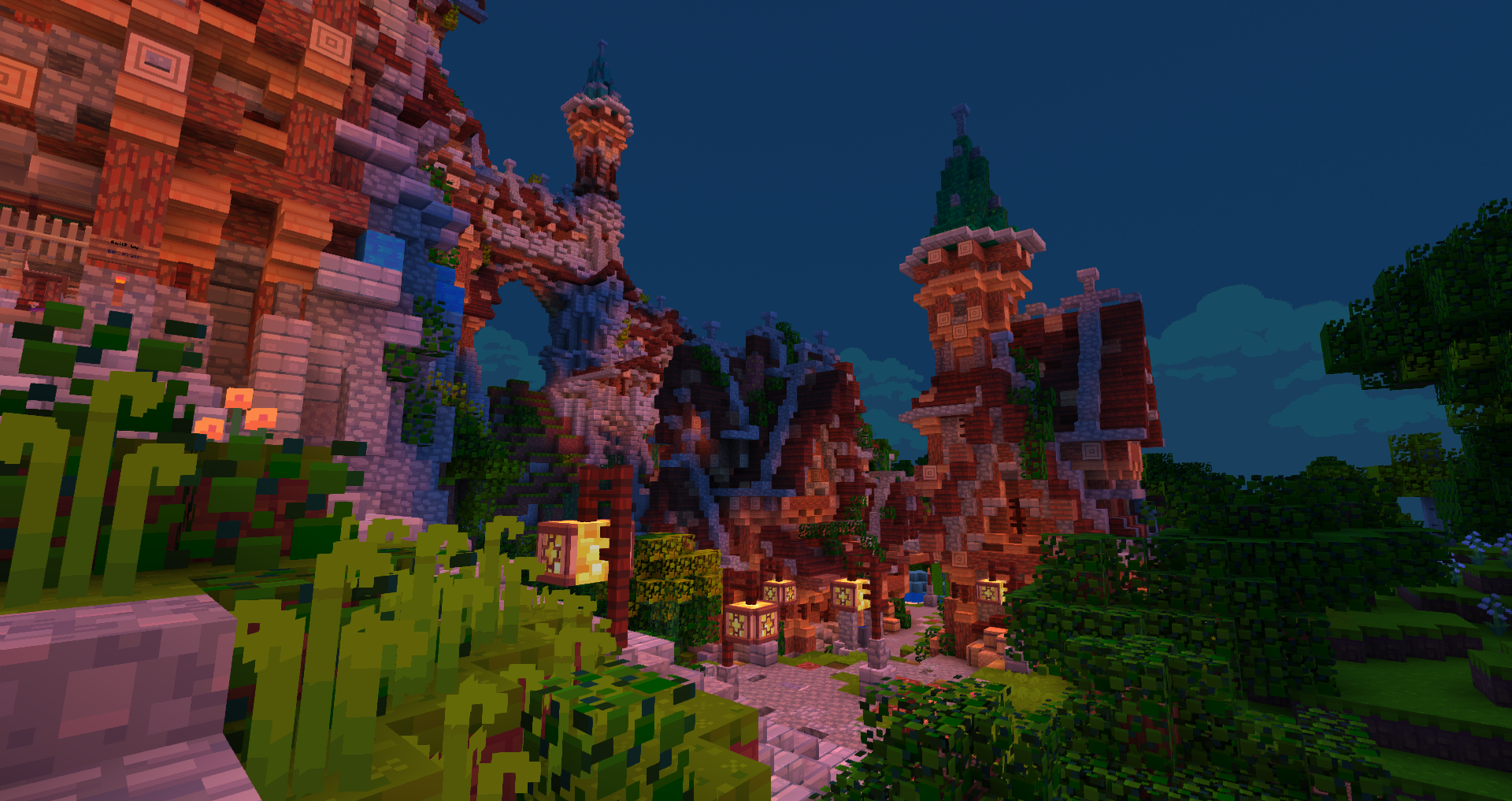
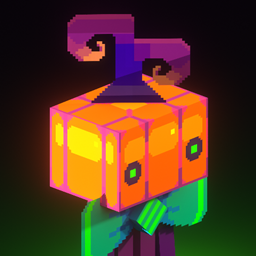
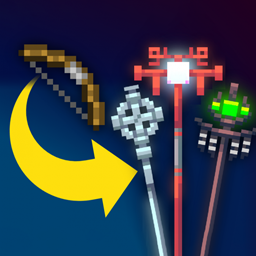
Hafen is a texturepack I've been working on for a while now. I wanted to make a version of Minecraft that's more bright and colorful, taking inspiration from some of my favorite video games! I hope you enjoy.

For Bedrock Players

Hafen is available on the Marketplace for 660 Minecoins, and it is now fully updated to 1.21.10.

Link to Hafen on the marketplace

Join my discord server for info, updates, behind the scenes, and more!

https://discord.gg/E5MuAfpcmq


Add-Ons **[1.19.2 or Lower UI Fix]( Link Removed: https://www.mediafire.com/file/7lt1zht8375pp7m/Hafen_Addon_1.19.2_Fix.zip/file )** **[Classic Items]( Link Removed: http://www.mediafire.com/file/bfgfn1zc4juwe0m/Hafen_Addon_ClassicItems.zip/file )** **[Classic UI]( Link Removed: http://www.mediafire.com/file/xafw9uohvcicqux/Hafen_Addon_ClassicUI.zip/file )** **[Classic Colors]( Link Removed: http://www.mediafire.com/file/fe20hwbuievqacb/Hafen_Addon_ClassicColors_v1.2.zip/file )** **[Pink Menus]( Link Removed: http://www.mediafire.com/file/g0mwrur6hctol4c/Hafen_Addon_PinkMenus.zip/file )** **FAQ**
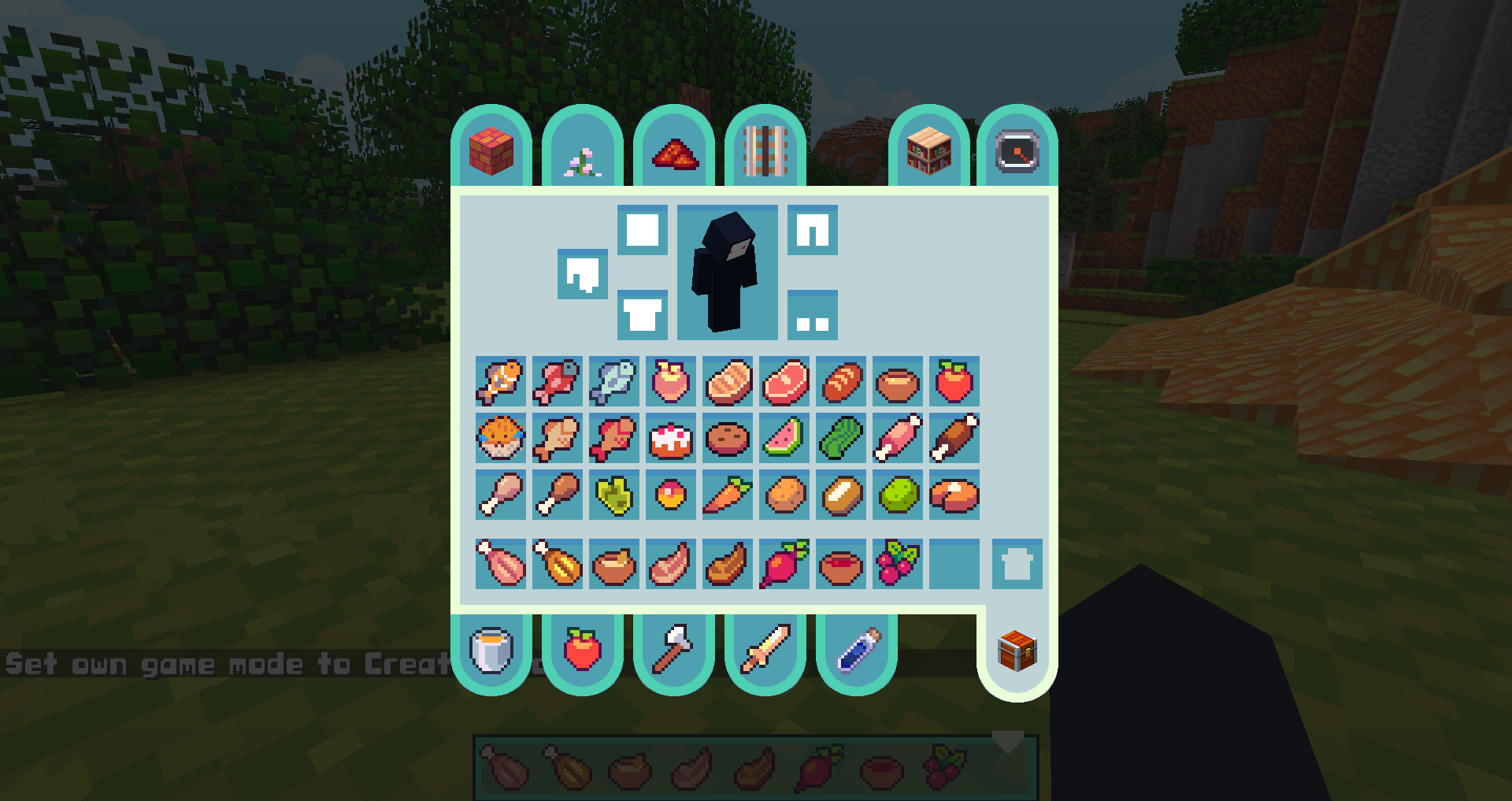
Q: The creative inventory UI is totally broken!
A: Try installing the "1.19.2 or Lower UI Fix" Add-on

Q: There the bottom of the sky is a big white shape. How can I fix this?
A: Go into Options -> Video Settings -> Details -> Sky: OFF

Q: I do not like the font. Can I change it?
A: Yes. Within the fonts folder (assets\minecraft\textures\font) there is a file called "optional ascii". If you wish to use the alternate font, delete the "ascii" file and rename "optional ascii" to "ascii".

Q: I am not fond of the 2.0 update. Is there any way I can get the old textures?
A: I have made add-ons so you can add old textures back into your game. You can see them a bit higher on this post.

Q: How do I use the add-ons?
A: The add-ons are mini texturepacks which override the files of Hafen. In the texture packs menu, simply activate the add-on and place it above Hafen.

Q: When I try to activate your texture pack, it tells me it is made for an older version. Is this okay?
A: Yes, in most cases you can safely ignore that prompt. If you are playing in 1.14, install the Fix Chests Add-On and activate it on top of the latest version resource pack. If you are playing in 1.12, there is a special download at the top of this page.

Q: The light is too orange! Can I change it?
A: Yes. You can install the Orange Light Reduction add-on. Alternatively, if you want to disable the pack's custom lightmap functions entirely, you can go into Options -> Video Settings -> Quality -> Custom Colors: OFF

Q: I play in an earlier version of Minecraft. What versions are available for Hafen?
A: Anything after 1.12.

Q: Can I get this pack for Windows10/Mobile/Xbox/PS4/Switch?
A: Yes, it's available on the marketplace for 660 Minecoins.

If you use this resource pack for any video, server, or modpack, credit is appreciated but not required.


Hafen 2.31
MC 26.1, 26.1.1, 26.1.2
Release 2026-05-07 Get
Hafen 2.30
MC 1.21.2-Snapshot, 1.21, 1.21.6-snapshot, 1.20.5, 1.21.5, 1.20.5-Snapshot, 1.21.8, 1.21.1-Snapshot, 1.21.9, 1.21.10, 1.21.4, 1.21.5-Snapshot, 1.20.3, 1.20.6, 1.20.4, 1.21-Snapshot
Release 2025-10-22 Get
Hafen 2.29
MC 1.21.2-Snapshot, 1.21, 1.21.6-snapshot, 1.20.5, 1.21.5, 1.20.5-Snapshot, 1.21.8, 1.21.1-Snapshot, 1.21.9, 1.21.10, 1.21.4, 1.21.5-Snapshot, 1.20.3, 1.20.6, 1.20.4, 1.21-Snapshot
Release 2025-10-15 Get
Hafen 2.28
MC 1.21.2-Snapshot, 1.21, 1.21.6-snapshot, 1.20.5, 1.21.5, 1.20.5-Snapshot, 1.21.8, 1.21.1-Snapshot, 1.21.9, 1.21.10, 1.21.4, 1.21.5-Snapshot, 1.20.3-Snapshot, 1.20.3, 1.20.6, 1.20.4
Release 2025-10-10 Get
Hafen 2.27
MC 1.21.2-Snapshot, 1.21, 1.21.6-snapshot, 1.20.5, 1.21.5, 1.20.5-Snapshot, 1.21.8, 1.21.1-Snapshot, 1.21.4, 1.21.5-Snapshot, 1.20.3-Snapshot, 1.20.3, 1.20.6, 1.20.4, 1.21-Snapshot
Release 2025-08-01 Get
Hafen 2.26
MC 1.21.2-Snapshot, 1.21, 1.21.6-snapshot, 1.20.5, 1.21.5, 1.20.5-Snapshot, 1.21.8, 1.21.1-Snapshot, 1.21.4, 1.21.5-Snapshot, 1.20.3-Snapshot, 1.20.3, 1.20.6, 1.20.4, 1.21-Snapshot
Release 2025-07-26 Get
Hafen 2.25
MC 1.20.2, 1.20.1, 1.20, 1.19
Release 2023-09-29 Get
Hafen 2.24
MC 1.20.2-Snapshot, 1.20.1, 1.20, 1.19
Release 2023-08-12 Get
Hafen 2.23
MC 1.20.1, 1.19
Release 2023-07-27 Get
Hafen 2.22
MC 1.19.4, 1.20.1, 1.20
Release 2023-06-24 Get
Hafen 2.21 (1.20)
MC 1.19.4, 1.20.1, 1.20
Release 2023-06-15 Get
Hafen 2.20 (1.20)
MC 1.20, 1.19
Release 2023-06-12 Get
Hafen 2.19 [1.20]
MC 1.19.4, 1.20
Release 2023-06-10 Get
Hafen 2.18 [1.19.3]
MC 1.19.3
Release 2023-01-30 Get
2.17 [1.15, 1.16]
MC 1.16-Snapshot, 1.16.3, 1.15-Snapshot, 1.16.1, 1.15, 1.16, 1.15.2, 1.16.4, 1.16.2, 1.15.1
Release 2020-11-29 Get
2.16 [1.15, 1.16]
MC 1.16-Snapshot, 1.15-Snapshot, 1.16.1, 1.15, 1.16, 1.15.2, 1.15.1
Release 2020-07-28 Get
Revival 1.2 (For Java 1.12)
MC 1.12.1, 1.12, 1.12.2, 1.12-Snapshot
Release 2020-04-08 Get
2.15 [1.15, 1.16]
MC 1.16-Snapshot
Release 2020-04-08 Get
2.14 [1.15, 1.16]
MC 1.16-Snapshot
Release 2020-02-12 Get
2.13 [1.15, 1.16]
MC 1.16-Snapshot
Release 2020-02-07 Get
2.11 [1.13] [1.14] [1.15]
MC 1.15-Snapshot, 1.15, 1.15.1
Release 2019-12-31 Get
2.9 [1.13] [1.14] [1.15]
MC 1.13.1, 1.15-Snapshot, 1.14.4, 1.14.1, 1.14.3, 1.15, 1.13, 1.14, 1.14.2, 1.13-Snapshot, 1.14-Snapshot, 1.13.2
Release 2019-12-17 Get
2.7 [1.13] [1.14]
MC 1.13.1, 1.14.4, 1.14.1, 1.14.3, 1.13, 1.14, 1.14.2, 1.13-Snapshot, 1.14-Snapshot, 1.13.2
Release 2019-10-20 Get
2.4 [1.14]
MC 1.14.4, 1.14.1, 1.14.3, 1.14, 1.14.2, 1.14-Snapshot
Release 2019-09-19 Get
2.3 [1.14]
MC 1.14.4, 1.14.1, 1.14.3, 1.14, 1.14.2, 1.14-Snapshot
Release 2019-09-04 Get
2.2 [1.14]
MC 1.14.4, 1.14.1, 1.14.3, 1.14, 1.14.2, 1.14-Snapshot
Release 2019-08-31 Get
2.1 [1.14]
MC 1.14.4, 1.14.1, 1.14.3, 1.14, 1.14.2, 1.14-Snapshot
Release 2019-08-30 Get

Requirements & install

How to use this resource pack in Minecraft
Resolution
16x
Minecraft
1.21.5 – 26.1.2
Install folder
.minecraft/resourcepacks

How to install resource packs

  1. Download the resource pack .zip file (do not extract it).
  2. In Minecraft open Options → Resource Packs → Open Pack Folder.
  3. Drop the .zip into the resourcepacks folder (.minecraft/resourcepacks).
  4. Move the pack to the Selected column and click Done.
Browse more: 16x resource packs 32x resource packs 64x resource packs 128x resource packs 256x resource packs 512x+ resource packs Resource Packs for 26.1.2 All resource packs

More from nongko99

Advertisement Remove ads with Premium →

You Might Also Like