Mineuniverse
Resource Packs
Faithful Ore Outlines (Faithful 64x)

Faithful Ore Outlines (Faithful 64x)

RESOURCE PACK
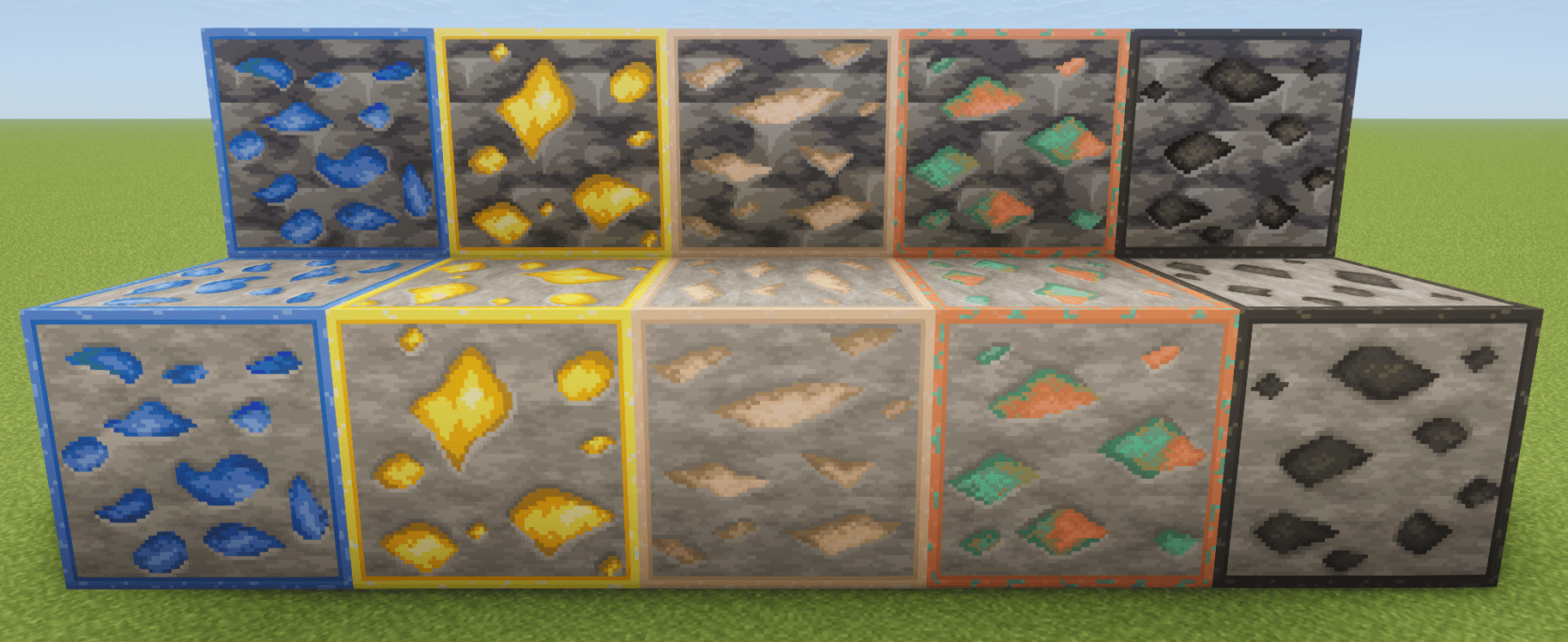
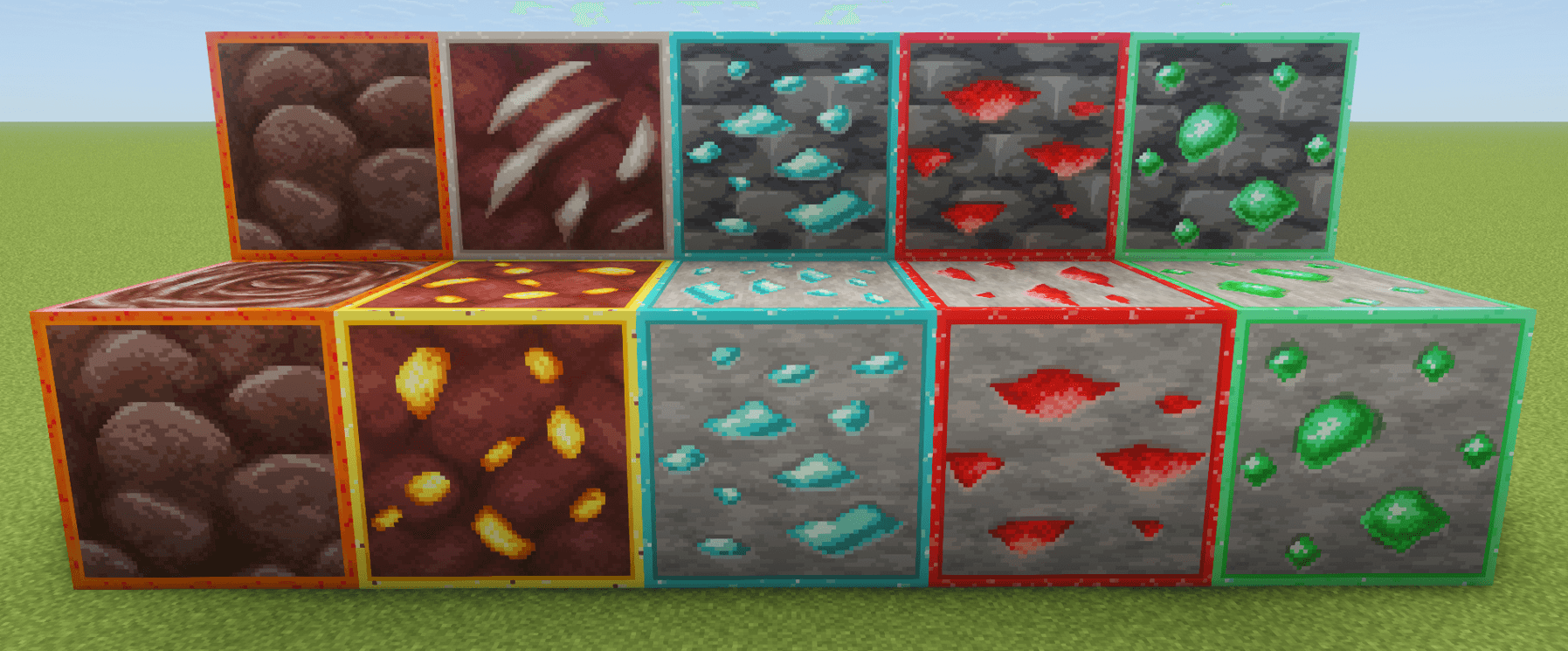
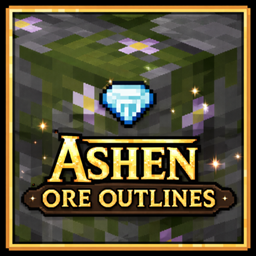
Faithful Ore Outlines enhances Faithful 64x ore textures with bright, high-contrast outlines to make ores easier to spot while preserving the Faithful 64x style.
by iMyth
Download Claim this project
Add a badge to your pageLink to Faithful Ore Outlines (Faithful 64x) from a README, website or forum post.
Preview: Badge

Badges update automatically and link to the resource pack page on MineUniverse.

59,284 downloads
0 likes
0 followers
Updated Oct 14, 2026
0 hypes
Follow0
64x Miscellaneous Traditional
Advertisement Remove ads with Premium →

Title

The go-to 64x ore outline pack for Faithful 64x (Modified)


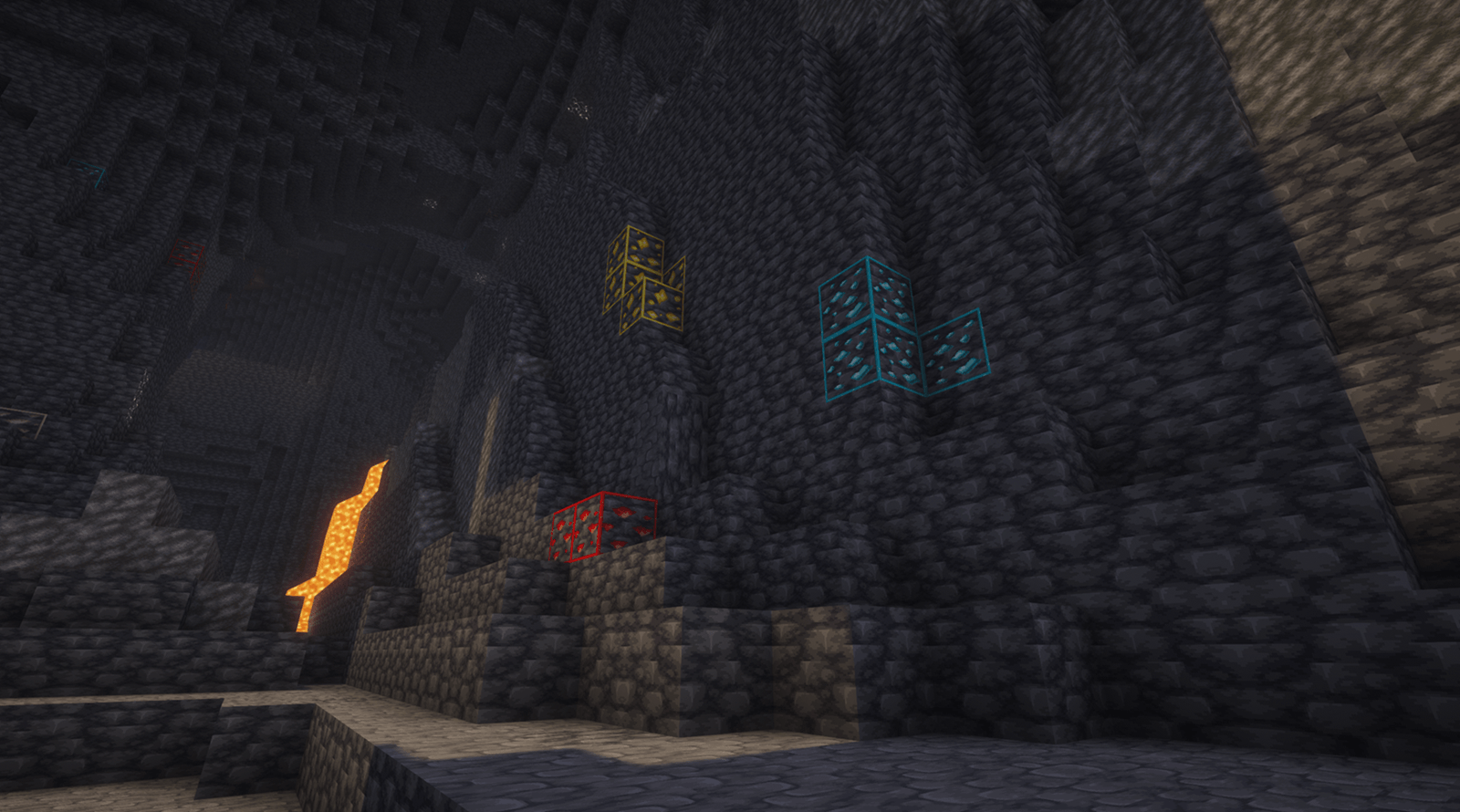
Faithful Ore Outlines is a simple visual tweak to Faithful 64x that redesigns ore textures with bright, high-contrast outlines, making them much easier to spot while mining, without losing the classic Faithful look. This pack only modifies ore textures and is intended to be used as a lightweight visual enhancement for players who want better visibility while keeping Faithful’s style intact. This works very well when using shaders, as most shaders make dark areas, even more dark. No more squinting to see those diamonds!


Make sure that you put this pack ON TOP of "Faithful 64x" or any other resource packs to ensure the outline textures appear!


Attribution

Textures are modified versions of Faithful 64x ore textures.
Original textures by "Faithful 64x" Resource Pack: https://faithfulpack.net

This project is unofficial and not affiliated with or endorsed by the Faithful Resource Pack team.

I do not own these textures. I simply modified them.

Faithful Ore Outlines (Faithful 64x)
MC 1.21, 1.15, 1.16, 1.19.4, 1.21.8, 1.17, 1.21.5, 1.18, 1.21.4, 1.20, 1.21.1, 1.21.6, 1.21.7, 1.19, 1.21.9, 1.21.10, 1.21.11, 26.1, 26.1.1, 26.1.2, 26.2
Release 2026-01-20 Get

Requirements & install

How to use this resource pack in Minecraft
Resolution
64x
Minecraft
1.21.8 – 26.2
Install folder
.minecraft/resourcepacks

How to install resource packs

  1. Download the resource pack .zip file (do not extract it).
  2. In Minecraft open Options → Resource Packs → Open Pack Folder.
  3. Drop the .zip into the resourcepacks folder (.minecraft/resourcepacks).
  4. Move the pack to the Selected column and click Done.
Browse more: 16x resource packs 32x resource packs 64x resource packs 128x resource packs 256x resource packs 512x+ resource packs Resource Packs for 26.2 All resource packs

More from iMyth

Advertisement Remove ads with Premium →

You Might Also Like