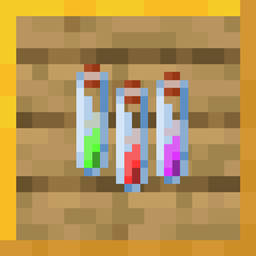
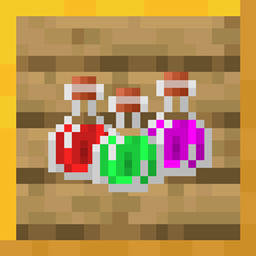
For the Extra Alchemy mod, the vanilla pack can be found HERE
I'm still working on backporting to previous versions.
. .
.
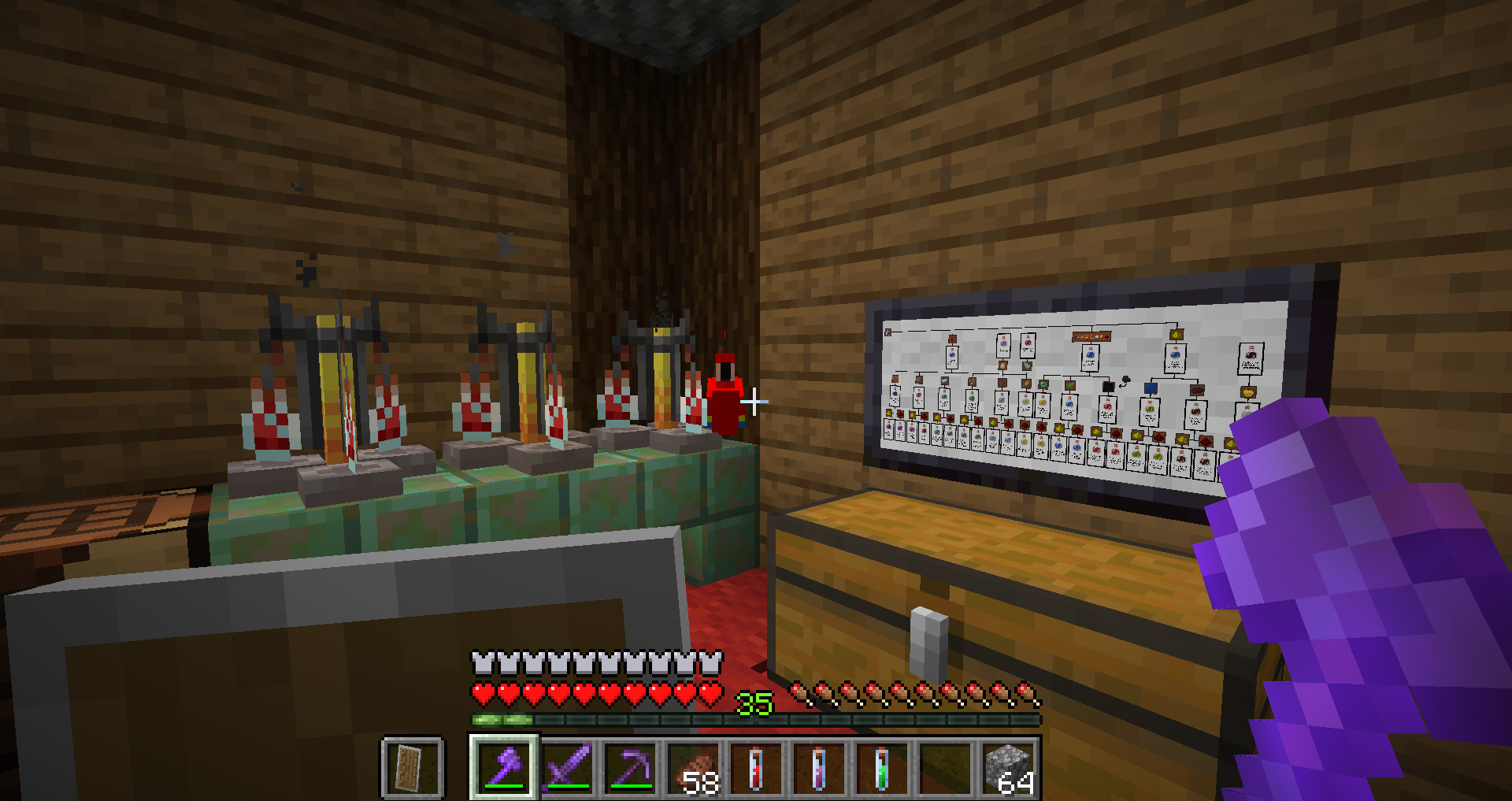
Small 2x1 painting viewed in-game
. .
.
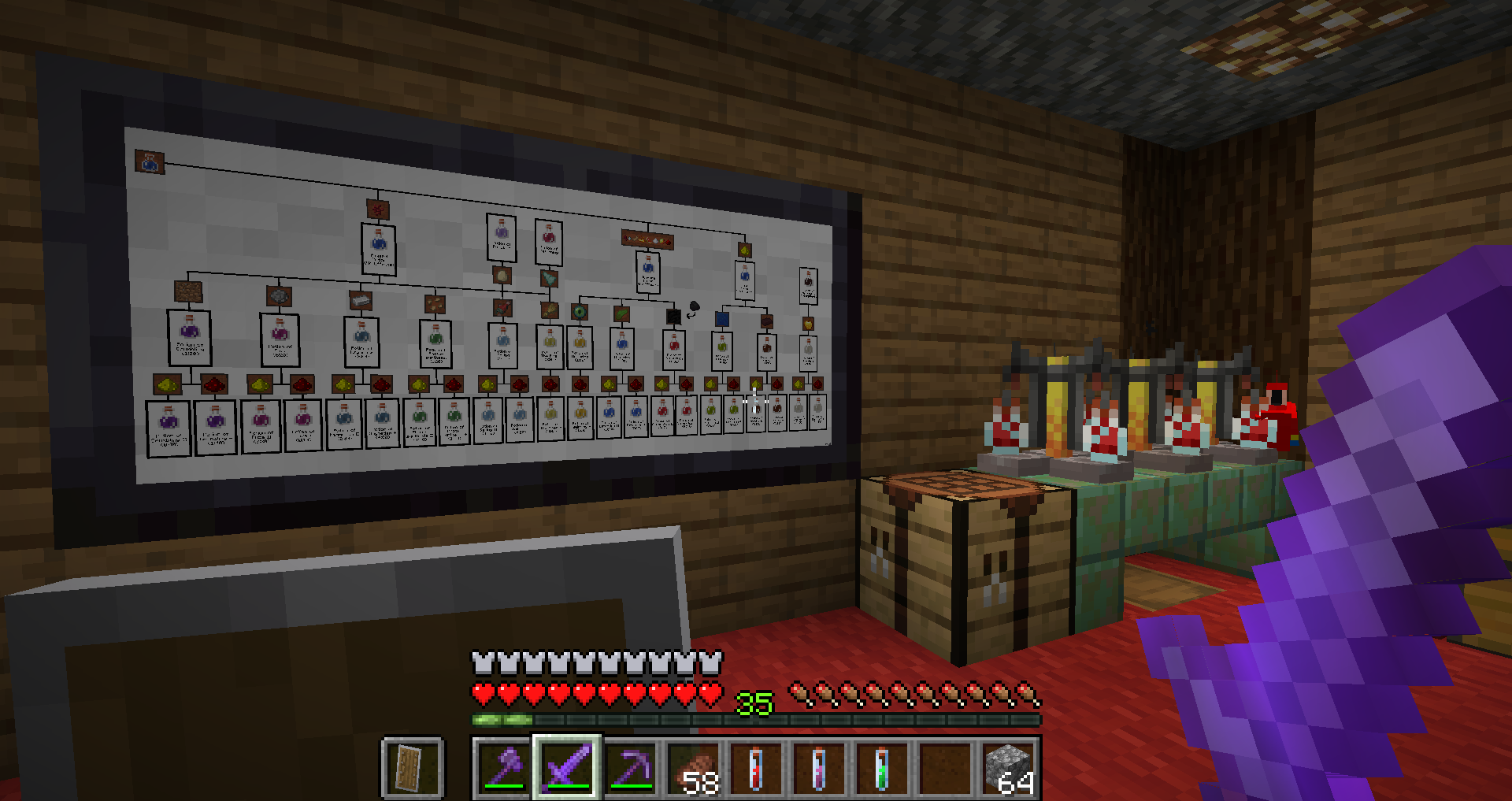
Large 4x2 painting viewed in-game
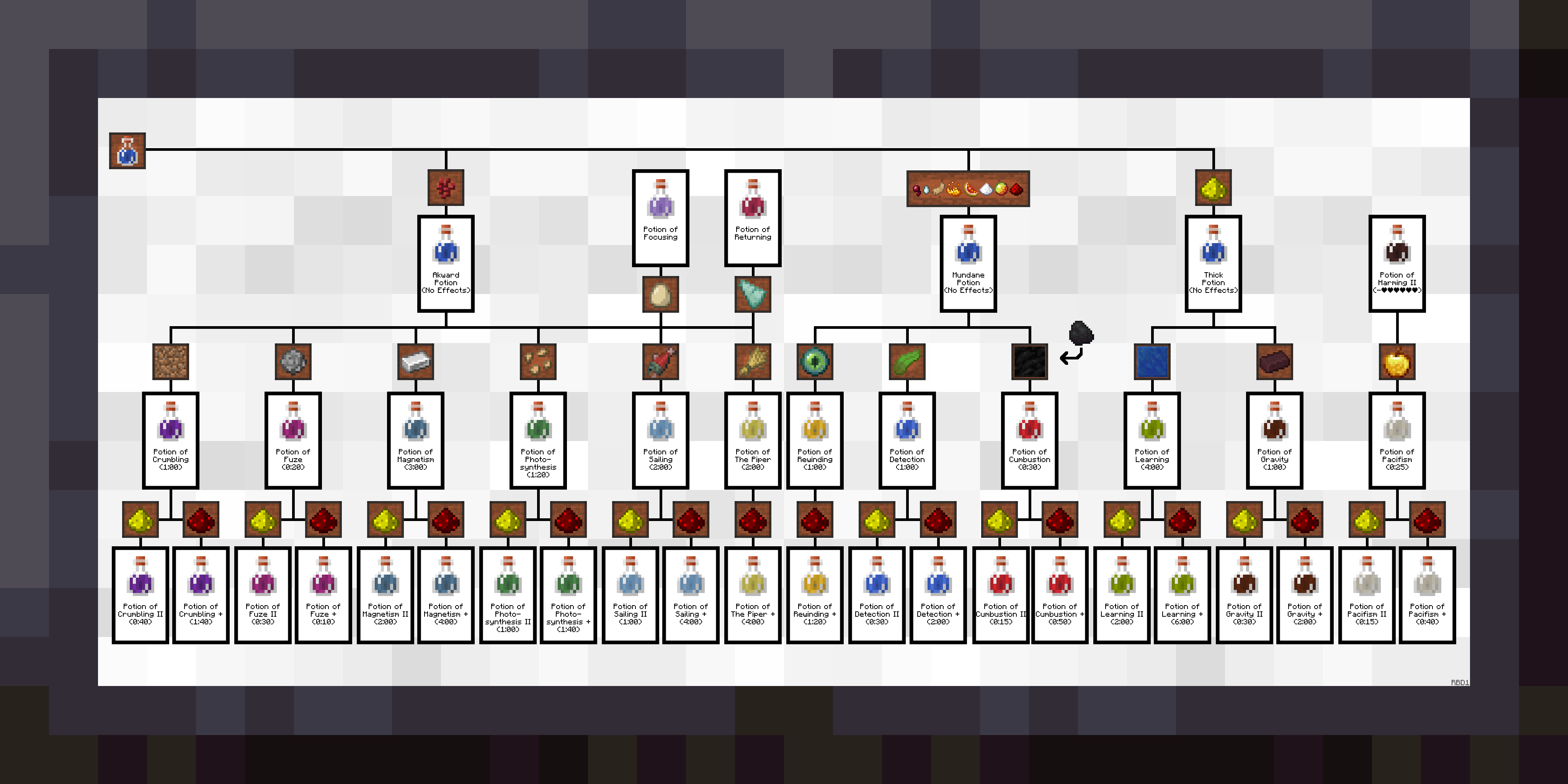 .
.
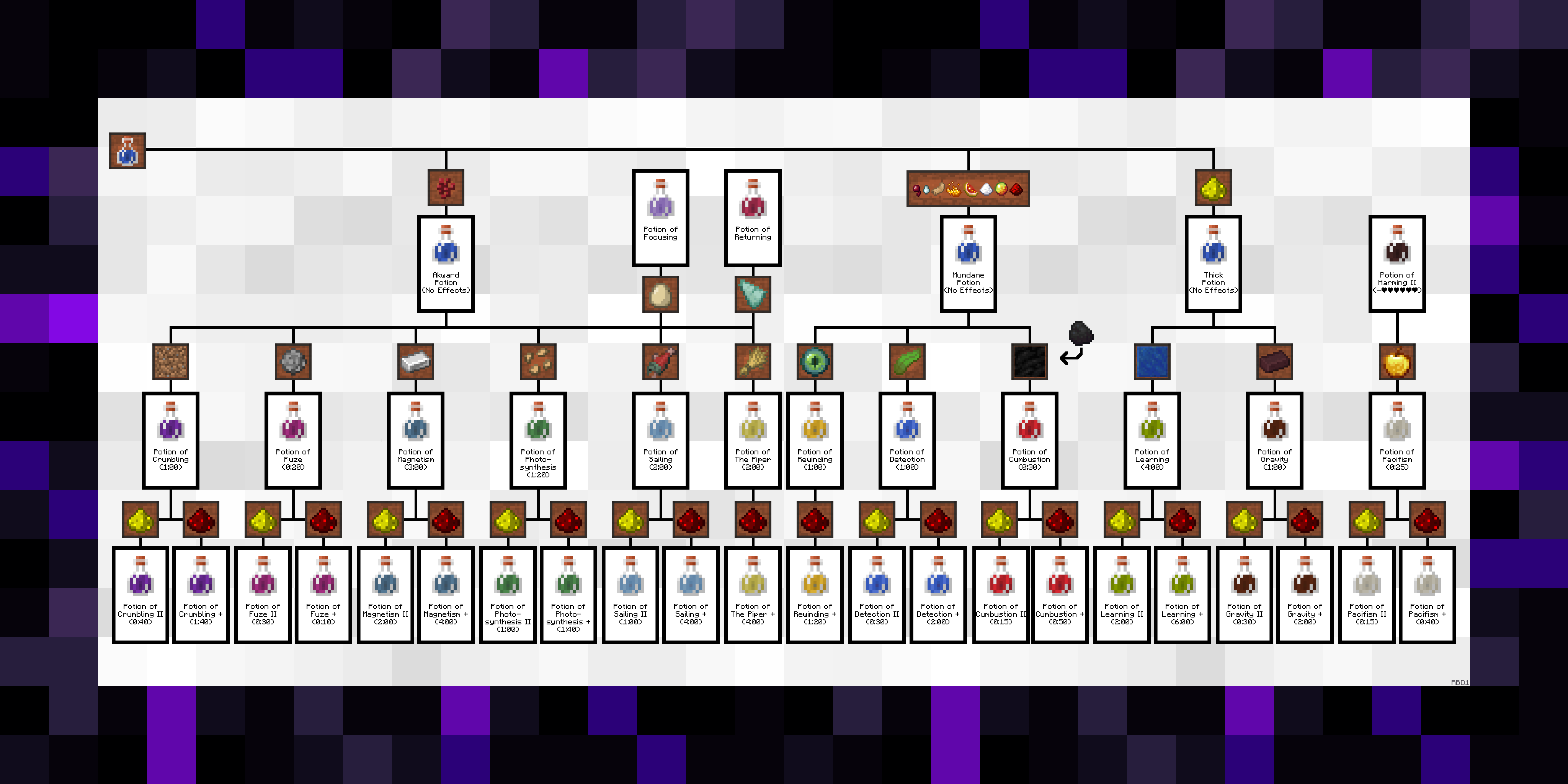
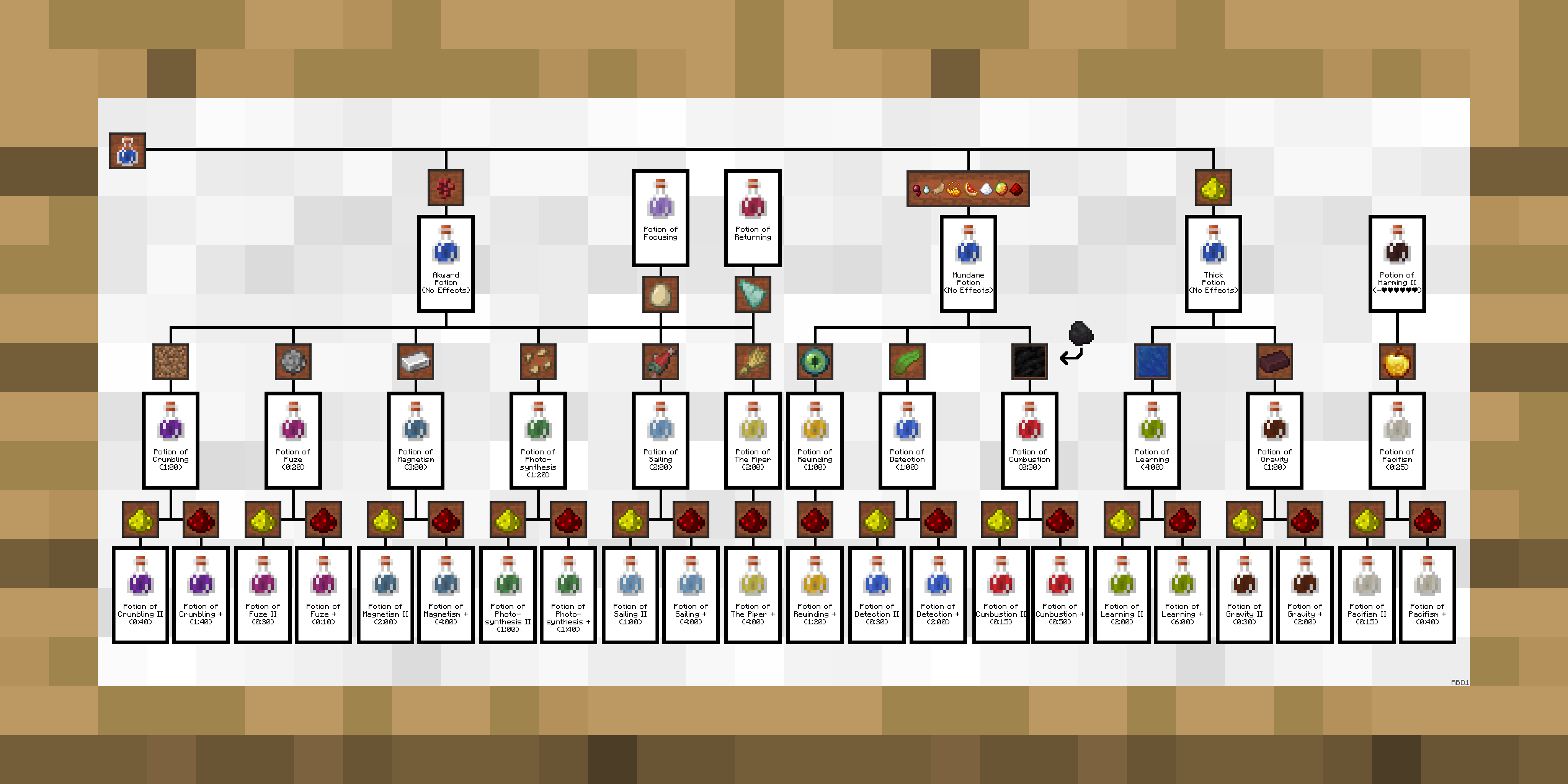
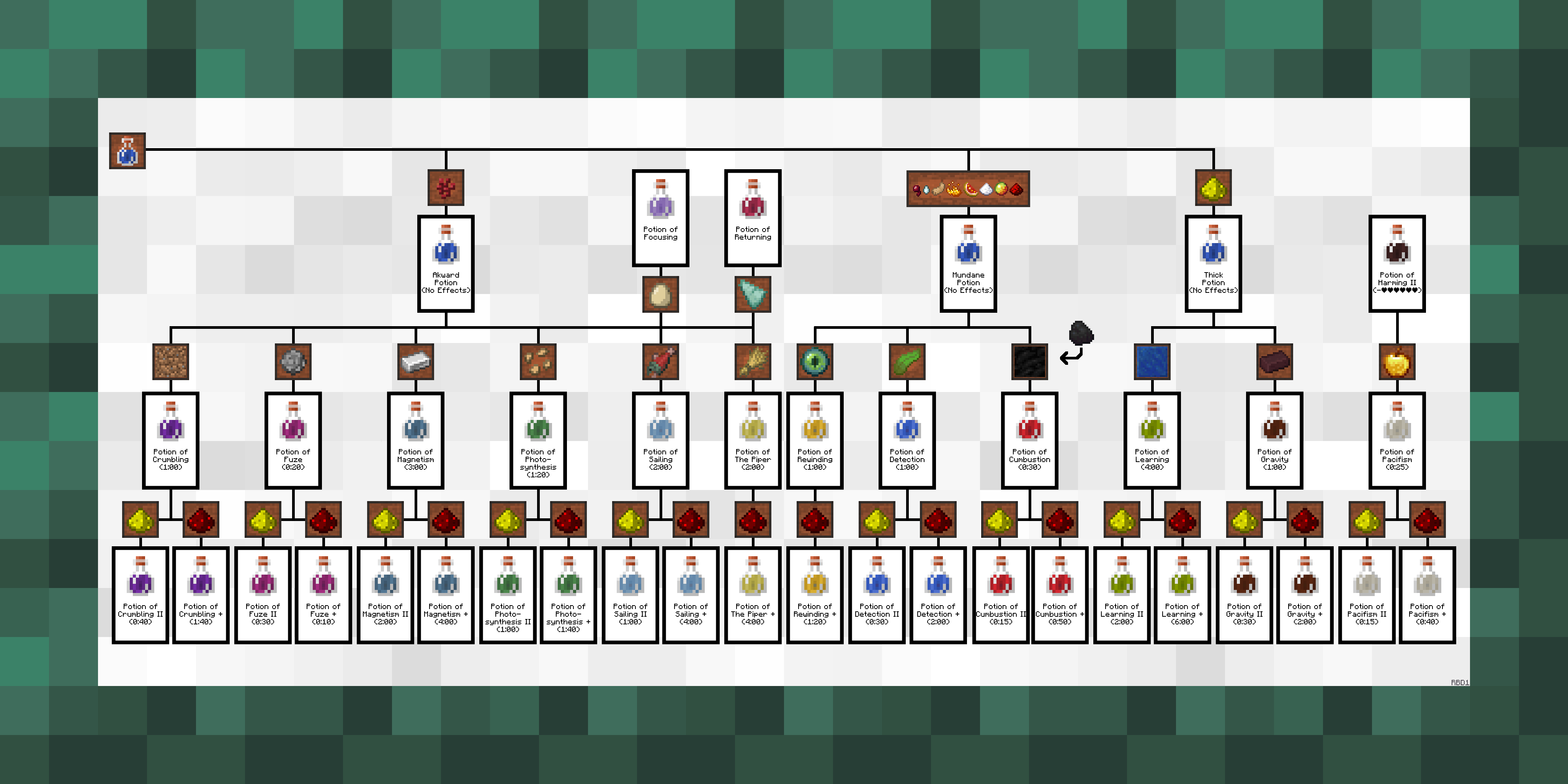
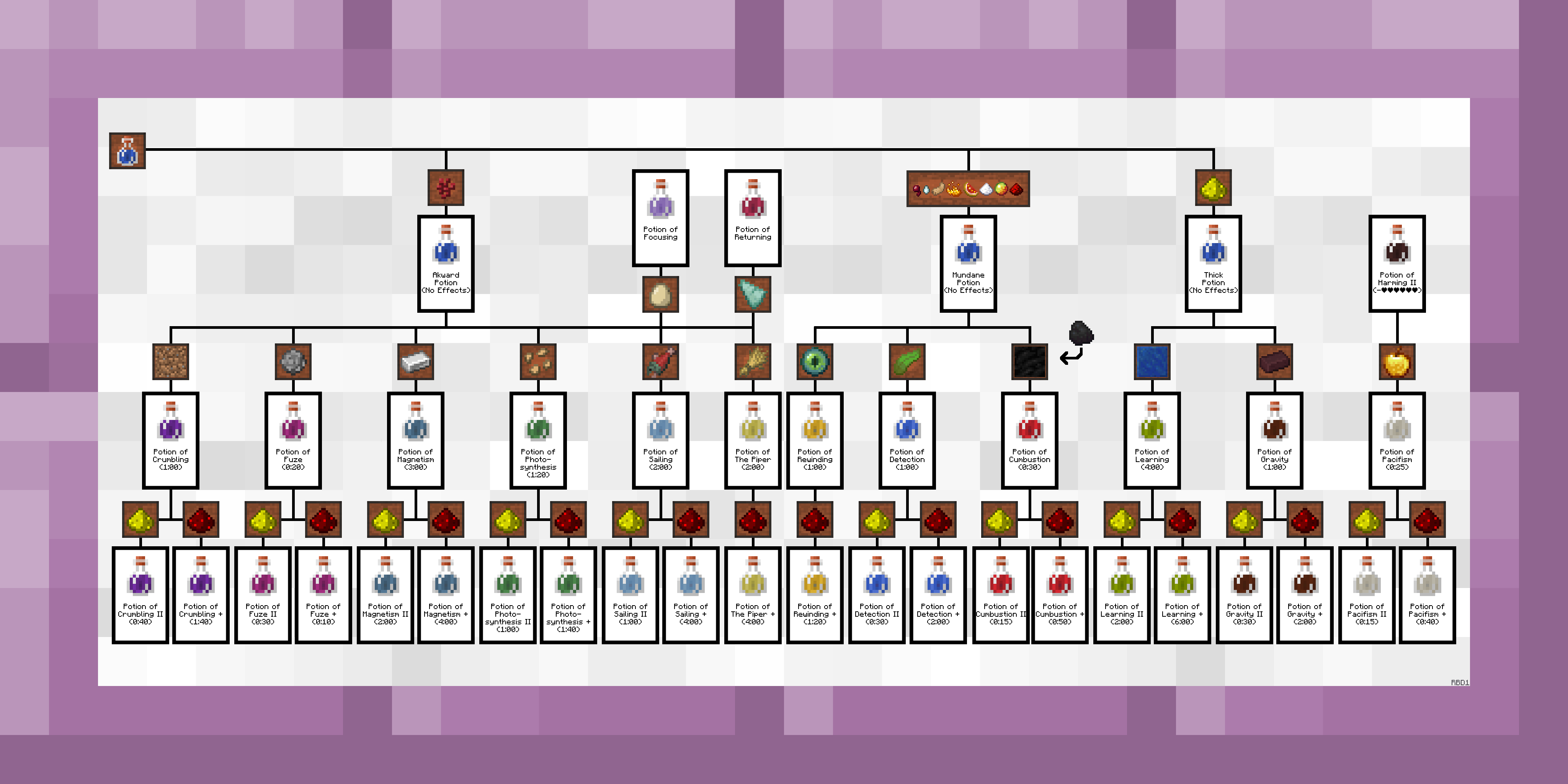
Default Texture
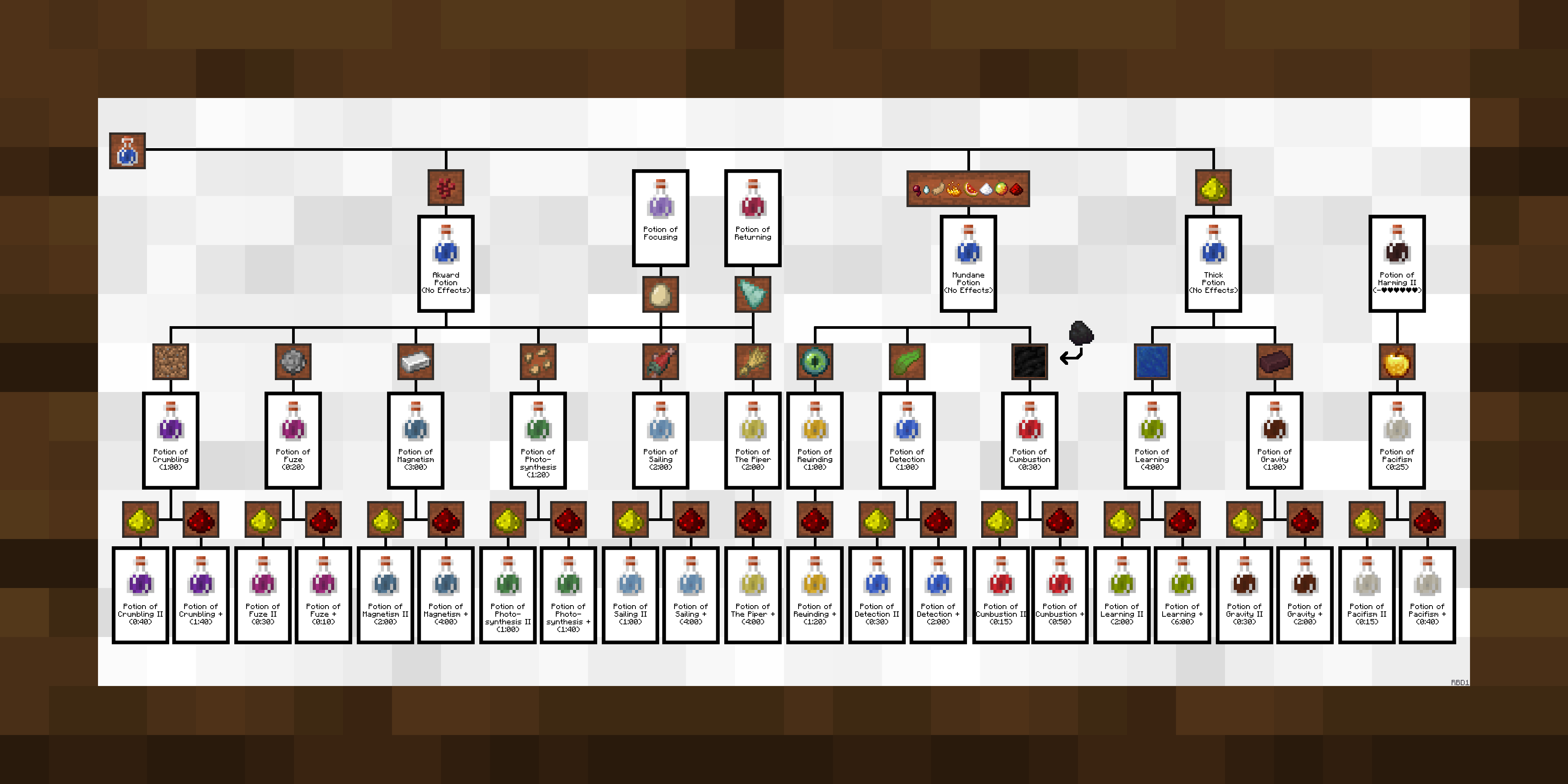
The alternative frames
. 
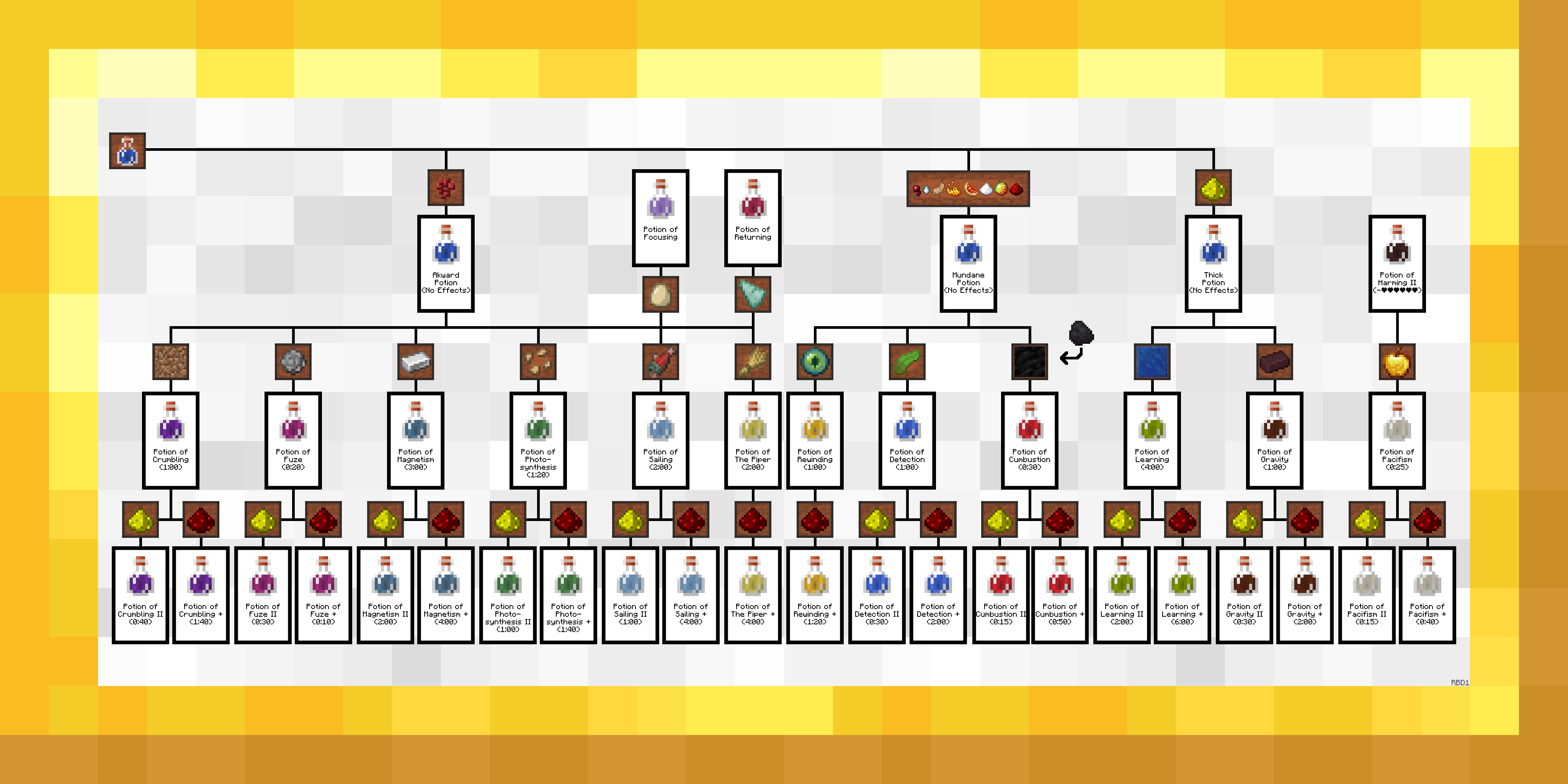
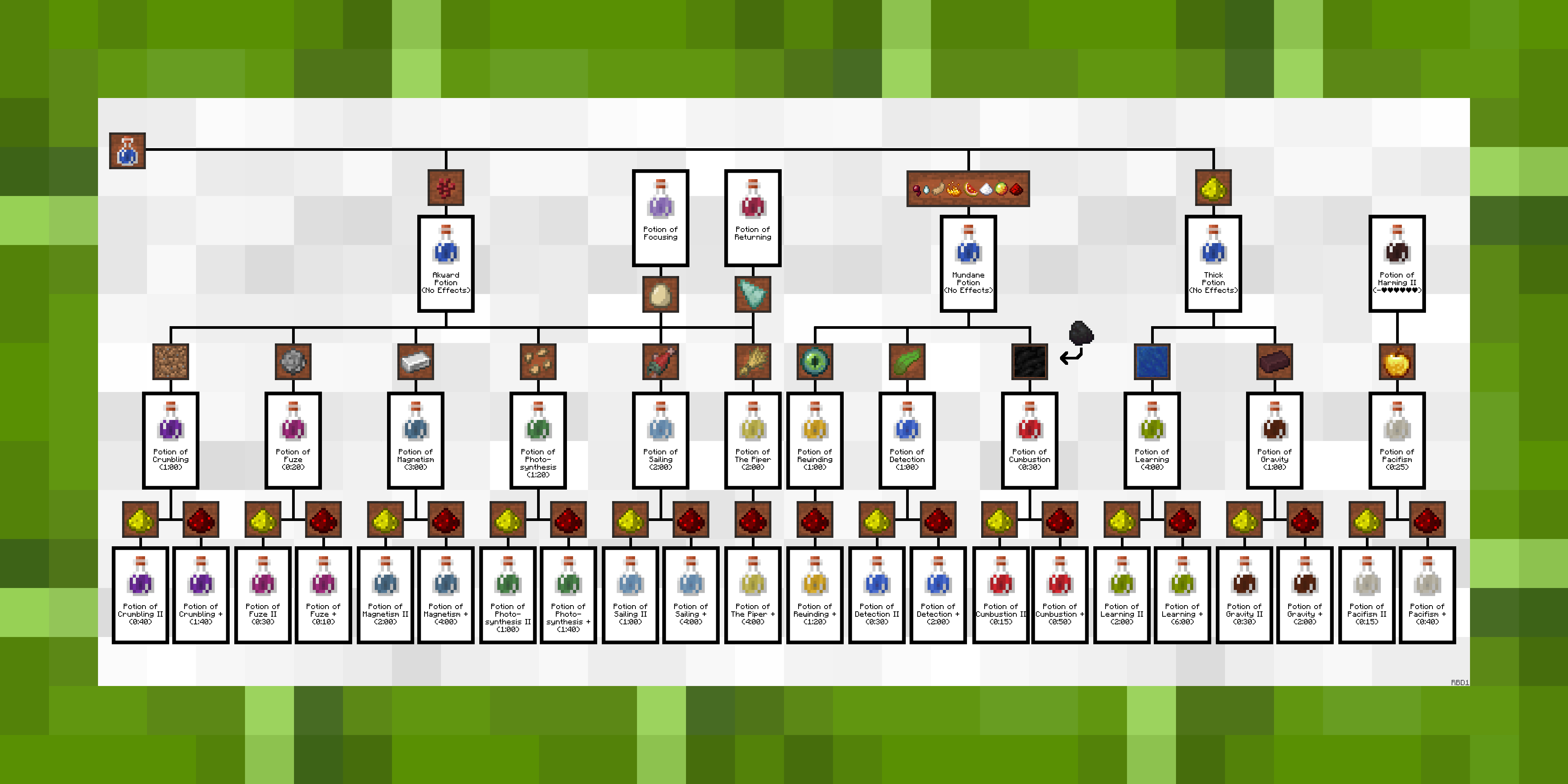 .
.
. 
 .
.
. 
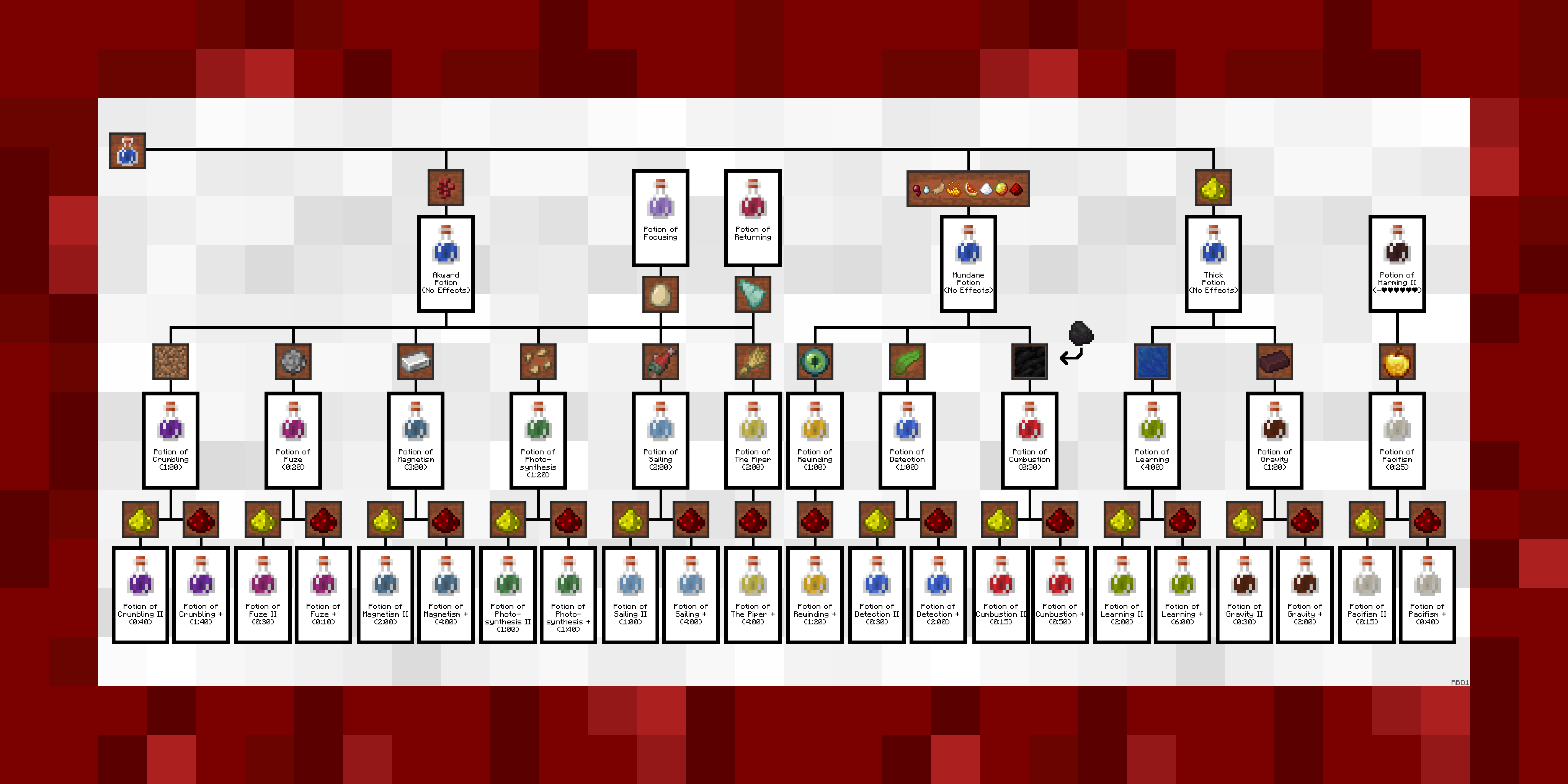
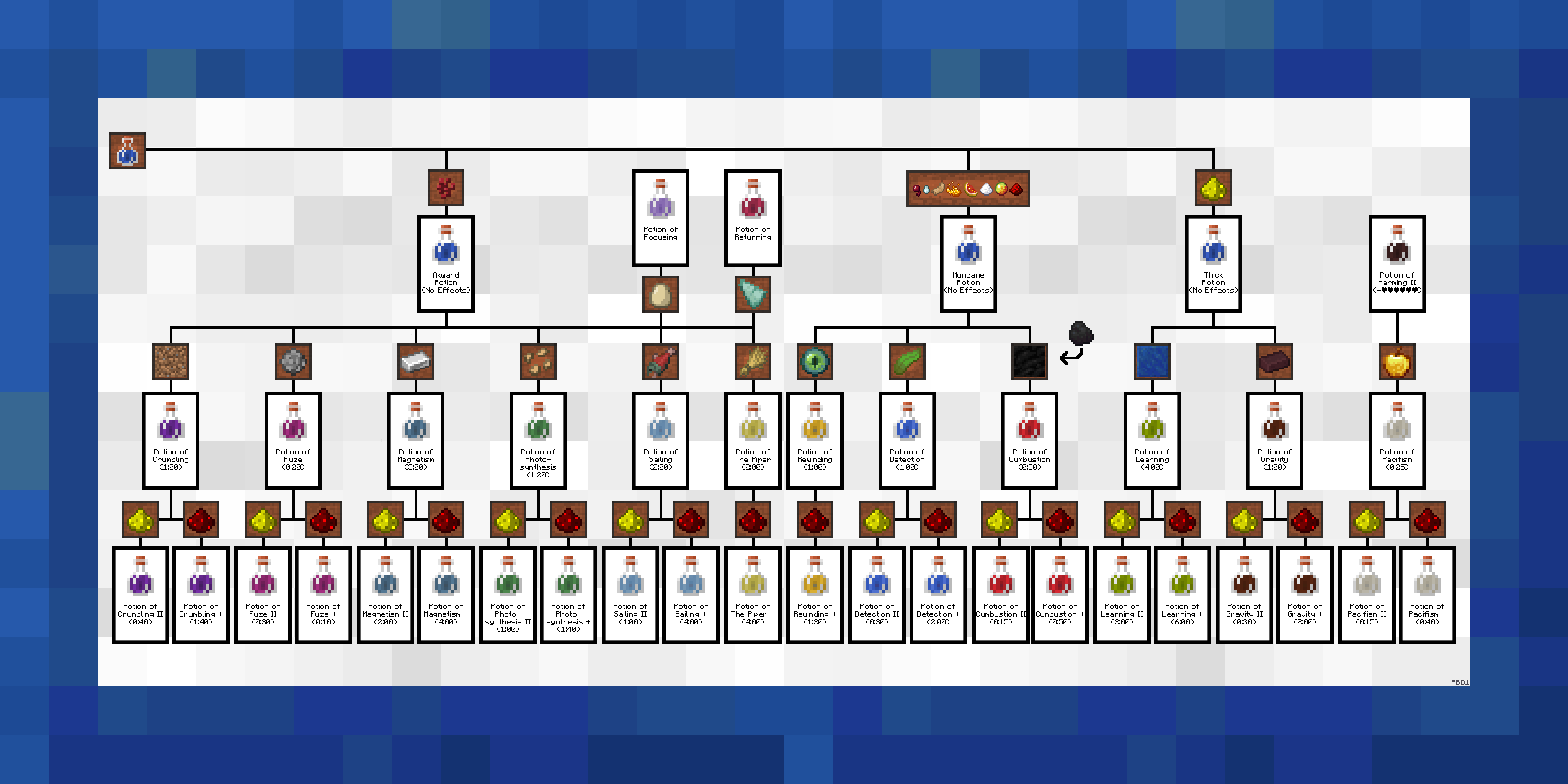 .
.
. 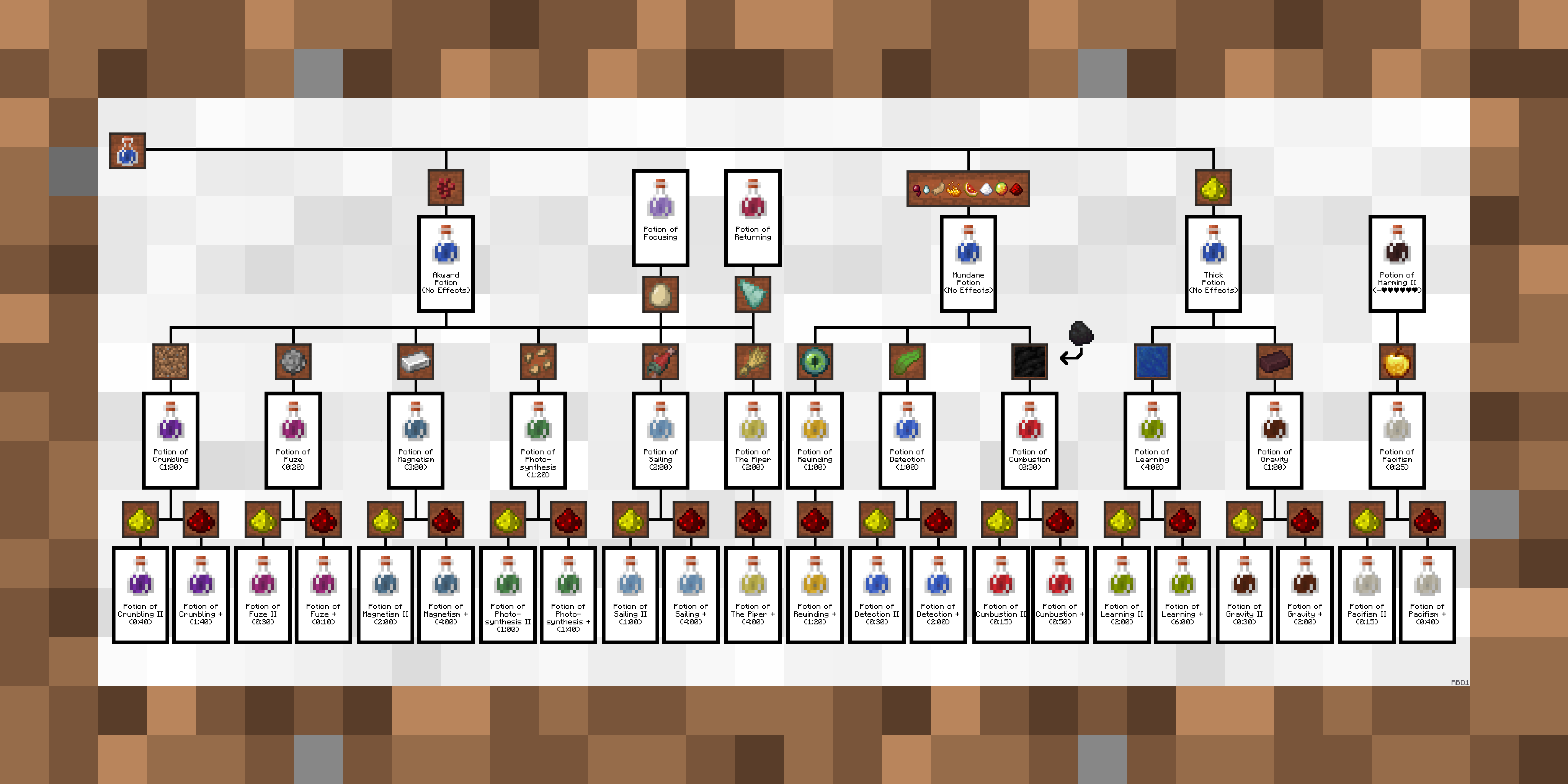 .
.
Description / Instructions
This resource pack is intended for use with the Extra Alchemy mod that adds in more potion effects and types. Just add to your game like any other texture pack and it will replace the "sea" and "fighters" paintings. If you are also running the vanilla pack then the one that is shown above the other in the resource pack menu gets priority for the large 4x2 painting. You can use the alternative frames by replacing the default one in the folder and naming them "sea" or "fighters". You can also replace the other 4 vanilla landscape paintings, more information is in the included .txt file.
The Vanilla Potion Pack
Extra Notes
> You may use this pack in your maps though I would prefer you to credit me somewhere (in the map, map file, or description on the page you download it from) .
> Clearly don't re-upload this pack as your own, edited or not (within custom maps are fine).
> If you use the alternative frames the sides of the paintings will still be wood, this is a limitation in Minecraft's engine and cannot be changed without changing ALL of the sides of Minecraft's paintings.
> TO OPTIFINE DEVELOPERS, I would love to be able to expand on this pack with randomized textures and maybe even texture overlays, but Optifine doesn't support what I think was described as "atlas textures for entities" or something like that.