Mineuniverse
Resource Packs
BrewingCanvas - Potion Guide

BrewingCanvas - Potion Guide

RESOURCE PACK
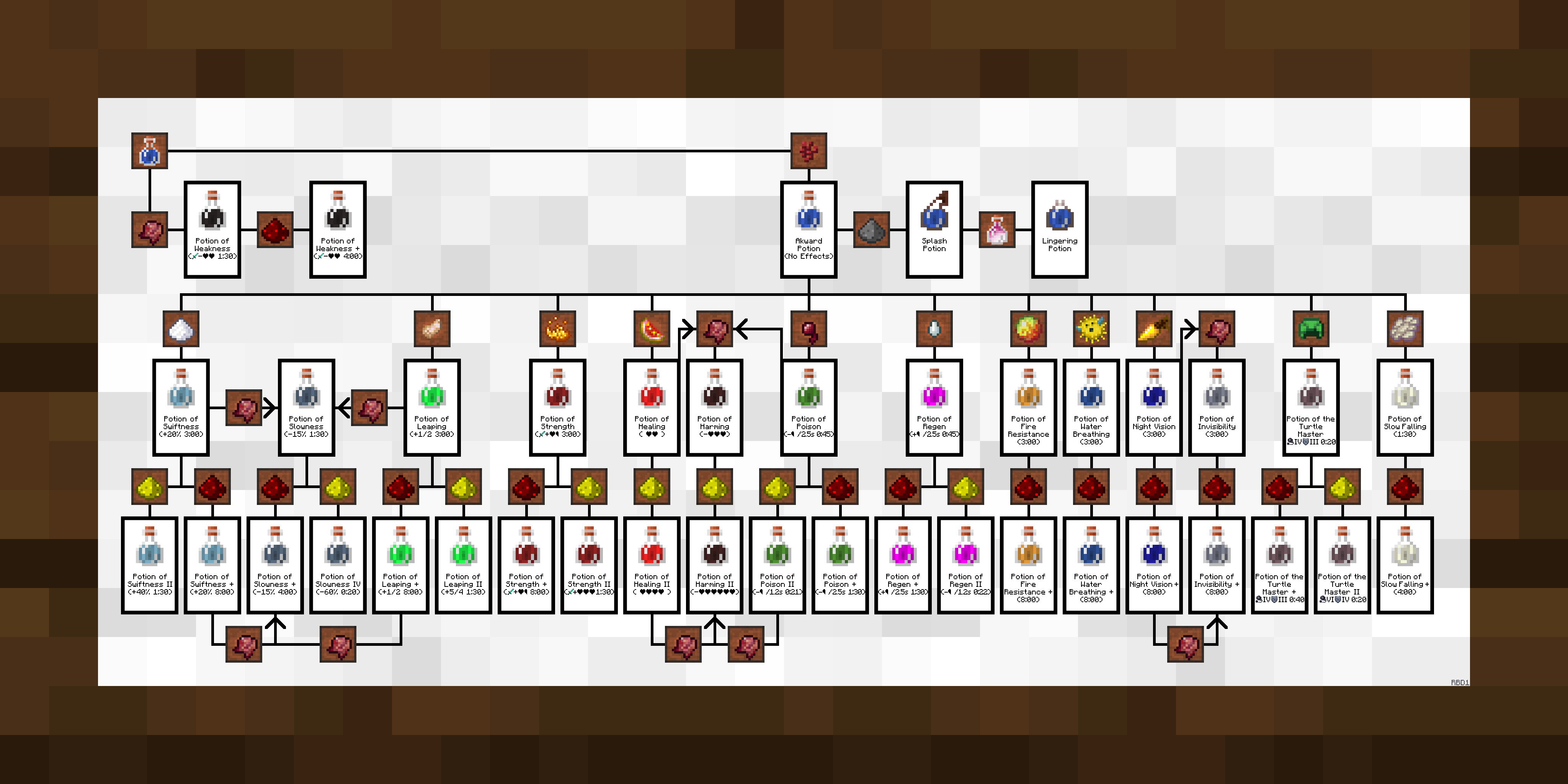
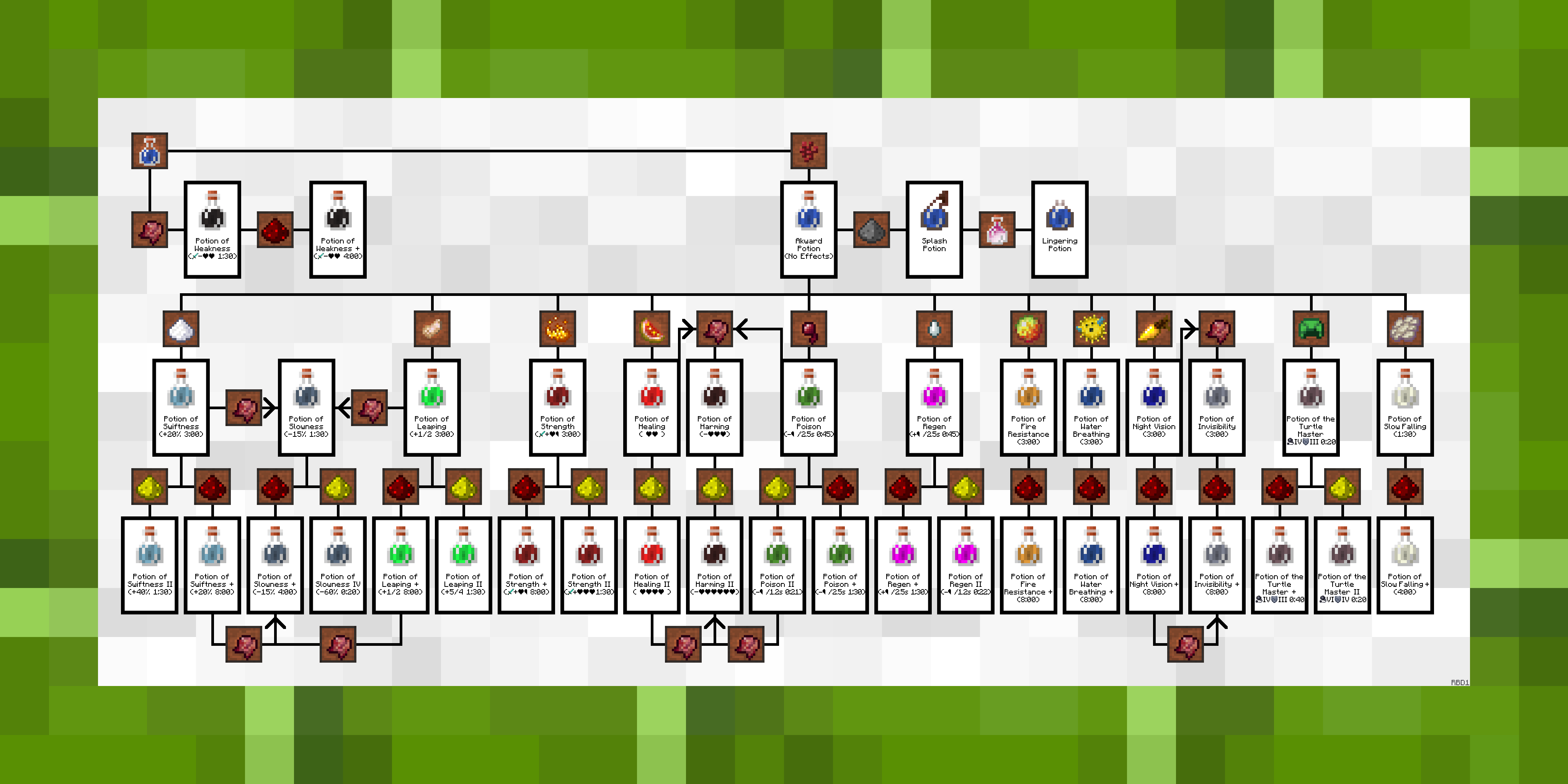
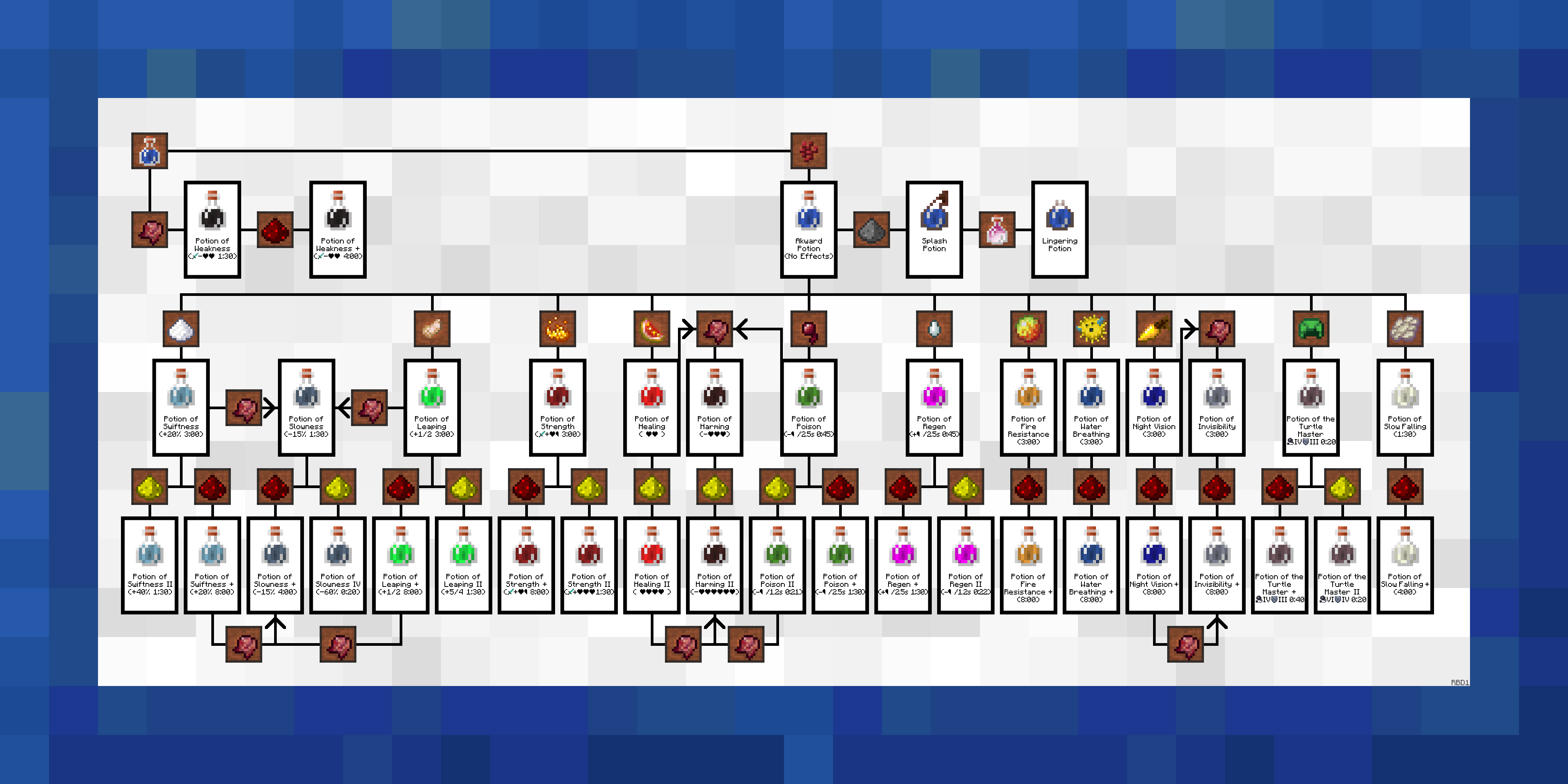
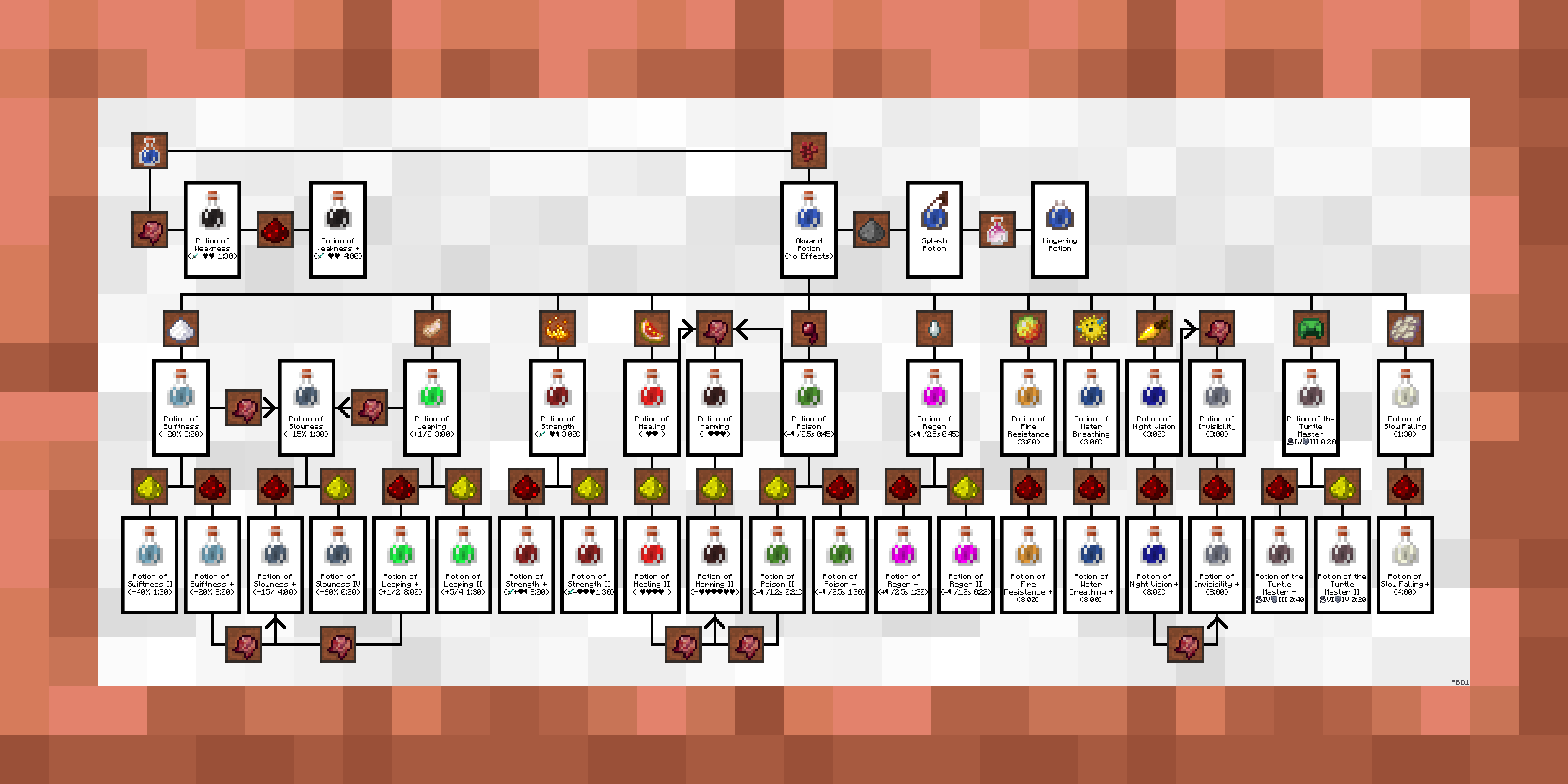
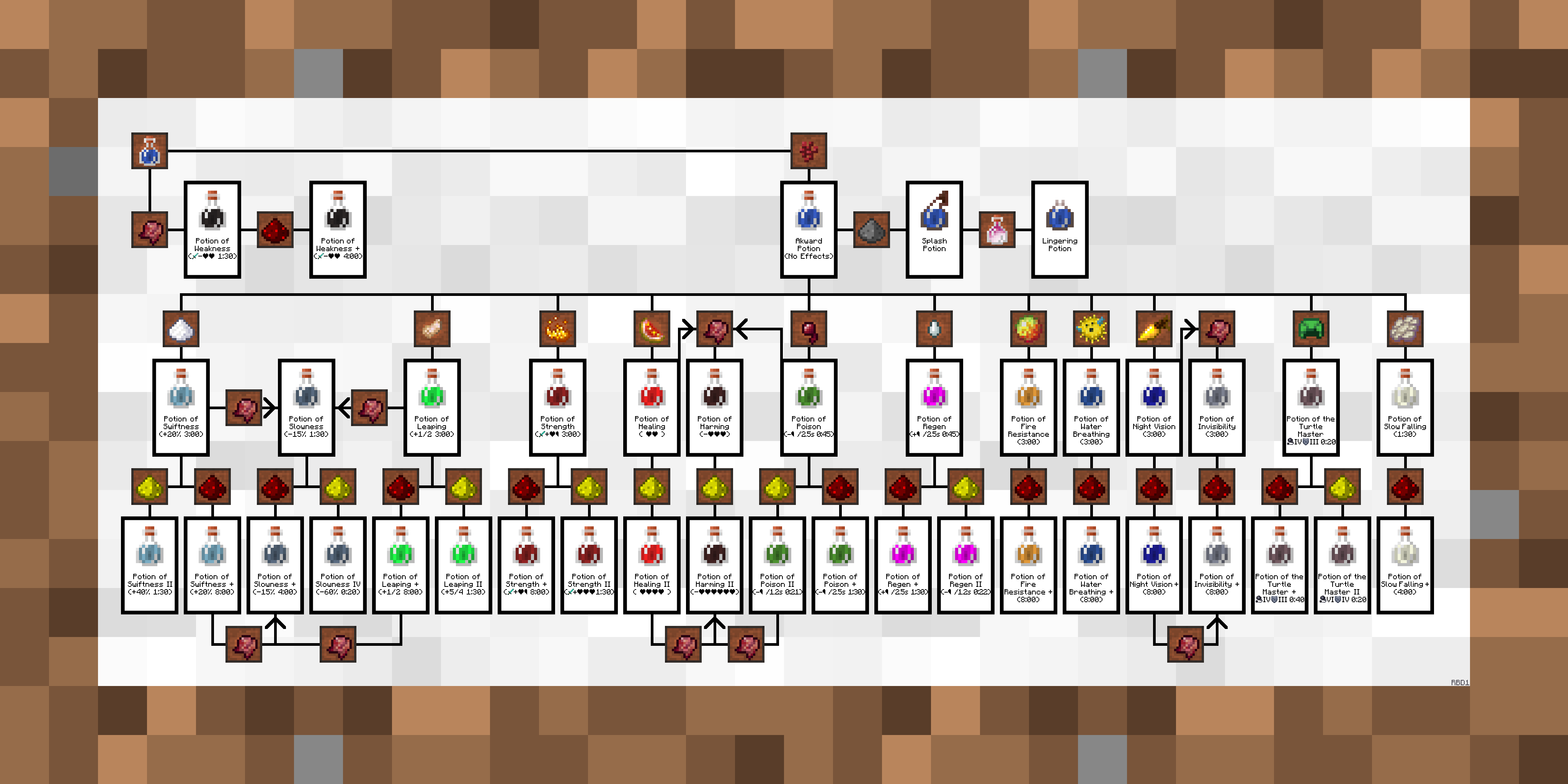
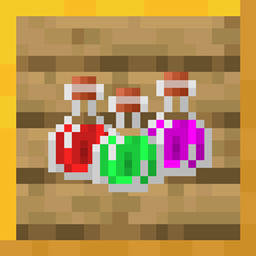
Replaces a painting with a step by step potion guide
by rootbeerdrinker1
Download Claim this project
142,791 downloads
0 likes
Updated Oct 14, 2026
0 hypes
512x and Higher Miscellaneous Mod Support Modern Traditional
Advertisement Remove ads with Premium →

NEW: Support for Paintings++ mod!

More Info Below!


Also: Resource pack for the Extra Alchemy mod released, find it HERE


.. 
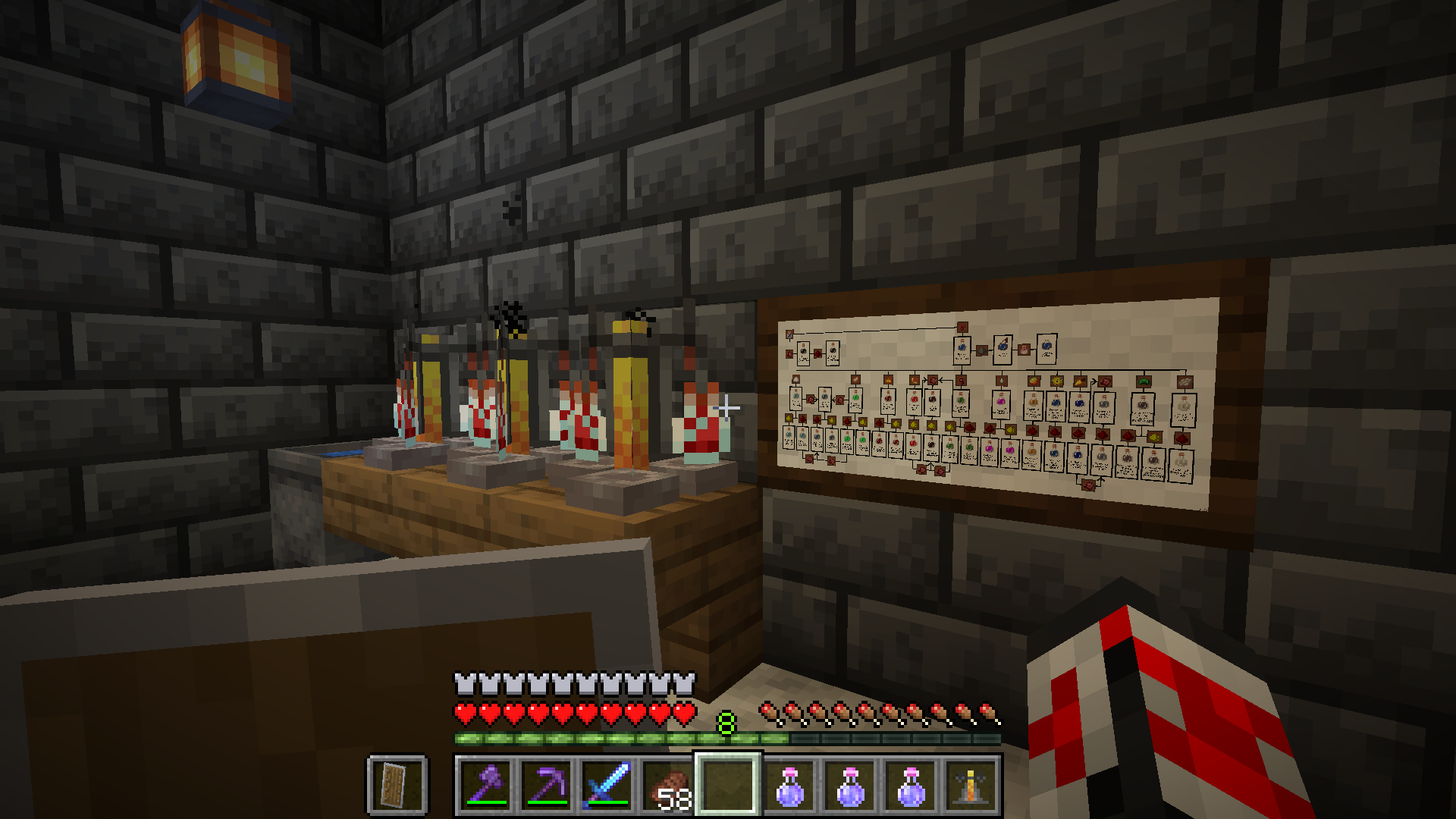
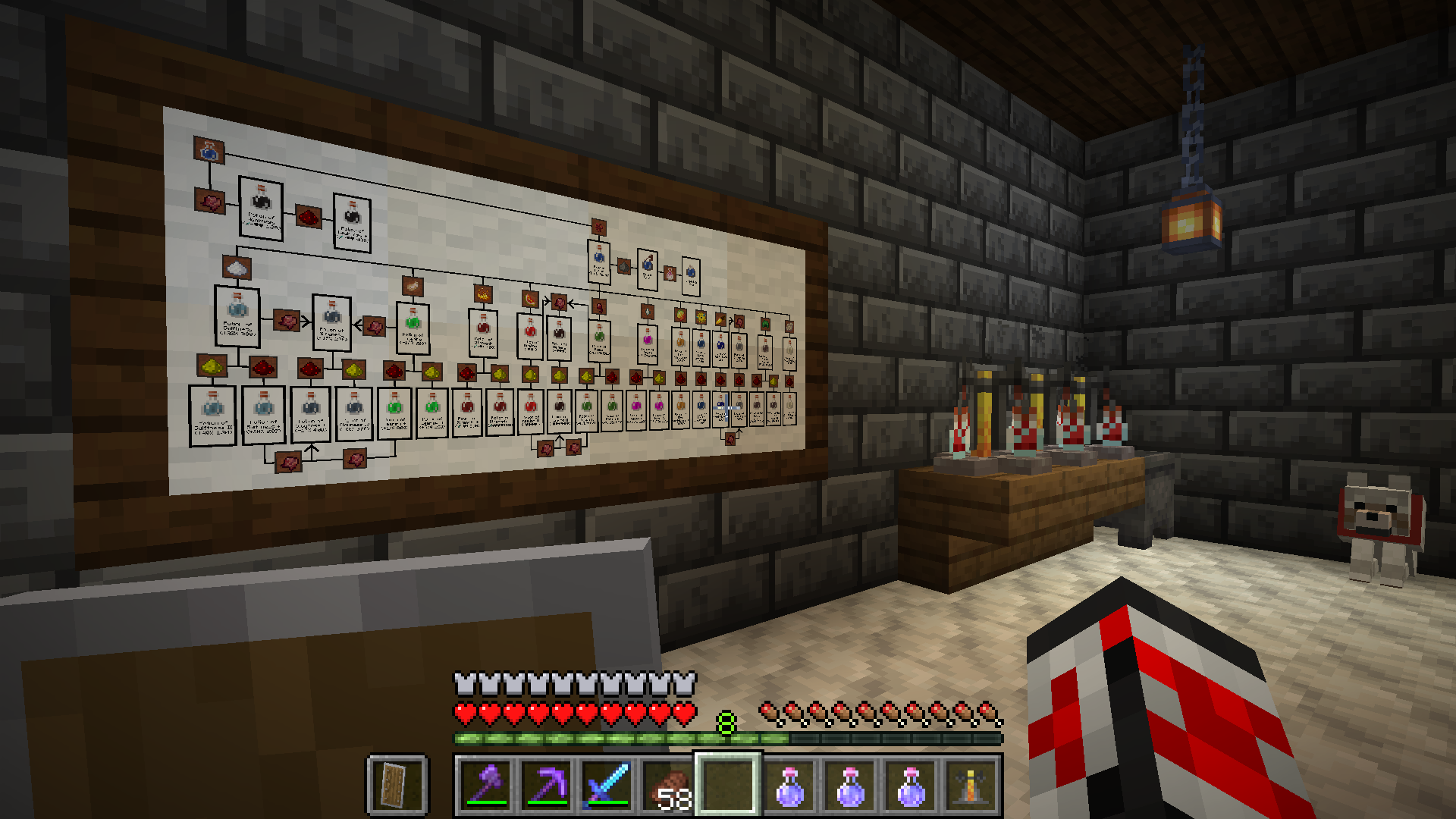
Small 2x1 painting viewed in-game


.. 

Large 4x2 painting viewed in-game


.. 

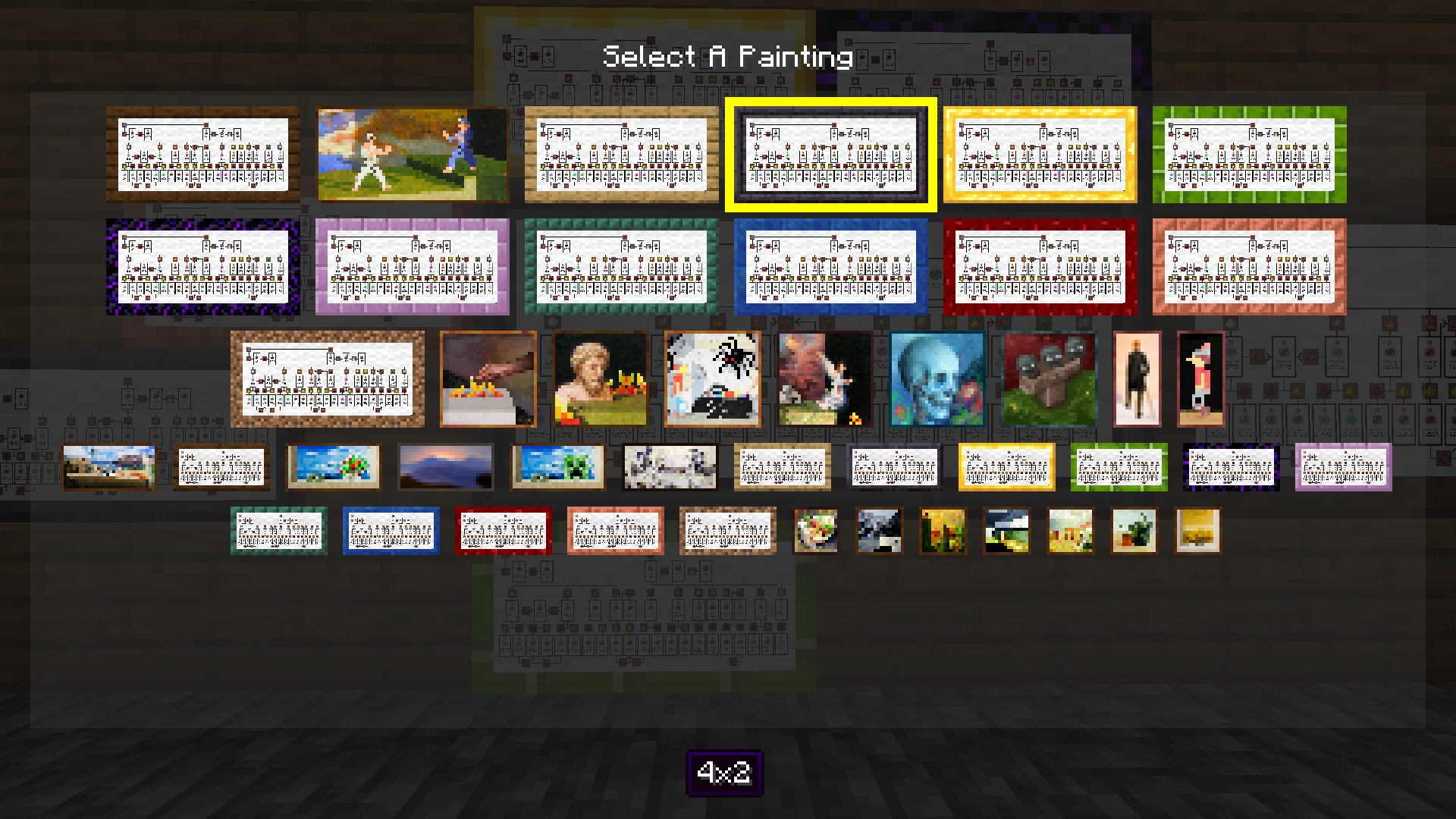
Paintings++ Mod GUI viewed in-game


.

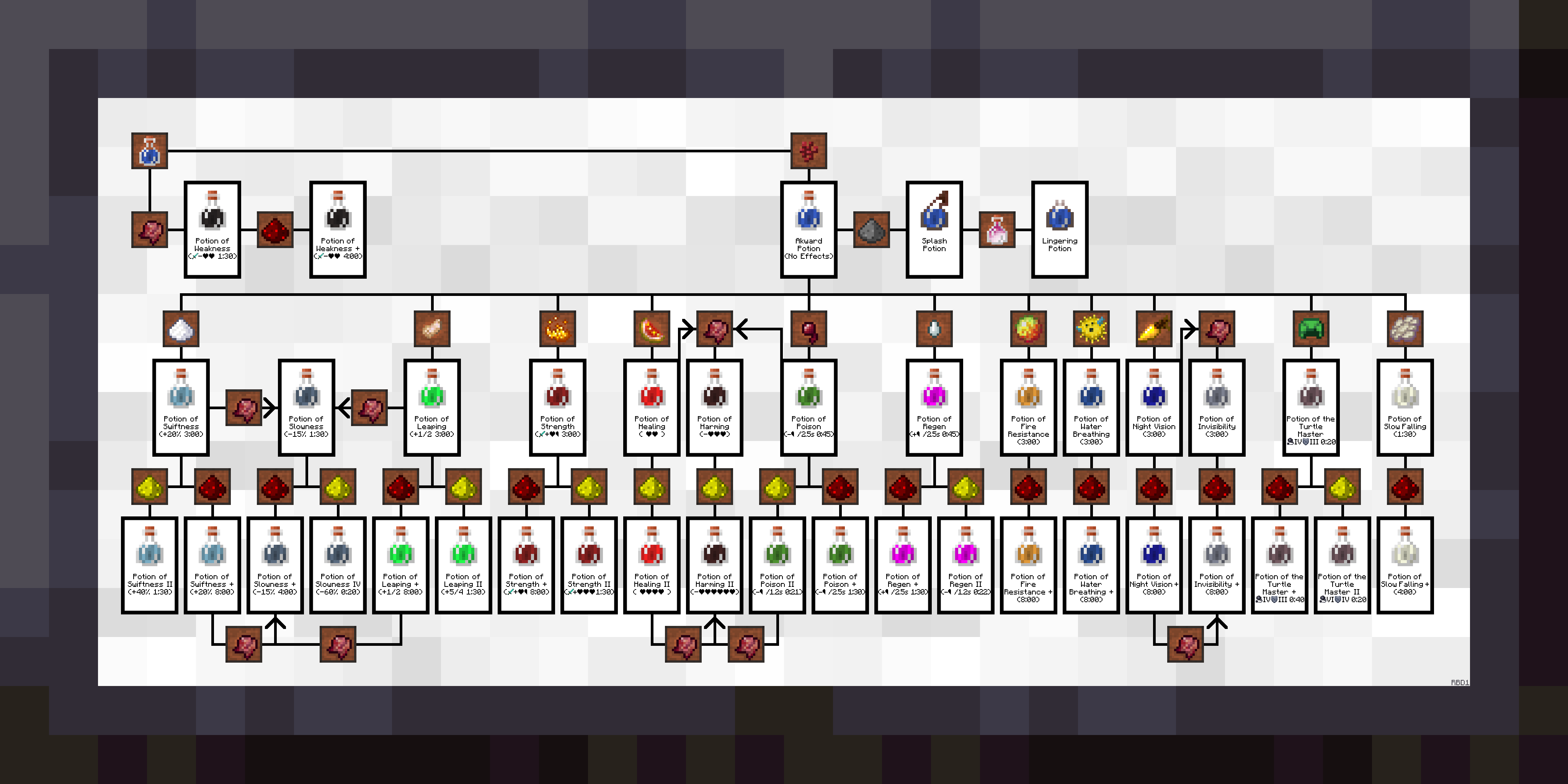
Default Texture


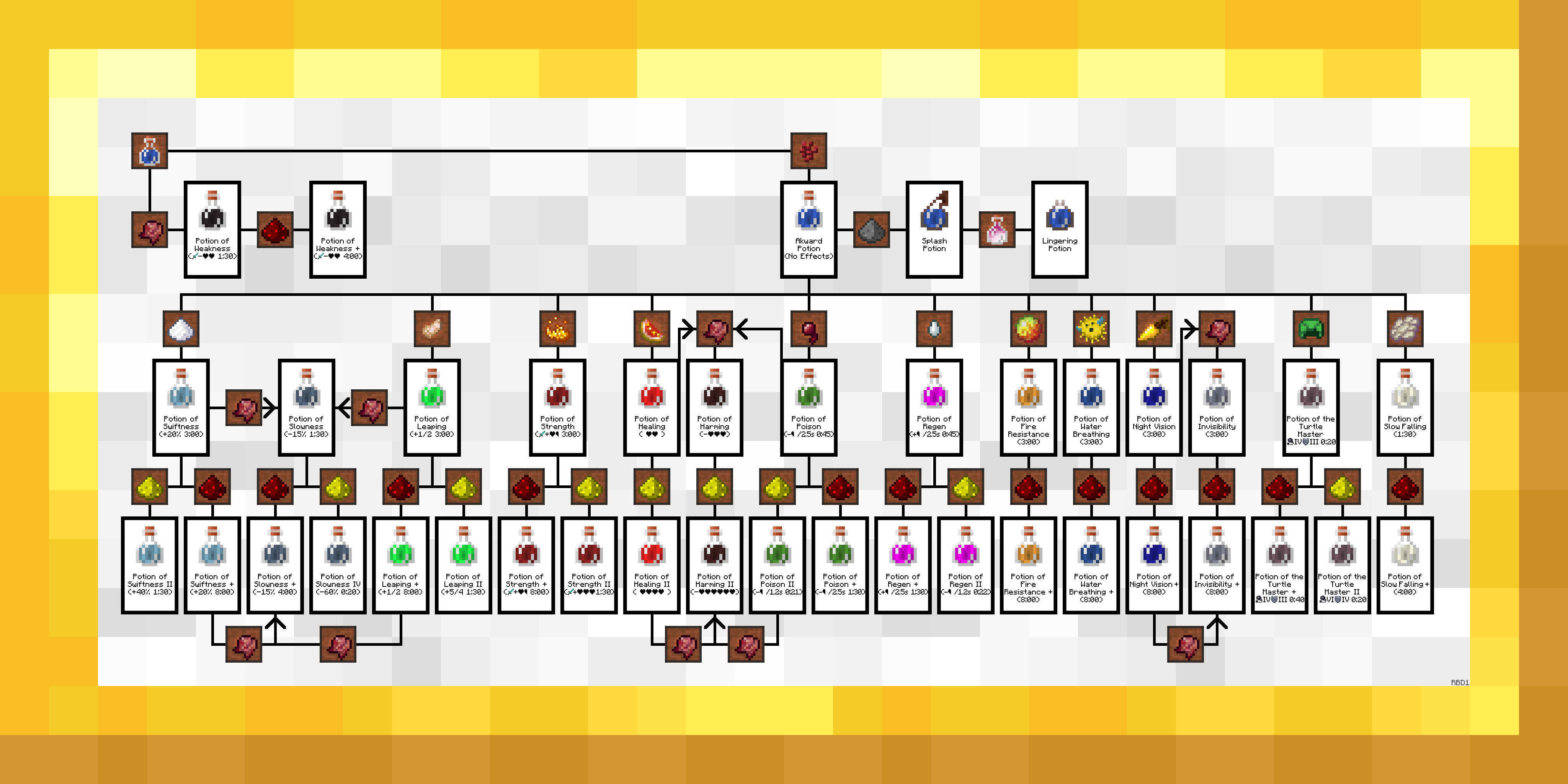
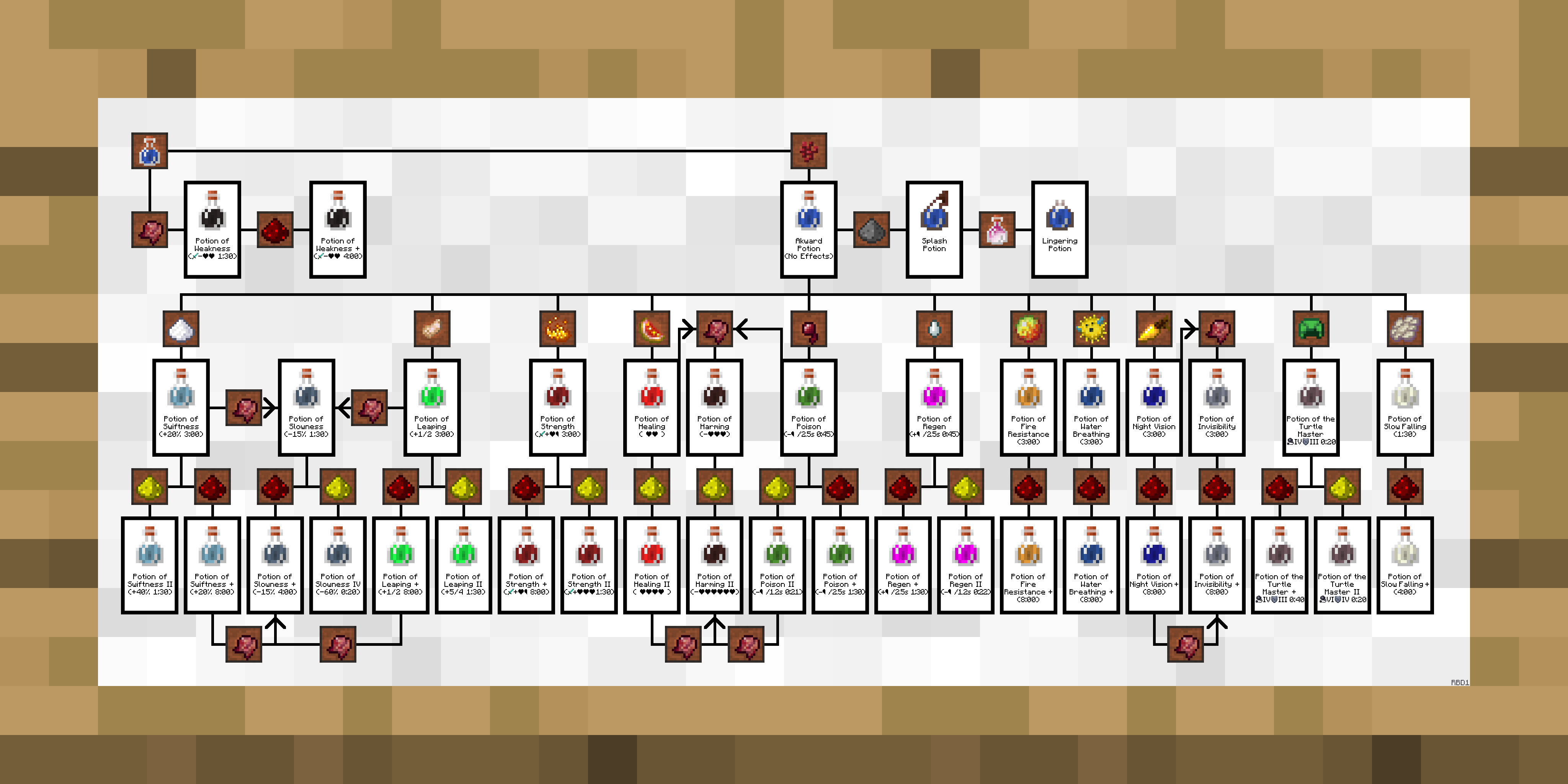
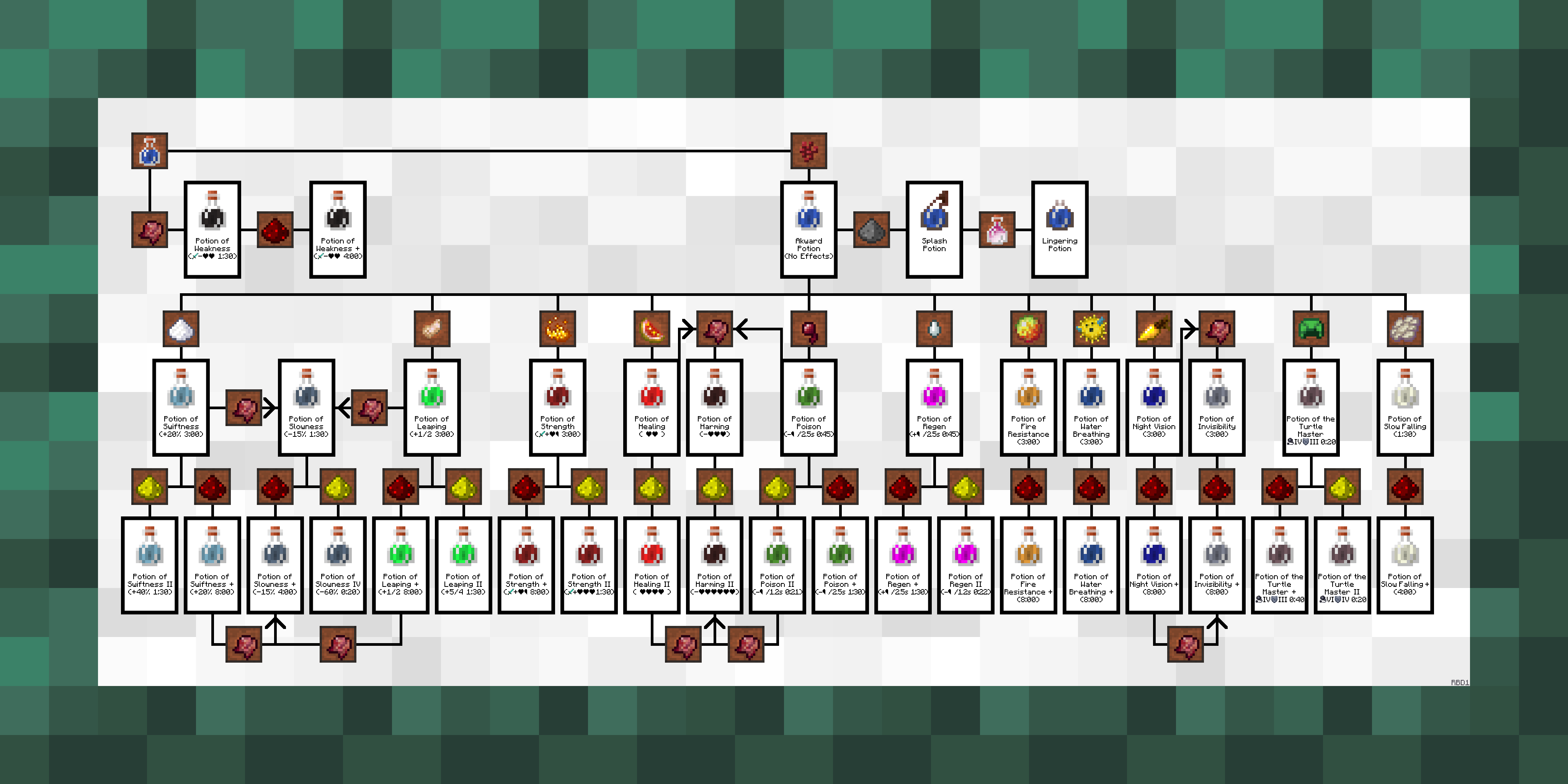
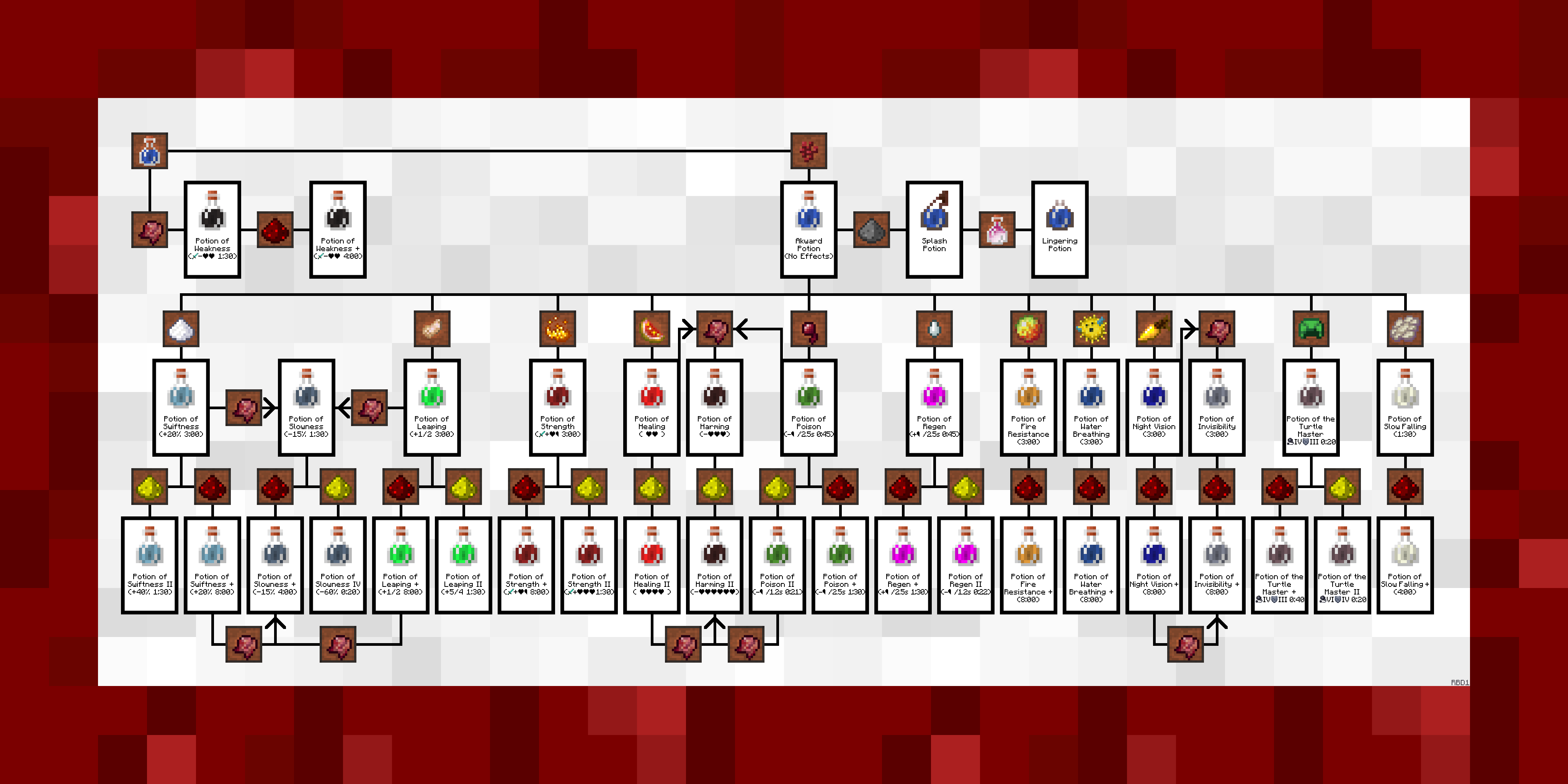
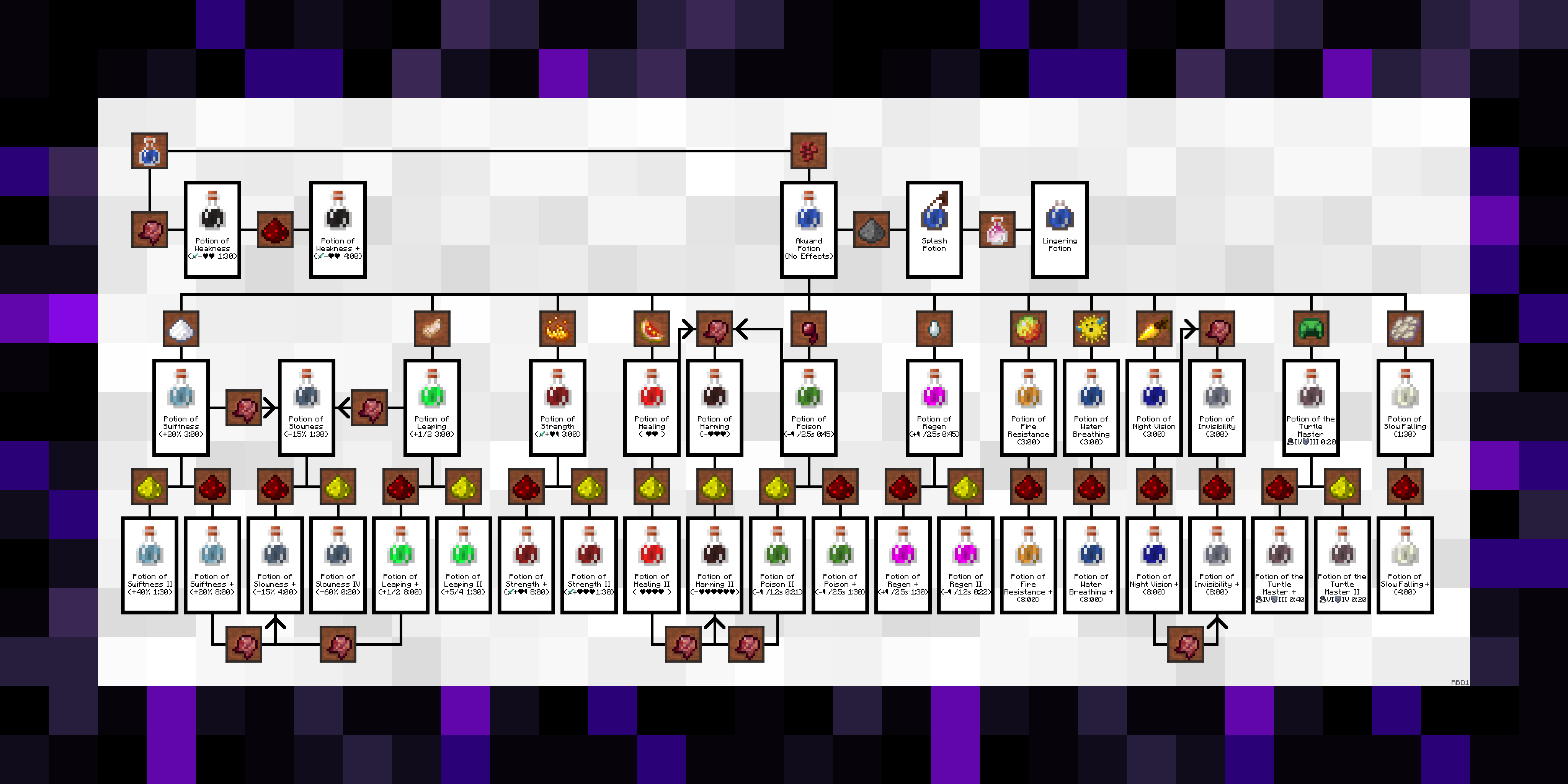
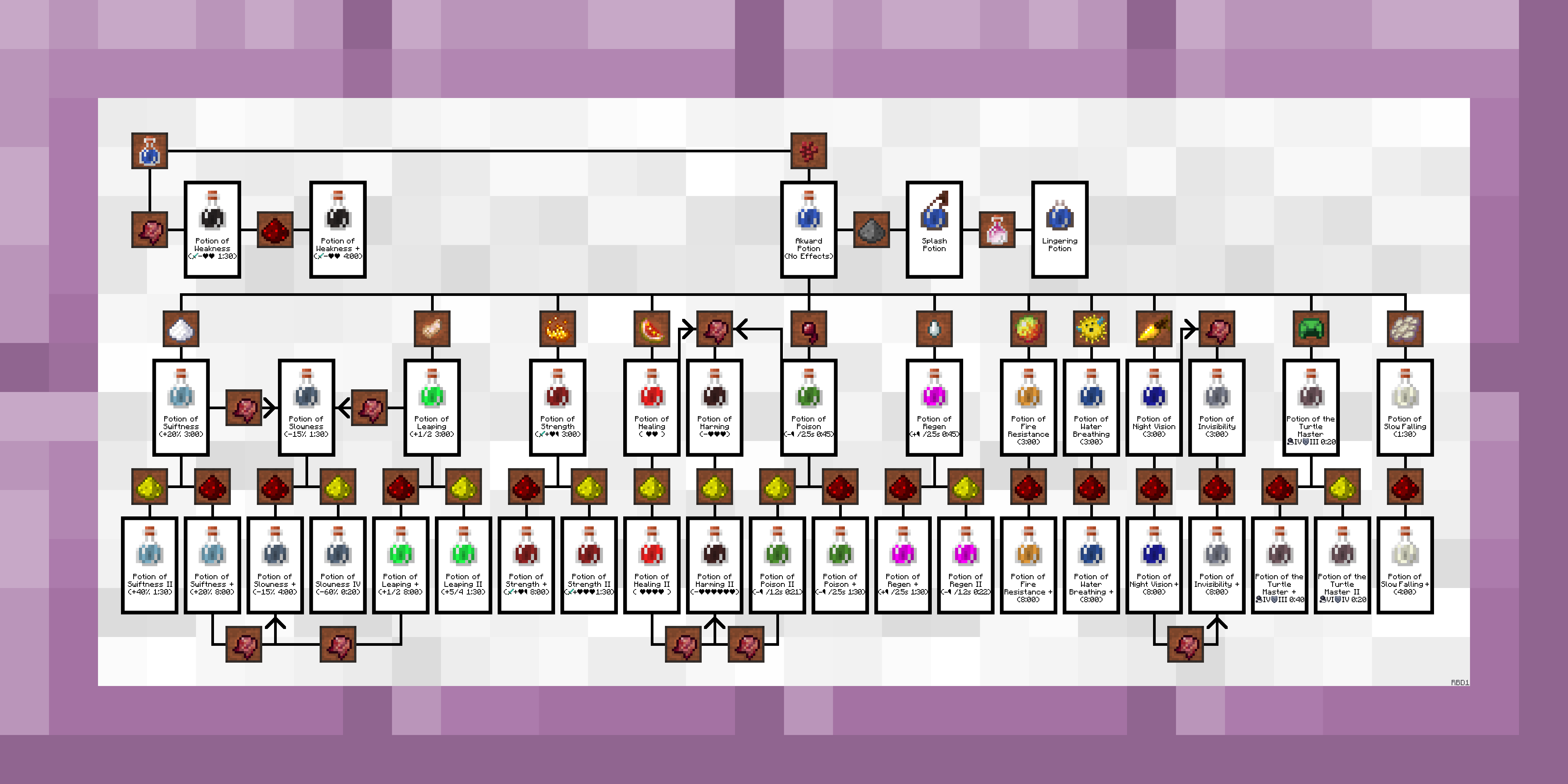
Alternative Frames

. .
 

. .
 

. .


. .
 

Description / Instructions

Just add to your game like any other texture pack and it will replace the "Courbet" and "Fighters" paintings. You can use the alternative frames by replacing the default one in the folder and naming them "courbet" or "fighters". You can also replace the other 4 vanilla landscape paintings, more information is in the included .txt file.

  • Paintings++ mod support is built into V6 and later. Follow the instructions to install the mod, otherwise, this pack is drag and drop.


A Lil' Backstory

I had gotten sick of pulling up the Minecraft wiki to check how to brew a potion every time. So I went looking for in-game alternatives, there was a really simple one for Bedrock Edition but I was on Java. There was also the VanillaTweaks potion guide but I wanted an easier to understand, step-by-step instruction guide for making potions. I ended up making this a month-long side project and published it here. I update this fairly often.


Mod Support


Extra Notes

> You may use this pack in custom maps. I think there's a way to have the resource pack embedded in a map file, not completely sure.

> Clearly don't re-upload this pack as your own, edited or not (within custom maps are fine).

> If you use the alternative frames the sides of the paintings will still be wood, this is a limitation in Minecraft's engine and cannot be changed without changing ALL of the sides of Minecraft's paintings.

> Thanks to AbsolemJackdaw for making the Paintings++ mod

> TO OPTIFINE DEVELOPERS, I would love to be able to expand on this pack with randomized textures and maybe even texture overlays, but Optifine doesn't support what I think was described as "atlas textures for entities" or something like that.

BrewingCanvas v0.6 (1.19+)
MC 1.19.3, 1.19.4-Snapshot, 1.19.4, 1.19-Snapshot, 1.19.2, 1.20.1, 1.20, 1.19.1, 1.20-Snapshot, 1.19, 1.19.3-Snapshot
Release 2022-06-05 Get
BrewingCanvas v0.6 (1.15 - 1.16.1)
MC 1.16-Snapshot, 1.15-Snapshot, 1.16.1, 1.15, 1.16, 1.15.2, 1.15.1
Release 2021-12-12 Get
BrewingCanvas v0.6 (1.16.2 - 1.16.5)
MC 1.16.3, 1.16.5, 1.16.4, 1.16.2
Release 2021-12-12 Get
BrewingCanvas v0.6 (1.17 - 1.17.1)
MC 1.17.1, 1.17, 1.17-Snapshot
Release 2021-12-12 Get
BrewingCanvas v0.6 (1.18 - 1.18.2)
MC 1.18.1, 1.18.2, 1.18, 1.18-Snapshot
Release 2021-12-12 Get
BrewingCanvas v0.5 (1.18+)
MC 1.18.1, 1.18, 1.18-Snapshot
Release 2021-10-23 Get
BrewingCanvas v0.5 (1.15 - 1.16.1)
MC 1.16-Snapshot, 1.15-Snapshot, 1.16.1, 1.15, 1.16, 1.15.2, 1.15.1
Release 2021-07-31 Get
BrewingCanvas v0.5 (1.16.2 - 1.16.5)
MC 1.16.3, 1.16.5, 1.16.4, 1.16.2
Release 2021-07-31 Get
BrewingCanvas v0.5 (1.17 - 1.17.1)
MC 1.17.1, 1.17, 1.17-Snapshot
Release 2021-07-31 Get
BrewingCanvas v0.4 (1.15 - 1.16.1)
MC 1.16-Snapshot, 1.15-Snapshot, 1.16.1, 1.15, 1.16, 1.15.2, 1.15.1
Release 2021-03-02 Get
BrewingCanvas v0.4 (1.16.2 - 1.16.5)
MC 1.16.3, 1.16.5, 1.16.4, 1.16.2
Release 2021-03-02 Get
BrewingCanvas v0.4 (1.17+)
MC 1.17.1, 1.17, 1.17-Snapshot
Release 2021-03-02 Get
BrewingCanvas v0.3 (1.17+)
MC 1.17.1, 1.17, 1.17-Snapshot
Release 2021-01-27 Get
BrewingCanvas v0.3 (1.16.2 - 1.16.5)
MC 1.16.3, 1.16.5, 1.16.4, 1.16.2
Release 2020-08-29 Get
BrewingCanvas v0.3 (1.15 - 1.16.1)
MC 1.16-Snapshot, 1.15-Snapshot, 1.16.1, 1.15, 1.16, 1.15.2, 1.15.1
Release 2020-05-10 Get

Requirements & install

How to use this resource pack in Minecraft
Resolution
512x+
Minecraft
1.19.2 – 1.20.1
Install folder
.minecraft/resourcepacks

How to install resource packs

  1. Download the resource pack .zip file (do not extract it).
  2. In Minecraft open Options → Resource Packs → Open Pack Folder.
  3. Drop the .zip into the resourcepacks folder (.minecraft/resourcepacks).
  4. Move the pack to the Selected column and click Done.

512x packs need a strong GPU and at least 4 GB of RAM for Minecraft; a performance mod such as Sodium is strongly recommended.

Browse more: 16x resource packs 32x resource packs 64x resource packs 128x resource packs 256x resource packs 512x+ resource packs Resource Packs for 1.20.1 All resource packs

More from rootbeerdrinker1

Advertisement Remove ads with Premium →

You Might Also Like