Mineuniverse
Resource Packs
Ender Dragon Elytra - Better Wings

Ender Dragon Elytra - Better Wings

RESOURCE PACK
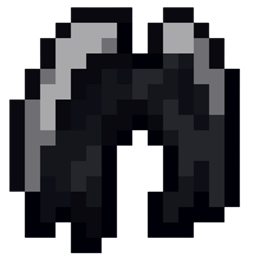
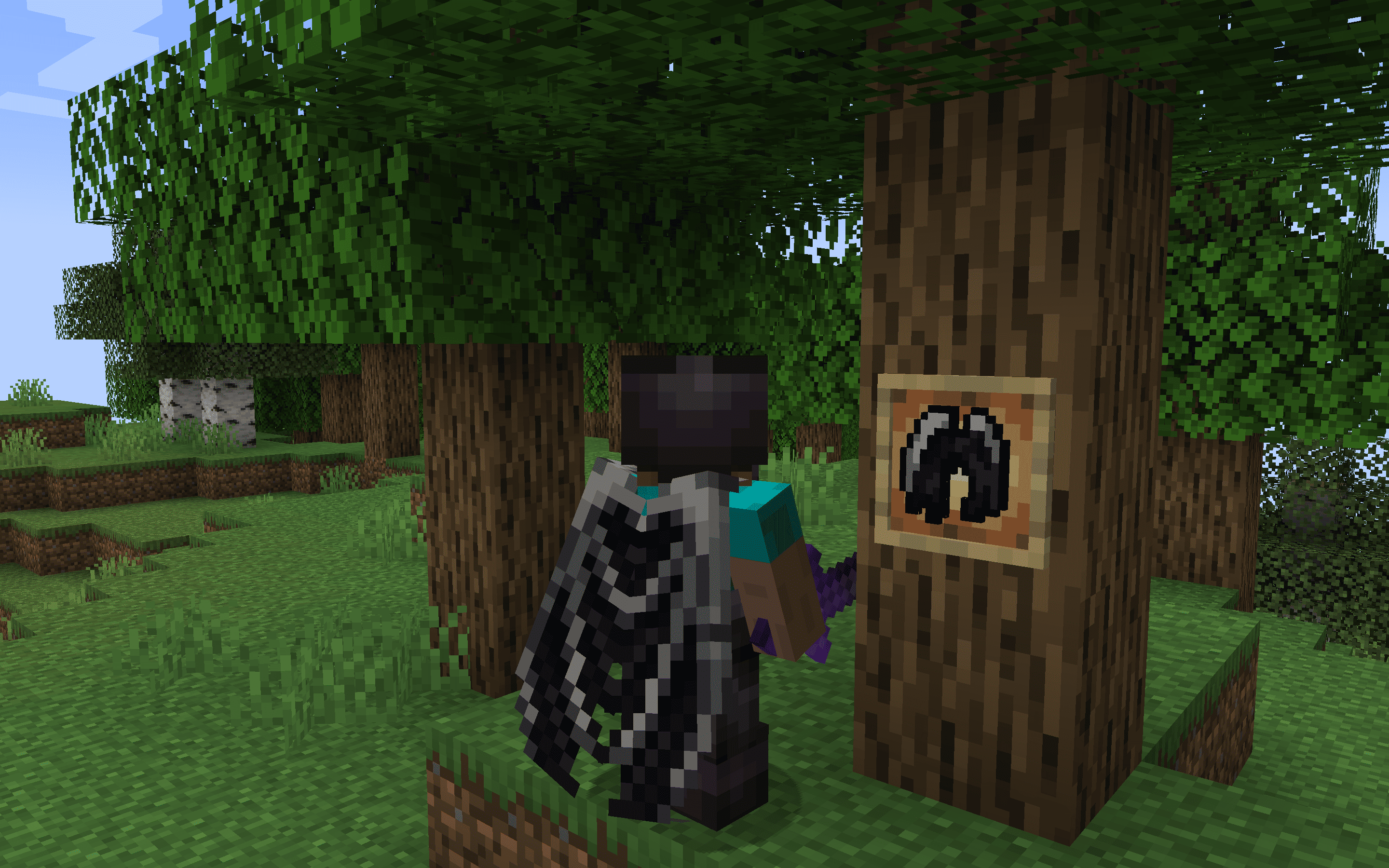
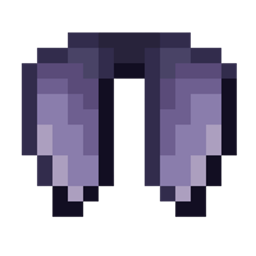
The Dragon Elytra resource pack reimagines Minecraft's Elytra wings as the majestic wings of a dragon, enhancing the visual experience of flight with detailed, dragon-inspired designs.
by dihogenn
Download Claim this project
227,119 downloads
0 likes
Updated Oct 14, 2026
0 hypes
16x Miscellaneous Modern Traditional
Advertisement Remove ads with Premium →

Soar with Majesty: Dragon Elytra


Unleash Your Inner Dragon

The Dragon Elytra resource pack transforms the classic Elytra wings in Minecraft into the majestic and powerful wings of a dragon. This fantastical modification adds a thrilling and visually striking element to your gameplay, perfect for players who seek to elevate their aerial adventures with style and grandeur. Embrace the spirit of a dragon with these wings, designed to inspire awe and command the skies of your Minecraft world.

Download Dragon Elytra Resource Pack


Features Include:

  • Dramatic Design: Features detailed dragon wing textures with vibrant colors and scales, enhancing the realism and fantasy of your flight.
  • Enhanced Gameplay Experience: Improves the visual excitement of flying, making every leap and dive more immersive and majestic.
  • Universal Compatibility: Works seamlessly with any version of Minecraft and integrates smoothly with other mods or resource packs, facilitating easy installation and use.

Take to the skies with the power and presence of a mythical dragon with the Dragon Elytra, transforming your aerial maneuvers into epic journeys!


Join Now


Dragon Elytra.zip
MC 1.17.1, 1.9.1, 1.16.3, 1.13.1, 1.9.3, 1.19.3, 1.20.2, 1.21, 1.16.1, 1.18.1, 1.20.5, 1.21.5, 1.9.4, 1.9.2, 1.14.4, 1.14.1, 1.12.1, 1.17, 1.12, 1.14.3, 1.15, 1.16, 1.13
Release 2025-01-28 Get

Requirements & install

How to use this resource pack in Minecraft
Resolution
16x
Minecraft
1.17 – 1.21.5
Install folder
.minecraft/resourcepacks

How to install resource packs

  1. Download the resource pack .zip file (do not extract it).
  2. In Minecraft open Options → Resource Packs → Open Pack Folder.
  3. Drop the .zip into the resourcepacks folder (.minecraft/resourcepacks).
  4. Move the pack to the Selected column and click Done.
Browse more: 16x resource packs 32x resource packs 64x resource packs 128x resource packs 256x resource packs 512x+ resource packs Resource Packs for 1.21.5 All resource packs

More from dihogenn

Advertisement Remove ads with Premium →

You Might Also Like