About
I really liked Improved Default, and so have updated it for 1.17, 1.16, 1.15, and 1.14.
Better Texts 10 exists but has not been updated for every block, so I updated 99% of the blocks in 1.16. [I used the original pack, nothing from Better Texts was used]
Unfortunately, it does not have PBR Specular Mapping support with my additions, but I may add this in the future.
I also plan to add support for betterend, betternether, and byg (fabric mods), but of course this will take a while.
Link to original pack for 1.13: https://www.curseforge.com/minecraft/texture-packs/default-improved
Compatible with Complementary's emissive ores.
Blocks added:
- Ancient Debris
- Azalea Bush
- Bamboo
- Barrel
- Basale
- Bee blocks (hive, nest)
- Bell
- Blackstone (and its variants)
- Blast furnace
- Calcite
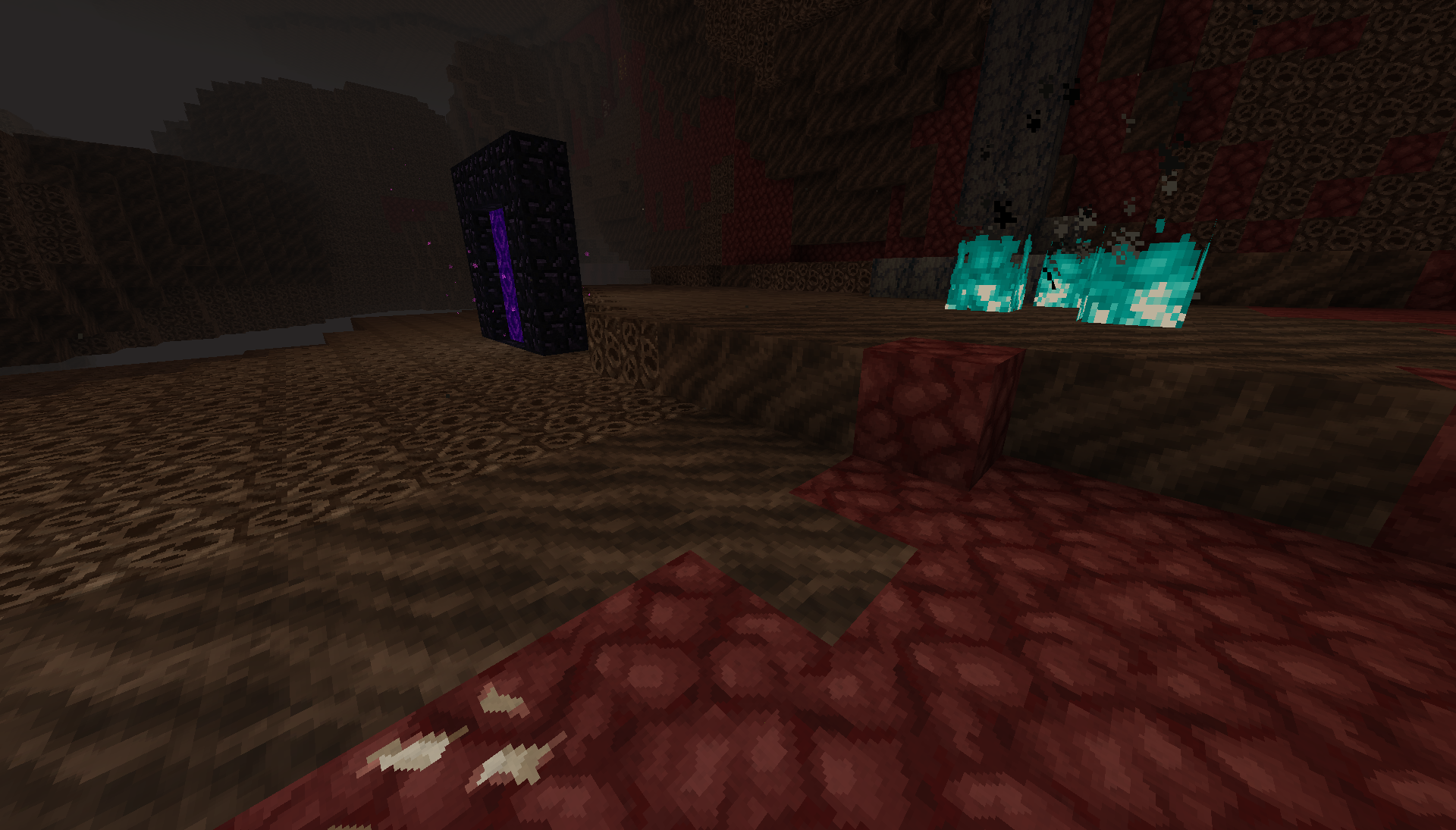
- Campfire, soul and orange flame
- Cartography table
- Chain
- Composter
- Copper: blocks, raw, ores
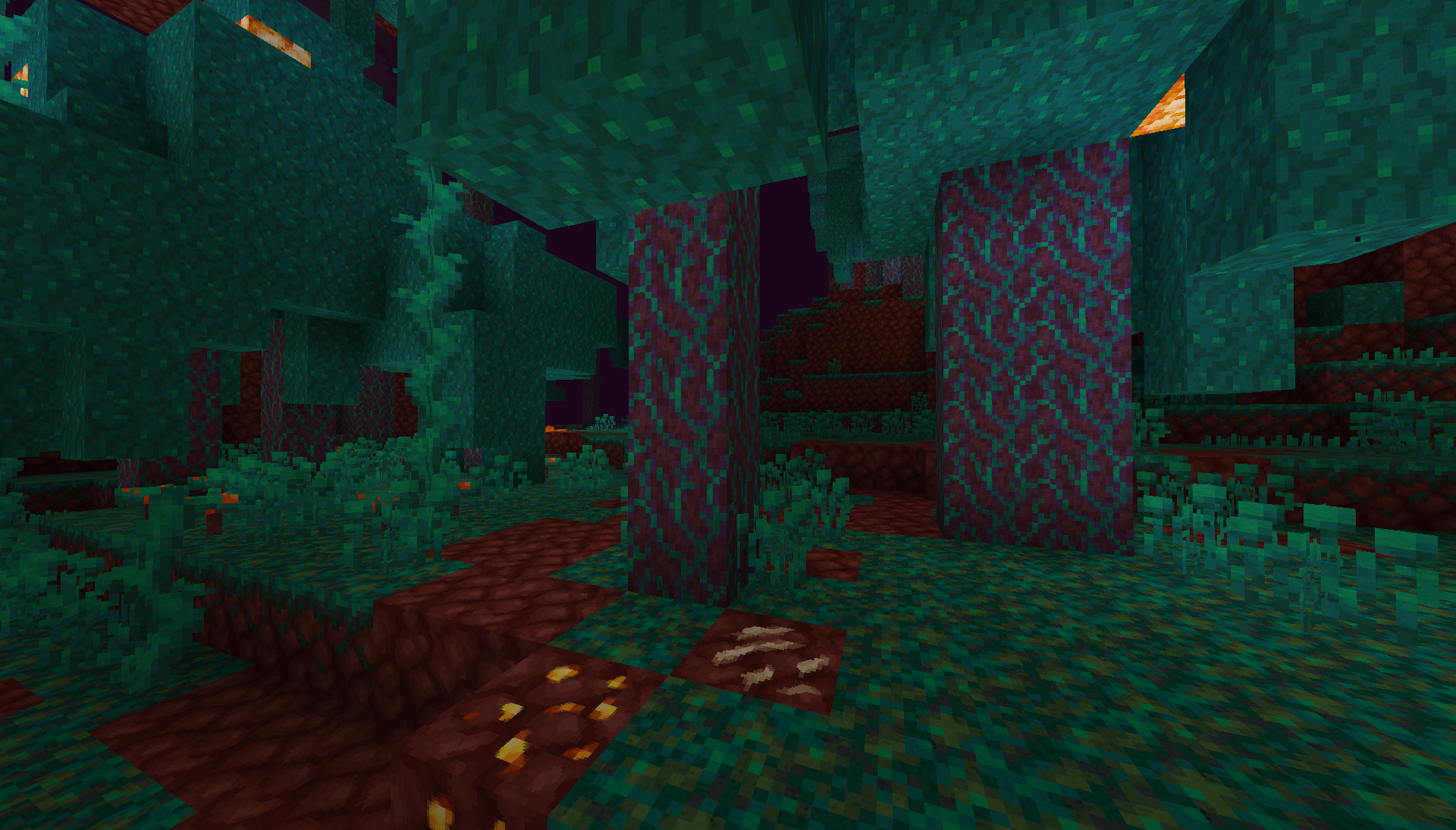
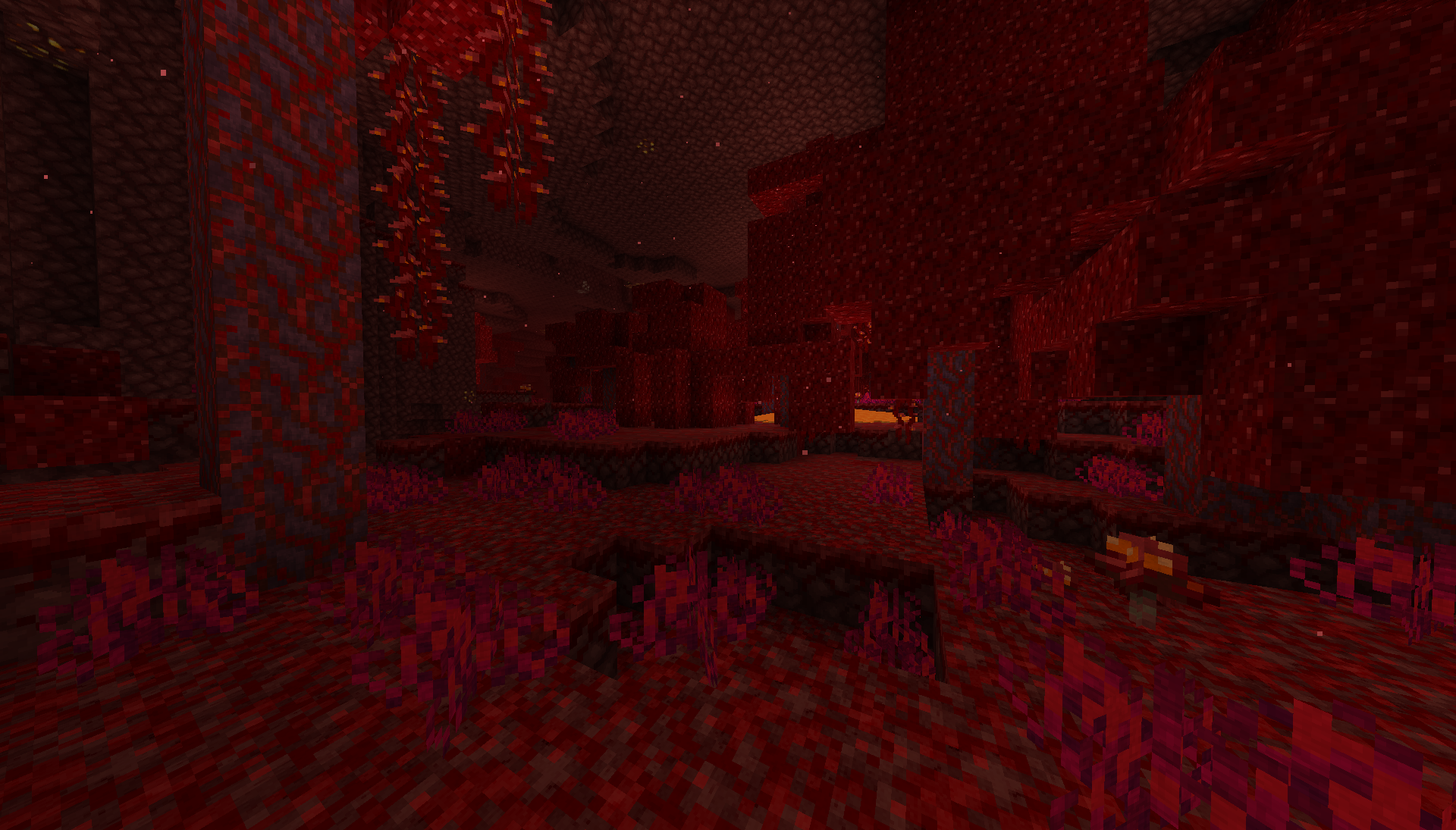
- Crimson and Warped: doors, roots, planks, fungus, stem, trapdoor
- Crying obsidian
- Deepslate
- Destroy animation
- Dripstone
- Dripleaf
- Fletching table
- Gilded Blackstone
- Glow item frame
- Glow lichen
- Grindstone
- Hanging Roots
- Honey block
- Lantern
- Lava
- Lectern
- Lightning Rod
- Lodestone
- Loom
- Moss
- Netherbricks and variants
- Netherrack (updated for 1.14+), including nether gold ore and quartz ore
- Ores: deepslate, stone variants and added "glowing" effect
- Quartz bricks
- Raw blocks
- Respawn Anchor
- Scaffolding
- Shroomlight
- Skulk sensor
- Smithing table
- Smoker
- Smooth stone
- Smooth basalt
- Snow grass block updated
- Soul sand, torch, and soil
- Stonecutter
- Stripped variants of netherwood
- Sweet berry bush
- Target block
- Tuff
- Twisting and weeping vines
Entity models added:
- Alex model
- Arrows, tipped arrows, and spectral arrows
- Axolotl
- Bat
- Banner base
- Beacon beam
- Bee
- Brown mooshroom
- Chests (Normal, ender, and Christmas)
- Conduit
- Dolphin
- Dragon fireball
- Elytra
- End gateway bean
- End portal
- Endermite
- EXP orb
- Fish: cod, pufferfish, salmon
- Fishing hook
- Fox variants
- Goat
- Guardian, elder guardian
- Hoglin and Zoglin
- Horse variants (including armor, mule, and donkey)
- Illusioner
- Iron golem (including cracks)
- Panda and variants
- Parrot and variants
- Pig saddle
- Piglin and zombified piglin
- Phantom
- Pillager
- Purple Shulker
- Ravager
- Shield
- Signs (including nether variants)
- Silverfish
- Slime and magmacube
- Snow golem
- Squid
- Steve model
- Strider
- Trident
- Turtle
- Villagers (1.14 type, clothes, professions, zombie, etc)
- Wandering trader
- Witch
- Wither
Other added items:
- Armor
- Paintings
- Maps
- Soul Soul background
- Sun/Moon
- Title screen font
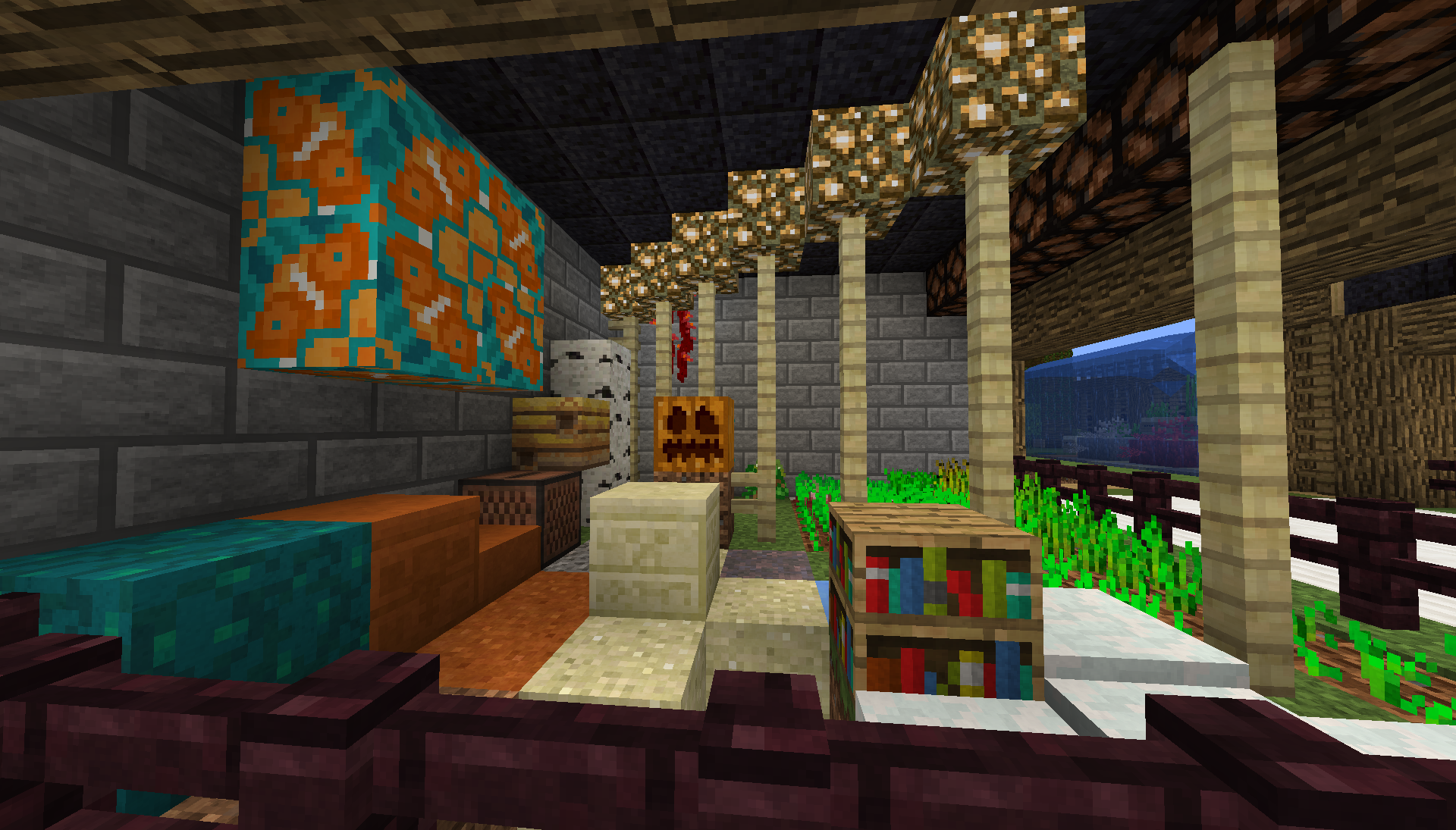
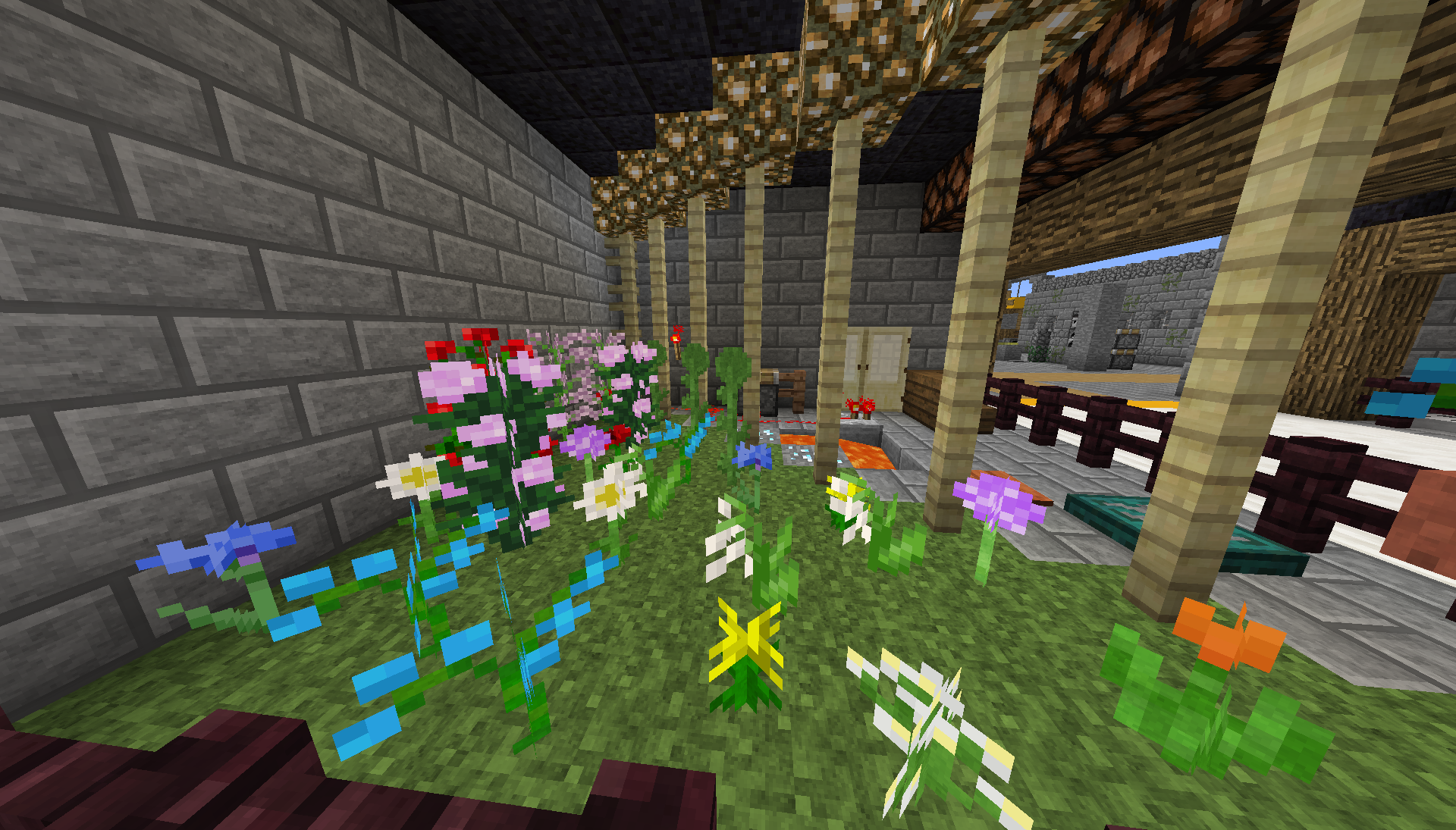
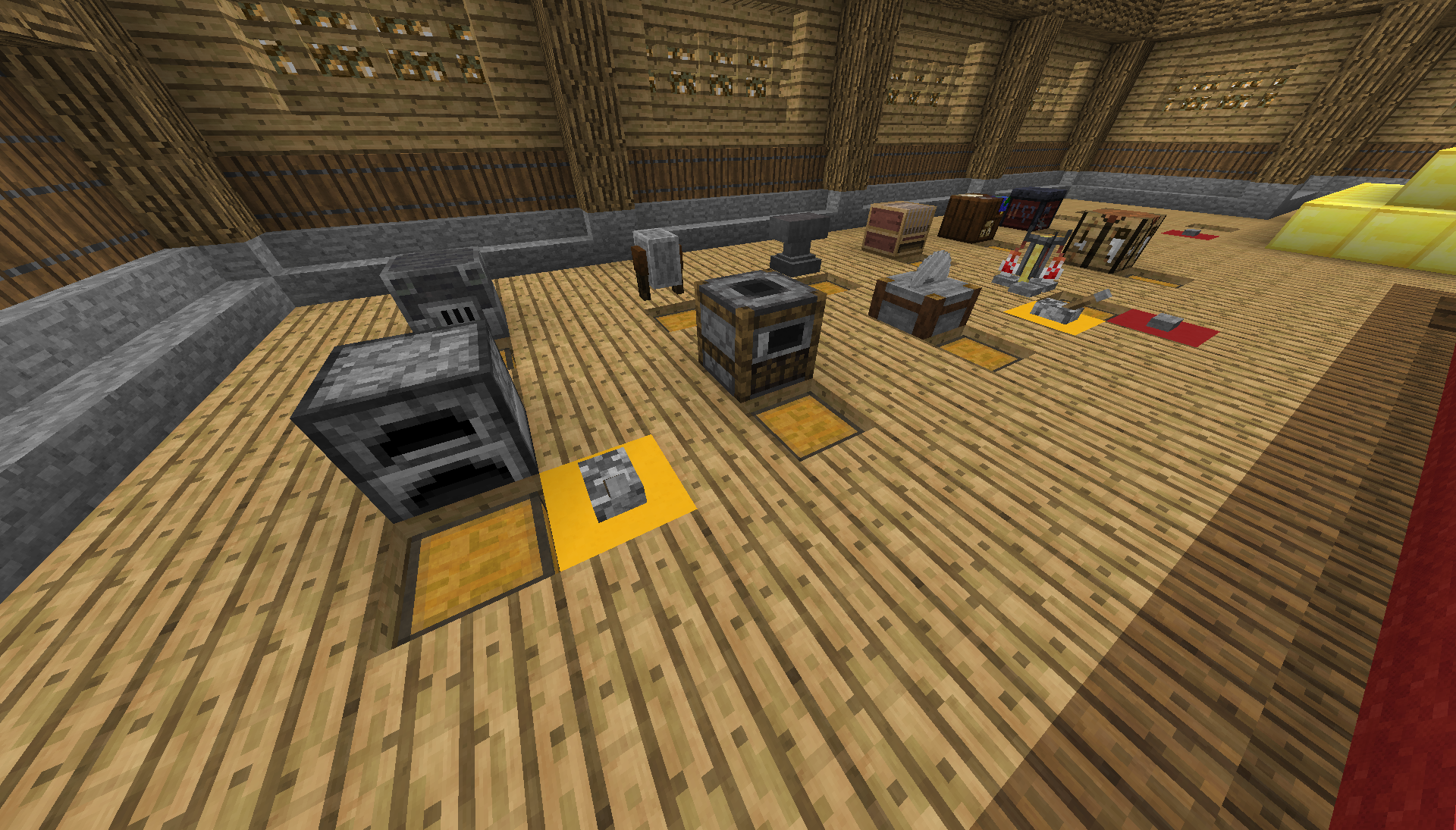
Screenshots:
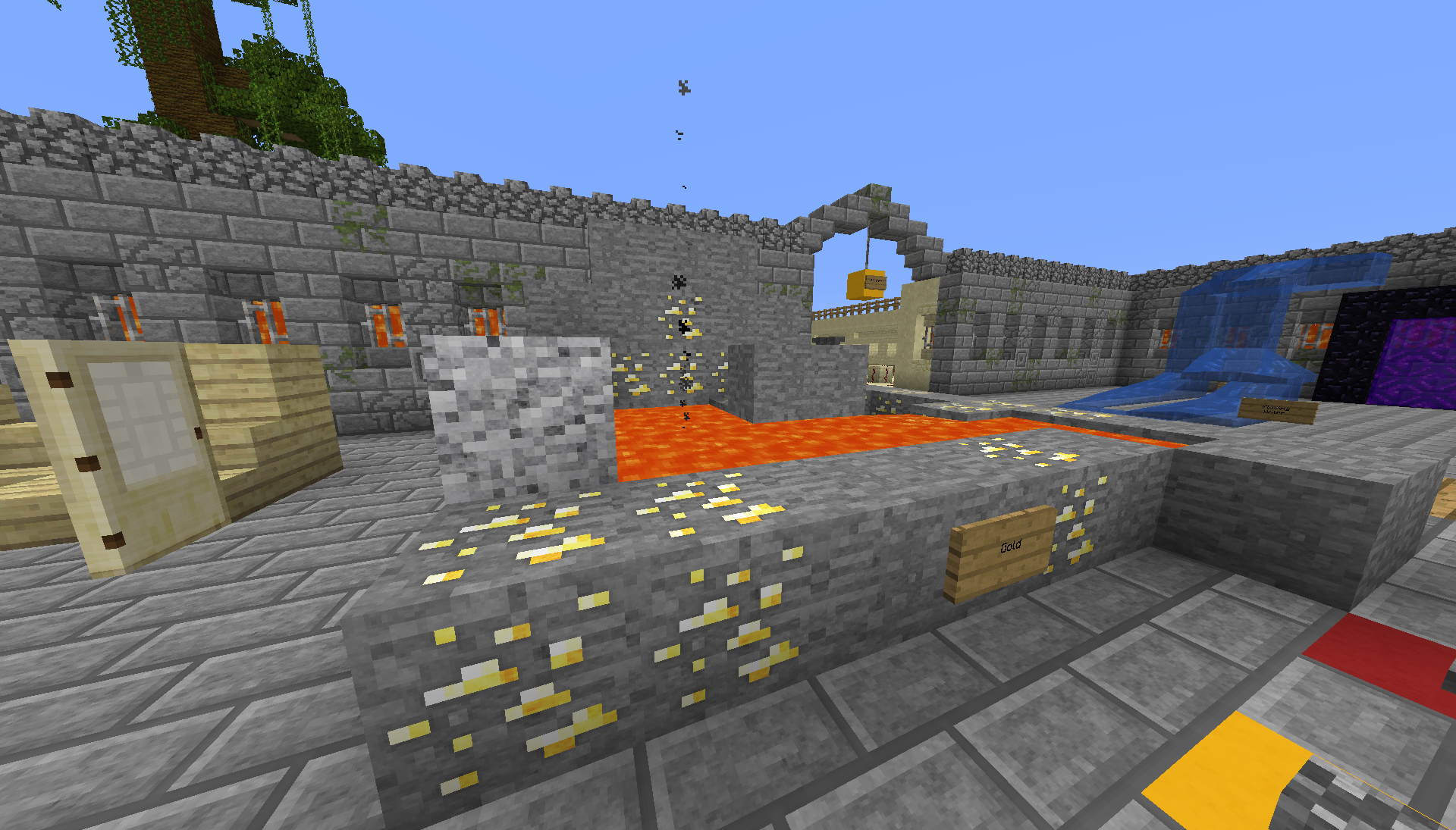
Works great with complementary's emissive ores:


Usage:
You can use this resource pack in your mod packs if you don't make any money off it and you can redistribute it on any non-English or non-German speaking websites if you give credits to me and use the curse or alternative download links.
Basically any usage is fine as long as you don't claim to be the creator and you don't make money off the pack.
Updated with permission by h0ppip