Mineuniverse
Resource Packs
CONTRAST Pack

CONTRAST Pack

RESOURCE PACK
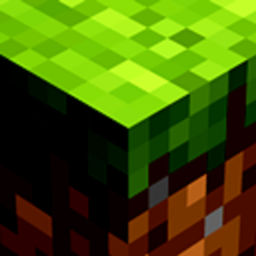
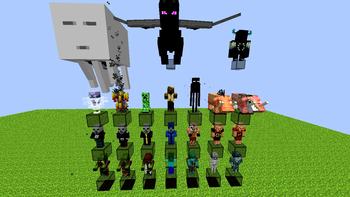
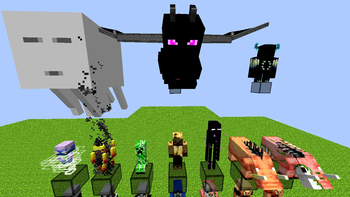
TexturePack that increases the contrast of the game, both menus, panoramas and GamePlay.
by JBlock
Download Claim this project
1,705 downloads
0 likes
0 followers
Updated Oct 14, 2026
0 hypes
Follow0
16x Animated Traditional
Advertisement Remove ads with Premium →

🖤 ​​CONTRASTpack – Rediscover Minecraft with powerful contrast

🧠 Do you feel like Minecraft looks too flat or dull?

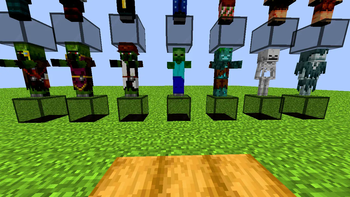
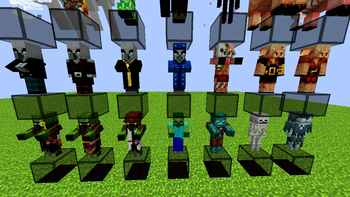
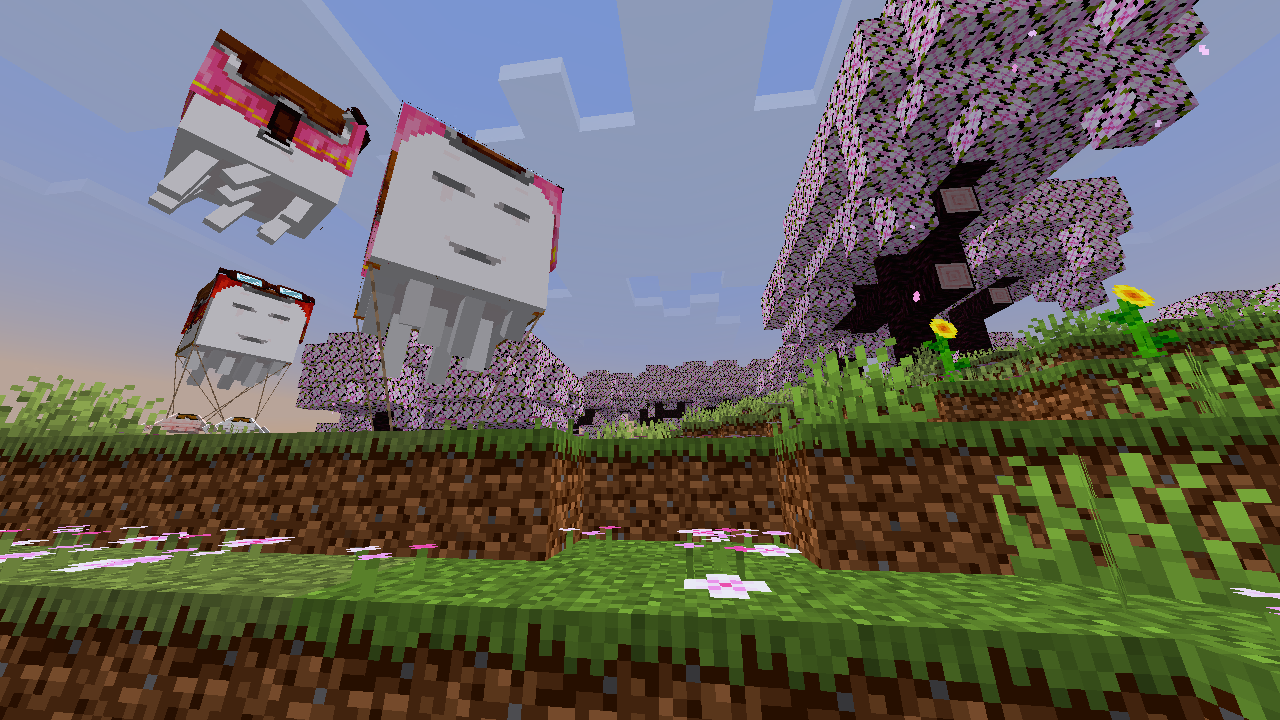
CONTRASTpack elevates the game's aesthetic by increasing the visual contrast of each texture. With bolder colors, deeper shadows, and more defined details, your world will be much clearer, more vibrant, and sometimes darker and more terrifying, providing an effective atmosphere in many cases ideal for any playstyle.
✨ Key Features:

  • 🎯 Improved Contrast: Textures with greater separation between light and shadow.
  • 👁️‍🗨️ Improved visibility in combat, building, and exploration.
  • 💻 Optimized performance (16x) without losing aesthetic fidelity.
  • 🧱 Compatible with shaders and other visual packs. Happy Ghast Badlands

📌 Compatibility:

Minecraft Java from 1.20.x to 1.21.x

Discord Logo

Official Discord

YouTube Logo

Official YouTube

Ready 26.3
MC 26.3
Release 2026-09-15 Get
CP_1.21.11
MC 1.21.11
Release 2026-01-05 Get
CP_1.21.9
MC 1.21.9, 1.21.9-snapshot
Release 2025-10-05 Get
CP_1.21.6
MC 1.21.6-snapshot, 1.21.6
Release 2025-06-20 Get
CP_1.21.2
MC 1.21.2
Release 2024-10-23 Get
ConnectedBlocksForCP
MC 1.20.2, 1.21, 1.20.5, 1.20.3, 1.20.1, 1.20, 1.20.6, 1.20.4, 1.21.1
Release 2024-10-21 Get
CP_1.20
MC 1.20
Release 2024-10-13 Get
CP_1.20.1
MC 1.20.1
Release 2024-10-13 Get
CP_1.20.2
MC 1.20.2
Release 2024-10-13 Get
CP_1.20.3
MC 1.20.3
Release 2024-10-13 Get
CP_1.20.4
MC 1.20.4
Release 2024-10-13 Get
CP_1.20.5
MC 1.20.5
Release 2024-10-13 Get
CP_1.20.6
MC 1.20.6
Release 2024-10-13 Get
CP_1.21
MC 1.21
Release 2024-10-13 Get
CP_1.21.1
MC 1.21.1
Release 2024-10-13 Get

Requirements & install

How to use this resource pack in Minecraft
Resolution
16x
Minecraft
1.21.1 – 26.3
Install folder
.minecraft/resourcepacks

How to install resource packs

  1. Download the resource pack .zip file (do not extract it).
  2. In Minecraft open Options → Resource Packs → Open Pack Folder.
  3. Drop the .zip into the resourcepacks folder (.minecraft/resourcepacks).
  4. Move the pack to the Selected column and click Done.
Browse more: 16x resource packs 32x resource packs 64x resource packs 128x resource packs 256x resource packs 512x+ resource packs Resource Packs for 26.3 All resource packs

More from JBlock

Advertisement Remove ads with Premium →

You Might Also Like