Mineuniverse
Resource Packs
Colored Enchants

Colored Enchants

RESOURCE PACK
A CIT Resewn Exclusive Resource pack to make enchantments colored
by the_n1n
Download Claim this project
2,518 downloads
0 likes
Updated Oct 14, 2026
0 hypes
64x Animated Miscellaneous Mod Support
Advertisement Remove ads with Premium →

Colored Enchants

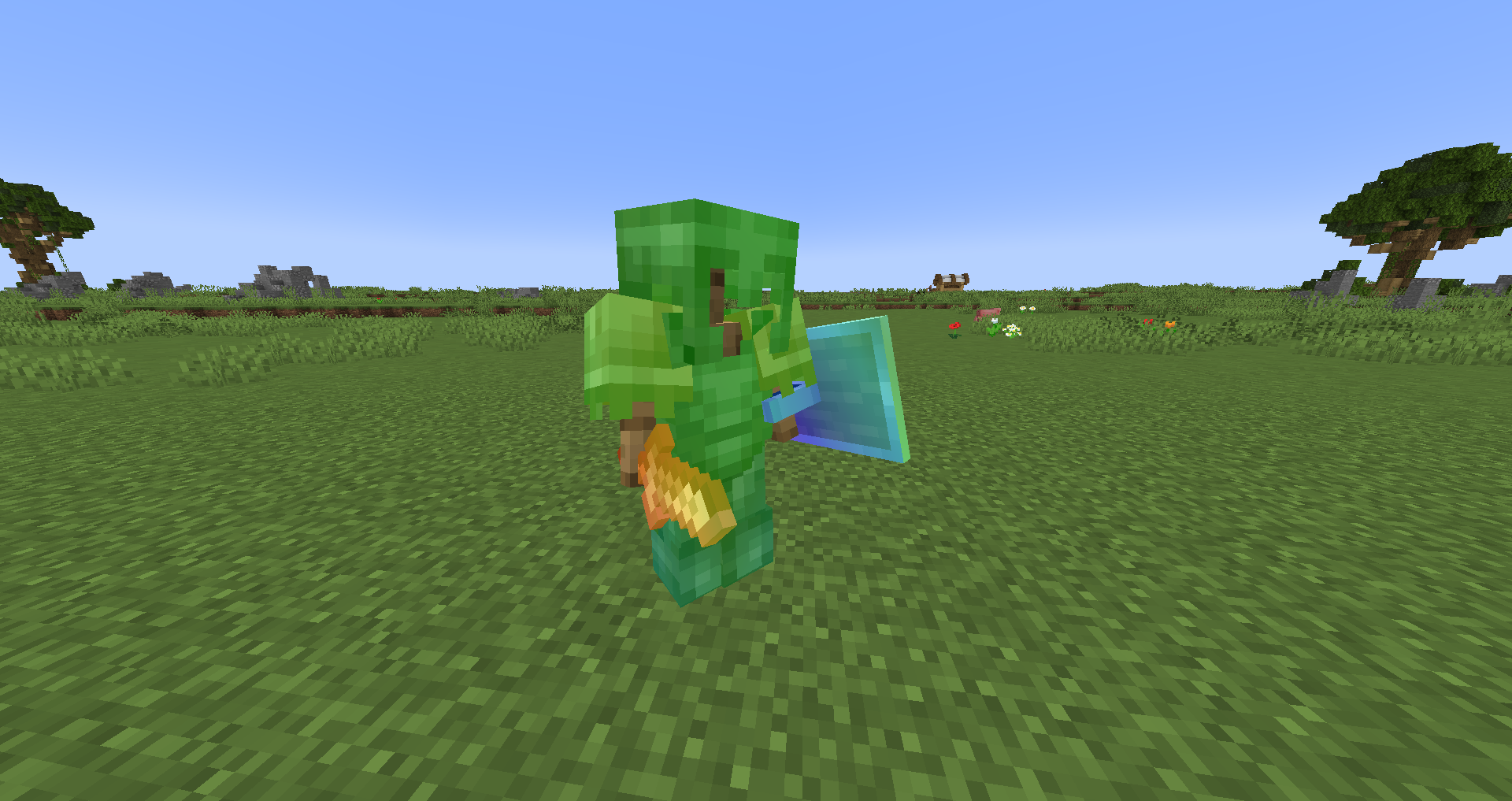
Colored Enchants has a variety of Colored Enchants. The Full chart below showcases all the colors & Basic Names. Colored Enchants allows a variety of "Neighbor Characters". Neighbor Characters are characters that can be directly next to the Color. All Characters are allowed if they aren't directly next to the color.

For Feedback please go to: Here

Requirements

Optifine Doesn't Support Enchantment Glint

  • Must have CIT Resewn
  • Items Must Already Be Enchanted*
  • *Items That Can't be can just be renamed
  • Items Must be Named A Color to be a Colored Enchantment.

Colored Enchants Chart

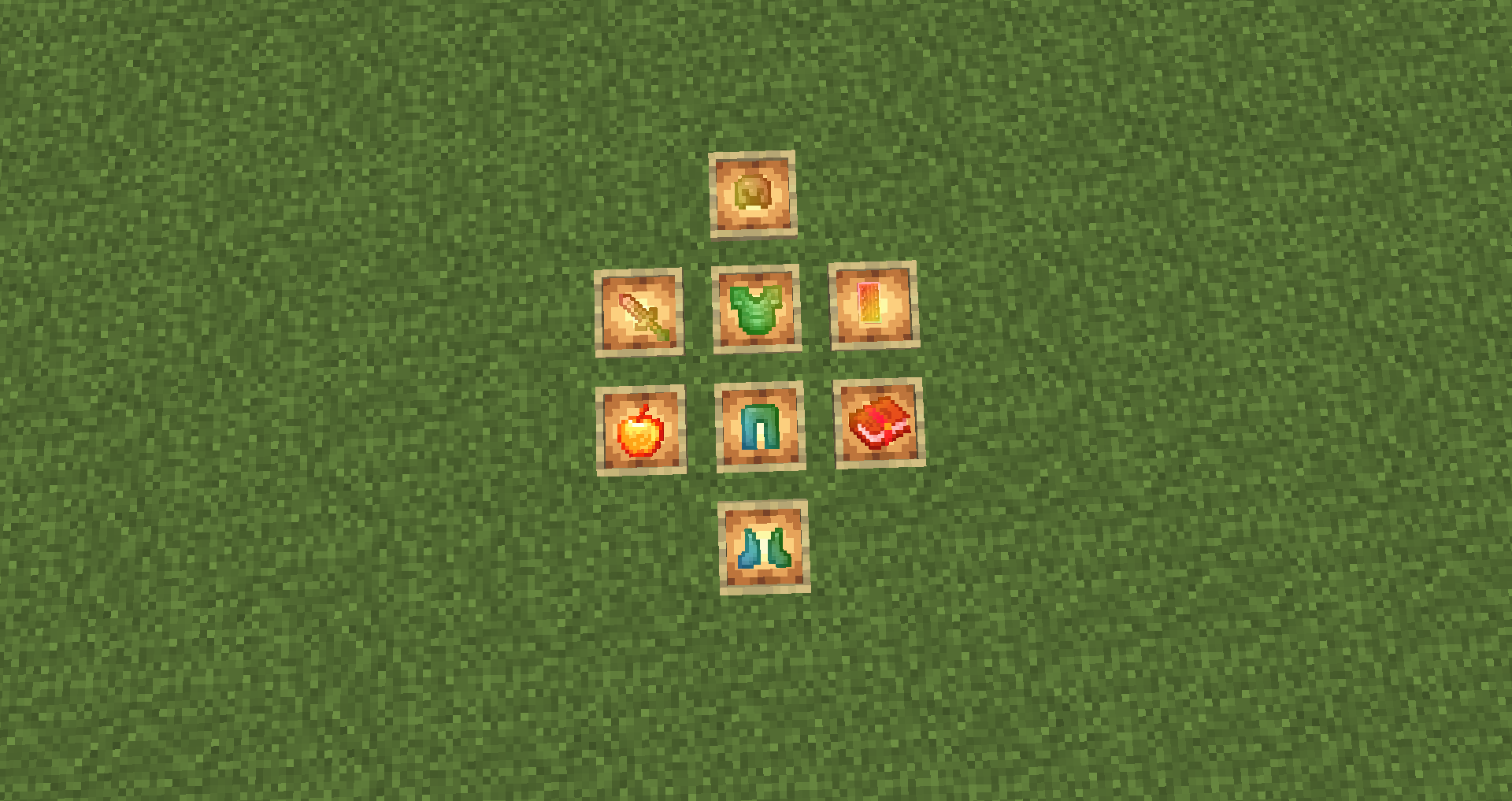
Demo Color Color Compatible Weapon/Tools Types Compatible Armor Types Compatible Other Types
Rainbow Rainbow Netherite Weapons & Tools Netherite Armor Enchanted Golden Apple
red Red Diamond Weapons & Tools Diamond Armor Potions
orange Orange Iron Weapons & Tools Iron Armor Enchanted Book
yellow Yellow Golden Weapons & Tools Golden Armor Compass
lime Lime Stone Weapons & Tools Chainmail Armor Experience Bottle
green Green Wooden Weapons & Tools Leather Armor Carved Pumpkin
cyan Cyan Trident Turtle Shell
blue Blue Bow
purple Purple Crossbow
pink Pink) Pink Shield
Shears
Fishing Rod
Carrot & Warped Fungus On A Stick

Allowed Neighbor Characters

  • .
  • *
  • |
  • -
  • {
  • }
  • [
  • ]
  • +
  • =
  • ~
  • \
  • /
  • _
  • ^
  • 🛡
  • 🎣
  • 🧪
  • 🗡
  • 🔱
  • 🪓
  • 🏹
  • ☠
  • ❤
  • ✦
  • ⋆
  • ▌
  • ▐
  • ◆
  • 【
  • 】
  • ●

Enchanted Examples

  • Red
  • .Orange.
  • *Yellow*
  • |Lime|
  • -Green-
  • {Cyan{
  • }Blue}
  • [Purple[
  • ]Blue]
  • +Cyan+
  • =Green=
  • ~Lime~
  • \Yellow\
  • /Orange/
  • _Red_
  • ^Rainbow^
  • 🛡Red🛡
  • 🎣Orange🎣
  • 🧪Yellow🧪
  • 🗡Lime🗡
  • 🔱Green🔱
  • 🪓Cyan🪓
  • 🏹Blue🏹
  • ☠Purple☠
  • ❤Blue❤
  • ✦Cyan✦
  • ⋆Green⋆
  • ▌Lime▌
  • ▐Yellow▐
  • ◆Orange◆
  • 【Red【
  • 】Rainbow】
  • ●Red●
Colored Enchants V1 (1.19.2)
MC 1.19-Snapshot, 1.19.2, 1.19.1, 1.19
Release 2023-07-11 Get
Colored Enchants V1 (1.19.4)
MC 1.19.3, 1.19.4-Snapshot, 1.19.4, 1.19.3-Snapshot
Release 2023-07-11 Get
Colored Enchants V1 (1.20.1)
MC 1.20.1, 1.20, 1.20-Snapshot
Release 2023-07-11 Get

Requirements & install

How to use this resource pack in Minecraft
Resolution
64x
Minecraft
1.19.2 – 1.20.1
Install folder
.minecraft/resourcepacks

How to install resource packs

  1. Download the resource pack .zip file (do not extract it).
  2. In Minecraft open Options → Resource Packs → Open Pack Folder.
  3. Drop the .zip into the resourcepacks folder (.minecraft/resourcepacks).
  4. Move the pack to the Selected column and click Done.
Browse more: 16x resource packs 32x resource packs 64x resource packs 128x resource packs 256x resource packs 512x+ resource packs Resource Packs for 1.20.1 All resource packs

More from the_n1n

Advertisement Remove ads with Premium →

You Might Also Like