Mineuniverse
Resource Packs
Cobblemon Crosshair

Cobblemon Crosshair

RESOURCE PACK
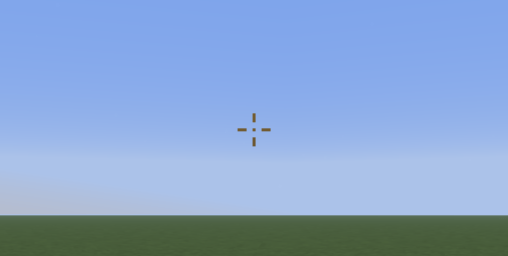
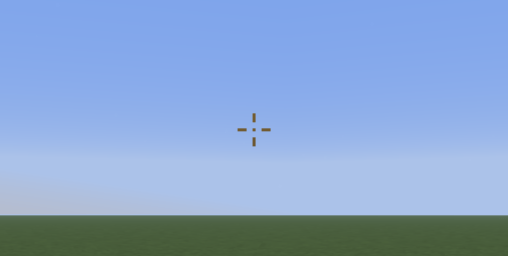
A simple texture pack that turns the default Minecraft crosshair into Cobblemon's crosshair.
by Avrok
Download Claim this project
1,324 downloads
0 likes
0 followers
Updated Oct 14, 2026
0 hypes
Follow0
16x
Advertisement Remove ads with Premium →

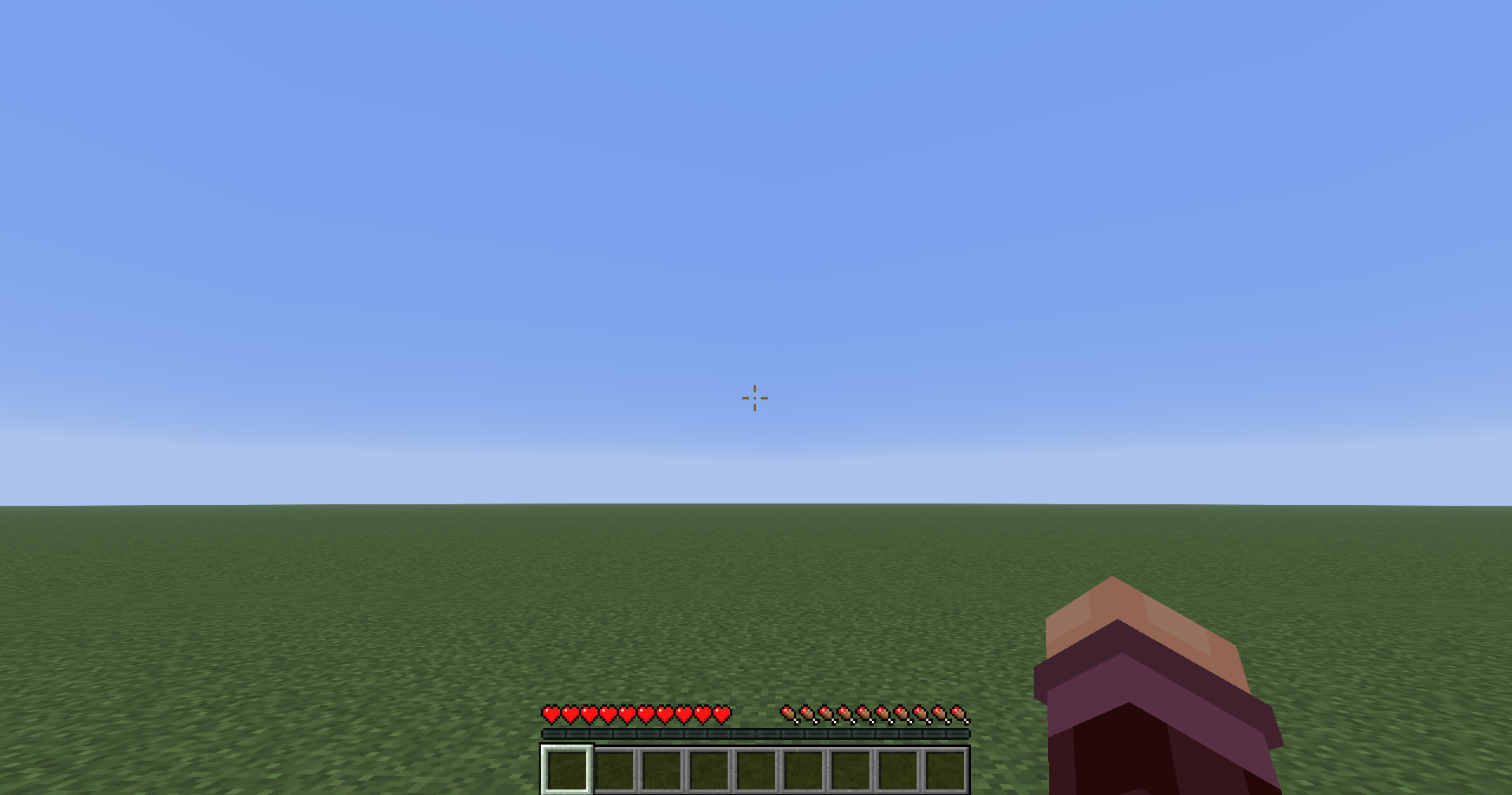
An in game screen shot of the texture pack's crosshair.

Cobblemon Crosshair

Replace the default Minecraft crosshair with a clean, Cobblemon-inspired design.

This lightweight resource pack improves your HUD by swapping the vanilla crosshair for one that matches the Cobblemon aesthetic—perfect for nostalgic players wanting this crosshair for all areas of play without changing the whole gui.


✨ Features


  • Cobblemon-style crosshair  
  • Extremely lightweight (no performance impact)  
  • Compatible with most resource packs  


🔍 Keywords

cobblemon crosshair, minecraft crosshair texture pack, cobblemon ui, minimal crosshair, minecraft resource pack, hud customization, better crosshair, csgo crosshair, pvp crosshair


Cobblemon Crosshair
MC 1.21, 1.21.8, 1.21.5, 1.21.4, 1.21.1, 1.21.6, 1.21.3, 1.21.7, 1.21.2, 1.21.9, 1.21.10, 1.21.11, 26.1, 26.1.1, 26.1.2, 26.2, 26.3
Release 2026-03-28 Get

Requirements & install

How to use this resource pack in Minecraft
Resolution
16x
Minecraft
1.21.9 – 26.3
Install folder
.minecraft/resourcepacks

How to install resource packs

  1. Download the resource pack .zip file (do not extract it).
  2. In Minecraft open Options → Resource Packs → Open Pack Folder.
  3. Drop the .zip into the resourcepacks folder (.minecraft/resourcepacks).
  4. Move the pack to the Selected column and click Done.
Browse more: 16x resource packs 32x resource packs 64x resource packs 128x resource packs 256x resource packs 512x+ resource packs Resource Packs for 26.3 All resource packs

More from Avrok

Advertisement Remove ads with Premium →

You Might Also Like