Mineuniverse
Resource Packs
Chest Boat GUI

Chest Boat GUI

RESOURCE PACK
Custom GUI for chest boats
by opekope2
Download Claim this project
1,086 downloads
0 likes
Updated Oct 14, 2026
0 hypes
256x
Advertisement Remove ads with Premium →

Stop Chat Control

Chest boat GUI

Buy me a coffee

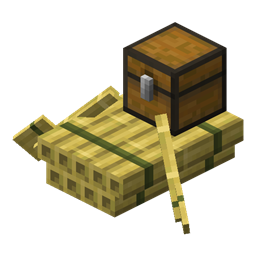
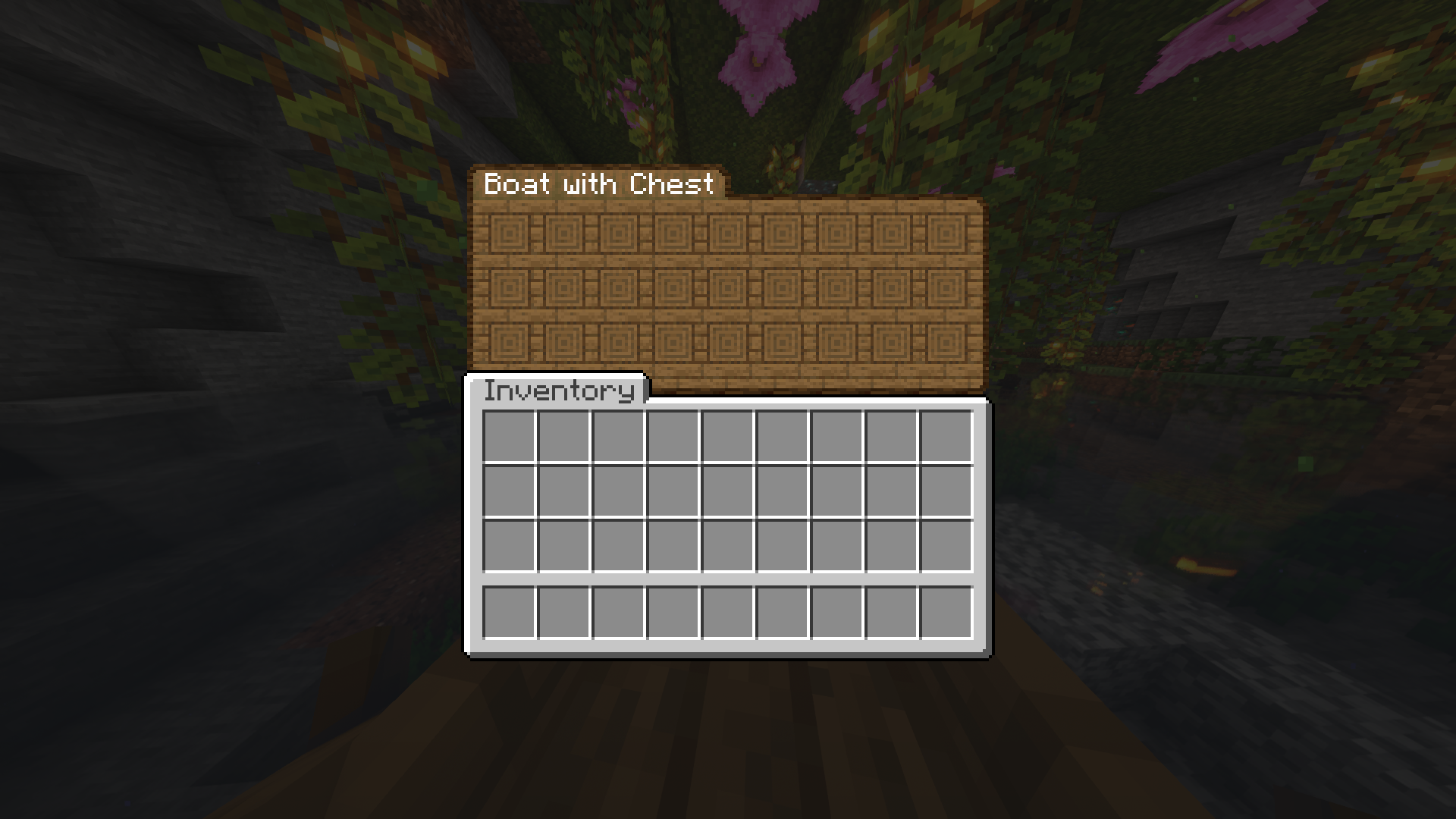
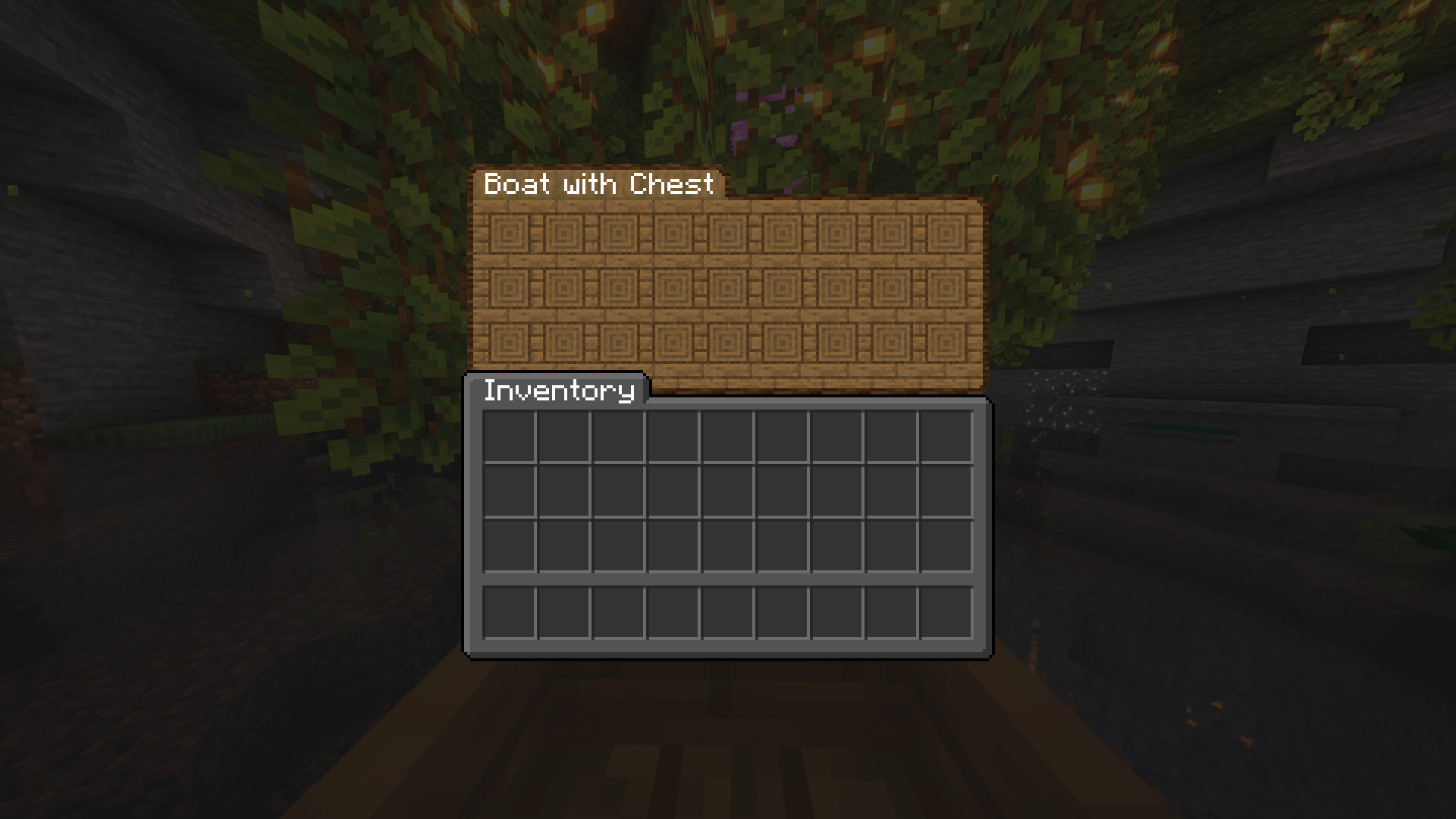
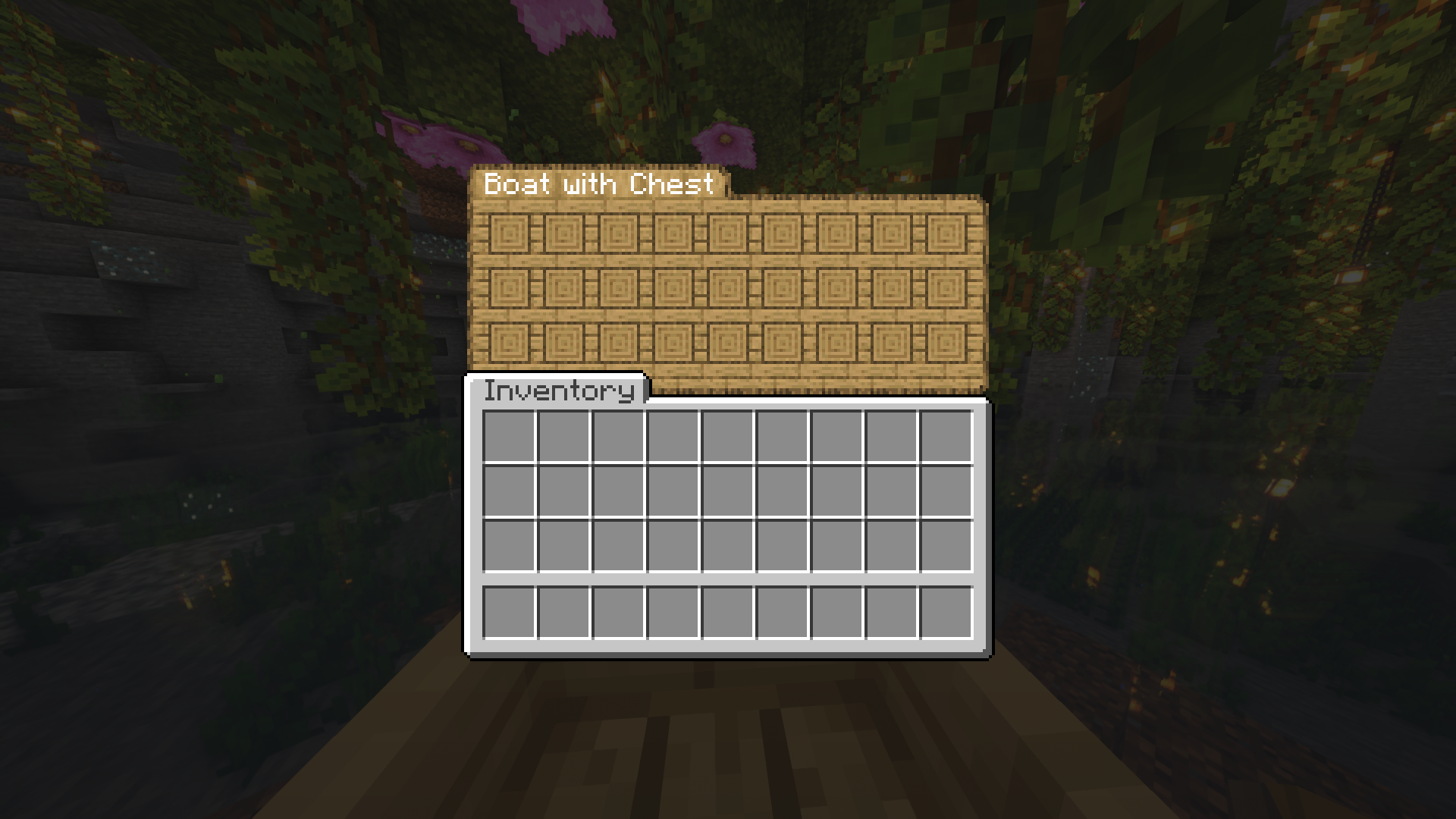
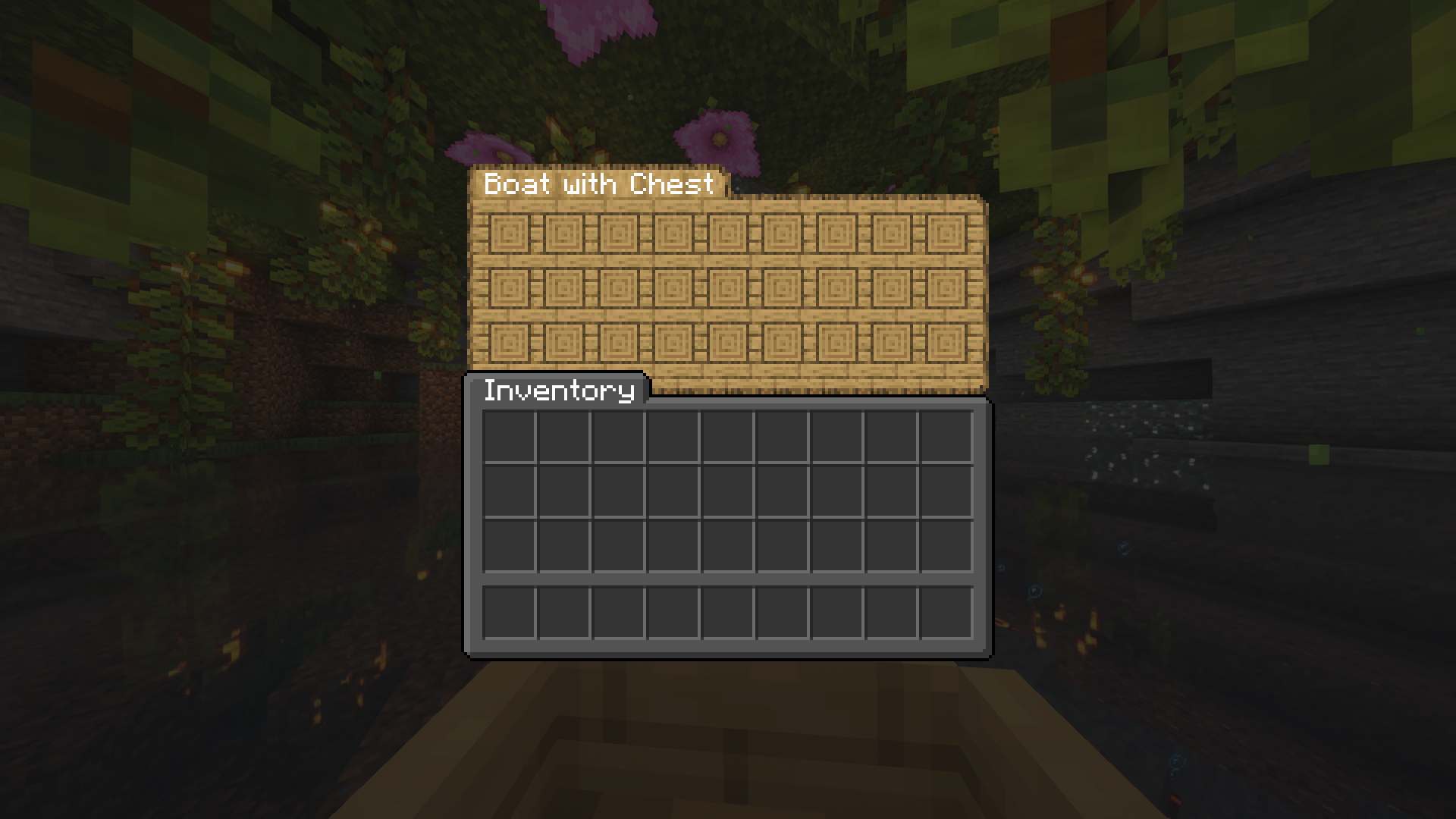
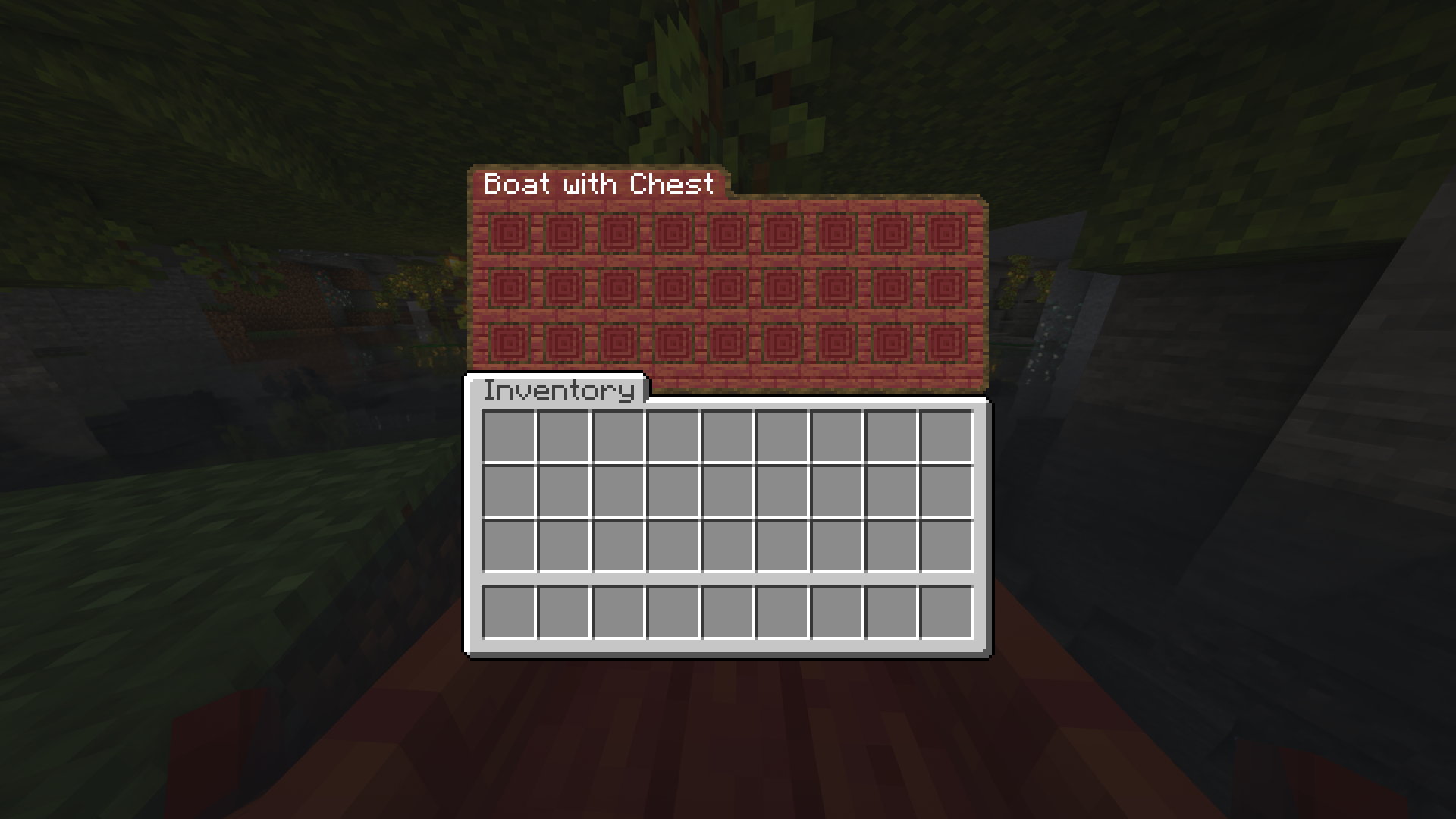
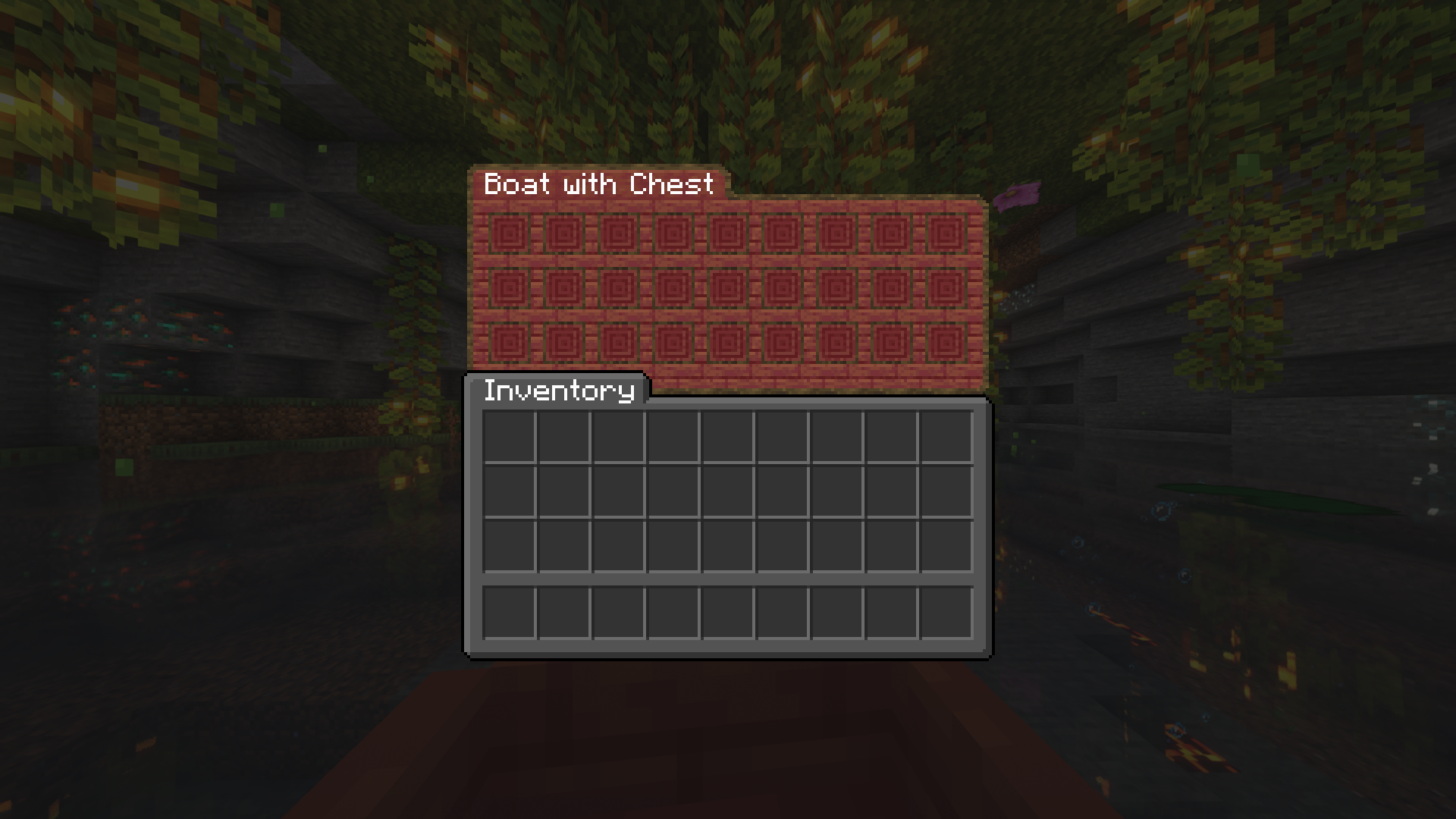
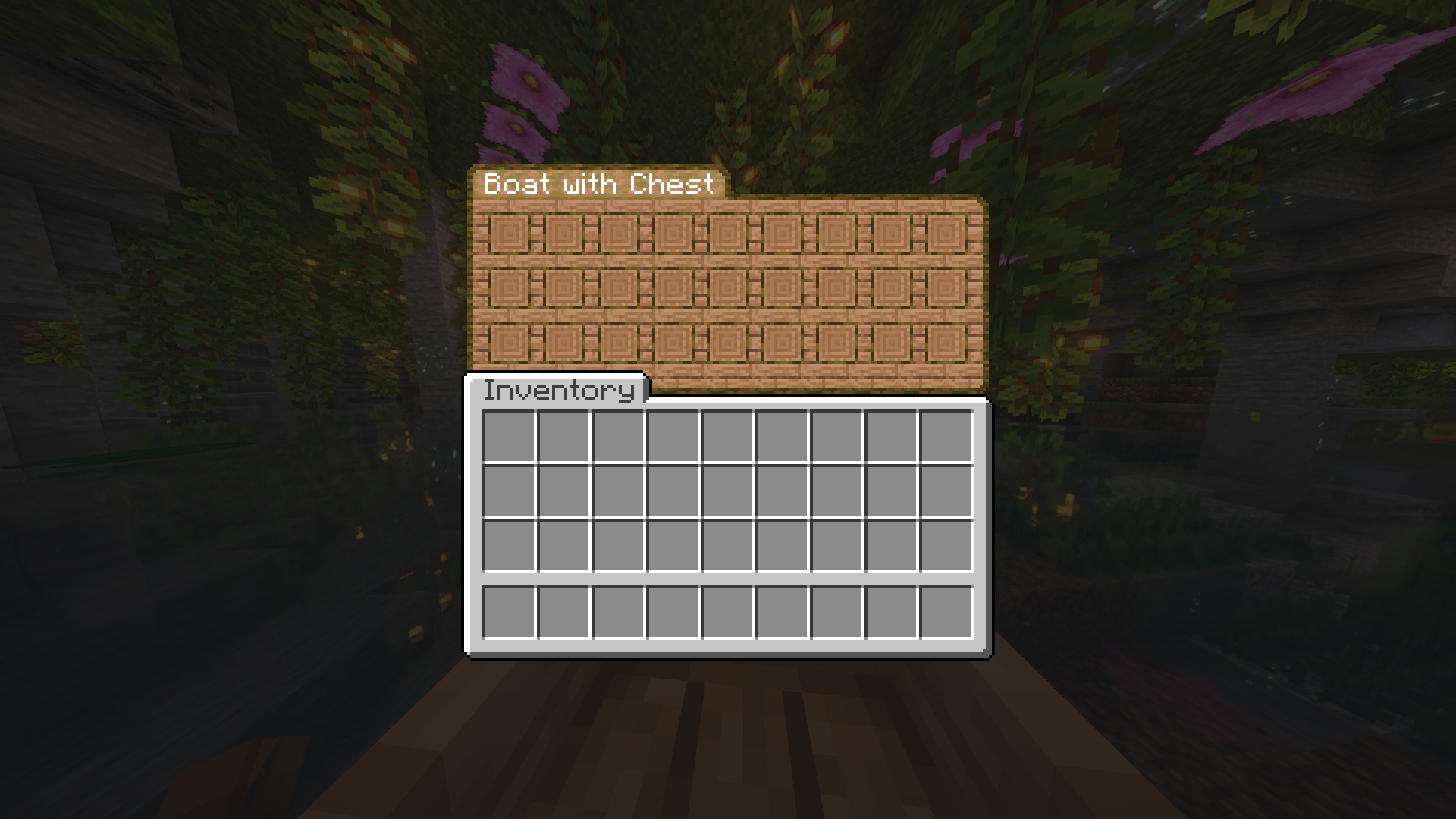
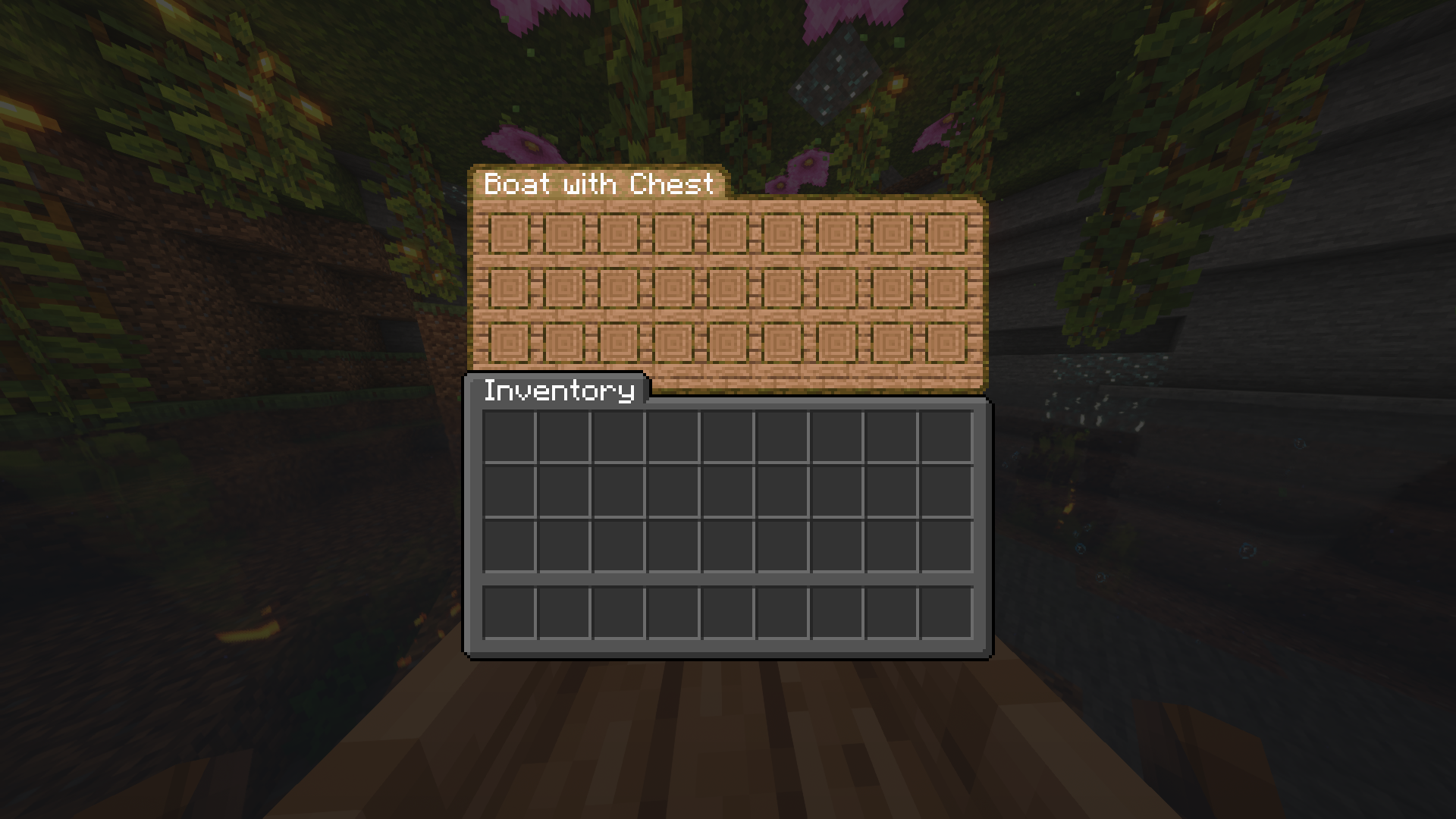
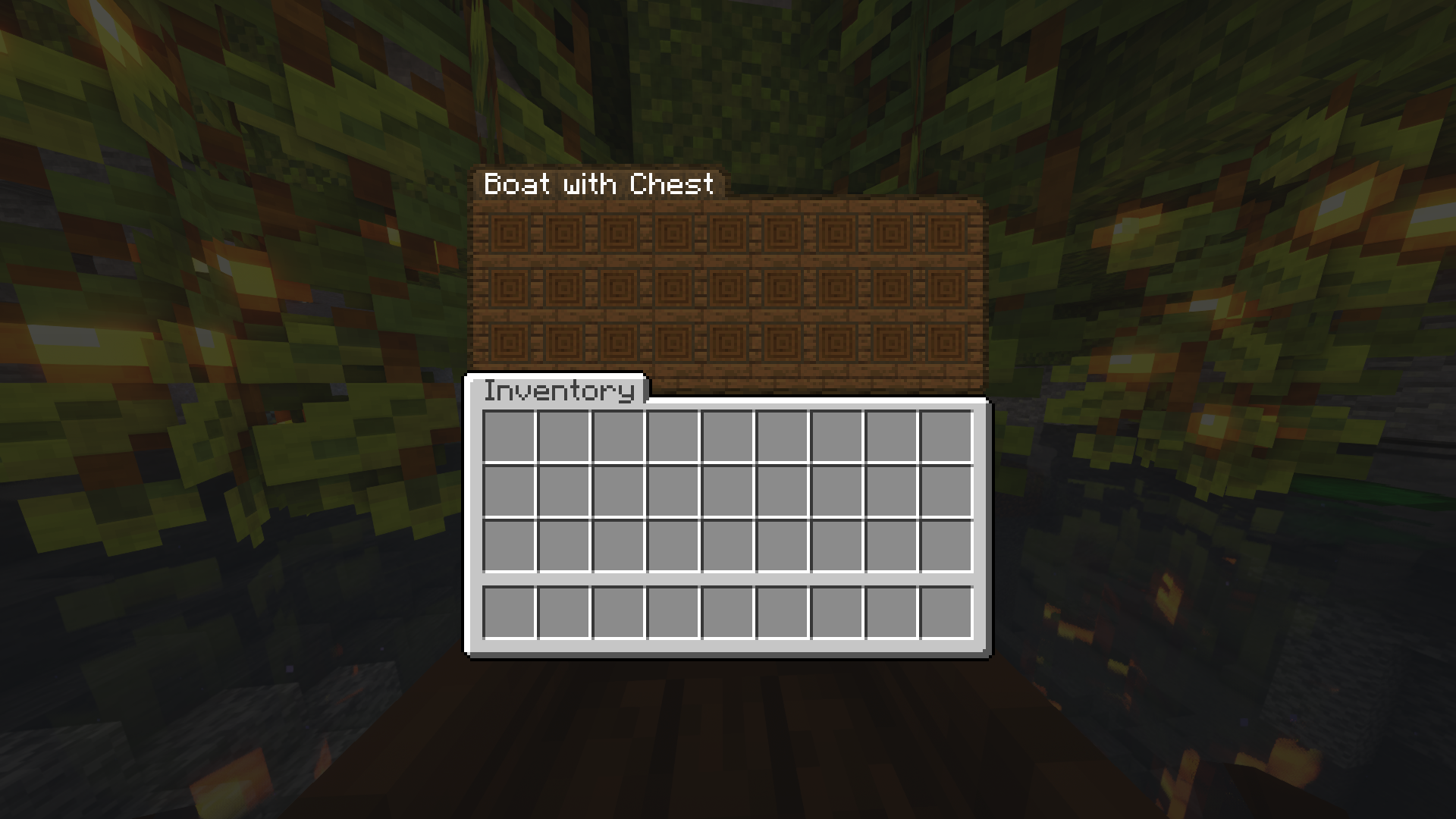
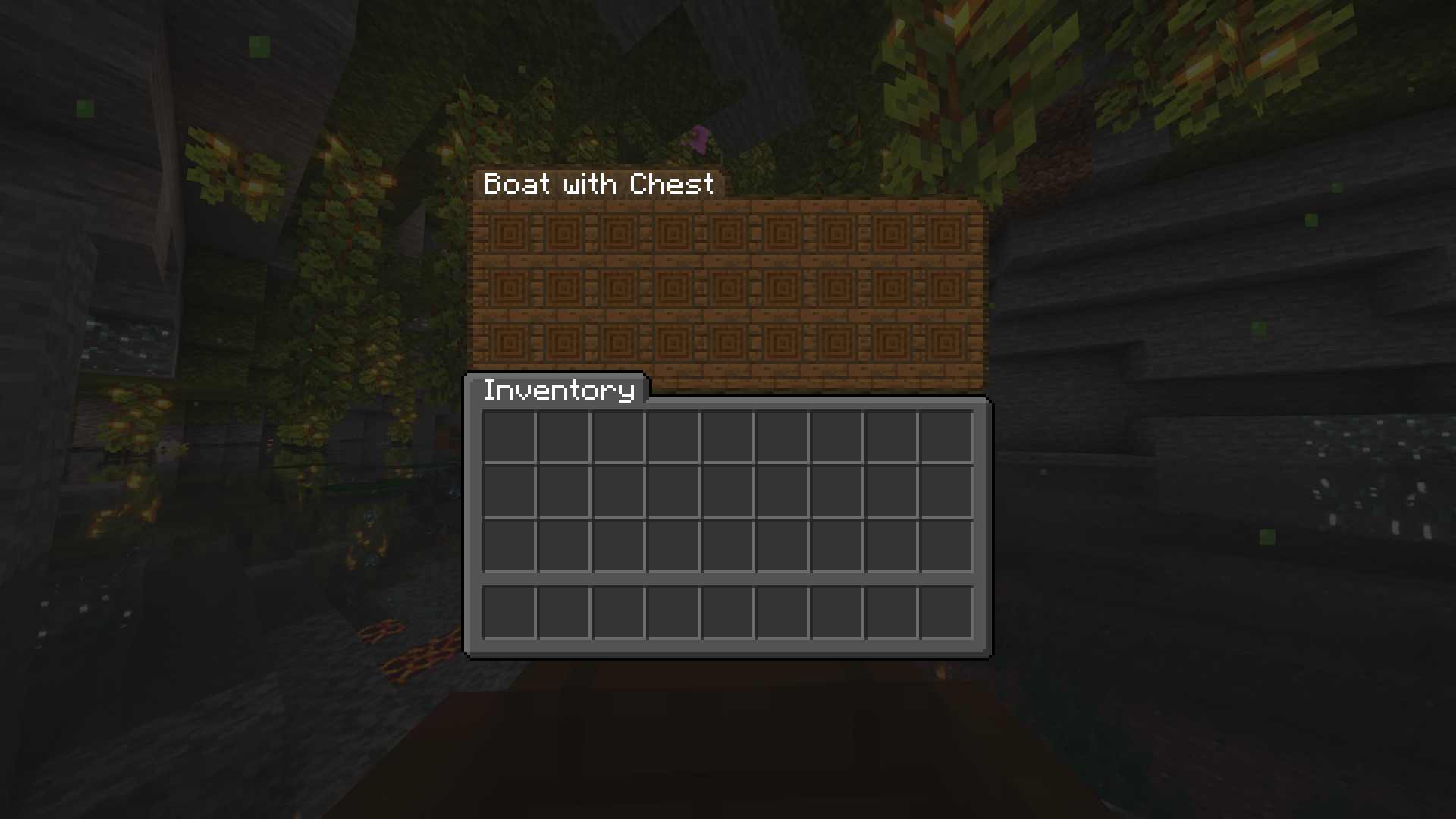
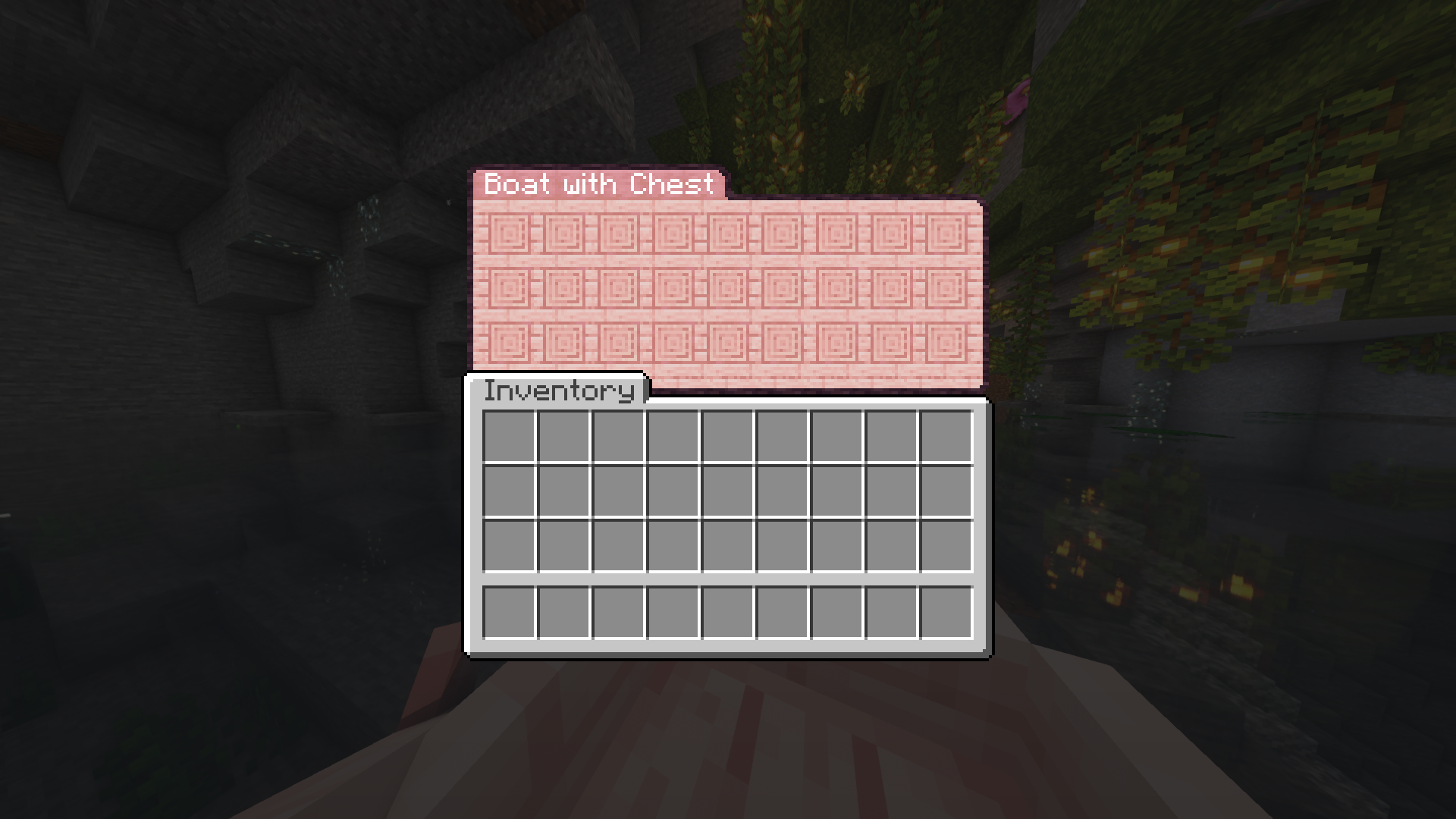
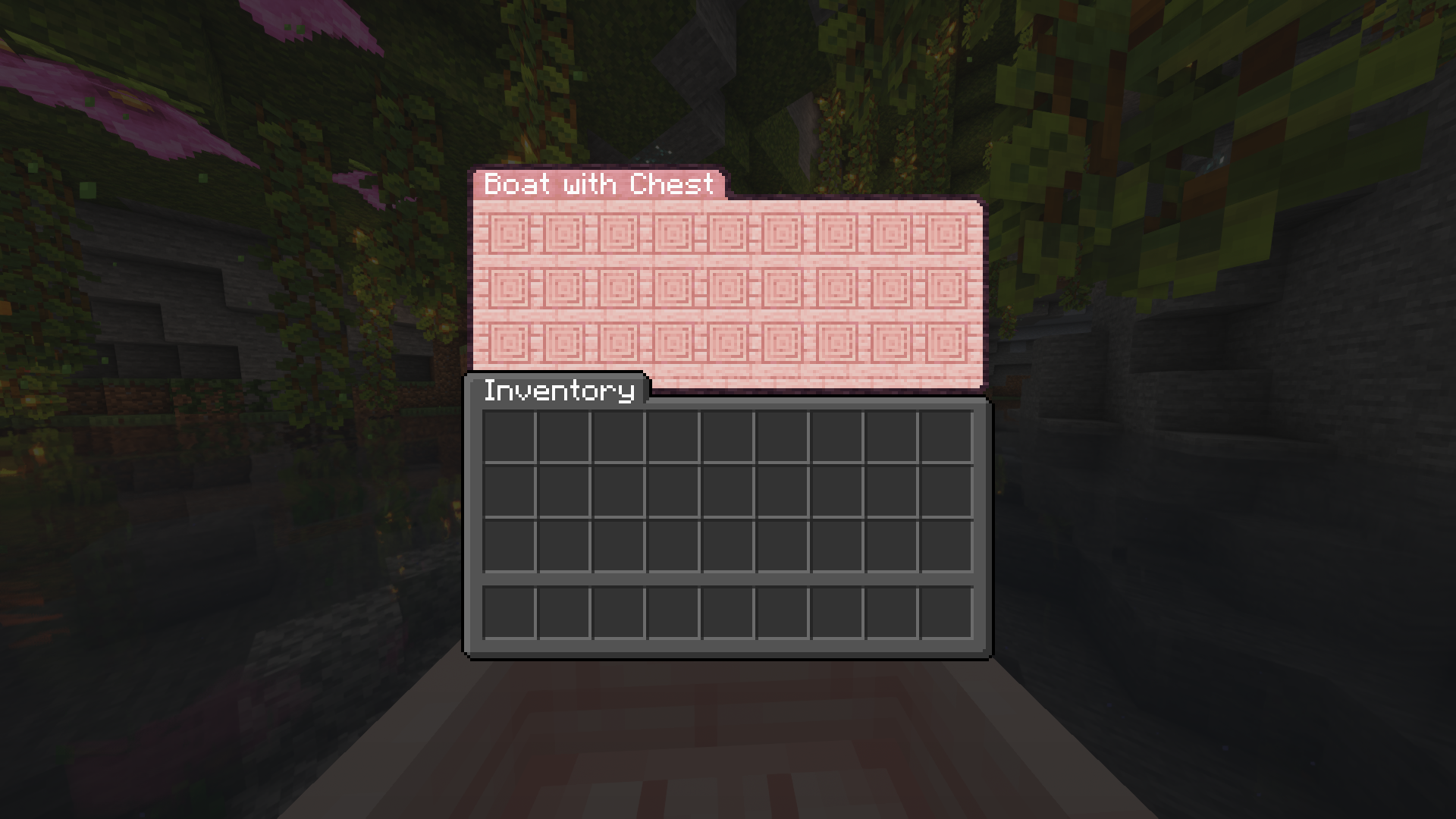
Chest boat GUI is an OptiGUI resource pack with rounded corners, which replaces the GUI of vanilla chest boats. It was inspired by Colourful containers GUI resource pack.

The dark version is based on Vanilla Tweaks Dark UI.

Currently requires OptiGUI 2.1.0-beta.1 or newer.

BisectHosting banner

Screenshots

See images for screenshots.

All screenshots in the images section were created using

OptiFine

OptiFine is not supported, as it is missing the ability to

  • read OptiGUI resources
  • replace chest boat GUIs
Chest-Boat-GUI-v1-light.zip
MC 1.19.3, 1.19.4-Snapshot, 1.19.4, 1.19-Snapshot, 1.19.2, 1.20.1, 1.20, 1.19.1, 1.20-Snapshot, 1.19, 1.19.3-Snapshot
Release 2023-07-21 Get

Requirements & install

How to use this resource pack in Minecraft
Resolution
256x
Minecraft
1.19.2 – 1.20.1
Install folder
.minecraft/resourcepacks

How to install resource packs

  1. Download the resource pack .zip file (do not extract it).
  2. In Minecraft open Options → Resource Packs → Open Pack Folder.
  3. Drop the .zip into the resourcepacks folder (.minecraft/resourcepacks).
  4. Move the pack to the Selected column and click Done.

Packs from 128x upwards need more video memory: install a performance mod such as Sodium for smooth frame rates.

Browse more: 16x resource packs 32x resource packs 64x resource packs 128x resource packs 256x resource packs 512x+ resource packs Resource Packs for 1.20.1 All resource packs

More from opekope2

Advertisement Remove ads with Premium →

You Might Also Like