Mineuniverse
Resource Packs
Bone Apple Tea

Bone Apple Tea

RESOURCE PACK
A resource fixer for various mods.
by kirbykid256
Download Claim this project
261 downloads
0 likes
Updated Oct 14, 2026
0 hypes
16x Miscellaneous Mod Support
Advertisement Remove ads with Premium →


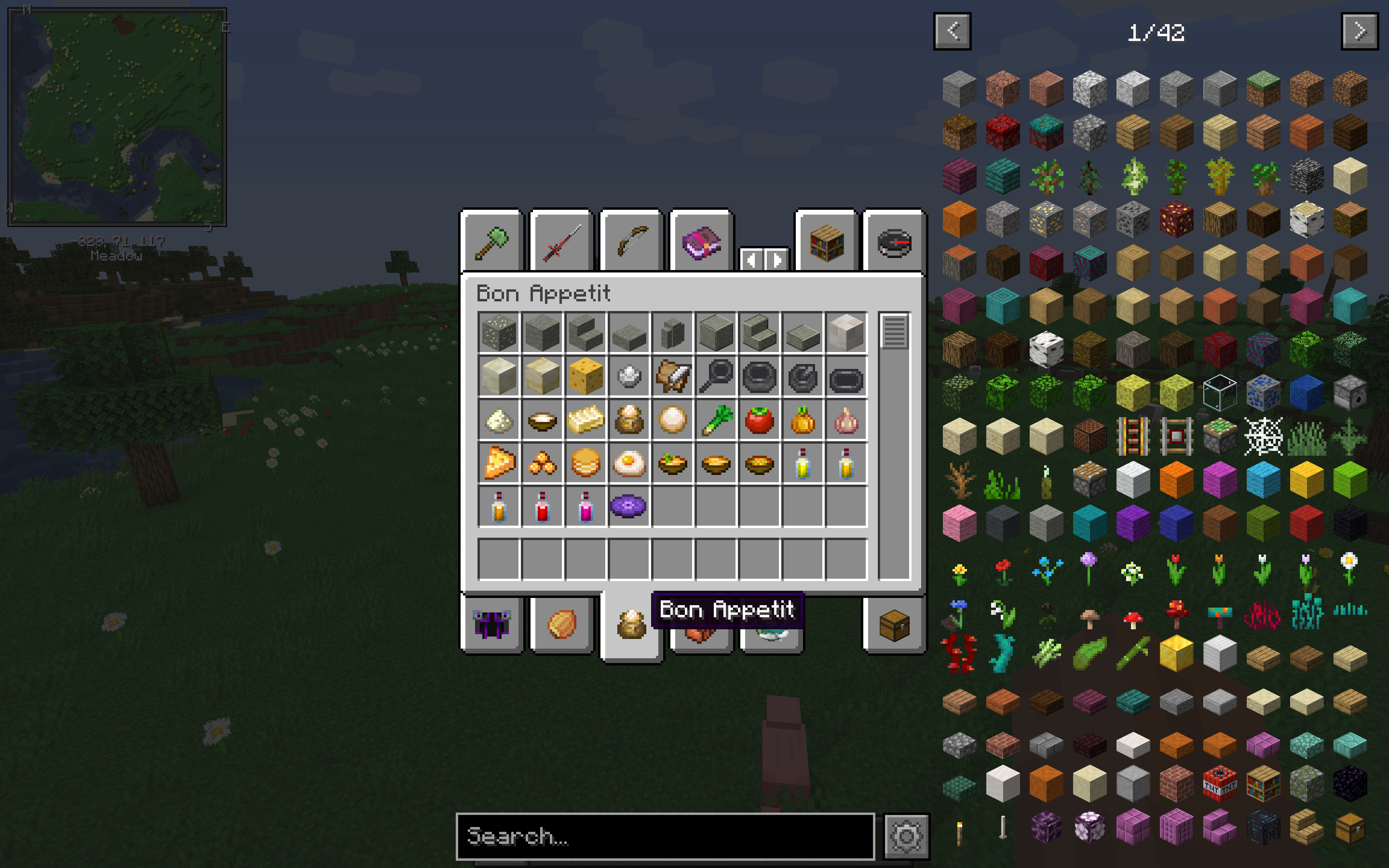
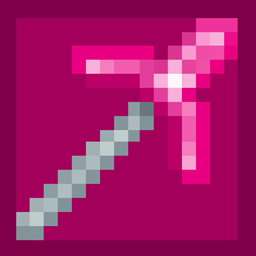
Bone Apple Tea was initially going to be a small resource fix for the fabric mod, Bon Appetit. But I also had a resource fix for the calm4.ogg - Music Disc edition that I didn't release yet. So, I combined the two fixes and now, this shall be a thing.


There are some fixes to the Minecraft textures:

  • Fixes iron and jungle door item textures to be more consistent with their block textures
  • Adds in the 1.17 clock and compass textures.


The mods that this resource pack covers are the following:

  • Bon Appetit (Probably don't need compatibility with this anymore since the issues should be fixed by now)
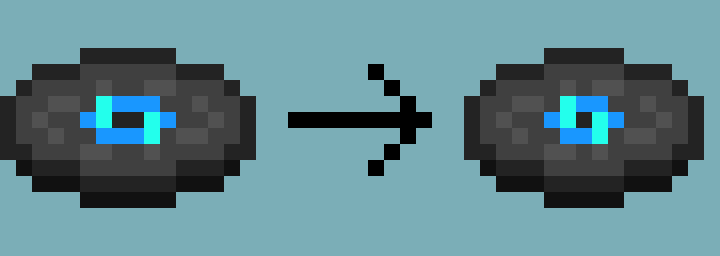
  • calm4.ogg - Music Disc edition
  • Caves and Cliffs Mod (Which I really just made the new ores classic style using this resource pack. I will eventually make an addon which will revert that, and add the 1.17 regular ore textures)
  • Macaw's Doors (Fixed the door item icons to be more consistent with Vanilla doors)
  • Better Default Biomes (Only fixed one item, the Palm Door, to be more consistent with its block texture)
  • Lucky Block (Uses my Jappa Lucky Block texture pack. If you want 1.12 style lucky blocks, there's a Programmer Lucky Block version on the original page of the pack)


Planned mods to try to fix:

  • Extra Records (Not guaranteed, but I'll see if I can find a way to spice up the music discs.
Bone Apple Tea v1.1.zip
MC 1.16.5
Alpha 2021-04-25 Get
Bone Apple Tea v1.zip
MC 1.16.4
Release 2021-01-11 Get

Requirements & install

How to use this resource pack in Minecraft
Resolution
16x
Minecraft
1.16.4 – 1.16.5
Install folder
.minecraft/resourcepacks

How to install resource packs

  1. Download the resource pack .zip file (do not extract it).
  2. In Minecraft open Options → Resource Packs → Open Pack Folder.
  3. Drop the .zip into the resourcepacks folder (.minecraft/resourcepacks).
  4. Move the pack to the Selected column and click Done.
Browse more: 16x resource packs 32x resource packs 64x resource packs 128x resource packs 256x resource packs 512x+ resource packs Resource Packs for 1.16.5 All resource packs

More from kirbykid256

Advertisement Remove ads with Premium →

You Might Also Like