Mineuniverse
Resource Packs
Minecraft: Super Mario Bros. Edition DELXUE

Minecraft: Super Mario Bros. Edition DELXUE

RESOURCE PACK
An addon for BWGLite's Minecraft SMB Texture Pack
by kirbykid256
Download Claim this project
Add a badge to your pageLink to Minecraft: Super Mario Bros. Edition DELXUE from a README, website or forum post.
Preview: Badge

Badges update automatically and link to the resource pack page on MineUniverse.
2,849 downloads
0 likes
0 followers
Updated Oct 14, 2026
0 hypes
Follow0
16x Animated Miscellaneous Mod Support
Advertisement Remove ads with Premium →

Hey Paisanos! I'm posting this here since the file is too big for Planet Minecraft.

You will also need BWGLite's Minecraft SMB Texture pack, so click here to go to their page to download the pack.


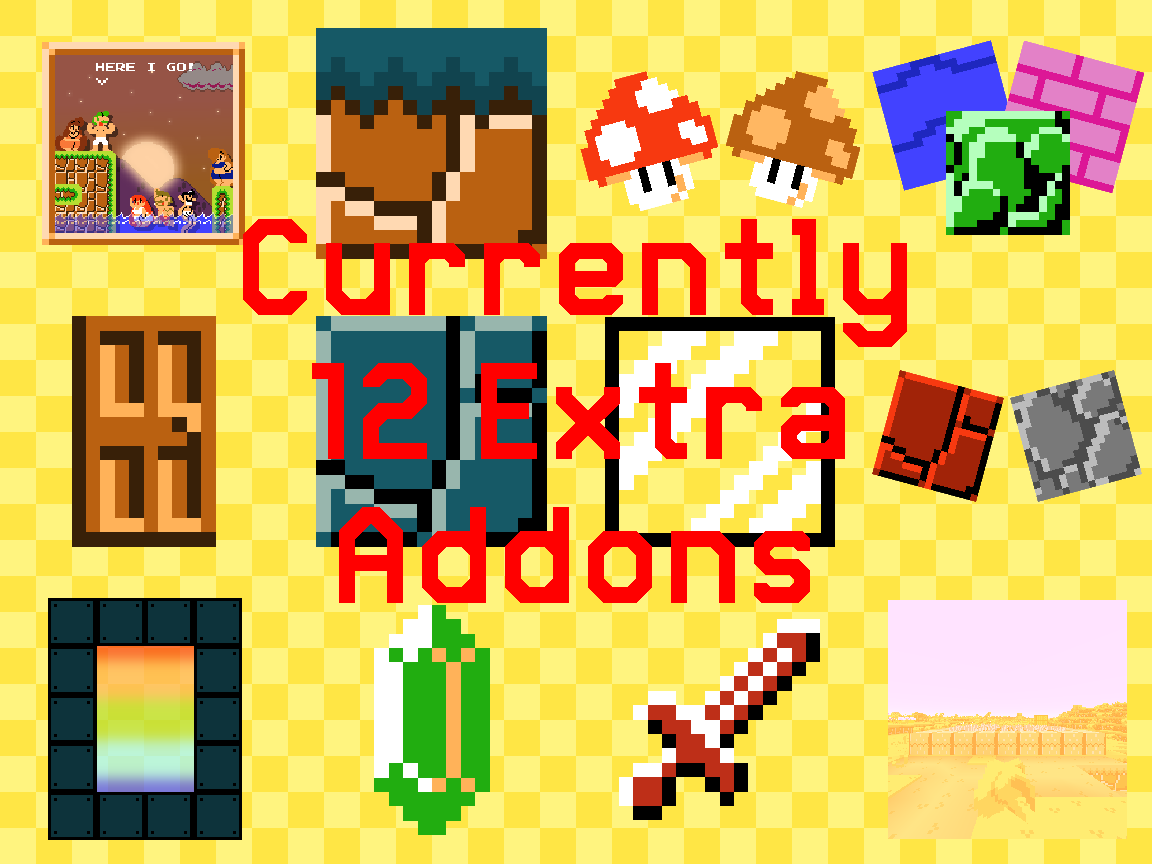
Anyways, it's DELUXE TIME! This is an addon for Minecraft Super Mario Bros Edition that both adds mod support tweaks existing features in the texture pack to encompass for the mod support. This addon adds the following:

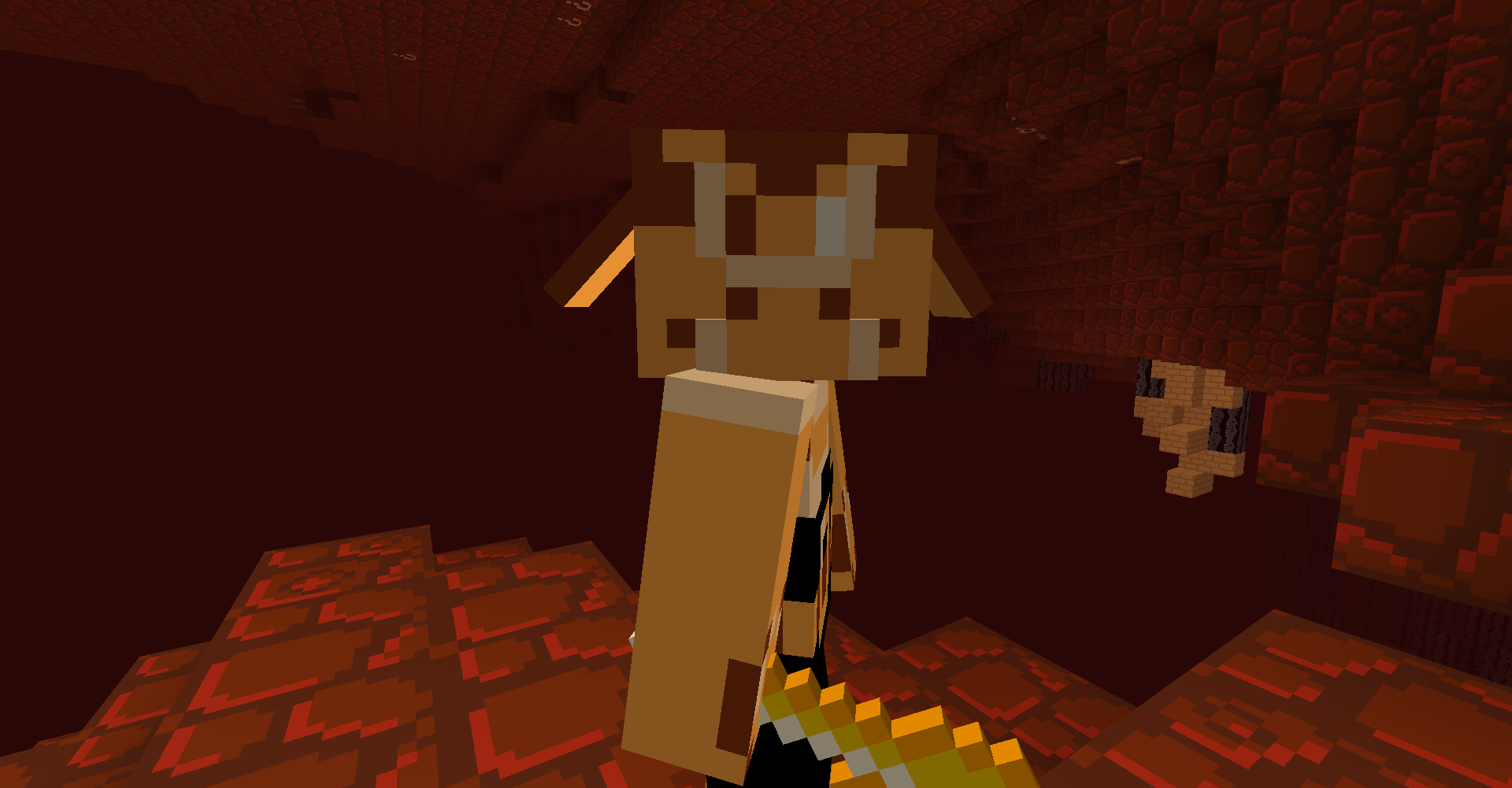
  • The Boom-Brute and support for Et Tu Brute
  • A working animated Command Block Minecart item
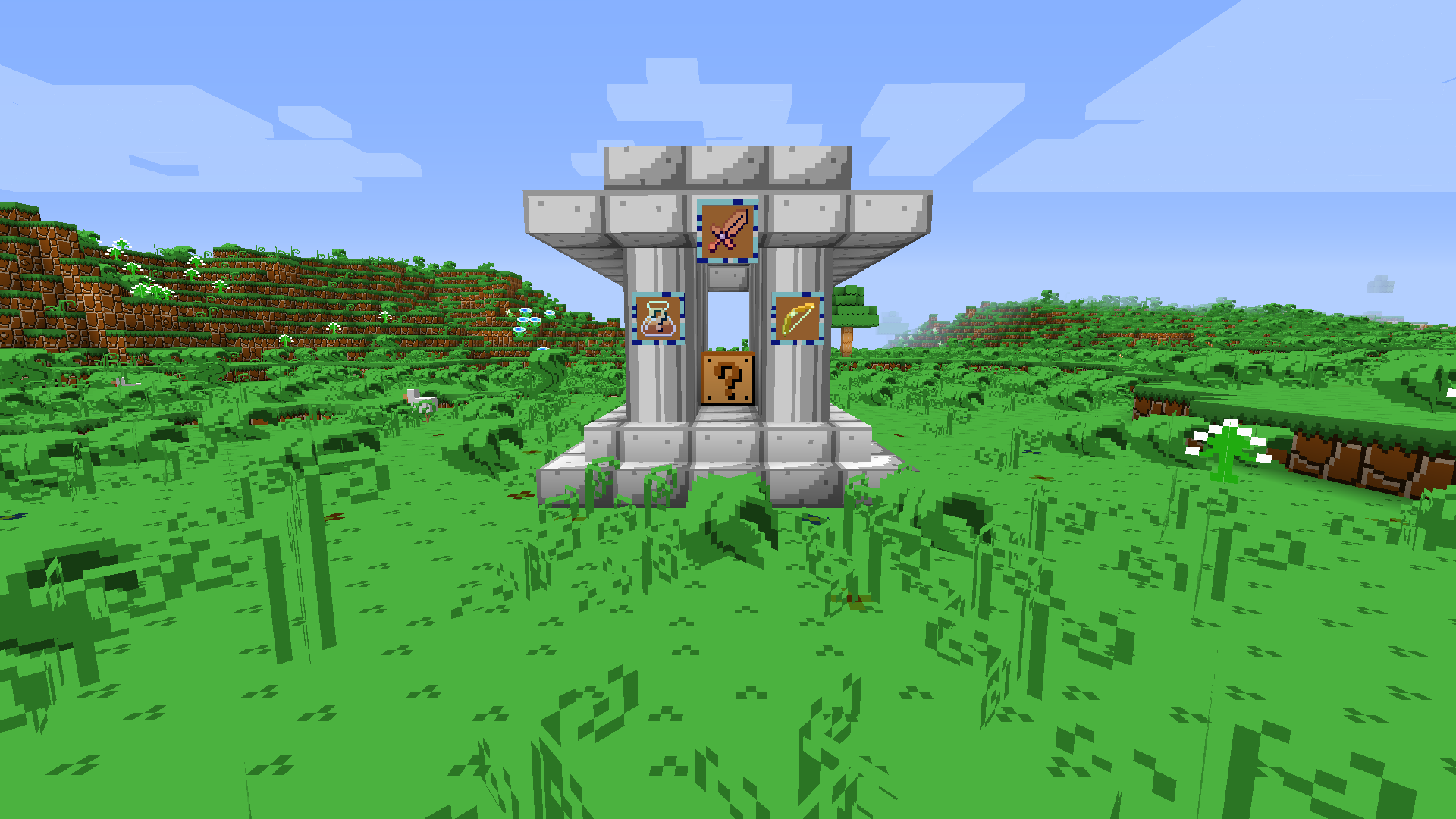
  • Lucky Block Mod Support
  • Upgraded Netherite Mod Support
  • Mubble Mod Support (WIP)
    • And some new names for pre-existing achievements such as my favorite, "Cover me in... BOWSER?" (It will make sense if you get the original texture pack with this addon.)

This mod support will NOT apply to SMB3 and SMW. If you want mod support for that, you're gonna have to do it yourself. The most I will do is port those texture packs to 1.16.

Minecraft- SMB Deluxe Edition 1.17 v1.4.zip
MC 1.17.1, 1.17, 1.17-Snapshot
Beta 2021-08-05 Get
Minecraft- SMB Deluxe Edition 1.16 v1.3.zip
MC 1.16.3, 1.16.5, 1.16.4, 1.16.2
Beta 2021-02-01 Get
MC SMBDE- Door Tweaks v2.zip
MC 1.16.3, 1.16.1, 1.16, 1.16.4, 1.16.2
Release 2020-12-31 Get
Minecraft- SMB Deluxe Edition 1.16 v1.2.zip
MC 1.16.1, 1.16, 1.16.2
Beta 2020-09-08 Get
Minecraft- SMB Deluxe Edition 1.16 v1.1.zip
MC 1.16.1, 1.16.2
Release 2020-09-03 Get

Requirements & install

How to use this resource pack in Minecraft
Resolution
16x
Minecraft
1.16.1 – 1.17.1
Install folder
.minecraft/resourcepacks

How to install resource packs

  1. Download the resource pack .zip file (do not extract it).
  2. In Minecraft open Options → Resource Packs → Open Pack Folder.
  3. Drop the .zip into the resourcepacks folder (.minecraft/resourcepacks).
  4. Move the pack to the Selected column and click Done.
Browse more: 16x resource packs 32x resource packs 64x resource packs 128x resource packs 256x resource packs 512x+ resource packs Resource Packs for 1.17.1 All resource packs

More from kirbykid256

Advertisement Remove ads with Premium →

You Might Also Like