Blue Archive Halos | 蔚蓝档案光环资源包
Description
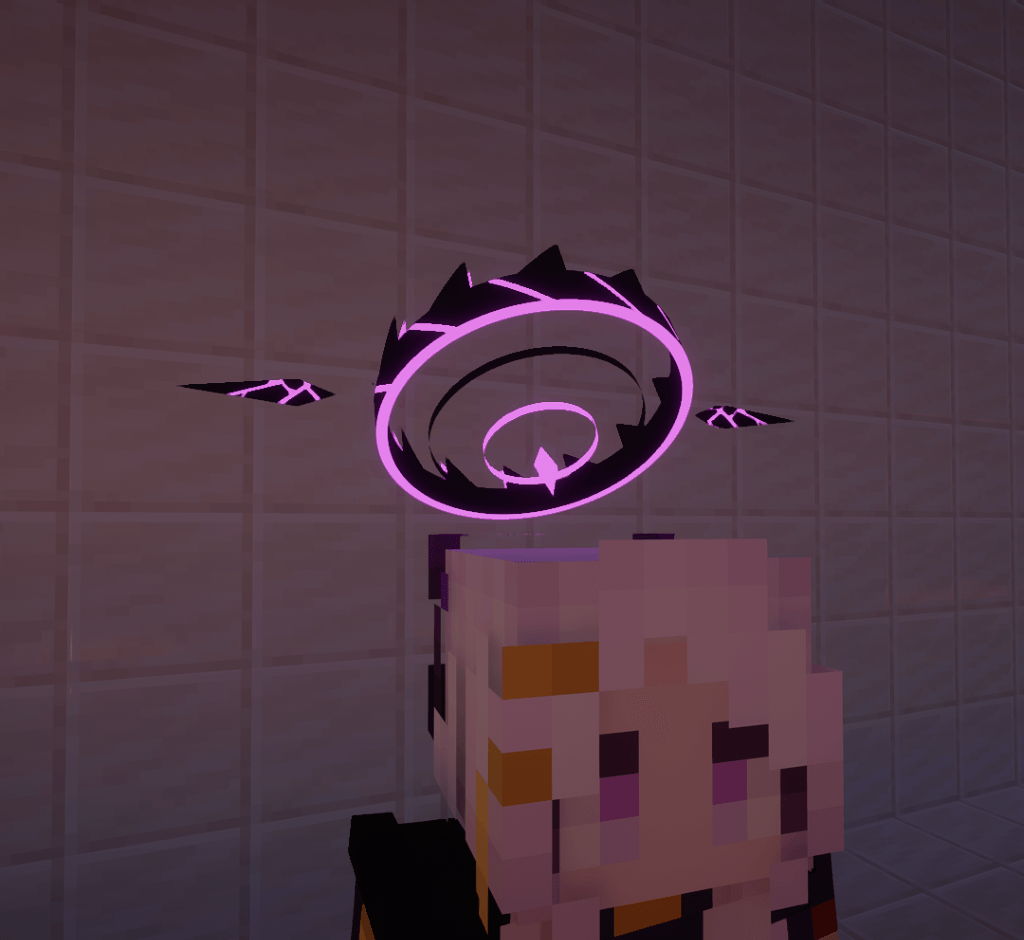
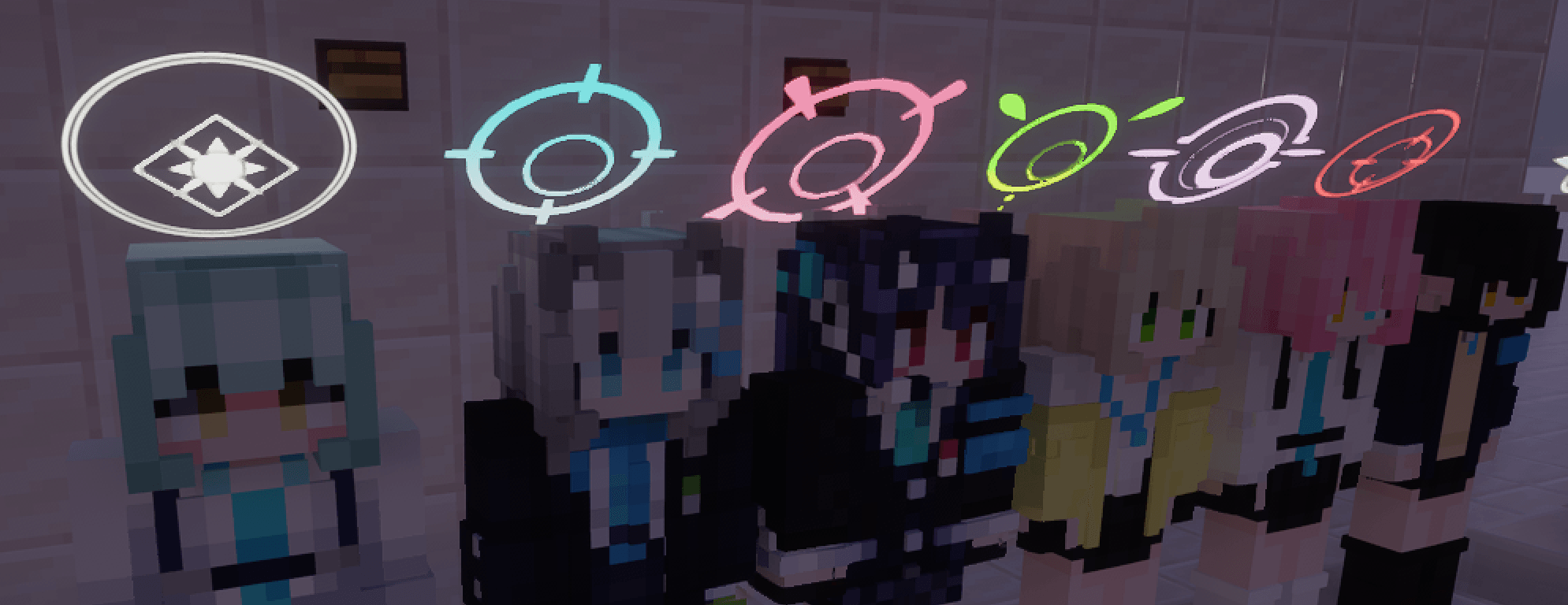
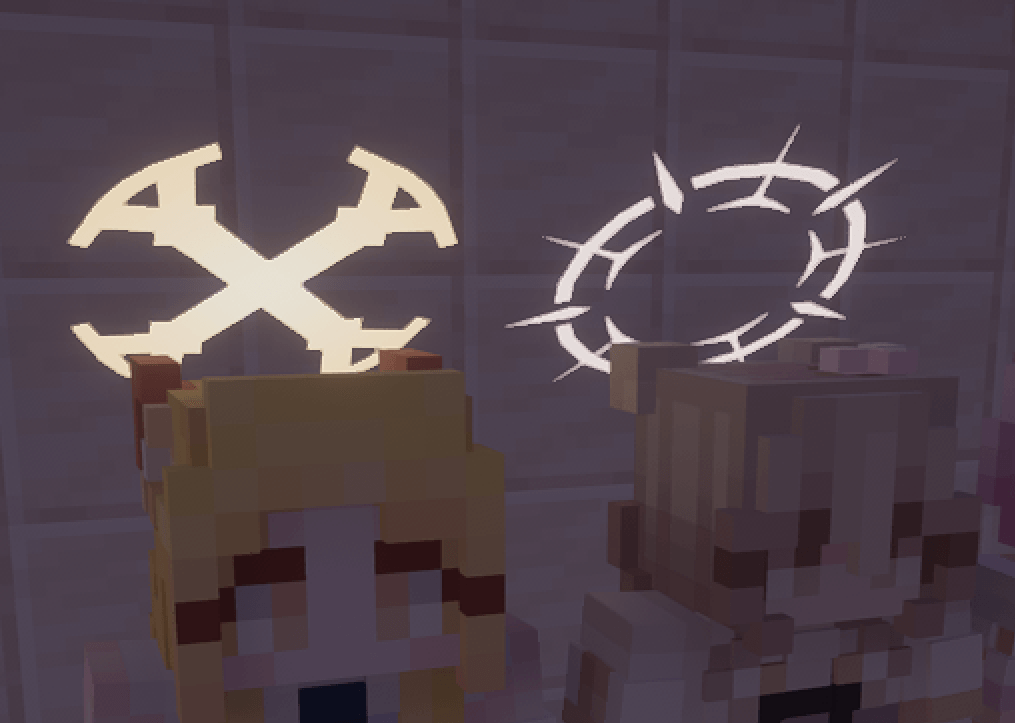
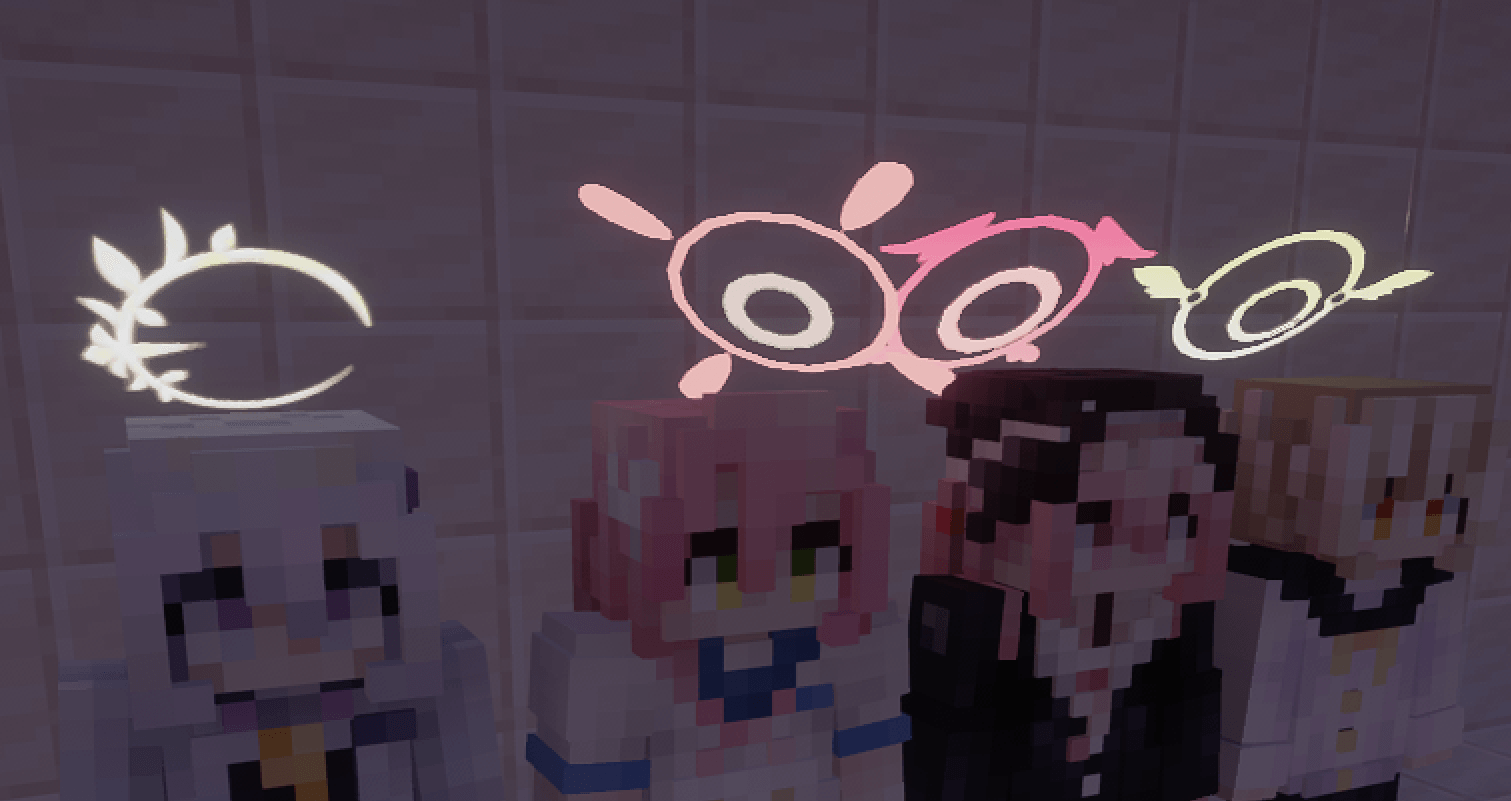
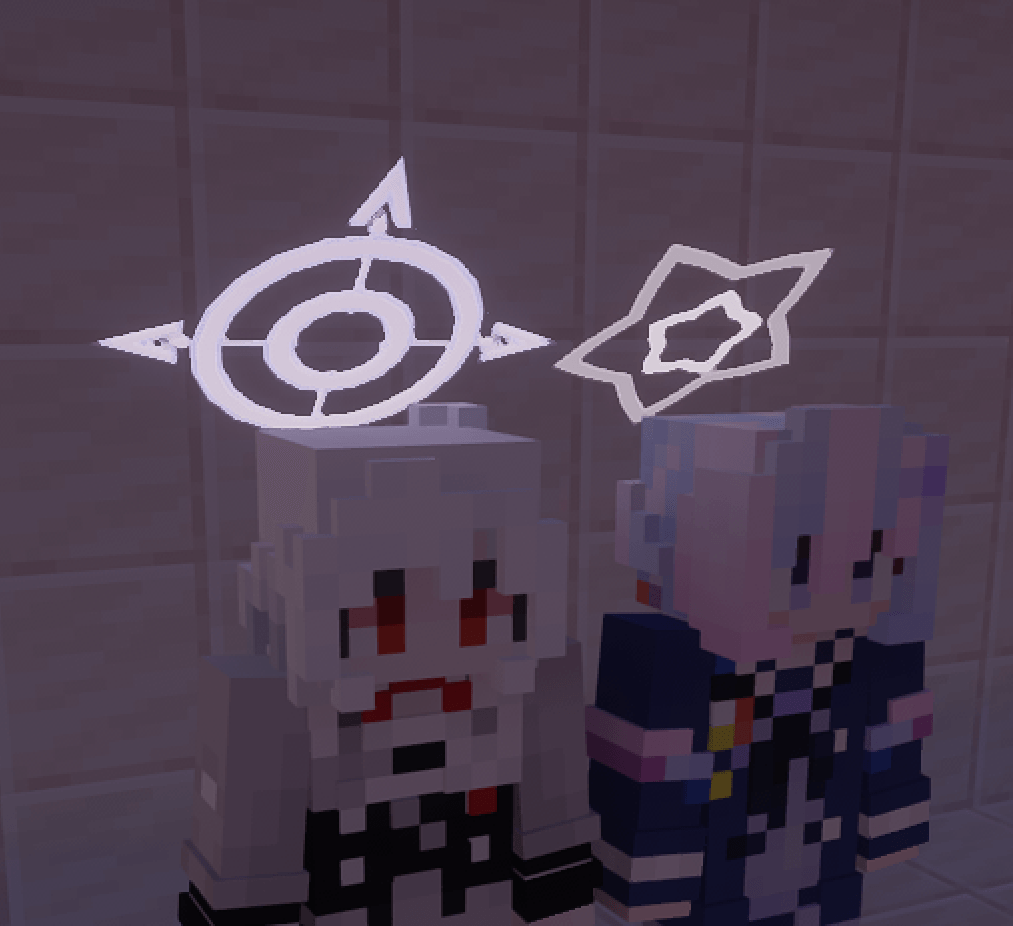
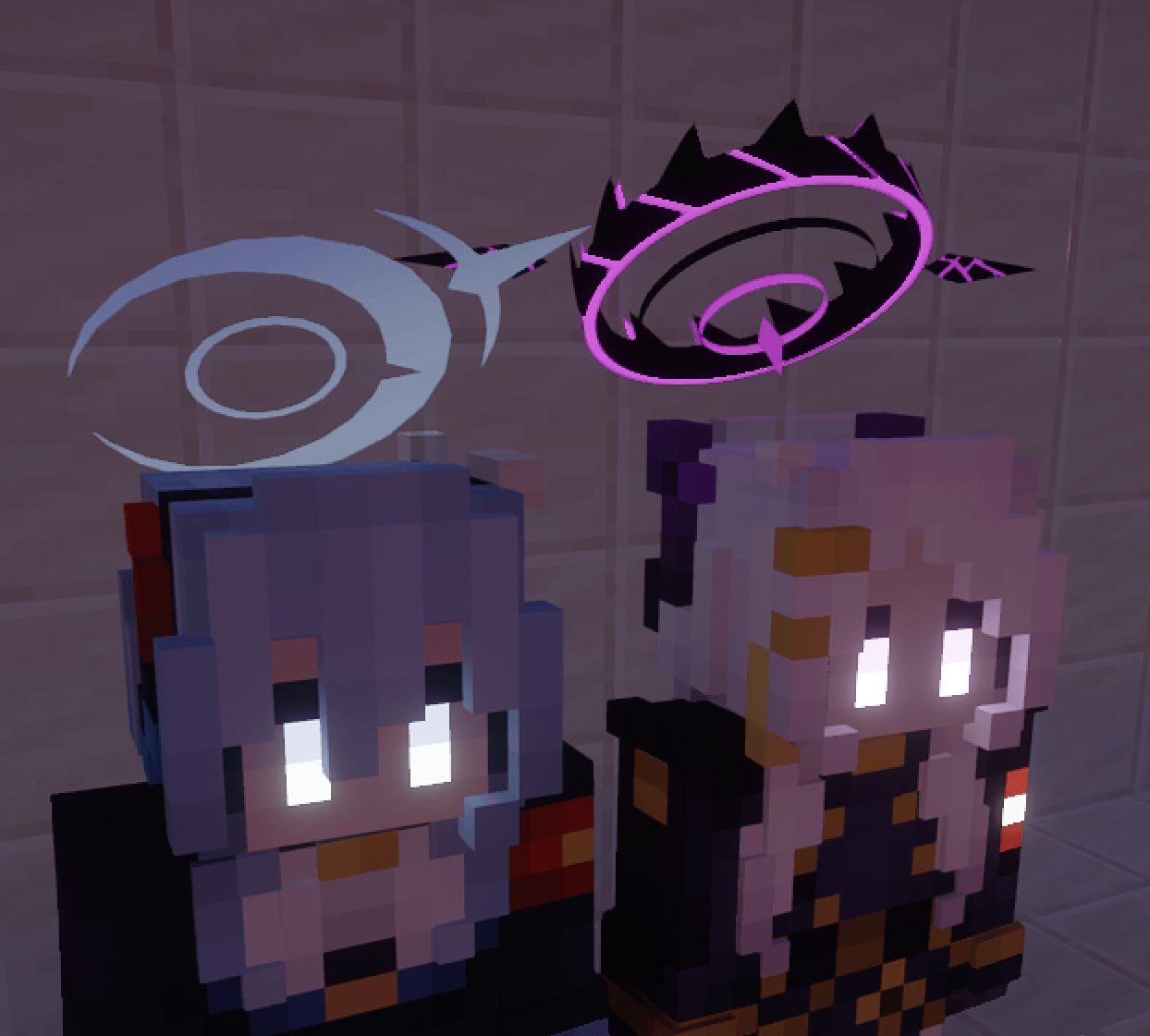
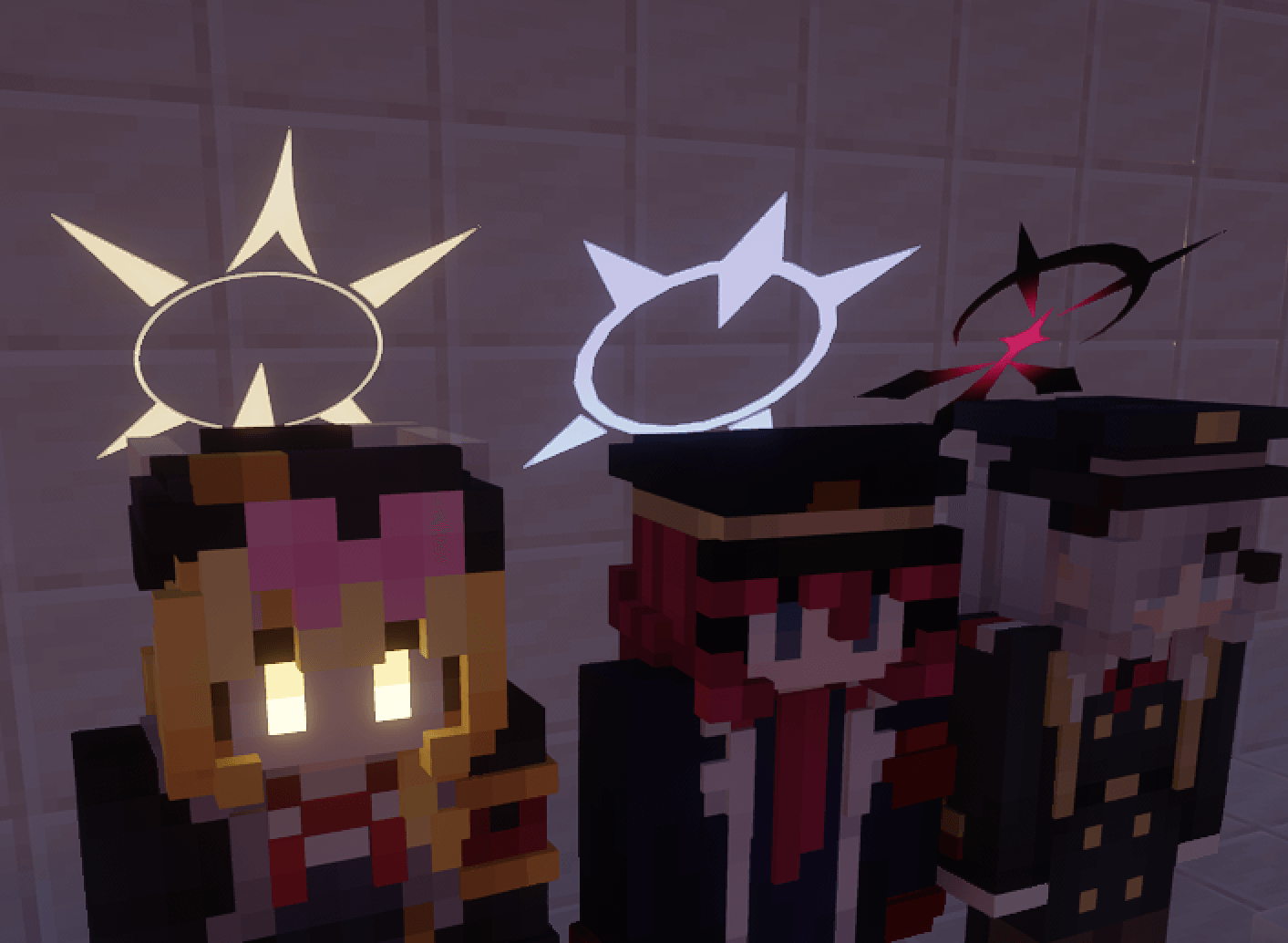
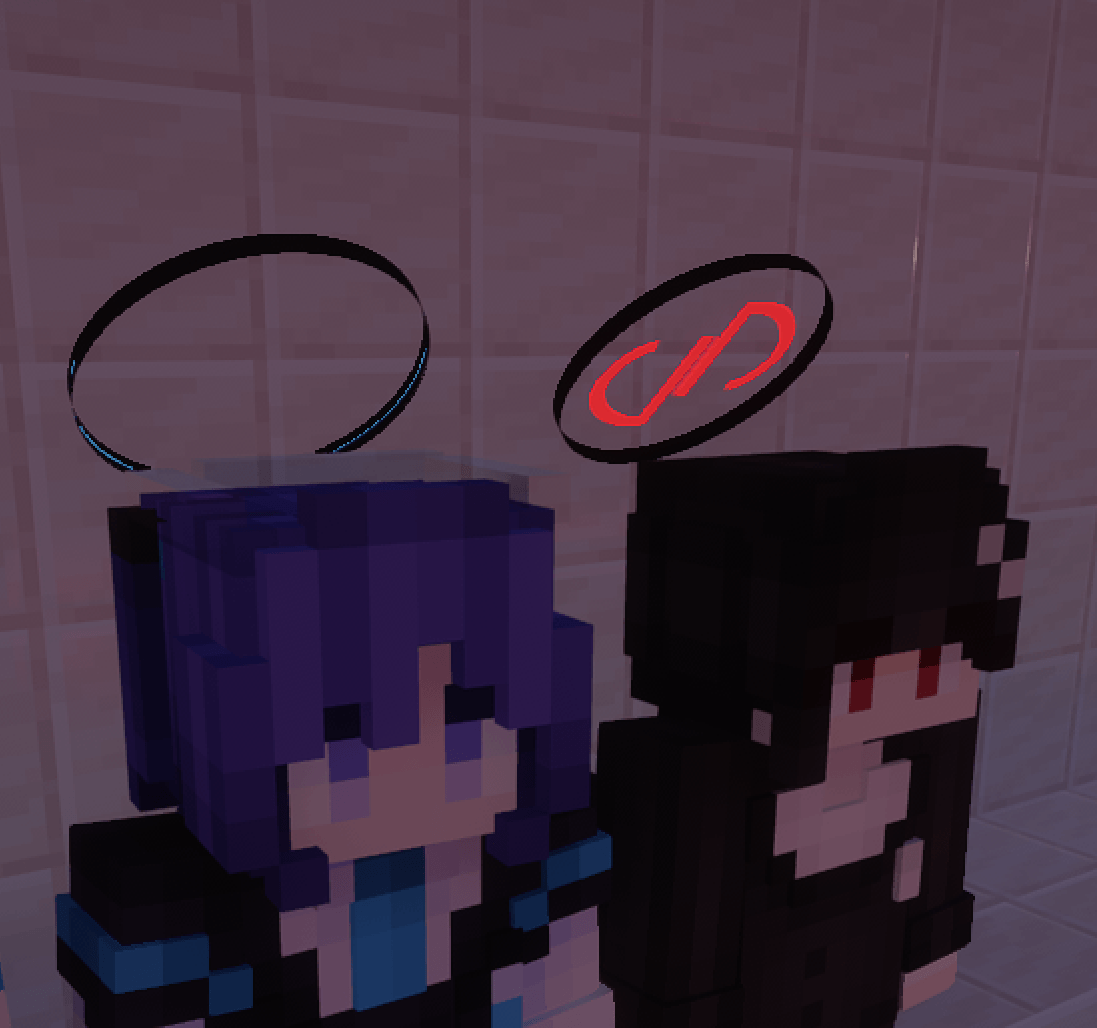
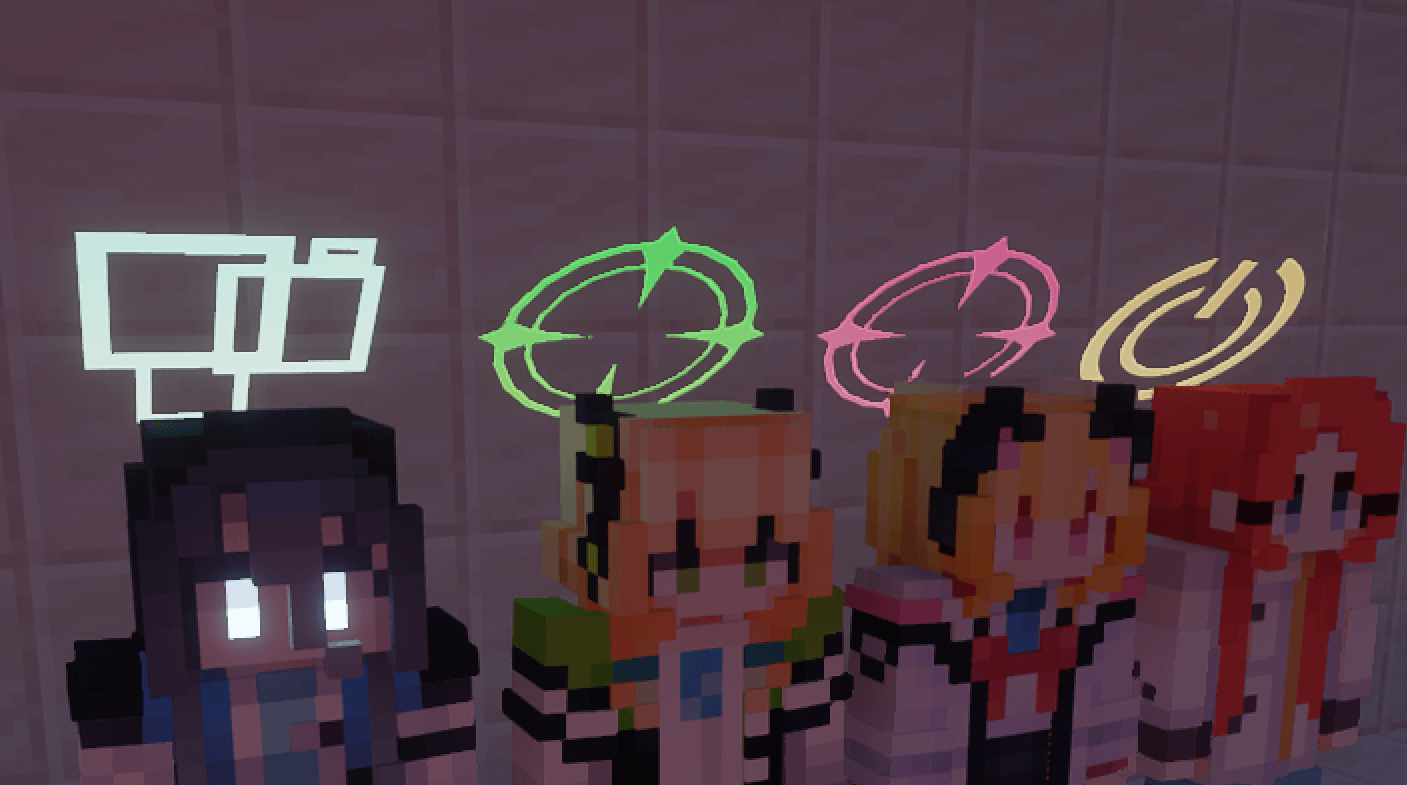
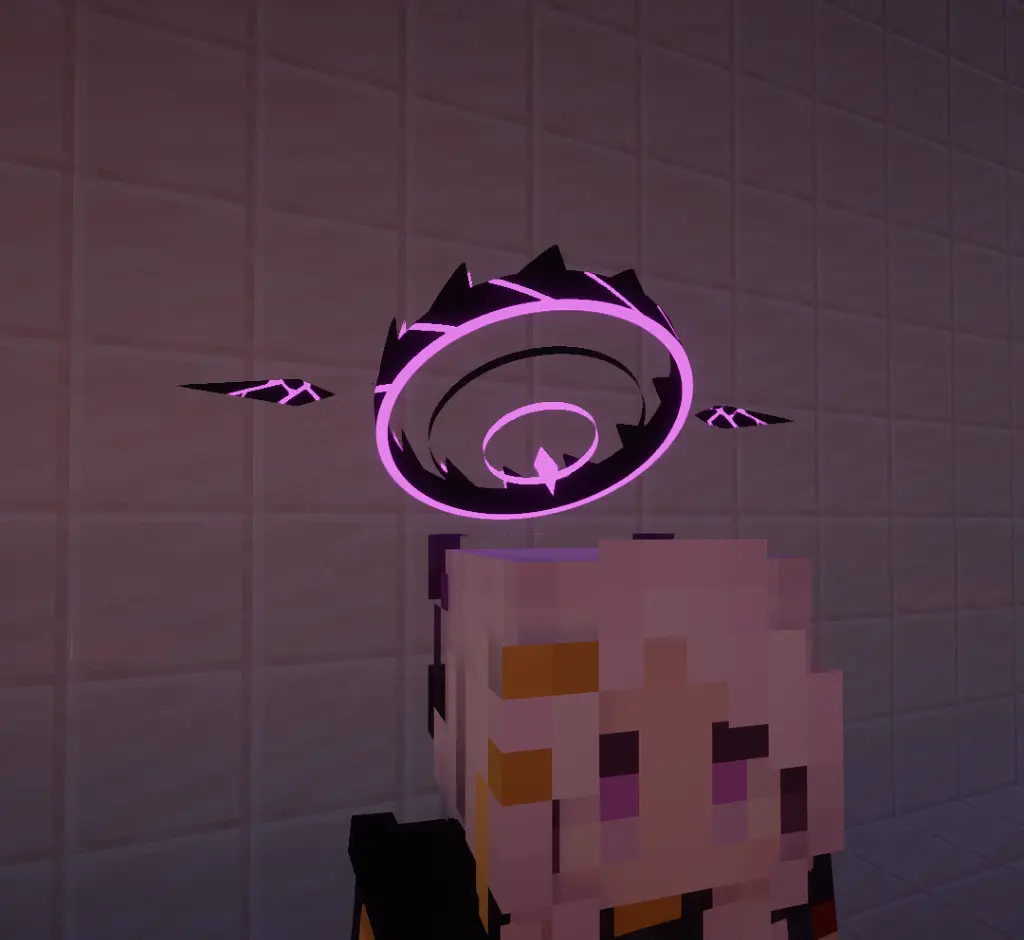
Bring the miracles of Kivotos into your Minecraft world! This is a Blue Archive Halo data-driven resource pack, exclusively designed to run on the Halo Mod.
IMPORTANT
This is ONLY a resource pack. It will NOT work without the Halo mod.
You MUST download and install the Halo Mod for the physical damping and animation systems to function.
Features
- Massive Collection: Features over 50+ meticulously recreated halos from your favorite Blue Archive students/charactors.
- Dynamic Animation System: fully utilizes the engine's animation capabilities. Enjoy custom startup (boot-up) sequences, shutdown animations, and seamless interruption logic.
- Idle Breathing Effects: Halos aren't just static images! They feature independent scale, offset, rotation, alpha, and glow data for highly immersive idle behaviors.
- Silky Smooth Damping: When paired with the core engine, watch the halos react realistically to your sprinting, sudden stops, elytra flying, and riptide trident dashes with satisfying damping physics.
How to Use
- Install the Halo Mod into your
mods folder.
- Drop this resource pack into your
resourcepacks folder and enable it in-game.
- Use
/halo list to list all the loaded halos.
- Use
/halo show <entity> <halo definition> to equip your favorite student's halo!
- Use
/halo hide <entity> to remove halo from target entity.
中文介绍
把基沃托斯的奇迹带入我的世界!这是为 Halo 模组 专门打造的《蔚蓝档案》光环数据驱动资源包。
重要提示:
本作仅为资源包/数据包,必须配合引擎本体使用! 请务必前往下载 Halo 模组本体,否则光环与物理阻尼均无法生效。
核心亮点:
- 50+ 光环实装:精心还原的高人气学生/角色光环,总有一款是你的本命。
- 完整的动画生命周期:支持开机点亮、关机消散,且支持关机动作打断开机动作的硬核细节。
- 常驻呼吸动效:每个光环均配置了独立的缩放(Scale)、偏移(Offset)、旋转(Rotation)、透明度(Alpha)与发光(Glow)参数,告别死板的纸片人贴图。
- 丝滑阻尼跟随:配合引擎底层的物理算法,在急停、下落、鞘翅飞行中体验完美的物理滞后与回弹感。
安装方法:
将模组本体放入 mods 文件夹后,将本资源包放入 resourcepacks 文件夹并在游戏中启用即可。
使用方法
- 使用
/halo list 列出所有已加载的光环
- 使用
/halo show <entity> <definition> 来赋予指定实体指定光环
- 使用
/halo hide <entity> 移除指定实体的光环