Mineuniverse
Resource Packs
Better Lower Fire - Visibility Improved - Reduced Screen Obstruction

Better Lower Fire - Visibility Improved - Reduced Screen Obstruction

RESOURCE PACK
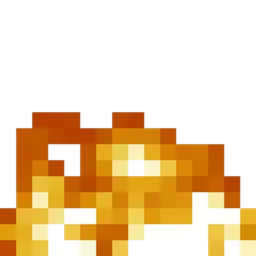
Low Fire optimizes the player’s view in Minecraft by reducing the height of fire animations, minimizing screen coverage and enhancing visibility, particularly during combat situations where clear sight is crucial.
by dihogenn
Download Claim this project
Add a badge to your pageLink to Better Lower Fire - Visibility Improved - Reduced Screen Obstruction from a README, website or forum post.
Preview: Badge

Badges update automatically and link to the resource pack page on MineUniverse.

1,054,783 downloads
0 likes
0 followers
Updated Oct 14, 2026
0 hypes
Follow0
16x Animated Miscellaneous Modern Traditional
Advertisement Remove ads with Premium →

Stay in the Game with Low Fire


Reduce Visual Obstructions

The Low Fire Resource Pack lowers the height of the fire animation in Minecraft, minimizing its coverage on the player’s screen. This adjustment allows for better visibility during combat, especially when players catch fire, enhancing both survival and performance in heated situations.

Get the Resource Pack


Features Include:

  • Improved Visibility: The lower fire animation ensures that players can see more of the game environment, even when on fire.
  • Enhanced Gameplay: Reduces the distraction and obstruction caused by large fire animations, allowing for better navigation and combat strategies.

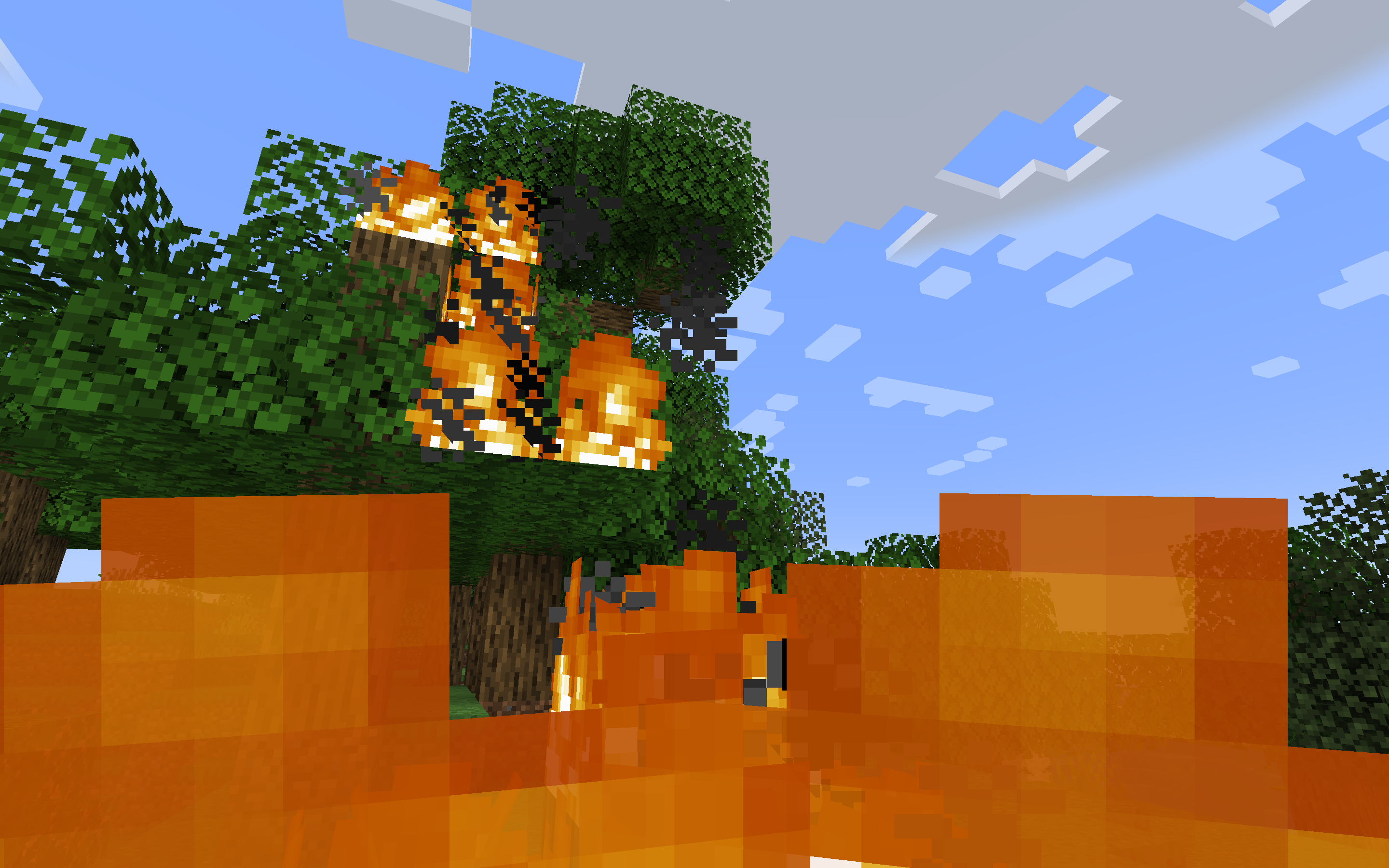
Normal Fire:

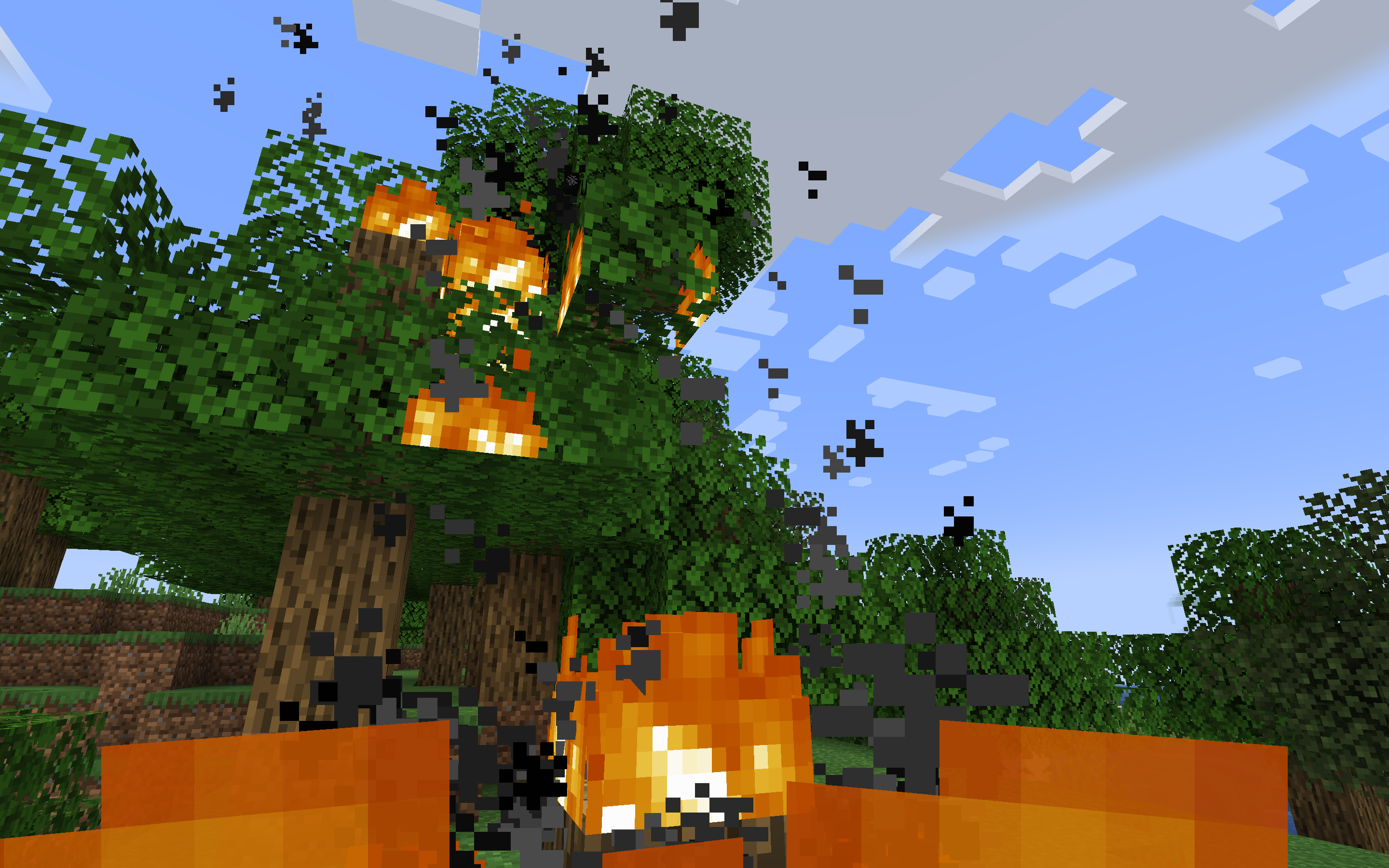
Lower Fire:


Enhance your combat effectiveness with Low Fire and maintain clear visibility under pressure!

Join Now


Leverage Low Fire for an unobstructed view during intense gameplay, making it easier to focus on survival and strategy.

Credits: You are free to use Low Fire in your modpacks.

Lower Fire.zip
MC 1.7.6, 1.16-Snapshot, 1.17.1, 1.9.1, 1.16.3, 1.13.1, 1.9.3, 1.8.7, 1.7.4, 1.7.7, 1.19.3, 1.20.2, 1.21.2-Snapshot, 1.21, 1.15-Snapshot, 1.7.5, 1.6.1, 1.16.1, 1.18.1
Release 2025-01-16 Get

Requirements & install

How to use this resource pack in Minecraft
Resolution
16x
Minecraft
1.16.1 – 1.21.2-Snapshot
Install folder
.minecraft/resourcepacks

How to install resource packs

  1. Download the resource pack .zip file (do not extract it).
  2. In Minecraft open Options → Resource Packs → Open Pack Folder.
  3. Drop the .zip into the resourcepacks folder (.minecraft/resourcepacks).
  4. Move the pack to the Selected column and click Done.
Browse more: 16x resource packs 32x resource packs 64x resource packs 128x resource packs 256x resource packs 512x+ resource packs Resource Packs for 1.21.2-Snapshot All resource packs

More from dihogenn

Advertisement Remove ads with Premium →

You Might Also Like