Mineuniverse
Resource Packs
Better Allay Elytra - Better Wings

Better Allay Elytra - Better Wings

RESOURCE PACK
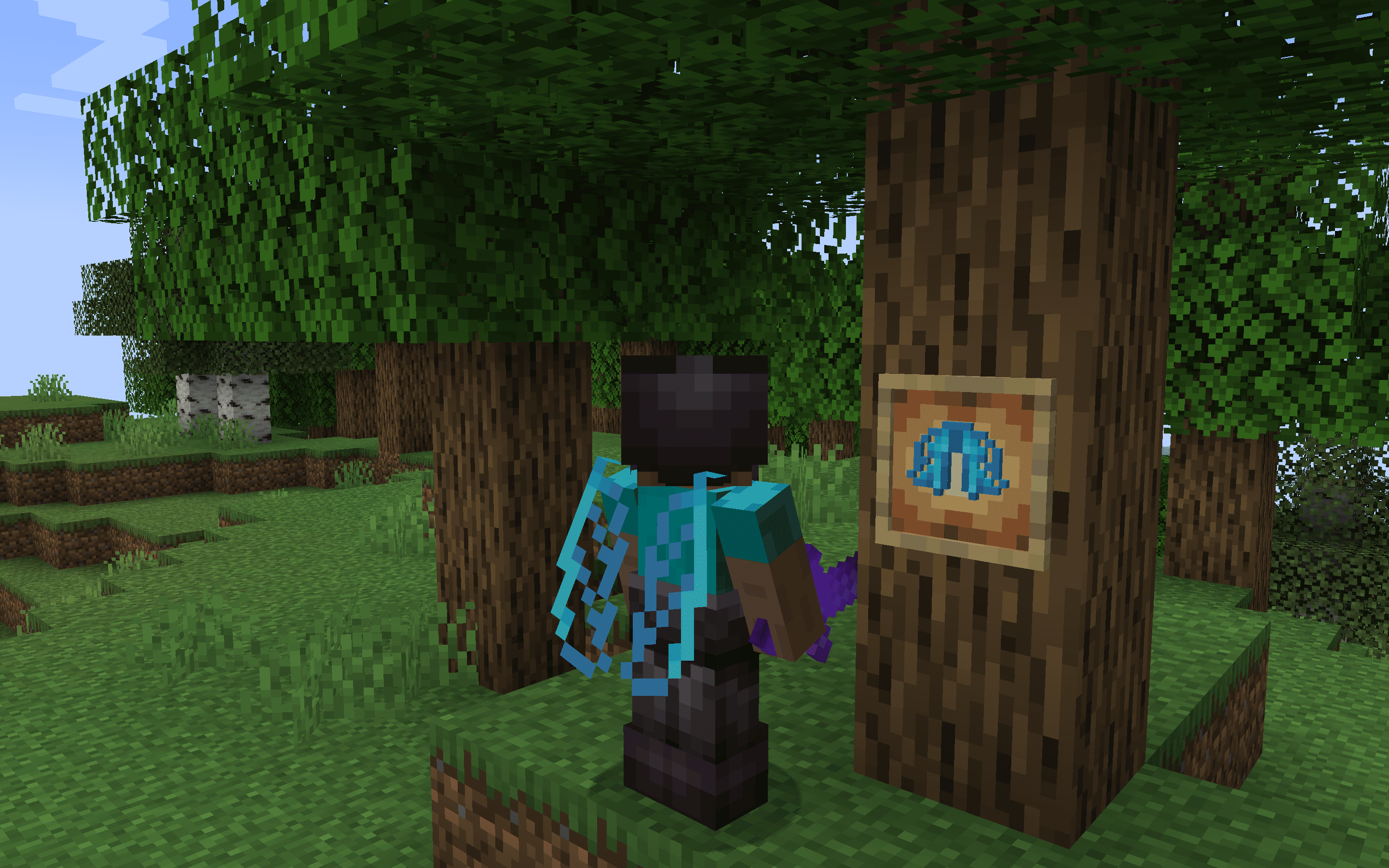
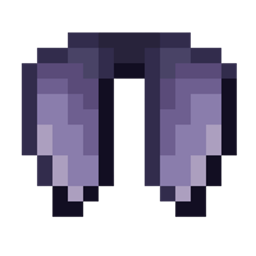
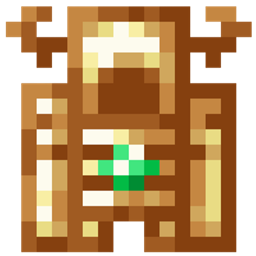
The Allay Elytra resource pack reimagines Minecraft's Elytra wings with the delightful and ethereal design of the Allay, adding a magical and playful twist to aerial exploration.
by dihogenn
Download Claim this project
22,817 downloads
0 likes
Updated Oct 14, 2026
0 hypes
16x Miscellaneous Modern Traditional
Advertisement Remove ads with Premium →

Soar with Whimsy: Allay Elytra


Capture the Playful Spirit of the Allay

The Allay Elytra resource pack transforms the classic Elytra wings in Minecraft into the light and playful wings of an Allay. This charming modification adds a touch of delight and whimsy to your gameplay, perfect for players who admire the Allay's helpful nature and ethereal aesthetics. Embrace the spirit of these helpful creatures and enhance your aerial adventures with a visual that's as enchanting as it is functional.

Download Allay Elytra Resource Pack


Features Include:

  • Enchanting Design: Features the soft, pastel colors and delicate features of the Allay, infusing your flight with beauty and grace.
  • Lightweight Aesthetic: Enhances the feeling of lightness and agility during flight, mirroring the Allay's airy movements.
  • Universal Compatibility: Compatible with all versions of Minecraft and integrates smoothly with other mods or resource packs, ensuring easy installation and use.

Let the playful and magical essence of the Allay guide your flights with the Allay Elytra, turning the skies into your playground!


Join Now


Allay Elytra.zip
MC 1.17.1, 1.9.1, 1.16.3, 1.13.1, 1.9.3, 1.19.3, 1.20.2, 1.21, 1.16.1, 1.18.1, 1.20.5, 1.21.5, 1.9.4, 1.9.2, 1.14.4, 1.14.1, 1.12.1, 1.17, 1.12, 1.14.3, 1.15, 1.16, 1.13
Release 2025-01-28 Get

Requirements & install

How to use this resource pack in Minecraft
Resolution
16x
Minecraft
1.17 – 1.21.5
Install folder
.minecraft/resourcepacks

How to install resource packs

  1. Download the resource pack .zip file (do not extract it).
  2. In Minecraft open Options → Resource Packs → Open Pack Folder.
  3. Drop the .zip into the resourcepacks folder (.minecraft/resourcepacks).
  4. Move the pack to the Selected column and click Done.
Browse more: 16x resource packs 32x resource packs 64x resource packs 128x resource packs 256x resource packs 512x+ resource packs Resource Packs for 1.21.5 All resource packs

More from dihogenn

Advertisement Remove ads with Premium →

You Might Also Like