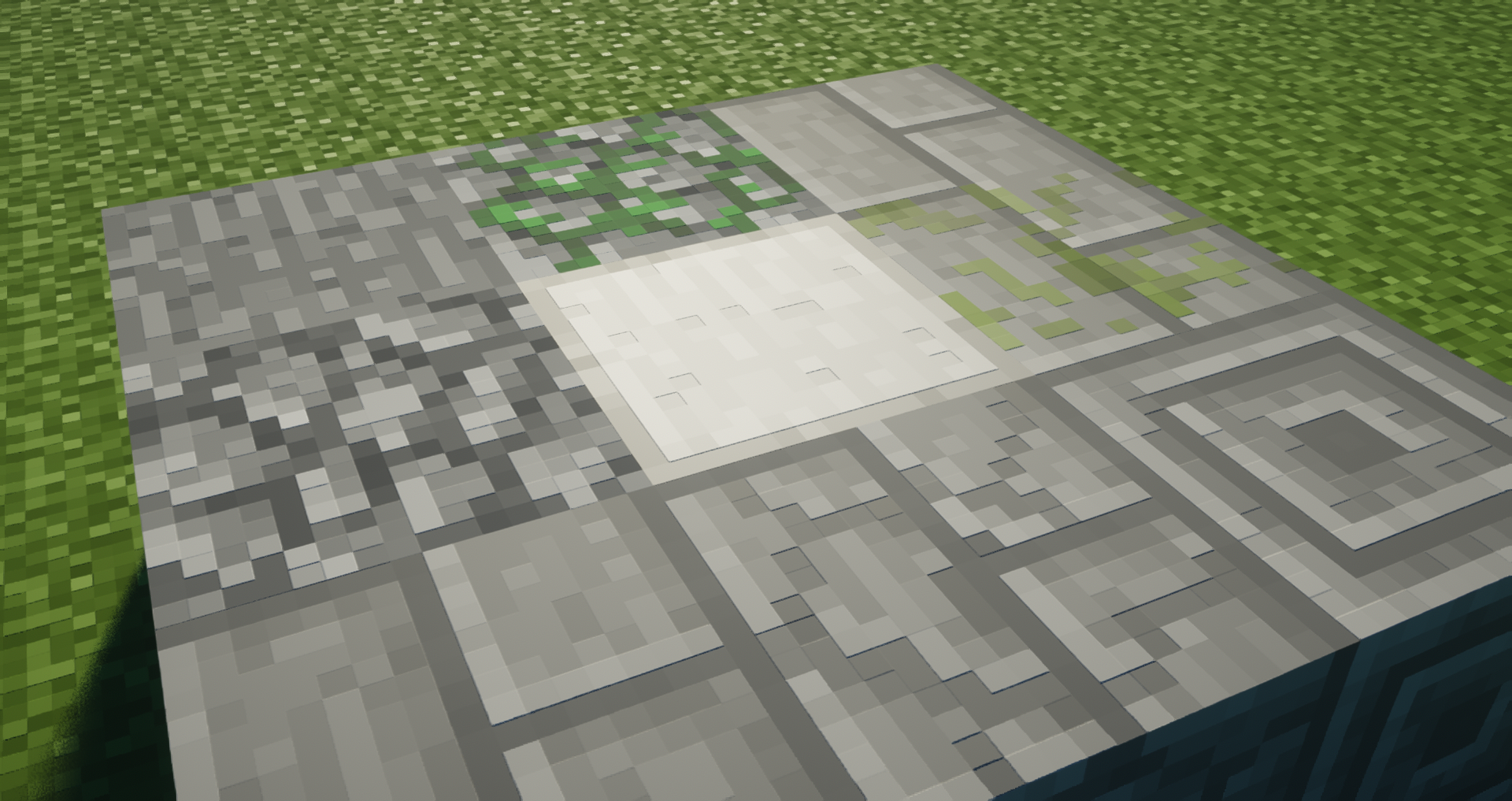
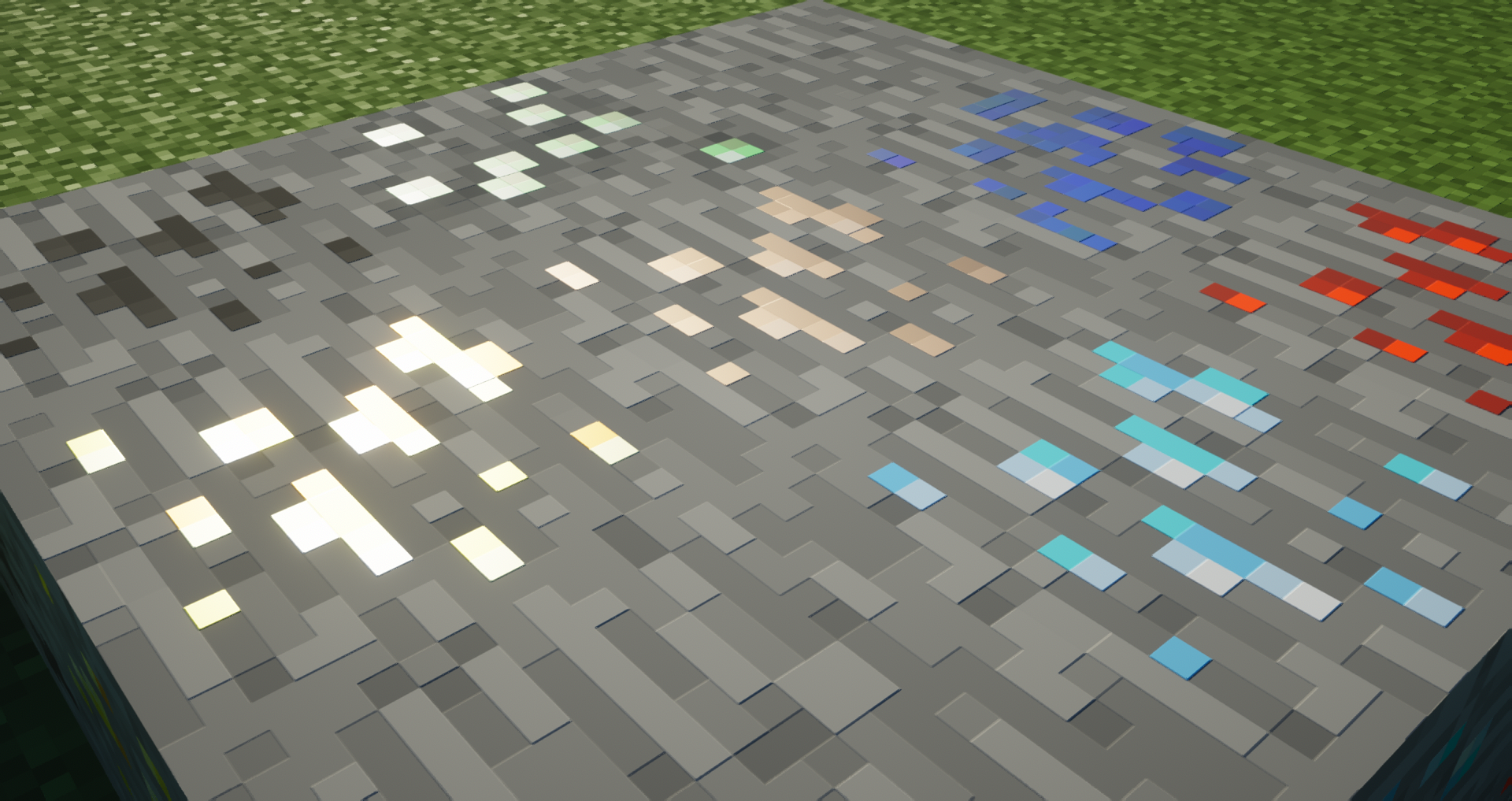
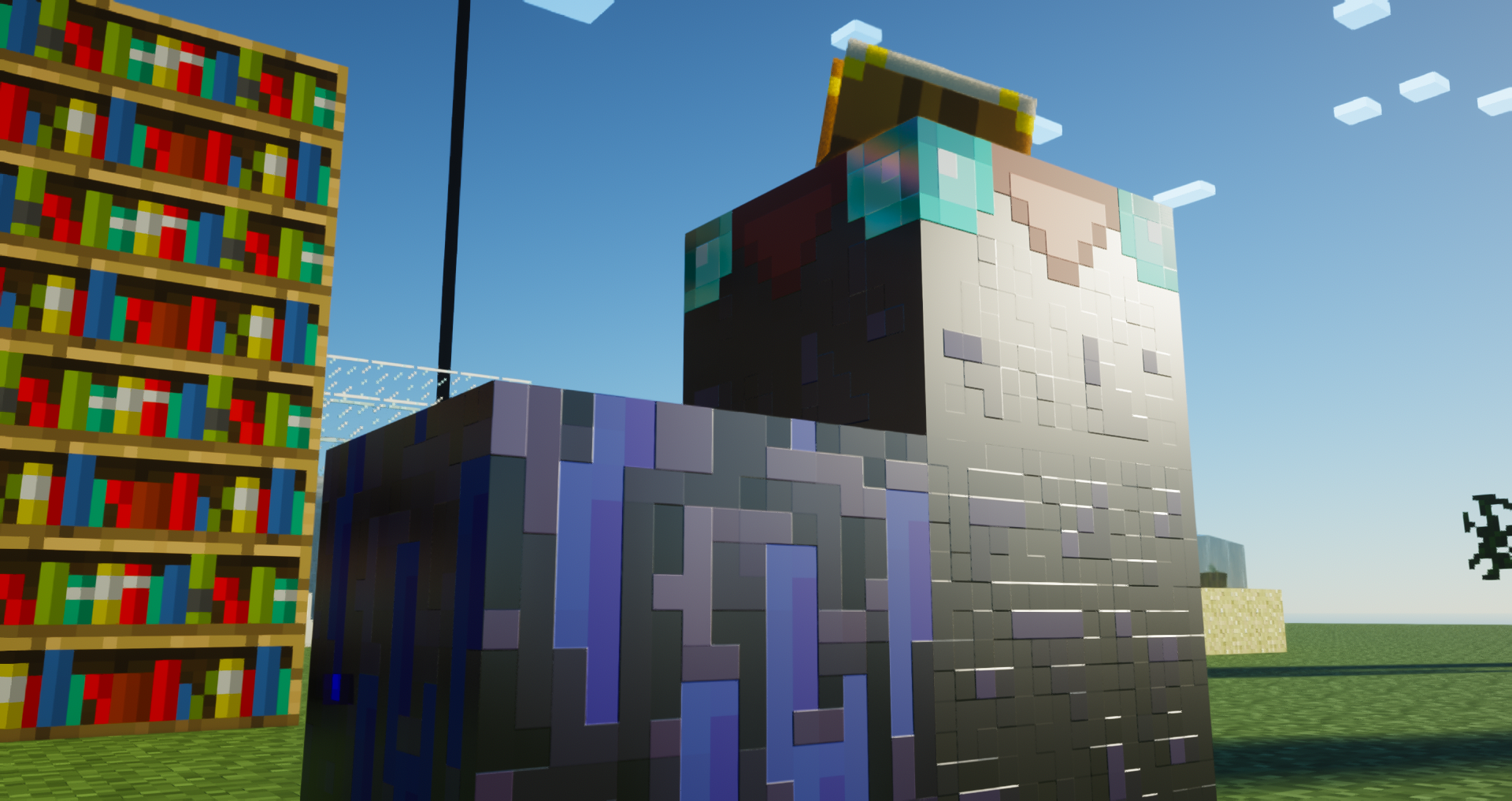
After a long time, a resource pack supporting the programmer art textures has been made! but with PBR support!
Credit: Destructor - Second Texture Artist of the project(made over 150+ textures on this project)
-What does this mean?
It means the pack has support for shader PBR adding more details to the textures like reflections or Bump on them!
-How do i use it?
You need a shader that support PBR like Complementary, SEUS or Kappa to get the special texture effects on the blocks!
-Why is the texture resolution so big?
I made it x512 to mimic and test some style i will use in a future for a different resource pack!
-Why did you make this texture pack?
I was curious and made this texture pack to see how the style looked in the Programmer art textures while keeping in mind people wanted to use programmer art with my textures and no other programmer art PBR was made yet
-Why is it called R1 and not V1?
I maintain the update format of this pack as [A:Alpha-B:Beta-R:Release] so everytime you see the R in the new versions mean its a free release but yet doesn't mean the pack is fully complete, but is in a good state to release it! I still keep in mind that betas will be paid while all releases free to not keep the people waiting for a paid pack when they can't afford it 
Rules of the pack:
-dont use this resource pack as your own pack
-if you are going to use the pack in a video and send a download link, use the link to curseforge AVPBR Programmer Art
-dont make a pack with my textures, everyone can make their own textures, copying is not the right way
-i made this pack for my own cause, dont use your name in this pack, that will cause confusion and you will dont have the latest version in distribution so you are not the owner
-you can combine the textures with your pack if you want, but you cant distribute the pack on patreon or another way to share the pack, the textures you combine are only for you and no one more