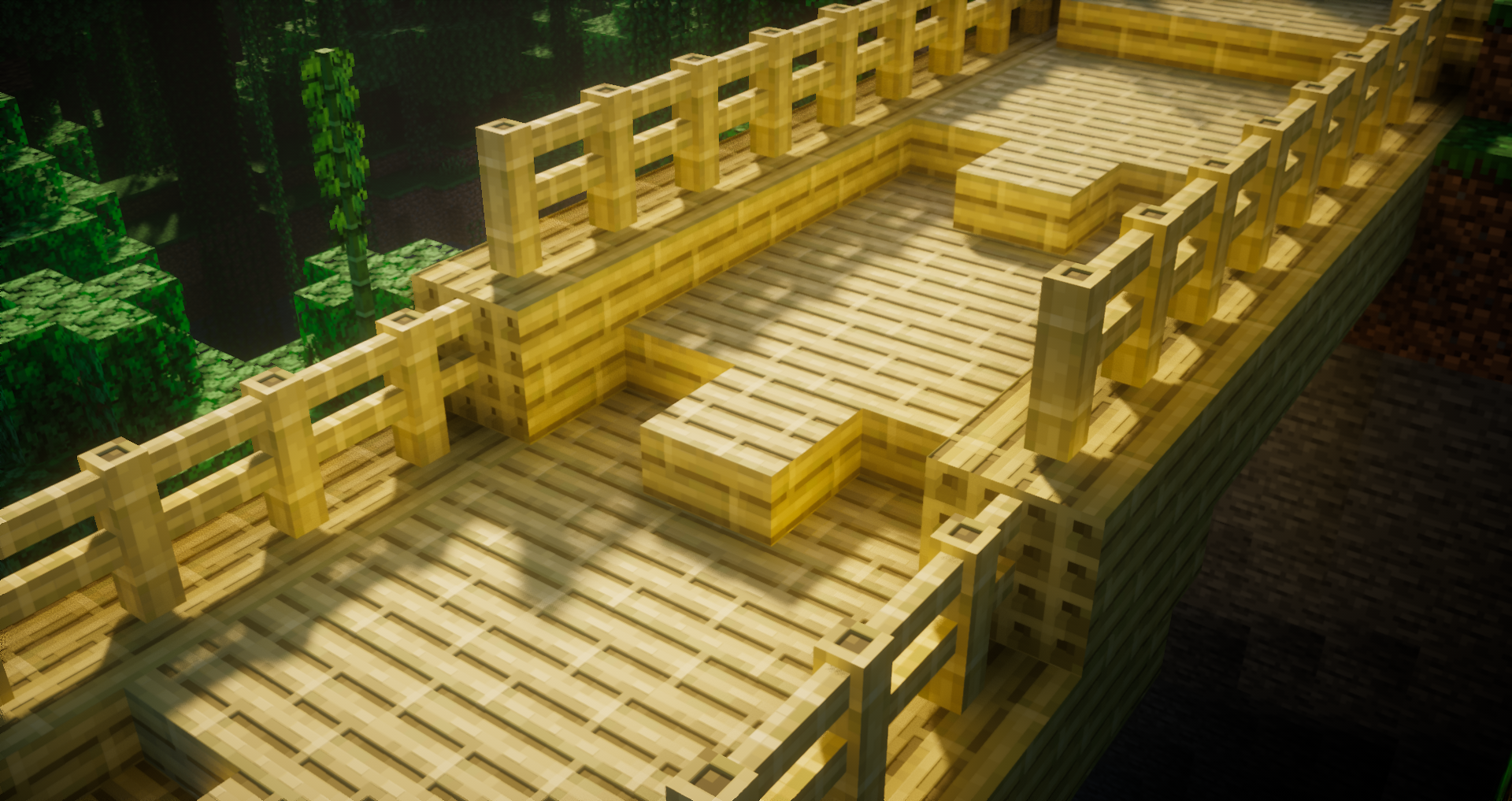
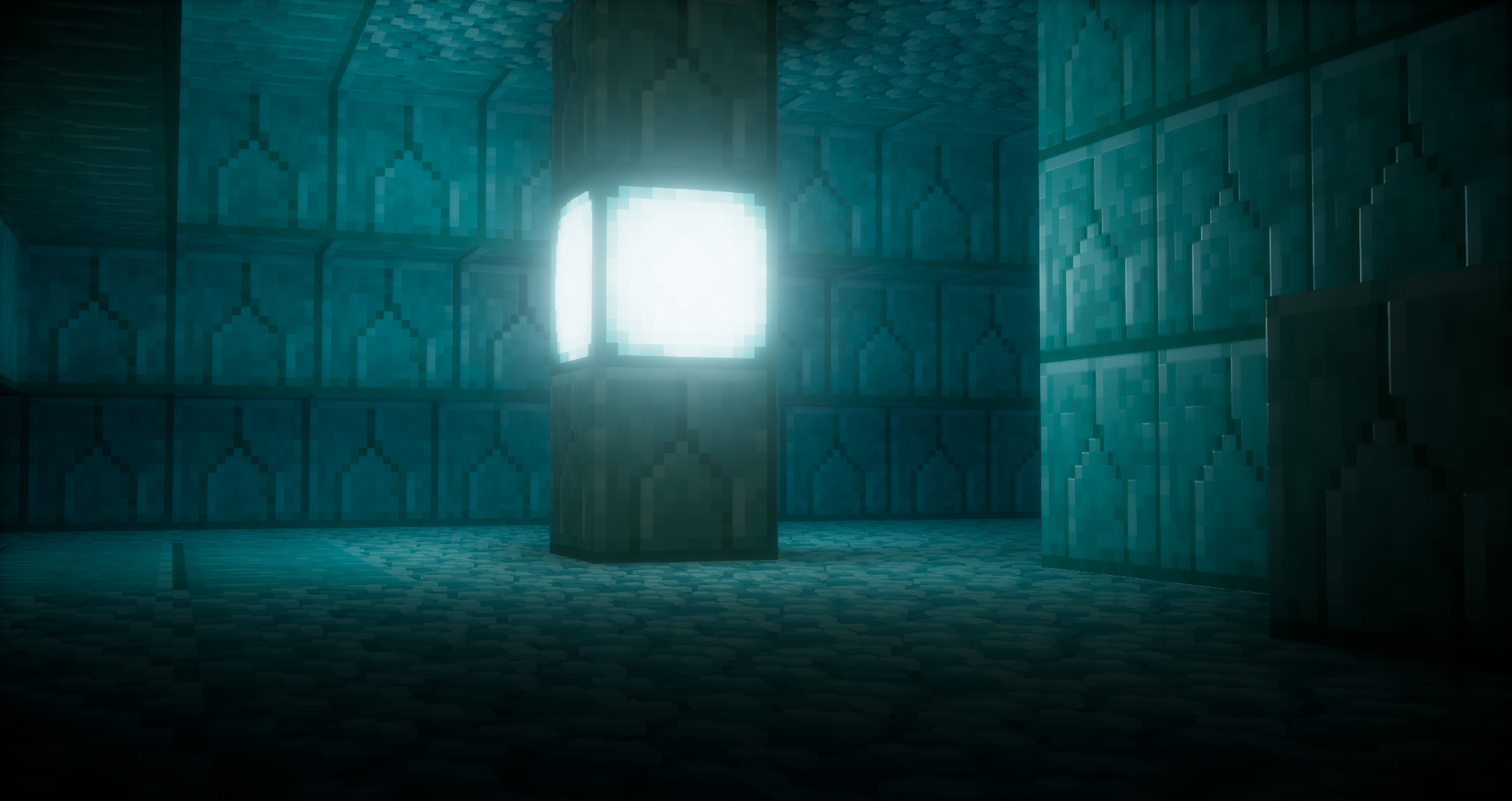
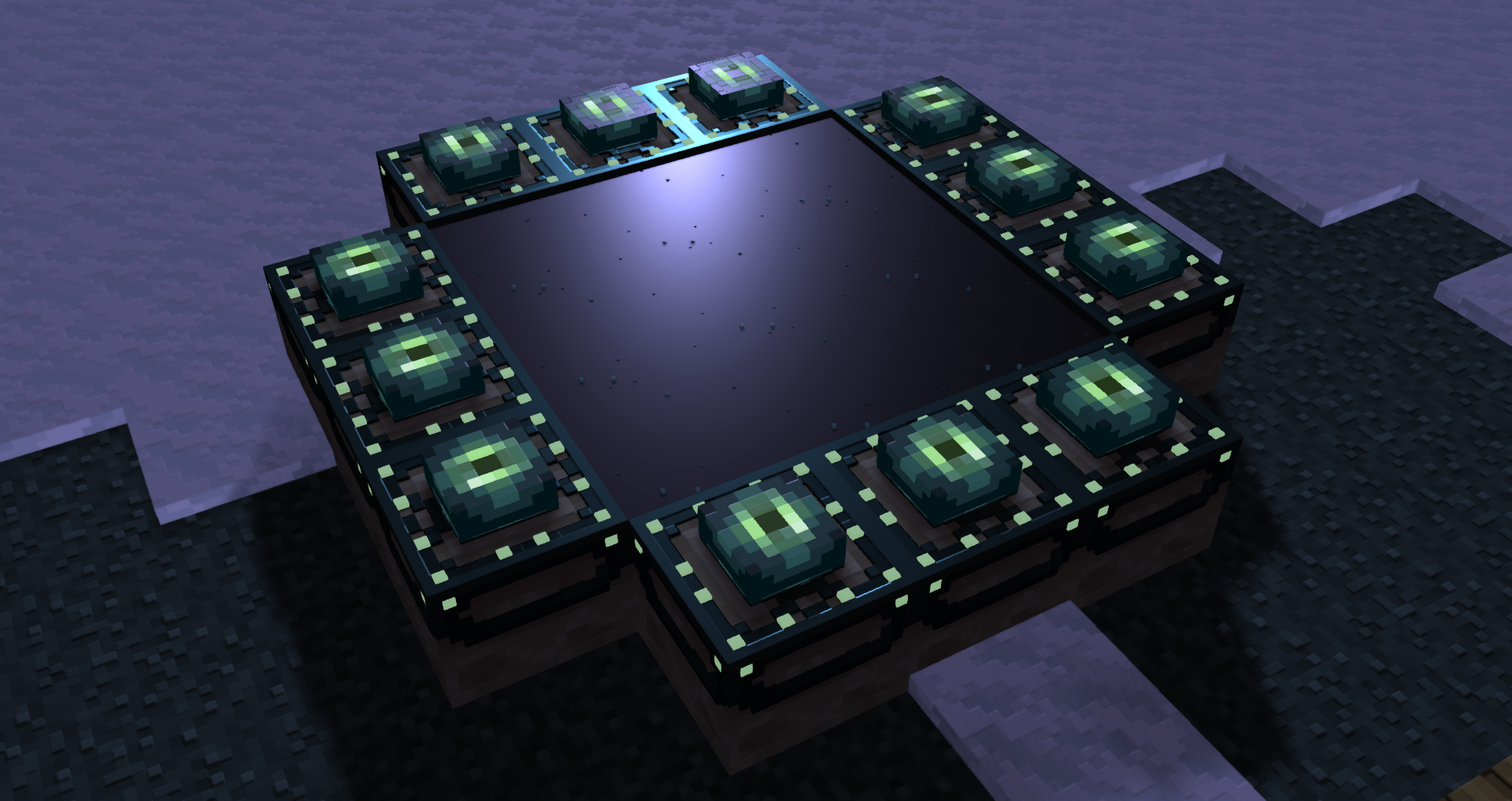
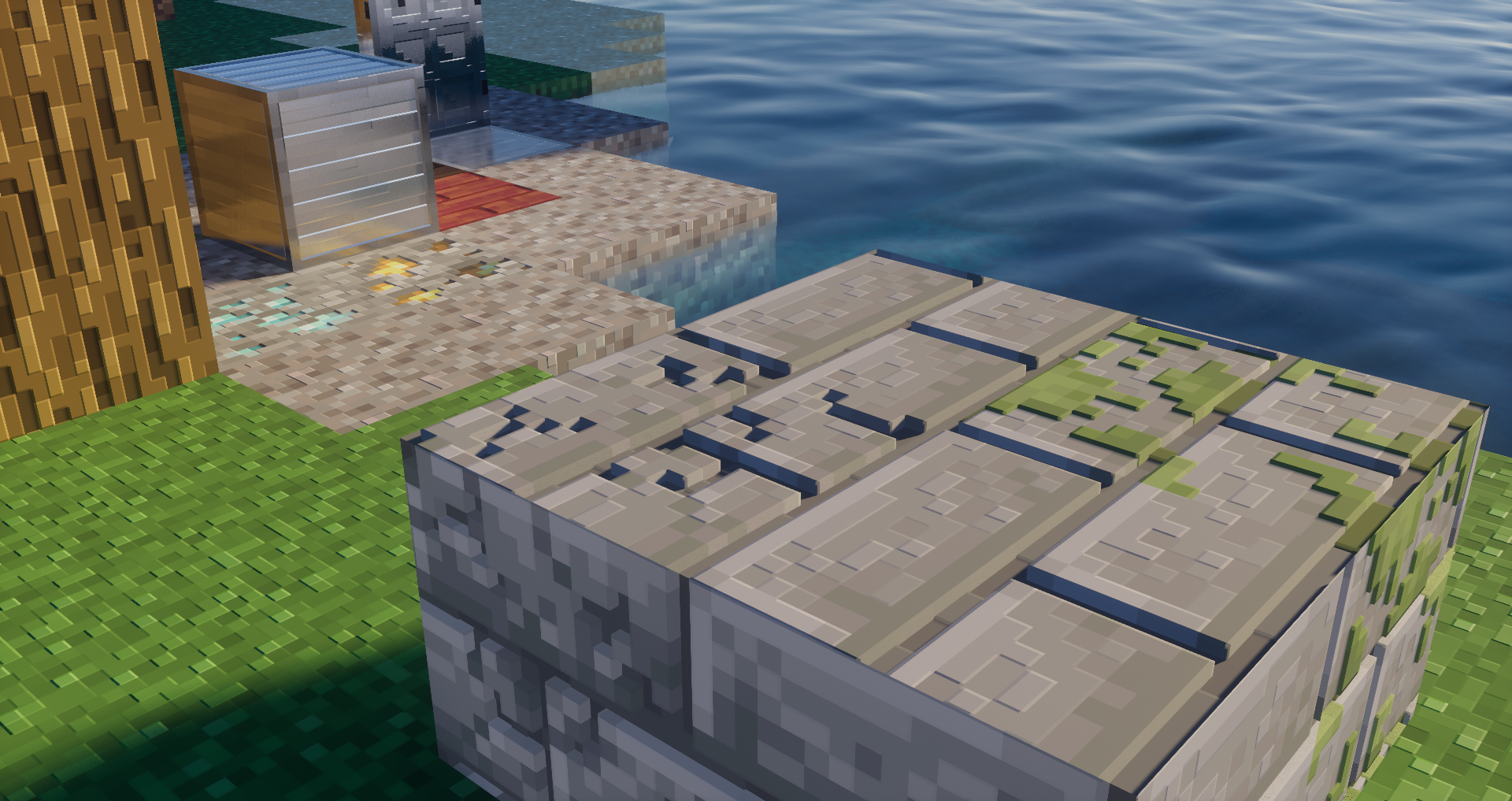
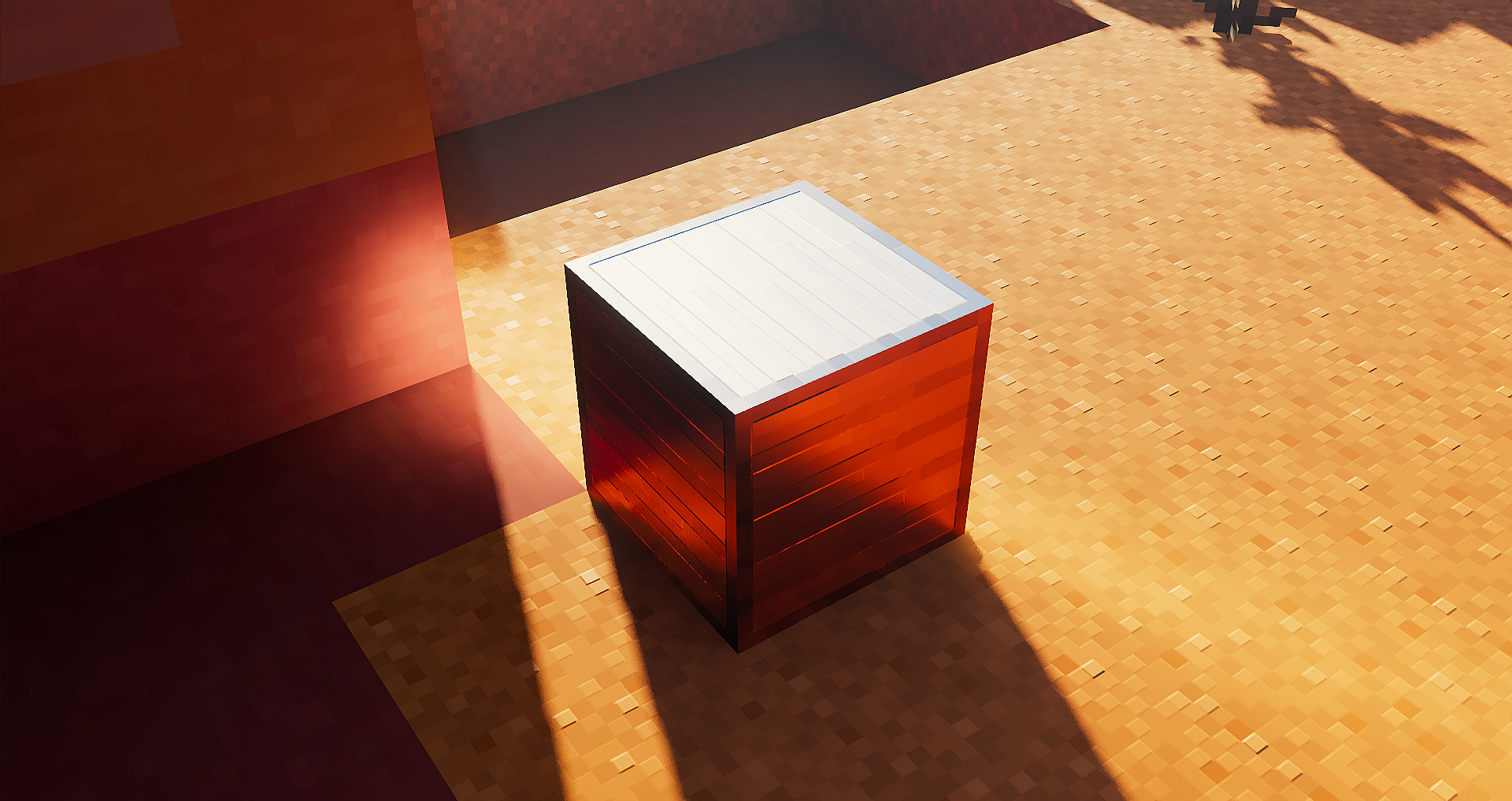
This is a version of AVPBR Retextured that contains fewer blocks for you to test in game using shaders that support PBR
Latest versions support ALL block textures and many entity and item textures! alongside Glass CTM + PBR and mod support
What is AVPBR and why is this a Retexture?
-AVPBR is a resource pack that adds PBR to the vanilla textures in a way to make the game look more realistic with the use of shaders
it is a Retexture because AVPBR has many flaws that i can't fix with major updates unless i rework the whole pack from scratch(which is what this retexture is for.)
Why do you mention that AVPBR has flaws and issues?
-AVPBR was a pack i worked on while i was learning how to make these PBR textures,
I made a mistake on remaking the textures every update since some textures had wrong values
and even after trying to fix those errors i found others because the progress of the pack was already made
So that's why you are working on this retexture of AVPBR?
-Yes, i wanted to focus my progress in this pack to have as many textures as possible so you can play with it!
this version is not focused in RTX or any other style, its an style i tried to perfect since i've started with AVPBR
Did you inspire your style from other packs or...?
-Yeah, AVPBR Retextured textures are pretty much inspired by other creators who worked on different packs
Shaders like Complementary which has its own PBR that is integrated in the shader and
Nebby Better PBR that has a good style of normal maps
Why doesn't the pack update like your old AVPBR?
-Because AVPBR Retextured is not meant to be free in the first place.
old AVPBR was a pack I made while learning how all of the PBR worked so now that I mastered my skills and style
AVPBR Retextured can look as good as I've ever wanted that old pack to look!
So what you are paying is my time and effort that I spend making all these textures with the knowledge I got throughout the time
Rules of the pack:
-dont use this resource pack as your own pack(ex: telling others that you made it)
-if you are going to use the pack in a video and send a download link, use the link to curseforge AVPBR Retextured or to the Patreon /joaquix1021
-dont make a pack with my textures, everyone can make their own textures, copying is not the right way
-i made this pack for my own cause, dont use your name in this pack, that will cause confusion and you will wont get the latest version in distribution so you are not the owner
-you can combine the textures with your pack if you want, but you cant distribute the pack on patreon or another way to share the pack, the textures you combine are only for you and no one else