Mineuniverse
Resource Packs
Atmospheric-er Atmosphere

Atmospheric-er Atmosphere

RESOURCE PACK
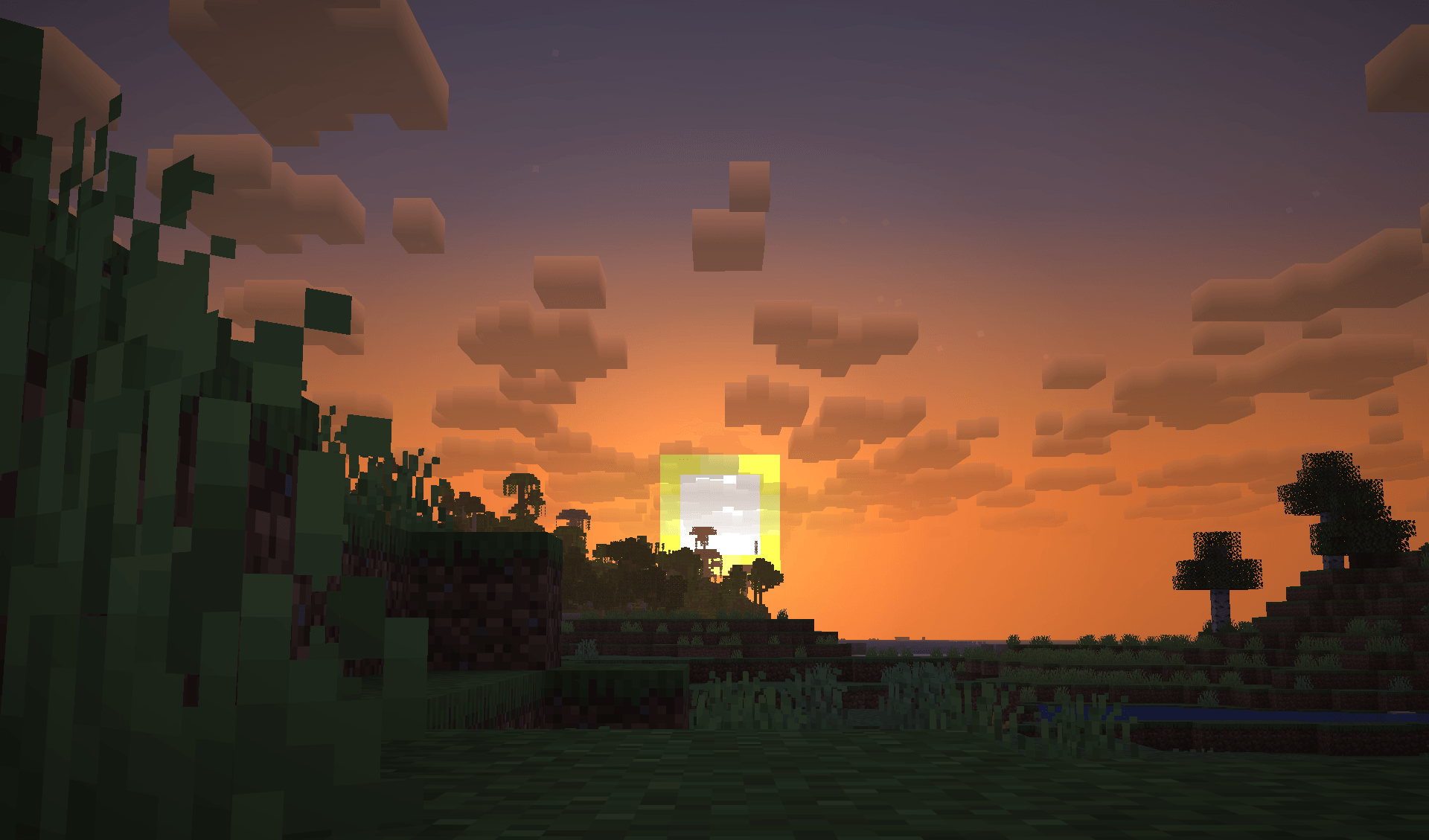
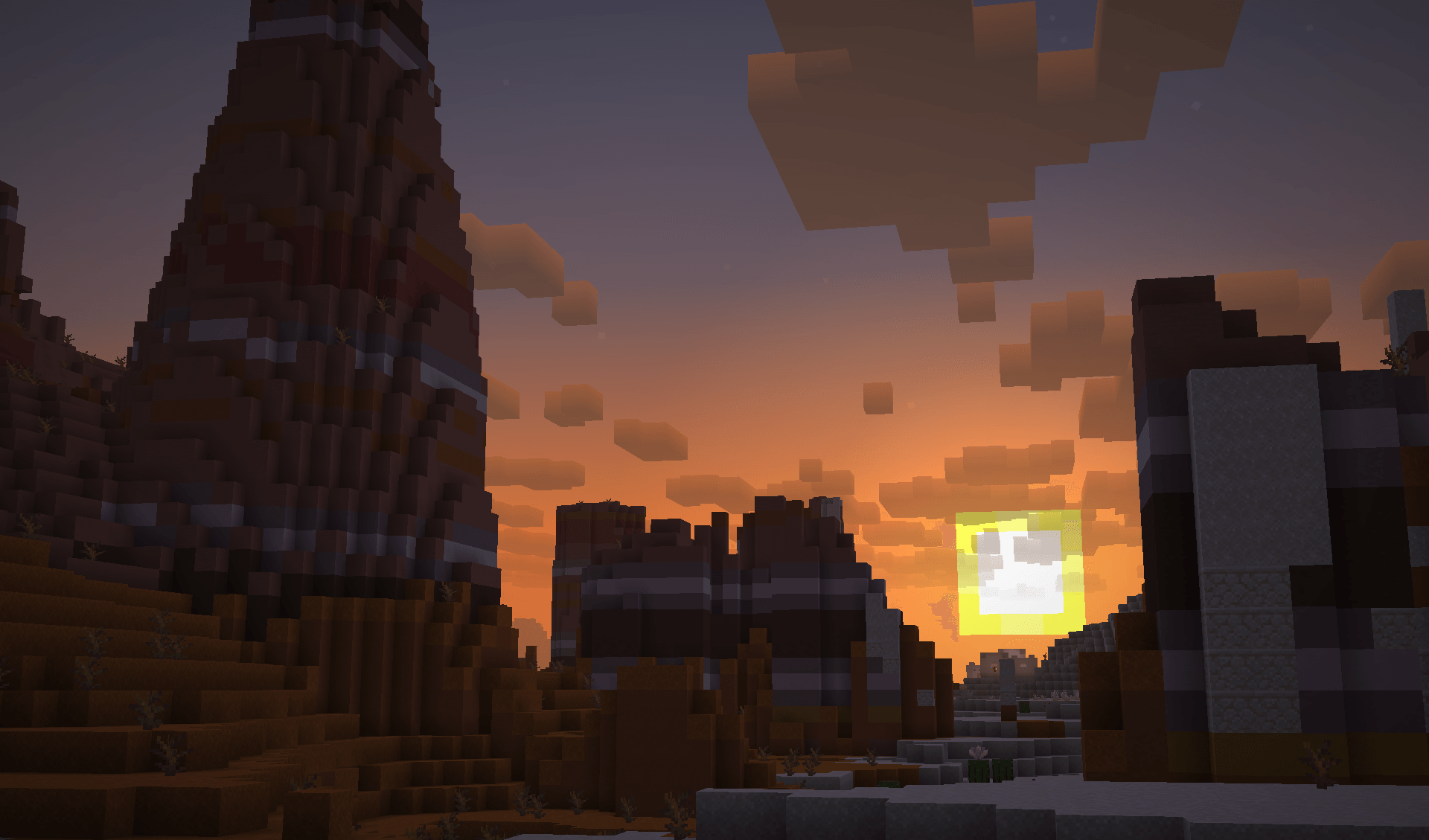
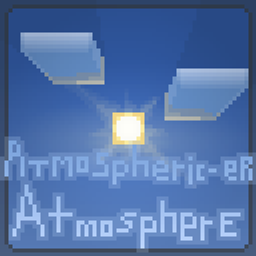
Makes the atmosphere (Fog/Clouds) much more appealing to your eyes (Eyes not included.)
by CalderaTheDestroyer
Download Claim this project
953 downloads
0 likes
0 followers
Updated Oct 14, 2026
0 hypes
Follow0
512x and Higher Miscellaneous Modern Photo Realistic
Advertisement Remove ads with Premium →

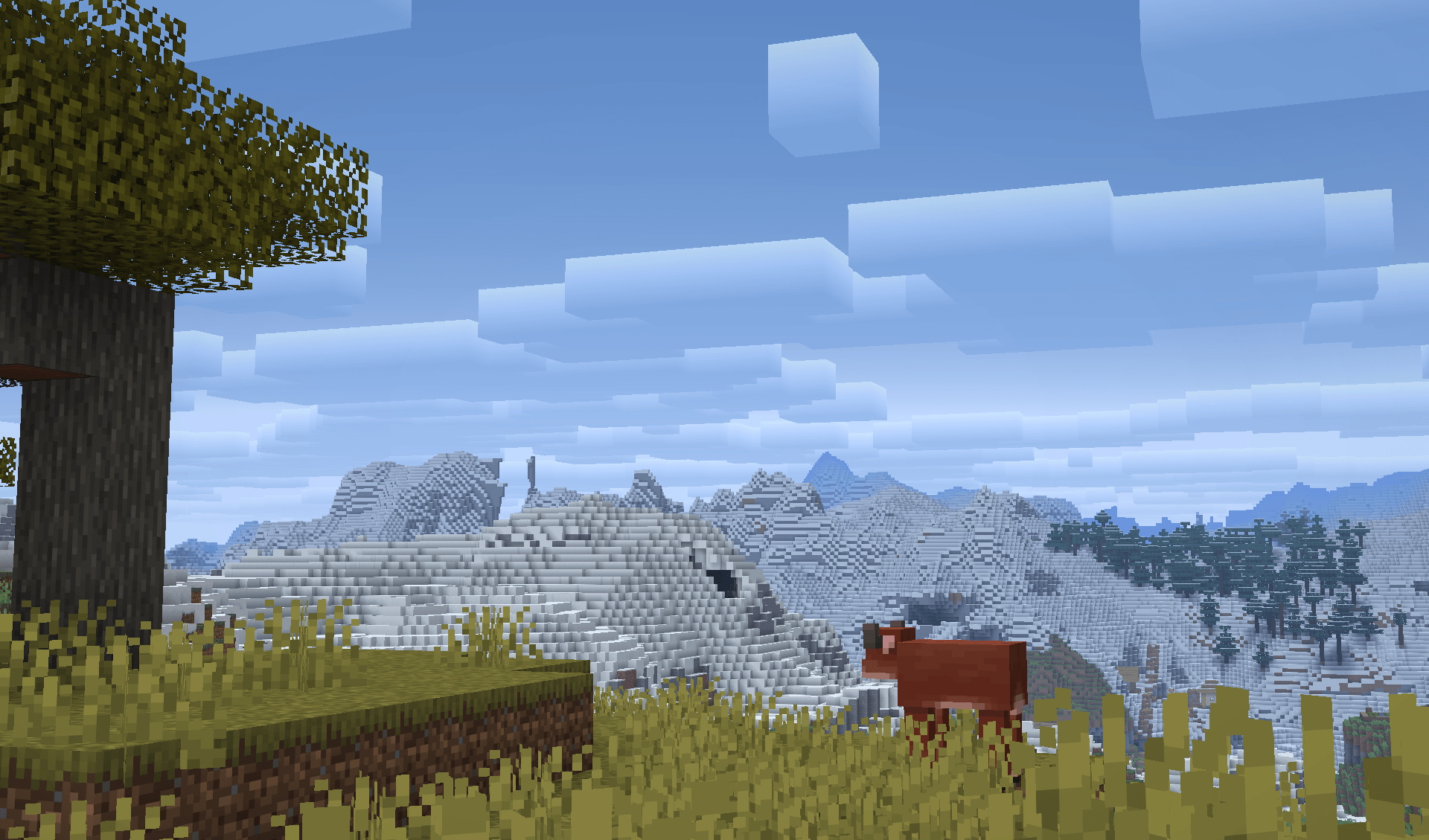
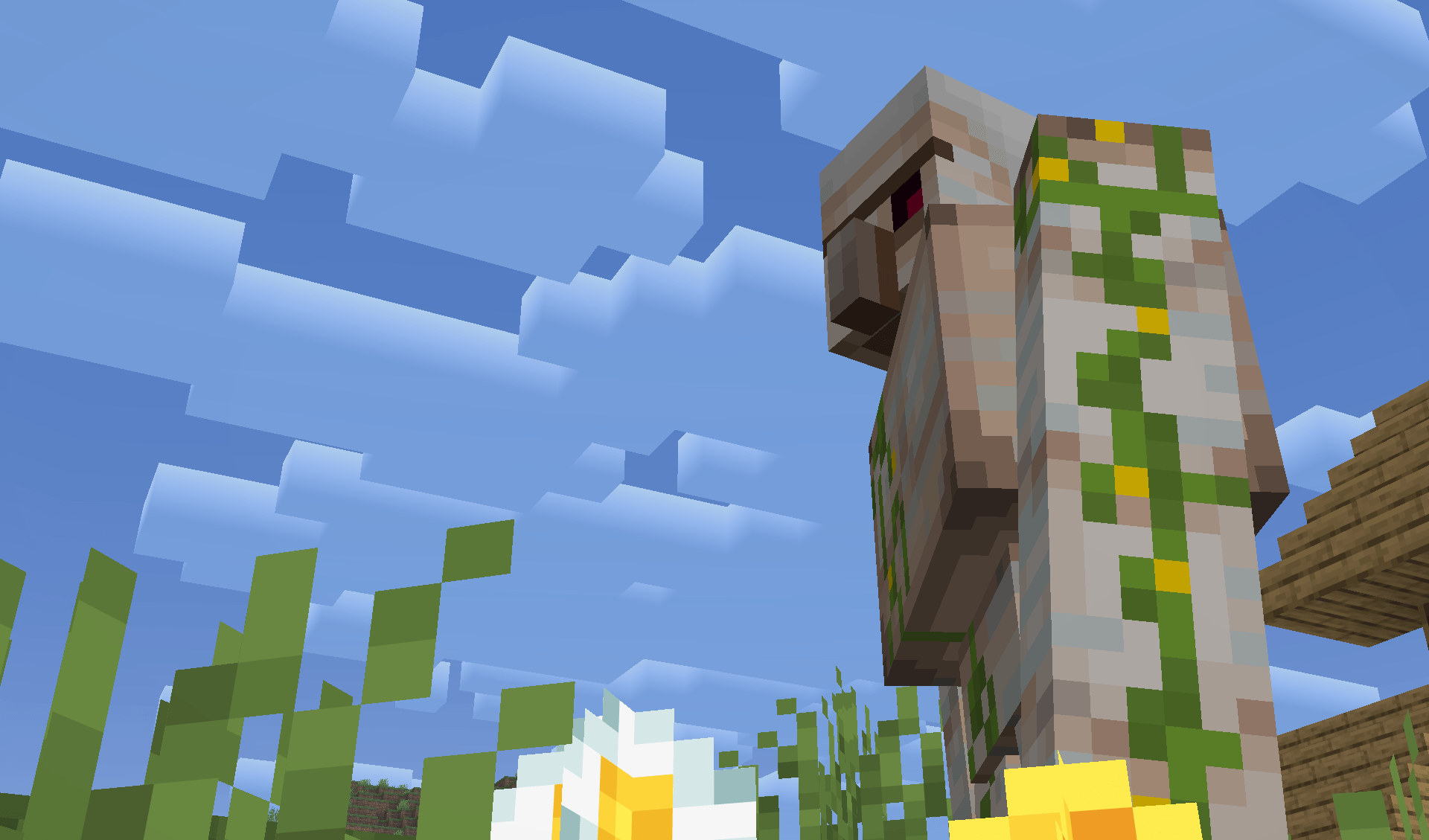
Do you like the color blue?

Blue is a pretty nice color!

It fits the sky very well.

...

And clouds AND fog now too!


Fluffify the clouds! Bluerization of the fog... and clouds! Really, it's only a few gradients and a heck of a lotta filler stuff, 'cause I suck at GLSL!!!

This resource pack would definitely benefit from mods, but I only have like 30 bytes left of storage on my computer, soooo...

Core shaders are literally the only thing which this resource pack changes, so do not expect newer/older version compatibility.

Version 1.0!!!
MC 26.1, 26.1.1, 26.1.2, 26.2
Release 2026-07-16 Get

Requirements & install

How to use this resource pack in Minecraft
Resolution
512x+
Minecraft
26.1 – 26.2
Install folder
.minecraft/resourcepacks

How to install resource packs

  1. Download the resource pack .zip file (do not extract it).
  2. In Minecraft open Options → Resource Packs → Open Pack Folder.
  3. Drop the .zip into the resourcepacks folder (.minecraft/resourcepacks).
  4. Move the pack to the Selected column and click Done.

512x packs need a strong GPU and at least 4 GB of RAM for Minecraft; a performance mod such as Sodium is strongly recommended.

Browse more: 16x resource packs 32x resource packs 64x resource packs 128x resource packs 256x resource packs 512x+ resource packs Resource Packs for 26.2 All resource packs

More from CalderaTheDestroyer

Advertisement Remove ads with Premium →

You Might Also Like