Mineuniverse
Resource Packs
Cinnamon

Cinnamon

RESOURCE PACK
A simple yet unique 16x resource pack!
by CalderaTheDestroyer
Download Claim this project
6,684 downloads
0 likes
Updated Oct 14, 2026
0 hypes
16x Animated Miscellaneous
Advertisement Remove ads with Premium →

A fancy box with a sienna background and gold trim containing a pumpkin pie on the left of a pixelated word: Cinnamon.

Have you ever wanted Minecraft to look like that?

…

No?

…

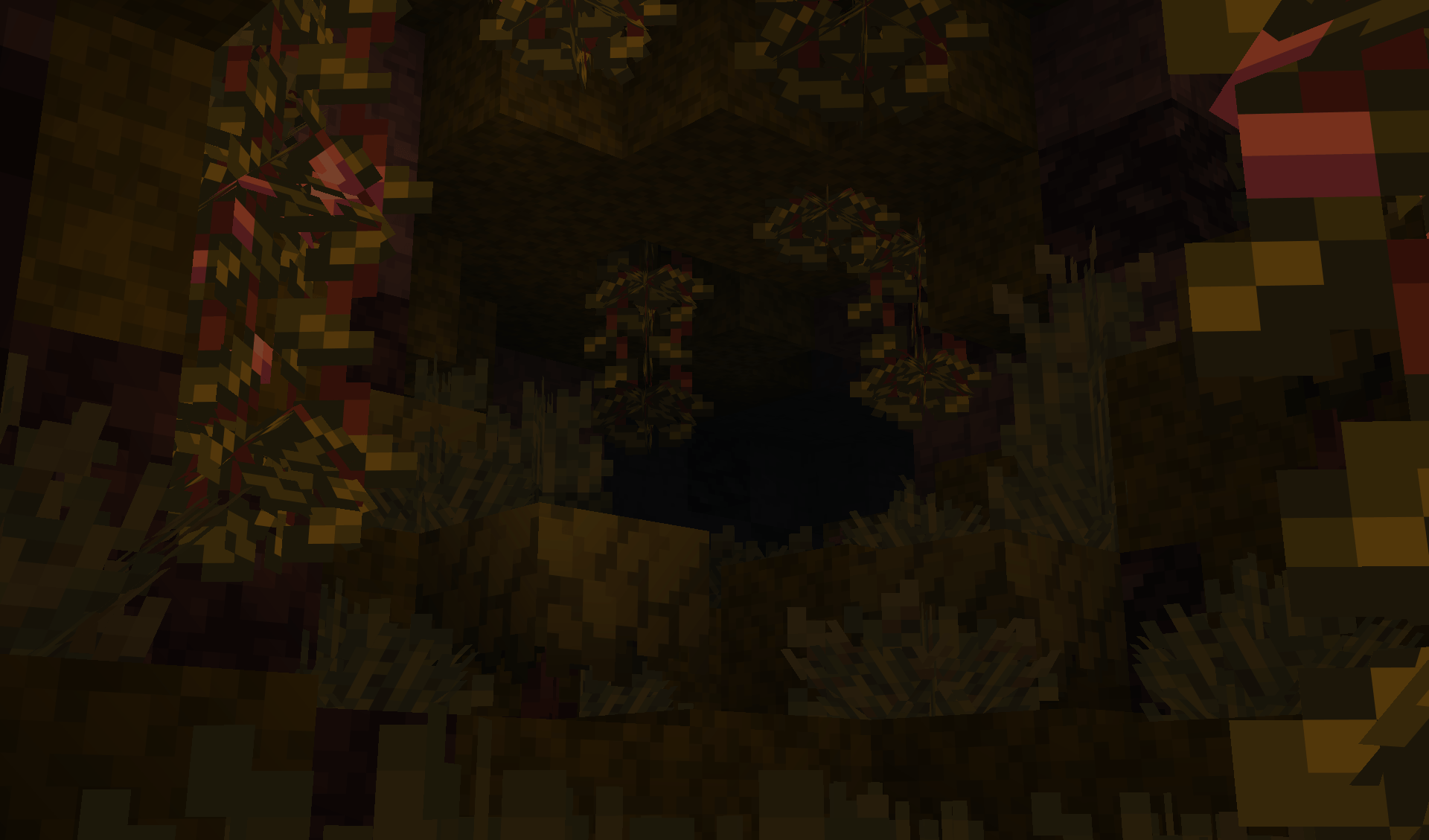
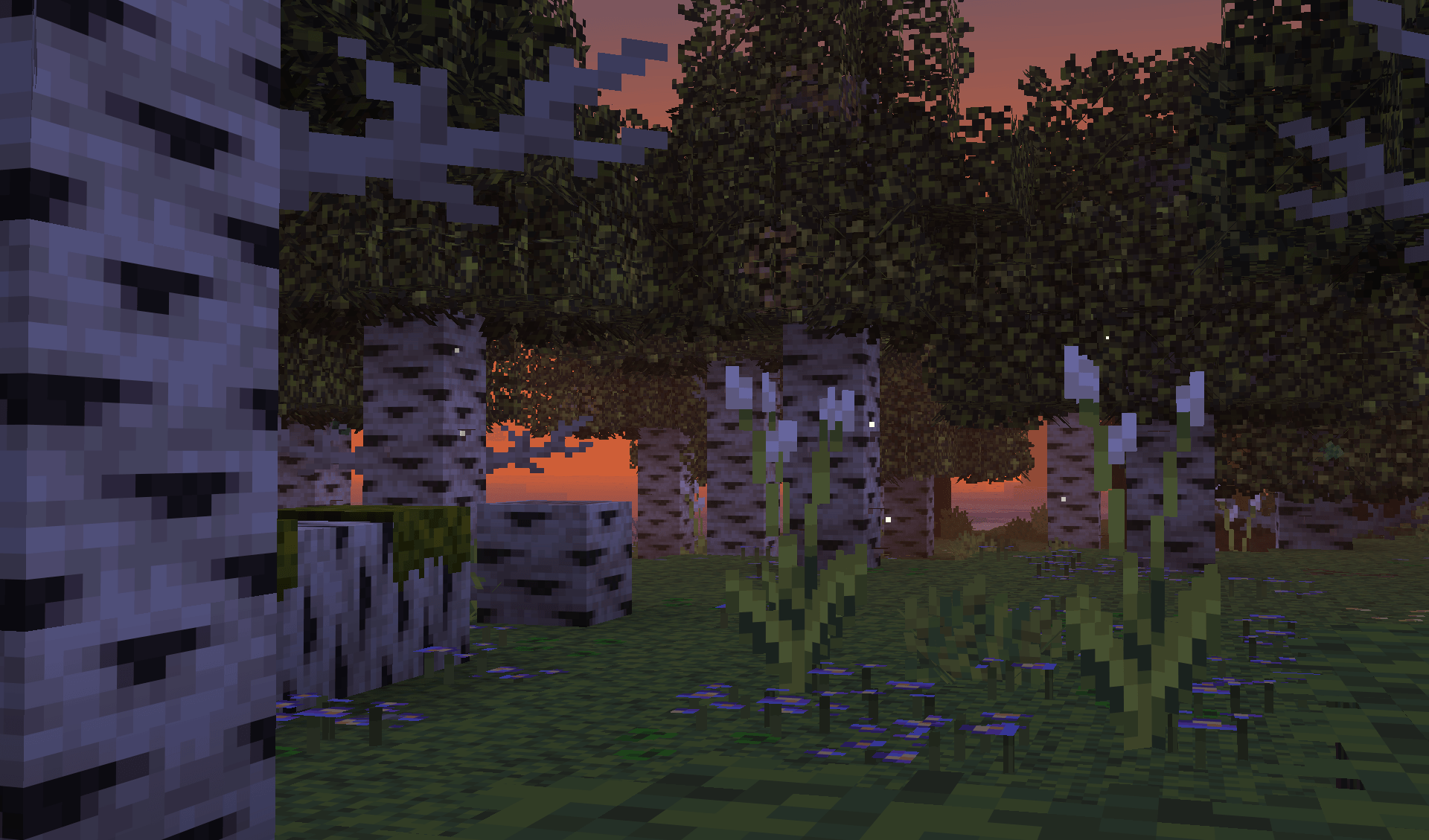
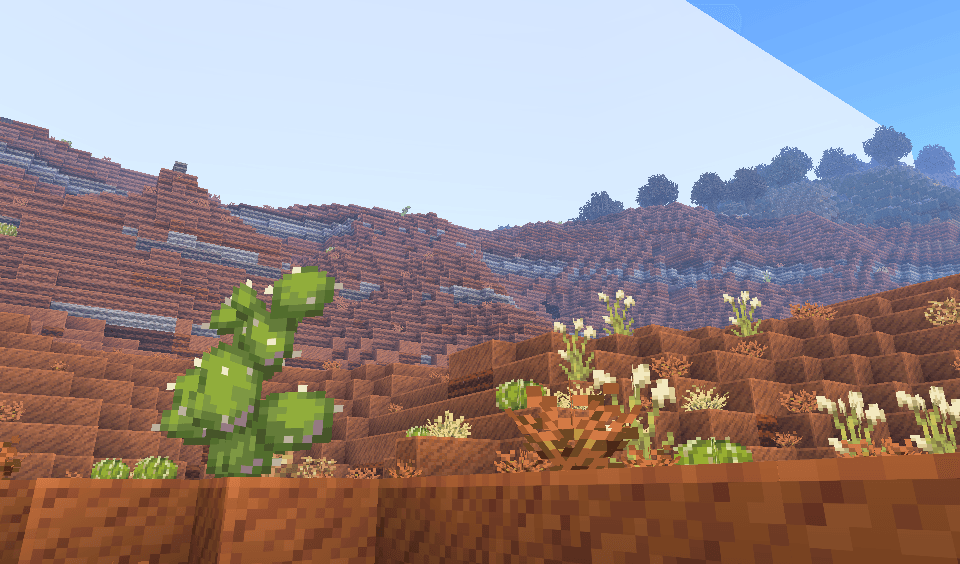
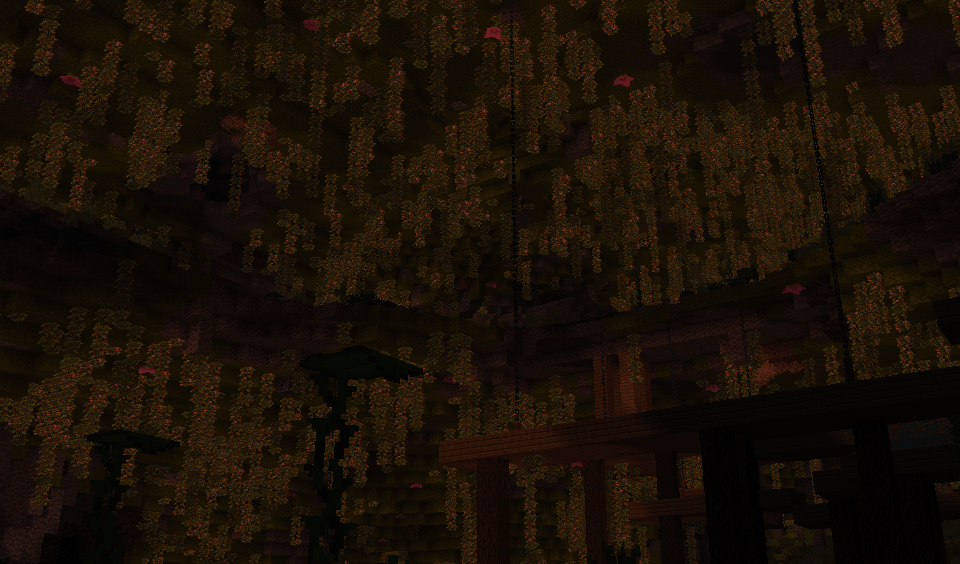
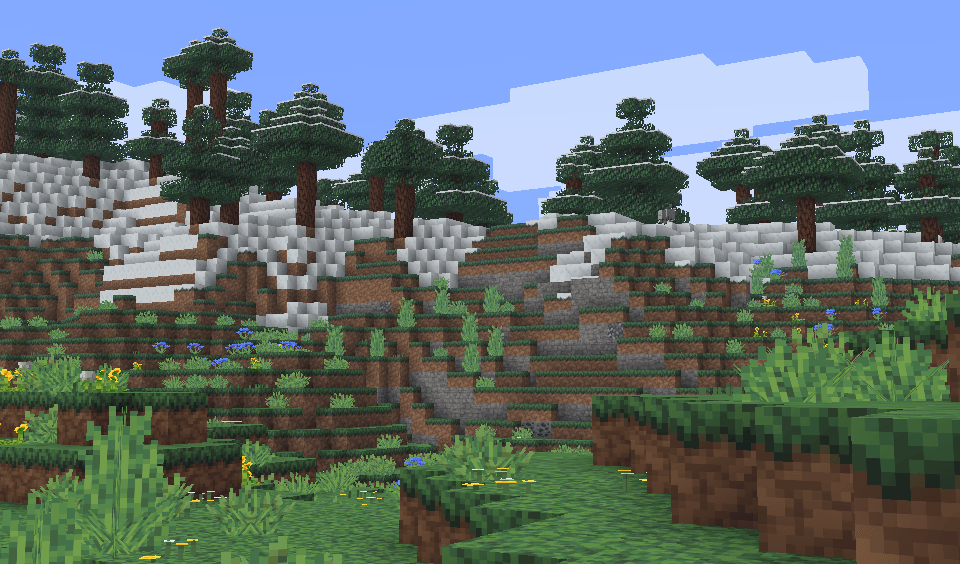
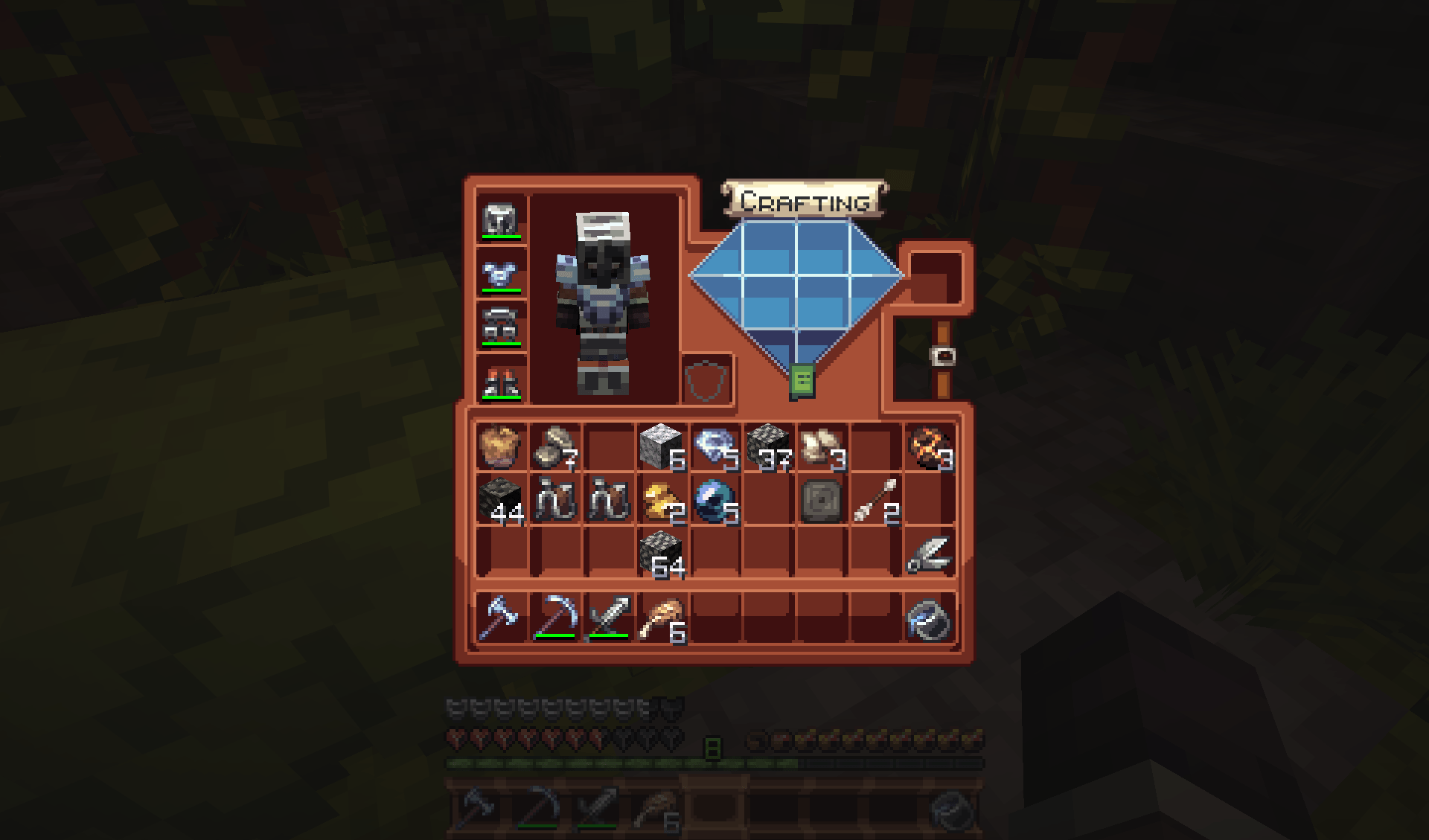
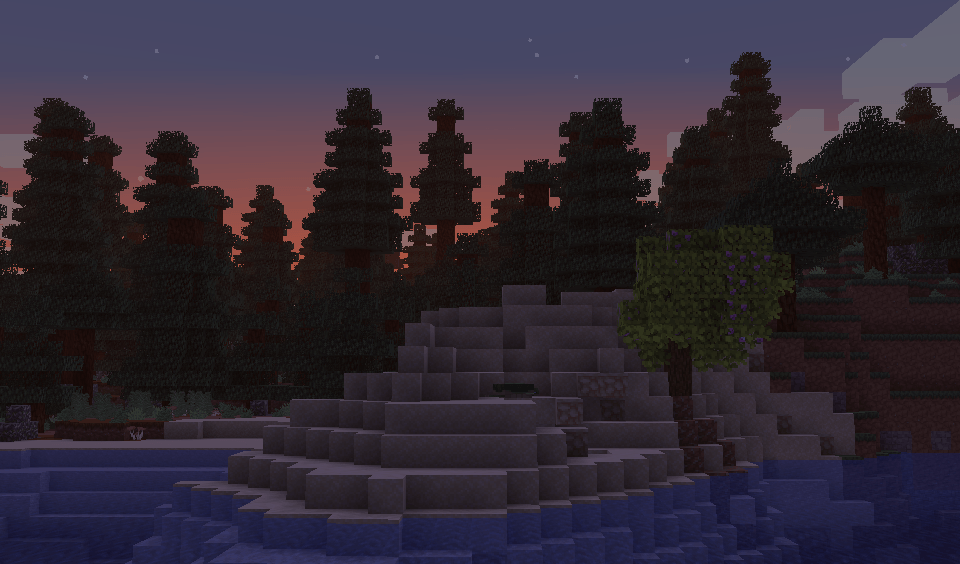
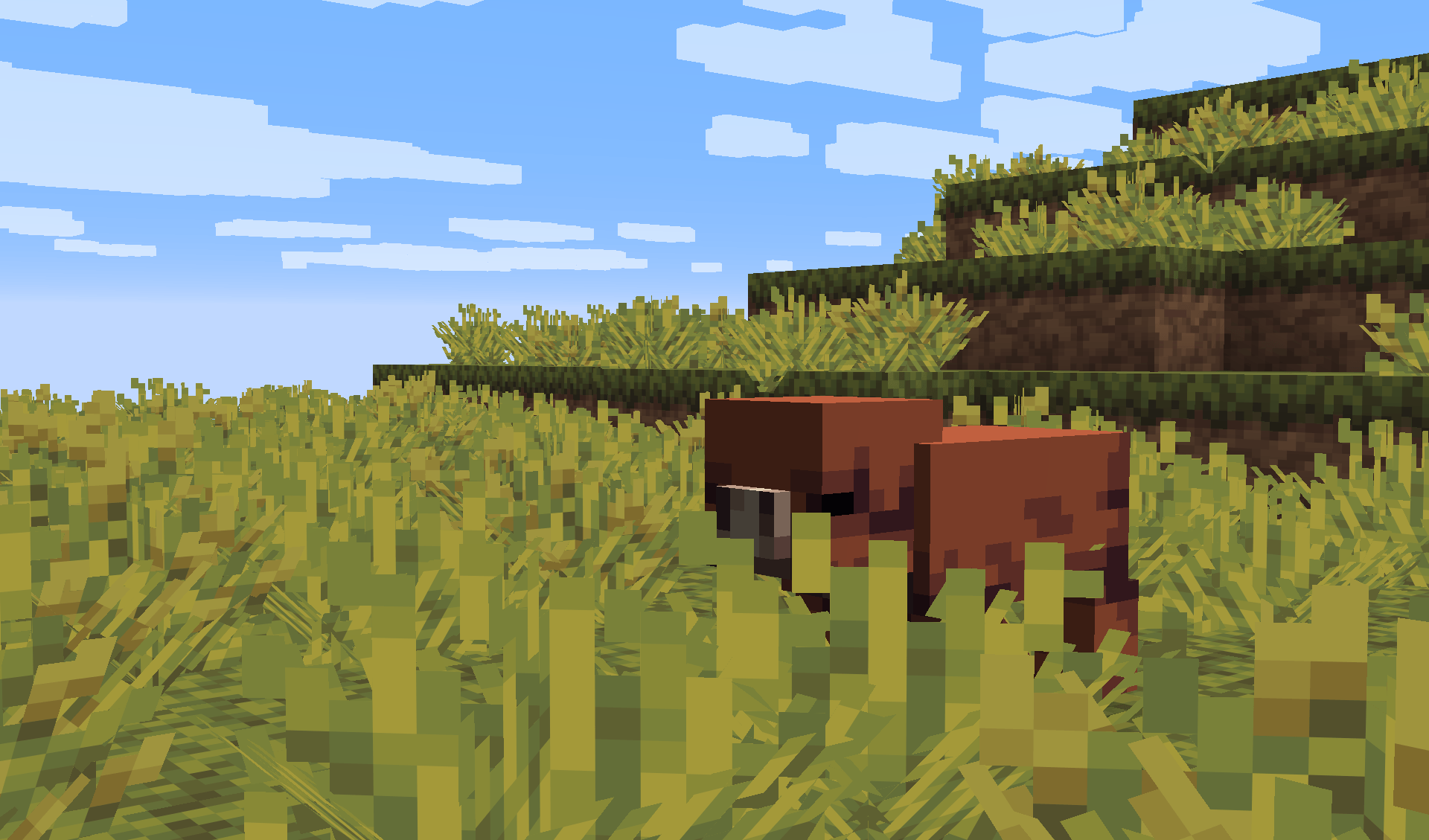
Well me neither, but now it looks like this!

…

(Check the gallery tab if you want images, unless you would prefer to stay with me — the amazing and omniscient narrator!)

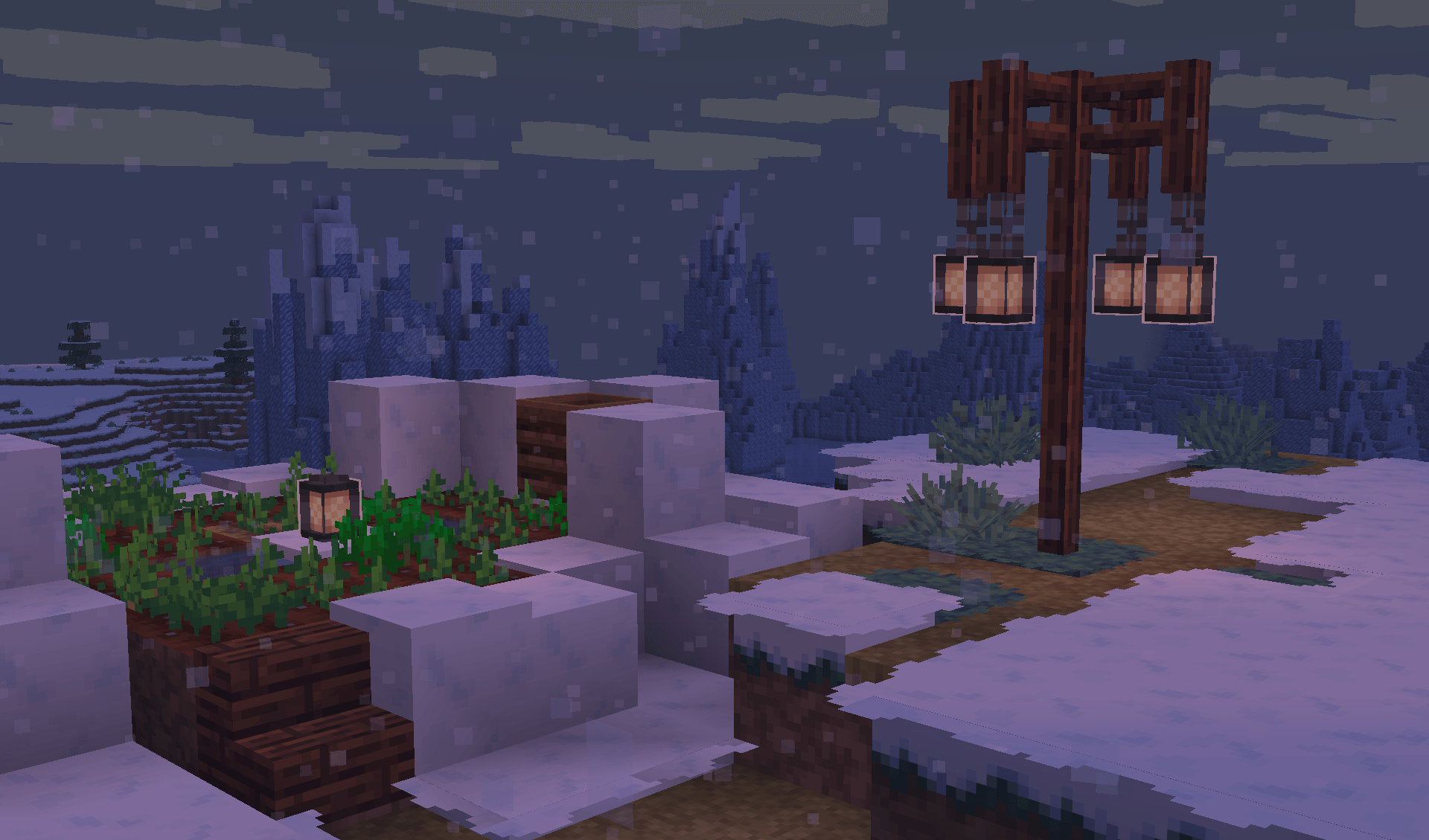
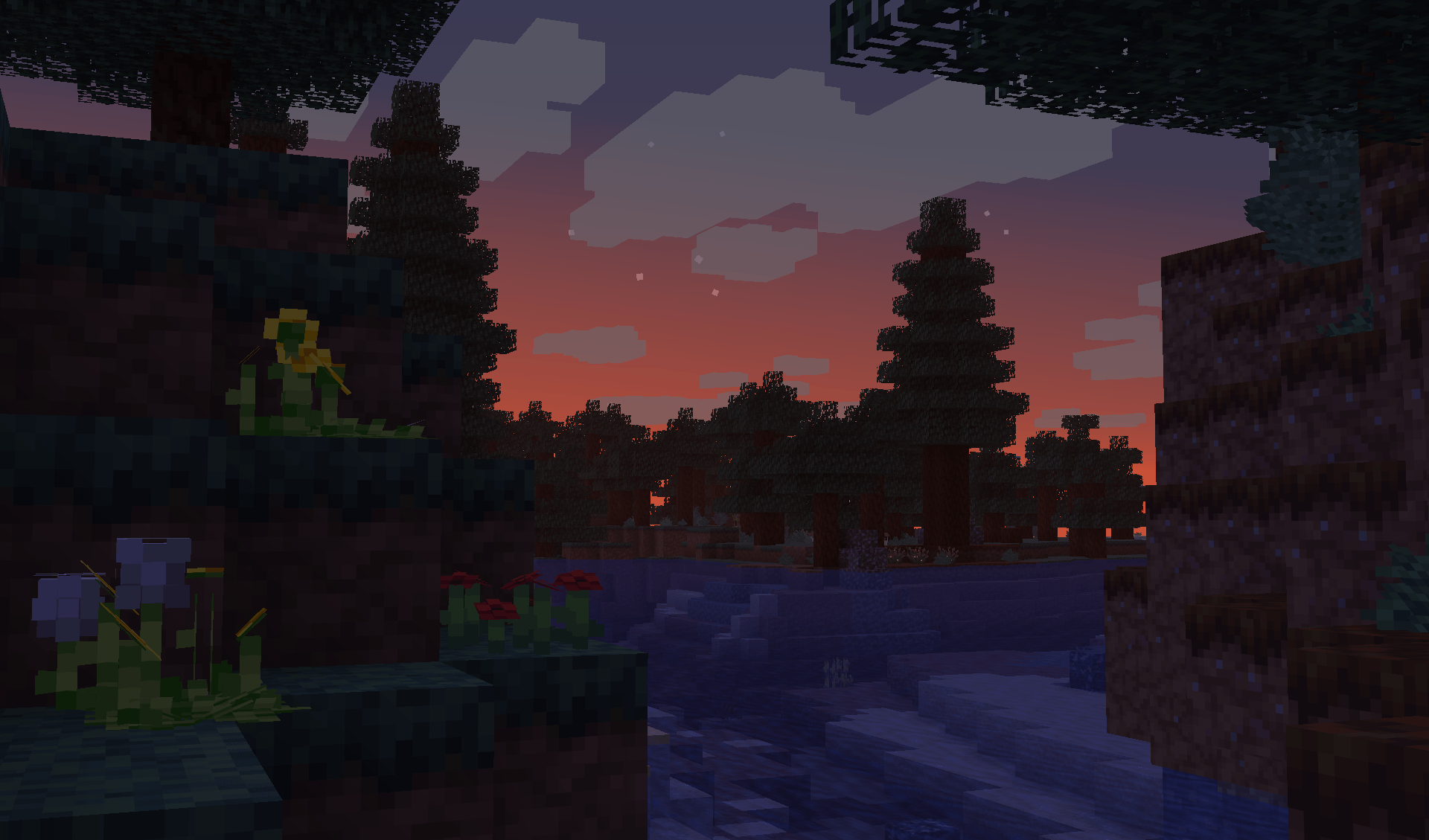
Anyways, this is a resource pack that improves (to me at least) certain visual aspects of the game, and providing several helpful — others purely for decoration — features.

Anything seen in this resource pack will maybe, probably, most likely, definitely change, as I spend way too much time making textures.

Cinnamon now has a trailer, albeit a bad one, but still, it has a trailer!

Pixelated Discord logo.

By the way, Cinnamon now has a Discord server where you can post feedback and inform me of any bugs!


A wooded sign with the text: "Terms" in a black ink. It is being held up by two iron chains connected to a log.

Terms and Conditions

You may:

  • Recommend this pack to anyone as the greatest pack ever.
  • Alter some of my textures, but for your own use only.
  • Use this pack in your videos, as long as it's credited.

You may not:

  • Repost my work, claiming it as your own.
  • Use my assets in your resource pack.
Cinnamon 1.8.0 - Scent of Fall
MC 1.21, 1.21.6-snapshot, 1.20.5-Snapshot, 1.21.1-Snapshot, 1.20.2, 1.21.8, 1.20.5, 1.21.5, 1.21.4, 1.21.5-Snapshot, 1.20.6, 1.21.1, 1.21.6, 1.21.3, 1.21.7, 1.20.4, 1.21-Snapshot
Release 2026-09-26 Get
Bite Sized for a T-Rex Update!
MC 1.21.9, 1.21.10, 1.21.11, 26.1, 26.1.1, 26.1.2, 26.2
Release 2026-07-26 Get
Cinnamon-1.6.0.zip
MC 26.1, 26.1.1, 26.1.2
Release 2026-05-31 Get

Requirements & install

How to use this resource pack in Minecraft
Resolution
16x
Minecraft
1.21.8 – 26.2
Install folder
.minecraft/resourcepacks

How to install resource packs

  1. Download the resource pack .zip file (do not extract it).
  2. In Minecraft open Options → Resource Packs → Open Pack Folder.
  3. Drop the .zip into the resourcepacks folder (.minecraft/resourcepacks).
  4. Move the pack to the Selected column and click Done.
Browse more: 16x resource packs 32x resource packs 64x resource packs 128x resource packs 256x resource packs 512x+ resource packs Resource Packs for 26.2 All resource packs

More from CalderaTheDestroyer

Advertisement Remove ads with Premium →

You Might Also Like