Mineuniverse
Resource Packs
AG Pack [PvP, Dark Vanilla, Utility]

AG Pack [PvP, Dark Vanilla, Utility]

RESOURCE PACK
A 16x Dark Vanilla PvP resource pack for Minecraft 1.21+ featuring compact utilities, highlighted ores, low fire...
by Adoman
Download Claim this project
Add a badge to your pageLink to AG Pack [PvP, Dark Vanilla, Utility] from a README, website or forum post.
Preview: Badge

Badges update automatically and link to the resource pack page on MineUniverse.

6,186 downloads
0 likes
0 followers
Updated Oct 14, 2026
0 hypes
Follow0
16x
Advertisement Remove ads with Premium →

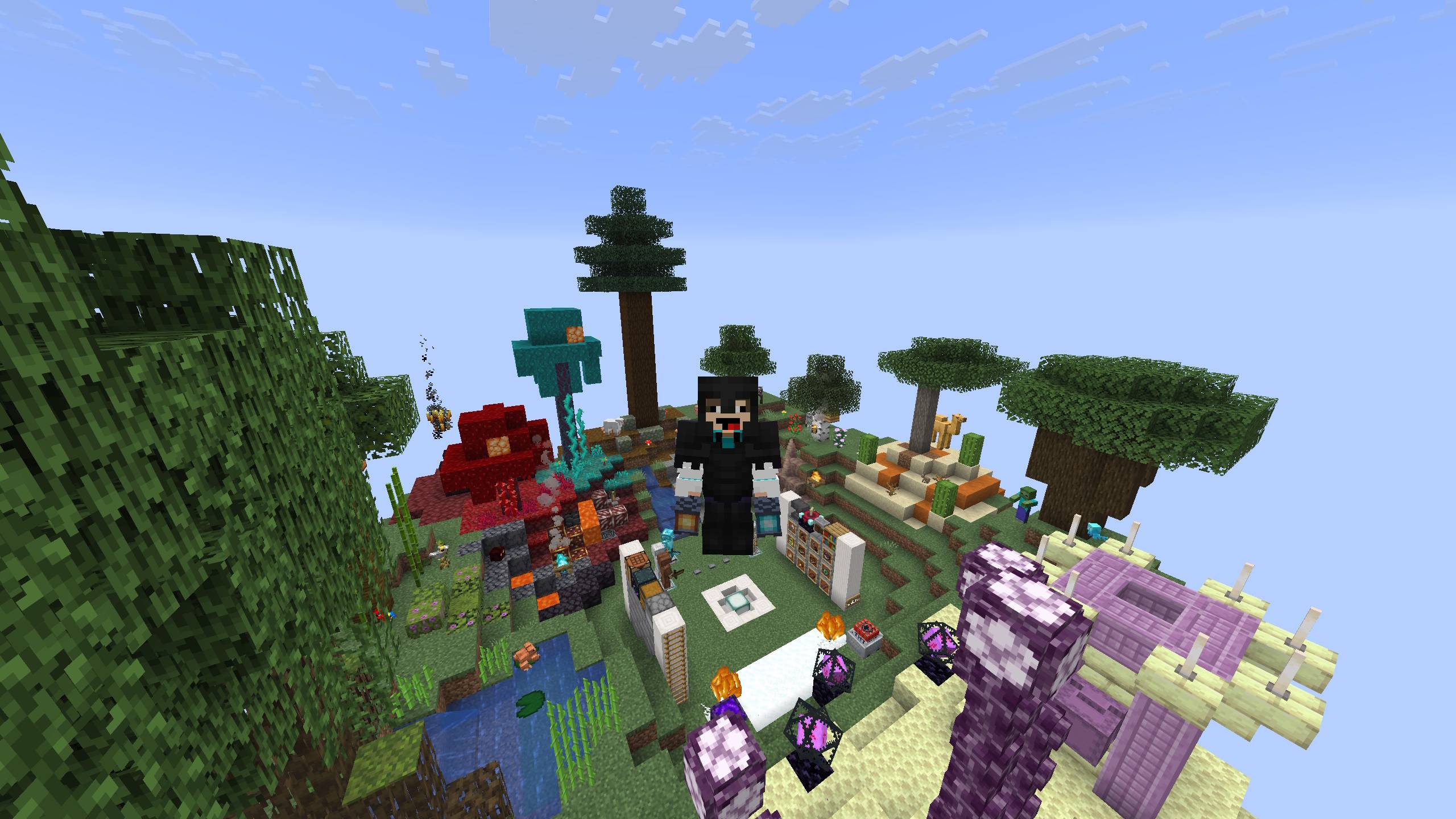
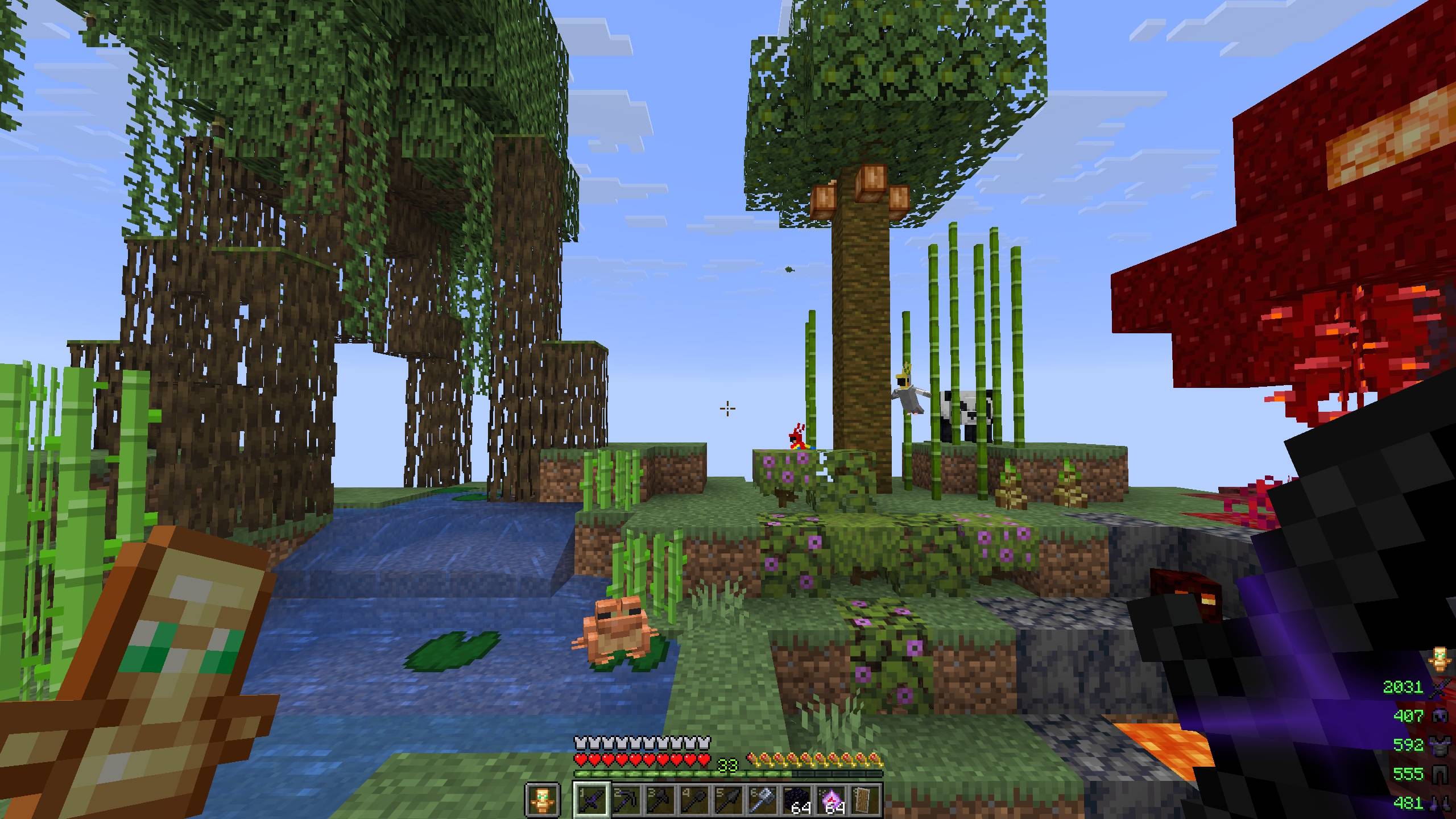
AG Pack 1.21+ is a sleek, performance-friendly resource pack designed for modern PvP (Crystal, SMP, and Mini-games). It retains the classic 16x Minecraft feel but with a Dark Vanilla theme to reduce eye strain. It focuses on competitive advantages like screen visibility and inventory management without losing the game's aesthetic charm.
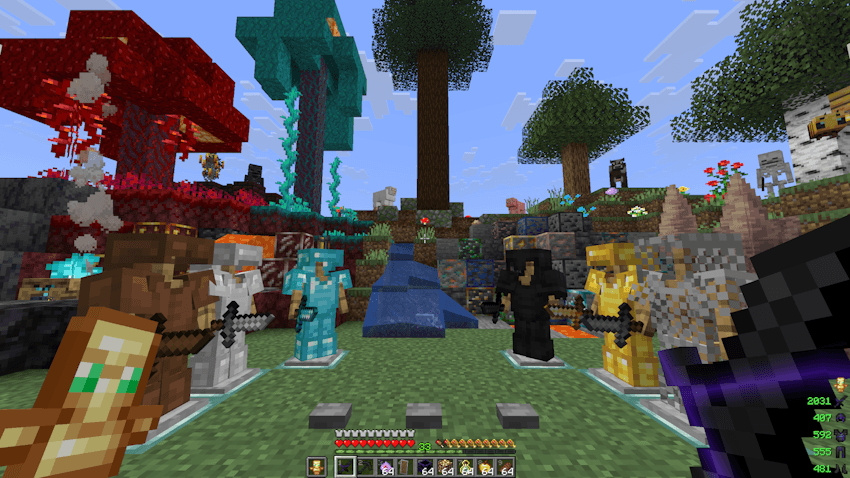
AG Pack

🔧 Key Features:

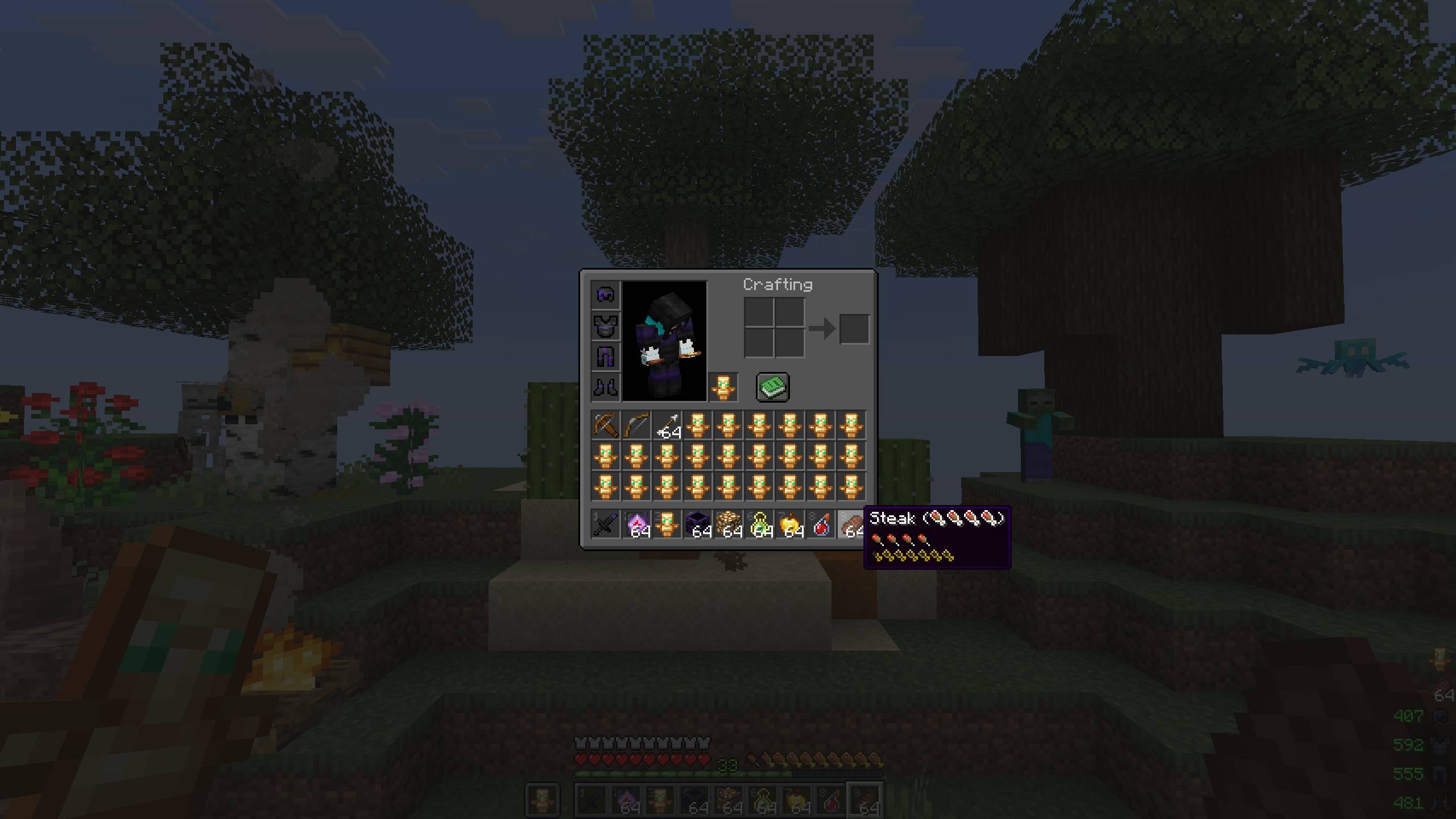
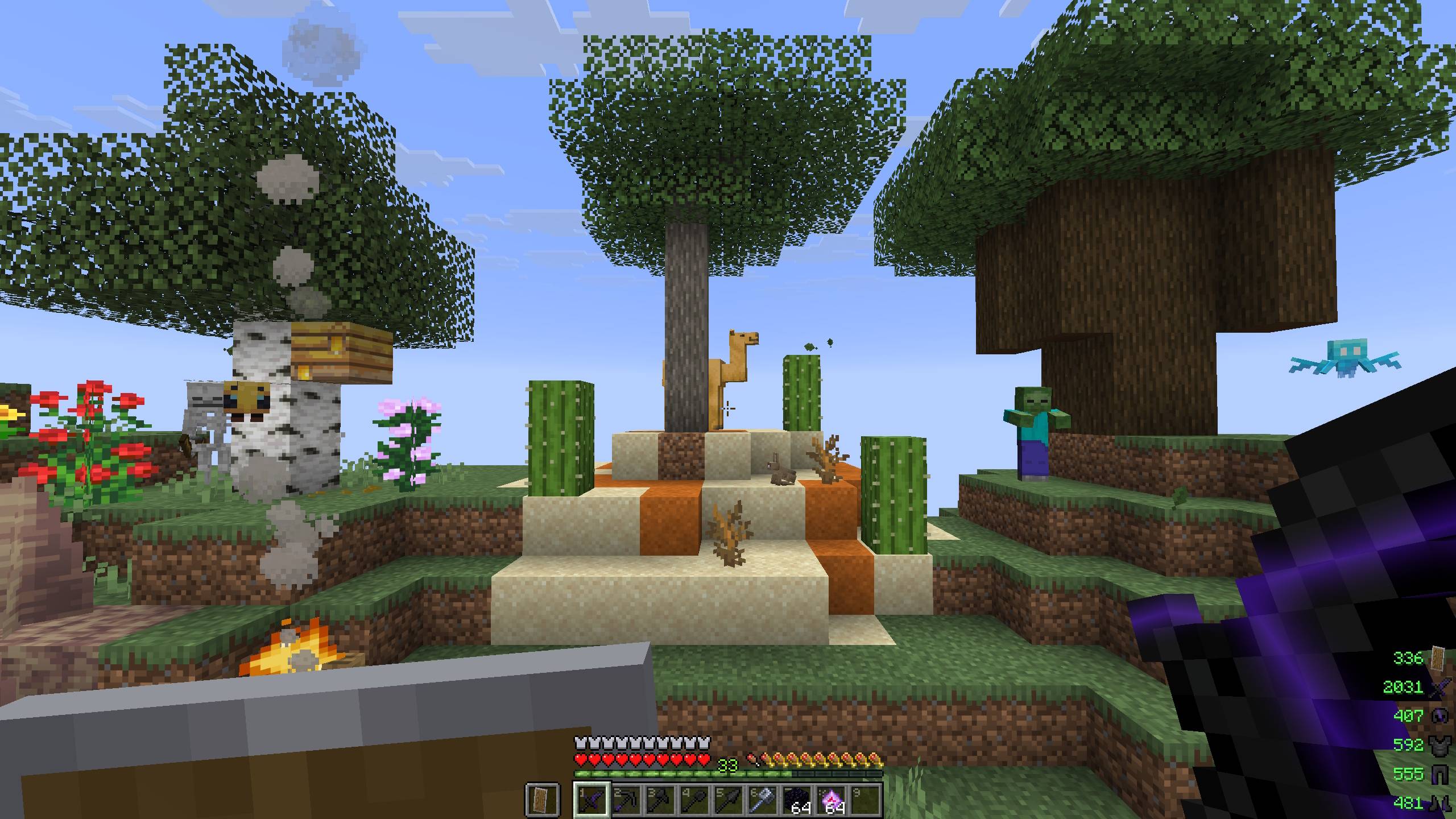
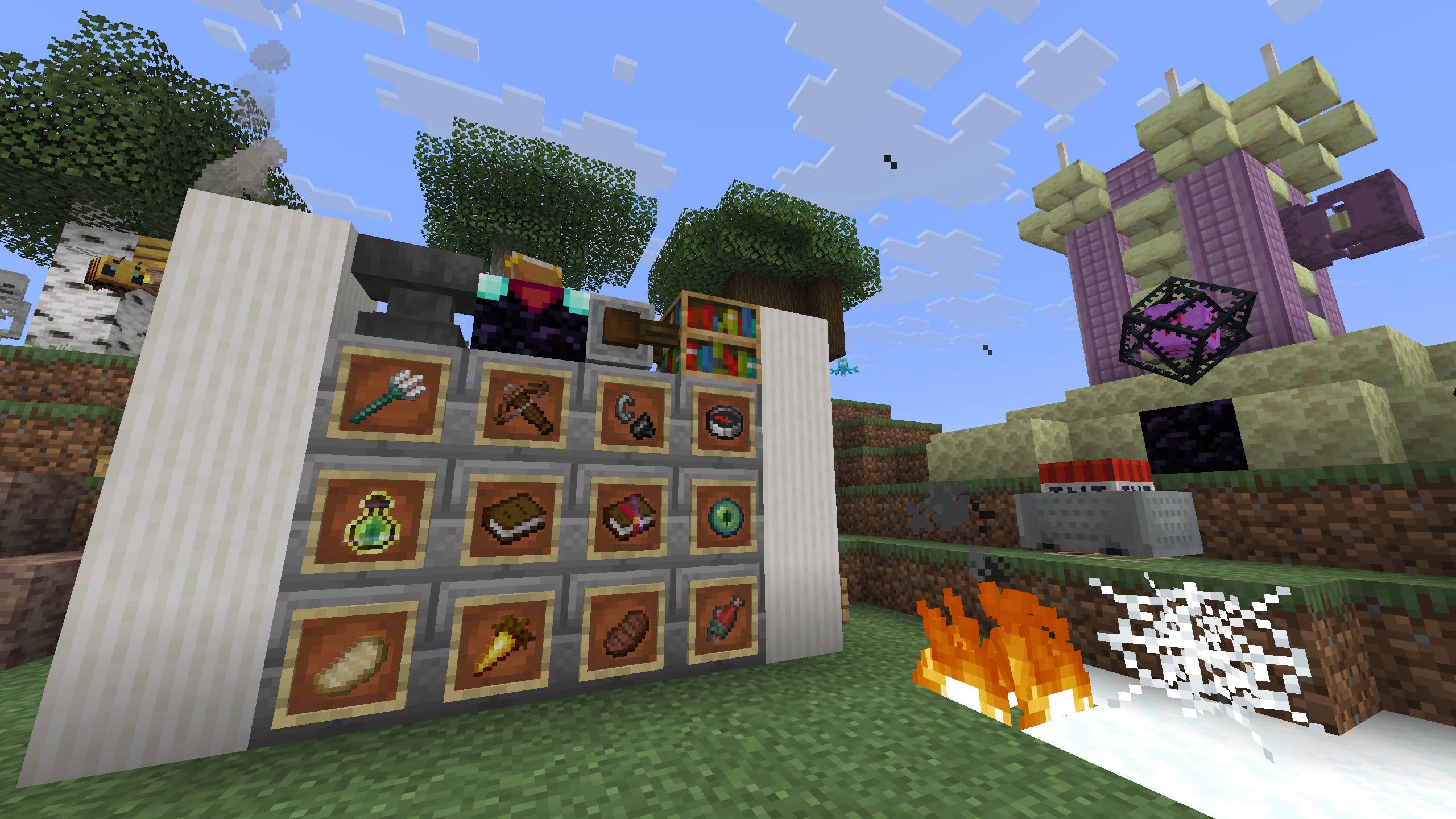
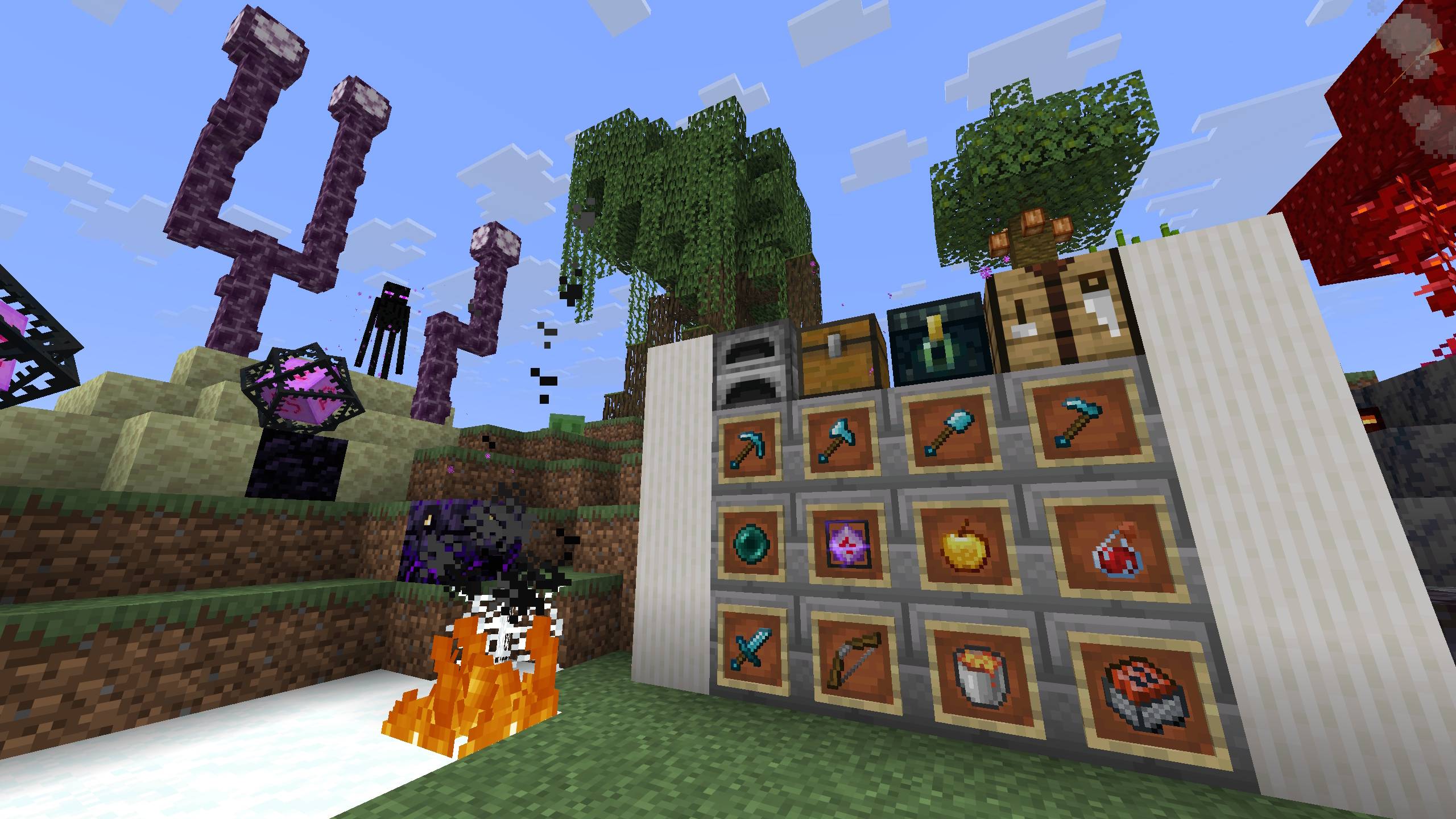
  • 🤏 Small Utilities - Maximizes your screen real estate with compact textures for Totems, Food, Shield, and Swords.
  • 🔥 PvP Essentials - Includes Low Fire (does not obstruct vision when burning) and optimized End Crystal textures for precise hit detection.
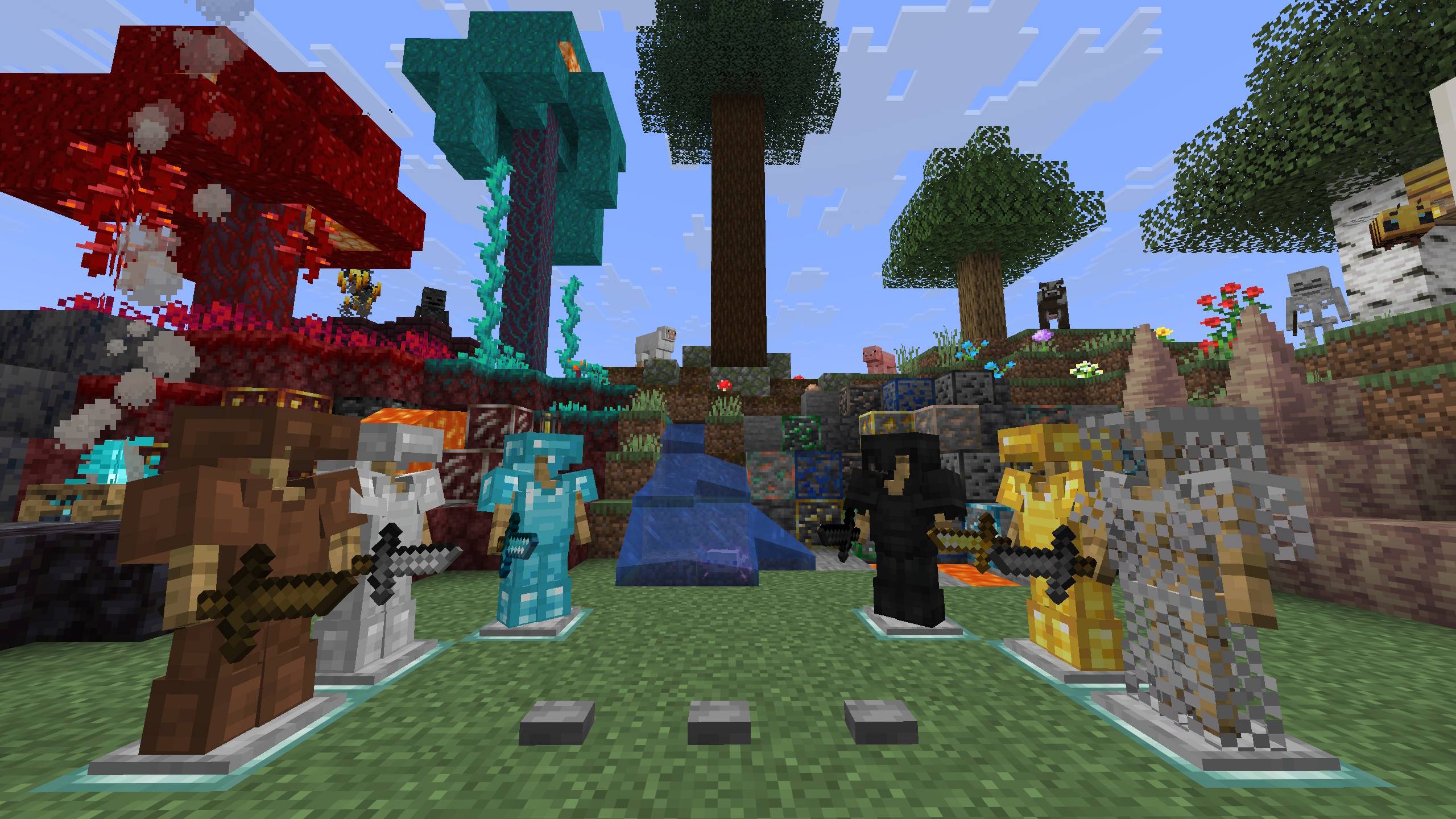
  • ⚔️ Custom Weaponry & Armor - Features unique textures for all armor sets and swords. Includes a brand Spear design, while keeping the Mace faithful to the vanilla style.
  • 🌑 Dark Vanilla Theme - A darker, easier-on-the-eyes GUI and interface that looks modern and clean.
  • 💎 Ore Borders - All ores are outlined with distinct borders, making them instantly visible in caves or the Nether.
  • ✨ Visual Clarity:
    • Better Lanterns - Improved 3D look.
    • Smaller Particles - Reduces visual noise during intense combat.

🎮 Compatibility:

  • Minecraft Java Edition: 1.21 and newer.
  • Compatible with OptiFine and Sodium/Iris.
AG Pack 1.21+ [v0.8]
MC 1.21, 1.21.8, 1.21.5, 1.21.4, 1.21.1, 1.21.6, 1.21.3, 1.21.7, 1.21.2, 1.21.9, 1.21.10, 1.21.11
Release 2026-01-07 Get

Requirements & install

How to use this resource pack in Minecraft
Resolution
16x
Minecraft
1.21.4 – 1.21.11
Install folder
.minecraft/resourcepacks

How to install resource packs

  1. Download the resource pack .zip file (do not extract it).
  2. In Minecraft open Options → Resource Packs → Open Pack Folder.
  3. Drop the .zip into the resourcepacks folder (.minecraft/resourcepacks).
  4. Move the pack to the Selected column and click Done.
Browse more: 16x resource packs 32x resource packs 64x resource packs 128x resource packs 256x resource packs 512x+ resource packs Resource Packs for 1.21.11 All resource packs

More from Adoman

Advertisement Remove ads with Premium →

You Might Also Like