Badges update automatically and link to the mod page on MineUniverse.
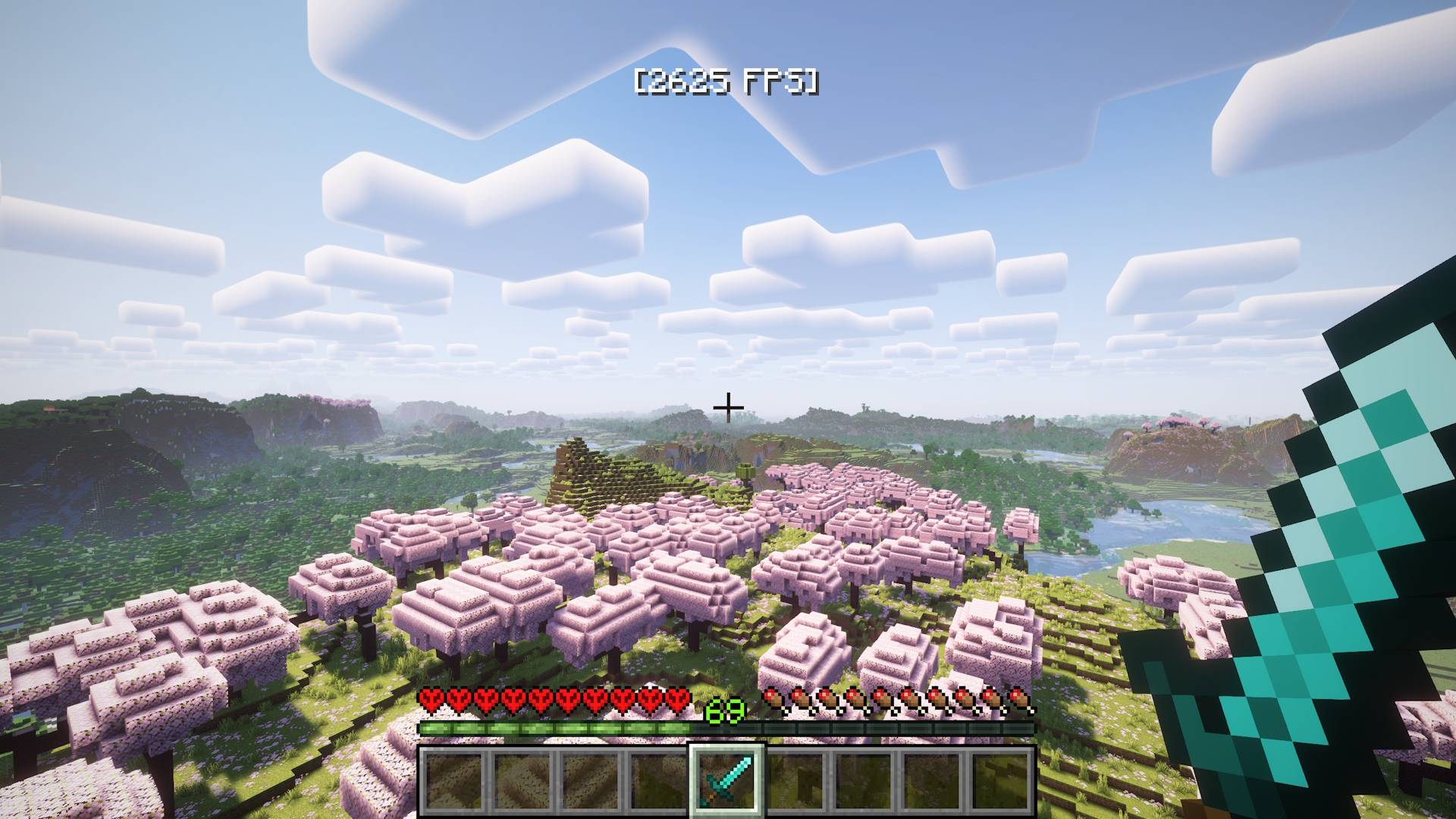
FakeFPS is a lightweight client-side mod that displays realistic-looking fake FPS numbers on your screen. The numbers change dynamically within a configurable range to simulate a smooth gameplay experience — even if your real FPS doesn't agree.
HUD Overlay – Displays a fake FPS counter (e.g. [456 FPS]) on screen with smooth, realistic fluctuations. Choose from six positions: top/bottom, left/right, or center.
F3 Debug Screen Override (v1.1.0+) – The F3 menu shows your fake FPS too, in Minecraft's native format. Completely seamless. Toggle it in the config or via command.
Realistic FPS Behavior (v1.1.0+) – FPS drifts naturally toward a target value with occasional micro-dips to simulate chunk loading and GC pauses — much more convincing than random jumps.
In-Game Commands (Minecraft 1.21.11+ only) – Change your settings without touching any files or restarting the game. Full tab-complete support included.
/fakefps min <number> – set minimum FPS (v1.1.0+)/fakefps max <number> – set maximum FPS (v1.1.0+)/fakefps position <name> – change HUD position (v1.1.0+)/fakefps hud <true/false> – toggle HUD on and off (v1.1.1+)/fakefps f3 <true/false> – toggle F3 override (v1.1.0+)/fakefps status – show current settings (v1.1.0+)
Config File – All settings are stored in config/fakefpsmod.json. Old config files from v1.0.x are automatically migrated — no manual changes needed.
{
    "min_fps": 360,
    "max_fps": 540,
    "position": "top_center",
    "fake_f3": true
}
Valid positions: top_left, top_right, top_center, bottom_left, bottom_right, bottom_center
💬 Whether you're going for cinematic perfection or just trolling your friends, FakeFPS gives you total control over how fast your game looks.