I made PotionCoreX because I wanted a potion stacking plugin that does more than just stack potions.
For me, the most important part was always brewing safety.
A lot of stackable potion plugins can make potions stack, but the real problem starts when hoppers and brewing stands are involved. If stacked bottles are pushed into a brewing stand like normal stacks, brewing can break, bottles can behave strangely, or automation becomes unreliable.
PotionCoreX solves that by handling brewing stand automation safely.
Even when potions or water bottles are stacked in inventories and hoppers, they are fed into brewing stands one by one, exactly the way they should be for stable brewing behavior.
I tested a lot of potion stacking solutions before building this one, and the biggest issue was never just the stack size itself.
The real issue was everything around it:
That is why PotionCoreX focuses on safe and clean behavior first, not just on making potion stacks bigger.
This is the most important feature of PotionCoreX.
PotionCoreX does not just allow potion stacks. It also protects brewing automation by making sure hoppers do not dump full stacks into brewing bottle slots.
Instead, bottles are passed into the brewing stand one by one.
That keeps brewing stable and prevents the usual problems that happen when stacked bottles are handled like normal items in brewing systems.
If safe brewing automation matters to you, this is the core reason why PotionCoreX exists.
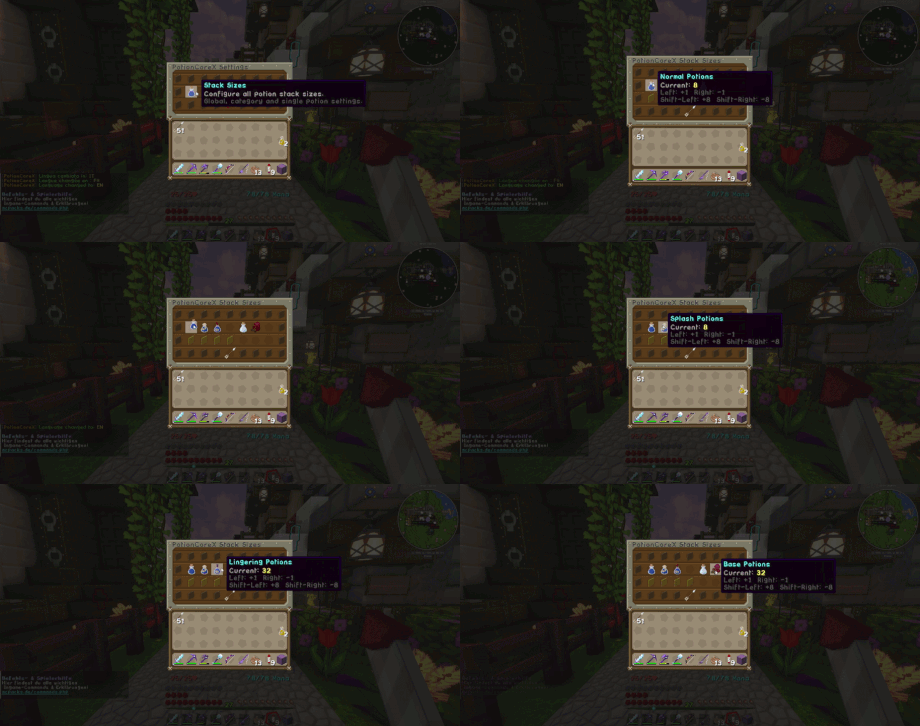
PotionCoreX includes a settings GUI so I can change potion stack sizes directly in-game without editing files all the time.
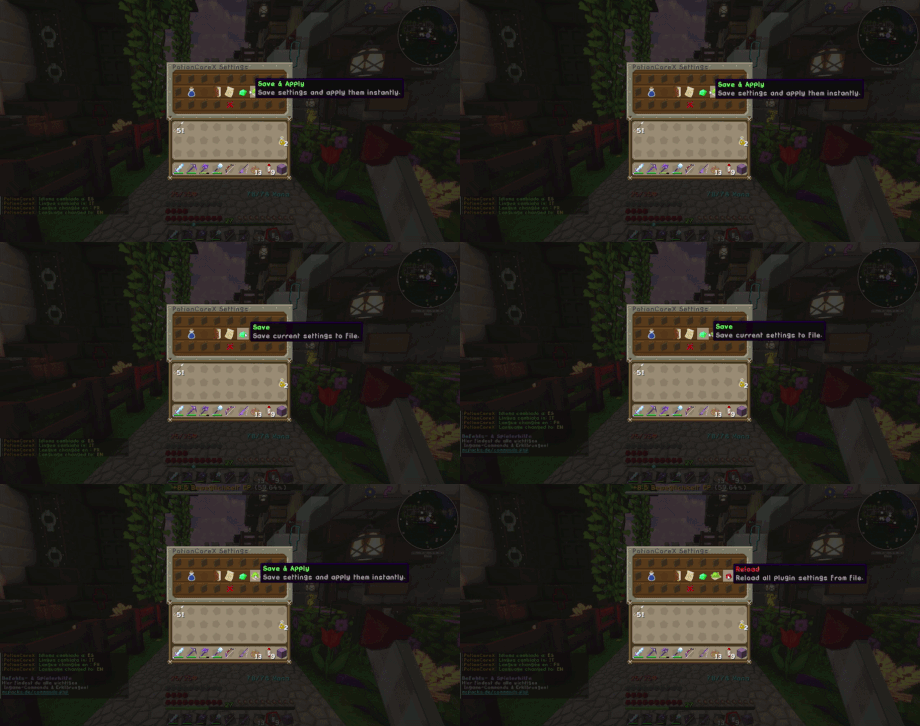
I can adjust the different potion categories, save the settings, and apply them directly.
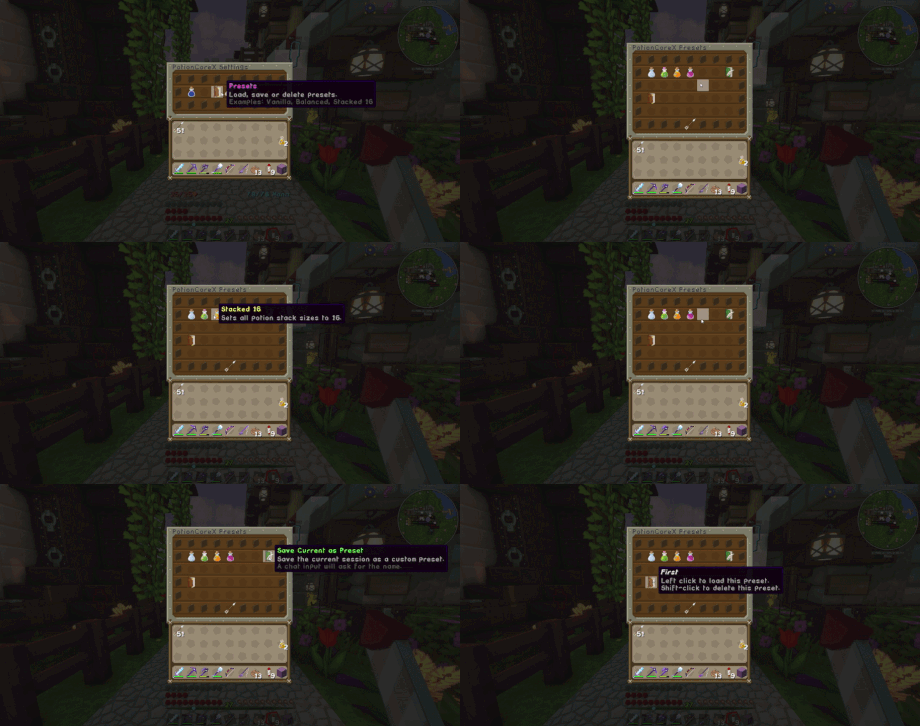
I also added a preset system so I can create my own setups and load them again later.
That makes it easy to switch between different stacking styles without rebuilding everything by hand.
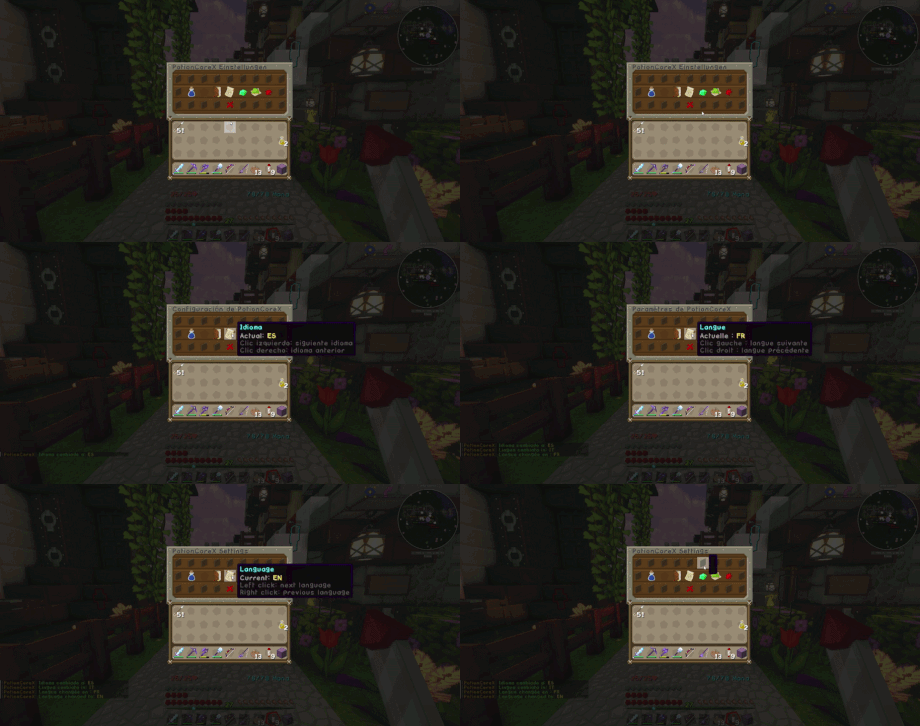
PotionCoreX includes multiple languages and lets me switch them easily.
Included languages:
Here I adjust the stack sizes of the potion categories in the GUI.
Here I save my settings and apply them immediately.
Here I create and load my own preset setups.
Here I switch the plugin language directly in-game.
/potioncore
/pcx
/pcx settings
/pcx reloadpotioncorex.admin
Access to all admin features, including settings and reload.