Check out the ShopShelves plugin here!
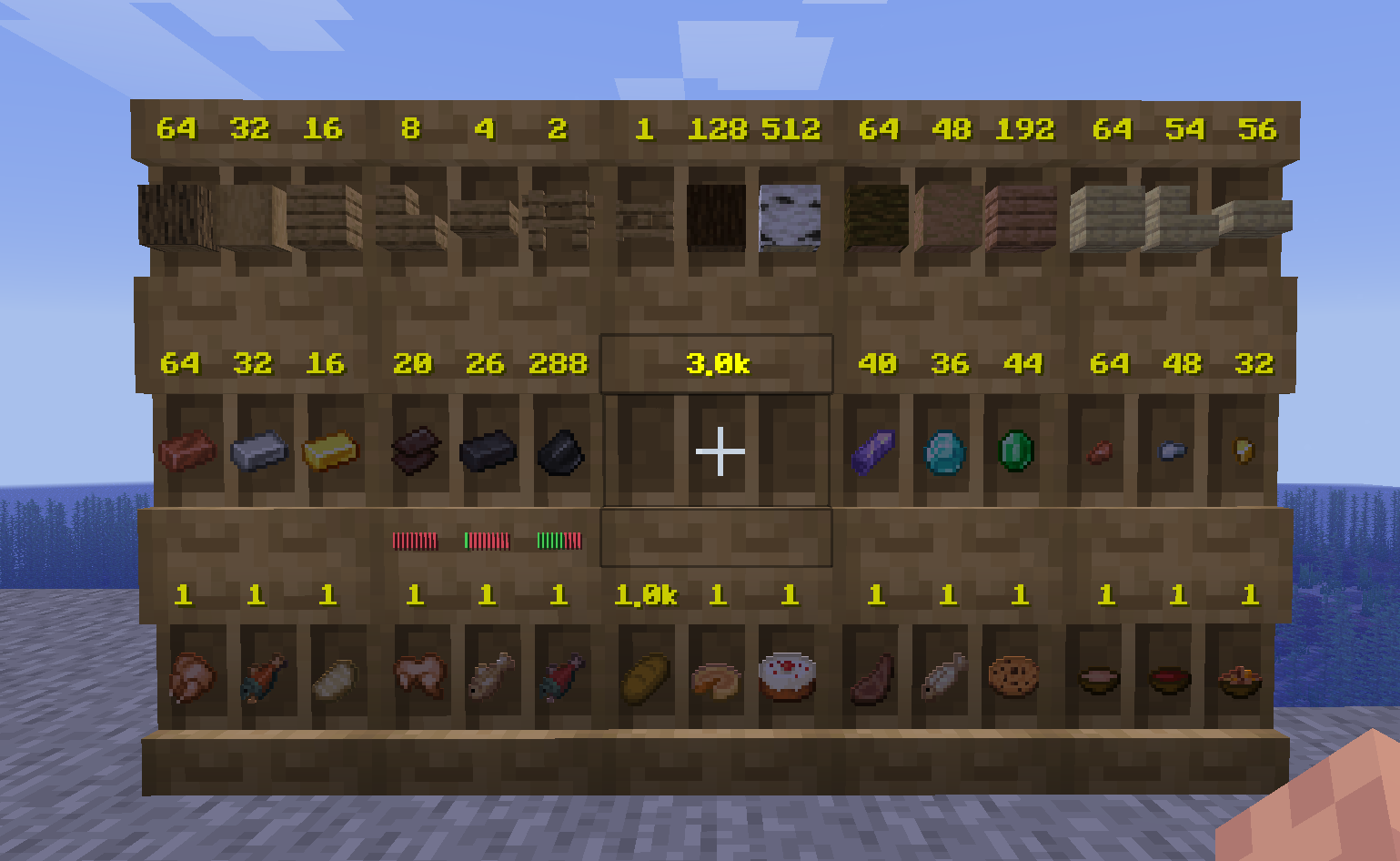
Tired of messy chest rooms? DrawerShelves transforms standard Minecraft shelves into high-capacity, specialized storage units! Whether you need to store thousands of a single item, compact your ores automatically, or link multiple units to a central controller, this plugin provides a sleek, lag-free solution with full 3D HUD visuals.
All general questions, feature requests, and non-urgent bug reports should be posted in the appropriate channels on our Discord Server. We actively monitor the server and will respond as soon as possible. This ensures that the whole community can benefit from the discussion and solutions.
While we prefer all issues to be handled via the Discord server first, you are welcome to PM me directly under specific urgent circumstances:
I will endeavor to answer your PM as soon as I can. Private messaging is a professional courtesy, not an entitlement. Thank you!
Every drawer is built from a standard Shelf block but specialized for different needs.
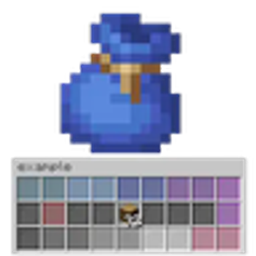
Customize your drawers with up to 9 upgrade slots. Access the upgrade menu by Shift + Right-Clicking the front face of a drawer.
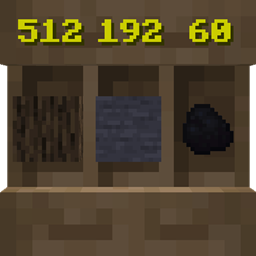
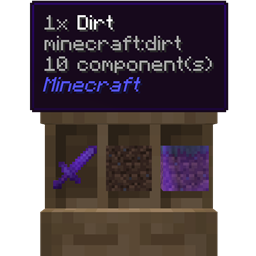
No more opening GUIs to check counts! High-performance Text Displays show item counts directly on the block face.
Link a Controller to your drawers using a lateral BFS discovery (±3 blocks).
Compactors treat storage as a single pool of "units." If you put in 9 Iron Ingots, you can pull out 1 Iron Block or 81 Iron Nuggets instantly.
Control who can touch your stuff with the built-in Friends & Access menu.
| Command | Description |
|---|---|
/drawers help |
View the help menu. |
/drawers give [player] |
Open the Drawer Catalog to browse and take items (Admins). |
/drawers recipe |
Browse crafting recipes for every drawer and upgrade. |
/drawers compact |
Browse or create custom compaction recipes. |
/drawers mode <SINGLE/TRIPLE/TOP/BOTTOM> |
Customize your personal HUD preferences. |
/drawers reload |
Reload all configurations and sync displays. |
drawershelves.command — Allows access to the base /drawers command. (Default: true)drawershelves.admin — Full admin access; bypasses all limits and checks. (Default: op)drawershelves.reload — Allows reloading the plugin configuration. (Default: op)drawershelves.give — Allows giving items via the catalog GUI. (Default: op)Set maximum counts in config.yml; use these nodes to override per-player. # = amount.
drawershelves.drawer.# — Max amount of Small/Medium/Large Drawers.drawershelves.compactor.# — Max amount of Compactors.drawershelves.controller.# — Max amount of Controllers.drawershelves.upgrade.clean — Craft Clean Item Upgrade.drawershelves.upgrade.infinit — Craft Infinite Upgrade.drawershelves.upgrade.fill_meter — Craft Fill Meter Upgrade.drawershelves.upgrade.hopper_pull — Craft Hopper Pull Upgrade.drawershelves.upgrade.hopper_push — Craft Hopper Push Upgrade.drawershelves.upgrade.hopper_both — Craft Advanced Hopper Both Upgrade.drawershelves.upgrade.bright — Craft Bright Upgrade.drawershelves.upgrade.stack — Craft One Stack Upgrade.drawershelves.upgrade.trash — Craft Void Upgrade.drawershelves.upgrade.inv_1 to .inv_5 — Craft Storage Upgrades (x2 to x32).drawershelves.place.clean — Insert Clean Upgrade.drawershelves.place.infinit — Insert Infinite Upgrade (Default: op).drawershelves.place.fill_meter — Insert Fill Meter Upgrade.drawershelves.place.hopper_pull — Insert Hopper Pull Upgrade.drawershelves.place.hopper_push — Insert Hopper Push Upgrade.drawershelves.place.hopper_both — Insert Hopper Both Upgrade.drawershelves.place.bright — Insert Bright Upgrade.drawershelves.place.stack — Insert One Stack Upgrade.drawershelves.place.trash — Insert Void Upgrade.drawershelves.place.inv_1 to .inv_4 — Insert Tier 1-4 Storage Upgrades.drawershelves.place.inv_5 — Insert Emerald Storage Upgrade (Default: op).upgrades.yml allows you to change every crafting requirement.