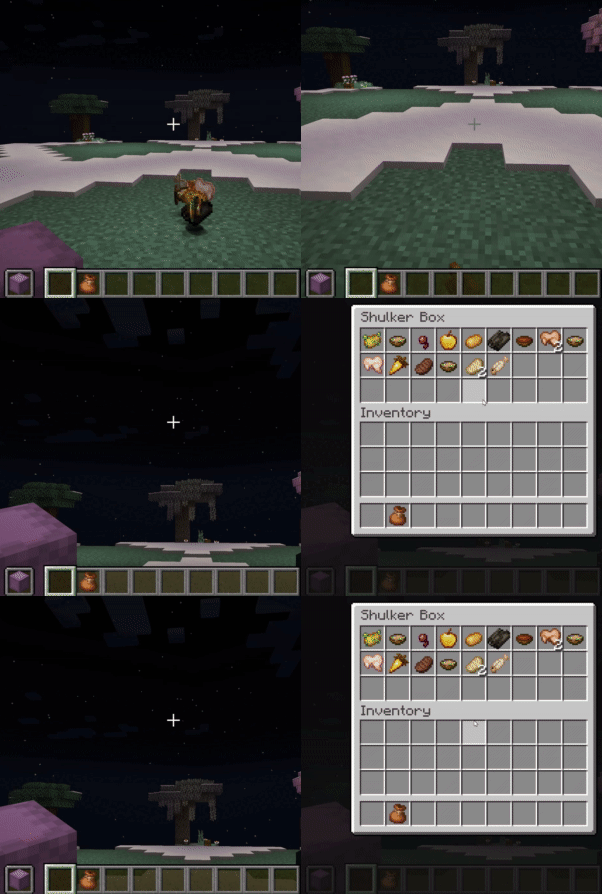
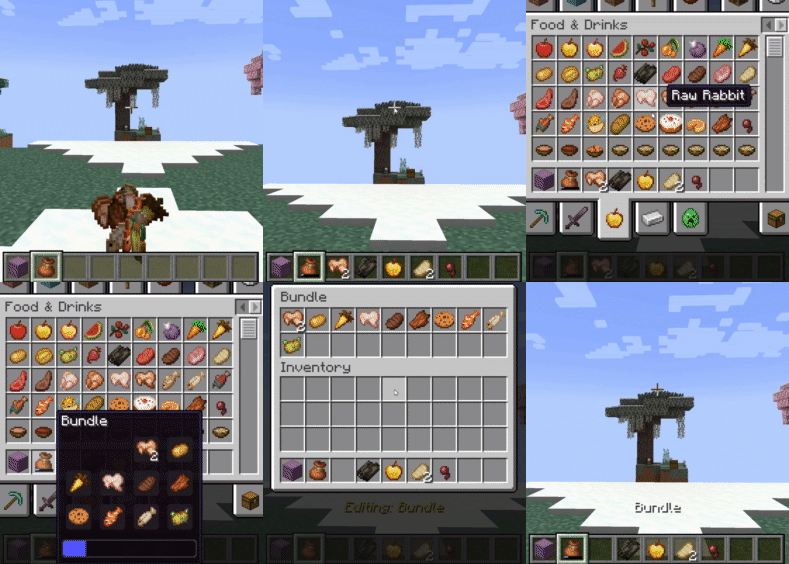
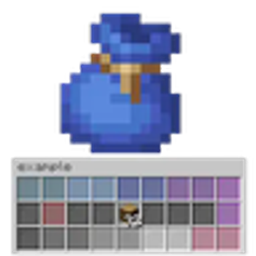
Tired of inventory overflow? Shulker & Bundles supercharges your storage solutions by allowing seamless interaction with Shulker Boxes and Bundles directly from your inventory! Pick up items into your off-hand Shulker or any Bundle, and access their contents using Shift + Right-Click while holding on the fly with intuitive GUIs.
shulkerbundle.openshulkerbundle.open_bundle_guishulkerbundle.hold.shulkershulkerbundle.hold.bundleCake, Pumpkin Pie, other Bundles), or if a new unique item type would exceed the limit.Cake, Pumpkin Pie, Shulker Box items, and other non-empty Bundle items are prevented from being manually placed into a Bundle via the custom GUI or manual inventory interaction (right-click).Requires the shulkerbundle.admin permission (OP Level 2).
| Command | Description |
|---|---|
/sb global gui [shulker|bundle] |
Toggles GUI access for all players. |
/sb global pickup [shulker|bundle] |
Toggles auto-pickup for all players. |
/sb global notify [shulker|bundle] |
Toggles action bar notifications for all players. |
These settings are saved per-player on the server, offering full personal control.
| Command | Description |
|---|---|
/sb personal gui [shulker|bundle] |
Toggles your personal preference for opening GUIs. |
/sb personal pickup [shulker|bundle] |
Toggles your personal preference for auto-pickup. |
/sb personal notify [shulker|bundle] |
Toggles your personal preference for notifications. |
/shulkerbundle or /sb to view the main help page.If you have ModMenu installed, you can access a detailed config screen with settings split into Singleplayer and Multiplayer categories. This is an alternative to the /sb personal commands and gives you a visual way to control your experience.
This mod uses a system to determine if a feature is active for a player:
/sb personal or ModMenu). If a player disables a feature, it is always off for them./sb global). If enabled globally, the player can use it.shulkerbundle.open).Master Override: The multiplayer config screen has a "Deny Server Permissions" toggle. When enabled, this acts as a "hard opt-out," forcing all mod features to be disabled for you on the server, ignoring all other settings/permissions.
All general questions, feature requests, and non-urgent bug reports should be posted in the appropriate channels on our Discord Server. We actively monitor the server and will respond as soon as possible.
We prefer all issues be handled publicly, but you may PM me directly under specific urgent circumstances:
I will endeavor to answer your PM as soon as I can, but please understand that immediate responses are not guaranteed. Thank you for your understanding!
Looking for a feature? Check out my other mods!
All permission nodes and their descriptions
shulkerbundle.open: Allows opening the Shulker Box GUI with shift-right-click.shulkerbundle.open_bundle_gui: Allows opening the custom Bundle GUI with shift-right-click.shulkerbundle.hold.shulker: Allows items to be automatically inserted into the off-hand Shulker Box.shulkerbundle.hold.bundle: Allows items to be automatically inserted into Bundles in the player's inventory.shulkerbundle.notify.shulker: Allows players to receive action bar notifications for Shulker Box fill status.shulkerbundle.notify.bundle: Allows players to receive action bar notifications for Bundle fill status.shulkerbundle.admin: Grants administrative permissions (Default: OP Level 2).shulkerbundle.command.use: Allows use of the base /shulkerbundle command (Default: anyone).