A lightweight, fully customizable on-screen HUD system for Minecraft.



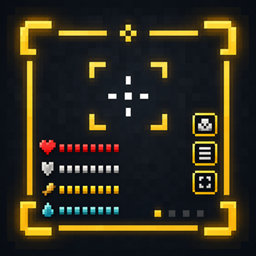
Utility Core HUD adds a lightweight, fully customizable on-screen display system for Minecraft — a foundation for HUD elements you can toggle, drag, and resize without ever opening a config file. Every element is positioned interactively in-game and saved instantly.
What it covers today:
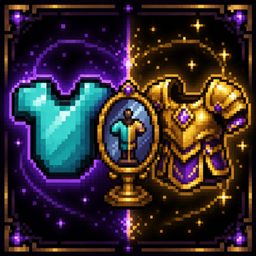
Shows an icon for each equipped armor piece, styled exactly like its inventory slot icon, including the damage overlay. Icons always sit flush against each other — if a piece is removed or fully repaired, the remaining icons close the gap instead of leaving an empty slot.
A Vellumli-powered guide book explains every HUD element and setting. The book's first page includes a button that opens the HUD configuration menu directly, no need to dig through menus.
+ / − buttons to resize itEnter to confirm and save, returning to the HUD menuToggle each HUD element on or off at any time from the configuration menu, independent of the positioning tool.
No config file editing needed — every HUD element is enabled, positioned, oriented and resized directly in-game through the interactive editor, and saved automatically to config/utility_core_hud/.
| Minecraft | 26.2 |
| NeoForge | 26.2.0.57 |
Side: Client only.
Required dependency:
+/− to resize.Enter to save and return to the menu, then Save / Close.Developed by Stalking Dragons.

https://codex.skdragons.com/
Codex Stalking Dragons — Minecraft Modding