Badges update automatically and link to the mod page on MineUniverse.
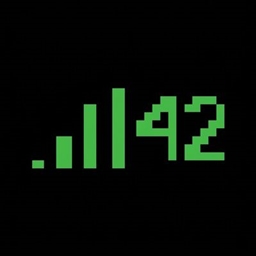
See every player's exact ping directly in the Tab list — no more guessing from signal bars.
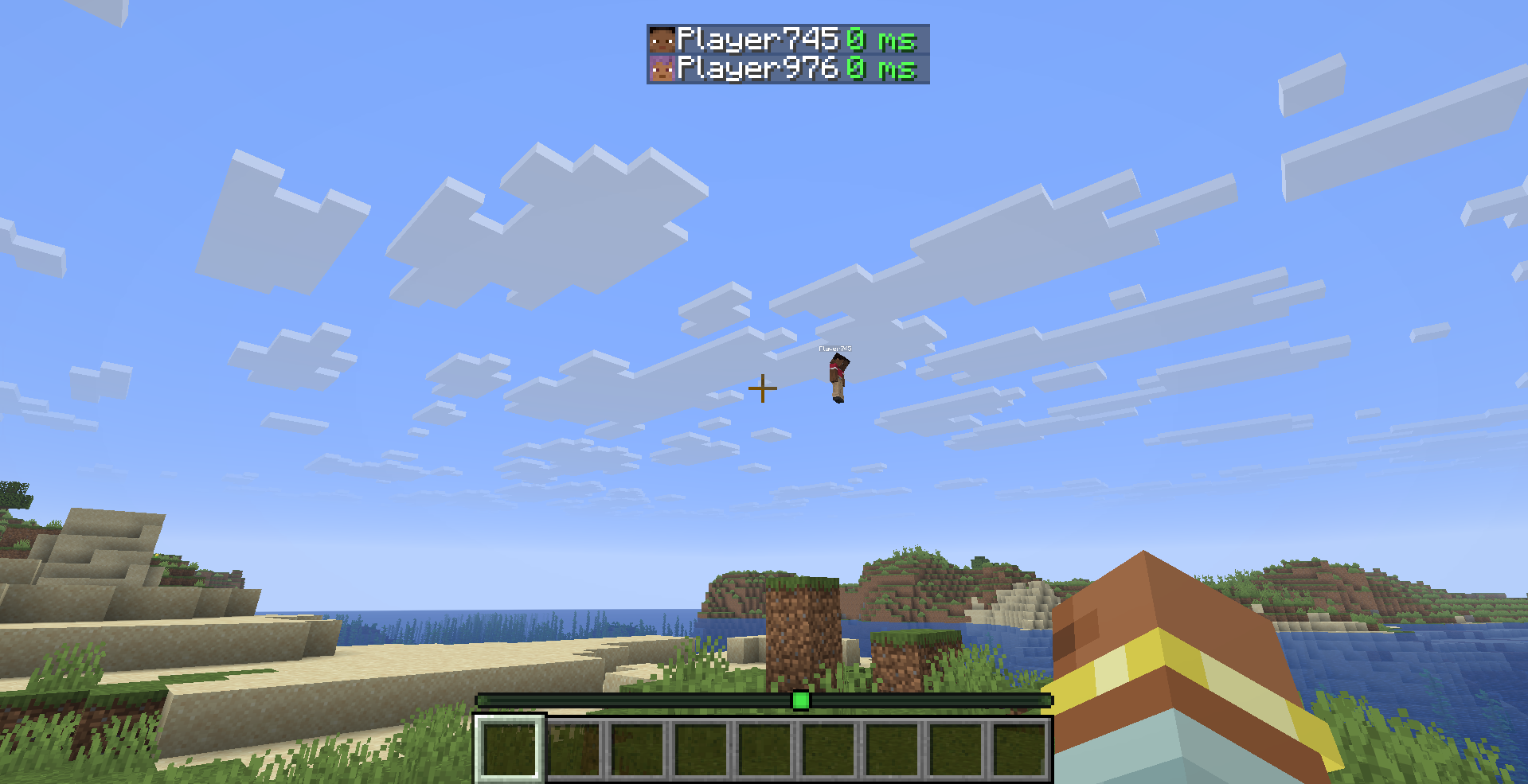
PingDisplay makes Minecraft's Tab player list much more useful by showing each player's real latency as a numerical value.
Choose exactly how you want ping to appear:
42 msms suffix| Quality | Ping |
|---|---|
| 🟢 Excellent | Below 50 ms |
| 🟩 Good | Below 100 ms |
| 🟡 Medium | Below 150 ms |
| 🟠 Bad | Below 250 ms |
| 🔴 Terrible | 250 ms and above |
All thresholds and colors can be changed from the in-game configuration screen.
PingDisplay stores its settings in:
.minecraft/config/pingdisplay.json
When Mod Menu is installed, simply open:
Mods → PingDisplay → Configure
Mod Menu is optional. PingDisplay works perfectly without it.
Cloth Config is no longer required.
PingDisplay only needs to be installed on your client.
You can use it on multiplayer servers without requiring the server or other players to install the mod.
Already using PingDisplay 1.0.0?
Your existing configuration is automatically migrated to the new 1.1.0 system. You don't need to delete your old config.
MIT — see LICENSE