Stratos Exosuit: Flying Power Armor
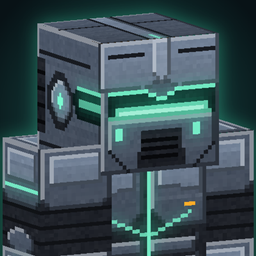
Suit up and take to the skies. Stratos Exosuit adds a four-piece, high-tech flying power armor to Minecraft. Put on all four pieces and the suit boots up: your first-person view turns into a full helmet HUD, you can hover or fly like a jet, and you fight with a pulse blaster and homing micro-missiles.
Features
Four-piece power armor
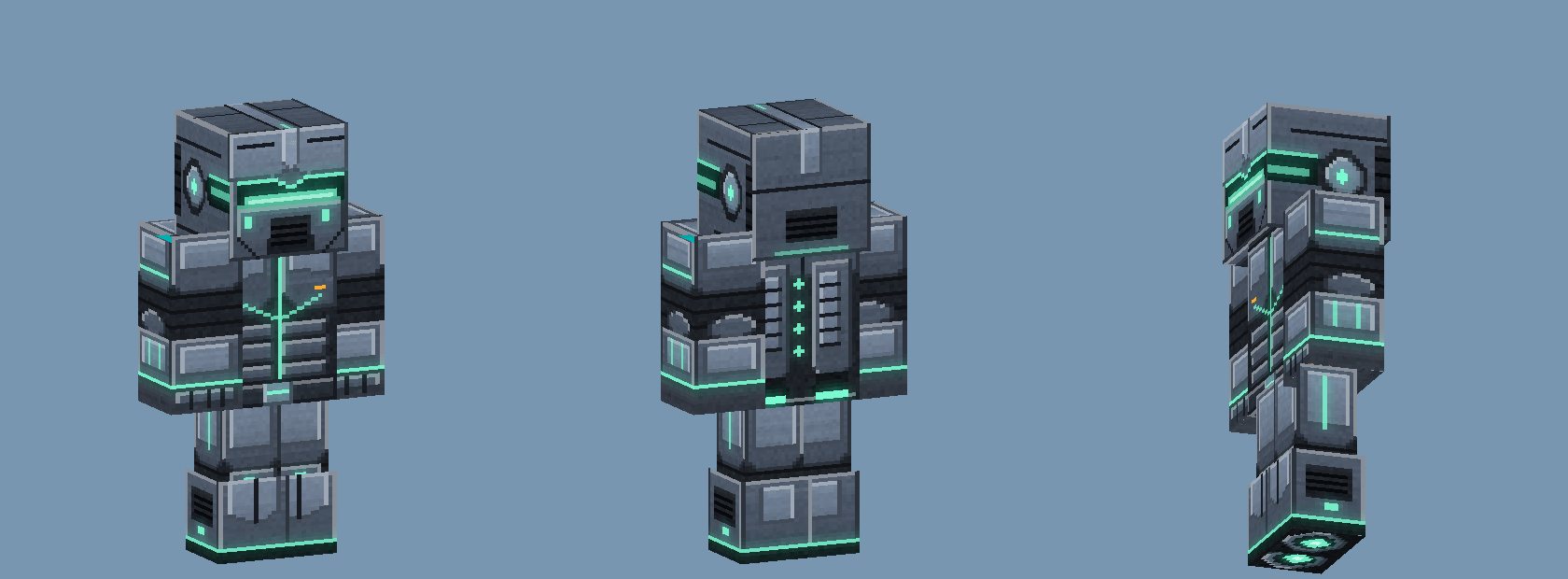
- Stratos Helmet, Stratos Chest Rig, Stratos Leg Frames and Stratos Thruster Boots, with a detailed custom model and glowing energy lines.
- Tougher than netherite: 24 armor points, 3.5 toughness per piece, extra knockback resistance and higher durability. Repair it with Alloy Plates on an anvil.
- In first person your arm is shown in the armored sleeve, so you always feel like you are wearing the suit.
- The suit only powers up when all four pieces are worn. With fewer pieces the HUD tells you how many are missing.
First-person helmet HUD
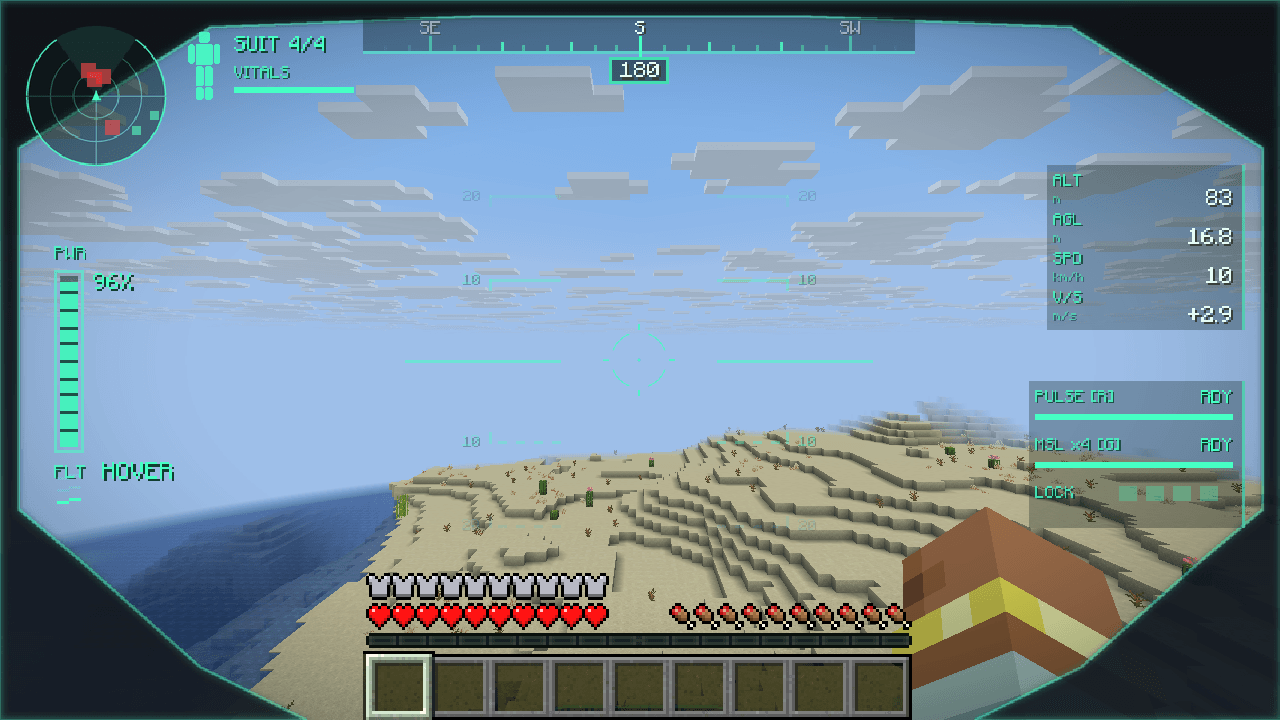
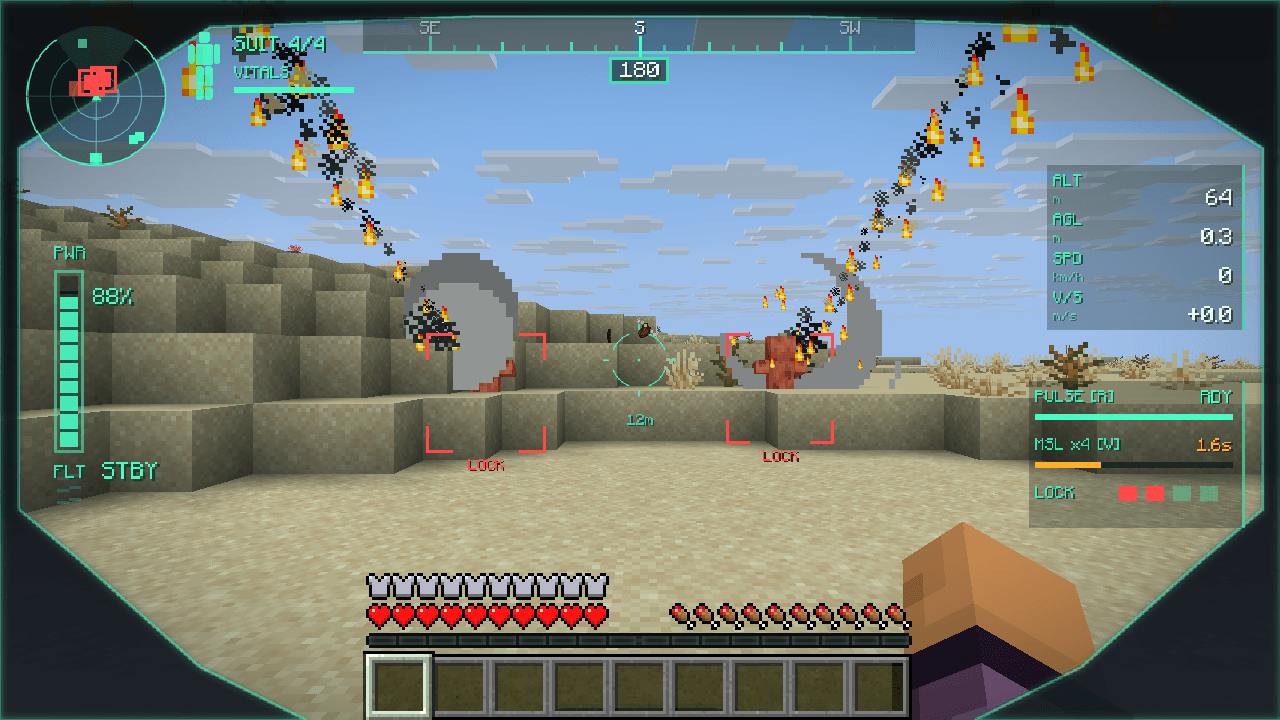
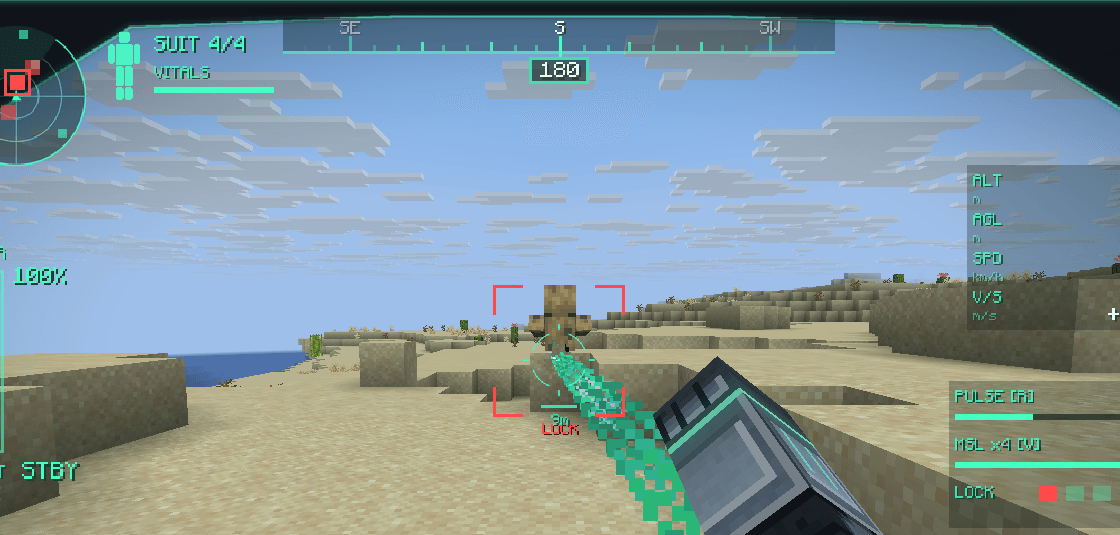
Look through the helmet in first person and you see what the pilot sees:
- Visor frame with a compass tape and heading at the top.
- Radar in the corner: hostile mobs show up red, players white, other creatures teal (40 block range).
- Flight data: altitude (ALT), height above ground (AGL), speed in km/h and vertical speed (V/S).
- Suit status: power bar, flight mode (STBY, HOVER, JET, BOOST, GLIDE) and vitals.
- Weapon panel: pulse blaster and missile readiness, cooldown timers and lock indicators.
- Warnings: "PULL UP" when you dive towards the ground too fast, plus low-power alerts.
- Toggle the HUD with H whenever you want a clean screen. In third person you see the suit from outside as normal.
Flight
- Hover: double-tap Space (or press J). Space rises, Shift descends, WASD moves you around. The suit holds altitude with a gentle hover bob.
- Jet flight: in the air, hold Sprint + W to fire up the thrusters and fly like a jet. Keep sprinting for boost. Let go of W (or press Shift) to drop back into a hover.
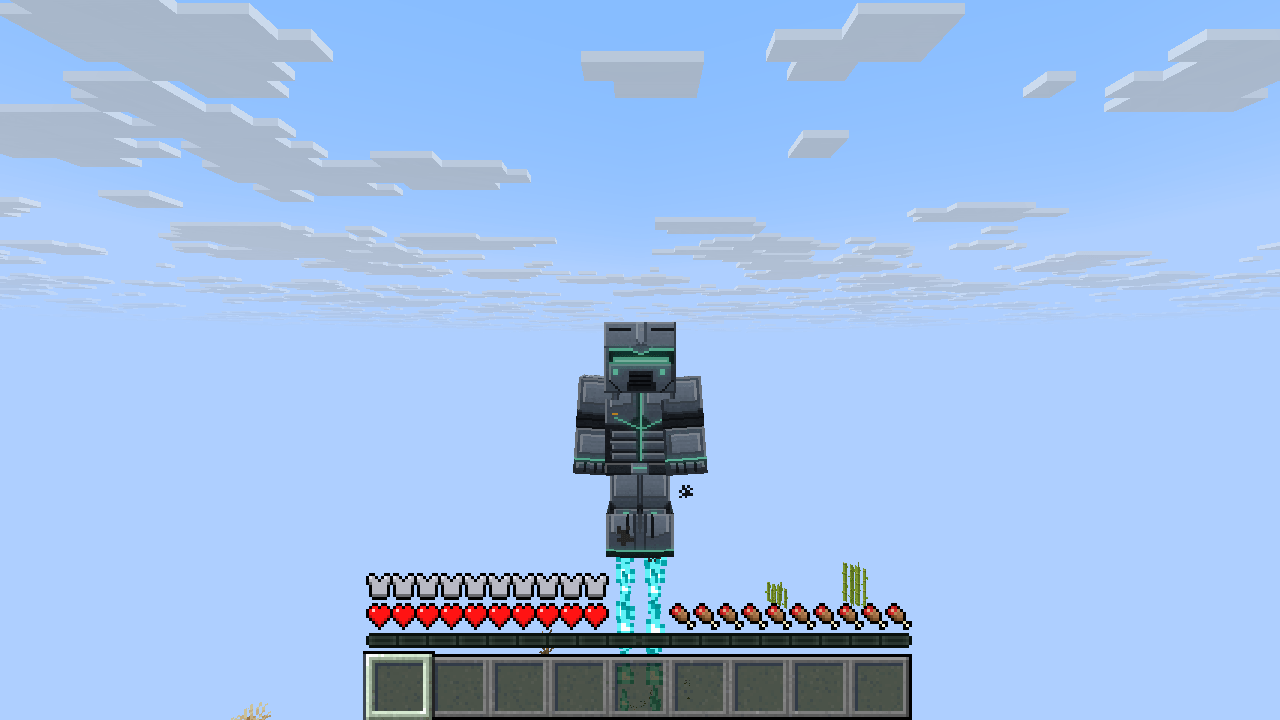
- Thruster flames and sound come from the boots, and change with the flight mode.
Weapons
- Pulse blaster: press R, or right-click with an empty hand. A fast-firing energy beam with a 64 block range.
- Homing micro-missiles: press V. The HUD locks on to up to 4 targets in front of you (48 blocks), then fires a salvo of 4 missiles that chase their targets and explode on impact.
Suit power
- The suit has 100 power. Flight, pulse shots and missile salvos use it up.
- Power recharges over time, faster when you stand on the ground. When it runs out, flight shuts down, so land and let it recharge.
Crafting
All items are in the Stratos Exosuit creative tab and craftable in survival.
- Alloy Plate ×4: copper ingots in the corners, iron ingots on the sides, a diamond in the middle.
- Energy Cell: iron ingots in the corners, glowstone dust top and bottom, redstone blocks left and right, a diamond in the middle.
- Stratos Helmet: 4 Alloy Plates, 1 Energy Cell and Tinted Glass for the visor.
- Stratos Chest Rig: 8 Alloy Plates and 1 Energy Cell.
- Stratos Leg Frames: 7 Alloy Plates and 1 Energy Cell.
- Stratos Thruster Boots: 4 Alloy Plates and 1 Energy Cell.
Use JEI, REI or EMI to see the exact recipe shapes.
Controls
All keys can be changed in Options > Controls > Stratos Exosuit.
| Action |
Default key |
| Hover on/off |
Double-tap Space or J |
| Jet flight / boost |
Sprint + W in the air |
| Pulse blaster |
R, or right-click with an empty hand |
| Micro-missiles |
V |
| Helmet HUD on/off |
H |
Compatibility
- Minecraft 1.21.8 to 26.3
- Fabric (requires Fabric API), Forge and NeoForge. Pick the file that matches your loader and Minecraft version.
- Install it on both the client and the server: flight and weapons are handled by the server. If you join a server without the mod, you can still play there, the suit just stays offline.
- Every build was tested in the real game and on a dedicated server before release.