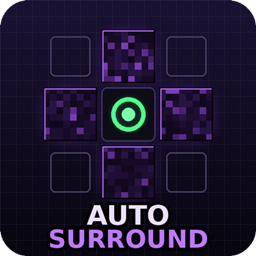
Hold one key -> obsidian around your feet. Release -> your weapon is back in your hand.
Auto Surround is a lightweight client-side Fabric mod for crystal PvP and anchor PvP. While you hold the key (default J) it keeps the four blocks around your feet filled with obsidian and instantly re-places anything that gets blown up - the classic surround / self-trap, as a small standalone mod instead of a hacked client.
Everything lives in config/autosurround.json and can be changed in game:
/autosurround - show current settings and how much obsidian you carry/autosurround below <true/false> - also fill the block under your feet (default: true)/autosurround headlayer <true/false> - also surround at head height, full 2-block trap (default: false)/autosurround blockspertick <1-16> - blocks placed per game tick (default: 4)/autosurround delay <0-20> - ticks to wait between placement bursts (default: 0)/autosurround rotate <true/false> - send silent look packets towards each placement (default: true)/autosurround inventory <true/false> - pull obsidian from the main inventory (default: true)/autosurround notify <true/false> - action-bar warning when you run out (default: true)/autosurround blocks add <id> - add fallback blocks, e.g. ender_chest or crying_obsidian (default: obsidian only)/autosurround blocks remove <id> / /autosurround blocks reset - manage the block list/autosurround reload - reload the JSON fileAutomated block placement counts as a macro on many PvP servers and may be bannable - check the rules of the server you play on and use at your own risk. If a strict anti-cheat rolls your blocks back, try /autosurround blockspertick 2 and /autosurround delay 1.