Mineuniverse
Resource Packs
HachimiSkeletons (Umamusume)

HachimiSkeletons (Umamusume)

RESOURCE PACK
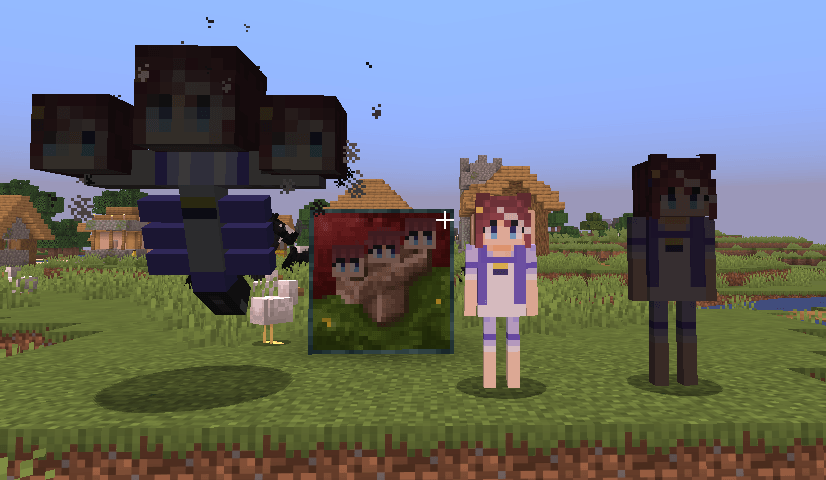
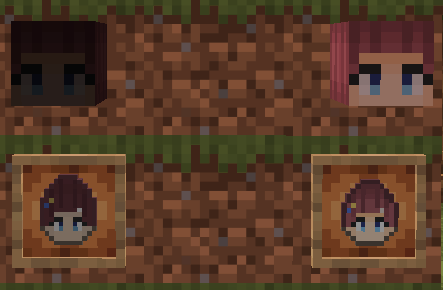
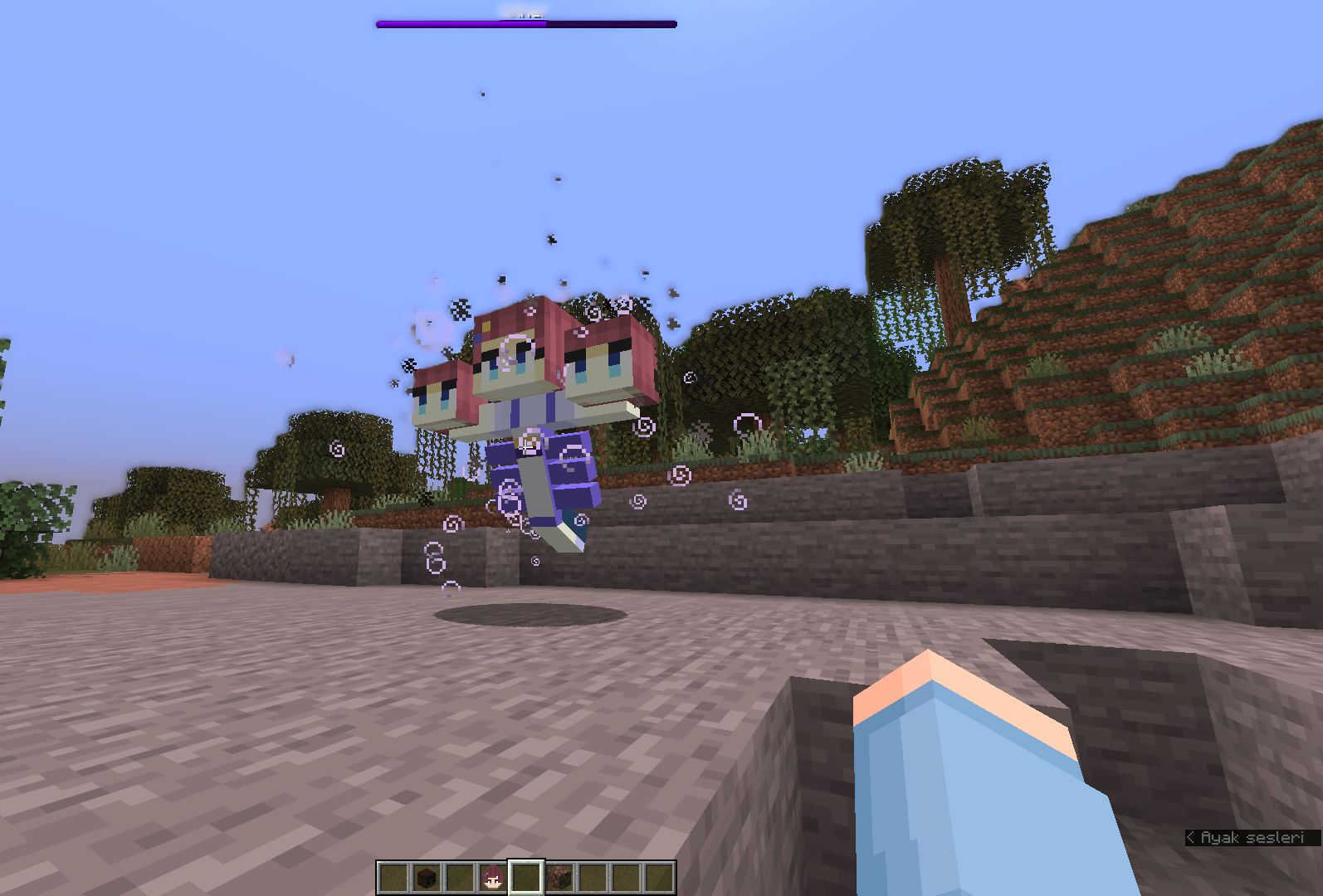
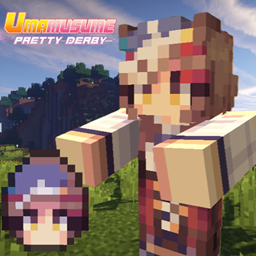
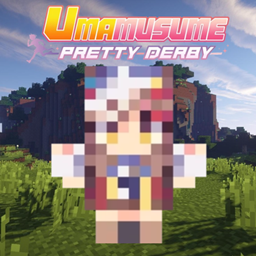
Turn Minecraft's skeletons into Tokai Teio (Hachimi)! This pack replaces the skeleton, skeleton spawn egg, and skeleton sounds with Tokai Teio (Hachimi)-inspired versions.
by AtheruX1986
Download Claim this project
Add a badge to your pageLink to HachimiSkeletons (Umamusume) from a README, website or forum post.
Preview: Badge

Badges update automatically and link to the resource pack page on MineUniverse.

58 downloads
0 likes
0 followers
Updated Oct 14, 2026
0 hypes
Follow0
256x
Advertisement Remove ads with Premium →

Turn Minecraft's skeletons into Tokai Teio (Hachimi)!

This pack was made because Mambo Zombies received so much love and support. Thank you so much to everyone who downloaded and enjoyed the pack! ❤️ you can dowlond it on this link!: MamboZombies (Umamusume) - Minecraft Resource Packs - CurseForge

This pack replaces the skeleton, skeleton spawn egg, and skeleton sounds with Tokai Teio (Hachimi)-inspired versions. If the pack is well received, I may also add a Stray and Bogged Skeleton textures!

If you're a fan of Uma Musume and especially Tokai Teio (Hachimi), this pack is for you!

(If you don't use Version 26.2, it will still work, but since the spawn eggs are different in Version 26.2, the Skeleton Spawn Egg texture will not be available in older versions)

🆕 Whats Added In The Latest Update?

In the V2 wither skeleton was changed and the wither and some easter eggs are added! 

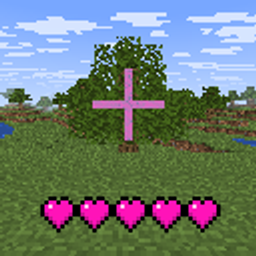
(Don't let its simple appearance fool you! The Wither has a ton of different effects, unique hearts, and many other changes that make it much more special than it looks)


HachimiSkeletonsV2 (Big Uptade).zip
MC 26.2
Release 2026-09-21 Get
HachimiSkeletonsV1.zip
MC 26.2
Release 2026-09-15 Get

Requirements & install

How to use this resource pack in Minecraft
Resolution
256x
Minecraft
26.2
Install folder
.minecraft/resourcepacks

How to install resource packs

  1. Download the resource pack .zip file (do not extract it).
  2. In Minecraft open Options → Resource Packs → Open Pack Folder.
  3. Drop the .zip into the resourcepacks folder (.minecraft/resourcepacks).
  4. Move the pack to the Selected column and click Done.

Packs from 128x upwards need more video memory: install a performance mod such as Sodium for smooth frame rates.

Browse more: 16x resource packs 32x resource packs 64x resource packs 128x resource packs 256x resource packs 512x+ resource packs Resource Packs for 26.2 All resource packs

More from AtheruX1986

Advertisement Remove ads with Premium →

You Might Also Like