Mineuniverse
Resource Packs
MamboZombies (Umamusume) [BIGGEST UPDATE YET!]

MamboZombies (Umamusume) [BIGGEST UPDATE YET!]

RESOURCE PACK
Matikanetannhauser (Mambo) From Umamusume Become Zombie
by AtheruX1986
Download Claim this project
Add a badge to your pageLink to MamboZombies (Umamusume) [BIGGEST UPDATE YET!] from a README, website or forum post.
Preview: Badge

Badges update automatically and link to the resource pack page on MineUniverse.

212 downloads
0 likes
0 followers
Updated Oct 14, 2026
0 hypes
Follow0
256x
Advertisement Remove ads with Premium →


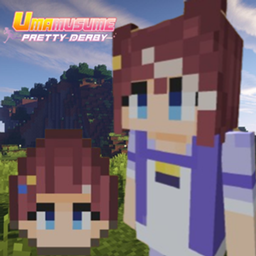
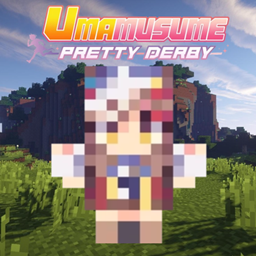
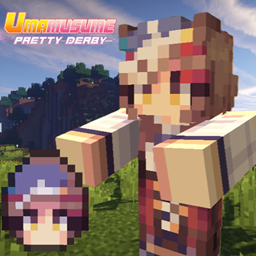
Turn Minecraft's zombies into Matikanetannhauser!

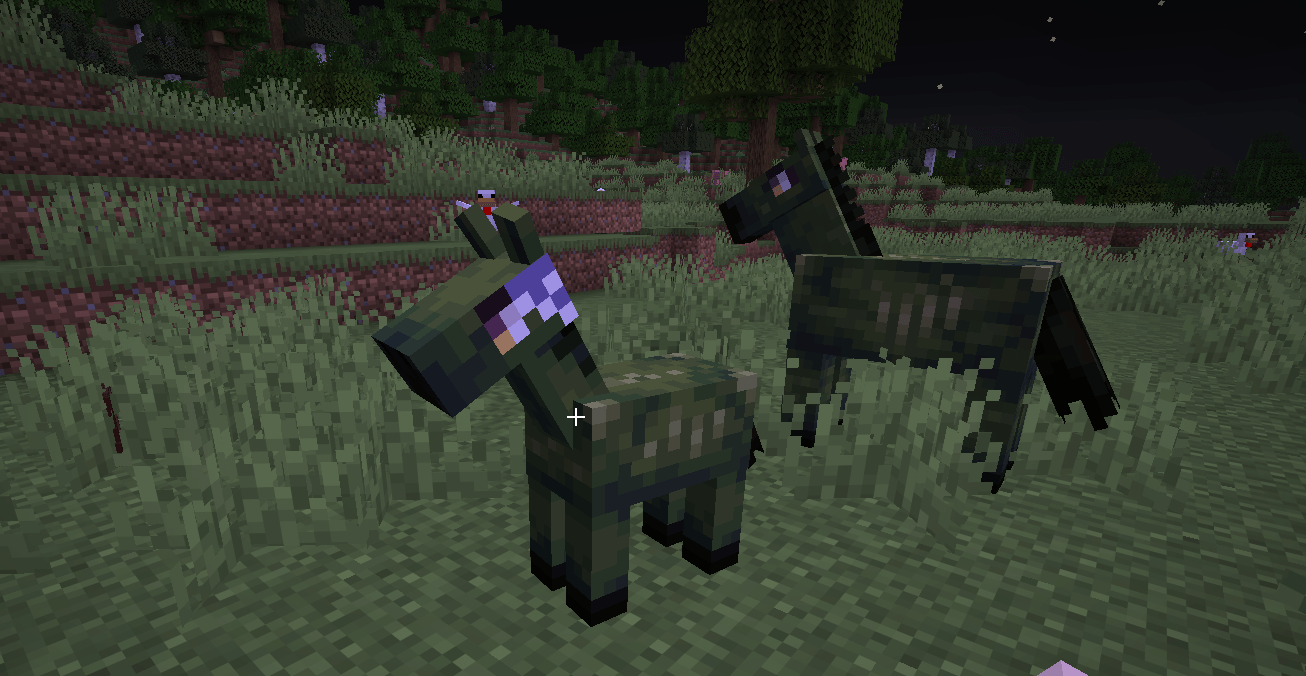
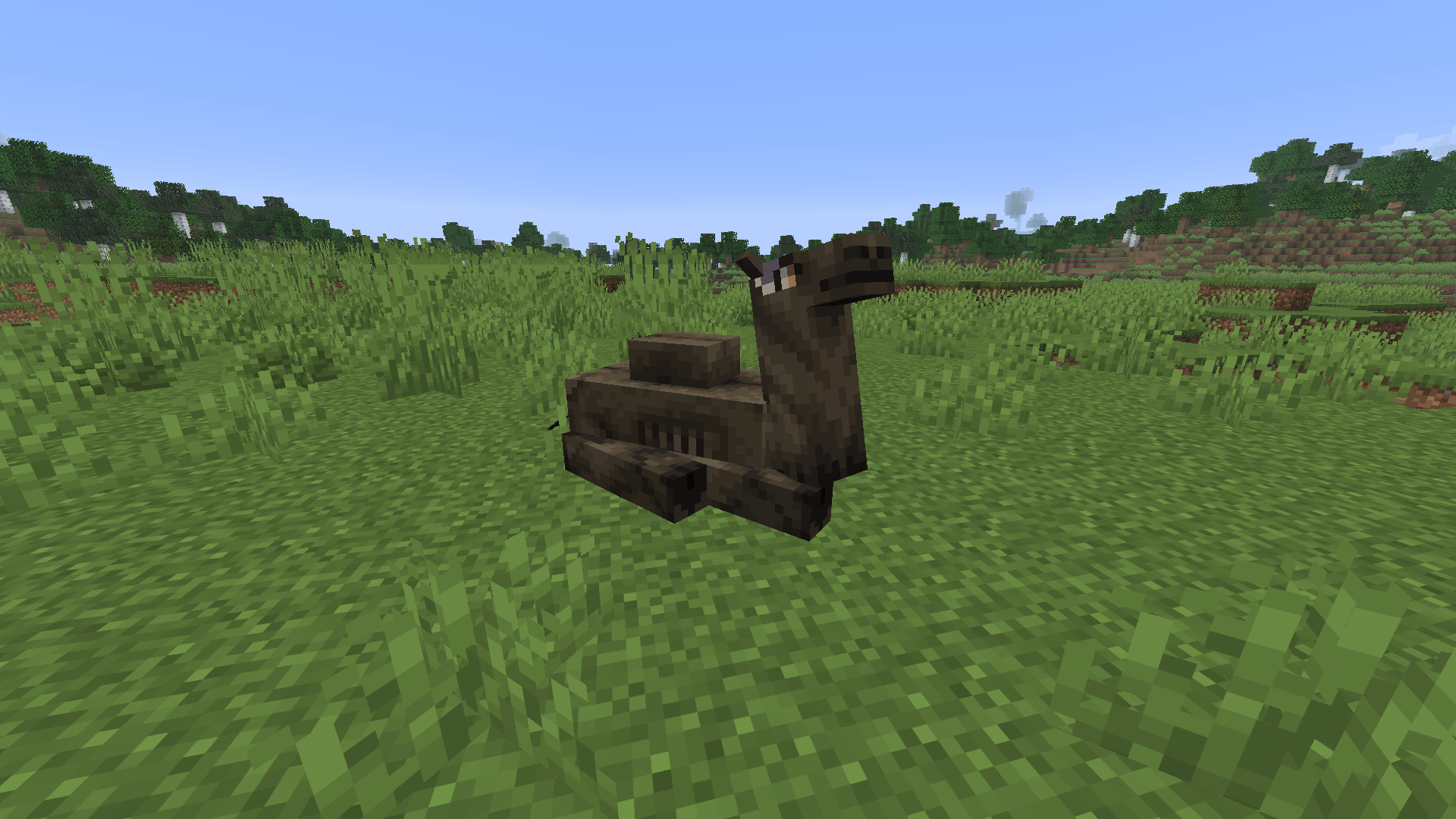
This pack replaces zombies, zombie horses, zombie villagers, husks, drowned, camel husks, zombified piglins, zoglins, zombie nautiluses, and more with Mambo-inspired versions. They also come with custom sounds to make the experience even more fun and chaotic.

(If you don't use Version 26.2, it will still work, but since it's an older version, zombie eggs are diffierent in 26.2 vers so zombie eggs dont get texture so only zombie egg textures will not avavible in the old versions.)

🆕 Whats Added In The Latest Updatade?

V7 THE BIGGEST UPDATE YET!

Husk
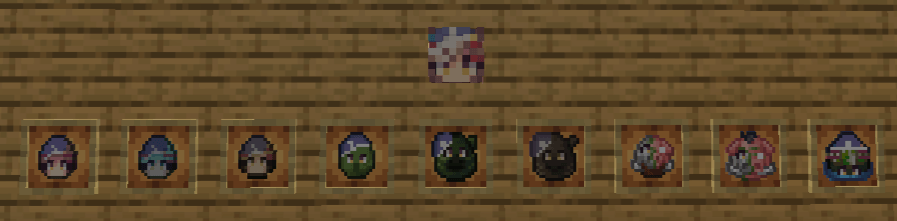
Husk Spawn Egg
Drowned
Drowned Spawn Egg
Camel Husk
Camel Husk Spawn Egg
Zombified Piglin
Zombified Piglin Spawn Egg
Zoglin
Zoglin Spawn Egg
Baby Husk
Baby Drowned
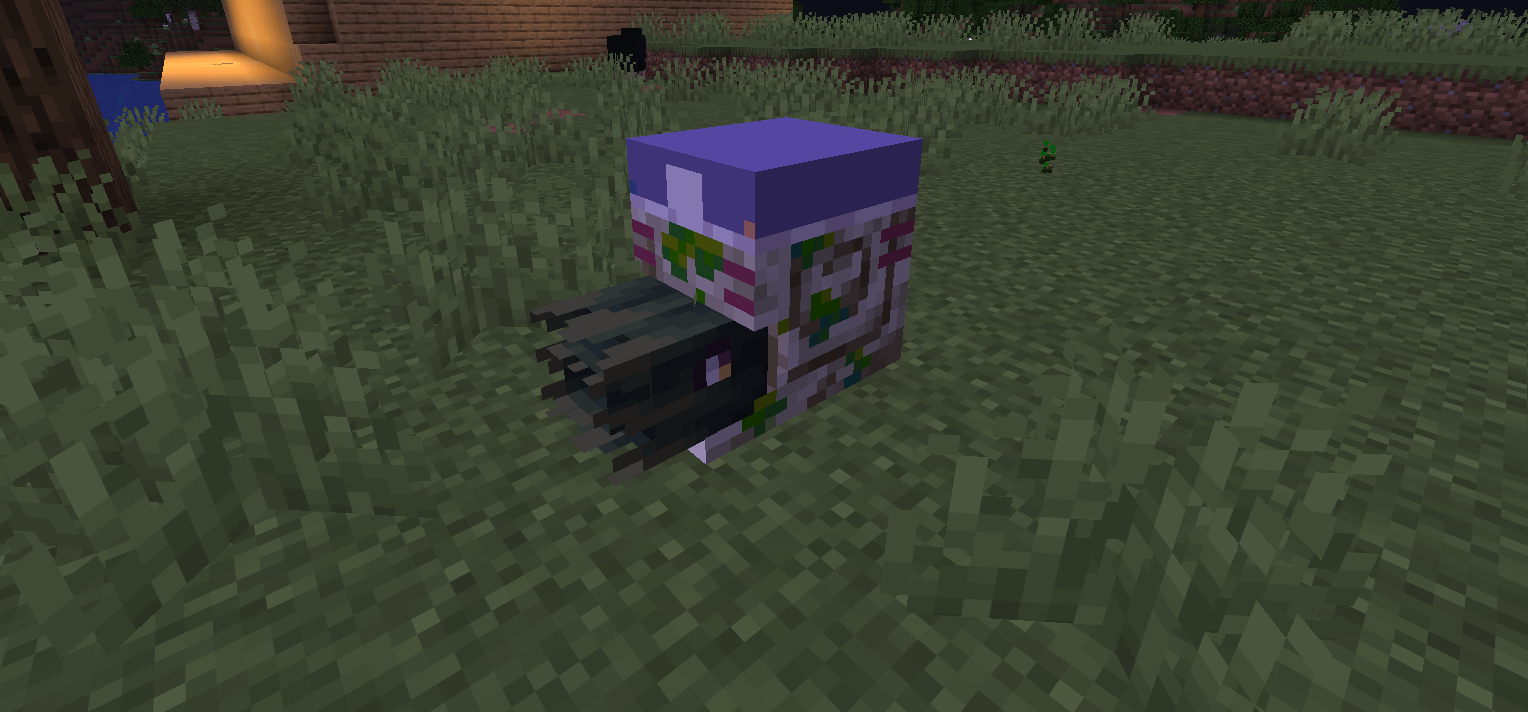
Zombie Nautilus
Zombie Nautilus Spawn Egg
Baby Zombified Piglin
Baby Zoglin
Baby Hoglin
Baby Piglin
Baby Zombie
Zombie Horse Spawn Egg — SmallRework

MamboZombiesV7.zip
MC 26.2
Release 2026-10-04 Get
MamboZombiesV6.zip
MC 26.2
Release 2026-10-03 Get
MamboZombiesV5.zip
MC 26.2
Release 2026-09-19 Get
MamboZombiesV4.zip (FIXED)
MC 26.2
Release 2026-09-14 Get
MamboZombiesV3.zip
MC 26.2
Release 2026-09-13 Get
MamboZombiesV2.5.zip
MC 26.2
Release 2026-09-08 Get

Requirements & install

How to use this resource pack in Minecraft
Resolution
256x
Minecraft
26.2
Install folder
.minecraft/resourcepacks

How to install resource packs

  1. Download the resource pack .zip file (do not extract it).
  2. In Minecraft open Options → Resource Packs → Open Pack Folder.
  3. Drop the .zip into the resourcepacks folder (.minecraft/resourcepacks).
  4. Move the pack to the Selected column and click Done.

Packs from 128x upwards need more video memory: install a performance mod such as Sodium for smooth frame rates.

Browse more: 16x resource packs 32x resource packs 64x resource packs 128x resource packs 256x resource packs 512x+ resource packs Resource Packs for 26.2 All resource packs

More from AtheruX1986

Advertisement Remove ads with Premium →

You Might Also Like