Badges update automatically and link to the mod page on MineUniverse.
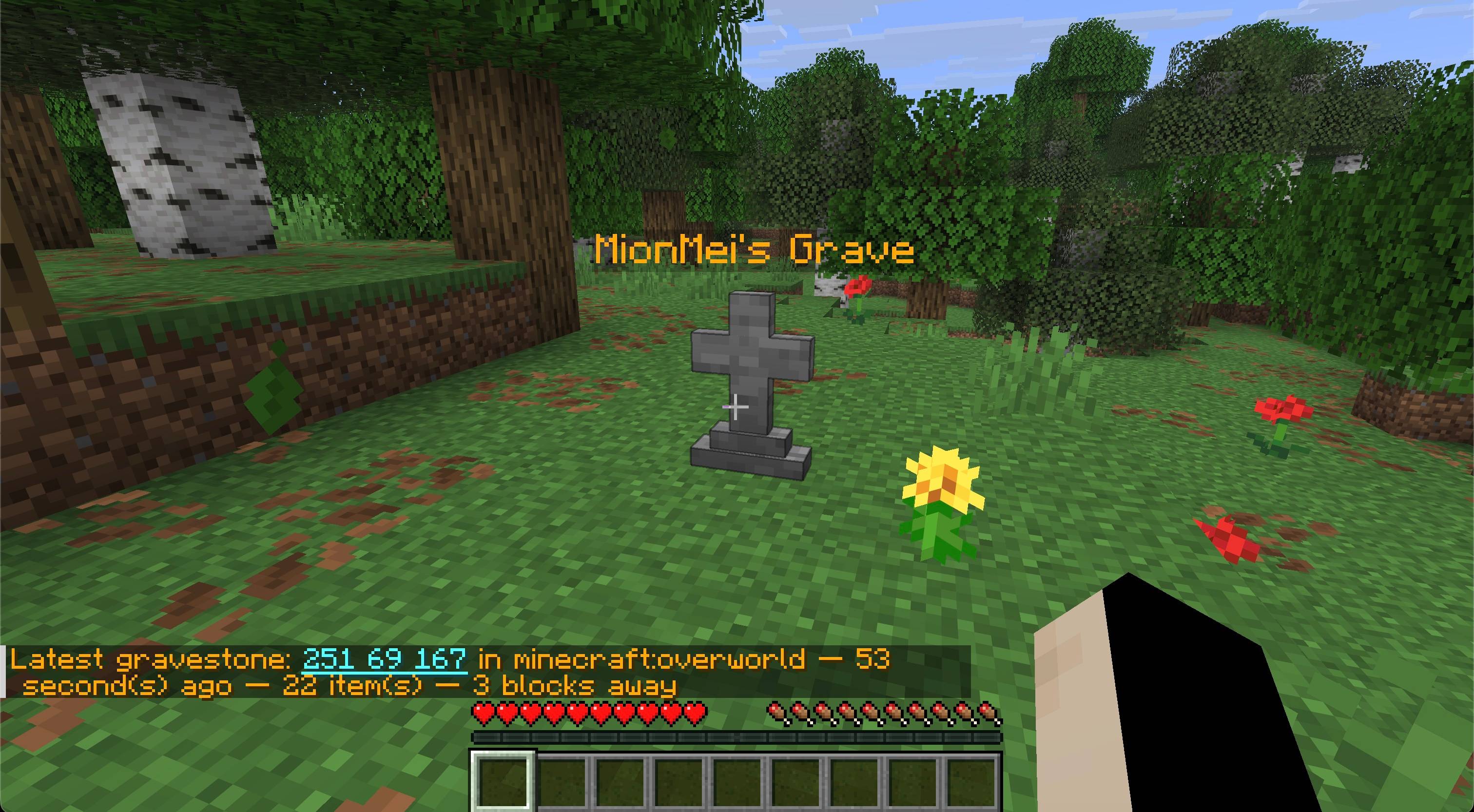
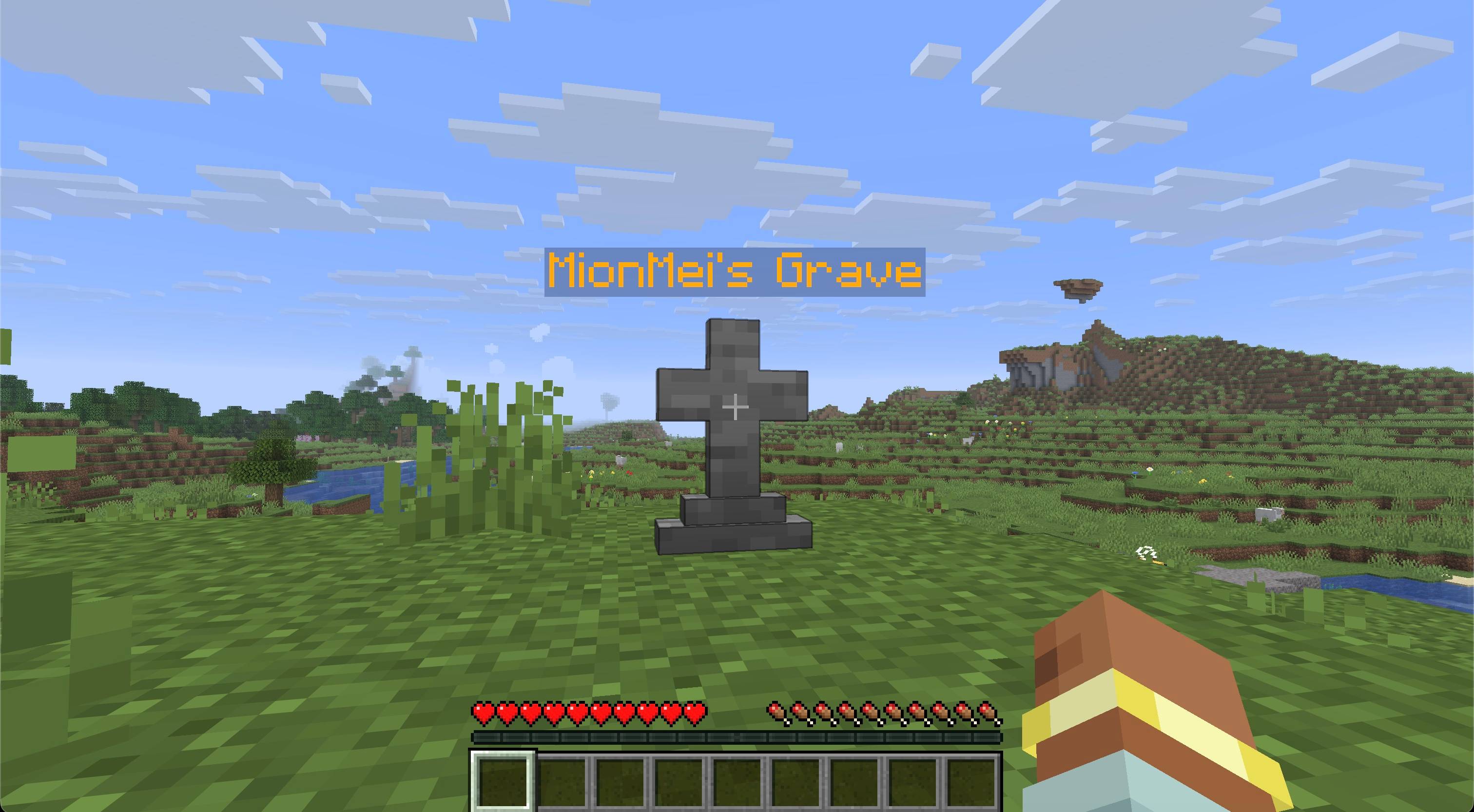
Keep your inventory safe after death and find your way back without guessing. Gravestone places a protected grave near your death location, stores your items and equipment, and records every active grave until its contents are recovered or the grave is deliberately removed.
After a grave is created, its coordinates appear in chat. Click the coordinates to copy them; hover over them to see the dimension, age, and remaining item count.
/grave locate — show your latest active grave, its distance, age, and remaining contents/grave list — show all your active graves, newest first, including their IDs/grave locate <player> — allow server administrators to locate another player's latest grave/grave list <player> — allow server administrators to list another player's active graves/grave restore <id> — allow server administrators to restore a missing grave near themselvesGraves waiting for safe placement appear in the search commands with their saved item count and recovery ID.
Graves from older installations are added to search when their chunks are loaded. A fully recovered or deliberately removed grave disappears from the active list automatically.
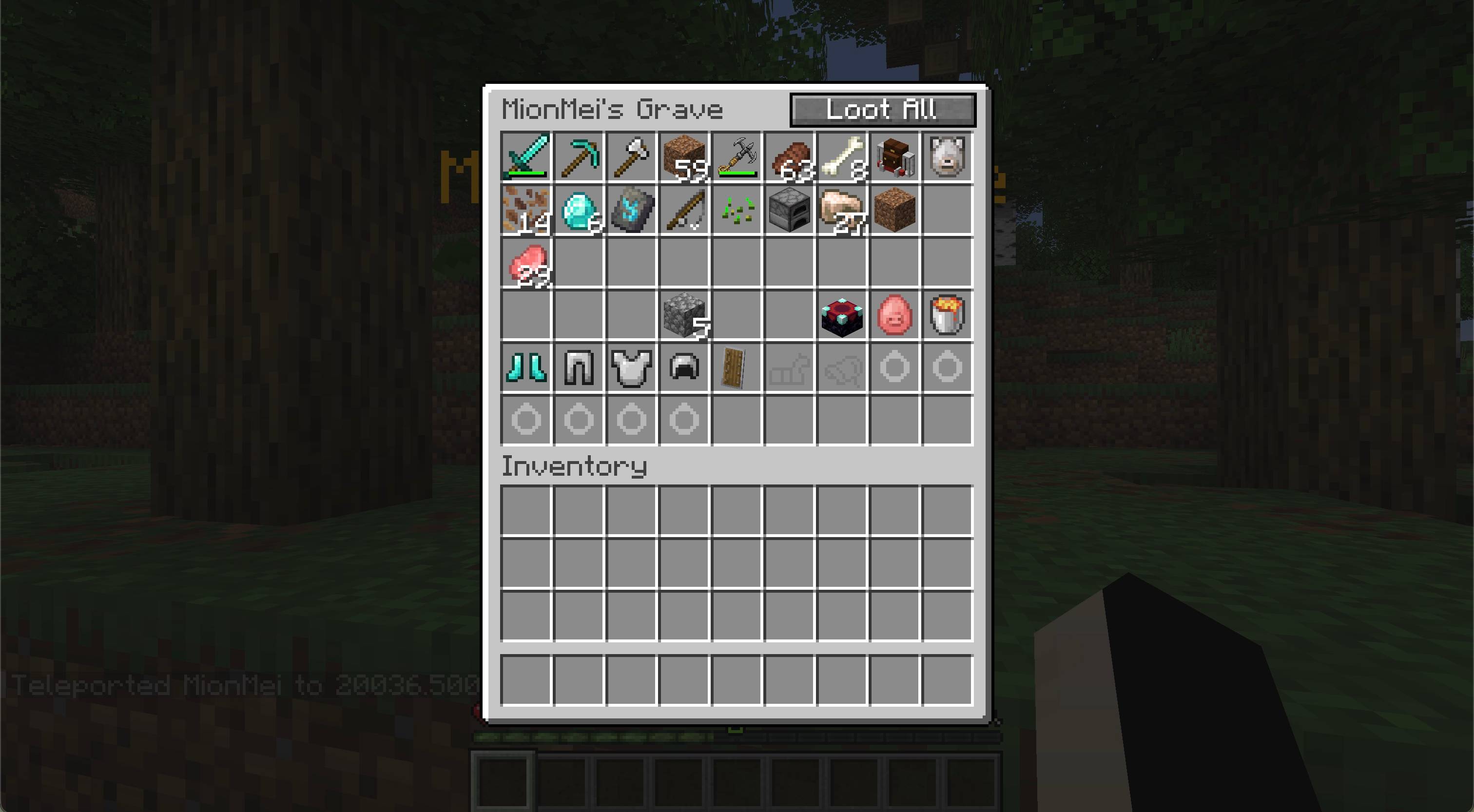
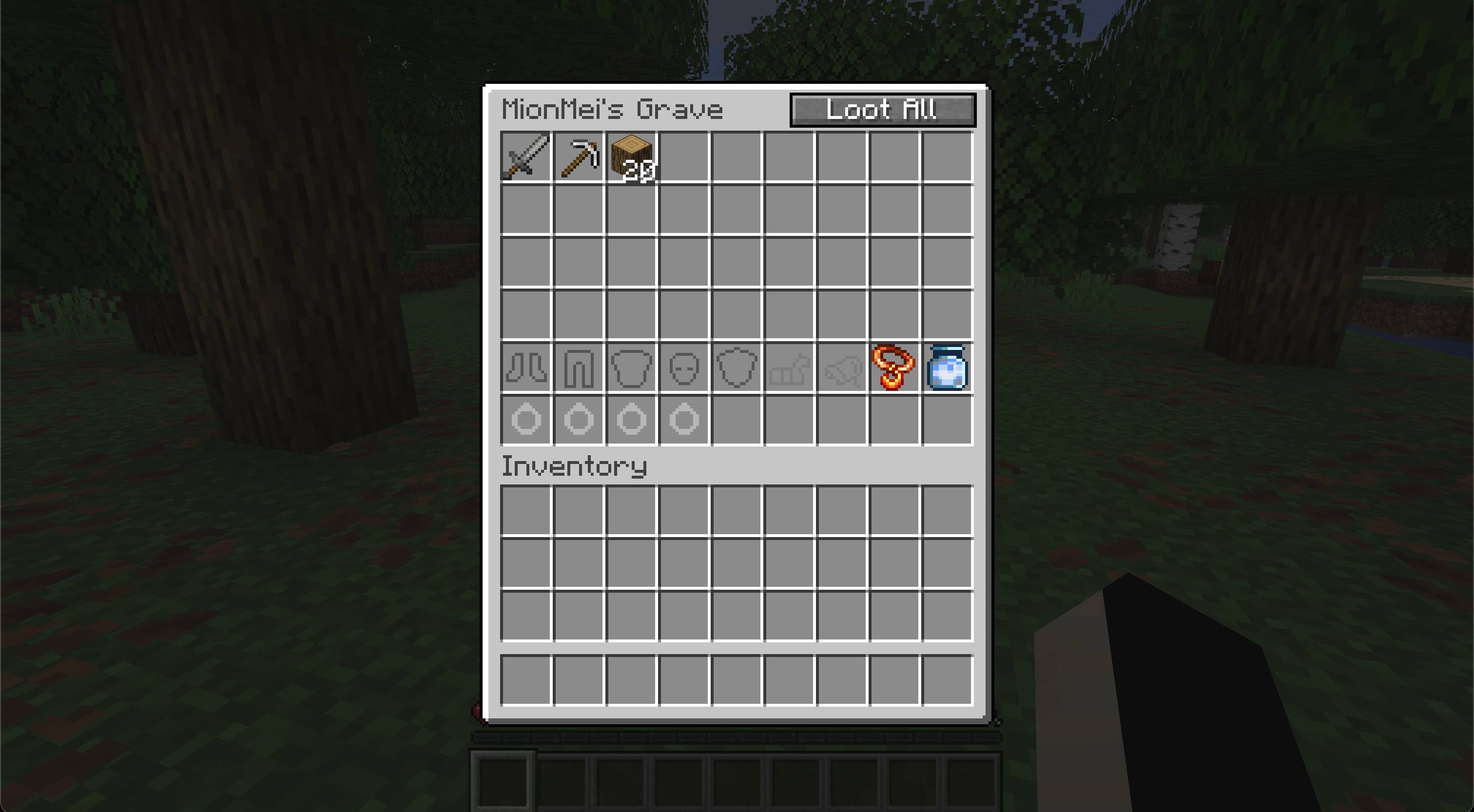
Right-click your grave to inspect its contents. Sneak and right-click to recover everything that fits immediately. You can also break your own grave to recover its contents, but the grave stays protected if your inventory cannot hold the remaining items.
Only the owner and server administrators can open or break a grave.
Available from Gravestone 1.1.4:
/grave remove <id> — permanently remove one of your own graves; server administrators can also remove another player's grave by ID/grave remove all — permanently remove only your own graves across all dimensions, including graves waiting for safe placementUse /grave list to find your grave IDs. Administrators can use /grave list <player> to find another player's grave IDs.
Removal happens immediately, without confirmation, and permanently deletes all remaining items together with the grave and its floating label. Removed graves stop retrying placement and cannot be brought back with /grave restore <id>. Recover anything you want to keep before removing a grave.
/grave remove all always affects only the player running the command, even when that player is an administrator. It requires an in-game player and cannot run from the server console. A grave with an unfinished item transfer is skipped; the result reports how many graves were removed and how many could not be removed.
Install Gravestone and Zero Lib builds matching your mod loader and Minecraft version. Architectury API is also required; Fabric installations additionally require Fabric API.
The mod and its dependencies must be installed on both the client and server.
Copyright © 2026 Zero Team. All rights reserved. Personal play, multiplayer servers, and free modpacks distributed through CurseForge or Modrinth are permitted under the license included with the mod. Rehosting or redistributing the files elsewhere requires prior written permission.