Mineuniverse
Shaders
Gaint Villagers Shader

Gaint Villagers Shader

SHADER
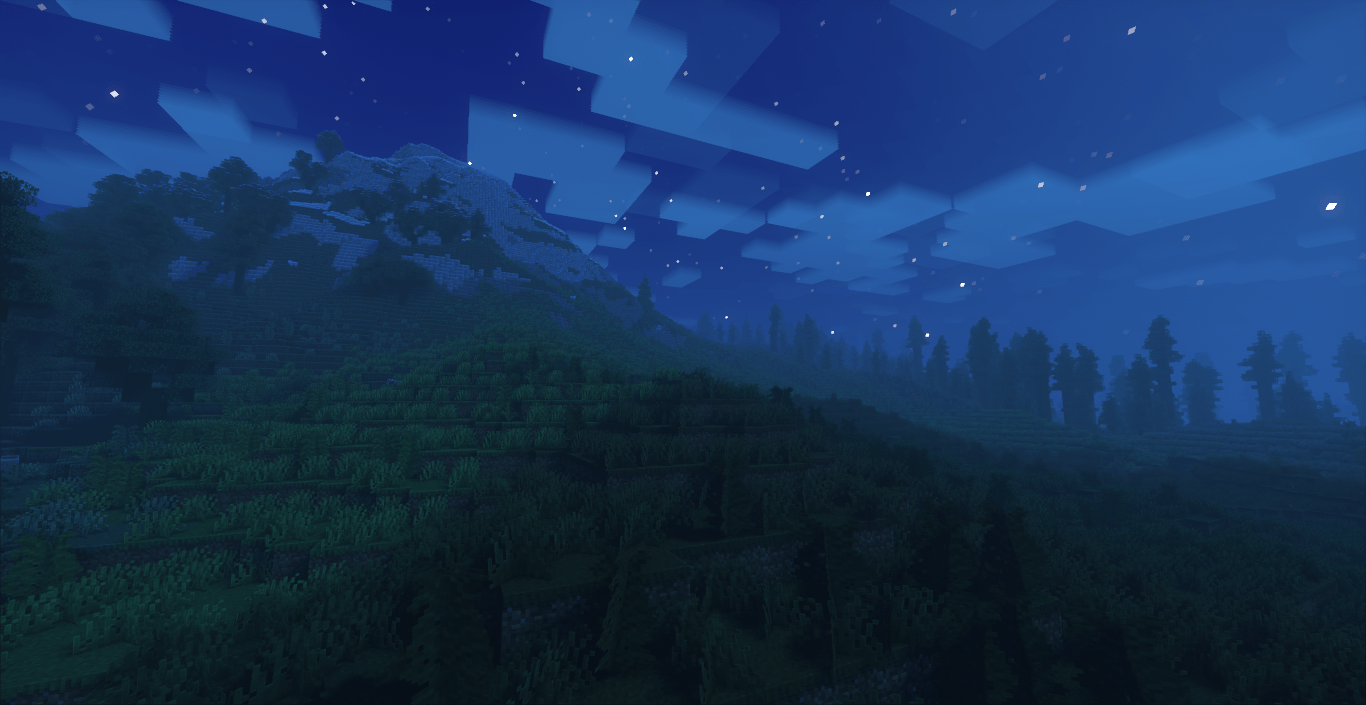
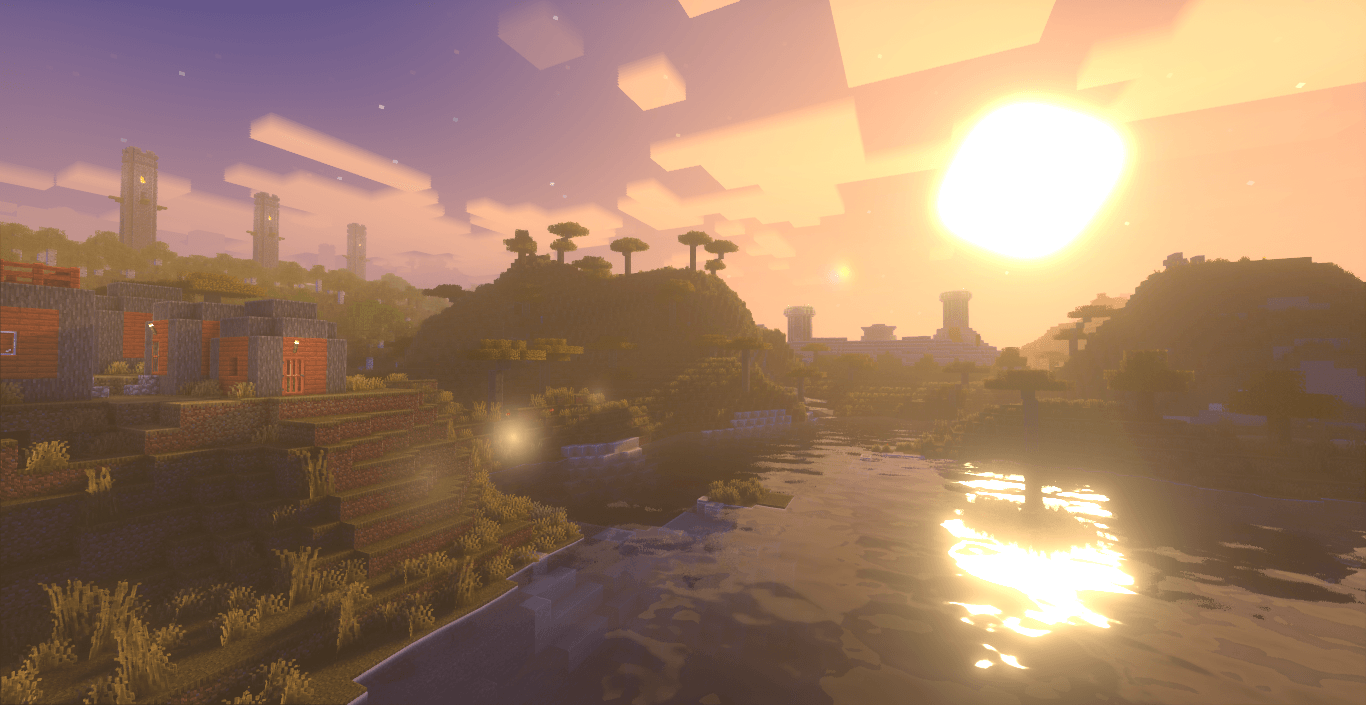
this shader pack for Minecraft offers a huge number of preset profiles, allowing you to choose the appropriate set of enhancements and effects in just a couple of clicks. Fully immerse yourself in the game world and add more realism
by user_wxqk7jrjnetq9clk
Download Claim this project
88,298 downloads
0 likes
0 followers
Updated Oct 14, 2026
0 hypes
Follow0
Fantasy Realistic
Advertisement Remove ads with Premium →

First step: download the shader package from the link below.


hi there we are team to create this type of shaders with relastic config settings and made players to understand this visual effects and thier playing gameplay with ultra realtisc shaders


Second step: Unpack the downloaded archive and copy the Glint folder to c:\Users\User\AppData\Roaming\.minecraft\shaderpacks\(if this folder does not exist, create it yourself) (For Windows)

Third step: In the game, go to Settings, then to Graphics Settings. Select the "shaders" section and activate the shader pack of your choice


MollyVX-Extension-Shaders.zip
MC 1.19.3, 1.20.2, 1.21.2-Snapshot, 1.21, 1.21.6-snapshot, 1.19.4-Snapshot, 1.20.5, 1.21.5, 1.20.2-Snapshot, 1.20.5-Snapshot, 1.19.4, 1.21.8, 1.19-Snapshot, 1.21.1-Snapshot, 1.21.4
Release 2025-09-19 Get

Requirements & install

How to use this shader in Minecraft
Shader loader
Iris or OptiFine
Minecraft
1.20.5 – 1.21.8
Install folder
.minecraft/shaderpacks

How to install shaders

  1. Install a shader loader for your Minecraft version: Iris (with Sodium) or OptiFine.
  2. Download the shader pack .zip file (do not extract it).
  3. Put the .zip into the shaderpacks folder (.minecraft/shaderpacks).
  4. In game open Options → Video Settings → Shader Packs, select the pack and apply it.
Browse more: Iris shaders OptiFine shaders Shaders for 1.21.8 All shaders
Advertisement Remove ads with Premium →

You Might Also Like