SupremeMC Wood Cutting Data Pack
A comprehensive Minecraft data pack that adds stonecutting recipes for all wooden items! Goes well with the SupremeMC Mod, but not required.
What This Data Pack Does
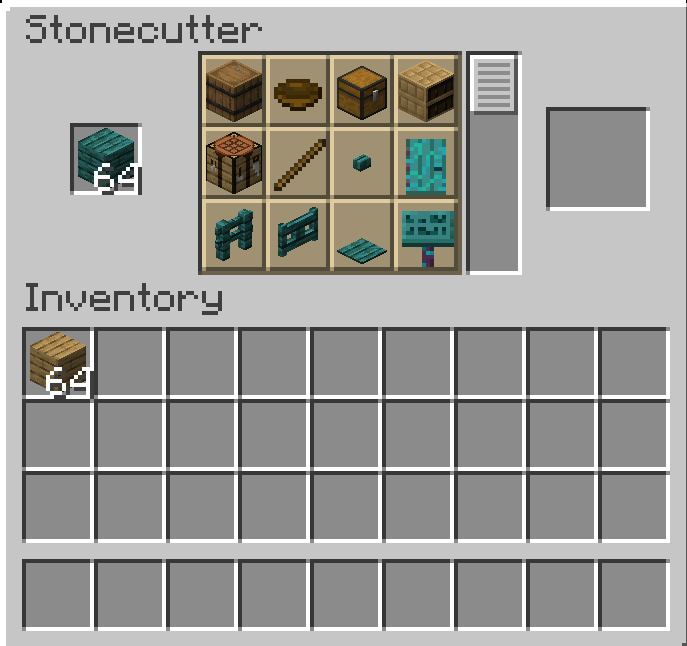
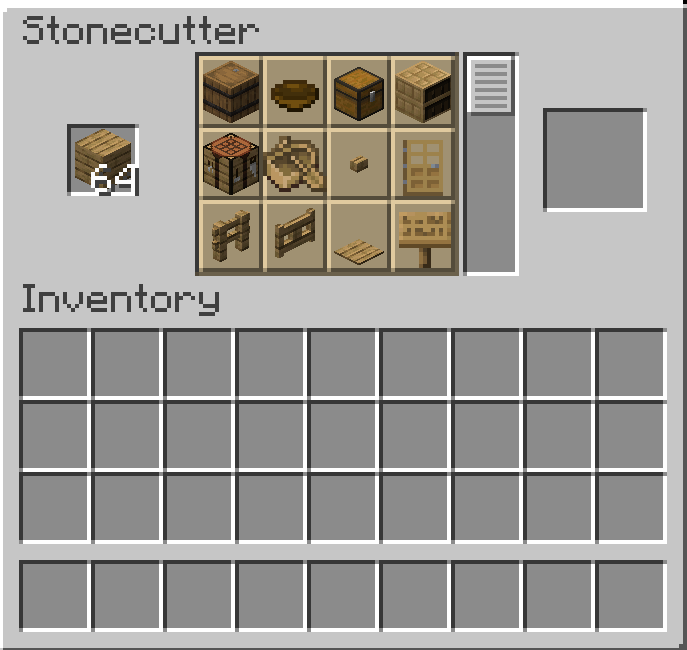
This data pack adds stonecutting recipes for a wide variety of wood-based items, allowing you to use the stonecutter (not just the crafting table) to create wooden items efficiently. This includes:
Wood Processing
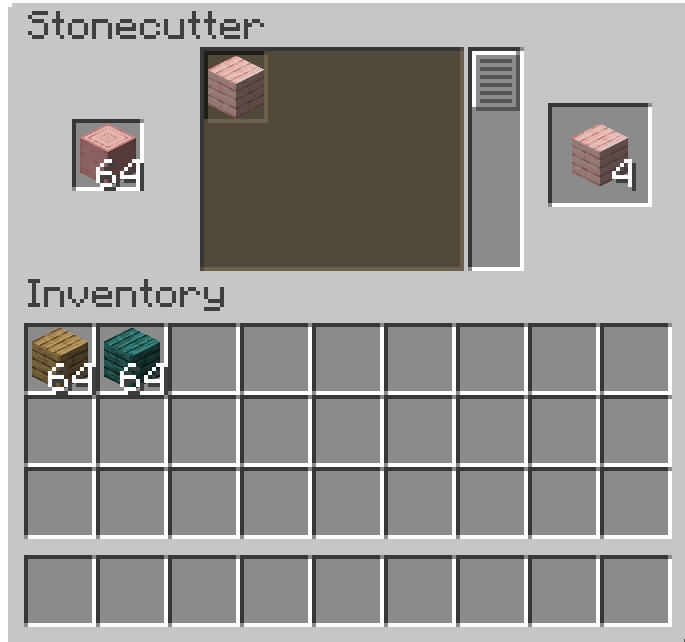
- Convert logs and wood blocks into planks using the stonecutter
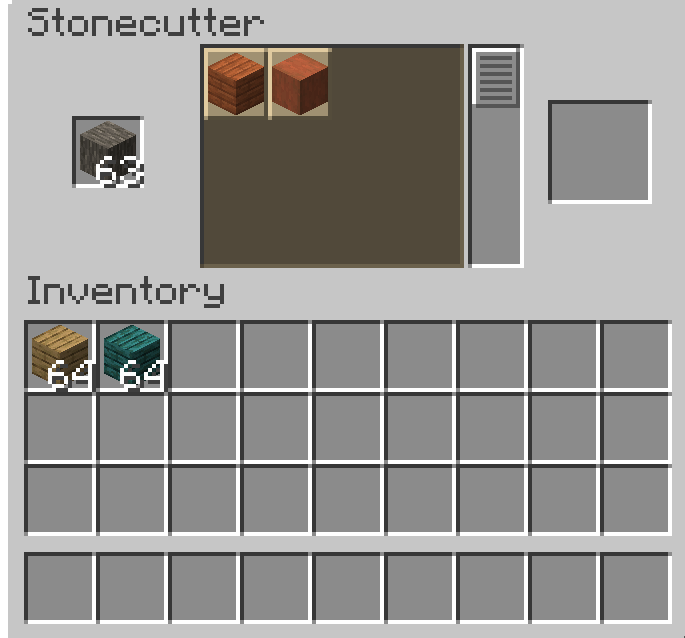
- Strip logs and wood blocks using the stonecutter
- Process all wood types: Oak, Spruce, Birch, Jungle, Acacia, Dark Oak, Crimson, Warped, Mangrove, Cherry, Bamboo, and Pale Oak
Craftable Items via Stonecutter
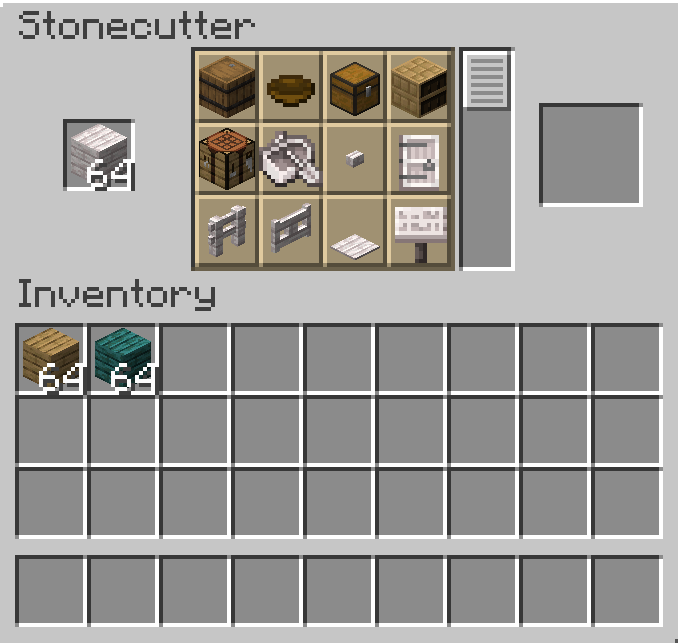
- Building Blocks: Stairs, Slabs, Fences, Fence Gates, Doors, Trapdoors
- Decorations: Signs, Barrels, Chests, Crafting Tables, Bookshelves, Chiseled Bookshelves
- Furniture: Ladders, Pressure Plates, Buttons
- Transportation: Boats and Rafts (for bamboo)
- Tools: Bowls, Sticks
- Redstone: Buttons, Pressure Plates, Trapdoors, Doors
- Miscellaneous: Composters, Beehives, Campfires, Banners, Shields, and more
This makes woodworking more efficient and gives the stonecutter more practical uses beyond just stone and copper blocks!
Compatibility
- Minecraft Version: 1.21.10 (Java Edition)
- Data Pack Format: 88
Installation
- Download the
Woodworking by SupremeMC.zip file (or the suprememc_woodworking folder)
- Place it in your world's
datapacks folder:
- For single-player:
.minecraft/saves/[Your World]/datapacks/
- For servers:
[Server Directory]/world/datapacks/
- Reload the data pack using
/reload command or restart your world/server
- Verify installation with
/datapack list
Usage
- Place a stonecutter in your world
- Right-click the stonecutter to open its interface
- Place wooden items (logs, planks, etc.) in the input slot
- Browse the available recipes and select what you want to craft
- Collect your items from the output slot
Features
- ✅ Over 250 stonecutting recipes for wooden items
- ✅ Works with all wood types including new additions (Cherry, Pale Oak)
- ✅ Compatible with Minecraft 1.21.10
- ✅ Efficient crafting alternative to traditional crafting table recipes
- ✅ Unlockable recipes through advancement system
Credits
Created by SupremeMC
License
Feel free to use this data pack in your worlds and servers!