Mineuniverse
Data Packs
Veinminer By ManojTheReaper

Veinminer By ManojTheReaper

DATA PACK
Mine entire connected ore veins instantly while crouching, with full support for Fortune and Silk Touch.
by ManojTheReaper
Download Claim this project
281 downloads
0 likes
0 followers
Updated Oct 14, 2026
0 hypes
Follow0
Fantasy Magic Mod Support Tech Utility
Advertisement Remove ads with Premium →

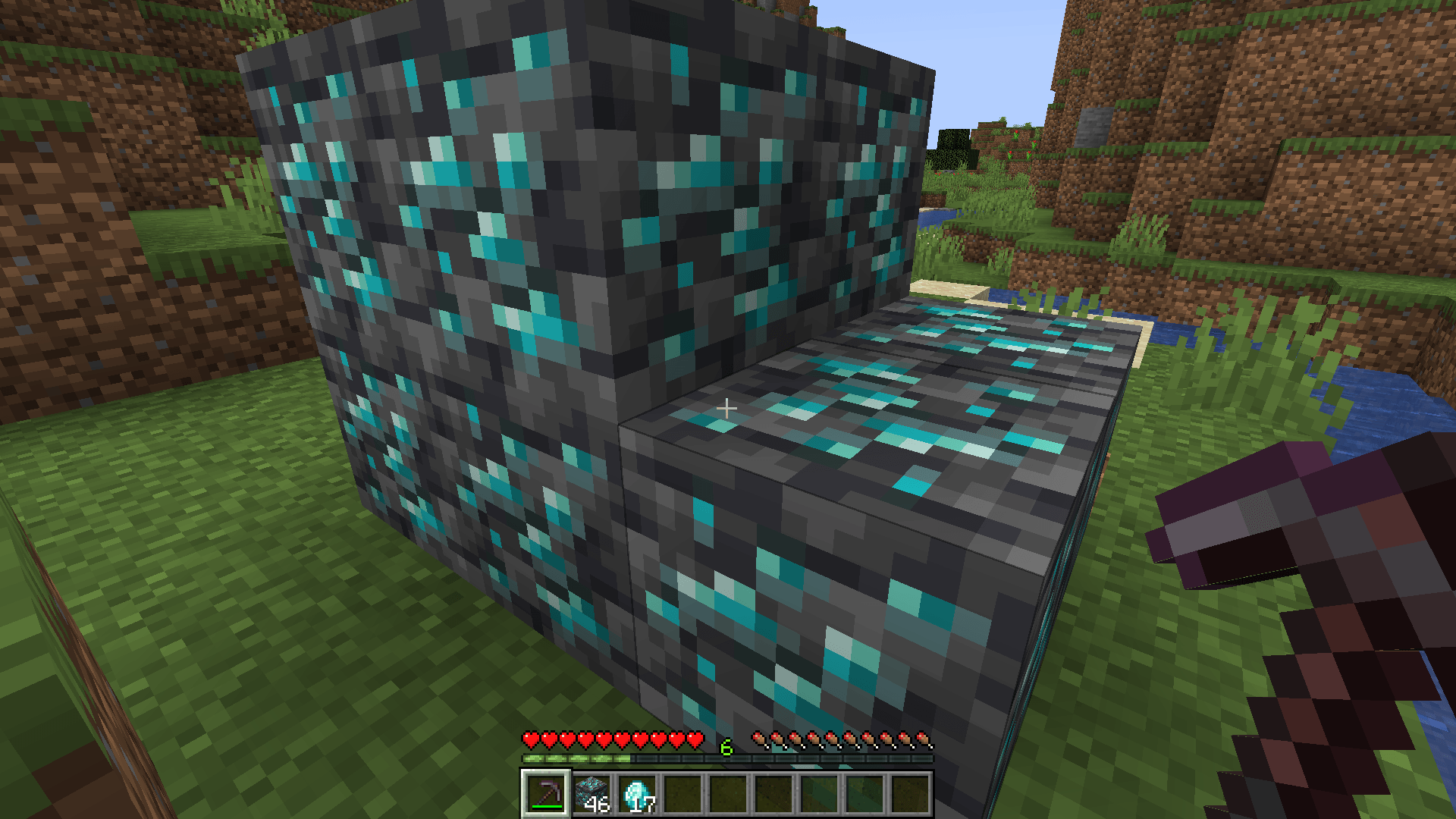
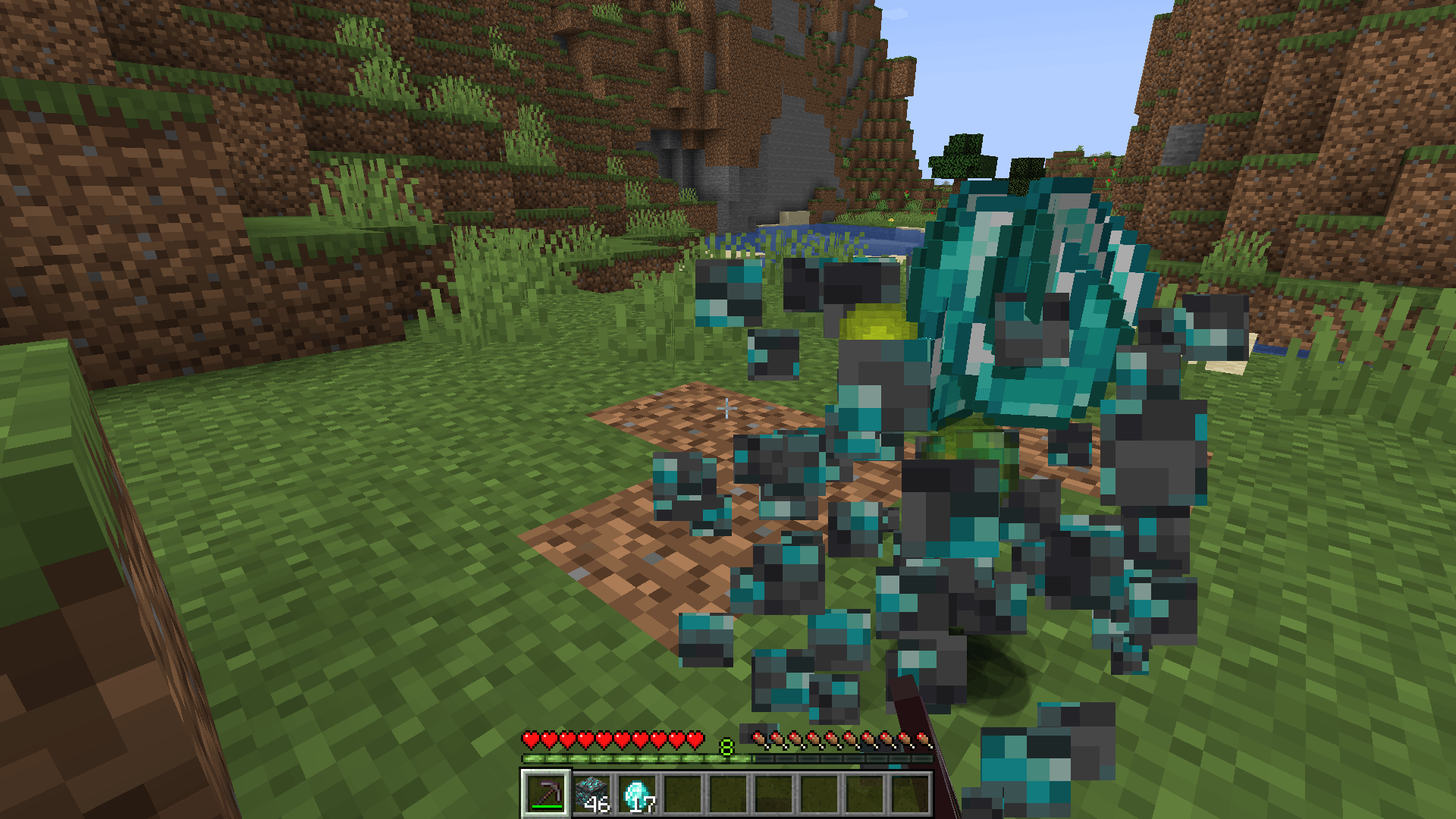
VeinMiner makes mining ores faster and easier. Simply crouch and break an ore, and the datapack will automatically break all connected blocks of the same ore.

Features

  • ⛏️ Mines connected ore veins automatically
  • 🕹️ Activated by crouching/sneaking
  • 💎 Supports major ores
  • ✨ Fortune works normally
  •  Silk Touch works normally
  • 📦 Drops are handled like normal mining
  • ⚡ Saves time when mining large ore veins
  • 🚫 No commands required during normal gameplay

How to Use

Hold the appropriate tool, crouch, and break an ore. All connected ores in the vein will be mined automatically.

Perfect for survival worlds where you want faster mining without changing the vanilla mining experience too much.

Found a Problem?

If you encounter any bugs, compatibility issues, or other problems, please let me know in the comments! Your feedback helps me improve the datapack. ❤️


Veinminer(1.21.1-26.1.2) by ManojTheReaper.zip
MC 1.21.2-Snapshot, 1.21.6-snapshot, 1.21.1-Snapshot, 1.21.8, 1.21.5, 1.21.4, 1.21.5-Snapshot, 1.21.1, 1.21.6, 1.21.3, 1.21.7, 1.21.4-Snapshot, 1.21.2, 1.21.9-snapshot, 1.21.9, 1.21.10
Release 2026-10-05 Get
veinminer 26.2 by ManojTheReaper.zip
MC 26.2
Release 2026-10-05 Get
veinminer 26.3 by ManojTheReaper.zip
MC 26.3
Release 2026-10-05 Get

Requirements & install

How to use this data pack in Minecraft
Mods needed
None, works in vanilla
Minecraft
1.21.6 – 26.3
Install folder
saves/<world>/datapacks

How to install data packs

  1. Download the data pack .zip file (do not extract it).
  2. New world: click Data Packs on the world creation screen and drop the .zip in. Existing world: open .minecraft/saves/<world>/datapacks.
  3. Put the .zip into the datapacks folder of the world (servers: world/datapacks).
  4. Run /reload in game (or rejoin the world) and check it with /datapack list.
Browse more: Data Packs for 26.3 All data packs

More from ManojTheReaper

Advertisement Remove ads with Premium →

You Might Also Like