Mineuniverse
Data Packs
Dynamic Lights by ManojTheReaper

Dynamic Lights by ManojTheReaper

DATA PACK
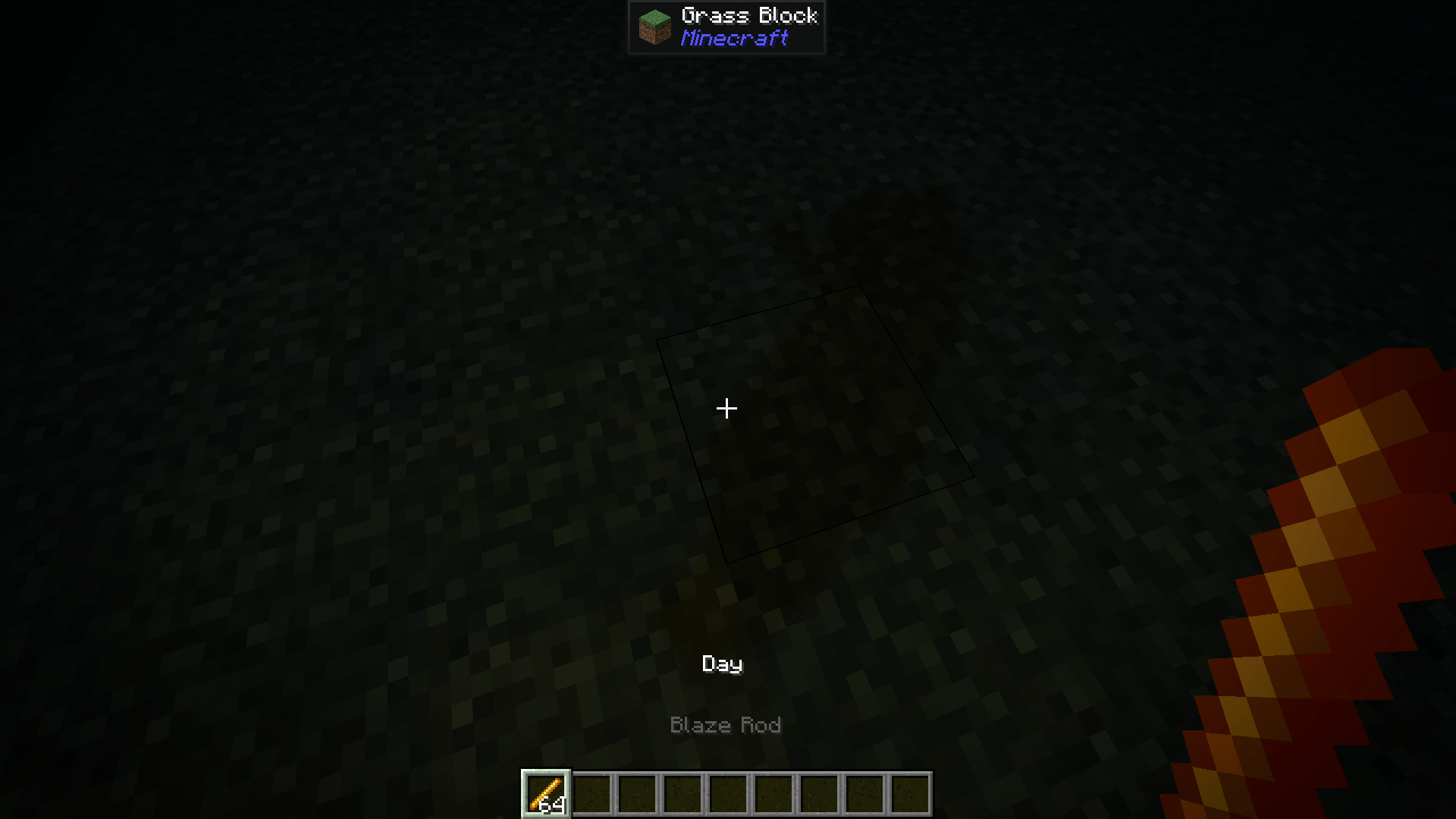
Bring Dynamic Lights to Vanilla Minecraft! Hold a torch, lantern, glowstone, or other light-emitting items to light up the world around you—no mods required.
by ManojTheReaper
Download Claim this project
Add a badge to your pageLink to Dynamic Lights by ManojTheReaper from a README, website or forum post.
Preview: Badge

Badges update automatically and link to the data pack page on MineUniverse.

5,420 downloads
0 likes
0 followers
Updated Oct 14, 2026
0 hypes
Follow0
Adventure Magic Mod Support Tech Utility
Advertisement Remove ads with Premium →

💡 Dynamic Lights

Bring Dynamic Lights to vanilla Minecraft!

Explore caves, travel at night, and adventure without constantly placing torches. Any light-emitting item you hold or wear will illuminate the area around you, making exploration more immersive—all without requiring any mods.

✨ Features

  • 💡 Dynamic lighting from all light-emitting items
  • 🌍 100% Vanilla
  • ⚡ Lightweight and optimized
  • 👥 Supports both Singleplayer and Multiplayer
  • 🔄 Real-time lighting updates while switching items
  • 📦 Easy to use with any compatible world

🌟 Supported Light Sources

Supports every light-emitting item and block available in Minecraft, ensuring a consistent dynamic lighting experience throughout your adventure.


✅ Compatibility

  • Minecraft 1.21.x
  • Vanilla Minecraft
  • Singleplayer
  • Multiplayer Servers
DynamicLights_26.3.zip
MC 26.3
Release 2026-10-01 Get
Dynamic_Lights_1.21-26.2.zip
MC 1.21.2-Snapshot, 1.21, 1.21.6-snapshot, 1.21.1-Snapshot, 1.21.8, 1.21.5, 1.21.4, 1.21.5-Snapshot, 1.21.1, 1.21.6, 1.21.3, 1.21.7, 1.21-Snapshot, 1.21.4-Snapshot, 1.21.2
Release 2026-07-22 Get

Requirements & install

How to use this data pack in Minecraft
Mods needed
None, works in vanilla
Minecraft
1.21.4 – 26.3
Install folder
saves/<world>/datapacks

How to install data packs

  1. Download the data pack .zip file (do not extract it).
  2. New world: click Data Packs on the world creation screen and drop the .zip in. Existing world: open .minecraft/saves/<world>/datapacks.
  3. Put the .zip into the datapacks folder of the world (servers: world/datapacks).
  4. Run /reload in game (or rejoin the world) and check it with /datapack list.
Browse more: Data Packs for 26.3 All data packs

More from ManojTheReaper

Advertisement Remove ads with Premium →

You Might Also Like