Mineuniverse
Data Packs
Tree Vein Miner

Tree Vein Miner

DATA PACK
Tree Vein Miner Removes entire trees (logs and leaves) when crouching
by quillphen
Download Claim this project
68,273 downloads
0 likes
0 followers
Updated Oct 14, 2026
0 hypes
Follow0
Miscellaneous Tech Utility
Advertisement Remove ads with Premium →

Support me on Patreon   Join our Discord    Support me on Ko-fi

Tree Miner

Patreon

Tree Miner

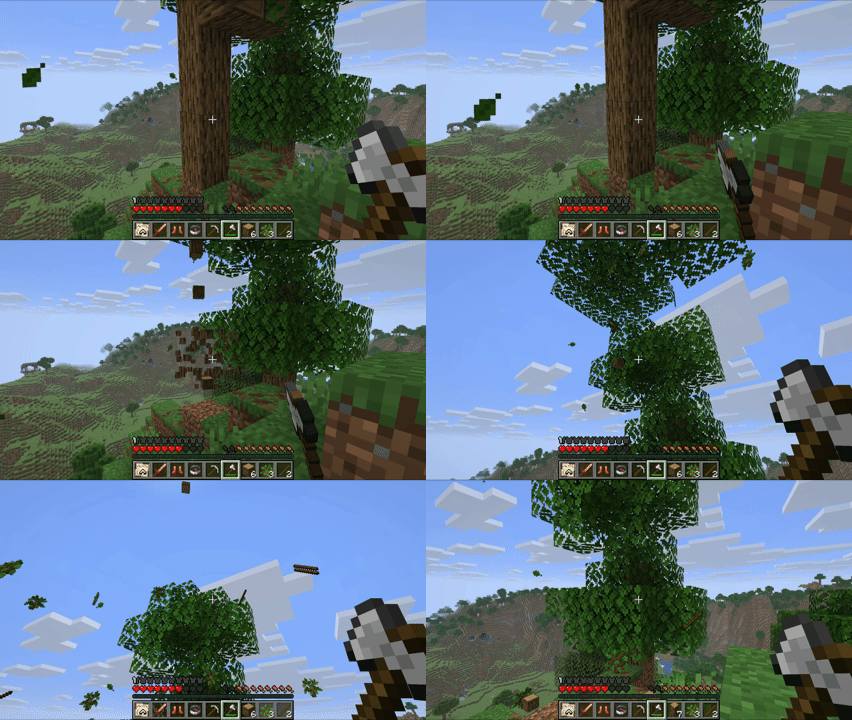
A Minecraft datapack that automatically breaks down entire tree logs when you break a single log while crouching.

Without Leave Decay
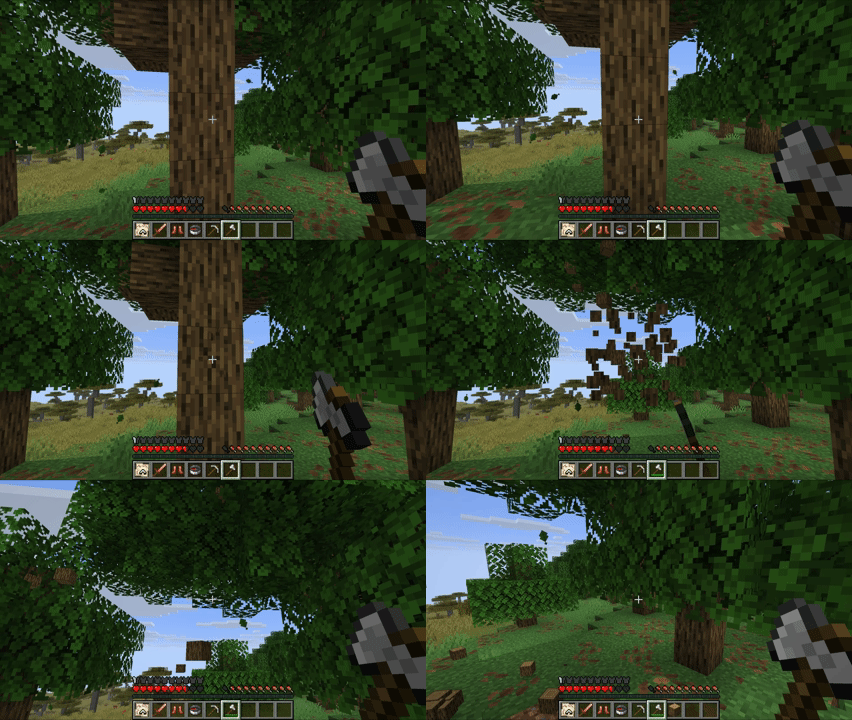
Tree Miner Preview

With Leave Decay

Tree Miner Preview


Leave Decay Add-on required for Leaf cleanup Download here!

Notes

  • The tree miner only activates when you're crouching (sneaking)

Documentation and Command Usages

Credits

Special thanks to PortableJim and Miraculixx for their existing VeinMiner projects and for making their work open source.

Their projects have served as valuable references, and earlier versions of this pack incorporated and learned from some of their implementation approaches.

TreeVeinMiner-4.3.2+26.3.zip
MC 26.3
Release 2026-10-02 Get
TreeVeinMiner-4.2.1+1.21.2-26.2.zip
MC 1.21, 1.21.6-snapshot, 1.21.8, 1.20.5, 1.21.5, 1.21.4, 1.21.5-Snapshot, 1.20.6, 1.21.6, 1.21.3, 1.21.7, 1.21-Snapshot, 1.21.4-Snapshot, 1.21.2, 1.21.9-snapshot, 1.21.9, 1.21.10
Release 2026-09-22 Get
TreeVeinMiner-7.1.1+1.16-1.16.5.zip
MC 1.16.3, 1.16.1, 1.16, 1.16.5, 1.16.2, 1.16.4
Release 2026-09-22 Get
TreeVeinMiner-7.1.1+1.17-1.20.4.zip
MC 1.17.1, 1.18.1, 1.20.2-Snapshot, 1.19-Snapshot, 1.19.3, 1.20.2, 1.19.4, 1.17, 1.19.4-Snapshot, 1.17-Snapshot, 1.18, 1.20.1, 1.20, 1.20-Snapshot, 1.19.1, 1.20.4, 1.18.2, 1.19.2
Release 2026-09-22 Get
TreeVeinMiner-7.1.1+1.21-1.21.1.zip
MC 1.21, 1.21.1-Snapshot, 1.20.5, 1.20.6, 1.21.1, 1.21-Snapshot
Release 2026-09-22 Get
TreeVeinMiner-4.3.0+26.3.zip
MC 26.3
Release 2026-09-22 Get

Requirements & install

How to use this data pack in Minecraft
Mods needed
None, works in vanilla
Minecraft
1.21.6-snapshot – 26.3
Install folder
saves/<world>/datapacks

How to install data packs

  1. Download the data pack .zip file (do not extract it).
  2. New world: click Data Packs on the world creation screen and drop the .zip in. Existing world: open .minecraft/saves/<world>/datapacks.
  3. Put the .zip into the datapacks folder of the world (servers: world/datapacks).
  4. Run /reload in game (or rejoin the world) and check it with /datapack list.
Browse more: Data Packs for 26.3 All data packs

More from quillphen

Advertisement Remove ads with Premium →

You Might Also Like