Mineuniverse
Data Packs
survive tools JE

survive tools JE

DATA PACK
this datapack can help you better survivr
by MCYejianCN
Download Claim this project
16 downloads
0 likes
Updated Oct 14, 2026
0 hypes
Utility
Advertisement Remove ads with Premium →

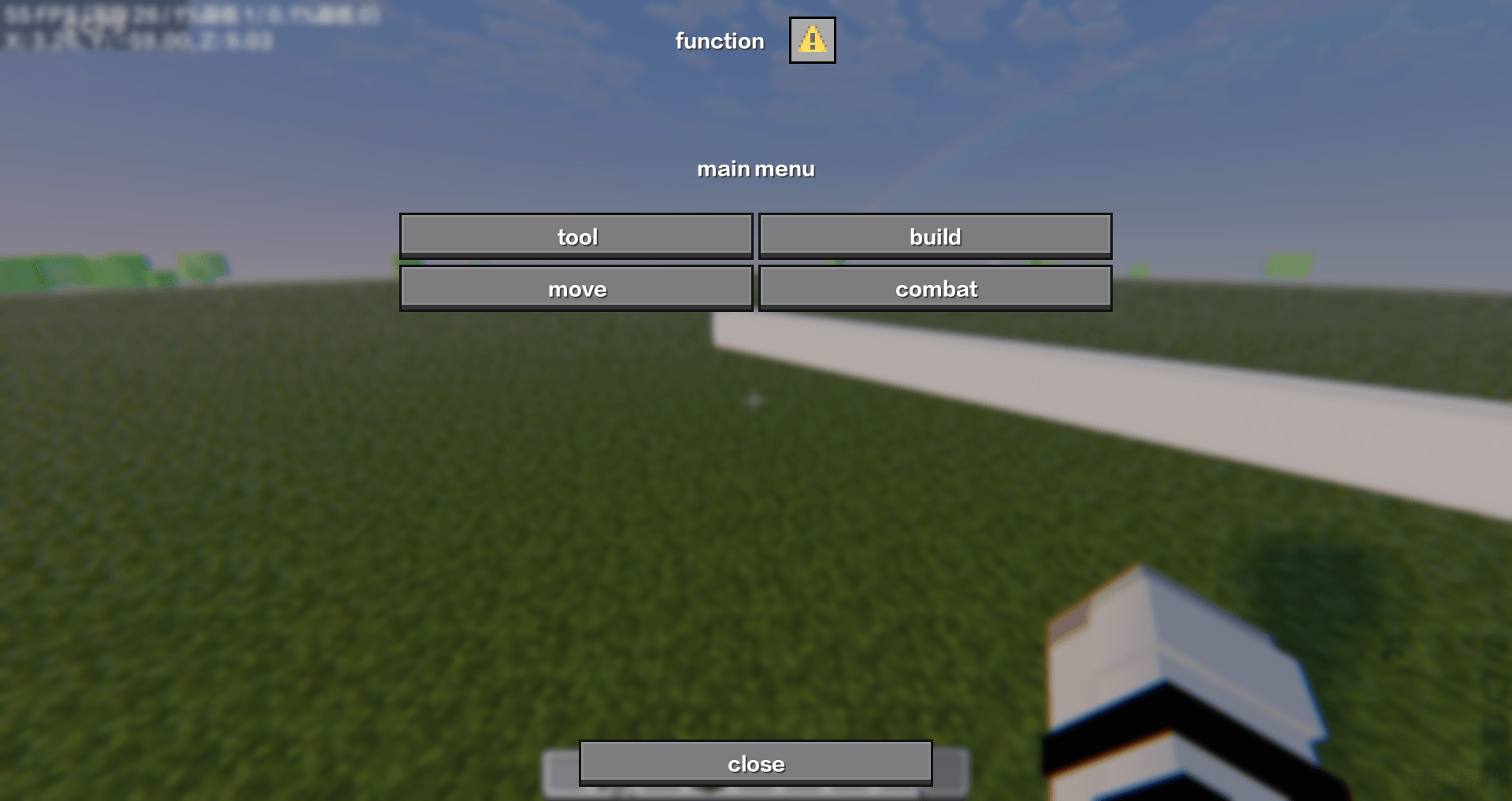
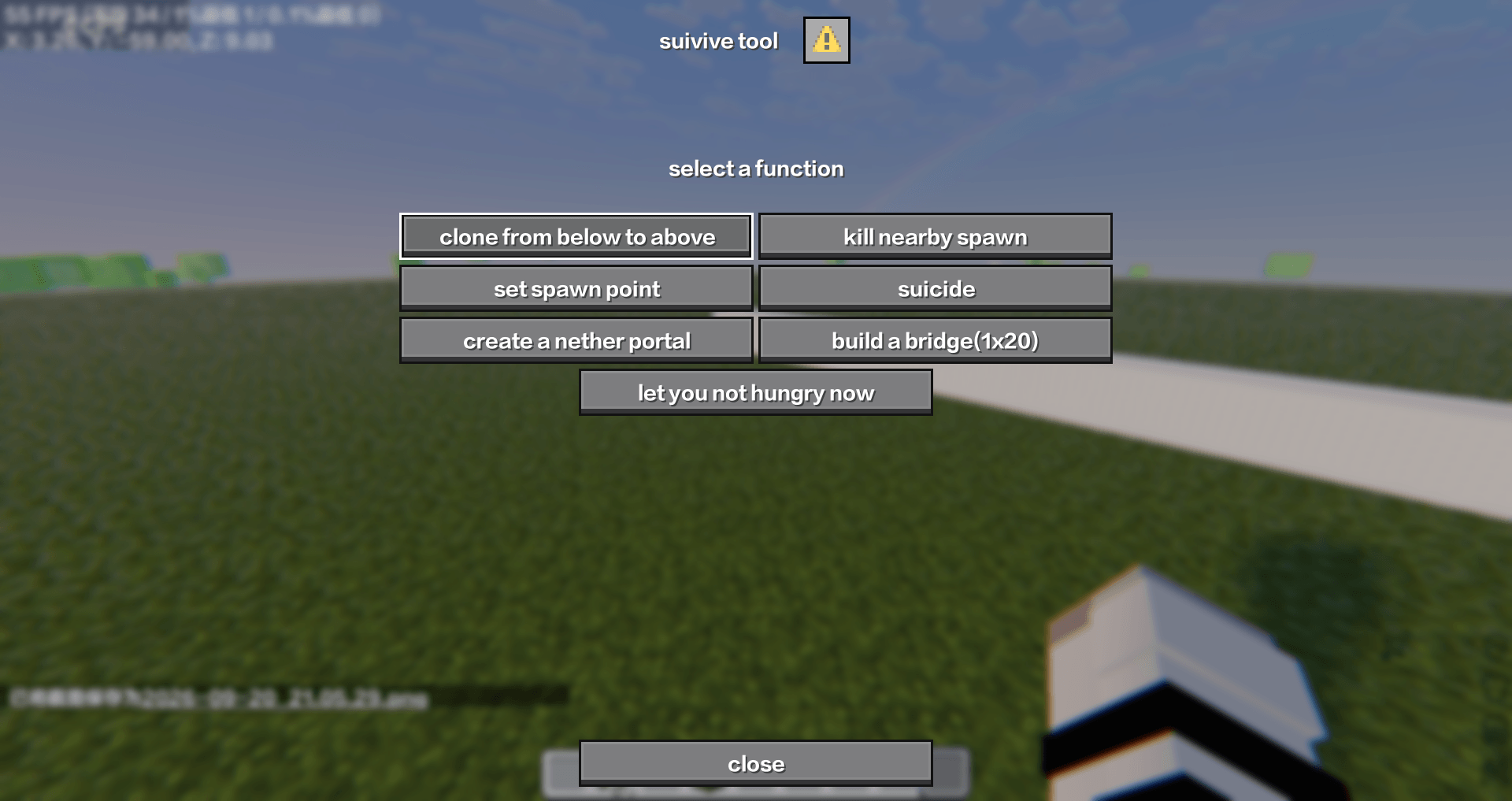
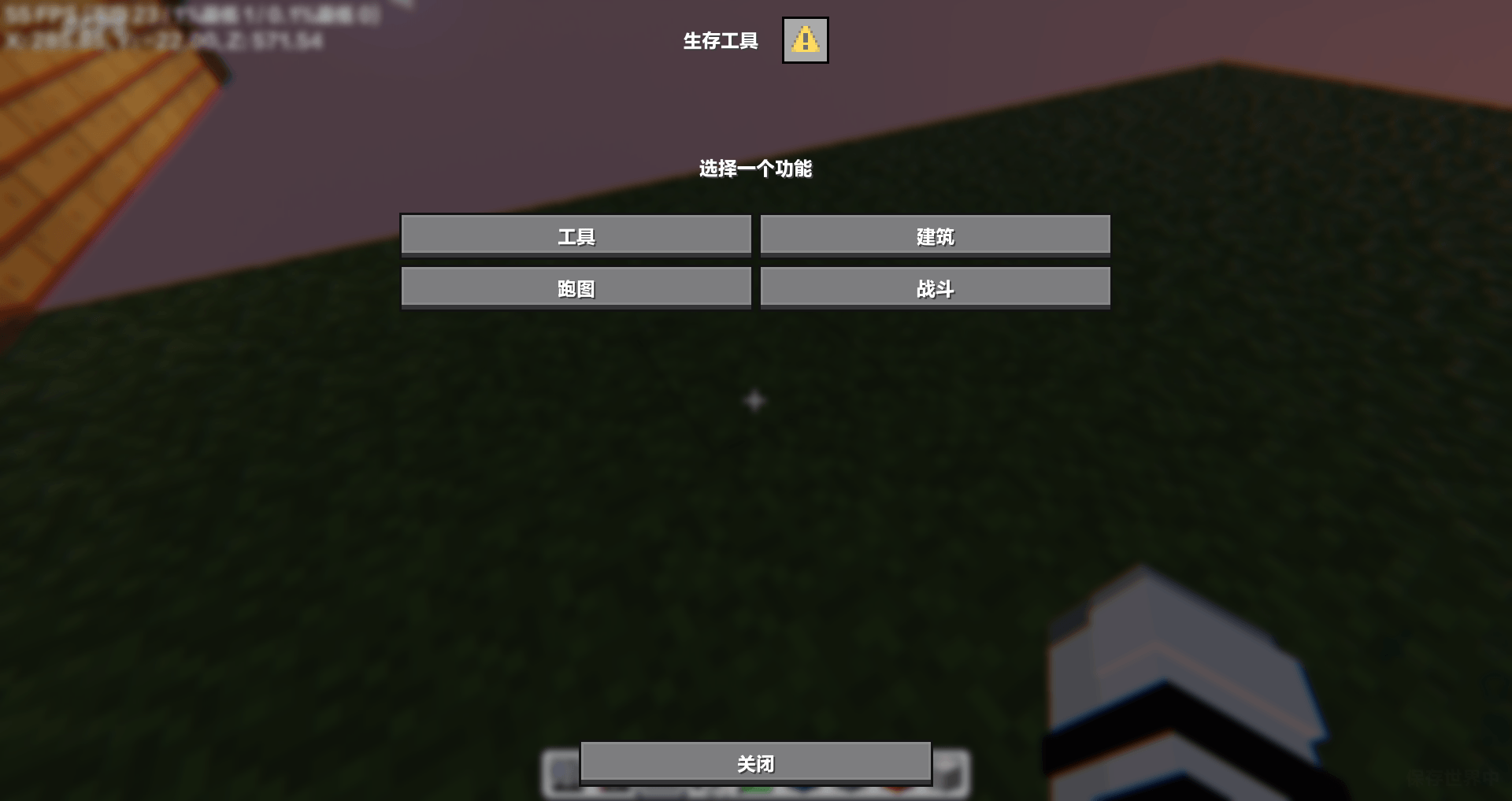
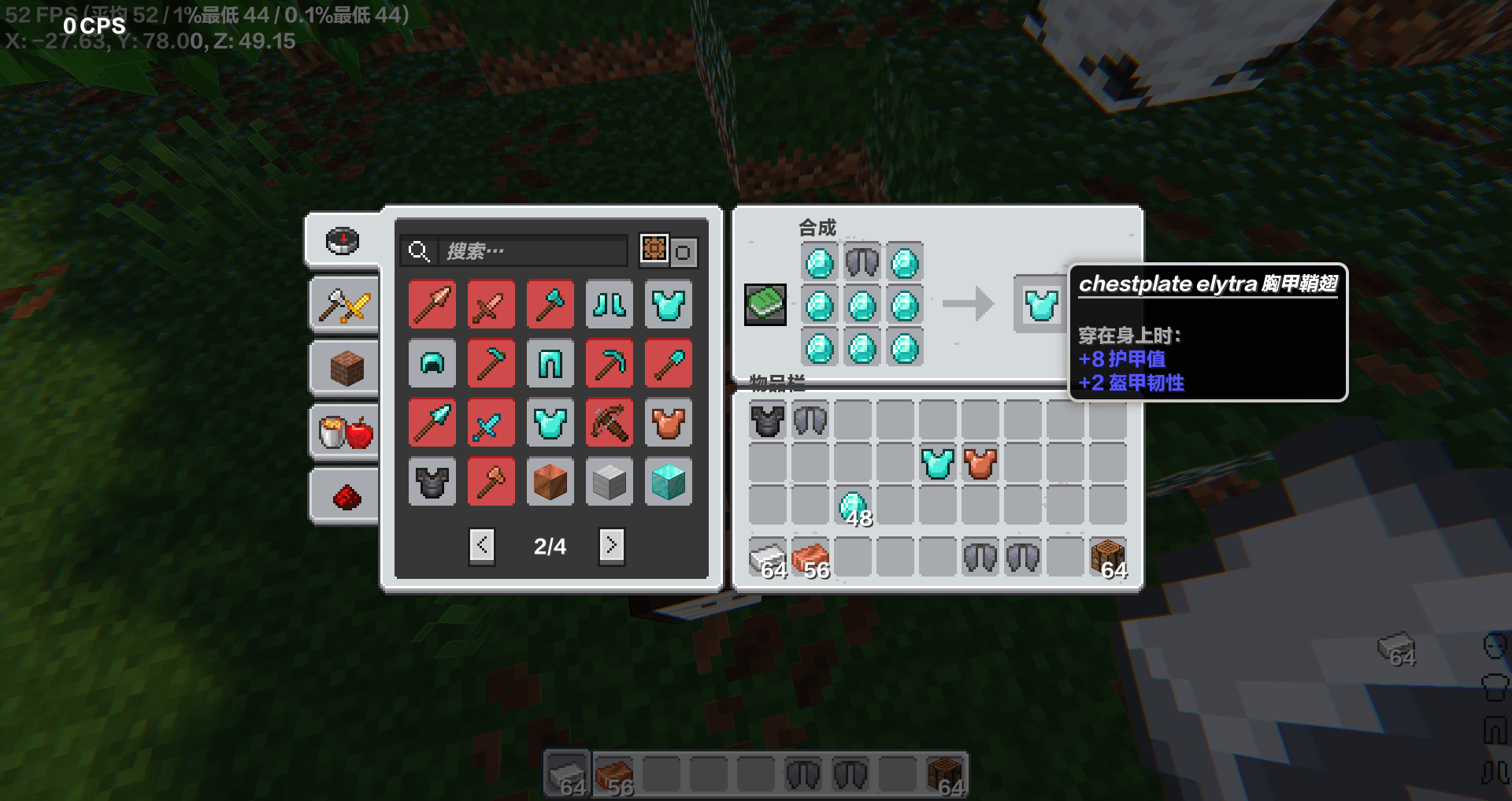
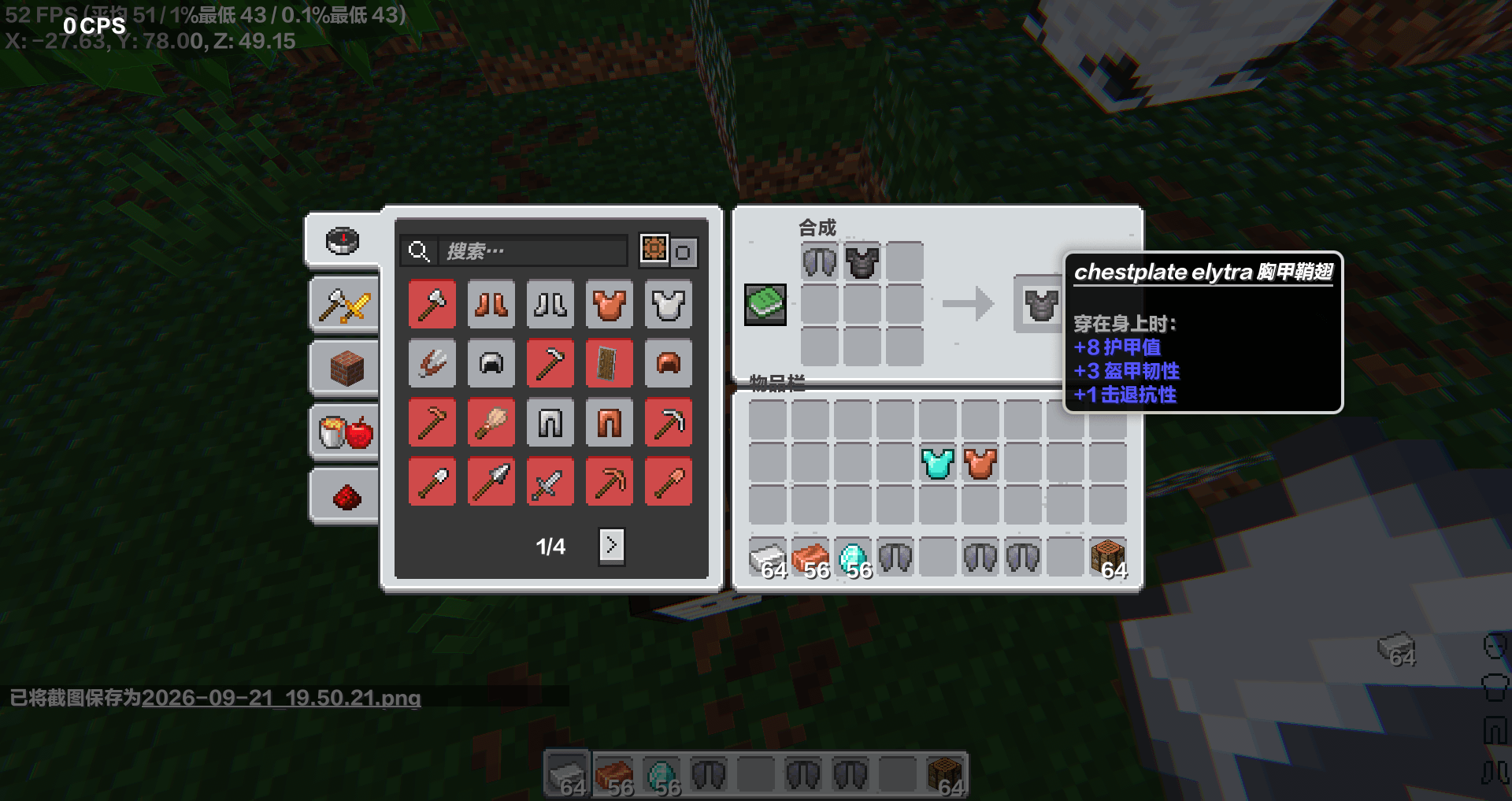
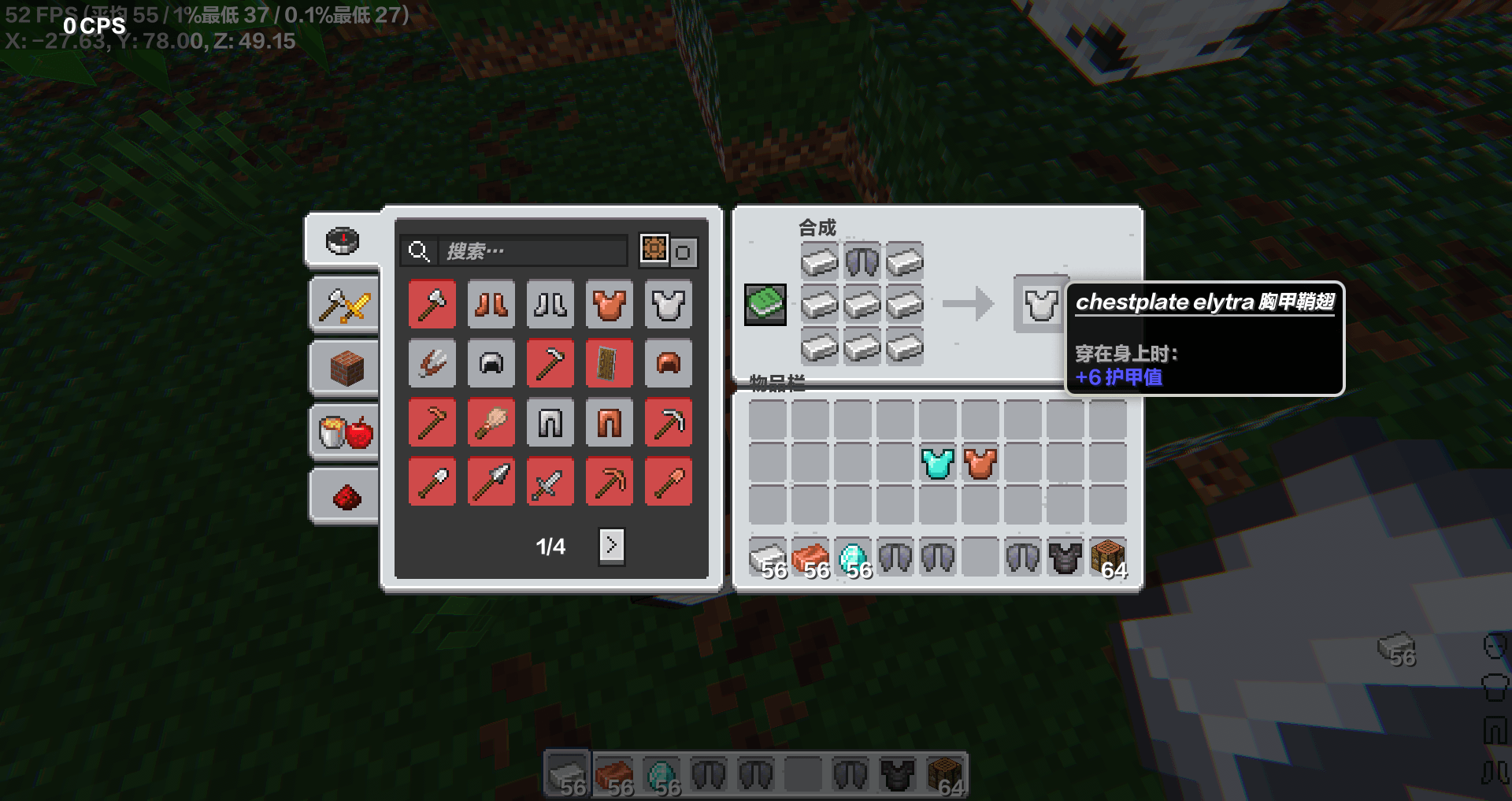
this datapack have many tools can help you suivive

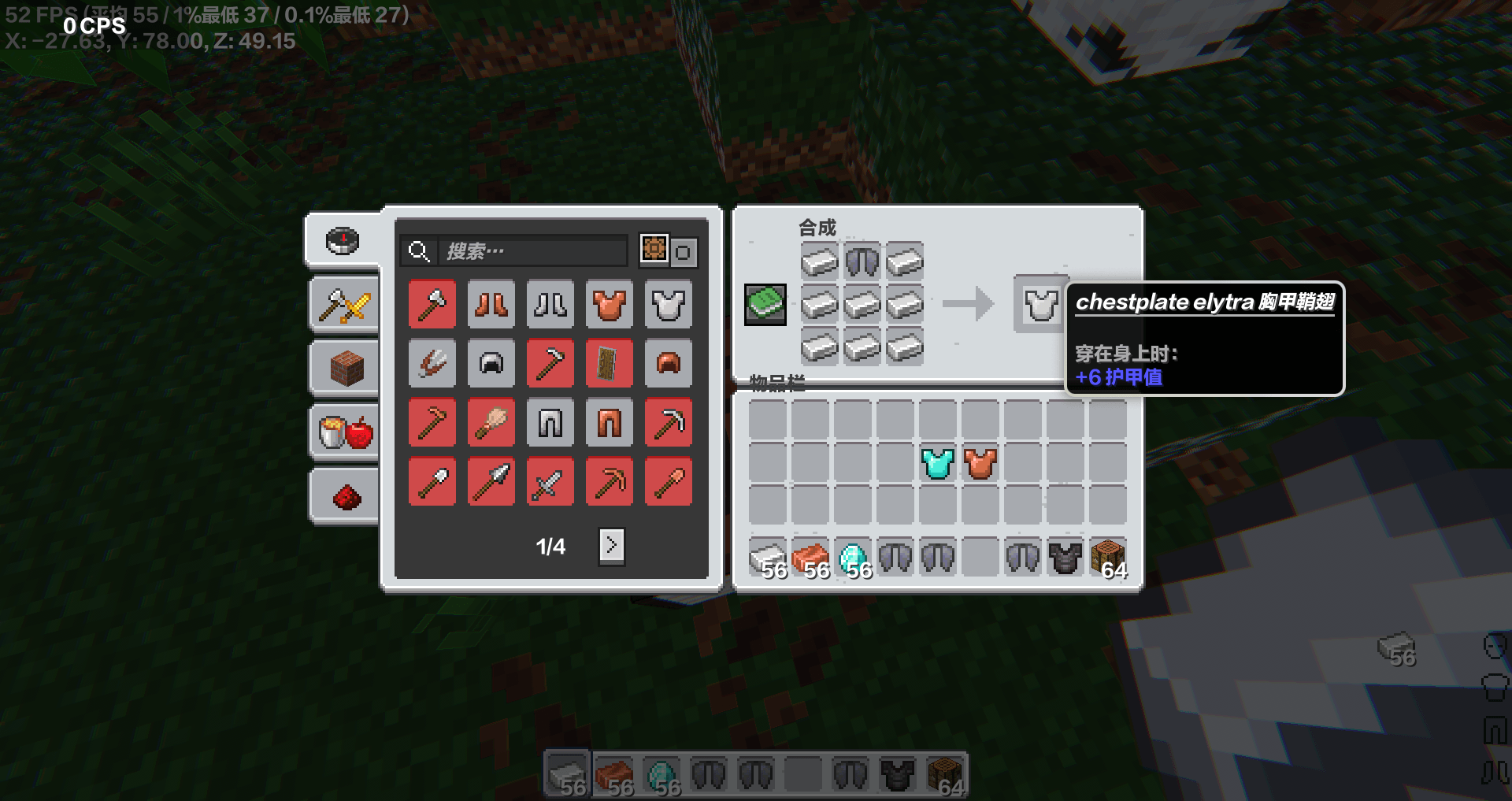
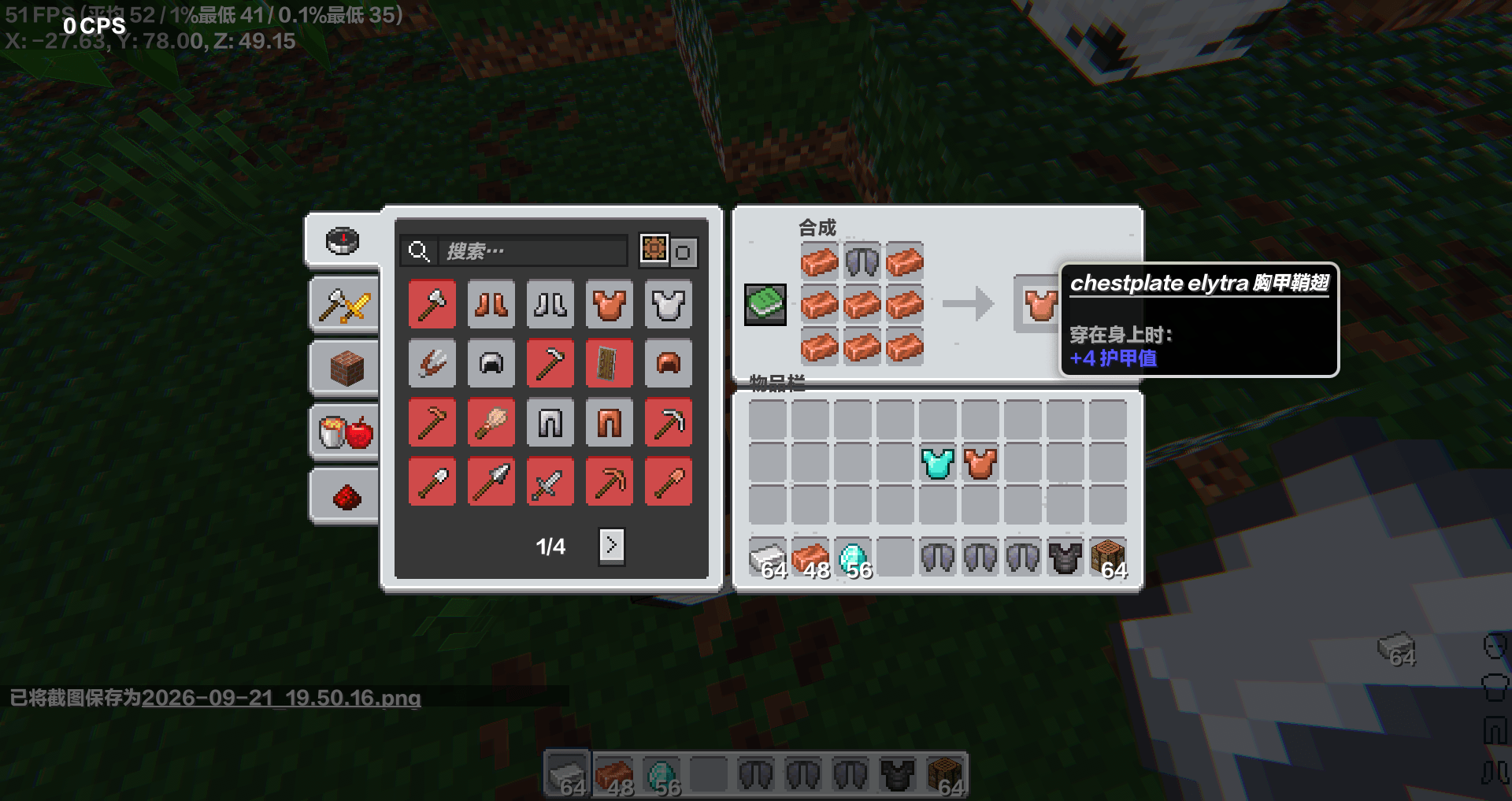
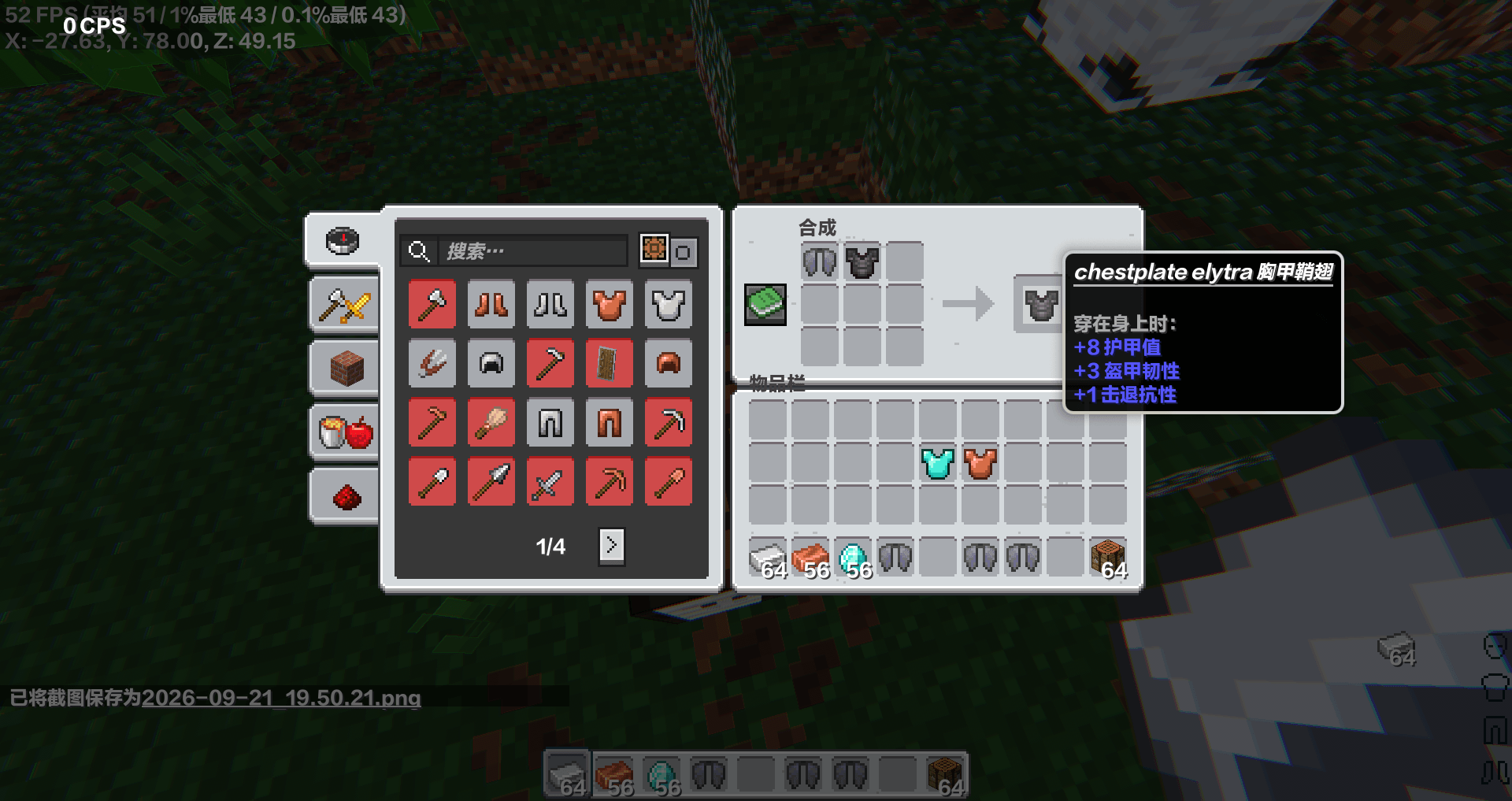
quick dig stone,teleport to player,remove attack cooldown,.clone block,quick set spawn ...

you should have op

use G  to open menu

if you want to me add some functions,you can comment

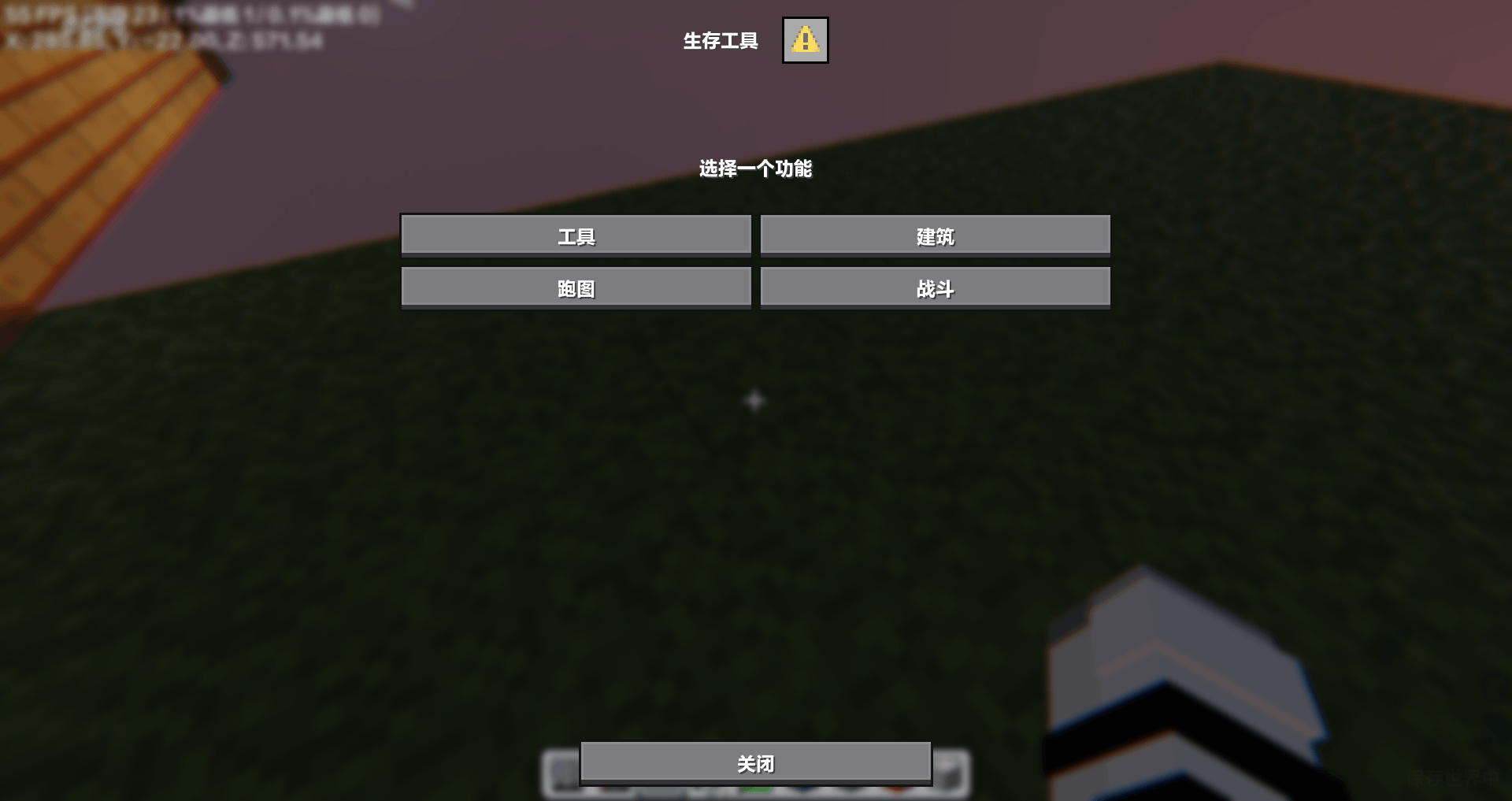
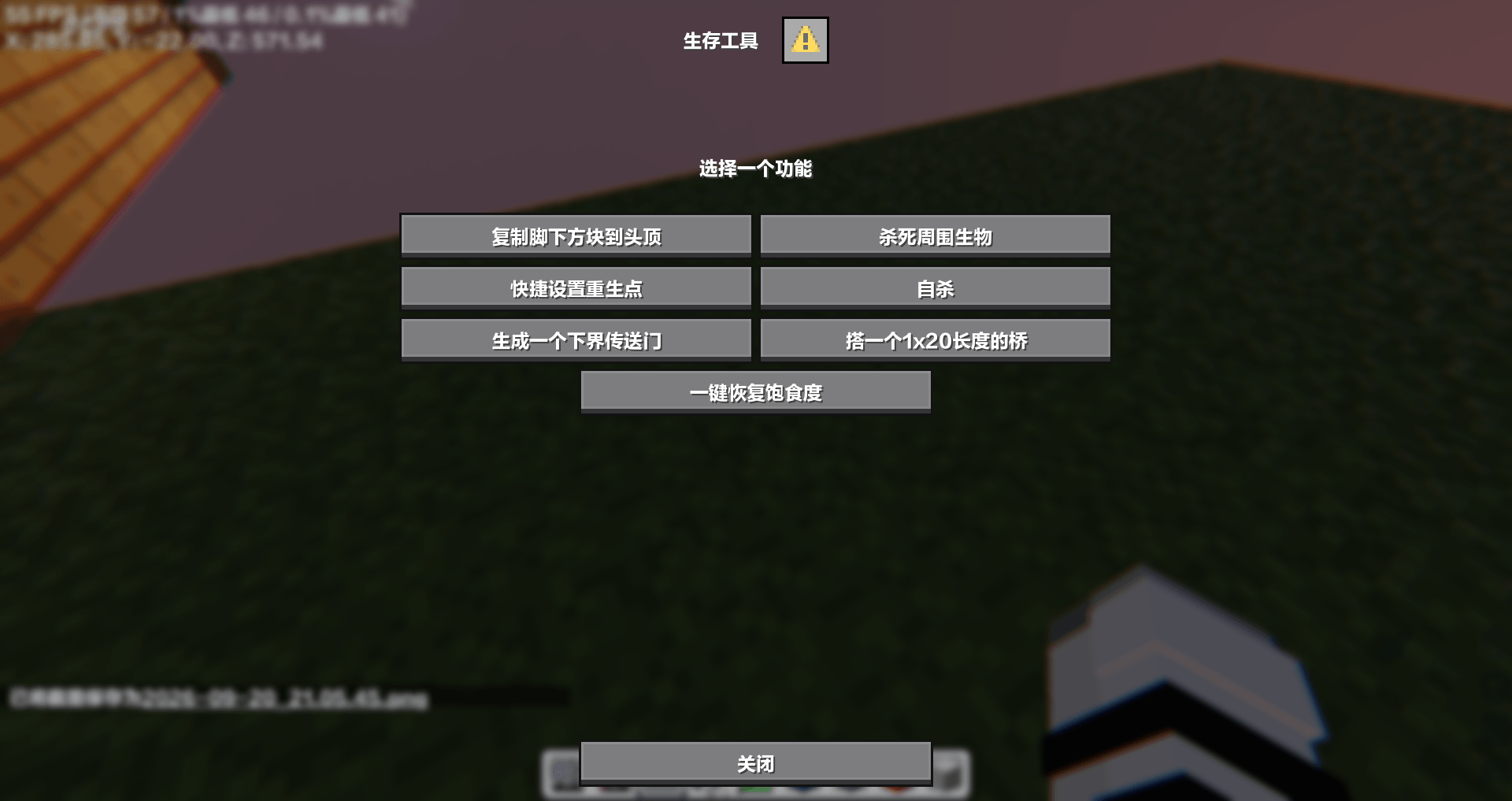
这个数据包有许多工具帮助你生存

快速清理石头,传送到最近玩家,复制脚下的方块,快速设置重生点等等

用G键打开菜单

你需要有op

需要加入什么功能可以在这里评论

生存工具1.0.1.zip
MC 1.21.9-snapshot, 1.21.9, 1.21.10, 1.21.11-snapshot, 1.21.11, 26.1, 26.1.1, 26.1.2, 26.2, 26.3
Release 2026-09-22 Get
suivive_tool_English-1.0.1.zip
MC 1.21.9-snapshot, 1.21.9, 1.21.10, 1.21.11-snapshot, 1.21.11, 26.1, 26.1.1, 26.1.2, 26.2, 26.3
Release 2026-09-22 Get
生存工具1.0.zip
MC 1.21.9-snapshot, 1.21.9, 1.21.10, 1.21.11-snapshot, 1.21.11, 26.1, 26.1.1, 26.1.2, 26.2, 26.3
Release 2026-09-20 Get
suivive_tool_English-1.0.zip
MC 1.21.9-snapshot, 1.21.9, 1.21.10, 1.21.11-snapshot, 1.21.11, 26.1, 26.1.1, 26.1.2, 26.2, 26.3
Release 2026-09-20 Get

Requirements & install

How to use this data pack in Minecraft
Mods needed
None, works in vanilla
Minecraft
1.21.10 – 26.3
Install folder
saves/<world>/datapacks

How to install data packs

  1. Download the data pack .zip file (do not extract it).
  2. New world: click Data Packs on the world creation screen and drop the .zip in. Existing world: open .minecraft/saves/<world>/datapacks.
  3. Put the .zip into the datapacks folder of the world (servers: world/datapacks).
  4. Run /reload in game (or rejoin the world) and check it with /datapack list.
Browse more: Data Packs for 26.3 All data packs

More from MCYejianCN

Advertisement Remove ads with Premium →

You Might Also Like