Mineuniverse
Data Packs
One Heart Challenge + Random Effects

One Heart Challenge + Random Effects

DATA PACK
Survive on just 1 heart, get random potion effects every 15 seconds, and experience a unique extra-life mechanic — all in one clean bundle.
by Modular_Boy_Ansh
Download Claim this project
125 downloads
0 likes
Updated Oct 14, 2026
0 hypes
Adventure Fantasy Magic
Advertisement Remove ads with Premium →

This bundle drops two separate datapacks inside one ZIP — so you can pick the chaos you want.

1️⃣ One Heart Challenge (Extra Life Version)

You start with 1 heart, but there’s a twist:
• Your first hit does nothing – it’s like a free shield.
• The second hit kills you instantly.
A pure clutch-or-die experience that keeps every moment sweaty.

2️⃣ Random Potion Effects (Every 15 Seconds)

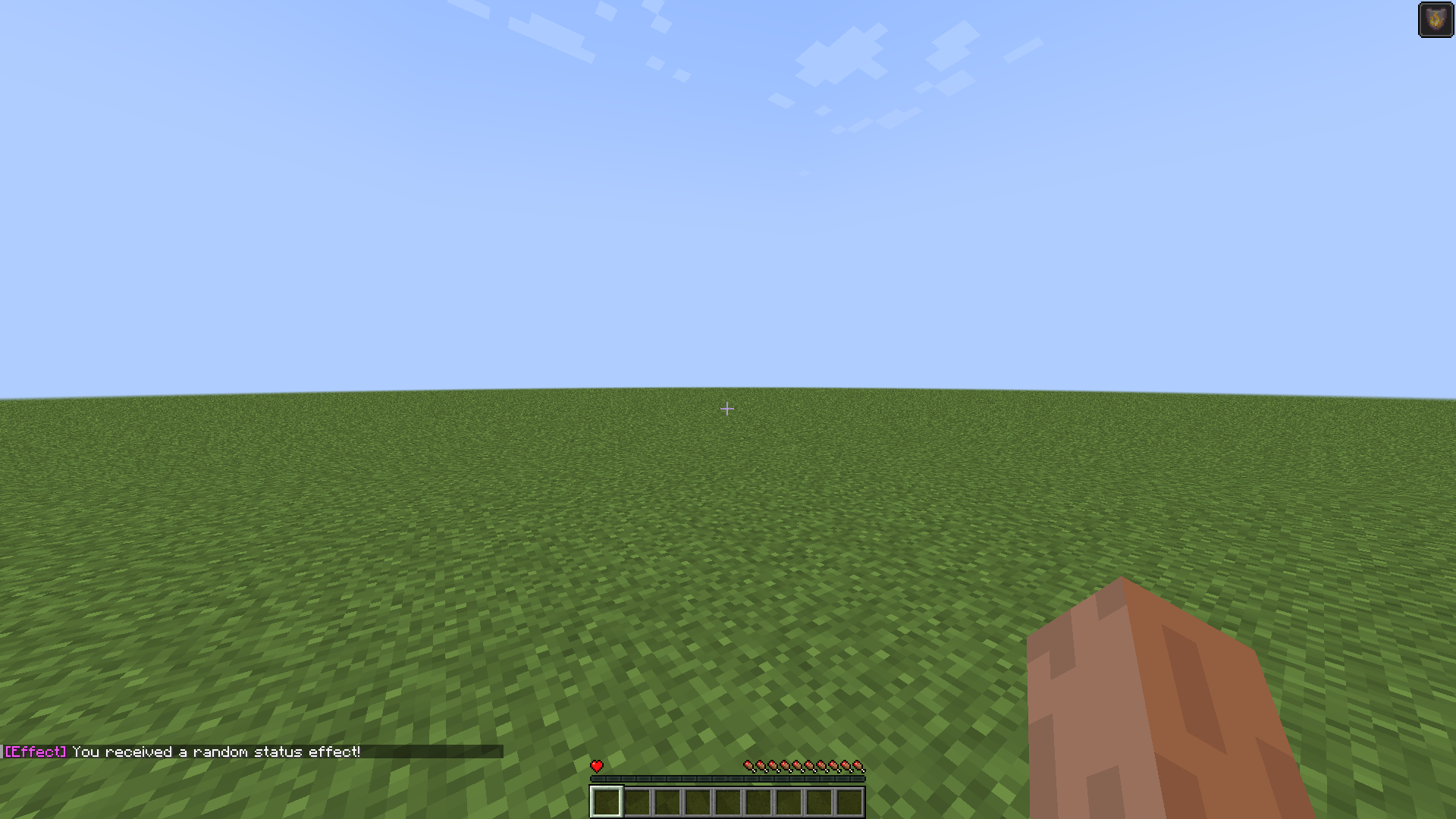
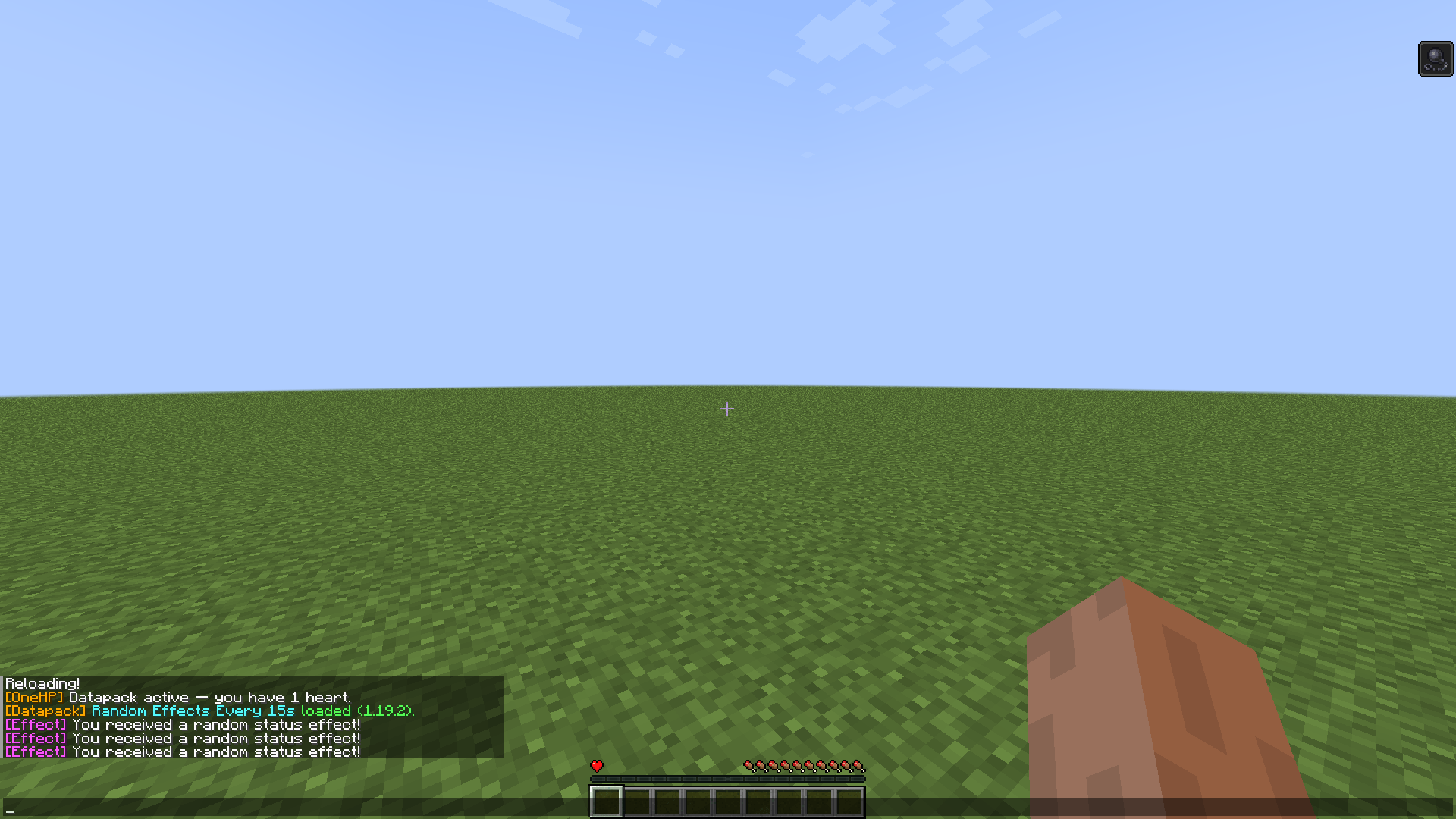
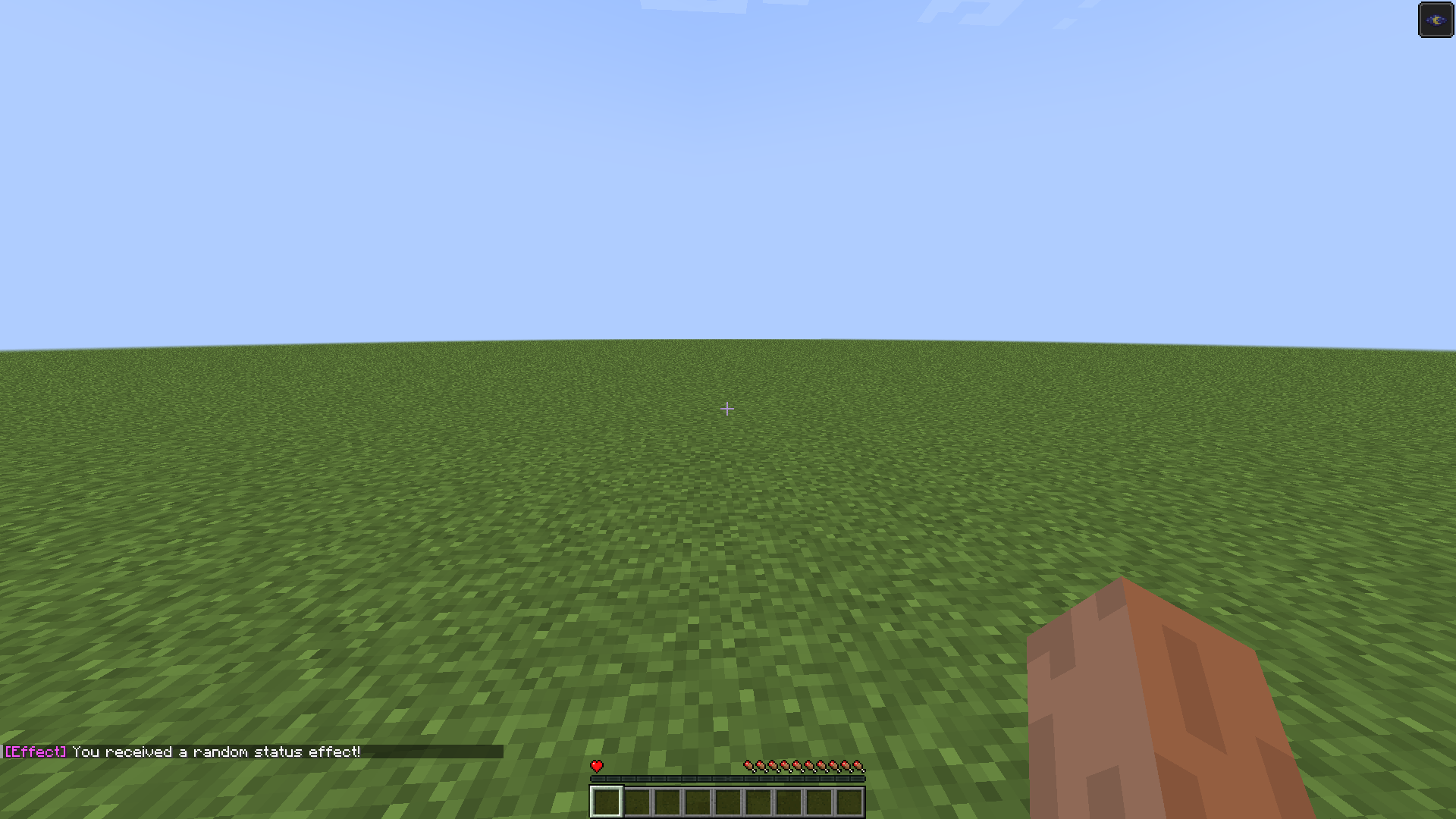
Every 15 seconds, the game throws a new random potion effect at you — good, bad, or straight-up cursed.
Perfect for chaotic worlds, challenges, and funny YouTube clips.


📥 Installation

  1. Download the ZIP.

  2. Extract it — you’ll see two datapacks inside.

  3. Choose one or install both.

  4. Drop them into:
    world/datapacks/

  5. Reload with /reload

1hp+potionmc.zip
MC 1.19.3, 1.19.1, 1.19.2, 1.19
Release 2025-11-13 Get

Requirements & install

How to use this data pack in Minecraft
Mods needed
None, works in vanilla
Minecraft
1.19 – 1.19.3
Install folder
saves/<world>/datapacks

How to install data packs

  1. Download the data pack .zip file (do not extract it).
  2. New world: click Data Packs on the world creation screen and drop the .zip in. Existing world: open .minecraft/saves/<world>/datapacks.
  3. Put the .zip into the datapacks folder of the world (servers: world/datapacks).
  4. Run /reload in game (or rejoin the world) and check it with /datapack list.
Browse more: Data Packs for 1.19.3 All data packs

More from Modular_Boy_Ansh

Advertisement Remove ads with Premium →

You Might Also Like