Mineuniverse
Data Packs
Modern Multitools

Modern Multitools

DATA PACK
Multitools in Minecraft 1.20.5+!
by JK137
Download Claim this project
47,955 downloads
0 likes
Updated Oct 14, 2026
0 hypes
Utility
Advertisement Remove ads with Premium →

Once this datapack is loaded, the following recipes are unlocked in the recipe book:

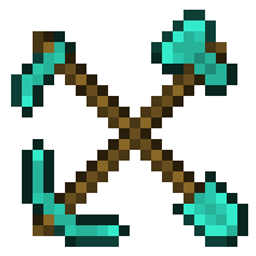
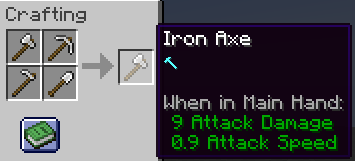
Combine same-material tools (axe + pickaxe + hoe + shovel) in a shapeless recipe to craft a Multitool.

Note: Netherite Multitools must be crafted, not smithed — if you take the wrong route, you now get your materials back.

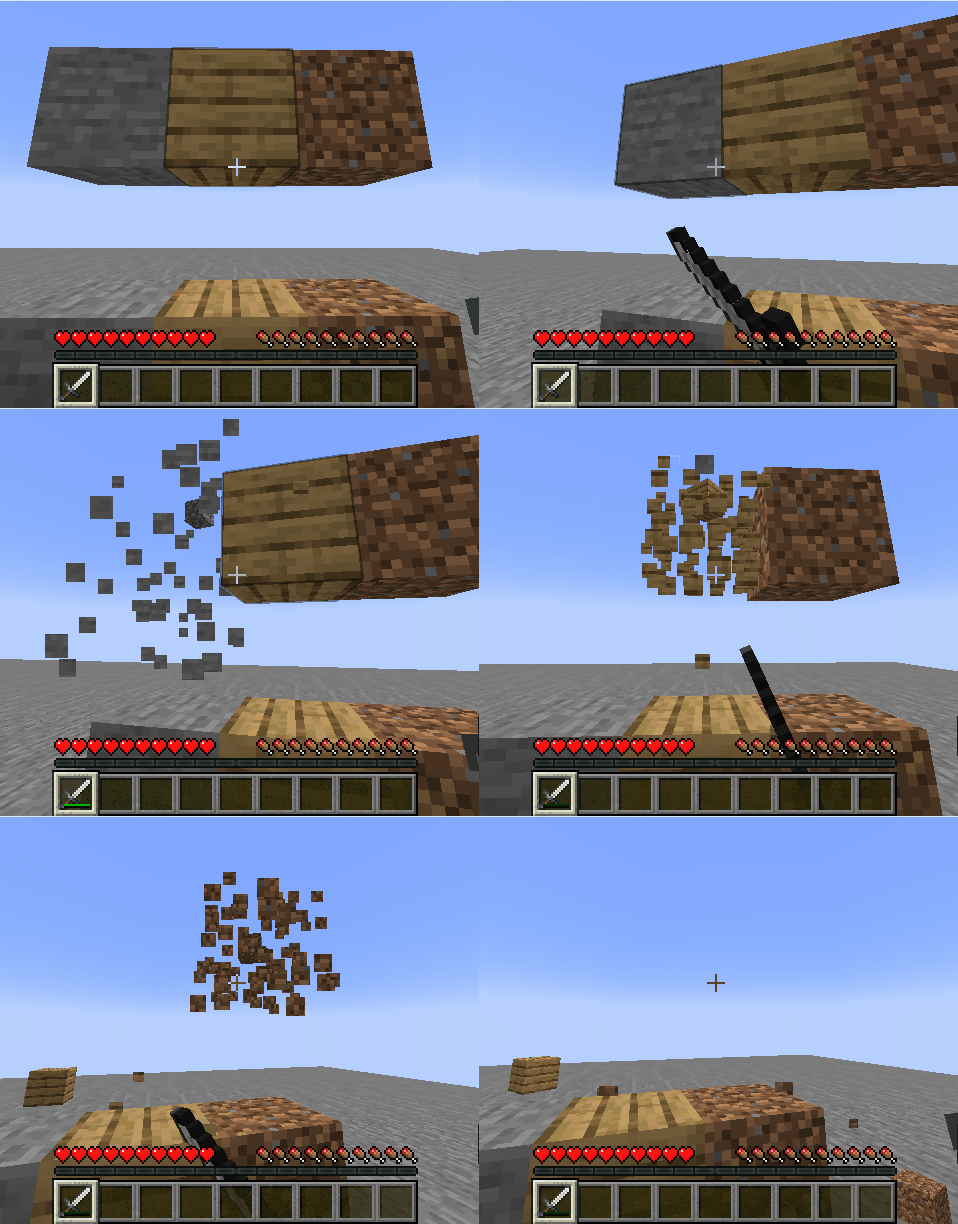
  • A Multitool has 4× the durability of the tool it was crafted from, and mines Extra Blocks faster.

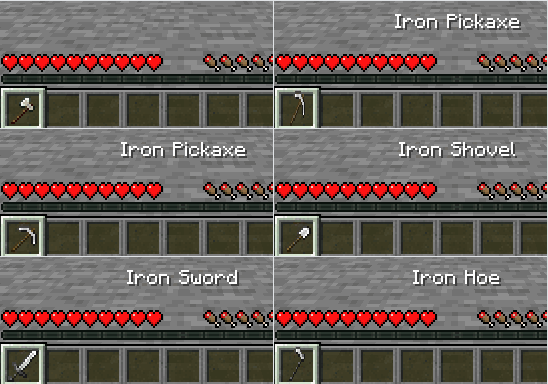
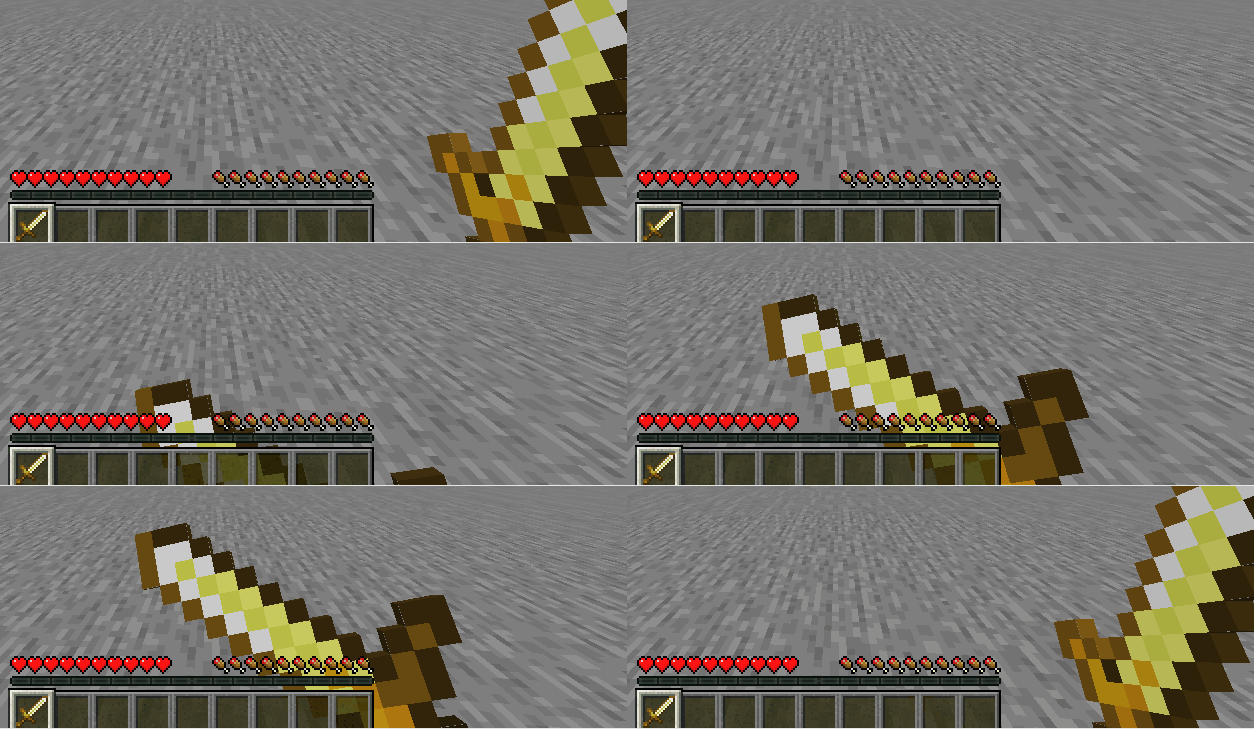
  • To use a tool's special function (e.g. flattening dirt into a path with a shovel), hold the Multitool in your main hand and press the swap-offhand key (default: F) to switch modes — sword mode included.

Extra Blocks

Beds, Cake (with Candles), Candles, Wool (Carpets, Slabs and Stairs), Beacon, Glass & Glass Panes (Stained & Tinted), Cactus, Cobwebs, Mob Heads, Glowstone, Honeycomb Blocks, Froglights, Powder Snow, Redstone Lamps, Sea Lanterns, Sniffer Eggs, and Turtle Eggs.

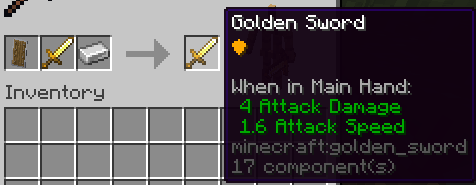
Combine a sword of any material + a shield + an Iron Ingot in a smithing recipe to smith a shield-upgraded sword.

  • A Multitool can receive the shield upgrade too, but only after being switched to sword mode.

The shield upgrade does not change the sword's durability.

By JK137

https://github.com/JesKi13567/Modern-Multitools

jkmt v1.4.3 For MC26.3.x.zip
MC 26.3
Release 2026-09-16 Get
jkmt v1.4.3 For MC1.21.11-26.2.x.zip
MC 1.21.11, 26.1, 26.1.1, 26.1.2, 26.2
Release 2026-06-18 Get
jkmt v1.4.3 For MC1.21.9-1.21.10.zip
MC 1.21.9, 1.21.10
Release 2026-06-18 Get
jkmt v1.4.3 For MC1.21-1.21.8.zip
MC 1.21, 1.21.8, 1.21.5, 1.21.4, 1.21.1, 1.21.6, 1.21.3, 1.21.7, 1.21.2
Release 2026-06-18 Get
jkmt v1.4.3 For MC1.20.5-1.20.6.zip
MC 1.20.5, 1.20.6
Release 2026-06-18 Get
jkmt v1.4.2 For MC1.21.9-26.1.zip
MC 1.21.9, 1.21.10, 1.21.11, 26.1, 26.1.1, 26.1.2
Release 2026-03-25 Get
jkmt v1.4.1 For MC1.21.9-11.zip
MC 1.21.9, 1.21.10, 1.21.11
Release 2025-12-11 Get
jkmt v1.4 For MC1.21.9.zip
MC 1.21.9, 1.21.10
Release 2025-09-28 Get
jkmt v1.3.1 For MC1.21.0-8.zip
MC 1.21, 1.21.5, 1.21.8, 1.21.4, 1.21.3, 1.21.7, 1.21.1, 1.21.6, 1.21.2
Release 2025-06-30 Get
jkmt v1.3 for MC1.21.0-6.zip
MC 1.21, 1.21.5, 1.21.4, 1.21.3, 1.21.1, 1.21.6, 1.21.2
Release 2025-06-18 Get
jkmt v1.1-final for MC1.21.1.zip
MC 1.21, 1.21.1
Release 2025-04-13 Get
jkmt v1.1-final for MC1.21.2-4.zip
MC 1.21.4, 1.21.3, 1.21.2
Release 2025-04-13 Get
jkmt v1.0-final for MC1.20.6.zip
MC 1.20.5, 1.20.6
Release 2025-03-26 Get
jkmt v1.1-final for MC1.21.0-4.zip
MC 1.21, 1.21.4, 1.21.3, 1.21.1, 1.21.2
Release 2025-03-26 Get
jkmt v1.2 for MC1.21.5.zip
MC 1.21.5, 1.21.6
Release 2025-03-26 Get
jkmt v1.1.1 for MC1.21.2-4.zip
MC 1.21.4, 1.21.3, 1.21.2
Release 2024-11-25 Get
jkmt.v1.1.1.zip
MC 1.21, 1.21.1
Release 2024-08-17 Get
jkmt.v1.0.2.zip
MC 1.20.5, 1.20.6
Release 2024-06-13 Get
jkmt.v1.1.zip
MC 1.21
Release 2024-06-13 Get
jkmt v1.0.1.zip
MC 1.20.5, 1.20.6
Release 2024-05-03 Get
jkmt.v1.0.zip
MC 1.20.5, 1.20.6
Release 2024-05-01 Get

Requirements & install

How to use this data pack in Minecraft
Mods needed
None, works in vanilla
Minecraft
1.21.9 – 26.3
Install folder
saves/<world>/datapacks

How to install data packs

  1. Download the data pack .zip file (do not extract it).
  2. New world: click Data Packs on the world creation screen and drop the .zip in. Existing world: open .minecraft/saves/<world>/datapacks.
  3. Put the .zip into the datapacks folder of the world (servers: world/datapacks).
  4. Run /reload in game (or rejoin the world) and check it with /datapack list.
Browse more: Data Packs for 26.3 All data packs

More from JK137

Advertisement Remove ads with Premium →

You Might Also Like