🟡 Minipurge: Yellow | Mid-Loot & Ambush Add-on
Control the center, control the game! Minipurge: Yellow is an official add-on for the Minipurge event framework that adds high-stakes objectives to the middle of your arena.
If players tend to camp on the edges of the border and avoid fights, this add-on changes the meta entirely. By periodically dropping valuable loot at the center of the map, it forces players out of hiding and creates a natural hotspot for intense PvP engagements.
✨ High-Stakes Features
- 🎁 Center Loot Drops: High-tier loot will occasionally generate at "mid". It keeps players coming back, but beware—someone might be waiting in the shadows!
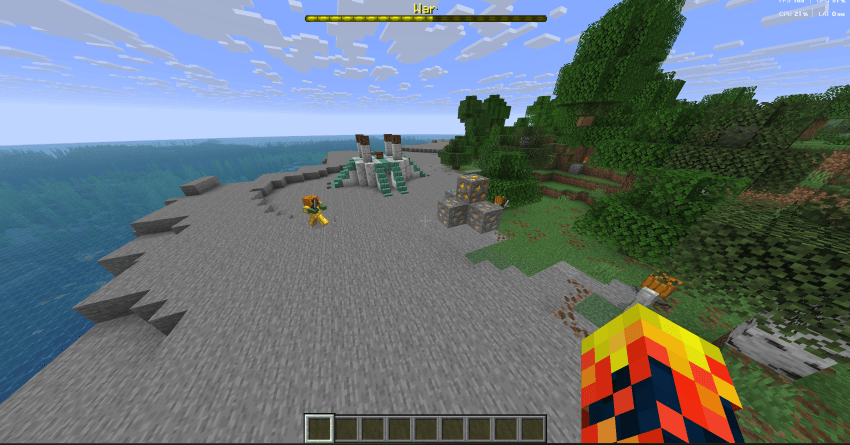
- ⛏️ The Netherite Rush: Exactly four pieces of Netherite generate at the starting structure right as the game begins. Will you risk rushing a diamond pickaxe to claim it early, or will you let someone else mine it and sabotage them for the ultimate steal?
⚙️ How to Install
- Make sure you have the core Minipurge data pack installed in your world.
- Drop the
Minipurge:Yellow .zip file into your world's datapacks folder alongside it.
- Start your event normally! Minipurge will automatically handle the structure and loot generation.
🛠️ Create Your Own Add-ons!
Minipurge is built to be a modular framework. Want to make your own custom events, loot tables, or structures?
🤝 Feedback & Support
Let the games begin!