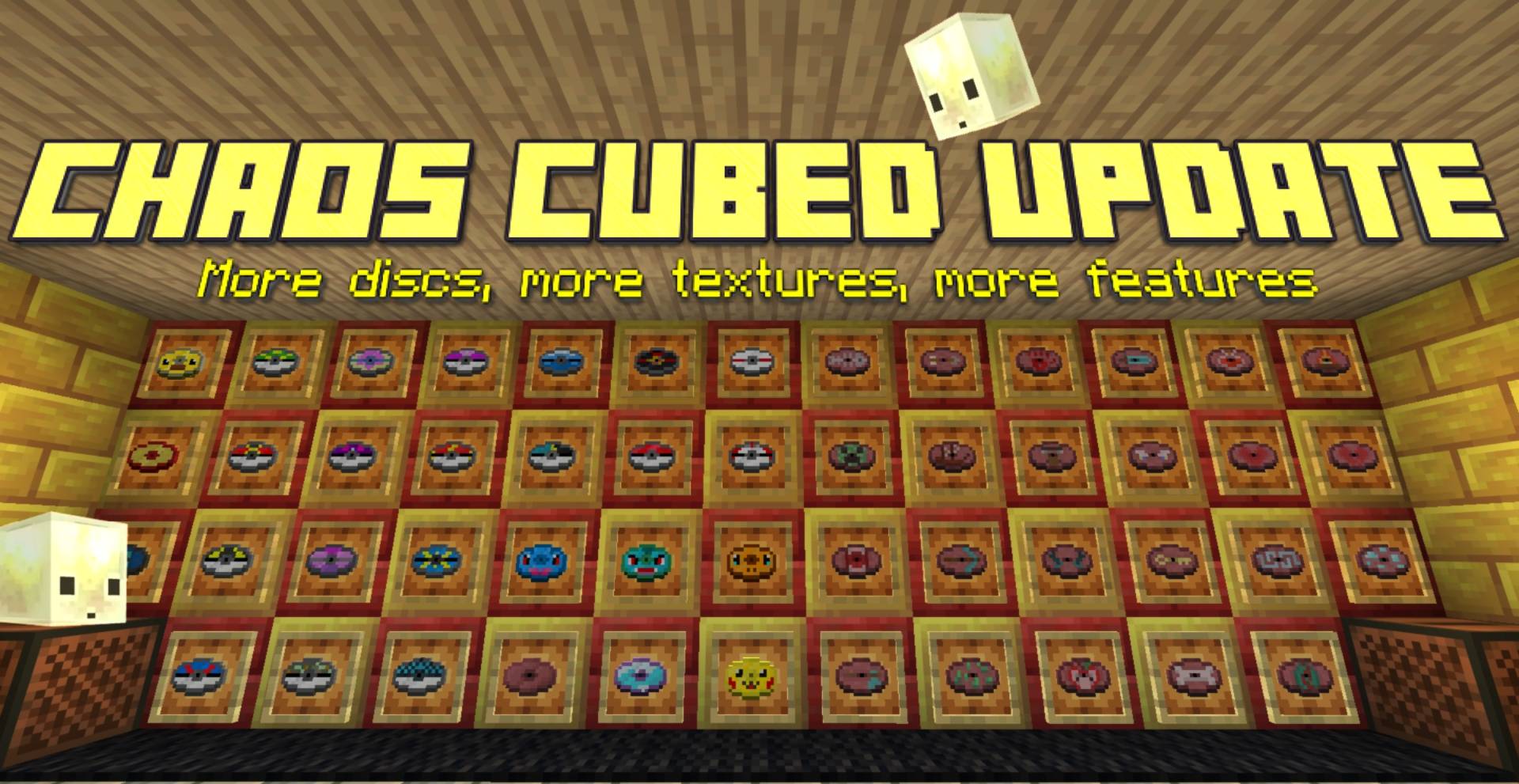
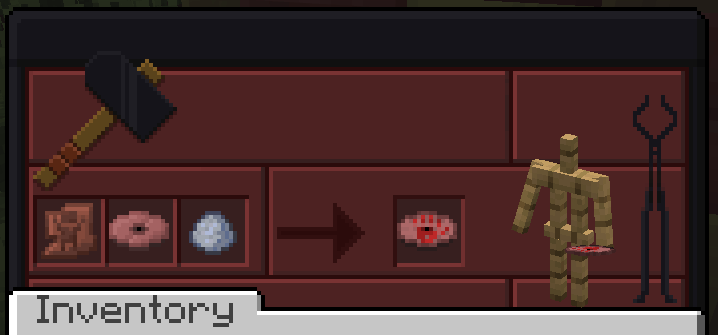
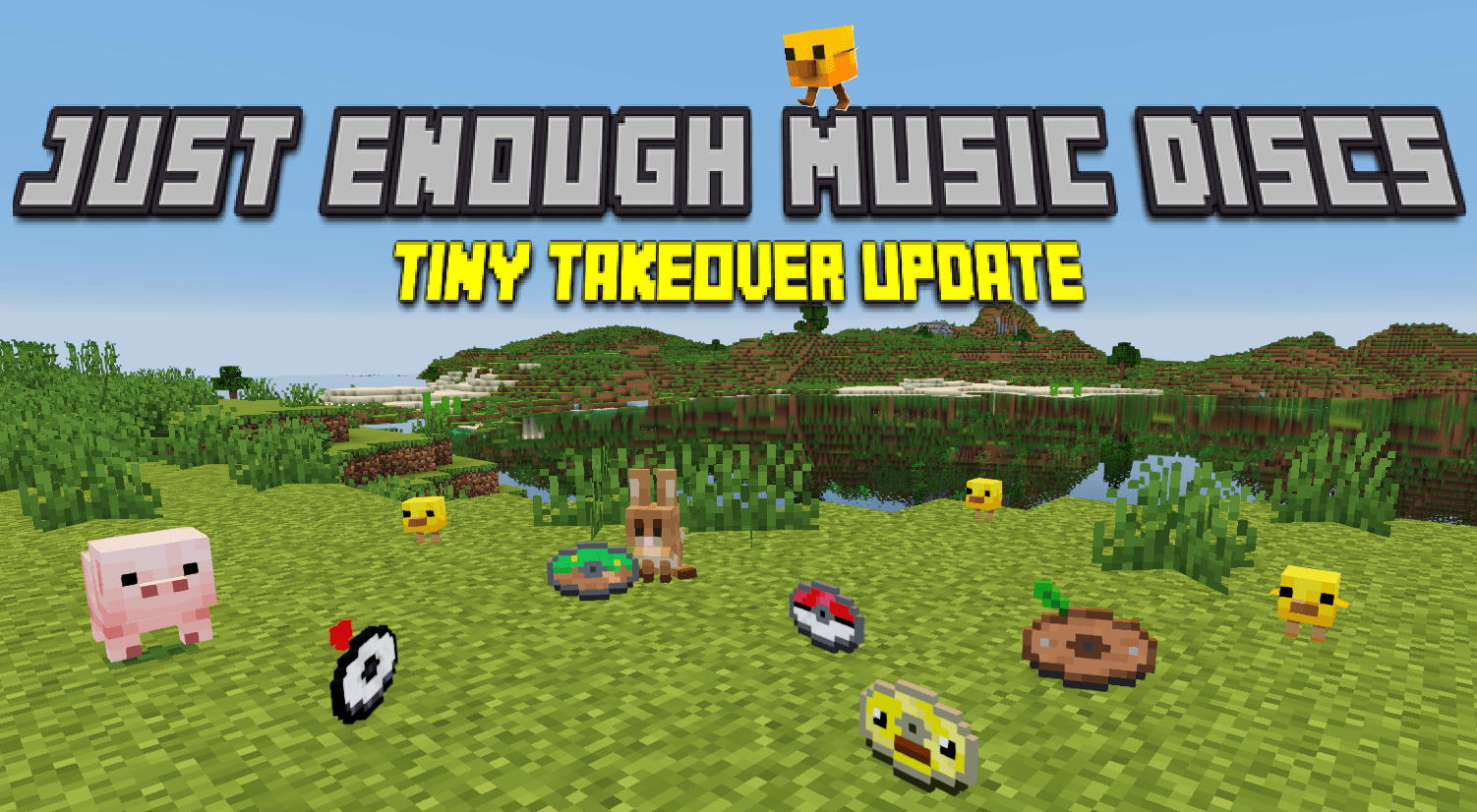
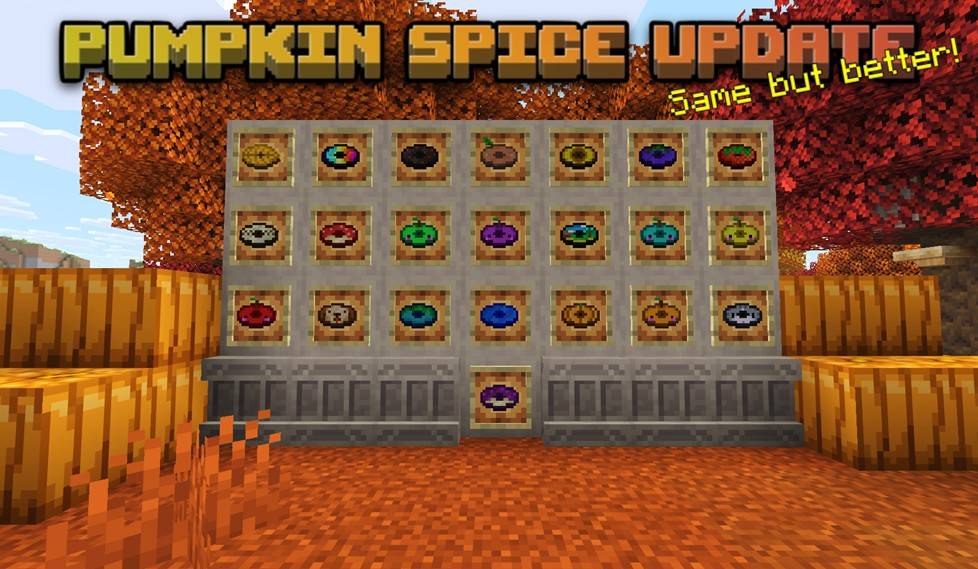
Have you ever felt like vanilla music discs panel was a missed opportunity to create RPG like area specific ambiance musics in the game through jukeboxes? Just Enough Music Discs Datapack + Resource Pack is here to fix this problem by adding 110+ ambience oriented discs, featuring soundtracks from your favorite indie cosy games (pokemon, stardew valley, undertale/deltarune, terraria, celeste) as well as minecraft iconic soundtracks. This datapack/ressource pack is survival oriented and each disc has it's own unique way to be obtained in the game, adding a new and fun reason to explore your world! To not make this profusion of new discs a burden in an already difficult to navigate game, a handful of quality of life features have been added to make the creation of your musical world as fun as possible!
Main QoL Features:
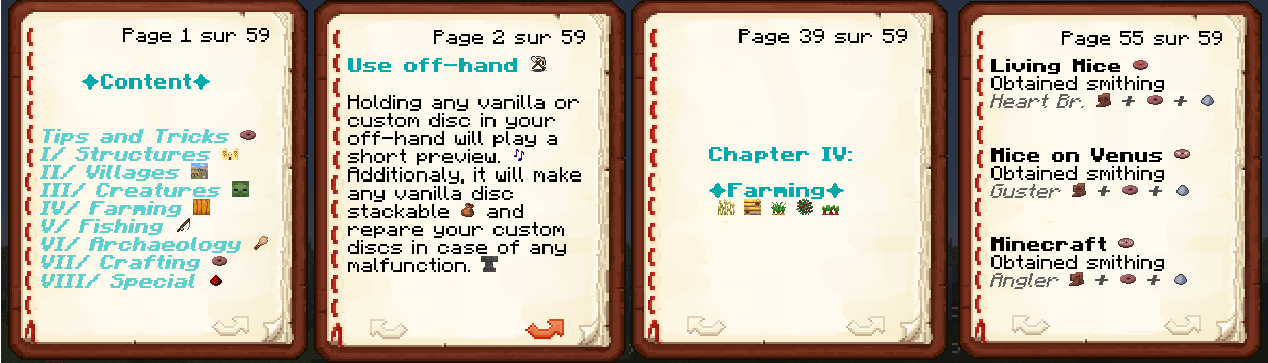
-Custom discs are all stackable by 64 to avoid filling inventories and chests too much. Any vanilla disc can additonnally be made stackable at any moment by being held shortly in your off-hand.
-A two seconds preview of any custom or vanilla song is played when a disc is held in the off-hand to ensure easy identification.
-A fully survival obtainable disc guide listing all the custom discs and their ways of obtention has been added in the game. The crafting recipe of this book can only be unlocked after finding your first custom disc to make sure you get the fun of the first disc discovery. The music previews can also be played directly by clicking a music name in the book.
Why this datapack?
This datapack is first and foremost done as a personal effort to customise my 8 years survival world. On one hand, this means that I built this datapack/ressourcepack to be future and update proof (I hope) and that it is likely going to be regularly updated in the future. As such, you can easily add this pack to your long-term worlds without being too scared of future world corruption or malfunctions. On the other hand, it means that although I am very open to feedback and suggestions, I will only add the features and soundtracks that I see fit for my world and my long-term vision for it.
How to install?
-⚠ Download the datapack AND the ressource pack (here) as they cannot work without eachother.
-Simply slide the datapack in the datapack folder of your save and the ressource pack in your ressource pack folder (don't forget to activate it in game in the ressourcepack menu).
-Additionally, if you plan to use the preview feature of the disc guide, I strongly suggest you to install a mod to deactivate minecraft warning preceding each command execution as well as set gamerule sendCommandFeedback to false to avoid spamming your chat.
Quick Disclaimer
I obviously don't own the licence for any of the musics available in this pack. I just use the music from the games I like and that I find fitting in my world.