Mineuniverse
Data Packs
Handy Toolbox

Handy Toolbox

DATA PACK
Tools for map making
by FlyingDustman
Download Claim this project
404 downloads
0 likes
Updated Oct 14, 2026
0 hypes
Miscellaneous Tech Utility
Advertisement Remove ads with Premium →

In this datapack you can:

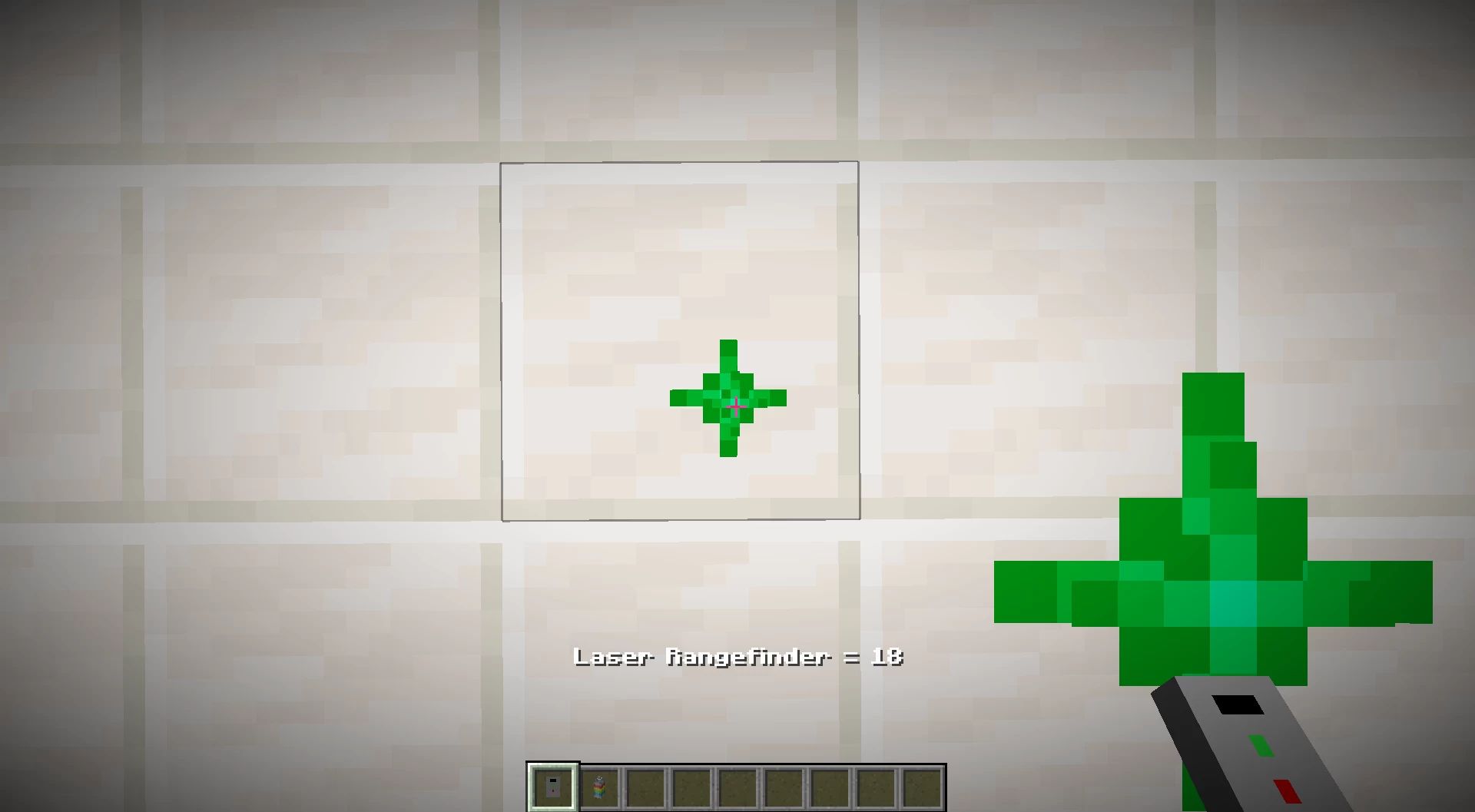
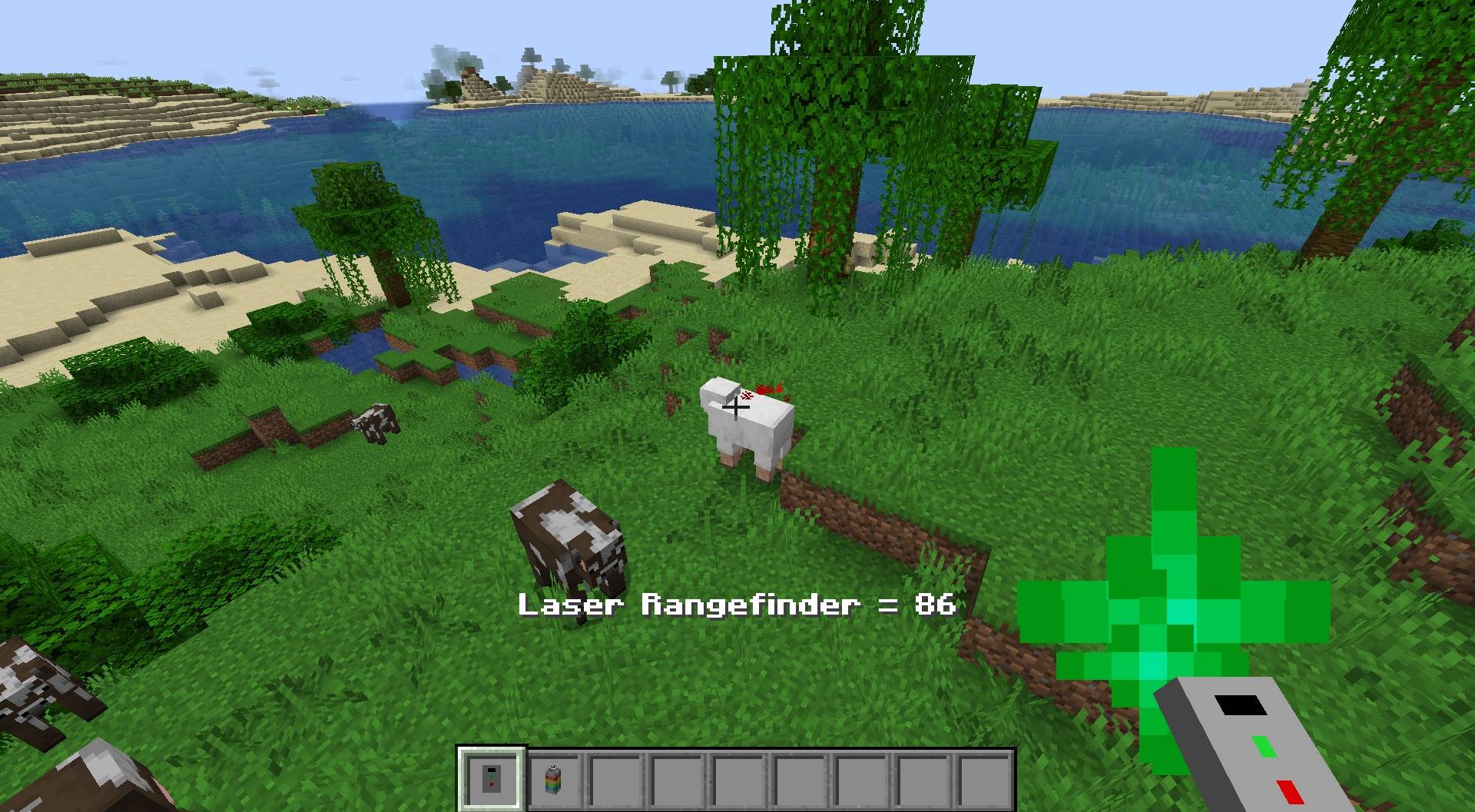
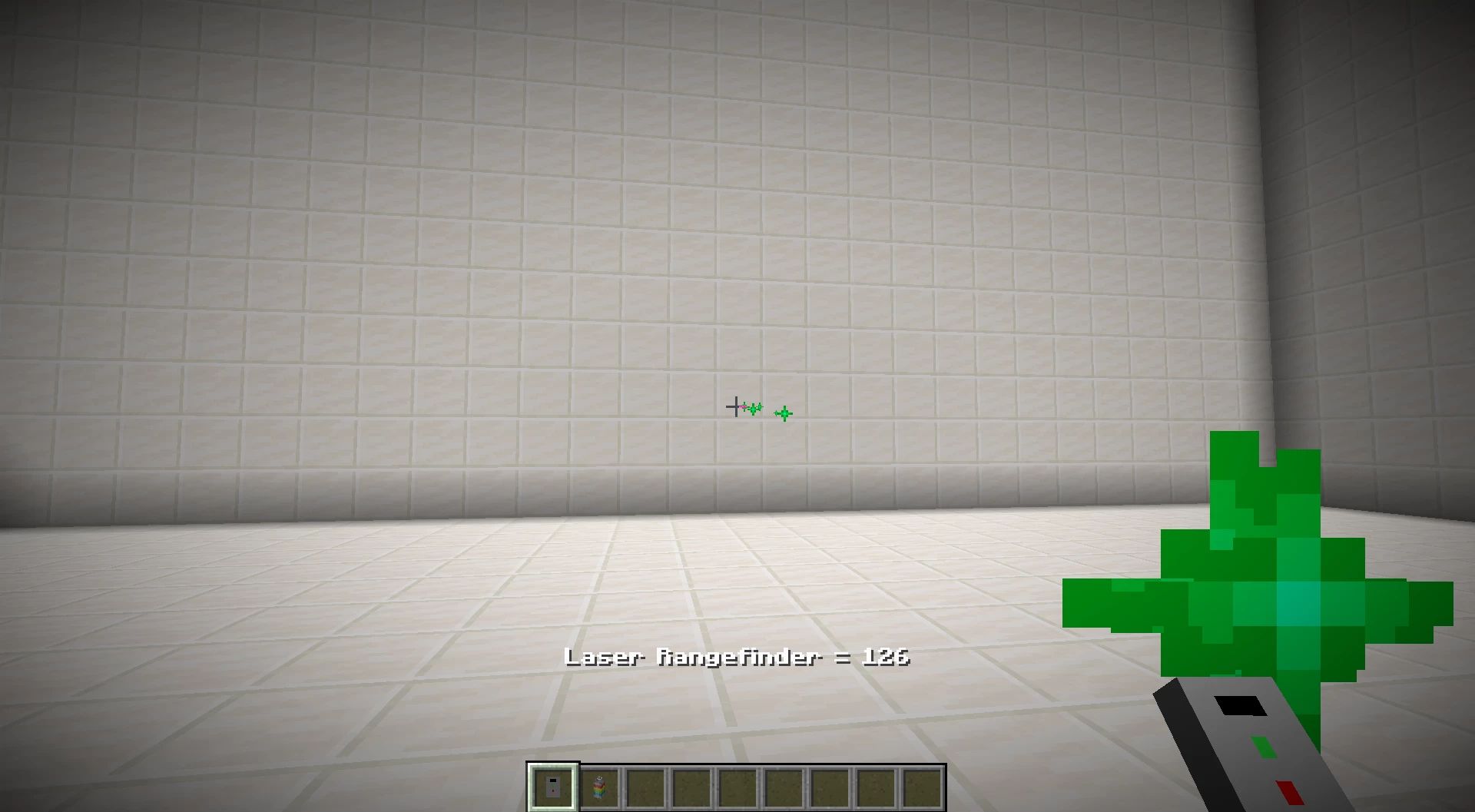
📏Use the Laser rangefinder if you want to know the distance between you and a block x0.1 (Right-click button)

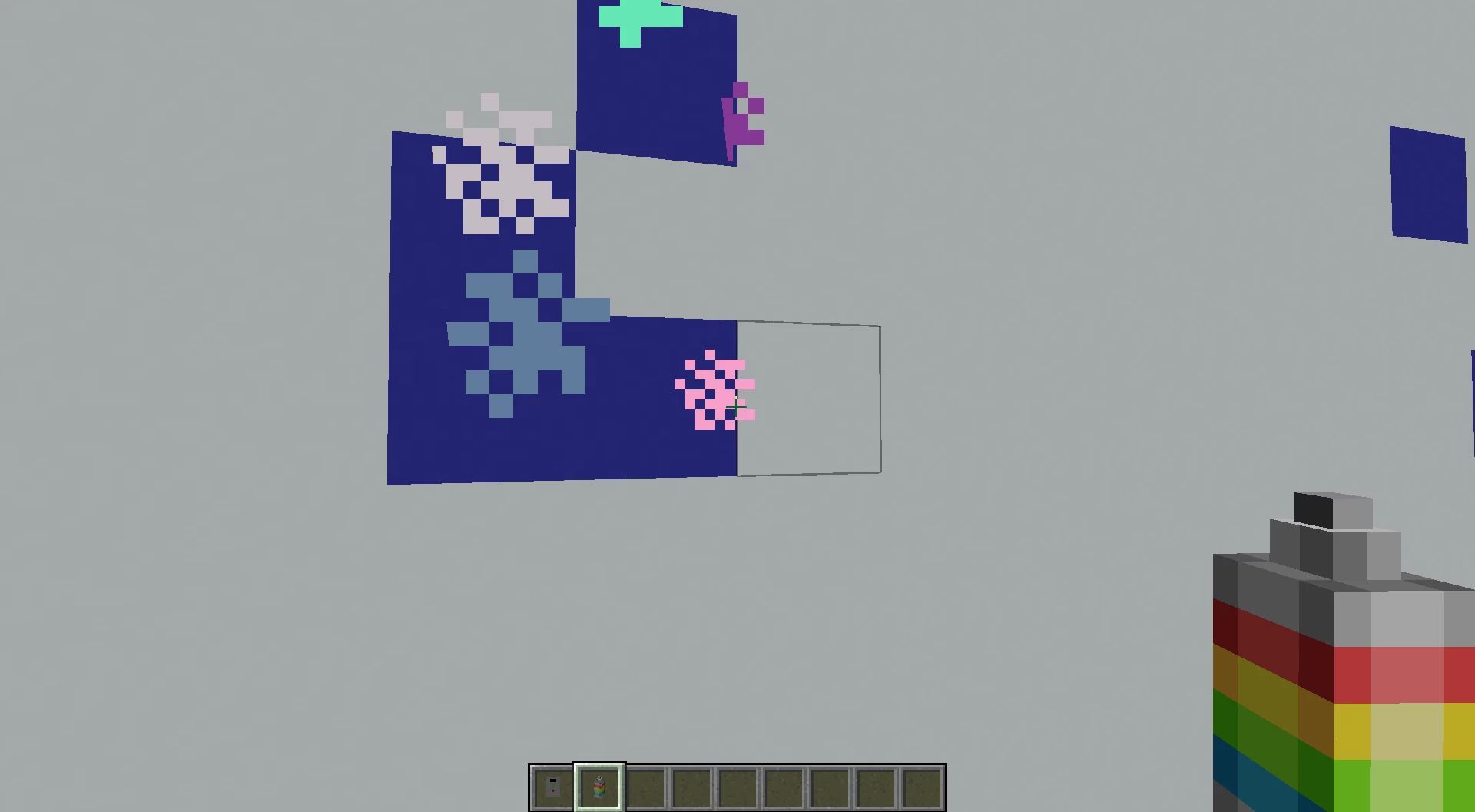
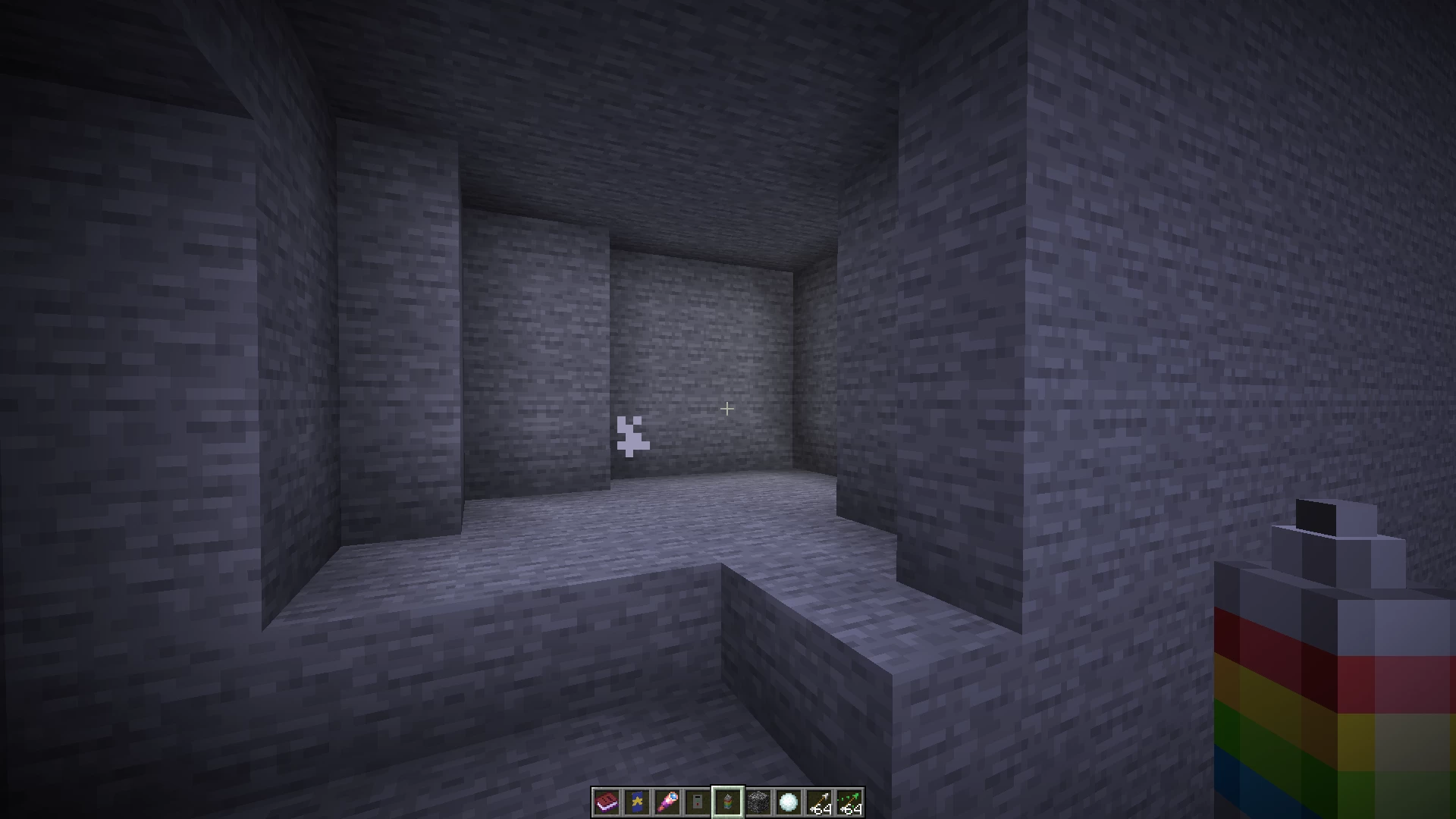
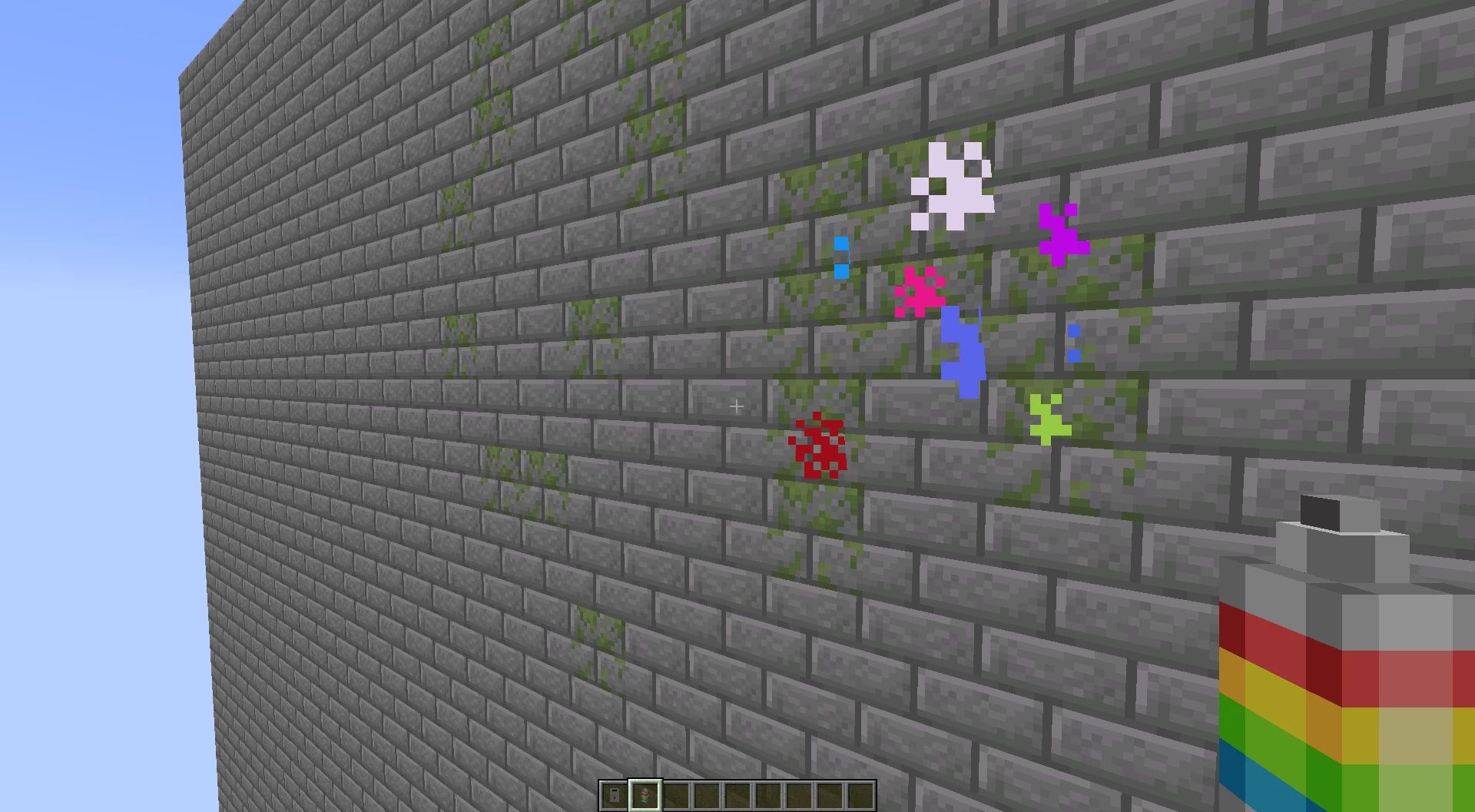
🎨Use the Spray paint can if you want to paint any surface to replace blocks without having to break them first (Right-click button)

⛏️Use the Spray paint can again to remove blocks, replacing them with air

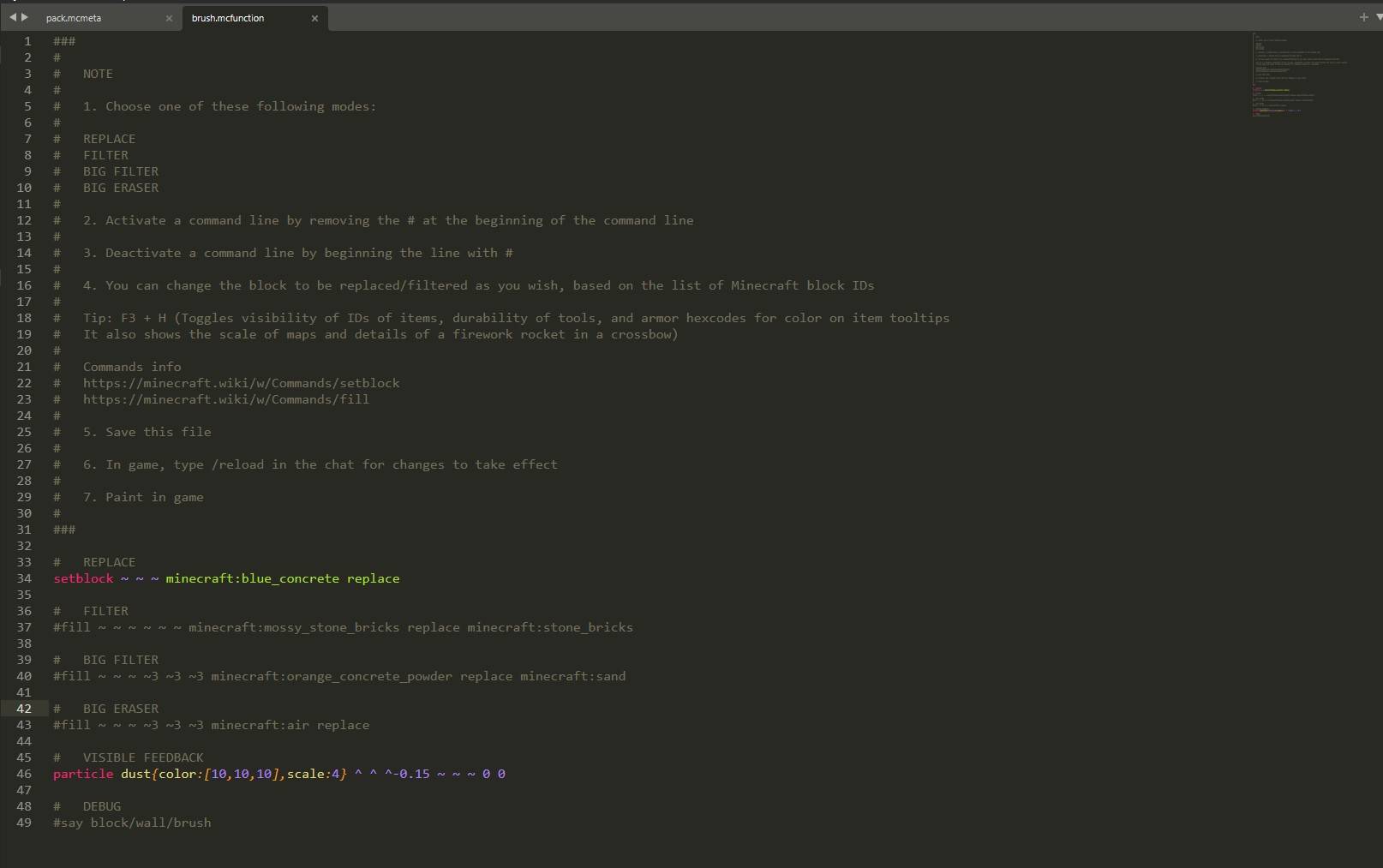
   - You can filter the blocks to be replaced
   - Grasses and plants are not considered 'solid' blocks by this datapack
   - Changes to block IDs must be made with a code/text editor (Notepad++, Sublime Text, ...) in the datapack folder:

.minecraft\saves\<yourmap>\datapacks\Handy Toolbox\data\tools\function\collisions\block\wall\brush


⚠️ Please download the required Resource pack for the texture on these new tools to be applied :

Handy toolbox V12
Handy toolbox V11
Handy toolbox V10
 Handy toolbox V9 
 Handy toolbox V8 
 Handy toolbox V7 


Give commands:

Laser rangefinder:

/function give:laser_rangefinder


Spray paint can:

/function give:spray_paint_can


Consider that this data pack is open to improvement. I'm open to suggestions on adding new features.

All rights reserved

Handy Toolbox V12
MC 26.3
Release 2026-09-20 Get
Handy Toolbox V11
MC 26.2
Release 2026-06-25 Get
Handy Toolbox V10
MC 26.1, 26.1.1, 26.1.2
Release 2026-04-05 Get
Handy Toolbox V9
MC 1.21.11
Release 2025-12-29 Get
Handy Toolbox V7
MC 1.21.8, 1.21.7
Release 2025-10-23 Get
Handy Toolbox V8
MC 1.21.10
Release 2025-10-20 Get

Requirements & install

How to use this data pack in Minecraft
Mods needed
None, works in vanilla
Minecraft
1.21.8 – 26.3
Install folder
saves/<world>/datapacks

How to install data packs

  1. Download the data pack .zip file (do not extract it).
  2. New world: click Data Packs on the world creation screen and drop the .zip in. Existing world: open .minecraft/saves/<world>/datapacks.
  3. Put the .zip into the datapacks folder of the world (servers: world/datapacks).
  4. Run /reload in game (or rejoin the world) and check it with /datapack list.
Browse more: Data Packs for 26.3 All data packs

More from FlyingDustman

Advertisement Remove ads with Premium →

You Might Also Like