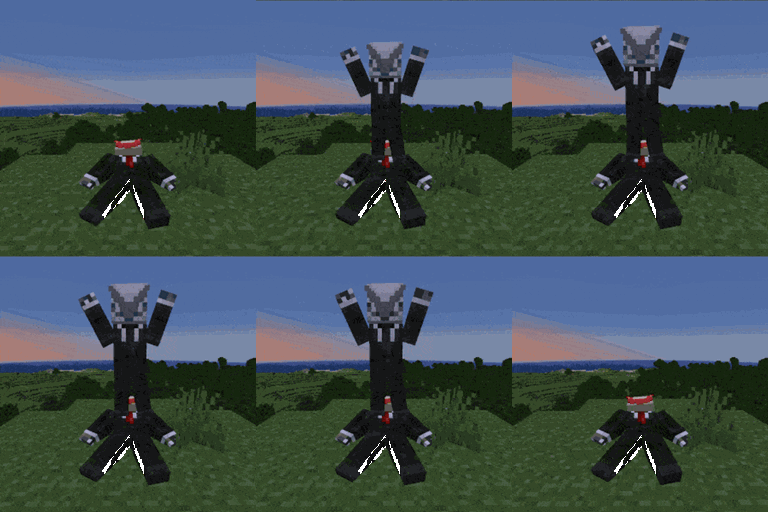
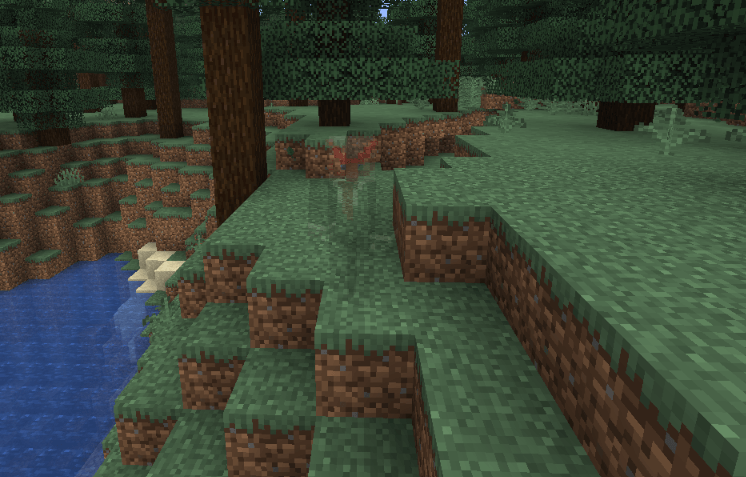
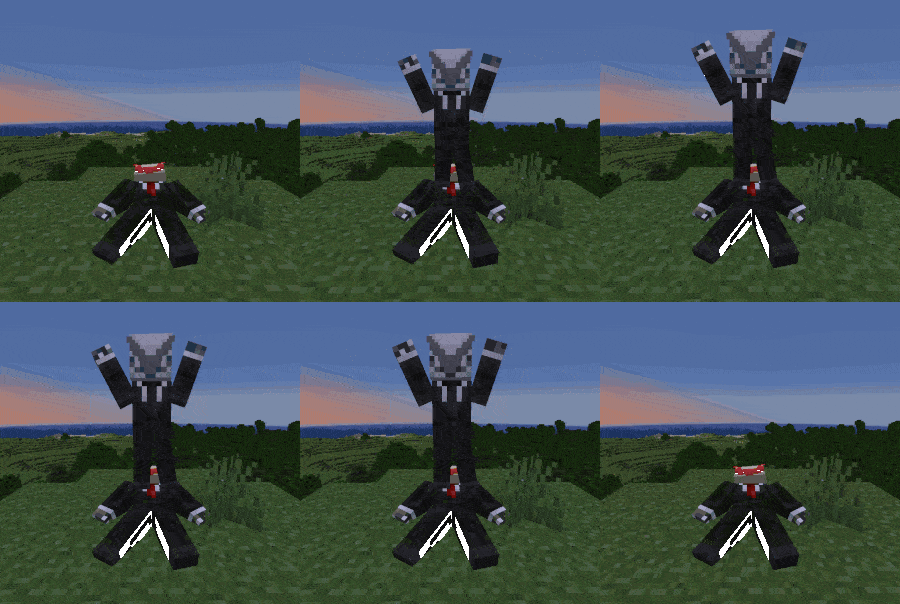
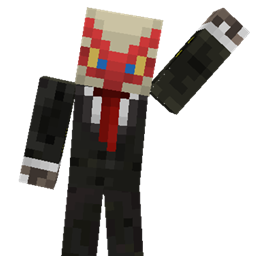
Dead players turn into ghosts instead of immediately respawning at their spawn point. When a player is a ghost they can't do anything, pick up items, mine blocks, attack mobs, etc (can be changed in the config) but also become invulnerable to any sort of damage and after a certain amount of time (also configurable) will respawn back exactly where they died.
Perfect for Casual players who don't want to use keep inventory but still want to make sure their stuff doesn't despawn or for PVP players to let your victim watch as you steal their loot in front of them.
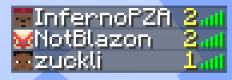
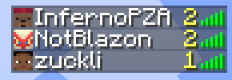
The player list now also has a Death Tracker to track all player deaths.
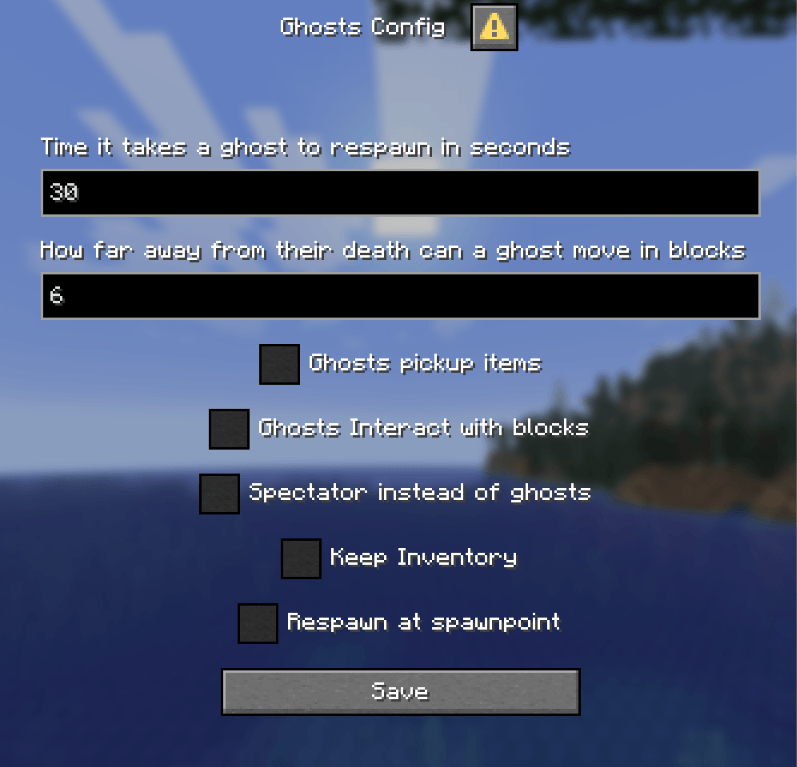
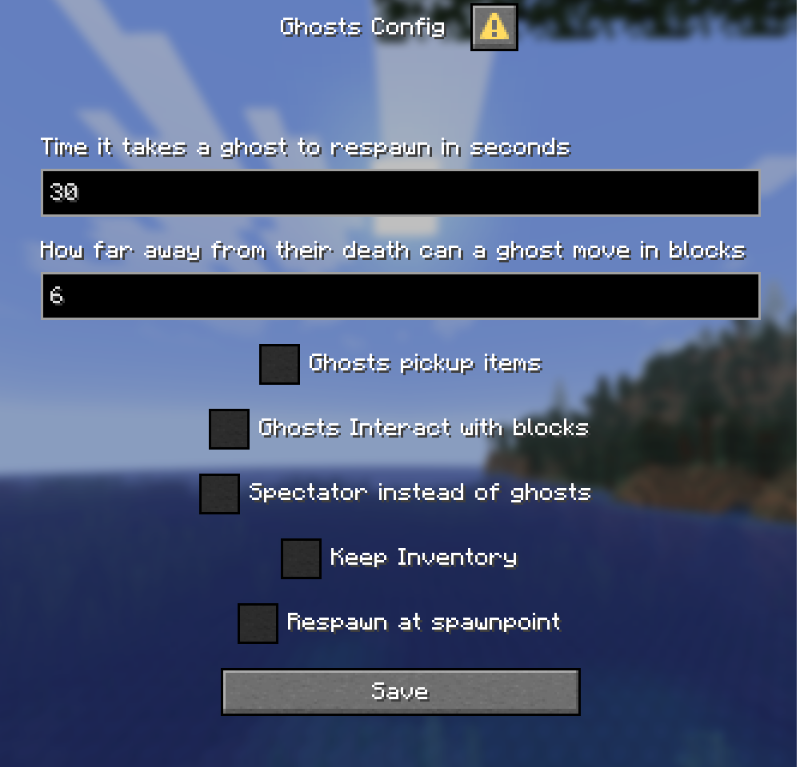
Everything listed here can be changed ingame with the command /trigger ghost.config (admin only)
| Key | Default | Description |
|---|---|---|
Respawn timer |
30 Seconds |
Time it takes a ghost to respawn, in seconds |
Ghost Stray Distance |
6 Blocks |
How far in blocks a ghost can move away from their death point before being teleported back |
Ghosts pickup items |
false |
Allow ghosts to pick up items |
Ghosts Interact |
false |
Allow Ghosts to interact normally with the world, Attack Mobs, Open Chests, Place Blocks etc. |
Spectate Mode |
false |
Dead players become spectators instead of ghosts (respawn time & distance still apply while in spectator) |
Keep Inventory |
false |
Enable keep inventory on death |
Respawn Location |
false |
Respawn at spawnpoint instead of death location |
 |
Download the datapack and either
/reloadA message will appear the first time you load it showing that it worked.
If you encounter any bugs or have a question send me a message on discord - notblazon