Mineuniverse
Data Packs
Blazon's Emotes

Blazon's Emotes

DATA PACK
Express yourself with emotes in Vanilla Minecraft!
by Blazon
Download Claim this project
85 downloads
0 likes
Updated Oct 14, 2026
0 hypes
Miscellaneous Utility
Advertisement Remove ads with Premium →

Emotes

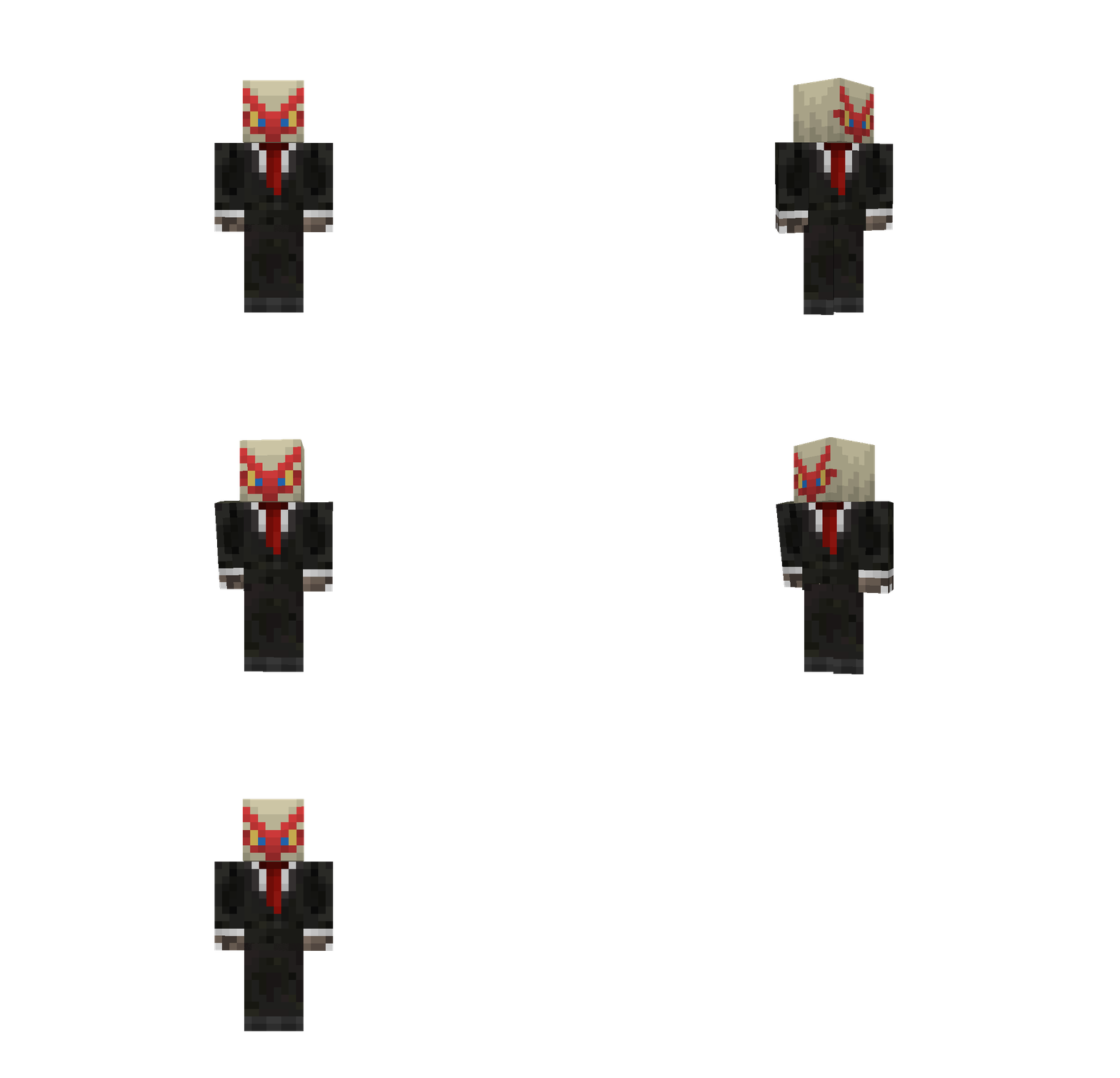
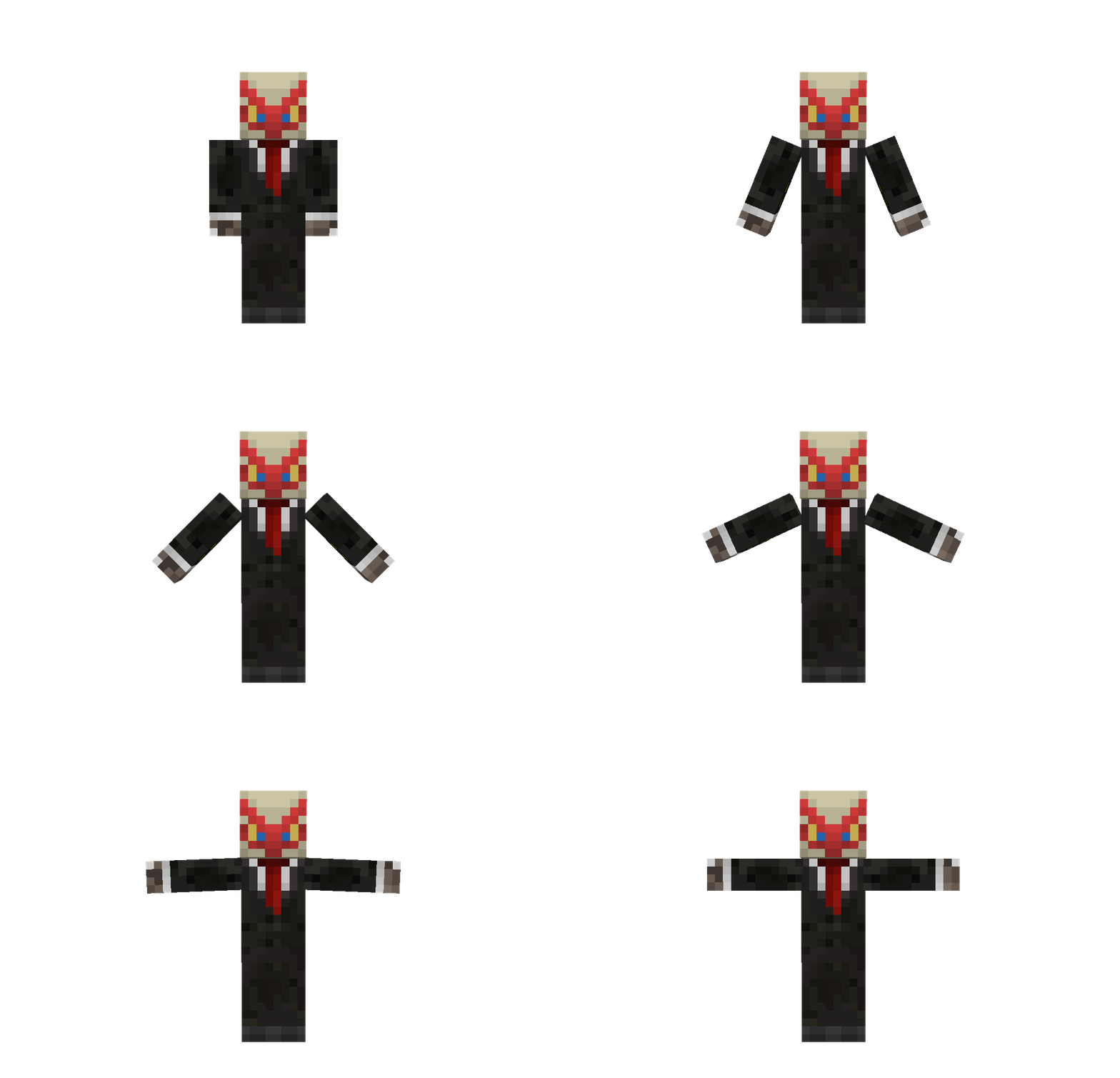
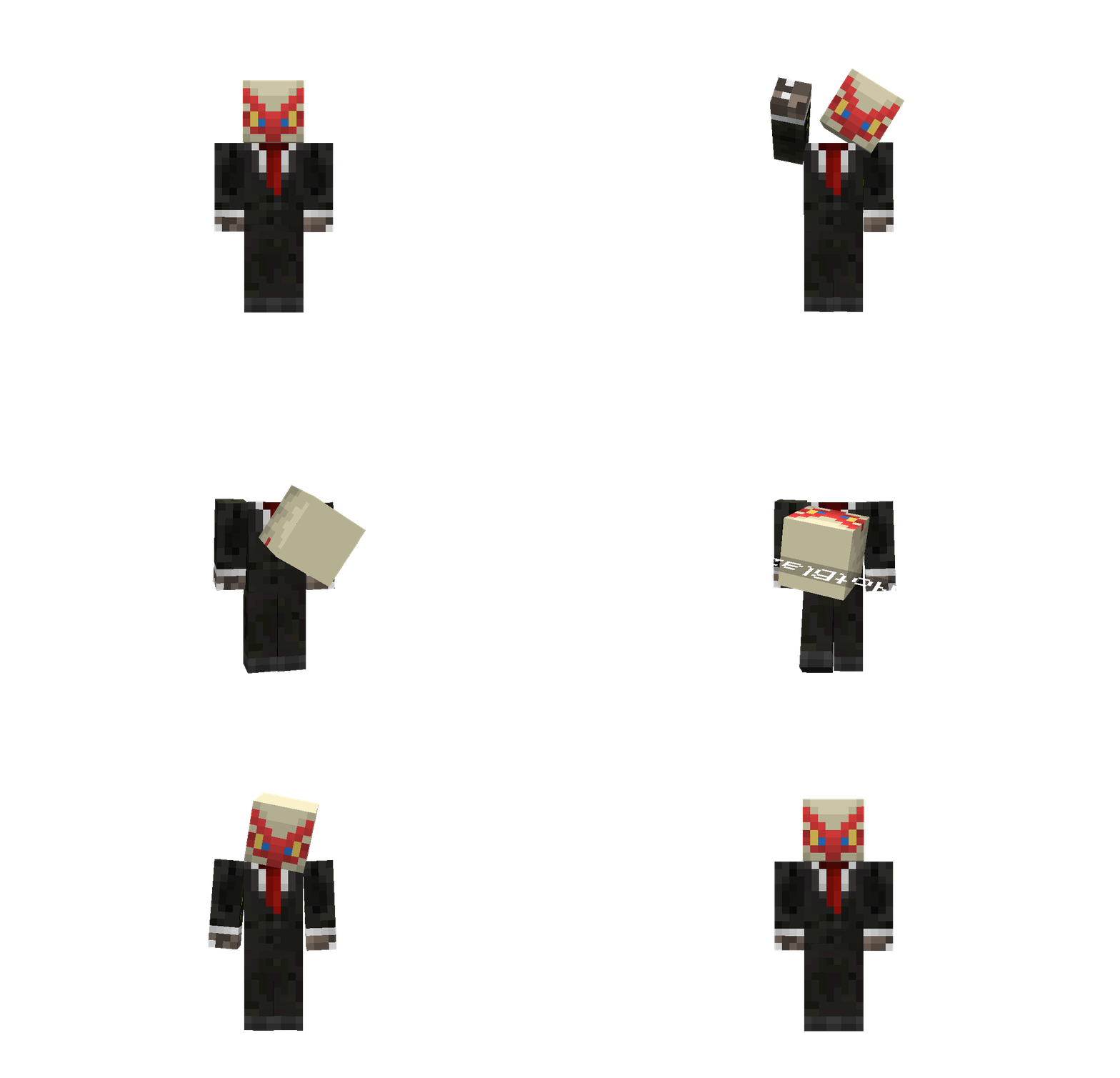
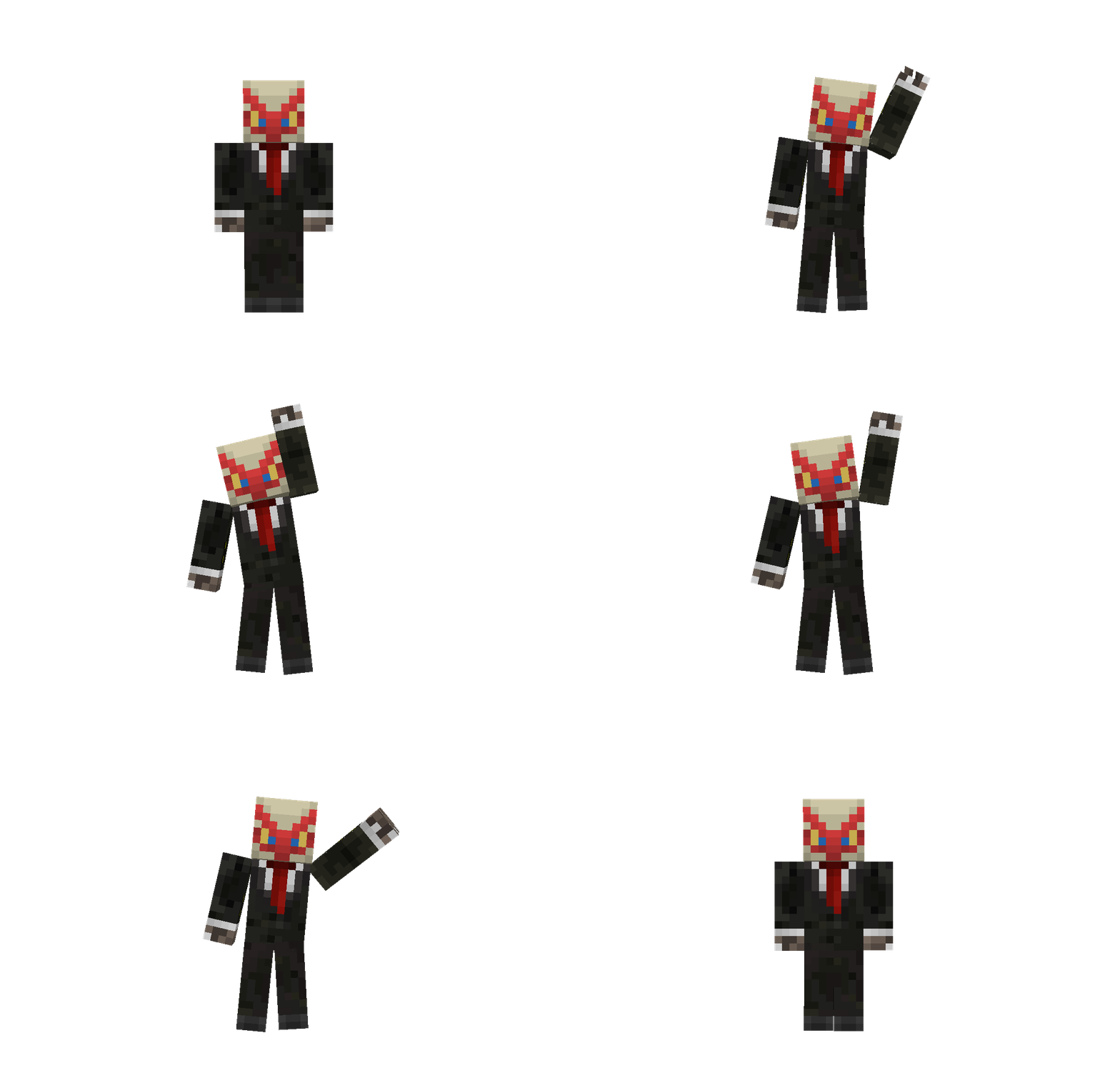
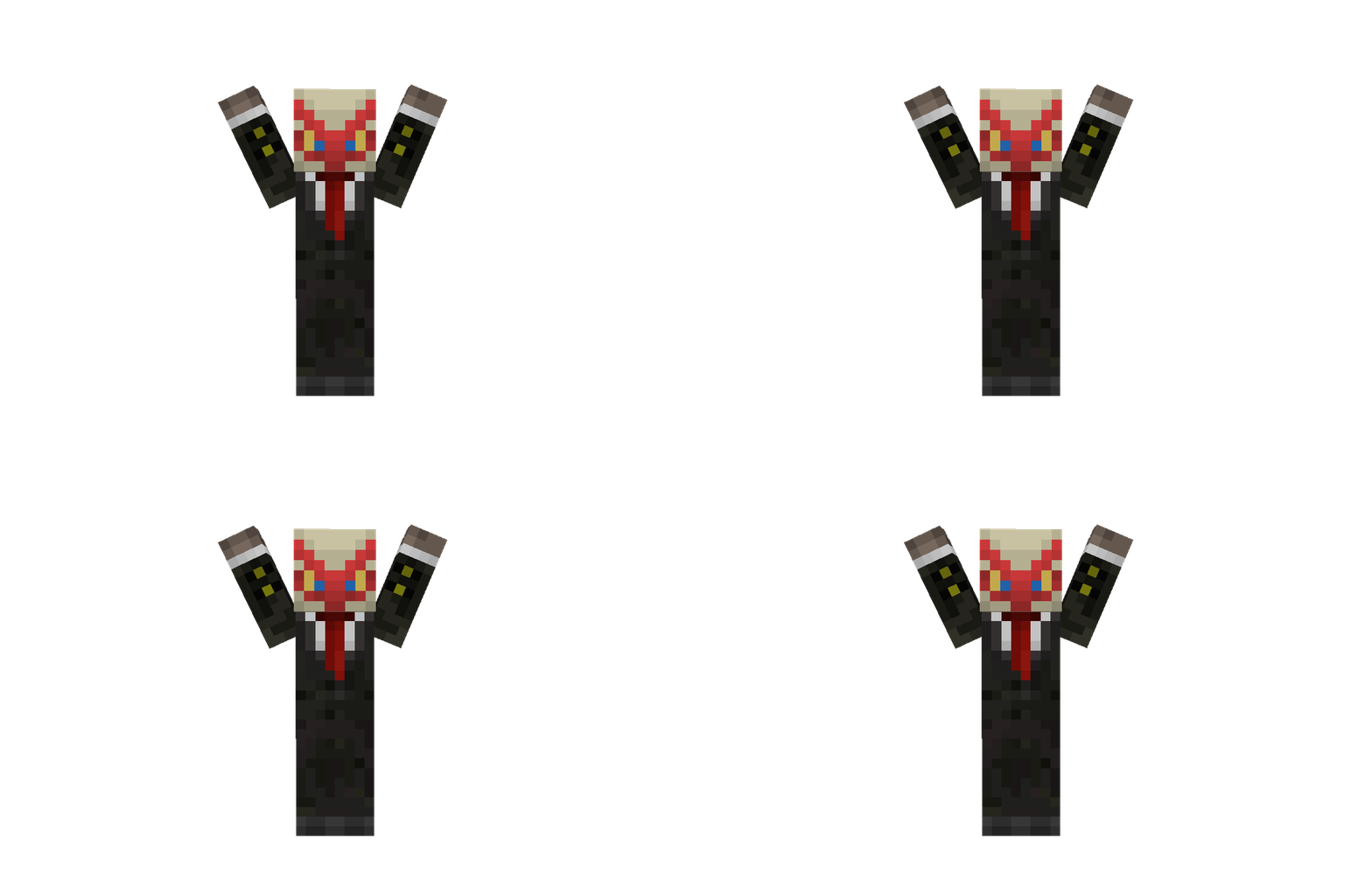
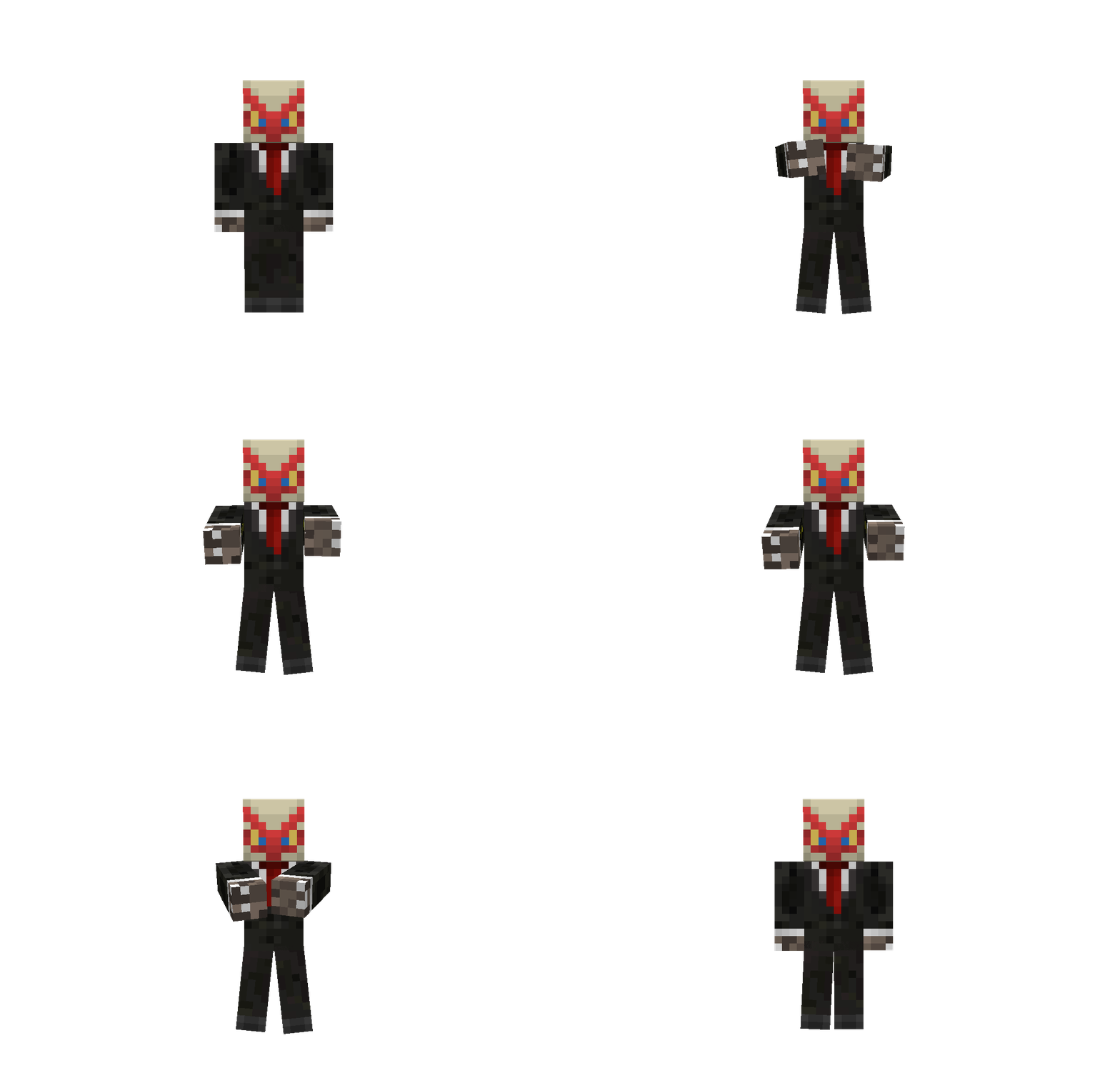
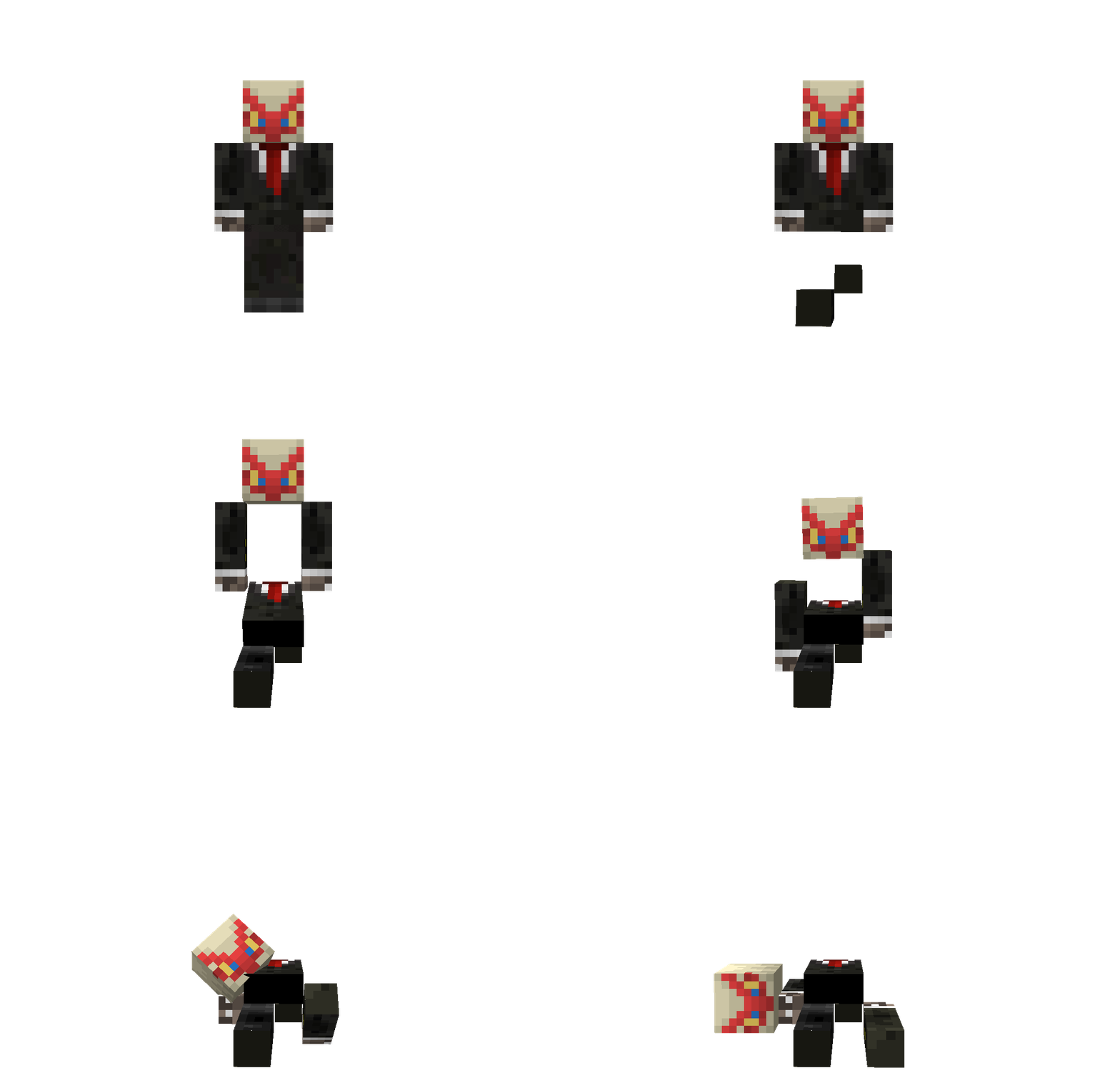
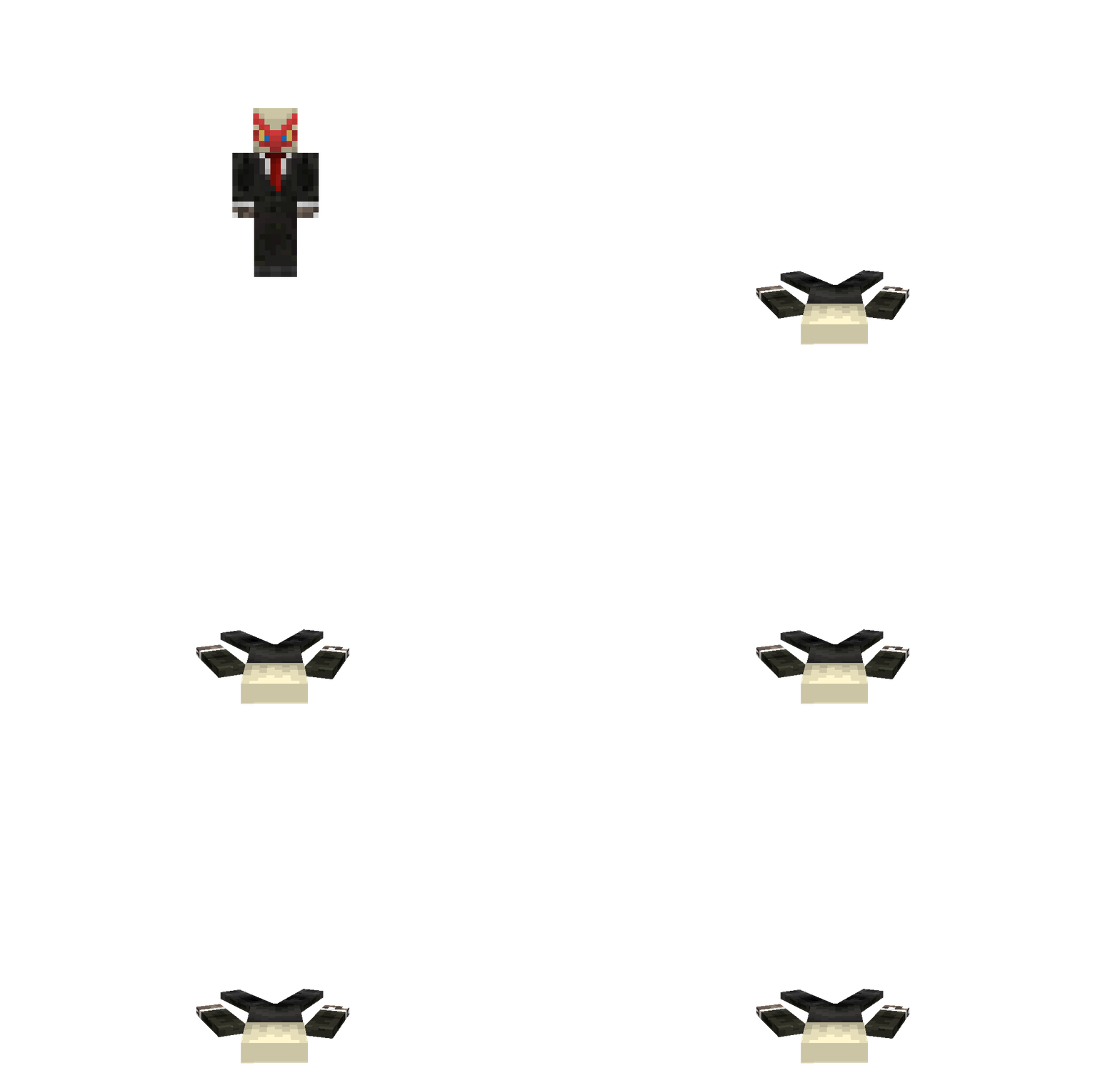
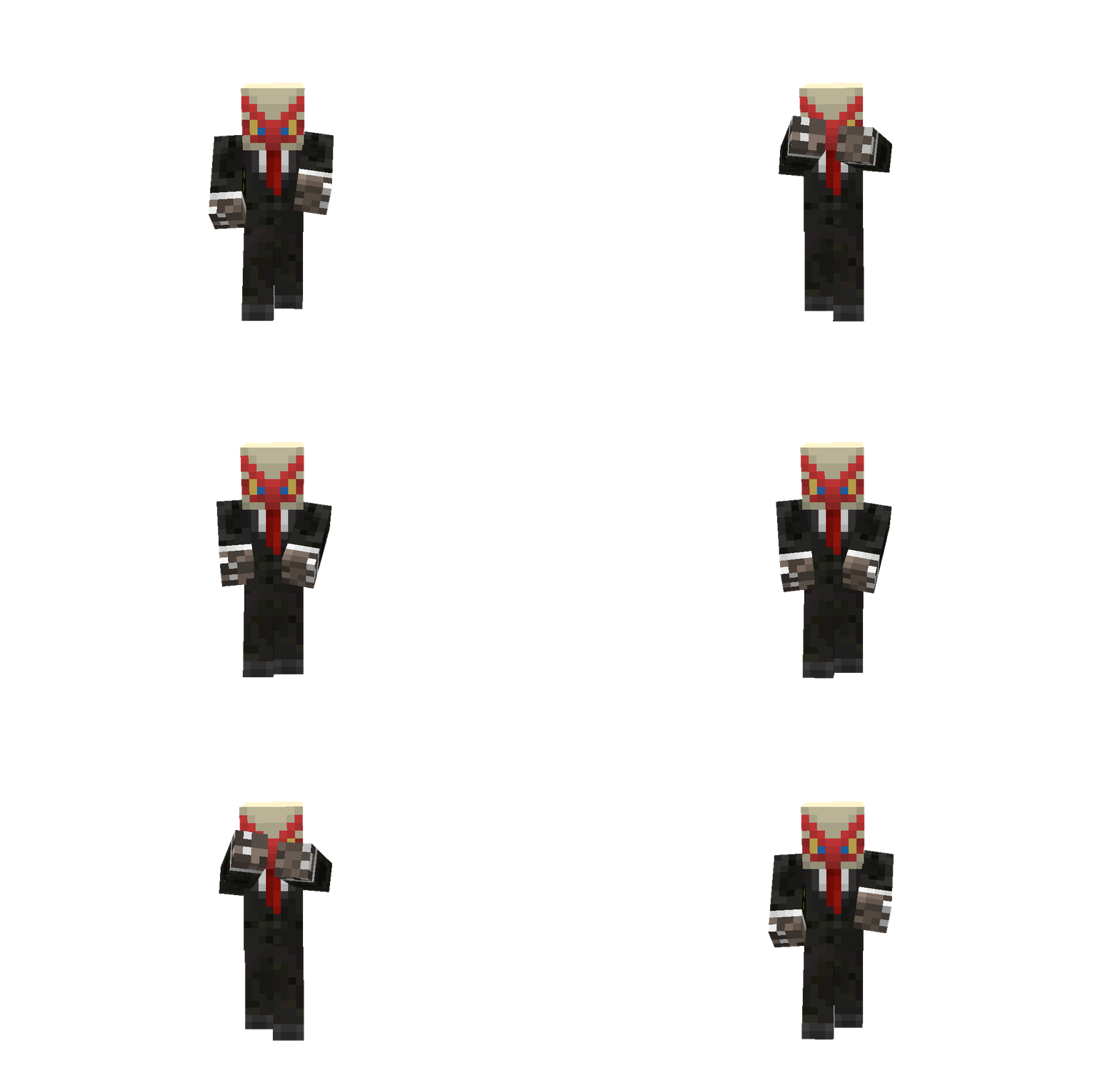
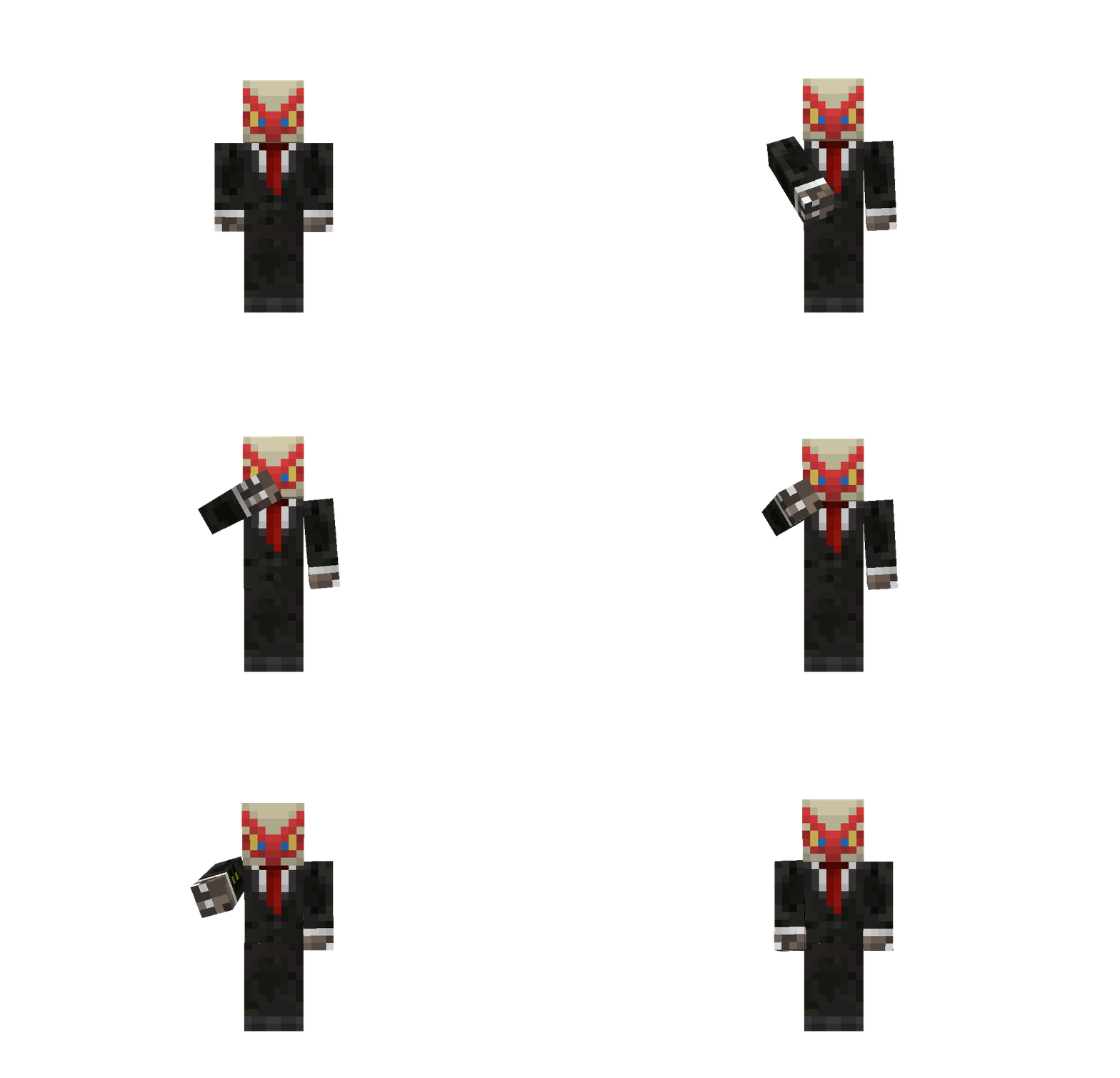
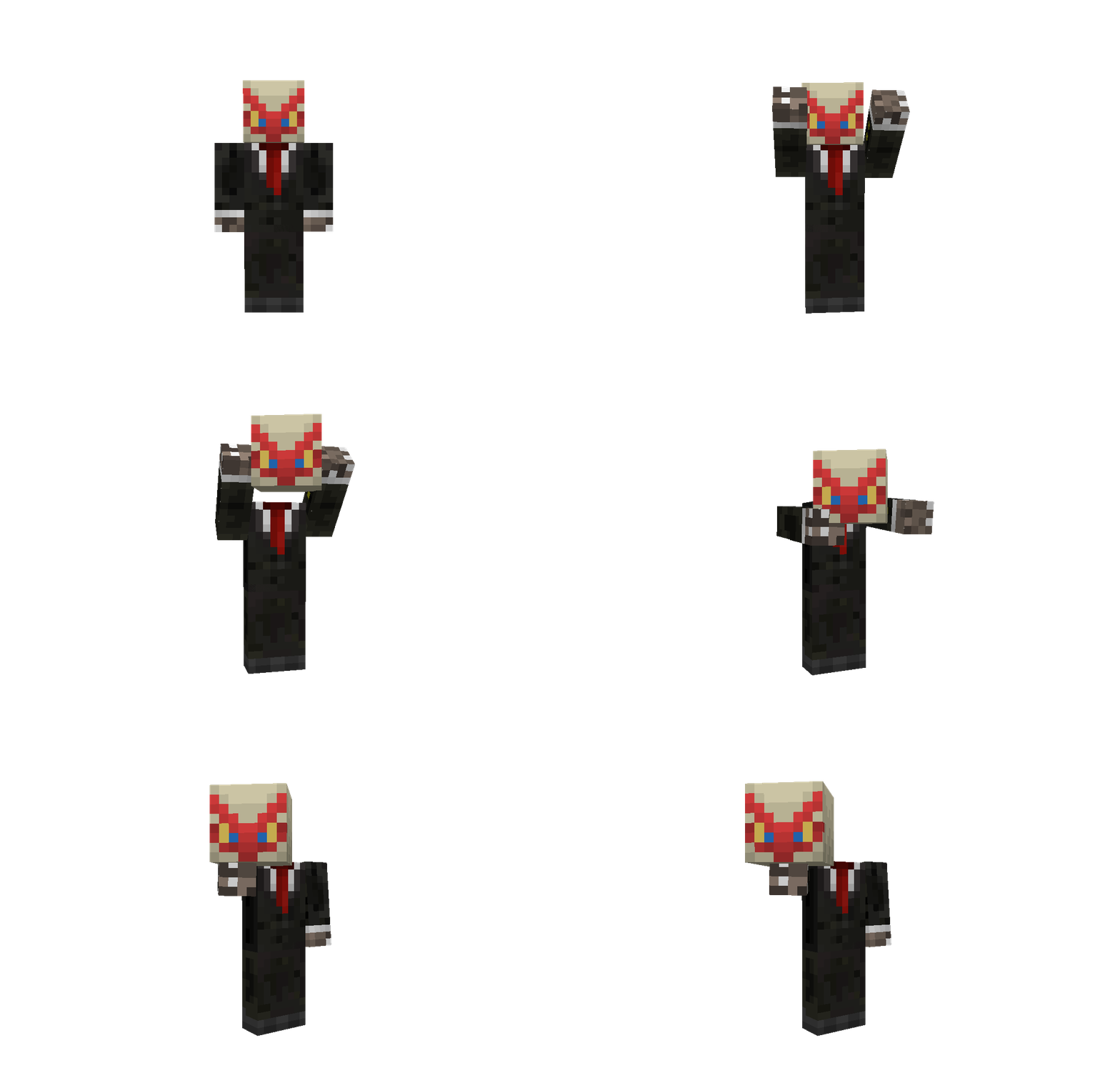
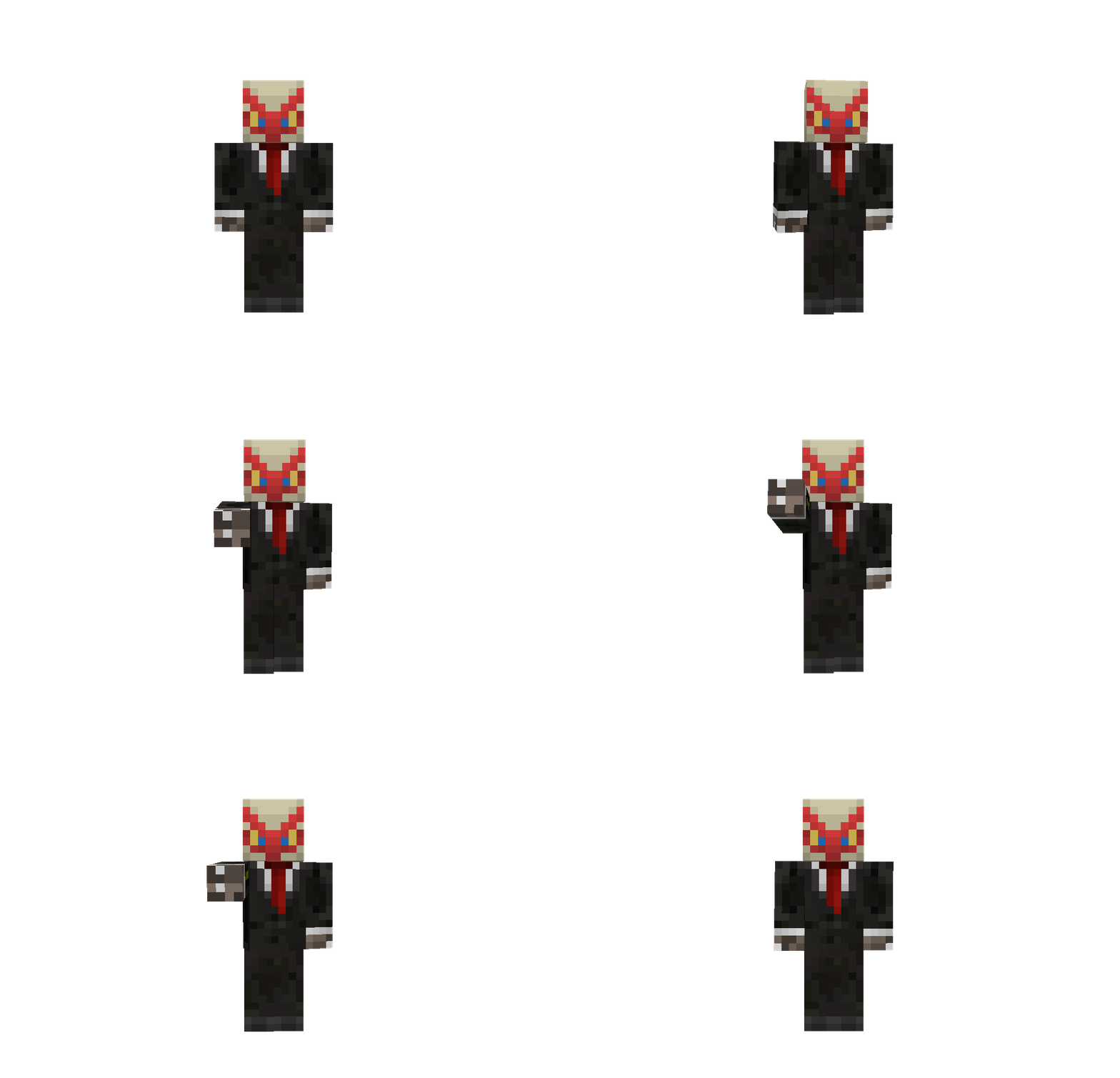
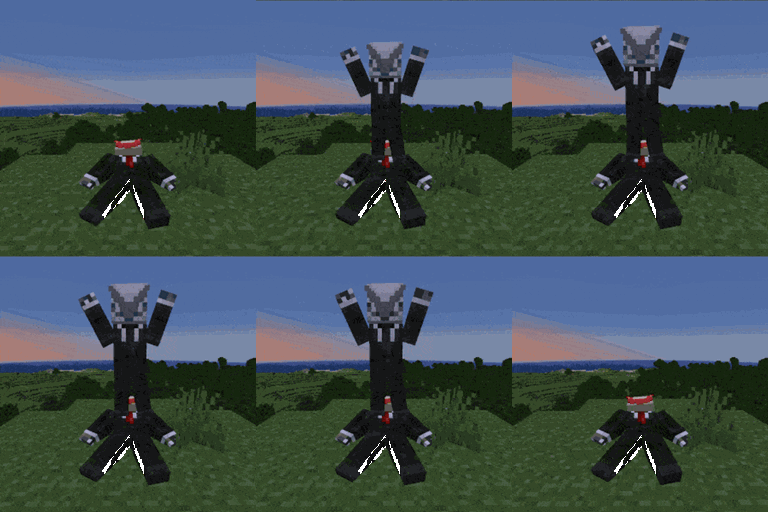
  • Adds 12 new and unique ways to express yourself ingame without needing to download any mods with some of the emotes having special effects, sounds or even functionality.
  • Use the point emote ingame to ping the location you're looking at to let your friends know where to look.
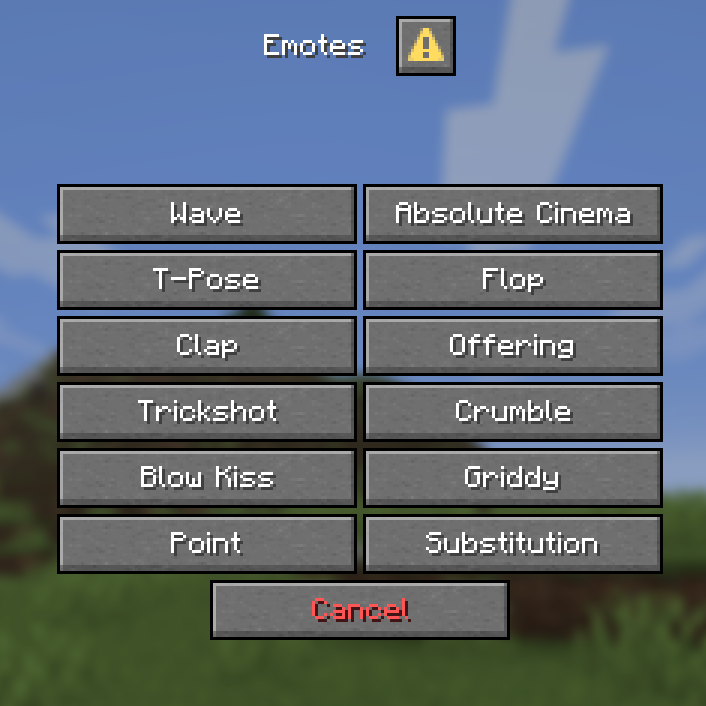
  • Multiplayer support and an entire menu for emote selection! emotes menu

Customization & Settings

  • The default keybind for the emotes menu is G, if you wish to change it look for the Quick Actions keybind in controls
  • The default skin style is set to Classic if your skin uses Slim style run this command /trigger skin_type run the command again if you want to switch back to Classic.

Installation

Download the datapack and either

  • Place it inside your datapacks folder and create a new world with it enabled or
  • Place the datapack inside your existing world (make sure to leave and rejoin for it to fully work)
  • Don't forget to download and enable the resourcepack, if you're using this on a server make sure all players have it enabled or set it as your server's resource pack.

Notes

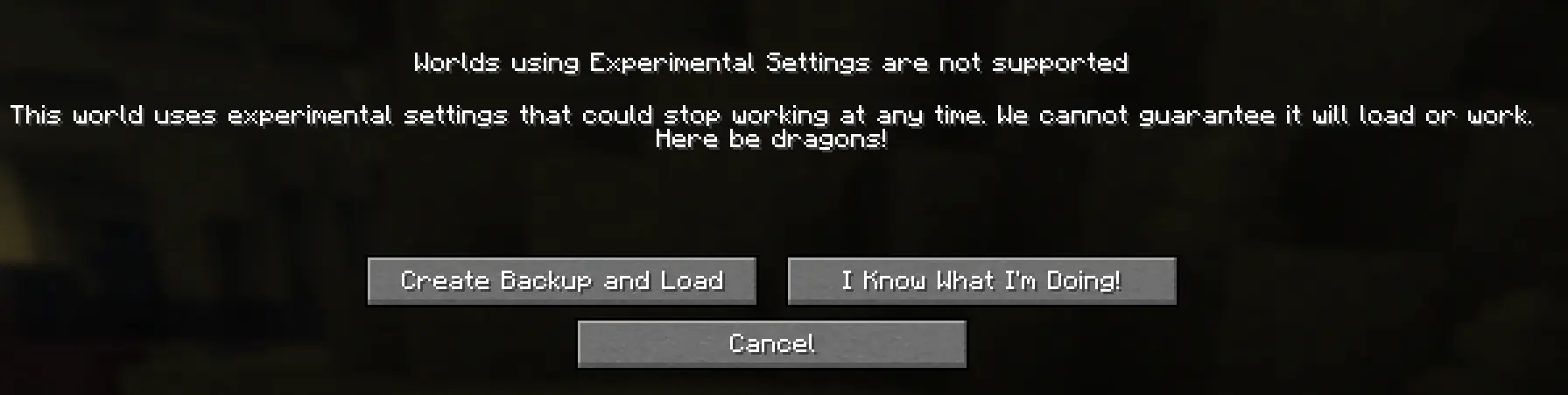
  • When joining a singleplayer world this screen will appear experimental settings that means the datapack is working, just click on I Know What I'm Doing!
  • The emotes don't work in first person, use Third Person (default key: F5) for best experience
  • This only works on Minecraft 26.2 and no older versions
  • I will try and update this pack to add more emotes and features in the future, this is just a small part of what I plan to do with this. if you find any bugs send me a message on discord - notblazon

All the animations were made using Animated Java and Player Animated Java.

Emotes Datapack 1.0.1.zip
MC 26.2
Release 2026-08-28 Get
Emotes Datapack 1.0.0.zip
MC 26.2
Release 2026-08-20 Get

Requirements & install

How to use this data pack in Minecraft
Mods needed
None, works in vanilla
Minecraft
26.2
Install folder
saves/<world>/datapacks

How to install data packs

  1. Download the data pack .zip file (do not extract it).
  2. New world: click Data Packs on the world creation screen and drop the .zip in. Existing world: open .minecraft/saves/<world>/datapacks.
  3. Put the .zip into the datapacks folder of the world (servers: world/datapacks).
  4. Run /reload in game (or rejoin the world) and check it with /datapack list.
Browse more: Data Packs for 26.2 All data packs

More from Blazon

Advertisement Remove ads with Premium →

You Might Also Like